How to Intercept Response Headers with PhantomJS
Use PhantomJS's onResourceReceived callback to inspect response headers, correlate redirects, handle multi-stage events, and troubleshoot missing data.

Use page.onResourceReceived to intercept response headers in PhantomJS. The callback receives response metadata, including headers, url, status, statusText, contentType, redirectURL, bodySize, and stage. Filter the callback by URL or resource type so you inspect the API response you need instead of every image, stylesheet, and script.
PhantomJS is legacy software: its official project page says development is suspended, and PhantomJS 2.1.1 is the last known stable release. Use this technique when maintaining an existing PhantomJS script; evaluate a maintained browser automation stack for new production work.
Basic response-header interception
Create a webpage, assign onResourceReceived, and read response.headers. This complete script logs headers for responses from one API host:
var page = require('webpage').create();

page.onResourceReceived = function (response) {
  if (response.url.indexOf('api.example.com') === 0) {
    console.log('status: ' + response.status);
    console.log('headers: ' + JSON.stringify(response.headers));
  }
};

page.open('https://example.com', function (status) {
  console.log('page status: ' + status);
  phantom.exit();
});
Run it with the PhantomJS binary:
phantomjs intercept-headers.jsThe official onResourceReceived API documentation describes the response object and callback behavior.
How the network callbacks differ
| Callback | What it represents | Use it for |
|---|---|---|
page.onResourceRequested |
An outgoing request | Inspect request headers, change a URL, set a header, or abort a request |
page.onResourceReceived |
An incoming response | Read returned headers, status, redirects, content type, and transfer metadata |
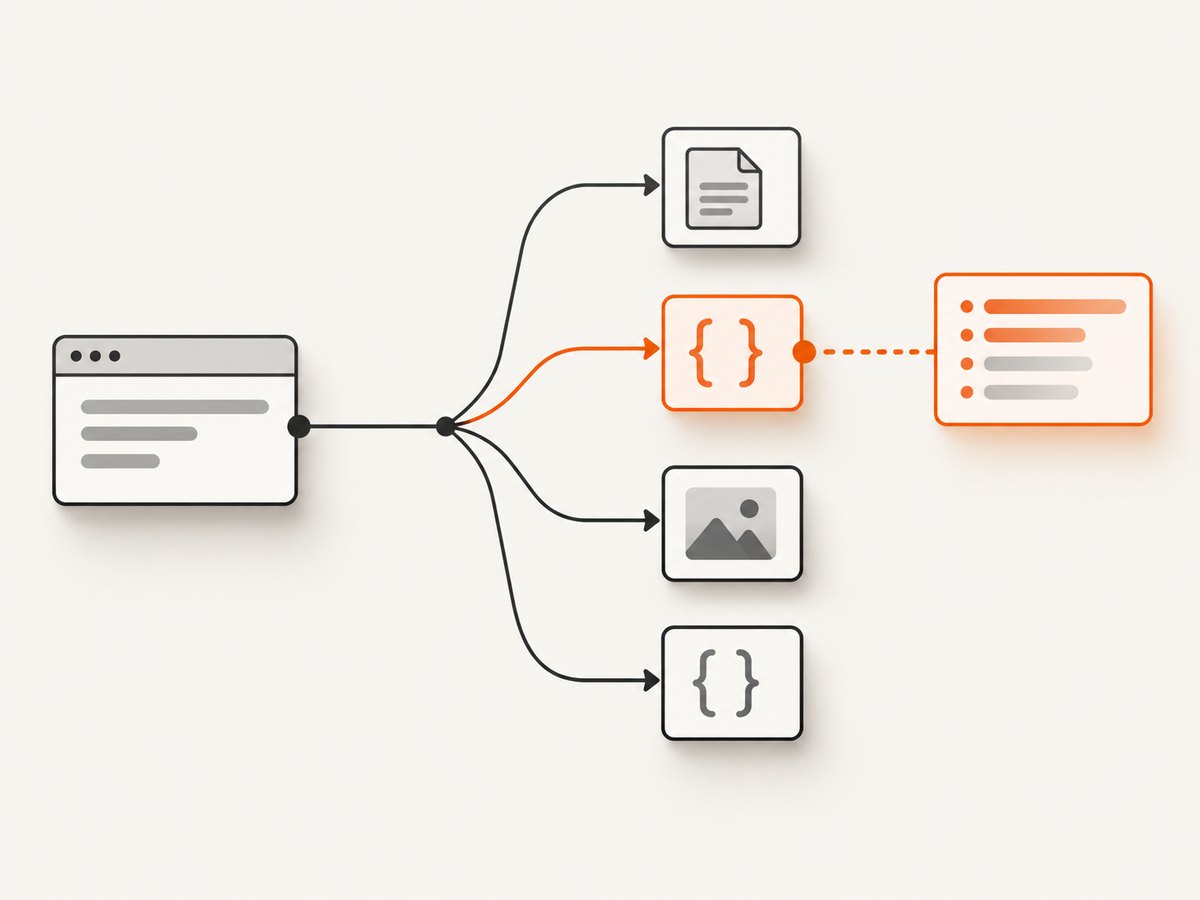
requestData.headers in onResourceRequested contains headers sent by the browser. The accompanying network request object supports setHeader, abort, and changeUrl. If your goal is to learn what the server returned, use response.headers in onResourceReceived; do not infer response headers from request headers or from customHeaders.
See the onResourceRequested documentation for the request-side API.
Handle multi-stage responses correctly
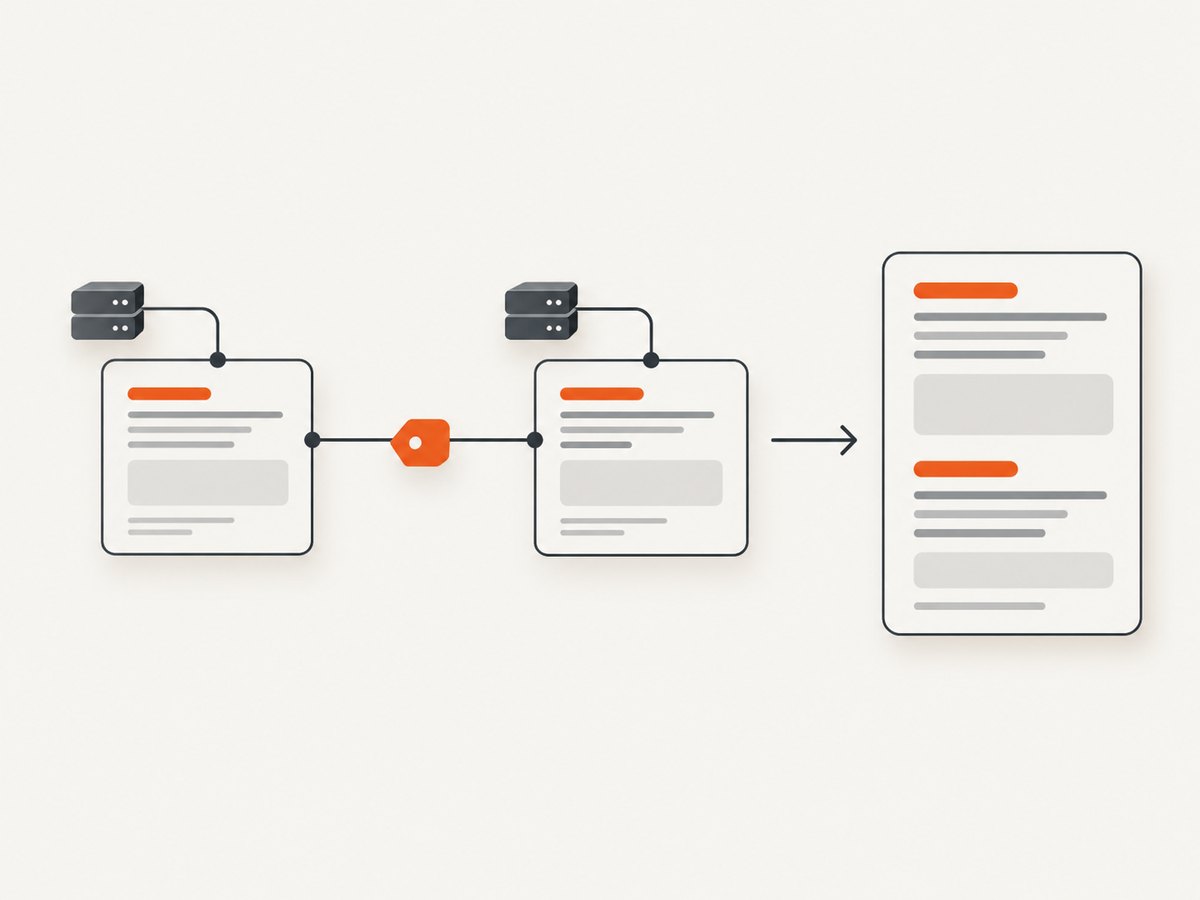
A large response can trigger more than one onResourceReceived callback. Use response.stage to distinguish the beginning and end of a response. A typical sequence contains a start event followed by an end event, but code should tolerate responses that expose only one stage.
var page = require('webpage').create();
var responses = {};

page.onResourceReceived = function (response) {
  if (response.url.indexOf('api.example.com') !== 0) {
    return;
  }

  var record = responses[response.id] || {
    id: response.id,
    url: response.url
  };

  if (!record.headers && response.headers) {
    record.headers = response.headers;
    record.status = response.status;
    record.statusText = response.statusText;
    record.contentType = response.contentType;
    record.redirectURL = response.redirectURL;
  }

  record.lastStage = response.stage;
  record.bodySize = response.bodySize;
  responses[response.id] = record;

  if (response.stage === 'end' || !response.stage) {
    console.log(JSON.stringify(record));
    delete responses[response.id];
  }
};

page.open('https://example.com', function (status) {
  console.log('page status: ' + status);
  phantom.exit();
});
Key the map by response.id so a start and end event are correlated. Treat response.url as the resource identity: redirects and subresources can produce separate callbacks.
Filter the responses you actually need
Filter by URL prefix
page.onResourceReceived = function (response) {
  if (response.url.indexOf('https://api.example.com/v1/') === 0) {
    console.log(JSON.stringify(response));
  }
};
Match one endpoint
page.onResourceReceived = function (response) {
  if (response.url === 'https://api.example.com/v1/account') {
    console.log('status=' + response.status);
    console.log(JSON.stringify(response.headers));
  }
};
Keep redirects and failures visible
page.onResourceReceived = function (response) {
  if (response.url.indexOf('api.example.com') === 0) {
    console.log(JSON.stringify({
      id: response.id,
      url: response.url,
      status: response.status,
      statusText: response.statusText,
      redirectURL: response.redirectURL,
      stage: response.stage,
      headers: response.headers
    }));
  }
};
Do not assume the main document is the only response. A page load can generate callbacks for HTML, redirects, XHR or fetch requests, stylesheets, JavaScript, images, fonts, and other assets.
Read individual header values safely
function headerValue(headers, wanted) {
  var wantedLower = wanted.toLowerCase();
  for (var i = 0; i < headers.length; i++) {
    if (headers[i].name.toLowerCase() === wantedLower) {
      return headers[i].value;
    }
  }
  return null;
}

page.onResourceReceived = function (response) {
  if (response.url.indexOf('api.example.com') !== 0 || !response.headers) {
    return;
  }

  console.log('content type: ' + headerValue(response.headers, 'Content-Type'));
  console.log('cache control: ' + headerValue(response.headers, 'Cache-Control'));
};
Header names are case-insensitive. A server can omit a header, return different headers after a redirect, or expose headers only on one stage. Treat a missing value as missing data rather than as evidence that the request header had the same value.
Common errors and fixes
| Symptom | Cause | Fix |
|---|---|---|
| No callback output | The URL filter does not match, or the page never reaches the resource. | Log every response.url temporarily, verify the page URL, and check page.open‘s status. |
| Request headers appear instead of response headers | The script reads requestData.headers from onResourceRequested. |
Move inspection to onResourceReceived and read response.headers. |
| The same resource is logged twice | A large response generated start and end events. | Group by response.id and use response.stage. |
| Expected header is absent | The server or redirect did not return it, or the callback stage lacks it. | Log status, redirectURL, URL, and all stages. Do not copy the value from request headers. |
| Only the first URL is visible | The page followed a redirect or made a subresource request. | Record every matching callback and inspect redirectURL and the final response URL. |
| Script exits before an asynchronous response | phantom.exit() runs too early. |
Exit from the page.open callback or after your own completion condition. |
| Headers differ on a hosted PhantomJS service | Hosted APIs may expose primary-resource headers on the page response and other resource headers through resource events. | Follow that service’s response model and distinguish the main page from subresources. |
Reliability and performance considerations
- Filter early. Logging every asset increases console output and makes diagnosis slower.
- Use a response map only for resources that need start/end correlation, then delete records at completion to limit memory use.
- Keep redirects as separate observations. A redirect response and the final response can have different headers.
- Expect missing stages and missing headers. Defensive checks prevent legacy WebKit behavior from breaking the script.
- Capture status and status text with headers. A header dump without status can hide authentication failures, redirects, and server errors.
- PhantomJS has no current development stream. Pin the binary used by maintenance jobs and plan migration before relying on new browser features.
Or skip the browser setup
If the goal is a clean screenshot rather than low-level browser network inspection, ScreenshotNeo provides a single HTTP request. Its API returns PNG, JPEG, WebP, or PDF output, and its documentation is at screenshotneo.com/docs/.
curl -G "https://api.screenshotneo.com/v1/shot" -d access_key=YOUR_API_KEY --data-urlencode url=https://stripe.com -o shot.webpimport requests
r = requests.get("https://api.screenshotneo.com/v1/shot", params={"access_key": "YOUR_API_KEY", "url": "https://stripe.com"}, timeout=90)
open("shot.webp", "wb").write(r.content)const q = new URLSearchParams({ access_key: 'YOUR_API_KEY', url: 'https://stripe.com' });
const res = await fetch(`https://api.screenshotneo.com/v1/shot?${q}`);ScreenshotNeo accepts cookie and consent banners before capture and removes more than 60 known consent platforms, newsletter popups, and chat widgets. Bot checks, blank pages, timeouts, failed loads, and cache hits are not billed; each response reports the page verdict and billing state through X-Page-Verdict and X-Billed headers. An MCP server provides take_screenshot, get_page_info, and capture_pdf tools for Claude, Cursor, and other MCP clients. The Free plan includes 1,000 screenshots per month with no card; paid plans start at $5 for 3,000 shots. Create a free ScreenshotNeo account.
FAQ
Can PhantomJS intercept only response headers without downloading a page?
The callback is attached to a page navigation, so PhantomJS still performs the navigation and resource loading needed to receive responses. Filter the events you need and avoid logging unrelated resources.
Should I use onResourceRequested to inspect a server’s headers?
No. That callback describes outgoing request metadata. Use onResourceReceived for the server’s response headers.
Why are there multiple response events for one URL?
Large responses can be reported in multiple stages. Correlate events with response.id and inspect response.stage.
Is PhantomJS suitable for a new production service?
The project is suspended and PhantomJS 2.1.1 is the last known stable release. Treat this method as maintenance knowledge and assess a maintained browser automation stack for new services.


