Is the GitHub MCP Server Free? Plans, Tools, and Costs Explained
GitHub says its MCP Server is available on every plan, but some tools still require paid GitHub features such as Copilot Cloud Agent.
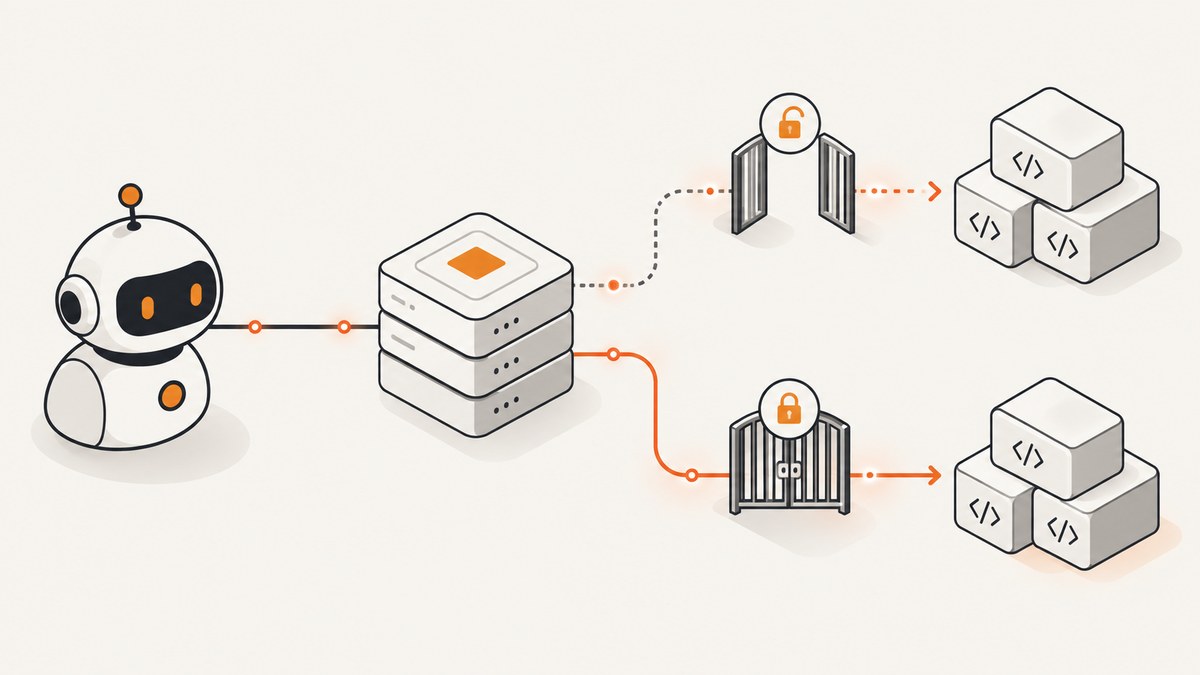
Yes, GitHub says the GitHub MCP Server is available to all GitHub users regardless of plan type. That does not make every operation free. Each tool keeps the access requirements of the GitHub feature it uses. GitHub specifically says tools that interact with Copilot Cloud Agent require a paid Copilot license.
The practical answer is: the server itself has no plan-based purchase requirement, while some connected GitHub capabilities do. You also need an account with sufficient permissions and a supported authentication setup. Hosting a local copy can introduce your own infrastructure or policy costs.
What “free” means
GitHub’s documentation states that “The GitHub MCP server is available to all GitHub users regardless of plan type.” It immediately qualifies that statement: “specific tools within the MCP server inherit the same access requirements as their corresponding GitHub features.” The same page identifies Copilot Cloud Agent tools as requiring a paid Copilot license. Read the official GitHub documentation for the current entitlement list.
| Question | Answer |
|---|---|
| Can a GitHub user access the MCP Server? | GitHub says yes, regardless of plan type. |
| Are all MCP tools free? | No. A tool inherits the requirements of the GitHub feature behind it. |
| Do Copilot Cloud Agent tools need Copilot? | Yes. GitHub documents a paid Copilot license requirement. |
| Is authentication a separate MCP purchase? | No. Authentication is a setup requirement; the repository documents OAuth and personal access tokens. |
| Can local operation cost money? | The software is available, but your own machine, container host, network, or organizational policies may have costs. |
Server access versus feature access
Four separate questions are often mixed together:
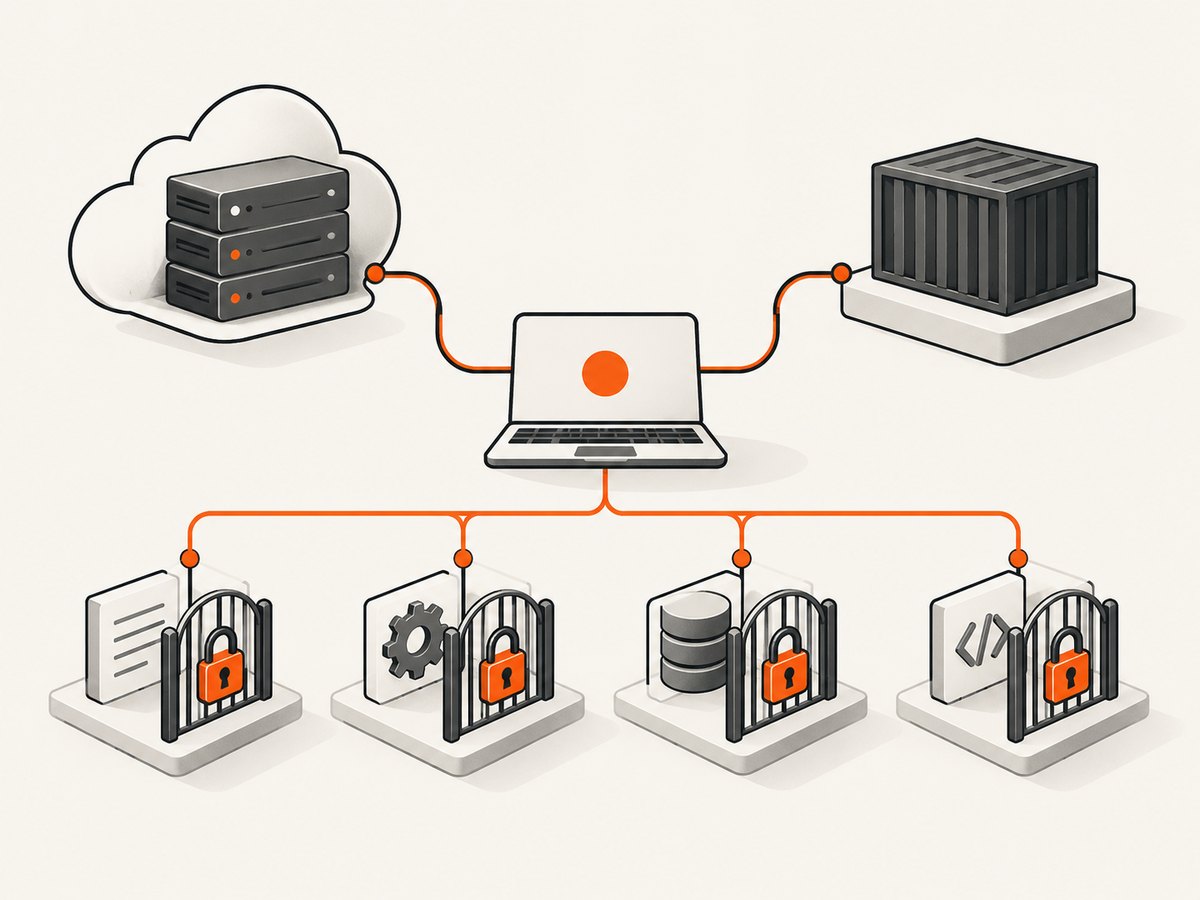
- Server availability: whether GitHub lets your account connect to the MCP Server. GitHub says this is plan-independent.
- Credential permissions: what your OAuth grant or personal access token can read or change.
- Feature entitlement: whether the GitHub feature used by a particular tool is included in your plan. Copilot Cloud Agent is the documented example that requires paid Copilot.
- Operating cost: any machine, container, network, enterprise, or security tooling you choose to run around a local deployment.
Therefore, “the GitHub MCP Server is free” is accurate only when it means server availability. “Everything the server can do is free” is not supported by GitHub’s documentation.
Remote and local deployment options
The official GitHub MCP Server repository describes two deployment paths.
Remote server hosted by GitHub
Your MCP host connects to GitHub’s remote endpoint:
https://api.githubcopilot.com/mcp/Your IDE or MCP client must support the transport and configuration format it expects. The repository and your client documentation are the source of truth for the exact configuration block. Remote operation avoids maintaining the server process yourself, but the GitHub features invoked through it still enforce their normal access rules.
Local server
Use the local path when your host cannot use the remote server or when you need local configuration. The repository publishes this container image:
ghcr.io/github/github-mcp-serverThe project also documents building a binary from source. Local deployment makes the process run under your control, but you must handle updates, process lifetime, network access, logs, and credential storage. It does not remove feature-level plan requirements.
Authentication and permissions
The repository documents OAuth and personal access token authentication. For github.com, released binaries and the official image include a registered GitHub OAuth application, so the documented browser authorization flow does not require you to supply your own client ID. A personal access token is another supported option.
Choose the smallest permissions that support your intended tools. Treat an MCP credential like any other GitHub credential: review its scopes, keep it out of source control, rotate it according to your organization’s policy, and revoke it when the client is no longer trusted.
GitHub Enterprise Server and GitHub Enterprise Cloud with data residency have different requirements. Check the repository’s current authentication documentation before configuring either one, because the public github.com OAuth flow is not a universal enterprise recipe.
Which tools may require paid access?
GitHub’s plan statement does not provide a complete price list for every tool. The reliable rule is to inspect the underlying feature:
- If a tool calls a feature your account can use, the MCP connection does not add a separate server purchase according to the cited documentation.
- If the feature has its own subscription or seat requirement, that requirement remains in force through MCP.
- GitHub explicitly names tools that interact with Copilot Cloud Agent as requiring a paid Copilot license.
Do not infer that a tool is free merely because it appears in the server. Confirm the feature entitlement in GitHub’s documentation or your organization’s plan settings.
Setup checklist
- Identify whether your MCP host supports GitHub’s remote endpoint.
- Pick remote or local deployment based on host support, network rules, and operational ownership.
- Authenticate with the documented OAuth flow or a personal access token.
- Review the credential scopes and repository or organization permissions.
- Map each tool you plan to use to its underlying GitHub feature.
- Check whether that feature needs Copilot, an organization policy exception, or another paid entitlement.
- Run a read-only operation first, then enable write operations only when required.
Troubleshooting
| Symptom | Likely cause | Fix |
|---|---|---|
| Client cannot connect to the remote endpoint | The MCP host does not support the required transport, or a proxy blocks the endpoint. | Check the host’s MCP support and network policy; use the documented local deployment if remote access is unavailable. |
| OAuth login does not open or complete | The host, browser, callback, or enterprise environment does not match the documented flow. | Use the repository’s OAuth instructions for your deployment, or authenticate with a supported personal access token. |
| A tool reports that a feature is unavailable | The connected GitHub feature has its own plan, seat, or organization requirement. | Check that feature’s entitlement. A paid Copilot license is required for the documented Copilot Cloud Agent tools. |
| Repository data is missing | The credential lacks access, the repository is outside the account, or an organization policy blocks it. | Verify repository visibility, organization approval, and token or OAuth scopes. |
| Local container starts but the client cannot use it | The process is not reachable from the MCP host, or its transport settings do not match. | Follow the repository’s current local configuration and transport examples; verify logs and connectivity from the same host. |
| You are unsure whether a charge applies | Server availability and feature entitlement were treated as the same thing. | Identify the underlying feature first, then check GitHub’s current plan documentation and your organization’s policies. |
Cost, reliability, and security considerations
Cost
GitHub’s statement establishes availability across plan types, not a promise that every connected feature or every deployment environment has zero cost. A remote server may still invoke paid GitHub features. A local server may use compute, storage, network, or monitoring resources that your team pays for.
Reliability
Remote operation depends on the GitHub service, your MCP host, and your network path. Local operation adds responsibility for keeping the process running, updating the image or binary, and preserving compatible configuration. Select the mode that fits your recovery and maintenance requirements; the cited sources do not establish a universal reliability winner.
Security
Limit credentials to the repositories and actions needed by the client. Keep tokens in the host’s secret store, review OAuth grants, avoid passing secrets in prompts, and audit write-capable tools before enabling them. Enterprise users should follow their GitHub organization’s approval and data-residency rules.
Or skip the browser setup
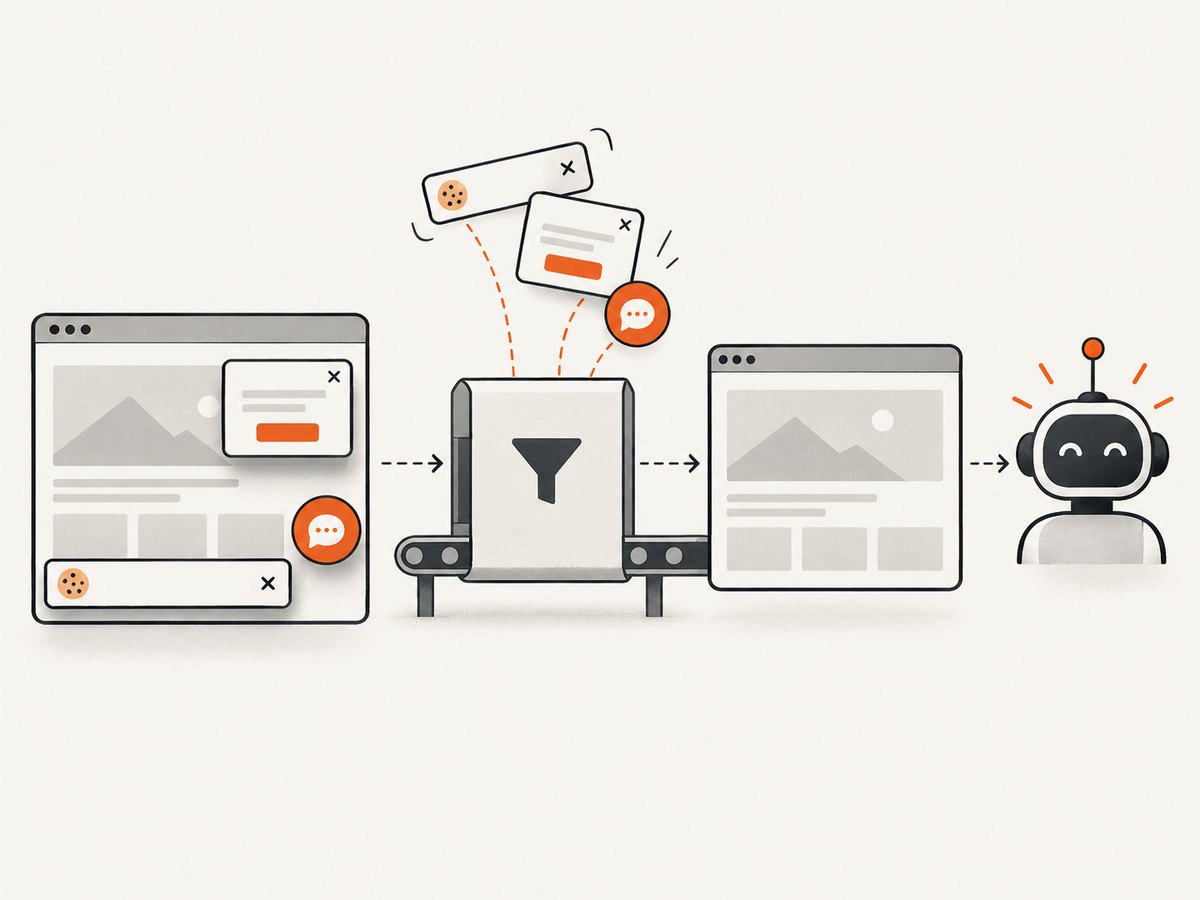
If your goal is to capture GitHub pages or documentation for an agent or build pipeline, ScreenshotNeo is an alternative to try first. It is a website screenshot API and MCP server: one request returns a PNG, JPEG, WebP, or PDF. Before capture it accepts cookie or consent banners and removes more than 60 known consent platforms, newsletter popups, and chat widgets. Bot checks, blank pages, timeouts, failed loads, and cache hits are not billed, and response headers identify the page verdict and billing status.
Using the ScreenshotNeo API documentation:
curl -G "https://api.screenshotneo.com/v1/shot" -d access_key=YOUR_API_KEY --data-urlencode url=https://github.com/github/github-mcp-server -o shot.webpimport requests
r = requests.get("https://api.screenshotneo.com/v1/shot", params={"access_key": "YOUR_API_KEY", "url": "https://github.com/github/github-mcp-server"}, timeout=90)
open("shot.webp", "wb").write(r.content)const q = new URLSearchParams({ access_key: 'YOUR_API_KEY', url: 'https://github.com/github/github-mcp-server' });
const res = await fetch(`https://api.screenshotneo.com/v1/shot?${q}`);Its MCP server includes take_screenshot, get_page_info, and capture_pdf for Claude, Cursor, and other MCP clients. You get 1,000 screenshots a month free with no card; paid plans start at $5 for 3,000 shots. Create a free ScreenshotNeo account.
FAQ
Do I need GitHub Copilot to connect to the MCP Server?
Not for server availability. GitHub says the server is available regardless of plan type. You do need a paid Copilot license for tools that interact with Copilot Cloud Agent.
Is the remote endpoint a separate paid product?
GitHub documents it as the hosted remote MCP Server. The documentation does not describe a separate MCP server purchase; underlying feature entitlements still apply.
Is running the local container free?
The project publishes the image and local instructions. Your hosting, network, security, and organizational environment can still have costs.
Can a personal access token use every tool?
No credential automatically bypasses GitHub permissions or feature requirements. The token must have suitable scopes, and the underlying feature must be available to the account.
Where should enterprise users start?
Start with the repository’s enterprise and authentication guidance, then confirm your GitHub Enterprise policies, data residency requirements, and organization approvals.


