How to Iterate Over Multiple URLs with WebdriverIO
Learn the reliable WebdriverIO patterns for looping through URLs, handling failures, using baseUrl, and scaling checks in parallel.
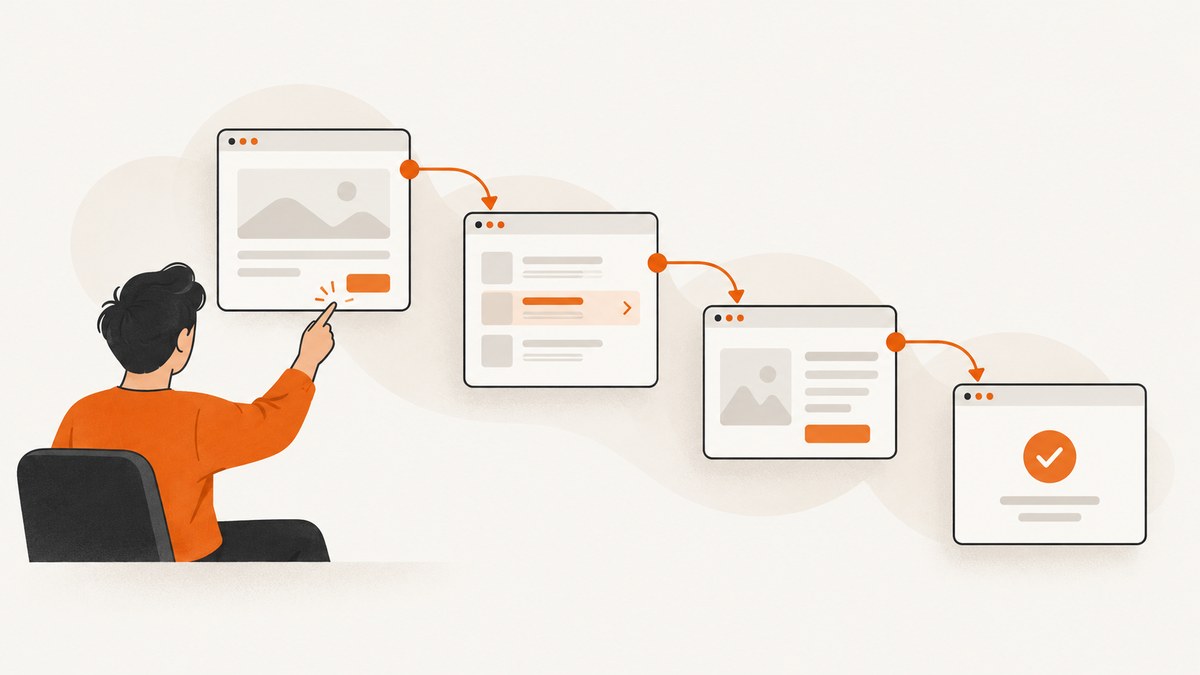
To iterate over multiple URLs in WebdriverIO, put the URLs in an array and use an asynchronous for...of loop. Await browser.url(url) and every page action inside the loop before moving to the next item. This keeps navigation, assertions, extraction, and error handling in order within one browser session.
const urls = [
  'https://example.com/',
  'https://example.com/products',
  'https://example.com/contact'
]

describe('multiple URLs', () => {
  it('visits every URL in order', async () => {
    for (const url of urls) {
      await browser.url(url)
      await expect(browser).toHaveUrl(url)
      console.log(await browser.getTitle())
    }
  })
})
WebdriverIO commands are asynchronous and must be handled with async/await. The browser.url API accepts an absolute URL or a path resolved against baseUrl. Calling the same URL again reloads it. The examples below show how to build a production-ready loop rather than merely navigating a list of pages.
1. Create a URL list and choose the loop policy
Start with an array whose order is meaningful to your test or check. Keep URLs as complete strings when they belong to different hosts. For pages on one site, relative paths plus baseUrl are easier to maintain.
const urls = [
  '/',
  '/products',
  '/contact'
]

export const config = {
  baseUrl: 'https://example.com',
  // specs, capabilities, framework, and services go here
}
A path beginning with / is resolved from the root of the base URL. A value without a scheme or leading slash is appended directly according to WebdriverIO’s URL resolution rules. A fully qualified URL remains absolute. Use for...of when order and one shared session matter. A classic indexed for loop is equivalent:
for (let index = 0; index < urls.length; index += 1) {
  const url = urls[index]
  await browser.url(url)
  console.log(index, await browser.getTitle())
}
2. Wait for the page state you actually need
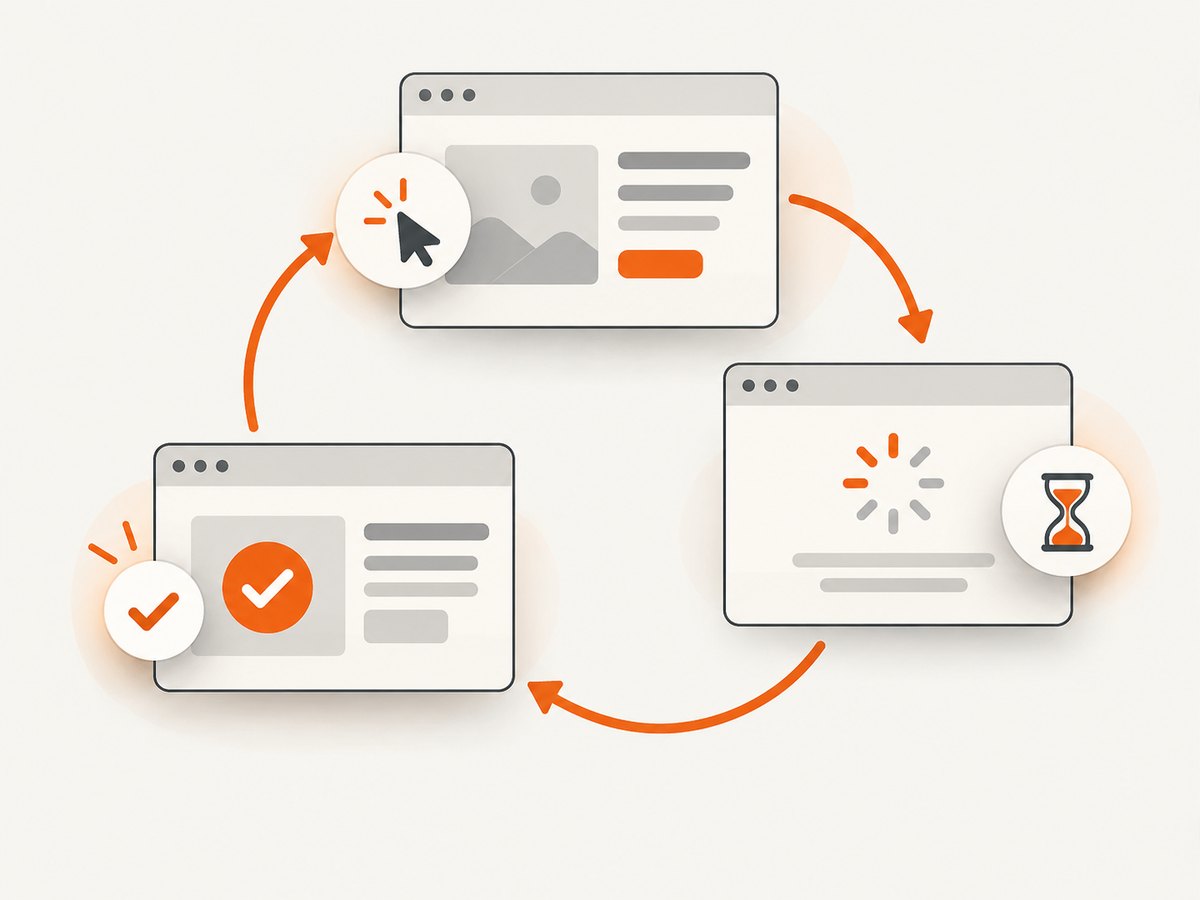
Navigation completing does not always mean that a single-page application has rendered the data under test. After browser.url, wait for a page-specific selector, URL, title, or application state. The right condition depends on the page; there is no universal wait that proves every application is ready.
const pages = [
  { path: '/', ready: 'main' },
  { path: '/products', ready: '[data-testid="product-grid"]' },
  { path: '/contact', ready: 'form#contact' }
]

for (const page of pages) {
  await browser.url(page.path)
  await $(page.ready).waitForDisplayed({ timeout: 10000 })
  await expect(browser).toHaveUrl(new RegExp(`${page.path.replace('/', '\\/')}$`))
  console.log(page.path, await browser.getTitle())
}
Use the built-in expect matchers for navigation checks. WebdriverIO’s matcher documentation demonstrates toHaveUrl and toHaveTitle after navigation:
for (const url of urls) {
  await browser.url(url)
  await expect(browser).toHaveUrl(url)
  await expect(browser).toHaveTitle(expect.stringContaining('Example'))
}
3. Record results without hiding failures
For audits and migration checks, you often want every URL attempted even when one page fails. Wrap each iteration in try/catch, record the error, and decide at the end whether the test should fail. Do not silently swallow exceptions.
const results = []

for (const url of urls) {
  try {
    await browser.url(url)
    await expect(browser).toHaveTitle(expect.stringContaining('Example'))

    results.push({
      url,
      ok: true,
      title: await browser.getTitle()
    })
  } catch (error) {
    results.push({
      url,
      ok: false,
      error: String(error)
    })
  }
}

console.table(results)

const failed = results.filter((result) => !result.ok)
if (failed.length > 0) {
  throw new Error(`${failed.length} URL(s) failed`)
}
This structure separates collection from the final pass/fail decision. It is useful when a report must contain all failures, while a fail-fast loop is better when later pages are meaningless after the first broken prerequisite.
4. Keep one browser session or create isolated sessions
A single session is efficient and preserves cookies, local storage, and login state. It can also create coupling: a consent choice, redirect, or application mutation on one URL may affect the next. Clear state or create a new session when isolation is part of the test.
for (const url of urls) {
  await browser.deleteCookies()
  await browser.execute(() => localStorage.clear())
  await browser.url(url)
  await expect(browser).toHaveTitle(expect.any(String))
}
Only clear state when your application and test environment support it. If authentication is required, log in once and deliberately reuse the session. For a standalone script, create and close the session explicitly:
import { remote } from 'webdriverio'

const urls = [
  'https://example.com/',
  'https://example.com/products',
  'https://example.com/contact'
]

const browser = await remote({
  capabilities: { browserName: 'chrome' }
})

try {
  for (const url of urls) {
    await browser.url(url)
    console.log(url, await browser.getTitle())
  }
} finally {
  await browser.deleteSession()
}
The WebdriverIO standalone guide uses this lifecycle: create a session with remote, perform asynchronous browser commands, and finish with deleteSession. The finally block ensures the session is closed when navigation or assertions throw.
5. Avoid the async forEach trap
Do not use urls.forEach(async (url) => { ... }) when completion or ordering matters. forEach does not await callback promises, so the surrounding test can finish before navigation has completed and errors may escape the test’s control flow.
// Incorrect for ordered WebdriverIO work
urls.forEach(async (url) => {
  await browser.url(url)
  await expect(browser).toHaveUrl(url)
})

// Correct: ordered and awaited
for (const url of urls) {
  await browser.url(url)
  await expect(browser).toHaveUrl(url)
}
If you need a promise chain, use reduce deliberately, but it is harder to read:
await urls.reduce(
  (previous, url) => previous.then(async () => {
    await browser.url(url)
    await expect(browser).toHaveUrl(url)
  }),
  Promise.resolve()
)
6. Run independent URL checks in parallel
Parallelism is appropriate when URLs do not depend on shared cookies, order, or mutations. WebdriverIO can distribute work across specs or capabilities. Each worker gets its own session, which increases isolation and can reduce elapsed time, but it also consumes more browser capacity and complicates reporting.
// wdio.conf.js
export const config = {
  specs: [
    './test/specs/catalog.e2e.js',
    './test/specs/marketing.e2e.js'
  ],
  maxInstances: 2,
  capabilities: [{
    browserName: 'chrome'
  }]
}
The configuration reference allows a glob or an array of spec paths, and the project supports local or cloud execution. Begin with a small maxInstances, then increase it only when your grid, CI runner, and target application can handle the load. Parallel runs can hit rate limits or produce noisy results if every worker requests the same endpoint at once.
7. Build a reusable URL-check helper
When many specs share the same behavior, put the navigation and result policy in a helper. Pass a page-specific readiness check rather than hard-coding one selector.
export async function checkUrls(pages, { stopOnError = false } = {}) {
  const results = []

  for (const page of pages) {
    try {
      await browser.url(page.url)
      if (page.ready) {
        await $(page.ready).waitForDisplayed({ timeout: page.timeout ?? 10000 })
      }
      if (page.title) {
        await expect(browser).toHaveTitle(page.title)
      }

      results.push({
        url: page.url,
        ok: true,
        title: await browser.getTitle()
      })
    } catch (error) {
      const result = { url: page.url, ok: false, error: String(error) }
      results.push(result)
      if (stopOnError) throw error
    }
  }

  return results
}
const results = await checkUrls([
{ url: '/', ready: 'main', title: expect.stringContaining('Example') },
{ url: '/products', ready: '[data-testid="product-grid"]' }
])8. Capture screenshots without managing a browser
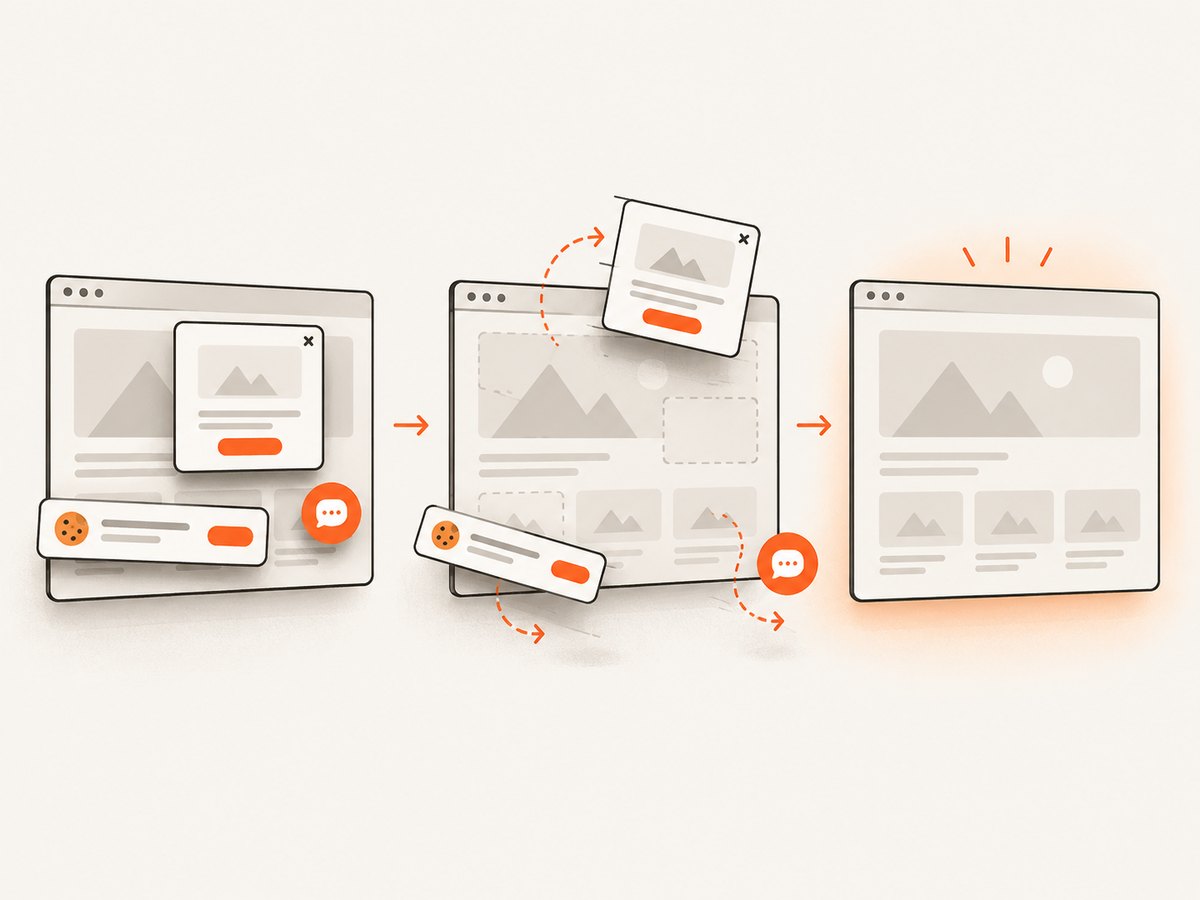
When the deliverable is a screenshot rather than an interactive test, an API can remove browser setup and session management. ScreenshotNeo accepts one GET request and returns PNG, JPEG, WebP, or PDF. Its clean-shot flow accepts consent banners and removes more than 60 known consent platforms, newsletter popups, and chat widgets before capture; each step can be disabled. Bot checks, blank pages, timeouts, failed loads, and cache hits cost nothing, and response headers report the page verdict and whether the shot was billed.
Or skip the browser setup
Use the same call for one URL or generate requests from your URL array. See the ScreenshotNeo API documentation for all options.
curl -G "https://api.screenshotneo.com/v1/shot" -d access_key=YOUR_API_KEY --data-urlencode url=https://stripe.com -o shot.webpimport requests
r = requests.get(
"https://api.screenshotneo.com/v1/shot",
params={"access_key": "YOUR_API_KEY", "url": "https://stripe.com"},
timeout=90,
)
open("shot.webp", "wb").write(r.content)const q = new URLSearchParams({ access_key: 'YOUR_API_KEY', url: 'https://stripe.com' });
const res = await fetch(`https://api.screenshotneo.com/v1/shot?${q}`);ScreenshotNeo supports full-page capture with lazy images loaded, CSS-selector element capture, dark mode, device presets, custom viewports, retina scale, PDF paper and page options, custom CSS and JavaScript, clicks, selector or network-idle waits, request blocking, headers, cookies, user agents, authorization, timezone, geolocation, transparent backgrounds, resizing, chosen-TTL caching, signed image links, asynchronous jobs with signed webhooks, bulk capture for 100 URLs per call, a usage API, and an OpenAPI specification. It also accepts parameter names used by other screenshot APIs, which simplifies migration.
An MCP server provides take_screenshot, get_page_info, and capture_pdf tools for Claude, Cursor, and other MCP clients. There are 1,000 free screenshots each month with no card; paid plans start at $5 for 3,000. Create a free ScreenshotNeo account and use the same URL list without provisioning WebdriverIO sessions.
9. Troubleshooting common failures
| Symptom | Likely cause | Fix |
|---|---|---|
| The test ends before all URLs run | forEach was used with an async callback |
Use for...of, a classic for, or an awaited promise chain. |
| URL assertion fails after navigation | Redirects, trailing slashes, query parameters, or a relative URL changed the final address | Inspect await browser.getUrl(); assert the stable origin/path or use a suitable regular expression. |
| Element wait times out | The selector is wrong, the page is still rendering, or the element is inside an iframe | Verify the selector, wait for the application’s ready state, and switch to the correct frame when required. |
| Later URLs behave differently | Cookies, local storage, service workers, or application mutations leaked between iterations | Clear state, use isolated sessions, or make the dependency explicit. |
| Standalone Chrome remains running | An exception bypassed session cleanup | Put deleteSession in a finally block. |
| Parallel checks are flaky | Too many workers, shared test data, or target rate limiting | Lower maxInstances, isolate data, and schedule retries only for known transient failures. |
10. Performance, reliability, and cost considerations
- Reuse deliberately: One session avoids startup cost, but state leakage can invalidate results. Isolate only where the test requires it.
- Wait narrowly: A selector or application-ready signal is usually faster and more meaningful than a large fixed delay.
- Separate navigation from reporting: Store URL, title, elapsed time, and error text so a long run remains diagnosable.
- Control concurrency: Parallel capabilities reduce wall-clock time at the cost of browser slots, CI resources, and possible server throttling.
- Retry carefully: A retry can mask deterministic selector or redirect bugs. Record the original failure and retry only transient navigation errors.
- Choose the right tool: WebdriverIO is suited to interaction and assertions. For repeatable image or PDF output, ScreenshotNeo’s cache, bulk capture, async jobs, and free failed-load policy can make request cost easier to predict.
Frequently asked questions
Can I loop through URLs in one WebdriverIO test?
Yes. Use an awaited for...of loop and perform navigation, waits, assertions, and extraction inside each iteration.
Should I use absolute URLs or baseUrl?
Use baseUrl for one shared origin and relative paths. Use absolute URLs for different hosts or when the exact address is part of the test.
How do I continue after one URL fails?
Catch the error, append a failed result, and continue. Fail the test after the loop if any result is unsuccessful.
When should URLs run in parallel?
Use separate specs or capabilities when checks are independent and order does not matter. Keep one ordered loop when they share state.
Can ScreenshotNeo take screenshots of every URL?
Yes. Send one request per URL or use bulk capture for up to 100 URLs per call. Its MCP tools also let compatible AI agents request screenshots directly.


