How to Add CSS Support to iText HTML-to-PDF Conversion in Android
Use iText pdfHTML on Android to convert styled HTML into PDFs, resolve assets and fonts, handle unsupported CSS, and avoid common failures.
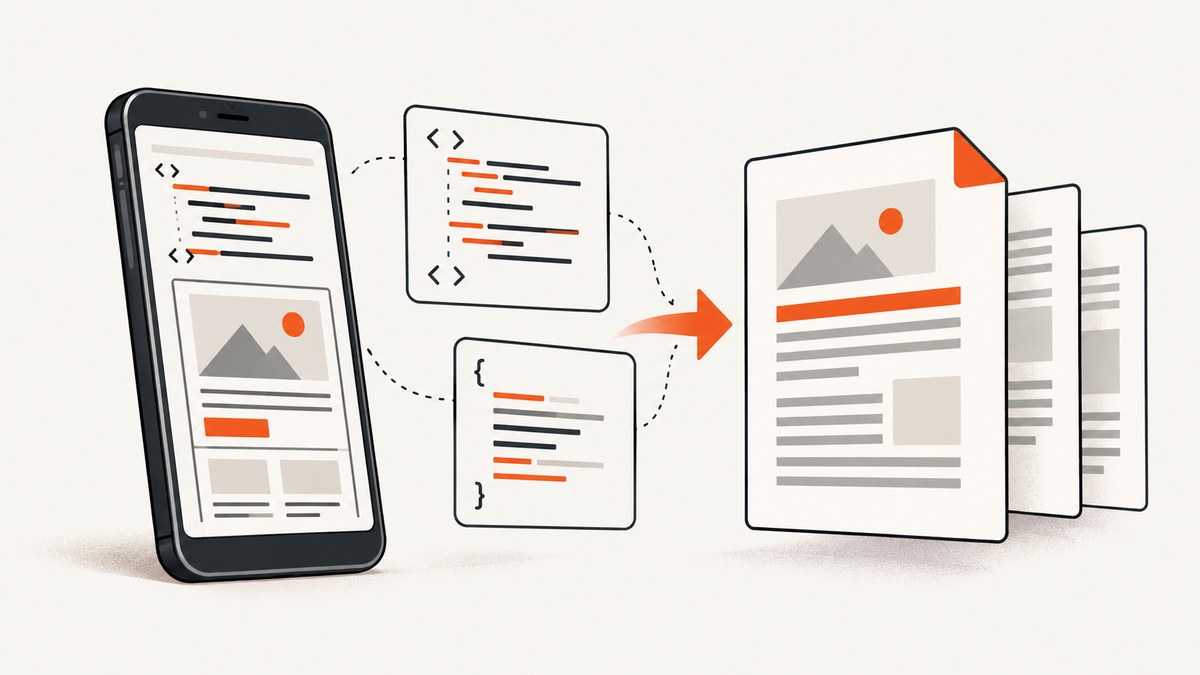
Use iText pdfHTML with iText Core. pdfHTML is iText 7’s HTML and CSS conversion add-on and is the current replacement for XML Worker in new integrations. On Android, use the Android-specific iText artifacts, configure ConverterProperties, and make every linked stylesheet, image, and font resolvable from an Android-accessible directory.
1. Add iText Core and pdfHTML to your Android project
Use the Android repository and Android-suffixed modules from the same supported iText release line. The exact repository URL and version should come from the iText Android installation documentation for the release you select.
repositories {
    google()
    mavenCentral()
    // Add the iText Android repository specified by your supported release.
}

dependencies {
    implementation("com.itextpdf.android:kernel-android:YOUR_ITEXT_VERSION")
    implementation("com.itextpdf.android:layout-android:YOUR_ITEXT_VERSION")
    implementation("com.itextpdf.android:io-android:YOUR_ITEXT_VERSION")
    implementation("com.itextpdf.android:html2pdf-android:YOUR_ITEXT_VERSION")
}
Keep Core, layout, io, and pdfHTML on one compatible release line. Do not mix Android and non-Android artifacts or versions selected from different iText release families.
2. Convert HTML and CSS with pdfHTML
The basic API accepts an HTML stream, a PDF output stream, and ConverterProperties. This example writes a PDF into the app’s cache directory.
import android.content.Context;
import com.itextpdf.html2pdf.ConverterProperties;
import com.itextpdf.html2pdf.HtmlConverter;
import java.io.File;
import java.io.FileOutputStream;
import java.io.IOException;
import java.nio.charset.StandardCharsets;

public final class PdfRenderer {
    private PdfRenderer() {}

    public static File render(Context context, String html) throws IOException {
        File output = new File(context.getCacheDir(), "report.pdf");
        ConverterProperties properties = new ConverterProperties();

        try (FileOutputStream pdf = new FileOutputStream(output)) {
            HtmlConverter.convertToPdf(
                new java.io.ByteArrayInputStream(html.getBytes(StandardCharsets.UTF_8)),
                pdf,
                properties
            );
        }
        return output;
    }
}
Use a worker thread, coroutine dispatcher, or other background executor for conversion. PDF generation can perform substantial parsing, layout, font, and image work and should not run on Android’s main thread.
3. Resolve external CSS, images, and fonts
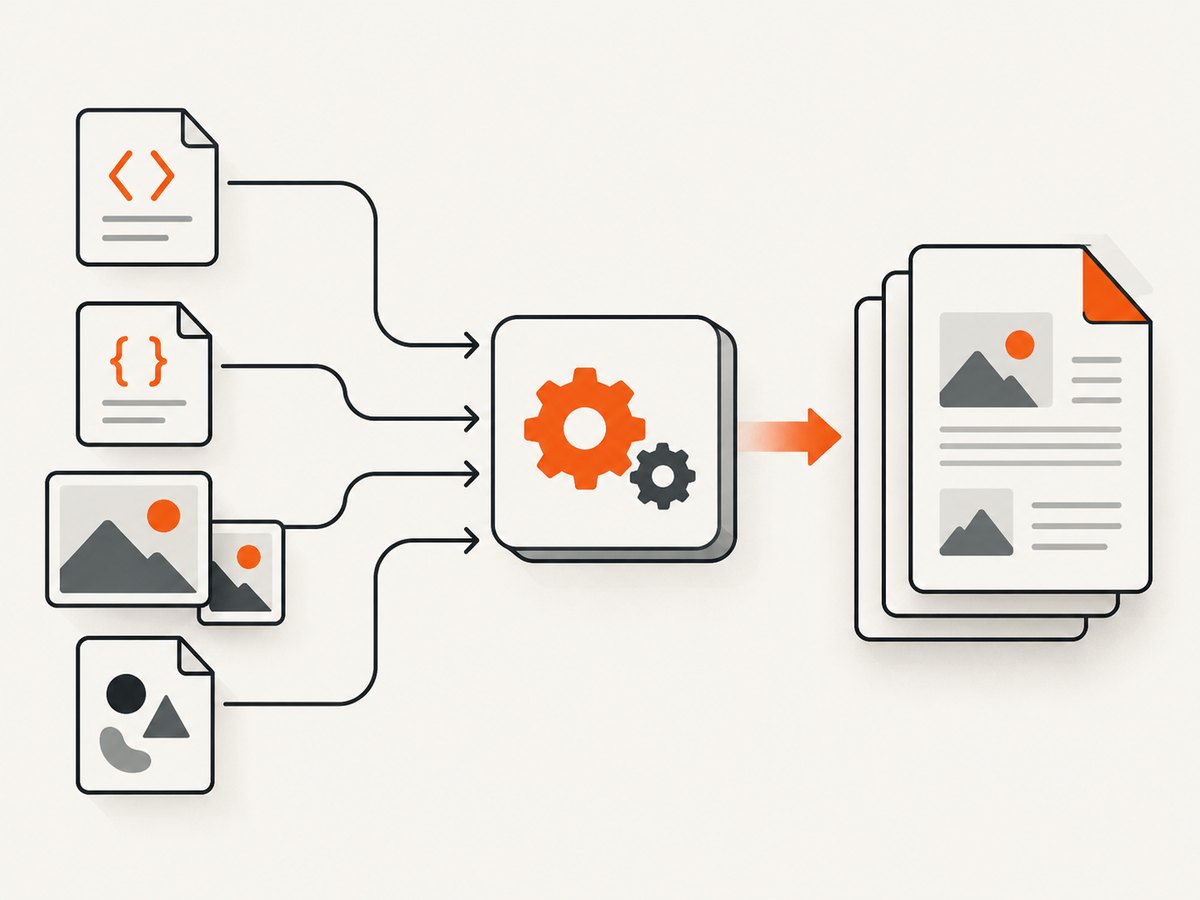
Inline CSS is simplest for small, self-contained documents. For a linked stylesheet such as <link rel="stylesheet" href="styles.css">, relative image URLs, or font files, set a base URI that points to an Android-accessible directory.
File filesDirectory = context.getFilesDir();
ConverterProperties properties = new ConverterProperties();
properties.setBaseUri(filesDirectory.getAbsolutePath());

try (InputStream html = context.getAssets().open("templates/invoice.html");
     OutputStream pdf = new FileOutputStream(
         new File(context.getCacheDir(), "invoice.pdf"))) {
    HtmlConverter.convertToPdf(html, pdf, properties);
}
With this layout, a stylesheet referenced as css/invoice.css must exist below the configured base directory, and image URLs must resolve in the same way. Copy packaged assets to internal storage first when the resolver needs a normal filesystem directory.
Asset checklist
- Close every HTML element and use valid UTF-8.
- Use paths relative to the configured base URI, or use absolute paths that the Android process can read.
- Confirm image files exist before conversion and use formats supported by your selected iText release.
- Keep CSS imports and nested relative URLs inside a directory the app can access.
- Do not assume a browser’s network origin, DOM, JavaScript, or service worker is available to pdfHTML.
4. Load custom fonts with FontProvider
PDF output depends on the fonts available to pdfHTML. Register application fonts explicitly when the document uses a typeface that is not available by default.
import com.itextpdf.html2pdf.ConverterProperties;
import com.itextpdf.layout.font.FontProvider;

FontProvider fontProvider = new FontProvider();
fontProvider.addDirectory(new File(context.getFilesDir(), "fonts").getAbsolutePath());

ConverterProperties properties = new ConverterProperties();
properties.setBaseUri(context.getFilesDir().getAbsolutePath());
properties.setFontProvider(fontProvider);

HtmlConverter.convertToPdf(htmlInputStream, pdfOutputStream, properties);
Place the font files in the directory before conversion. Test glyph coverage for accented characters, non-Latin scripts, and symbols. If a glyph is missing, the PDF may substitute another font or omit the character.
5. Control print media and page layout
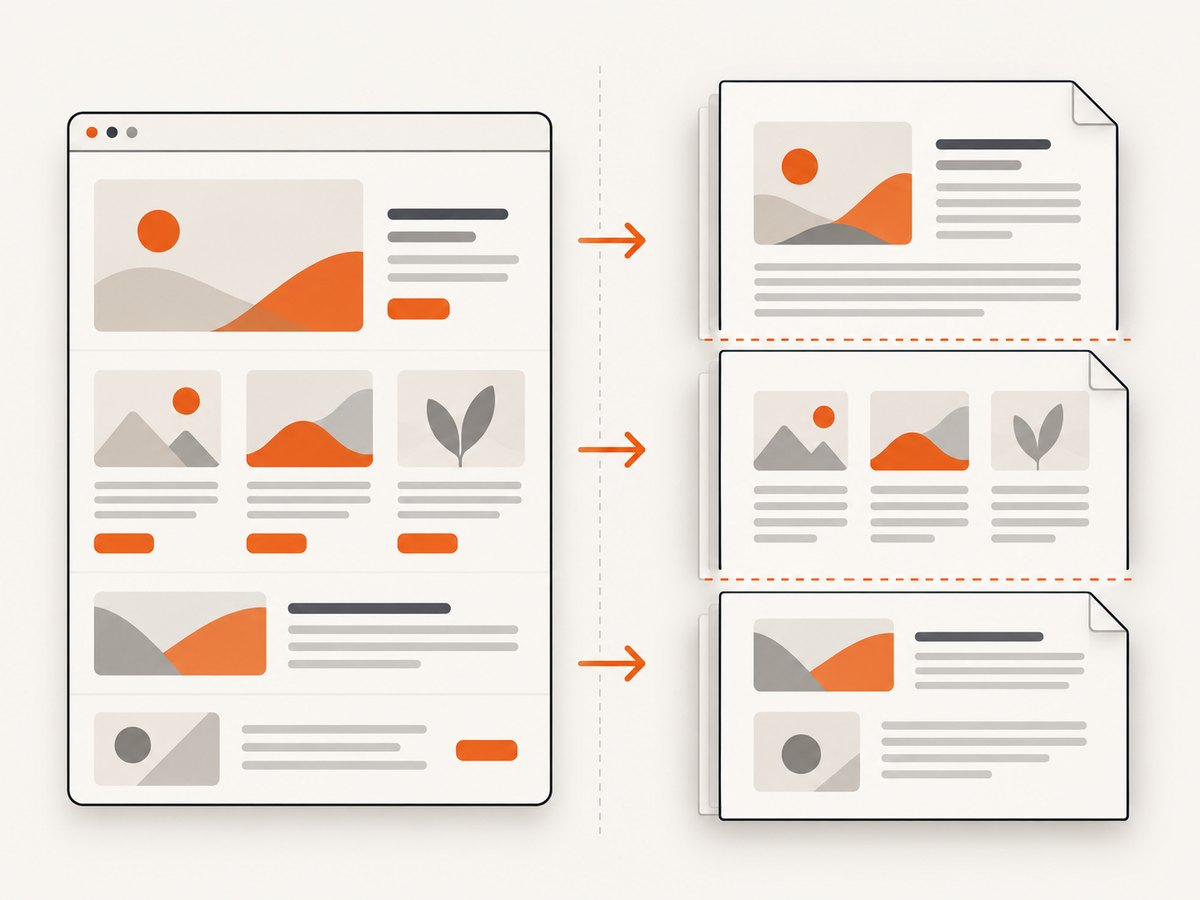
Use pdfHTML’s media configuration when your stylesheet contains print-specific rules. Test page breaks, tables, floats, fixed positioning, and generated content against the exact pdfHTML version in your app because PDF layout is not identical to browser rendering.
import com.itextpdf.html2pdf.ConverterProperties;
import com.itextpdf.kernel.geom.PageSize;
import com.itextpdf.layout.font.FontProvider;
import com.itextpdf.html2pdf.css.media.MediaDeviceDescription;

ConverterProperties properties = new ConverterProperties();
properties.setBaseUri(context.getFilesDir().getAbsolutePath());
properties.setMediaDeviceDescription(
    new MediaDeviceDescription(MediaDeviceDescription.MediaType.PRINT)
);
Keep CSS page rules conservative. A browser may reflow content interactively, while a PDF conversion must choose fixed page boundaries. Add explicit page-break rules around sections that must stay together.
6. Handle custom tags and special CSS behavior
Standard HTML elements receive pdfHTML’s built-in tag workers and CSS application. For custom elements, register a tag-worker factory. For a standard element whose CSS semantics need to differ, provide a custom CSS applier. These extension points are appropriate when sanitizing the source HTML is not enough.
Start by replacing custom tags with standard semantic elements where possible. Extension code should be limited to the unsupported behavior you need, then covered by PDF-level regression tests for page count, text, fonts, and images.
7. If you still use XML Worker
XML Worker is the older iText 5 path and has narrower HTML and CSS support. Feed it XHTML rather than browser-tolerant HTML: close all tags, use XML-compatible empty elements such as <br />, and provide CSS through its CSS resolver or XMLWorkerHelper.parseXHtml workflow.
For a new Android integration, migrate to iText 7 Core plus pdfHTML when the required CSS and layout features are supported by your selected release.
8. WebView printing as an Android alternative
Android’s WebView can print HTML through the platform print workflow. It is useful when the document already depends on browser rendering, but it is not the same conversion engine as pdfHTML. Android documents limitations including unsupported CSS print attributes such as landscape, no custom headers or footers, and only one WebView print job at a time. Choose it only when those constraints fit the product.
9. Licensing before shipping
iText’s pdfHTML installation guidance states that noncommercial use must comply with the AGPL. Closed-source or commercial applications require a commercial license for Core and pdfHTML together with the compatible license-key library. Check the compatibility matrix for the exact versions you ship and obtain legal approval before release.
10. Troubleshooting
| Symptom | Likely cause | Fix |
|---|---|---|
| External CSS is ignored | No base URI, or the relative path does not exist | Set properties.setBaseUri(...), verify the file is readable, and check nested imports. |
| Images are missing | Relative URLs resolve outside app storage or the format is unsupported | Copy assets to an accessible directory, set the base URI, and verify each file before conversion. |
| Text uses the wrong font | The font is not registered or lacks required glyphs | Register the font directory with FontProvider and test the characters used. |
| Layout differs from Chrome | PDF layout is not full browser layout; CSS support differs | Simplify CSS, add explicit page-break rules, and test with the exact pdfHTML version. |
| Custom elements render incorrectly | No tag-worker mapping exists | Use standard HTML tags or register a custom tag-worker factory. |
| Special CSS on a standard tag is ignored | The default CSS applier does not implement that semantic | Provide a custom ICssApplier implementation. |
| Conversion freezes the UI | Conversion runs on the main thread | Move the entire conversion, including resource loading, to a background executor. |
| Dependency conflicts occur | Mixed iText versions or Android and non-Android modules | Align every iText module to one supported release line and inspect Gradle’s dependency tree. |
11. Performance, reliability, and cost considerations
- Performance: reuse a prepared template, keep images at the resolution needed for the PDF, avoid unnecessarily large CSS trees, and register only the font directories you need.
- Reliability: validate HTML before conversion, keep all required resources local when offline behavior matters, and write to a temporary file before replacing a user-visible PDF.
- Memory: large images and font sets increase peak memory. Process large documents in controlled jobs and test on the lowest-memory device you support.
- Output checks: verify that the output file exists, has a nonzero length, opens successfully, and contains expected text or page count before reporting success.
- Licensing cost: AGPL obligations apply to qualifying noncommercial use; commercial closed-source deployment requires the appropriate iText commercial licensing.
12. Or skip the browser setup
If your goal is simply to capture a rendered web page as an image or PDF rather than build an Android HTML conversion pipeline, ScreenshotNeo provides a single HTTP request. Its API can capture full pages or selected elements, apply custom CSS and JavaScript, wait for selectors or network idle, load lazy images, set device and viewport options, and return PNG, JPEG, WebP, or PDF.
Before capture, ScreenshotNeo accepts cookie or consent banners and removes more than 60 known consent platforms, newsletter popups, and chat widgets. Bot checks, blank pages, timeouts, failed loads, and cache hits are not billed; response headers report the page verdict and billing result.
cURL
curl -G "https://api.screenshotneo.com/v1/shot" \
  -d access_key=YOUR_API_KEY \
  --data-urlencode url=https://stripe.com \
  -o shot.webp
Python
import requests

r = requests.get(
    "https://api.screenshotneo.com/v1/shot",
    params={"access_key": "YOUR_API_KEY", "url": "https://stripe.com"},
    timeout=90,
)
r.raise_for_status()
open("shot.webp", "wb").write(r.content)
Node.js
const q = new URLSearchParams({
  access_key: 'YOUR_API_KEY',
  url: 'https://stripe.com'
});
const res = await fetch(`https://api.screenshotneo.com/v1/shot?${q}`);
if (!res.ok) throw new Error(`Screenshot failed: ${res.status}`);
const fs = await import('node:fs/promises');
await fs.writeFile('shot.webp', Buffer.from(await res.arrayBuffer()));
See the ScreenshotNeo API documentation for all options. An MCP server also lets Claude, Cursor, and other MCP clients call take_screenshot, get_page_info, and capture_pdf. The Free plan includes 1,000 screenshots per month without a card; paid plans start at $5 for 3,000.
Create a free ScreenshotNeo account and start with the included monthly screenshots.
FAQ
Is pdfHTML a browser engine?
No. It maps HTML tags and CSS declarations to iText layout objects, so browser-only behavior and unsupported CSS should not be assumed to work.
Can I use remote stylesheets?
Use a resolvable base URI or resource resolver and ensure the Android process can access the resource. Local packaged assets are more predictable for offline conversion.
Should a new project choose XML Worker?
Usually no. pdfHTML is the current iText 7 add-on; XML Worker is the legacy iText 5 route.
Why does my PDF break pages differently than the HTML preview?
PDF pagination is fixed and pdfHTML does not reproduce every browser layout rule. Add explicit page-break rules and test the exact release you deploy.
Can I ship iText in a closed-source Android app?
Commercial closed-source deployments require the appropriate commercial licenses for Core and pdfHTML, plus the compatible license-key library.


