Which CSS Properties Does iText 7 pdfHTML Support?
Use iText’s versioned CSS matrix to see what pdfHTML supports, what is partial or unsupported, and how to verify layouts before shipping.

Short answer: iText pdfHTML supports a broad subset of document-oriented CSS, including common box-model, color, typography, flexbox, Grid, tables, counters and paged-media properties. It is not a browser engine, so support is property- and version-specific. The current official matrix covers pdfHTML 6.3.3 with iText Core 9.7.0; do not treat it as a compatibility promise for every older iText 7/pdfHTML artifact. Check the matrix and test the exact dependency version used by your application.
Use the official CSS and HTML feature matrix for a property-level decision. The sections below summarize the areas most developers ask about, explain limitations, and show a repeatable verification workflow.
1. What “supported” means in pdfHTML
The matrix describes whether a CSS property or module is implemented by pdfHTML. “Supported” does not mean that every value, nesting pattern or browser layout will paginate identically. A PDF has fixed pages and no interactive viewport, so dynamic browser behavior can change or disappear during conversion.
| Status | How to interpret it | What to do |
|---|---|---|
| Supported | The property is implemented for the documented module. | Use it, then verify the generated PDF for your actual values and layout. |
| Partial or limited | Some values or combinations work, while browser behavior is not reproduced fully. | Reduce the layout to a small test case and inspect page breaks, sizing and nesting. |
| Unsupported | The matrix marks the property or feature as unavailable. | Replace it with a PDF-friendly rule or perform a separate rendering step. |
2. Version scope: iText 7 versus the current matrix
The current support page reflects pdfHTML 6.3.3 paired with iText Core 9.7.0. The title “iText 7” is commonly used for the product family, but a project may still depend on an older pdfHTML release. Always record the exact pdfHTML and iText Core versions in the build before relying on a matrix result.
Release notes show why this matters:
- pdfHTML 6.3.3 (2026-07-08): added
:is(),:where()and:not()support, improved tolerance for malformed CSS units, and fixed CSS Grid pagination and list-rendering performance issues. See the 6.3.3 release notes. - pdfHTML 6.3.0 (2025-11-13): expanded flexbox behavior, including more complex
justify-contentvalues,align-selfand basic flex-itemorder. See the 6.3.0 release notes.
A result in the 6.3.3 matrix may therefore differ from an older iText 7-era dependency. Pin the version you deploy and run a conversion test against that version.
3. CSS properties listed as supported
The following groups summarize the properties documented as supported in the current matrix. They are representative groups from the matrix, not a guarantee that every value or combination behaves like a browser.

Backgrounds and borders
Supported examples include background, background-color, background-image, background-position, background-repeat, background-size, background-clip, background-origin, background-position x/y components, border side shorthands and components, border colors, styles and widths, and border-radius corners and shorthand.
Box model and sizing
Margin and padding shorthands and sides, box-sizing, width, height, min-width, max-width, min-height and max-height are listed as supported.
Color, display and visibility-related layout
color, opacity, display and float are supported. Flex item order is supported, while grid ordering is not equivalent: the matrix marks order as unsupported for Grid. visibility is unsupported.
Flexbox
The flexbox section lists align-content, align-items, align-self, flex, flex-basis, flex-direction, flex-flow, flex-grow, flex-shrink, flex-wrap and justify-content. Test nested flex containers and pagination because a valid flex layout can still break differently when content crosses a page boundary.
CSS Grid
The matrix lists Grid auto columns, auto flow and auto rows; template columns, rows and areas; grid-template; the grid shorthand; grid column and row start/end shorthands; and grid-area. Grid pagination has received fixes in 6.3.3, so verify the exact version when a card, table or repeated component spans pages.
Text and inline layout
Supported examples include line-height, vertical-align, hyphens, letter-spacing, overflow-wrap and its word-wrap alias, text-align, text-indent, text-transform, white-space, word-break, word-spacing, text-decoration properties, and direction.
Lists, counters and generated content
counter-increment, counter-reset, list-style properties, content and quotes are supported. counter-set is not listed as supported.
Paged media
Supported paged-media features include @page, page size, margins and margin boxes, the :left, :right and :first page pseudo-classes, page dimensions and orientation, many margin-box style properties, and page-break properties. Named pages and :blank are not supported. Some global values for page-break properties are unsupported.
Selectors and media rules
@import and @media rules are supported. The matrix lists selectors such as :empty, first/last-child and first/last-of-type forms, :is(), :where(), :not() and nth-child/nth-of-type variants. Supported pseudo-elements include ::before, ::after and ::placeholder; many other pseudo-elements are not implemented.
Columns and tables
Supported column features include columns, column-count, column-width, column rules and their components. Table support includes border and caption properties. Several other table properties, including table-layout, are not supported.
For a complete property-by-property list, use the maintained matrix rather than relying on this summary.
4. Important exclusions and partial areas
The matrix marks these examples as unsupported: box-shadow, filter, backdrop-filter, z-index, visibility, object-position, table-layout, writing-mode and unicode-bidi. Several advanced text-decoration and typography properties and browser user-interface properties are also unsupported.
CSS transforms have only partial support. CSS overflow and cascading/inheritance are described as partial or limited. CSS custom properties used as cascading variables are not implemented. Animations, transitions and scroll-related modules do not fit static PDF output and are not implemented as browser interactions.
Common substitutions are straightforward: use borders or background images instead of shadows, explicit document flow instead of z-index, fixed widths and page rules instead of viewport-dependent overflow, and server-side values instead of CSS variables. These substitutions still need visual validation.
5. Why browser CSS can look different in the PDF
- Pagination changes the available space. A flex or Grid row that fits in a viewport may split across fixed pages.
- Interactive behavior has no PDF equivalent. Hover states, transitions, scrolling and sticky positioning cannot behave as they do in a browser.
- Fonts affect every measurement. A missing or different font changes line wrapping, heights and page breaks.
- Unsupported values may be ignored. The rest of a rule can apply while one declaration is dropped, producing a layout that appears only partly styled.
- Nested layout is more sensitive. Combine Grid, flexbox, percentage sizes and page breaks only after testing a reduced example.
6. How to verify a CSS property in your version
- Record the exact pdfHTML and iText Core versions from your dependency lockfile.
- Search the official matrix for the property and its module.
- Create a minimal HTML file containing one use of the property and a visible control case.
- Convert it with the exact Java or .NET dependency used in production.
- Inspect the PDF visually and, when necessary, extract text or measure page positions.
- Repeat with nested containers, long text, missing assets and a page boundary if those conditions exist in your real document.
The iText Demo Lab HTML Converter is described by the support page as running the latest pdfHTML release. It is useful for a first check, but production validation must use your installed version. Prioritize Grid and flex nesting, page breaks, fonts and every feature marked partial.
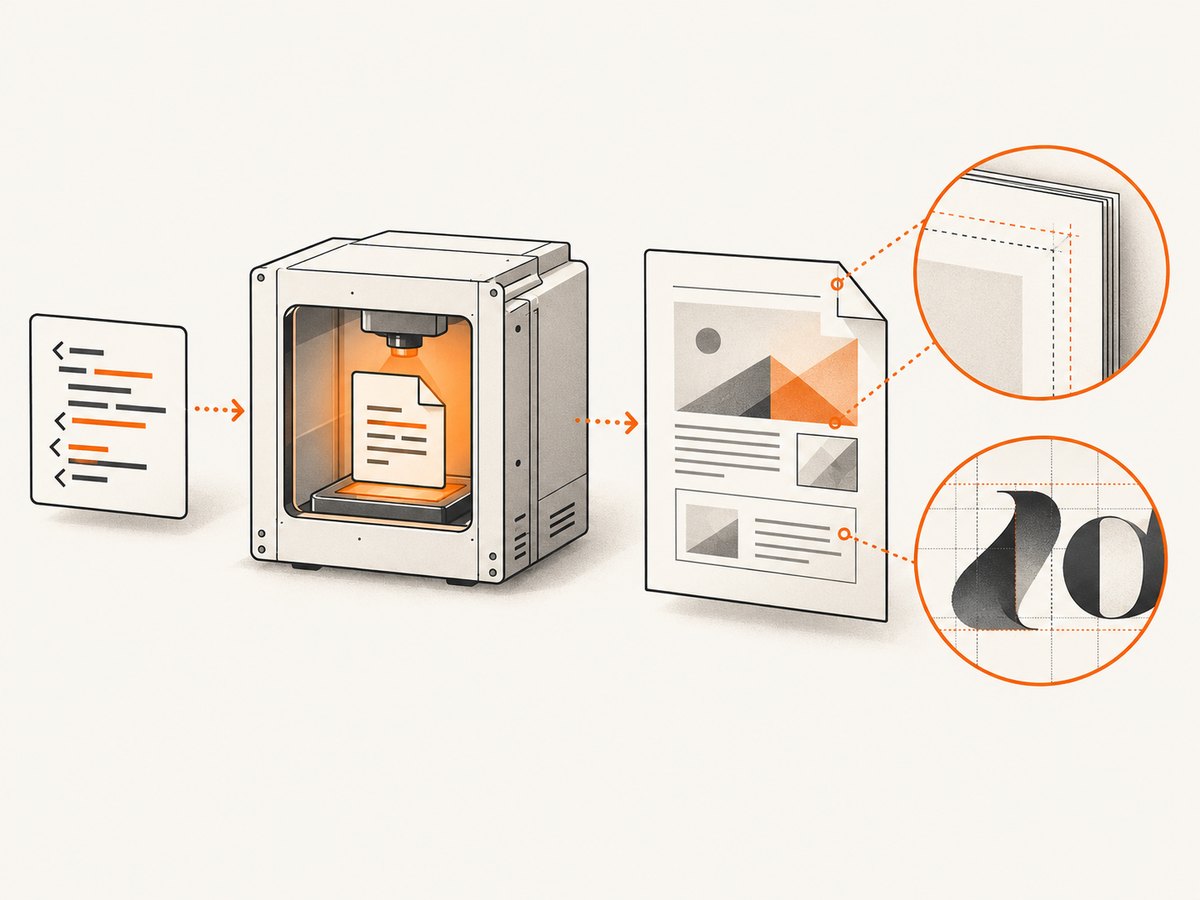
7. Minimal conversion examples
Java
import com.itextpdf.html2pdf.HtmlConverter;
import java.io.File;

public class ConvertHtml {
    public static void main(String[] args) throws Exception {
        HtmlConverter.convertToPdf(
            new File("input.html"),
            new File("output.pdf")
        );
    }
}
Place your pinned pdfHTML dependency on the classpath, then run the converter against a small fixture before adding the full application template. Keep CSS and font assets available at stable paths or URLs that the converter can read.
HTML fixture for a support test
<!doctype html>
<html>
<head>
  <meta charset="utf-8">
  <style>
    @page { size: A4; margin: 18mm; }
    .layout { display: grid; grid-template-columns: 1fr 1fr; gap: 12px; }
    .card { border: 1px solid #333; border-radius: 6px; padding: 12px; }
    .card::before { content: "Item"; font-weight: bold; }
  </style>
</head>
<body>
  <main class="layout">
    <section class="card">First card</section>
    <section class="card">Second card</section>
  </main>
</body>
</html>
This fixture exercises Grid, borders, border radius, padding, generated content and a page rule. Replace one declaration at a time when isolating a mismatch.
8. Troubleshooting checklist
| Symptom | Likely cause | Fix |
|---|---|---|
| A shadow or filter is missing | The matrix marks box-shadow, filter or backdrop-filter unsupported. |
Use a border, background image or pre-rendered asset. |
| Grid order differs | Grid order is unsupported. |
Change source DOM order or use explicit Grid placement. |
| Pages break in unexpected places | Fixed-page layout, long content or unsupported break values. | Use supported page-break rules, explicit wrappers and shorter blocks; test the exact release. |
| Text wraps differently | Font loading, font metrics, width or line-height differences. | Embed or provide the intended font, set explicit sizes and inspect the generated PDF. |
| A selector works in a browser but not in the PDF | The selector or pseudo-element is outside the supported list, or the project uses an older release. | Check the versioned matrix and replace it with a simpler selector. |
| CSS variables have no effect | CSS custom properties are not implemented. | Emit resolved values in the HTML or generate a stylesheet without variables. |
| Content is clipped or overflows | Overflow and intrinsic sizing behavior is partial, and PDFs have fixed page boxes. | Use explicit widths/heights, normal flow and page-aware wrappers. |
| Demo Lab succeeds but production differs | Demo Lab uses the latest release, while production uses another version or different fonts/assets. | Reproduce with the locked production dependencies and resources. |
9. Performance, reliability and cost considerations
- Keep conversion fixtures small while debugging; isolate one property or module before testing the full document.
- Large images, remote fonts and complex nested layouts increase conversion work and can change pagination when an asset is unavailable.
- Cache stable assets and make resource paths deterministic so repeated conversions use the same inputs.
- Pin versions and review release notes before upgrading. The 6.3.3 Grid pagination and list-rendering fixes show that output and performance can change between releases.
- For reliability, treat the generated PDF as the artifact to validate. A successful conversion process does not prove that every CSS declaration was applied.
10. FAQ
Does pdfHTML support CSS Grid?
Yes, the current matrix lists substantial Grid support, including templates, areas, auto-placement settings and row/column placement. Test pagination and nested layouts with your exact version.
Does iText pdfHTML support flexbox?
Yes. The matrix lists the principal flex container and item properties. Flex behavior expanded in pdfHTML 6.3.0, so older dependencies may differ.
Is pdfHTML a browser replacement?
No. It converts HTML into fixed PDF pages and does not reproduce all interactive, viewport or animation behavior.
Where can I check a property not listed here?
Search the official feature matrix, then run a minimal conversion with the exact dependency version in your application.
11. Or skip the browser setup
If your goal is a clean visual capture of an HTML page rather than a paginated iText PDF, ScreenshotNeo provides a single screenshot API request. It accepts the cookie or consent banner like a visitor, removes more than 60 known consent platforms plus newsletter popups and chat widgets before capture, and lets each cleanup step be turned off.
curl -G "https://api.screenshotneo.com/v1/shot" -d access_key=YOUR_API_KEY --data-urlencode url=https://stripe.com -o shot.webpimport requests
r = requests.get("https://api.screenshotneo.com/v1/shot", params={"access_key": "YOUR_API_KEY", "url": "https://stripe.com"}, timeout=90)
open("shot.webp", "wb").write(r.content)const q = new URLSearchParams({ access_key: 'YOUR_API_KEY', url: 'https://stripe.com' });
const res = await fetch(`https://api.screenshotneo.com/v1/shot?${q}`);See the ScreenshotNeo API documentation for the request options. Bot checks, blank pages, timeouts, failed loads and cache hits are not billed, and response headers identify the page verdict and whether the shot was billed. ScreenshotNeo also provides an MCP server with take_screenshot, get_page_info and capture_pdf tools for Claude, Cursor and other MCP clients. The Free plan includes 1,000 screenshots per month with no card; paid plans start at $5 for 3,000 shots. Create a free ScreenshotNeo account.


