HTML to PDF with iTextSharp: Handling Multiple Fonts and Unicode
Fix missing Cyrillic, Arabic, and multilingual glyphs in iTextSharp HTML-to-PDF by registering fonts, preserving UTF-8, and testing shaping.
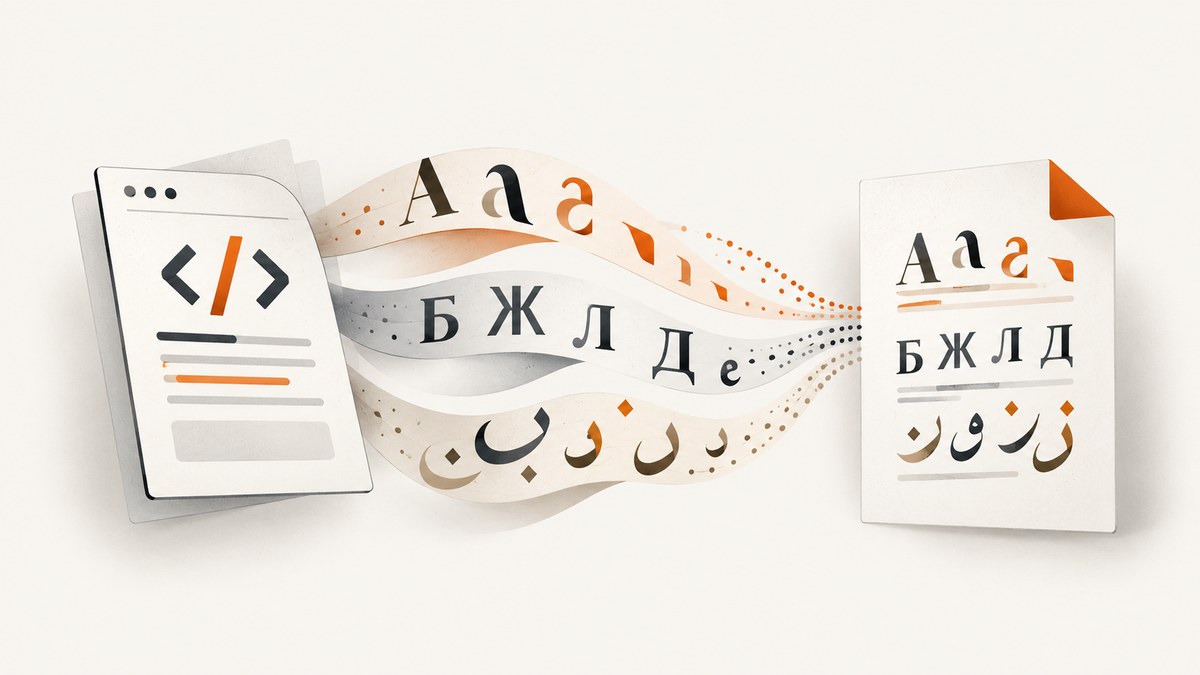
When iTextSharp and XML Worker produce missing, substituted, or malformed Cyrillic, Arabic, or other Unicode characters, fix three separate inputs: the HTML encoding, the registered font files, and the font family names used in CSS. A font declaration alone is not enough.
This guide targets the legacy iTextSharp/iText 5 plus XML Worker stack. Current iText 7 pdfHTML uses a different conversion path and its APIs should not be copied into an XML Worker project without checking compatibility.
1. The working solution
- Save the HTML bytes in the encoding you intend to parse, normally UTF-8.
- Pass that same encoding to
XMLWorkerHelper.ParseXHtml. - Register every TrueType font file required by the HTML with
XMLWorkerFontProvider. - Use the registered family name in CSS.
- Verify glyph coverage, right-to-left order, shaping, text extraction, and rendering with the exact XML Worker version deployed.
XML Worker cannot load an arbitrary font merely because CSS names it. The provider must know the font resource, and the selected font must contain the characters in the document. The iText examples for Cyrillic and Arabic demonstrate explicit registration and matching CSS family names.
2. Complete C# example with multiple fonts
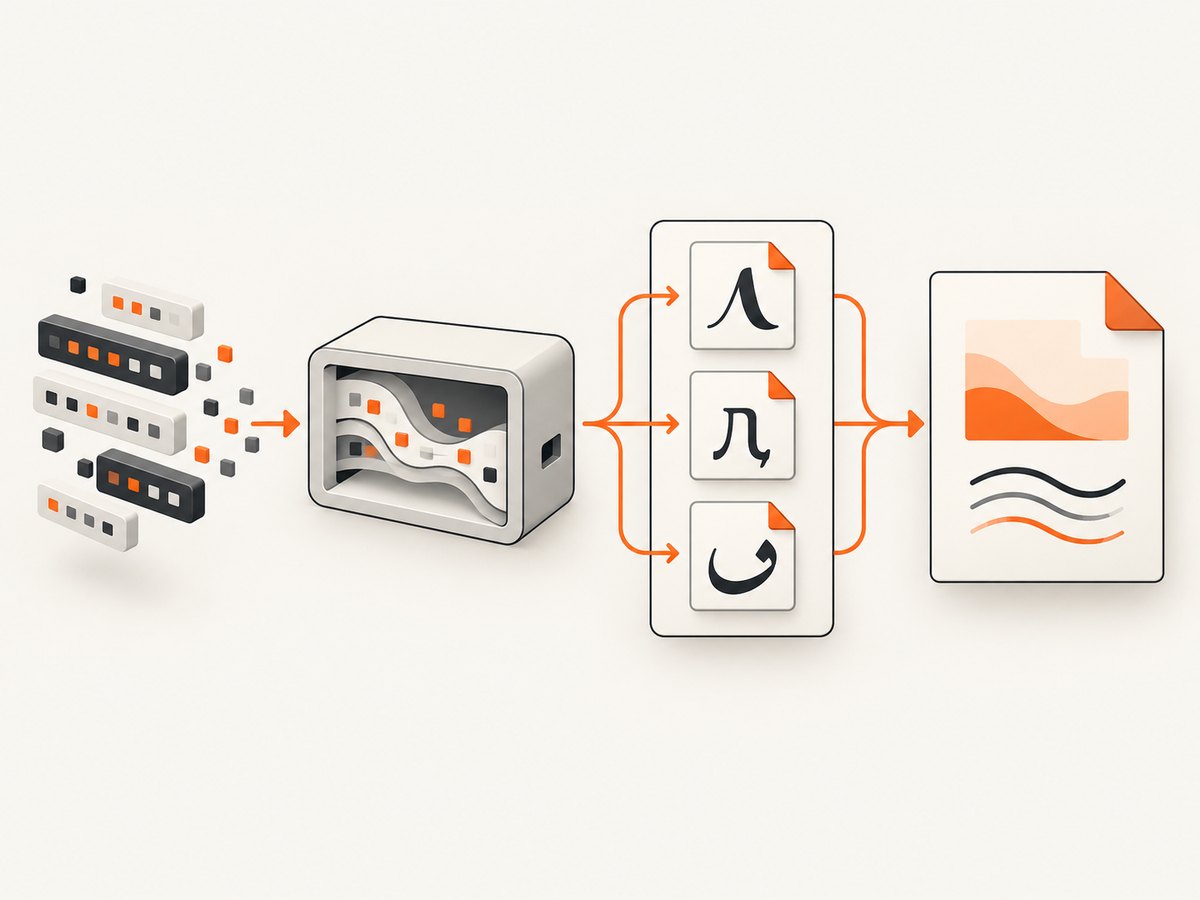
The following example registers separate Latin, Cyrillic, and Arabic fonts, creates UTF-8 HTML, and writes a PDF. Put the font files in a controlled application directory and deploy them with the application.
using System;
using System.IO;
using System.Text;
using iTextSharp.text;
using iTextSharp.text.pdf;
using iTextSharp.tool.xml;
using iTextSharp.tool.xml.pipeline.css;
using iTextSharp.tool.xml.pipeline.html;
using iTextSharp.tool.xml.pipeline.end;
using iTextSharp.tool.xml.pipeline;

class Program
{
    static void Main()
    {
        string outputPath = "unicode-output.pdf";
        string latinFont = Path.Combine("fonts", "DejaVuSans.ttf");
        string cyrillicFont = Path.Combine("fonts", "FreeSans.ttf");
        string arabicFont = Path.Combine("fonts", "NotoNaskhArabic-Regular.ttf");

        string html = @"
<html>
<head>
  <meta charset='utf-8'>
  <style>
    body { font-family: 'DejaVu Sans'; }
    .cyrillic { font-family: 'FreeSans'; }
    .arabic { font-family: 'Noto Naskh Arabic'; direction: rtl; }
  </style>
</head>
<body>
  <h1>Multilingual invoice</h1>
  <p>English: Hello, κόσμος, नमस्ते</p>
  <p class='cyrillic'>Cyrillic: Привет, мир</p>
  <p class='arabic'>العربية: مرحباً بالعالم</p>
</body>
</html>";

        using (var document = new Document(PageSize.A4))
        using (var output = File.Create(outputPath))
        {
            PdfWriter writer = PdfWriter.GetInstance(document, output);
            document.Open();

            var fontProvider = new XMLWorkerFontProvider(
                XMLWorkerFontProvider.DONTLOOKFORFONTS);
            fontProvider.Register(latinFont, "DejaVu Sans");
            fontProvider.Register(cyrillicFont, "FreeSans");
            fontProvider.Register(arabicFont, "Noto Naskh Arabic");

            using (var htmlStream = new MemoryStream(Encoding.UTF8.GetBytes(html)))
            {
                XMLWorkerHelper.GetInstance().ParseXHtml(
                    writer,
                    document,
                    htmlStream,
                    Encoding.UTF8,
                    fontProvider);
            }
        }

        Console.WriteLine("Wrote " + outputPath);
    }
}
Use package versions that belong together: iTextSharp/iText 5 core and the matching XML Worker package. Check the .NET package signatures because some XML Worker API references describe the Java class rather than the .NET assembly.
Font family names must match
The second argument to Register is the family name XML Worker should resolve. Use that exact name in CSS. A filename such as NotoNaskhArabic-Regular.ttf is not automatically the CSS family name. If you omit the explicit name, inspect the font metadata and test the resolved family in your deployed version.
Register every weight and style you use
If the HTML asks for bold or italic, register files that actually provide those faces when the font requires separate files. A regular face may render normal text while bold text falls back or loses glyphs. Keep family naming consistent across regular, bold, italic, and bold-italic registrations.
3. Encoding: preserve the characters before font selection
Font registration cannot repair text that was decoded incorrectly. Make the source bytes, HTML declaration, and parser encoding agree.
byte[] utf8Bytes = File.ReadAllBytes("template.html");
using (var htmlStream = new MemoryStream(utf8Bytes))
{
    XMLWorkerHelper.GetInstance().ParseXHtml(
        writer, document, htmlStream, Encoding.UTF8, fontProvider);
}
If your source is Windows-1252, ISO-8859-1, UTF-16, or another encoding, decode it with the actual encoding and convert deliberately. Do not label non-UTF-8 bytes as UTF-8. For generated strings, use Encoding.UTF8.GetBytes(html) and include <meta charset='utf-8'>.
4. Choosing fonts for multilingual documents
| Decision | What to verify |
|---|---|
| Glyph coverage | The font contains every character, punctuation mark, combining mark, and symbol used by the document. |
| Deployment | The same font files exist at predictable paths on every server, container, worker, and build artifact. |
| Embedding rights | The font license permits embedding in generated PDFs and redistribution with your application. |
| Visual design | Metrics, weights, line height, and fallback behavior match the intended layout. |
| Script behavior | The deployed XML Worker version handles the script’s shaping and bidirectional layout adequately. |
Unicode-capable does not mean universal. A font can cover Cyrillic but lack Arabic shaping support, or cover Arabic letters while missing a mathematical symbol. Select fonts by the actual text set and test representative samples.
5. Arabic, right-to-left text, and shaping
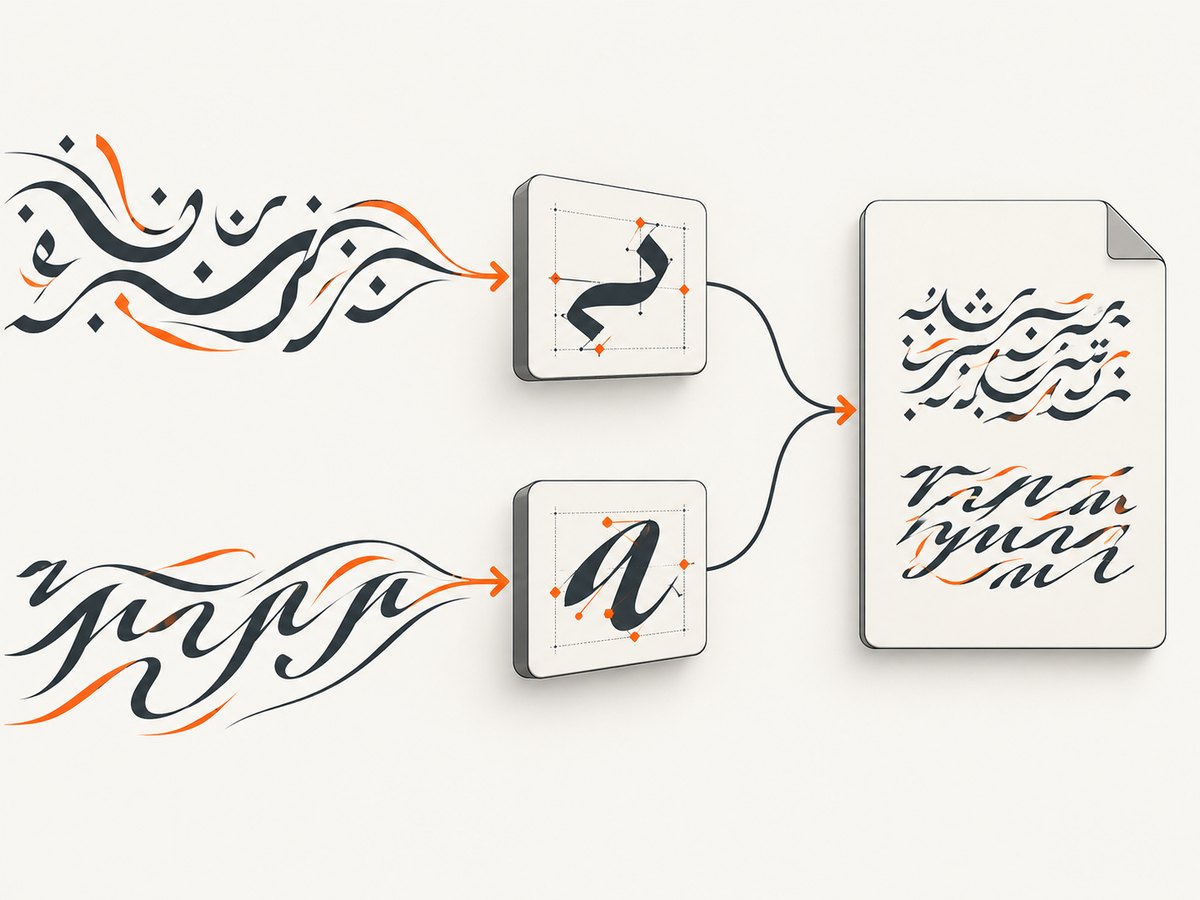
Arabic has two distinct requirements: the font must contain Arabic glyphs, and the converter must shape and order the script correctly. Registering Noto Naskh Arabic and declaring that family addresses font availability; it does not guarantee that every legacy XML Worker version will perform all shaping and bidirectional layout required by your content.
<p class="arabic" dir="rtl" style="font-family:'Noto Naskh Arabic';">
  مرحباً بالعالم
</p>
Test connected letters, diacritics, mixed Arabic and Latin text, numbers, punctuation, and right-to-left table cells. Verify both the visual PDF and extracted text. If the exact XML Worker release cannot produce acceptable shaping, evaluate a supported newer conversion path rather than assuming another font registration will solve it.
6. Cyrillic and mixed-script text
For Cyrillic, use a registered family with Cyrillic coverage and reference it explicitly:
<p style="font-family:'FreeSans';">
  Привет, мир — Добро пожаловать
</p>
Mixed-script paragraphs can use one family only when that family covers all scripts. Otherwise assign families per span or use a deliberate fallback strategy. Do not rely on whatever fonts happen to be installed on the developer workstation.
7. Restrict font lookup for predictable deployments
XML Worker performance guidance uses a provider configured not to search broadly and registers only the fonts used by the HTML. This reduces environment-dependent selection and makes missing resources visible during deployment.
var provider = new XMLWorkerFontProvider(
    XMLWorkerFontProvider.DONTLOOKFORFONTS);
provider.Register("fonts/DejaVuSans.ttf", "DejaVu Sans");
provider.Register("fonts/NotoNaskhArabic-Regular.ttf", "Noto Naskh Arabic");
Use explicit absolute or application-rooted paths after validating them. Log the resolved paths at startup, but do not expose private filesystem details in user-facing errors.
8. Handling CSS, fallback, and layout edge cases
- Inline versus stylesheet rules: confirm the selector that wins in the cascade actually names the registered family.
- Generic families:
sans-serifandserifmay resolve differently across machines. Prefer registered family names for required scripts. - Combining marks: test accented characters and marks separately from precomposed characters.
- Emoji and color fonts: legacy PDF pipelines may not support color-font tables. Provide a monochrome fallback or image asset where appropriate.
- Long words and line breaks: script shaping and font metrics can change wrapping. Recheck tables, invoices, and headers after changing fonts.
- Font size and leading: Arabic and other scripts may need more line height than Latin text.
- Missing glyph boxes: a visible empty square generally means the chosen font lacks the code point or the fallback was not available.
9. Troubleshooting checklist
| Symptom | Likely cause | Fix |
|---|---|---|
| Boxes or blank glyphs | Font lacks the character or was never registered. | Choose a font with coverage, register its file, and reference the registered family. |
| Question marks or unrelated symbols | Bytes were decoded with the wrong charset. | Identify the real source encoding and pass it to XML Worker; use UTF-8 consistently. |
| Cyrillic works but Arabic does not | Arabic font missing, wrong CSS family, or shaping/directionality limitation. | Register an Arabic font, set dir='rtl', and test the deployed XML Worker version. |
| HTML looks right in a browser but not in PDF | Browser fonts and shaping engines are not the same as XML Worker. | Bundle fonts, simplify unsupported CSS, and validate with PDF output. |
| Works locally, fails in production | Relative paths, missing files, permissions, or different package versions. | Ship fonts with the application, resolve paths from a known root, and log startup checks. |
| Bold or italic falls back | Only the regular face was registered. | Register the required face files and use consistent family/style metadata. |
| Text order is wrong | Bidirectional layout or mixed-direction markup is not handled as expected. | Use explicit direction attributes, isolate spans, and test the exact version with representative text. |
| Conversion is slow | Broad font discovery scans many directories. | Use DONTLOOKFORFONTS and register only required fonts. |
10. A repeatable validation plan
- Create a fixture containing every target alphabet, accented and combining characters, punctuation, numerals, and symbols.
- Generate a PDF in the same runtime and container image used in production.
- Inspect visible glyphs at normal and high zoom.
- Copy text from the PDF and compare it with the source string.
- Check Arabic joining, right-to-left order, mixed-direction paragraphs, and table cells.
- Repeat after changing font files, XML Worker versions, operating systems, or PDF viewers.
This plan is an editorial checklist derived from the separate concerns documented for font registration, Unicode decoding, and right-to-left handling; it is not a claim that a particular deployment has been tested.
11. Performance, reliability, and licensing
Performance
Register fonts once per conversion configuration instead of repeatedly discovering system fonts. Keep font files local to the deployment, avoid broad directory scans, and reuse stable application configuration where your hosting model permits.
Reliability
Pin compatible iTextSharp and XML Worker package versions, include fonts in deployment artifacts, and fail early when a required file is missing. A deterministic font directory is more reliable than depending on server-installed fonts.
Licensing
Font redistribution and PDF embedding rights depend on each font’s license and embedding permissions. Confirm those terms for every file before shipping it; the legacy examples demonstrate technical use but do not grant rights for arbitrary system fonts.
12. When a browser-based capture is the better fit
If your requirement is a rendered page capture or PDF of a live URL rather than server-side HTML conversion, ScreenshotNeo handles the browser setup through one request. It can capture PDFs with paper size, margins, landscape mode, and page ranges, while also supporting custom CSS, JavaScript, headers, cookies, authentication, waiting rules, and full-page loading.
13. Or skip the browser setup
Use the same URL capture call from your application and see the PDF and capture options in the ScreenshotNeo documentation.
curl -G "https://api.screenshotneo.com/v1/shot" -d access_key=YOUR_API_KEY --data-urlencode url=https://stripe.com -o shot.webpimport requests
r = requests.get("https://api.screenshotneo.com/v1/shot", params={"access_key": "YOUR_API_KEY", "url": "https://stripe.com"}, timeout=90)
open("shot.webp", "wb").write(r.content)const q = new URLSearchParams({ access_key: 'YOUR_API_KEY', url: 'https://stripe.com' });
const res = await fetch(`https://api.screenshotneo.com/v1/shot?${q}`);- Cookie and consent banners, newsletter popups, and chat widgets are removed before the shot.
- Bot checks, blank pages, failed loads, timeouts, and cache hits are not billed; response headers identify the page verdict and billing result.
- An MCP server lets Claude, Cursor, and other MCP clients use
take_screenshot,get_page_info, andcapture_pdf. - The Free plan includes 1,000 screenshots each month with no card; paid plans start at $5 for 3,000 shots.
Create a free ScreenshotNeo account to start with 1,000 screenshots a month and no card.
14. FAQ
Can I fix missing glyphs by changing only the CSS font-family?
No. The font file must be registered with XML Worker, and that file must contain the required glyphs.
Does UTF-8 guarantee Arabic rendering?
No. UTF-8 preserves character data; Arabic still requires suitable glyph coverage and correct shaping and bidirectional behavior in the deployed converter.
Should I use current pdfHTML examples in an iTextSharp XML Worker project?
Not without checking compatibility. pdfHTML is a newer conversion path with different APIs and behavior.
Why disable broad font lookup?
Explicit registration makes selection deterministic and avoids scanning unrelated font directories, which can also improve conversion performance.
How do I know whether a font may be embedded?
Read the font’s license and embedding permissions. Technical registration does not grant redistribution rights.


