How to Fix the iTextSharp SimpleTable Namespace Error
The right SimpleTable namespace depends on the iTextSharp package and version in your project. Identify the assembly first, then fix the import or switch to PdfPTable.
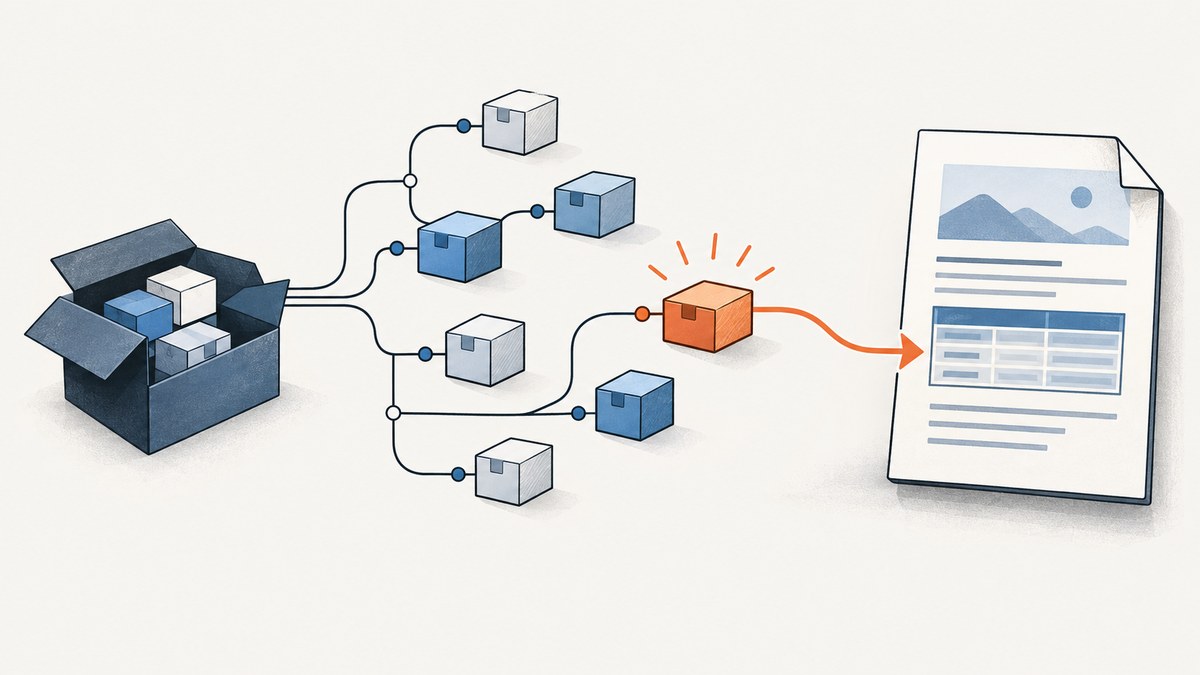
The fix depends on which iTextSharp distribution your project references. In older iTextSharp code, SimpleTable is handled in iTextSharp.text.pdf. In iTextSharp.LGPLv2.Core, the inspected source and API reference place SimpleTable in iTextSharp.text. Confirm the installed package and version before changing your using statement. If you only need an ordinary PDF table, use PdfPTable from the namespace documented for your package.
There is no one import that fixes every “The type or namespace name ‘SimpleTable’ could not be found” error. A wrong namespace is one possibility; a missing package, incompatible version, or reference in a different project can produce a similar message. This guide walks through identifying which case you have, gives runnable C# examples, and shows the simpler table alternative.
1. Identify the package and version
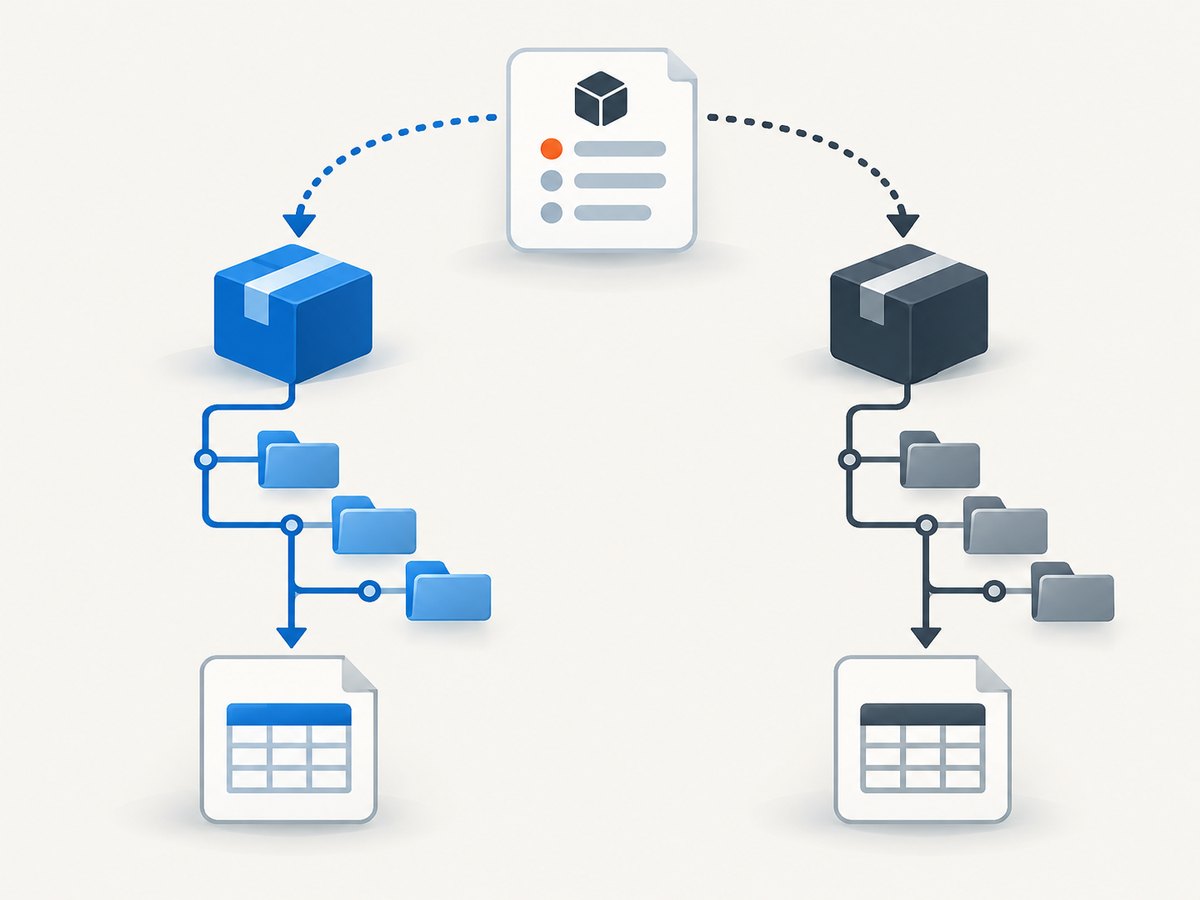
First inspect the dependency actually resolved by the project that fails to compile. The product name “iTextSharp” is used for related but distinct .NET distributions. An import copied from a Java example, another .NET package, or a different version can therefore be wrong for your project.
- Read the complete compiler diagnostic. Note whether it names
SimpleTable, the namespace, or an assembly reference. - Check the failing project’s
.csproj, package manager, or lock file for the package ID and resolved version. - Look up
SimpleTablein that package’s API documentation or source. Copy the C# namespace shown there. - Confirm the package is referenced by the project being built, then rebuild.
For example, older iTextSharp source has ColumnText in iTextSharp.text.pdf and handles SimpleTable there. The iTextSharp.LGPLv2.Core source declares Table.cs in iTextSharp.text, creates a SimpleTable, and its 3.4.21 API reference lists the type under iTextSharp.text. These are package-specific findings, not a universal rule. See the [older iTextSharp source](https://github.com/WolfeReiter/iTextSharp/blob/master/iTextSharp/text/pdf/ColumnText.cs), [LGPLv2.Core source](https://github.com/VahidN/iTextSharp.LGPLv2.Core/blob/master/src/iTextSharp.LGPLv2.Core/iTextSharp/text/Table.cs), and [LGPLv2.Core API reference](https://docs.dndocs.com/n/iTextSharp.LGPLv2.Core/3.4.21/api/iTextSharp.text.SimpleTable.html).
2. Apply the namespace that matches your package
If your package documentation says the type is in iTextSharp.text.pdf, add that namespace and keep the rest of your existing code unchanged:
using iTextSharp.text.pdf;

// Use only if your installed package exposes SimpleTable here.
SimpleTable table = new SimpleTable();
If you use iTextSharp.LGPLv2.Core and the installed version exposes it in iTextSharp.text, the corresponding import is:
using iTextSharp.text;

// Use only if your installed package exposes SimpleTable here.
SimpleTable table = new SimpleTable();
If both namespaces are already imported, qualify the type to remove ambiguity and verify which definition the compiler can resolve:
iTextSharp.text.SimpleTable table = new iTextSharp.text.SimpleTable();Use the fully qualified form only when that is the namespace your package actually documents. Adding both imports blindly can hide the real problem, and qualifying a type cannot create a missing assembly reference.
3. Check the project reference before changing code
When no candidate namespace works, check whether the project compiling the file references the package that contains the type. In a multi-project solution, a package installed in a web app or test project is not automatically available in a separate class library. A project can also compile against a different version than the one you expected.
For an SDK-style project, a package reference often looks like this; substitute the package ID and version that your application intentionally uses:
<ItemGroup>
  <PackageReference Include="iTextSharp.LGPLv2.Core" Version="3.4.21" />
</ItemGroup>
This is an example of a project reference, not a recommendation to upgrade or switch distributions. If your project uses a different package, preserve its identity and consult its own API. After correcting the reference or import, restore dependencies and rebuild the specific project. Check the resolved dependency list when package management reports a different version from the project file.
4. Use PdfPTable for a regular PDF table
If your goal is simply to put rows and columns into a PDF, PdfPTable is a practical alternative to legacy code that depends on SimpleTable. The iText 5 knowledge-base example demonstrates PdfPTable, but its code is Java; do not paste Java imports or lowercase Java method names into a C# project. Translate the API idea and use the C# namespace documented for your installed package. [iText’s simple table example](https://kb.itextpdf.com/it5kb/101-a-very-simple-table) shows the Java version.
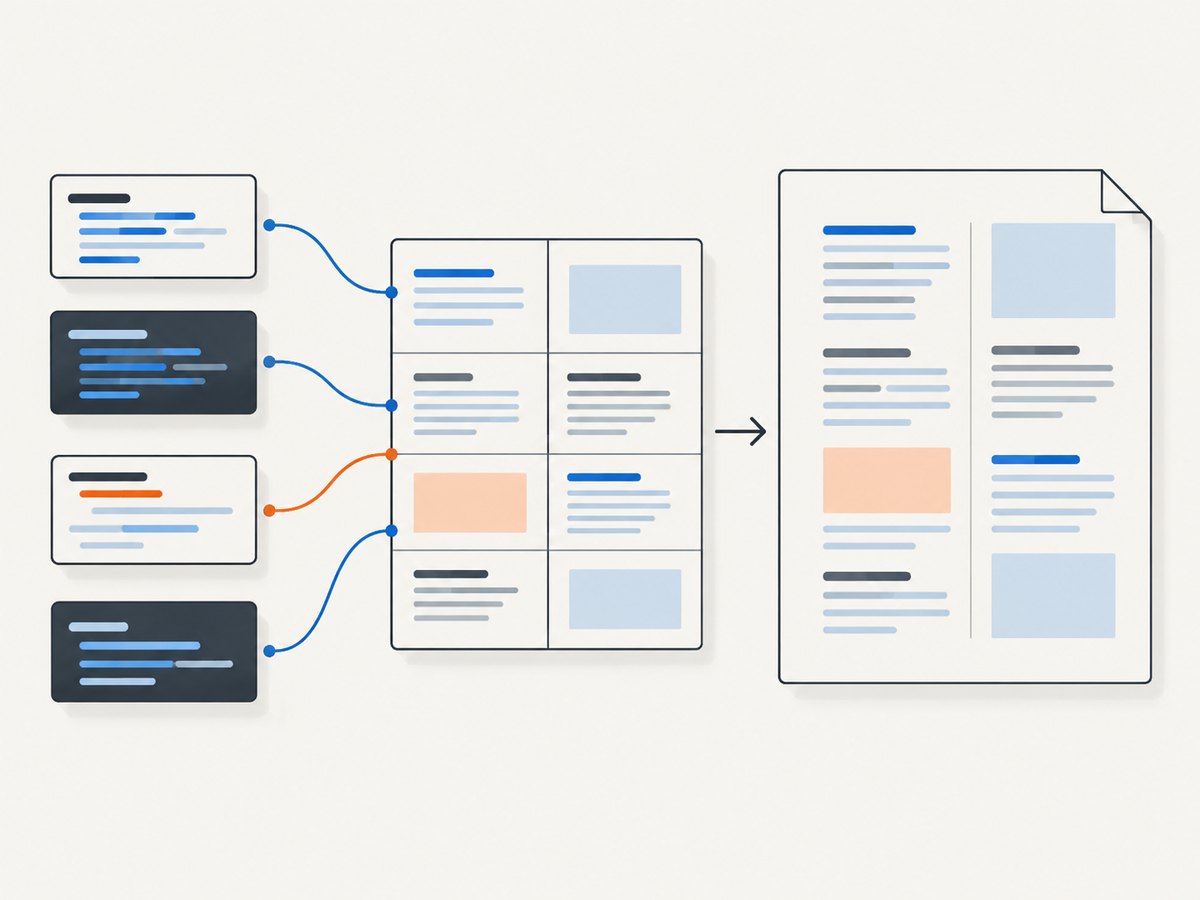
A common older iTextSharp-style C# pattern is shown below. Confirm that the selected package exposes these APIs; this is illustrative and is not tested against every package or target framework.
using System.IO;
using iTextSharp.text;
using iTextSharp.text.pdf;

public static class CreateTablePdf
{
    public static void Main()
    {
        using (var output = File.Create("table.pdf"))
        using (var document = new Document())
        {
            PdfWriter.GetInstance(document, output);
            document.Open();

            var table = new PdfPTable(2);
            table.AddCell("First");
            table.AddCell("Second");
            table.AddCell("Third");
            table.AddCell("Fourth");
            document.Add(table);
        }
    }
}
This creates a two-column table and adds four cells. The table API places cells in sequence, so each pair fills a row. A different package may have different setup requirements or API surface. If this snippet fails to compile, use the exact package documentation rather than assuming the error is still about SimpleTable.
5. Understand what the error does and does not mean
| Compiler symptom | Likely area to inspect | Next step |
|---|---|---|
SimpleTable cannot be found |
Namespace or type availability | Search the installed package docs/source for the type. |
iTextSharp namespace cannot be found |
Missing or unresolved package reference | Check the failing project’s package references and restore output. |
| Works in one project but not another | Project-specific dependency or target framework | Compare resolved packages for both projects. |
| Ambiguous type name | Multiple imported namespaces or definitions | Use the fully qualified name shown in the relevant package docs. |
| Compiler recognizes type but API call fails | Version/API mismatch | Check method and constructor signatures in that version’s C# reference. |
A namespace import only lets source code refer to names defined by a referenced assembly. It does not install a package, repair a target framework mismatch, or guarantee a class exists in every distribution. Treat those as separate diagnostic steps.
6. Troubleshooting common fixes that fail
“I added both using statements and it still fails”
Imports only affect name lookup. Verify the package reference and whether your package contains SimpleTable at all. Search the package’s API docs or source; if the type is absent, choose a supported API such as PdfPTable.
“It compiles in another sample”
The sample may target a different package, version, or framework. Compare its dependency declaration and C# imports with the project that fails. Do not infer a C# namespace from a Java snippet: Java package names such as com.itextpdf.text.pdf are not C# namespace instructions.
“The package is in the solution, but the type is missing”
Confirm the package is referenced by the exact project compiling the file. Check the resolved version after restore. A package in a neighboring project does not imply that the compiler includes it in this one.
“The type resolves, but my SimpleTable code still fails”
Then the namespace error is fixed and a separate API mismatch remains. Compare the constructor, methods, and expected table-event usage against the versioned API reference. The inspected LGPLv2.Core source creates SimpleTable internally while converting a Table into a PdfPTable; that does not establish that every distribution supports the same public usage pattern.
“A clean rebuild did not help”
A rebuild cannot resolve a wrong package ID or namespace. Recheck the dependency graph and the exact compiler project. Use the full diagnostic and resolved package information to narrow the problem before changing more imports.
7. Make the fix reliable and easy to maintain
- Keep the package ID and version visible in the project configuration or lock file used by your build.
- Use documentation matching that resolved version, not a search result for a similarly named distribution.
- Keep package references at the project level where the code uses them.
- Prefer a stable, supported table API such as
PdfPTablefor straightforward tabular output when that fits your package and existing application. - After a package change, rebuild the affected project and inspect the first compiler error. Later errors may be consequences of the first unresolved type.
These steps avoid guessing across versions and reduce repeated debugging when another developer restores the solution on a different machine. They do not promise that code written for one iTextSharp distribution will be source-compatible with another.
Or skip the browser setup
If you also need screenshots of the PDF documentation page, ScreenshotNeo captures a URL with one request. It is a website screenshot API and MCP server from [ScreenshotNeo](https://screenshotneo.com), not a replacement for diagnosing your C# dependency.
cURL:
curl -G "https://api.screenshotneo.com/v1/shot" -d access_key=YOUR_API_KEY --data-urlencode url=https://stripe.com -o shot.webpPython:
import requests
r = requests.get("https://api.screenshotneo.com/v1/shot", params={"access_key": "YOUR_API_KEY", "url": "https://stripe.com"}, timeout=90)
open("shot.webp", "wb").write(r.content)
Node.js:
const q = new URLSearchParams({ access_key: 'YOUR_API_KEY', url: 'https://stripe.com' });
const res = await fetch(`https://api.screenshotneo.com/v1/shot?${q}`);
See the [ScreenshotNeo API docs](https://screenshotneo.com/docs/) for request options. Cookie banners, popups, and chat widgets are removed before the shot; each step can be turned off. Bot checks, blank pages, timeouts, and failed loads are not billed, and cache hits cost nothing. The response reports the page verdict and billing status in headers. Its MCP server gives AI agents tools to take screenshots, get page information, and capture PDFs. The free plan includes 1,000 screenshots a month with no card; paid plans start at $5 for 3,000 screenshots.
Sign up free for 1,000 screenshots a month, with no card.
FAQ
Is SimpleTable the same as PdfPTable?
No. They are distinct type names. PdfPTable is a practical option for regular tables; use the API available in your package.
Can I use Java imports in iTextSharp?
No. iTextSharp is a .NET library. Java examples help illustrate table concepts, but their package names and syntax are not C# guidance.
What information should I include when asking for help?
Provide the full compiler message, package ID and resolved version, target framework, the relevant using statements, and a small code sample. Those details distinguish namespace, dependency, and API-version problems.
Does the title alone tell me the right using statement?
No. The exact package and version determine whether the type exists and which namespace it uses. Check the resolved dependency before applying an import.


