JA3/JA4 TLS Fingerprinting: A Guide for Web Scraping
Learn what JA3 and JA4 reveal about a scraper’s TLS client, how to inspect the fingerprints, and how to use them as one signal in web scraping analysis.
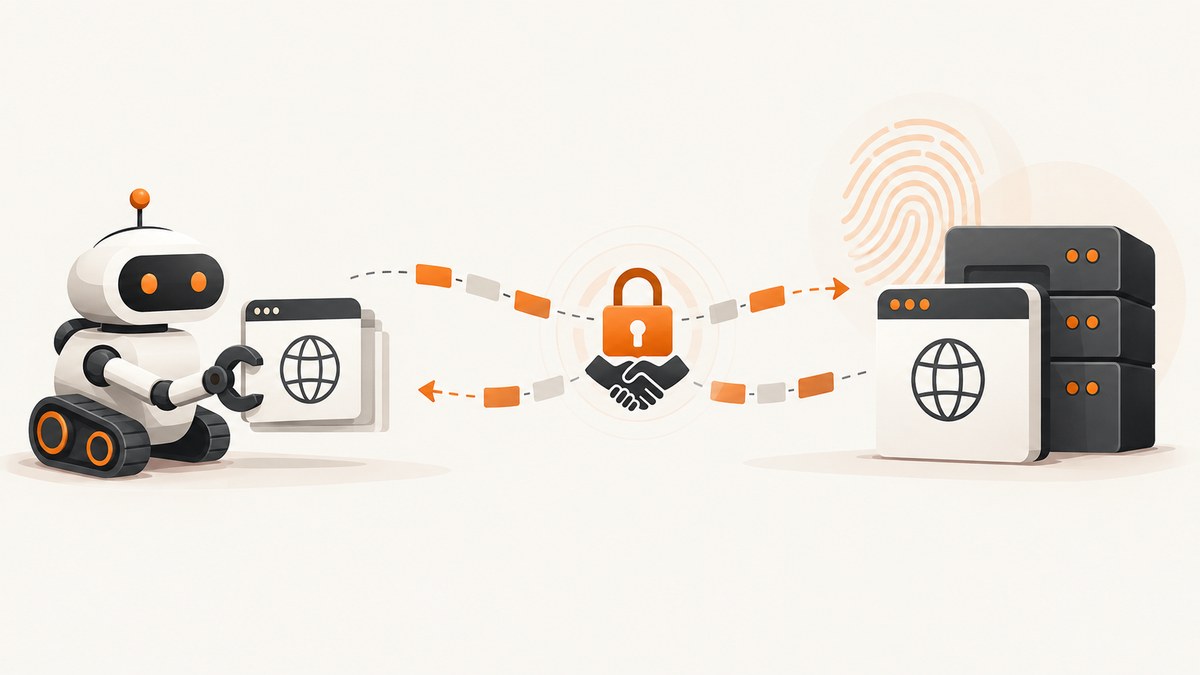
JA3 and JA4 are fingerprints derived from a client’s TLS ClientHello. A website or network sensor can use them to group connections that share similar TLS behavior, including connections made by scrapers. JA3 hashes ordered ClientHello fields; JA4 presents a readable prefix and normalized hashes, with explicit transport and ALPN information. Neither fingerprint proves who made a request or whether it is a scraper. For useful analysis, compare the fingerprint with HTTP behavior, headers, cookies, timing, and navigation context.
This guide explains what each fingerprint contains, how to inspect them with network tooling, how to compare them with an intended client profile, and what they can and cannot tell you. It focuses on measurement and diagnosis; changing one fingerprint is not a reliable general-purpose way to bypass anti-bot controls.
1. What a TLS fingerprint tells you
During a TLS connection, the client sends a ClientHello containing parameters such as supported versions, ciphers, extensions, and application protocols. A network sensor that can see the handshake can derive a compact representation of those values. Salesforce described JA3 as a way to create SSL/TLS client fingerprints that are easy to produce and share. Its original description says a JA3 hash represents the fingerprint of a TLS client application as seen by a network sensor such as Bro or Suricata.
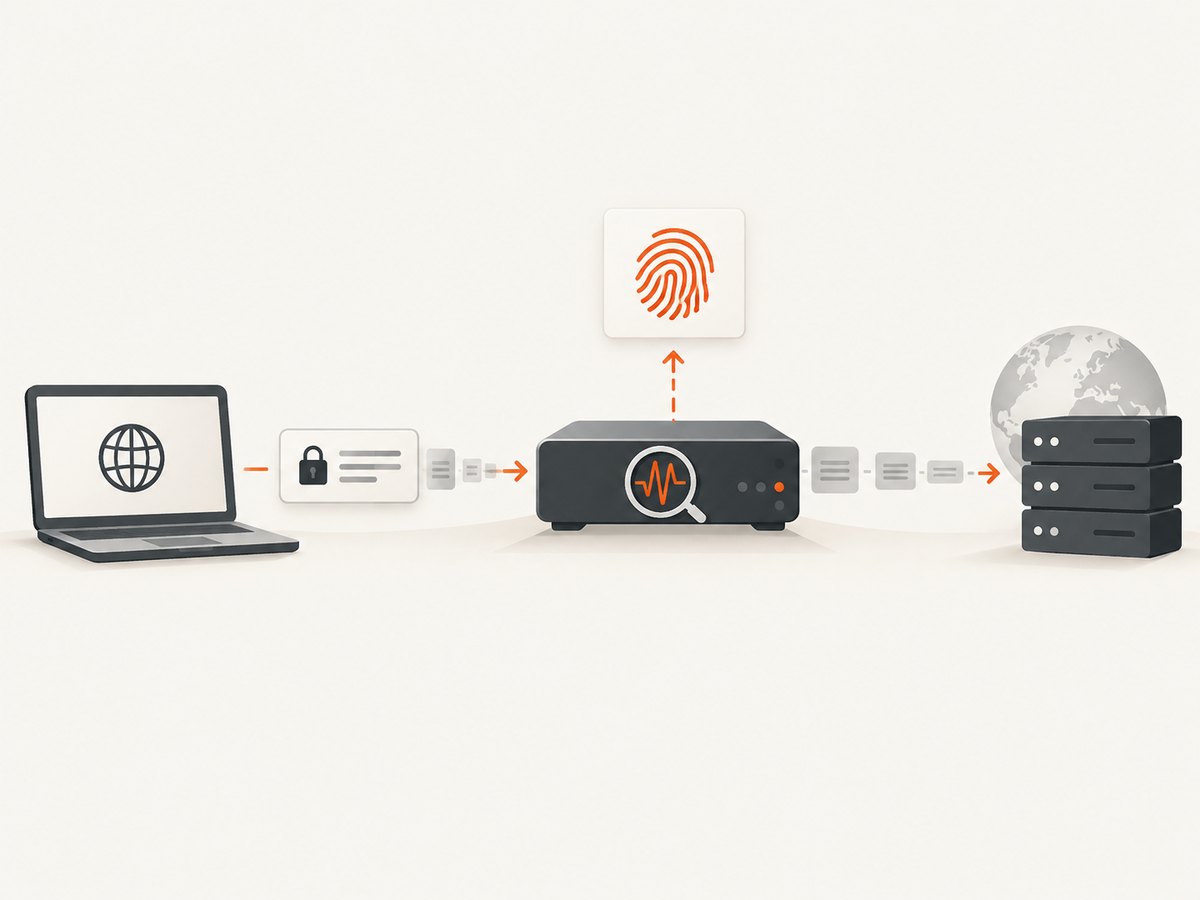
In a scraping investigation, this lets you group connections with similar ClientHello characteristics even when their destination IPs or certificates differ. It is a property of the observed handshake, not a stable user identifier. Browser upgrades, TLS-library changes, configuration, proxies, and transport choices can change the result. A shared fingerprint can also belong to many unrelated clients.
The fingerprint is only observable where the ClientHello is visible. TLS encryption protects later application data, but the handshake is available to a sensor at the network edge or another appropriate observation point. If a proxy terminates TLS, a sensor on the other side may see the proxy’s handshake instead of the originating client’s.
2. JA3: fields, normalization, and hash
JA3 builds a source string from five ordered ClientHello fields:
- SSL/TLS version
- Accepted cipher suites
- Extensions
- Elliptic curves (supported groups)
- Elliptic-curve point formats
The values are joined using commas between fields and hyphens within lists. GREASE values are removed before the string is constructed. JA3 then applies MD5 to the source string, producing a 32-character hexadecimal fingerprint. The hash makes values convenient to share and match, but it does not make the fingerprint cryptographic proof of identity or integrity.
Keep the source string when your tooling exposes it. A hash alone is compact, while the source string helps explain which ordered values produced a match. Implementations need consistent parsing and GREASE handling, or two sensors may report different values for the same handshake.
JA3S applies a related idea to the server response. Pairing JA3 with JA3S can describe both sides of a TLS negotiation, but scraper client analysis usually starts with JA3, which describes the client’s ClientHello.
3. JA4: a more readable fingerprint
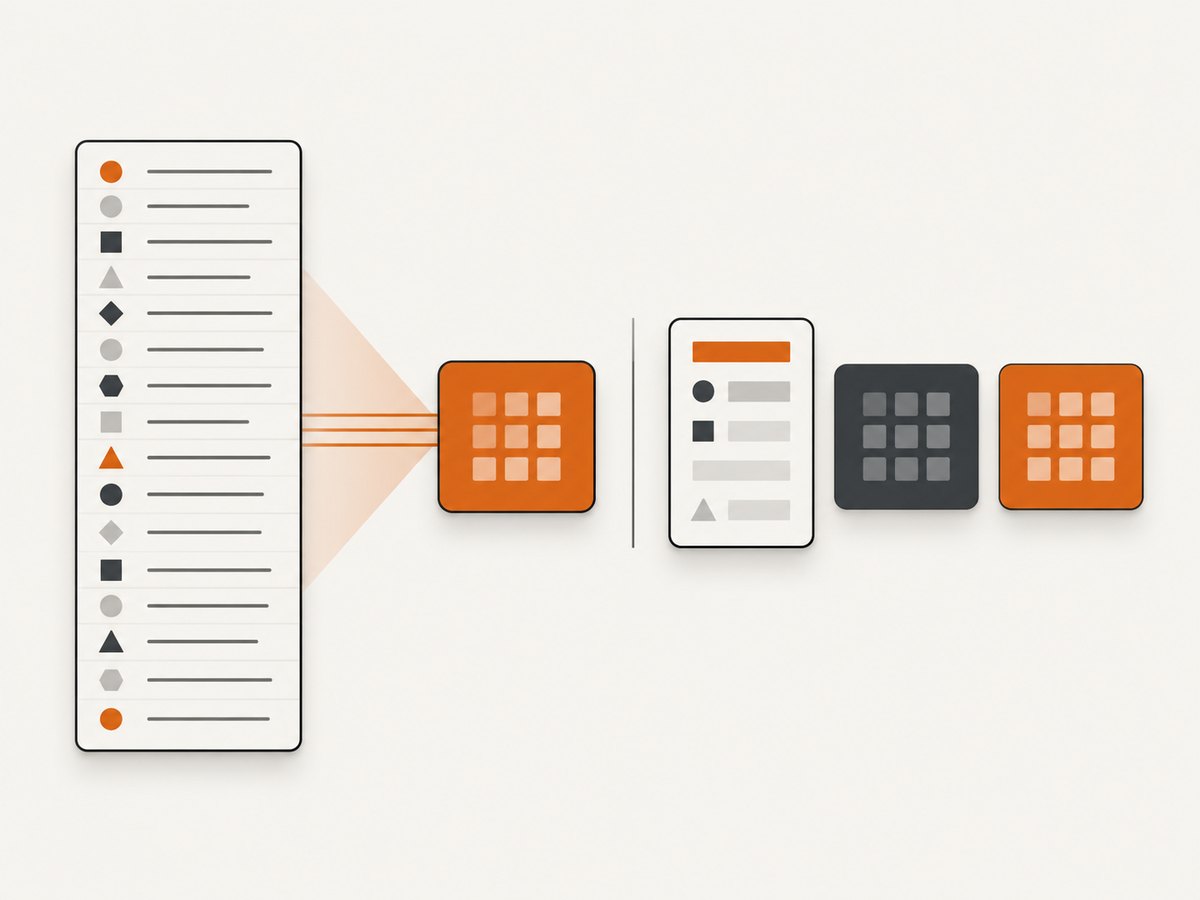
JA4 also fingerprints the TLS ClientHello, but its output keeps a readable prefix and separates the remaining data into truncated SHA-256 hashes. The prefix encodes:
- Transport:
tfor TLS over TCP,qfor QUIC, ordfor DTLS. - Negotiated TLS version.
- Whether SNI is present.
- The number of ciphers and extensions.
- A two-character marker derived from the first ALPN value.
After the underscore, JA4 has a hash for the normalized cipher list and another for normalized extensions plus signature algorithms. GREASE values are ignored. Normalization makes JA4 less sensitive to some ordering changes than a representation that directly preserves the raw list order.
The FoxIO specification gives this example: t13d1516h2_8daaf6152771_e5627efa2ab1. Read the prefix as TLS over TCP, TLS 1.3, SNI present, 15 ciphers, 16 extensions, and an ALPN marker of h2; the following fields are the cipher and extension/signature hashes.
JA4 is part of the JA4+ family. The related JA4H fingerprint describes HTTP client details. Use JA4 when the question concerns the TLS handshake; consider JA4H when the analysis needs HTTP-request-level characteristics. These are distinct layers and should not be treated as interchangeable.
4. JA3 vs. JA4: which should you use?
| Question | JA3 | JA4 |
|---|---|---|
| Can an analyst interpret the output quickly? | Usually requires the source string or implementation knowledge; the common output is a hash. | The prefix exposes transport, TLS version, SNI presence, counts, and ALPN marker. |
| How are list changes represented? | Uses ordered fields in its source string before hashing. | Uses normalized cipher and extension/signature data hashes. |
| Does it explicitly identify QUIC? | The classic JA3 structure is TLS-oriented. | Yes; the prefix distinguishes TLS over TCP, QUIC, and DTLS. |
| Does it include HTTP request details? | No. | No; JA4H is the related HTTP client fingerprint. |
| Should you replace existing JA3 rules? | Not automatically. It remains widely implemented. | Use it where your sensor supports it and the extra context is useful. |
Choose based on your sensor support, the traffic you observe, and the question you need to answer. JA3 remains common in existing analysis. JA4 provides a more readable structure and explicit transport and ALPN context, which is useful when TLS 1.3 and HTTP/3 are part of the traffic mix. Salesforce’s JA3 repository was archived on May 1, 2025 and points readers toward FoxIO for newer TLS fingerprinting work; that does not mean deployed JA3 integrations stop being useful.
5. Inspect fingerprints with network tooling
Suricata documents JA3 and JA4 support for TLS and QUIC clients. Its TLS configuration includes the app-layer.protocols.tls.ja3-fingerprints and ja4-fingerprints switches; rules can match buffers such as ja3.hash and ja3.string. Check the documentation for the configuration and rule syntax for the version you run. Zeek’s package catalog lists a Salesforce JA3 package and an official FoxIO JA4 package. Salesforce publishes JA3 scripts, while FoxIO publishes JA4 implementations and Wireshark-related tooling.
A practical inspection workflow is:
- Choose the observation point. Capture where the ClientHello is visible and record whether a proxy or TLS-terminating gateway sits between the client and sensor.
- Enable fingerprinting in the sensor. Confirm the sensor version supports the fingerprint and the observed transport. For Suricata, verify the relevant TLS fingerprint switches are enabled.
- Record context with the result. Store timestamp, source and destination context allowed by your policy, transport, ALPN, TLS version, and the sensor or parser version.
- Compare like with like. Establish the expected browser or HTTP-client profile and compare fingerprint, HTTP version, headers, cookies, request timing, and navigation pattern.
- Investigate clusters and changes. Look for a group of requests whose handshake and HTTP behavior differ from the expected client, then check for recent browser, library, proxy, or configuration changes.
For reproducible analysis, retain raw handshake data where permitted, normalize GREASE consistently, and version your fingerprinting implementation. A fingerprint change after a client update may be expected. The tooling tells you which values it observed; it does not decide whether the connection is malicious.
6. What a fingerprint means for a scraper
A scraping client’s TLS library and browser stack generate the ClientHello. A receiving service can observe and group handshakes that share a fingerprint. That can help identify clusters—for example, requests that claim to resemble a browser at the HTTP layer while sharing a different TLS profile. It is a useful discrepancy to investigate, not a standalone verdict.
Build a comparison across layers:
- TLS and transport: JA3 or JA4, TLS version, TCP versus QUIC, and ALPN.
- HTTP: HTTP version, headers, and, if relevant, JA4H details.
- Session: cookie continuity and authorization behavior.
- Operations: request timing, navigation sequence, retries, and response patterns.
- Collection context: observation point, proxy behavior, and sensor/parser version.
A fingerprint mismatch can have benign causes: a different TLS library, a browser update, an intermediary, or a transport change. Conversely, a matching value only means that the observed handshake maps to the same fingerprint under that implementation. The research sources provide no universal success rate, false-positive rate, or evasion benchmark for scraping, so do not infer one.
7. Common implementation and analysis mistakes
| Symptom | Likely cause | What to check |
|---|---|---|
| No fingerprint is logged | The sensor cannot see the ClientHello, fingerprinting is disabled, or the protocol parser did not classify the flow. | Capture location, TLS/QUIC support, sensor configuration, and parser logs. |
| JA3 differs between tools | Different parsing or GREASE handling, or the tools observed different handshakes. | Compare raw ClientHello fields, software versions, and capture points. |
| JA4 begins with an unexpected transport marker | The connection used QUIC or another transport, or the sensor saw a different leg of a proxied connection. | Check the actual transport and where TLS terminates. |
| A known fingerprint suddenly changes | Browser/TLS library update, changed configuration, proxy, or ALPN/transport change. | Correlate with deployment and client release dates; compare the full context. |
| A matching fingerprint is treated as a unique identity | The value is a grouping signal, not a unique user or device identifier. | Combine it with session and request evidence; avoid identity claims from the hash alone. |
| JA3 and JA4 results appear contradictory | They encode data differently and may differ in normalization and transport coverage. | Inspect the raw handshake and compare each method’s documented inputs. |
8. Performance, reliability, and operating cost
Fingerprint generation is a compact parsing and hashing operation performed by the network sensor. In practice, the larger operational questions are whether the sensor sees the handshake, whether its parser supports the traffic, and whether logs retain enough context for later interpretation. This guide does not claim a throughput benchmark; measure resource use with your own traffic volume, enabled rules, logging policy, and hardware.
For reliability, pin or record tool versions, validate a sample of fingerprints after upgrades, and keep a baseline for expected client updates. Avoid alerting on a fingerprint alone: use it to enrich a rule or investigation alongside HTTP and session behavior. Apply your normal retention and access controls to handshake and request logs. Cost depends on the sensor and deployment you choose; the cited research does not establish a universal licensing or infrastructure cost for fingerprinting.
9. Capture the page you are analyzing
TLS fingerprints describe connection setup; they do not give you a visual record of the page a browser rendered. For a visual capture, use a browser automation workflow or a screenshot API. If you need screenshots for debugging a page or documenting what a scraper-facing site displayed, ScreenshotNeo is a website screenshot API and MCP server for developers.
For a do-it-yourself browser capture, Playwright can launch Chromium and save a screenshot. Install it with npm install playwright, then install the browser with npx playwright install chromium. Save this as capture.mjs and run node capture.mjs https://example.com:
import { chromium } from 'playwright';

const target = process.argv[2];
if (!target) throw new Error('Usage: node capture.mjs https://example.com');

const browser = await chromium.launch({ headless: true });
try {
  const page = await browser.newPage({ viewport: { width: 1440, height: 900 } });
  await page.goto(target, { waitUntil: 'domcontentloaded', timeout: 30000 });
  await page.screenshot({ path: 'shot.png', fullPage: true });
} finally {
  await browser.close();
}
This is a basic visual capture example, not a JA3/JA4 collection method. Browser automation does not by itself expose fingerprints to your application; use a network sensor or suitable capture tooling for handshake analysis. Playwright’s navigation timeout and screenshot behavior can vary with site readiness, external resources, and browser version.
10. Or skip the browser setup
ScreenshotNeo takes a screenshot or PDF with one GET request. Its capture flow accepts the cookie/consent banner like a visitor and removes more than 60 known consent platforms, newsletter popups, and chat widgets before the shot; each step can be turned off. Bot checks/CAPTCHAs, blank pages, timeouts, failed loads, and cache hits cost nothing, and responses identify the page verdict and billing status in headers. Its MCP server provides take_screenshot, get_page_info, and capture_pdf for Claude, Cursor, and other MCP clients. The free plan includes 1,000 screenshots monthly with no card; paid plans start at $5 for 3,000. See the ScreenshotNeo docs for the API and options.
curl -G "https://api.screenshotneo.com/v1/shot" -d access_key=YOUR_API_KEY --data-urlencode url=https://example.com -o shot.webpimport requests
r = requests.get(
"https://api.screenshotneo.com/v1/shot",
params={"access_key": "YOUR_API_KEY", "url": "https://example.com"},
timeout=90,
)
open("shot.webp", "wb").write(r.content)const q = new URLSearchParams({ access_key: 'YOUR_API_KEY', url: 'https://example.com' });
const res = await fetch(`https://api.screenshotneo.com/v1/shot?${q}`);
if (!res.ok) throw new Error(`Screenshot request failed: ${res.status}`);
await Bun.write('shot.webp', new Uint8Array(await res.arrayBuffer()));Cookie banners, popups, and chat widgets are removed before the shot; bot checks, blank pages, and failed loads are never billed; AI agents can capture through the MCP server; 1,000 screenshots a month are free with no card and paid plans start at $5 for 3,000. Create a free ScreenshotNeo account.
11. Frequently asked questions
Can a website detect my scraper from its TLS fingerprint?
A service or network sensor can collect a fingerprint and use it to group observed handshakes. Whether that contributes to a decision depends on the rest of its detection logic; the fingerprint alone does not establish that a request came from a scraper.
Is JA4 better than JA3?
It depends on the task. JA4 makes some context easier to read and explicitly distinguishes QUIC from TLS over TCP. JA3 may be the practical choice when your existing sensor, rules, or historical data already rely on it.
Can I inspect JA3 or JA4 in a packet capture?
Use a compatible implementation or sensor that parses ClientHello data. Wireshark-related tooling exists in the FoxIO ecosystem, but support and displayed fields depend on the version and capture contents.
Does a JA3/JA4 value stay constant for a browser?
No. Browser and TLS-library updates, configuration, proxying, and transport can alter the observed handshake and therefore the fingerprint.


