How to Use Cookies in Java HTTP Requests
Send, store, reuse, inspect, and clear cookies in Java HTTP requests with HttpClient, CookieManager, Apache HttpClient, and manual headers.
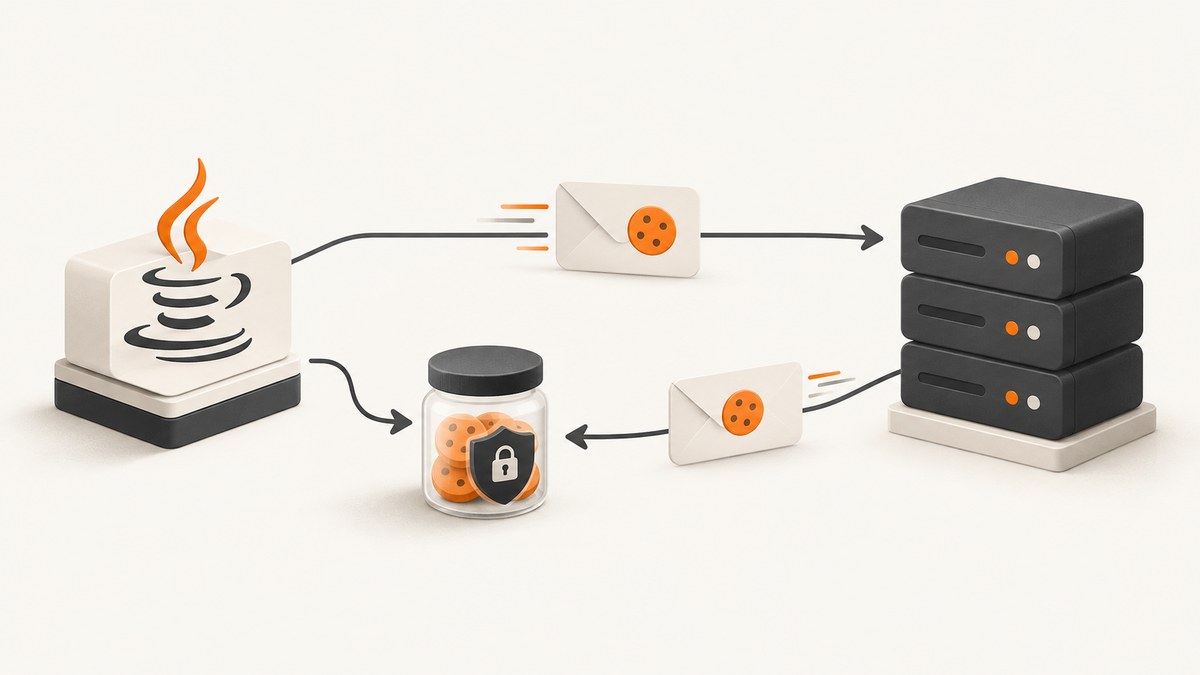
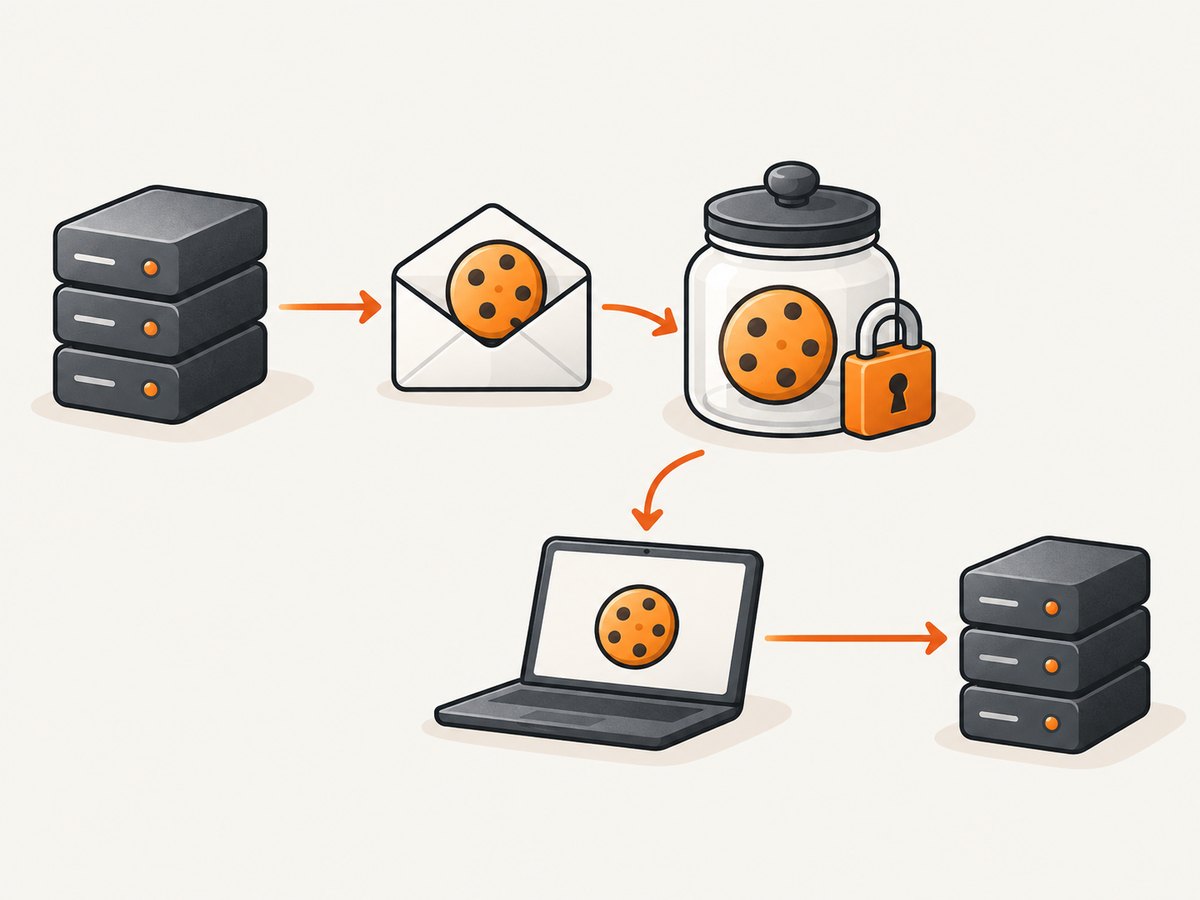
Direct answer: For Java 11 and later, attach one reusable CookieManager to one reusable HttpClient. The manager accepts cookies from Set-Cookie response headers, stores accepted values in a CookieStore, and adds matching cookies to later requests. Reusing the same client preserves the login session.
The HTTP cookie model is defined by RFC 6265: servers send state with Set-Cookie, and clients return matching values in a Cookie request header. Java’s HttpClient, CookieManager, and CookieStore implement this flow without an additional dependency.
Use CookieManager with Java HttpClient
This complete program logs in, keeps the cookies returned by the server, requests an authenticated page, prints the response, lists stored cookies, and clears the store when the session ends.
import java.net.CookieManager;
import java.net.CookiePolicy;
import java.net.HttpCookie;
import java.net.URI;
import java.net.http.HttpClient;
import java.net.http.HttpRequest;
import java.net.http.HttpResponse;

public class CookieSession {
    public static void main(String[] args) throws Exception {
        CookieManager cookieManager = new CookieManager(
                null,
                CookiePolicy.ACCEPT_ORIGINAL_SERVER
        );

        HttpClient client = HttpClient.newBuilder()
                .cookieHandler(cookieManager)
                .build();

        HttpRequest login = HttpRequest.newBuilder()
                .uri(URI.create("https://example.com/login"))
                .header("Content-Type", "application/x-www-form-urlencoded")
                .POST(HttpRequest.BodyPublishers.ofString(
                        "user=alice&password=secret"))
                .build();

        HttpResponse<String> loginResponse = client.send(
                login,
                HttpResponse.BodyHandlers.ofString()
        );

        System.out.println("Login status: " + loginResponse.statusCode());

        // Reuse the same client. Matching cookies are added automatically.
        HttpRequest account = HttpRequest.newBuilder()
                .uri(URI.create("https://example.com/account"))
                .GET()
                .build();

        HttpResponse<String> accountResponse = client.send(
                account,
                HttpResponse.BodyHandlers.ofString()
        );

        System.out.println("Account status: " + accountResponse.statusCode());
        System.out.println(accountResponse.body());

        for (HttpCookie cookie : cookieManager.getCookieStore().getCookies()) {
            System.out.println(cookie.getName() + "=" + cookie.getValue());
        }

        cookieManager.getCookieStore().removeAll();
    }
}
CookieManager is a concrete CookieHandler. It separates cookie storage from the policy that accepts or rejects cookies. Attaching it with HttpClient.Builder.cookieHandler makes the manager part of every request made by that client.
Why the client must be reused
The cookie store is held by the manager. Creating a new HttpClient or CookieManager for every request creates a new in-memory store, so the second request has no login cookie. Use one client per logical session, user, tenant, or job.
Choose a cookie policy
| Policy | Behavior | Typical use |
|---|---|---|
ACCEPT_ORIGINAL_SERVER |
Accept cookies from the origin server | Normal application sessions and a sensible default |
ACCEPT_ALL |
Accept cookies broadly | Controlled compatibility cases where the wider trust boundary is intentional |
ACCEPT_NONE |
Reject cookies | Stateless requests or explicit cookie blocking |
CookieManager manager = new CookieManager(
        null,
        CookiePolicy.ACCEPT_ORIGINAL_SERVER
);
Choose the policy for the session’s trust boundary. A separate manager and store per user or tenant prevents one session’s state from being reused by another.
Send one controlled cookie manually
For a fixed value, set the Cookie request header directly:
HttpRequest request = HttpRequest.newBuilder()
        .uri(URI.create("https://example.com/api"))
        .header("Cookie", "theme=dark")
        .GET()
        .build();

HttpResponse<String> response = HttpClient.newHttpClient().send(
        request,
        HttpResponse.BodyHandlers.ofString()
);
Manual handling is appropriate when the value is deliberately controlled, such as a test or a fixed preference. Your application then owns parsing Set-Cookie, expiry, domain and path matching, persistence, and secure transport rules. Never concatenate untrusted input into a Cookie header.
Inspect, persist, and clear cookies
Inspect the in-memory store
CookieStore store = cookieManager.getCookieStore();

for (HttpCookie cookie : store.getCookies()) {
    System.out.printf(
            "%s=%s domain=%s path=%s secure=%s maxAge=%d%n",
            cookie.getName(),
            cookie.getValue(),
            cookie.getDomain(),
            cookie.getPath(),
            cookie.getSecure(),
            cookie.getMaxAge()
    );
}
Clear a session
cookieManager.getCookieStore().removeAll();The default store is in memory. For persistence across process restarts, provide a custom CookieStore to CookieManager and protect its data like authentication credentials. Do not write Cookie or Set-Cookie values to ordinary logs.
Use a custom store boundary
CookieStore store = new MyEncryptedCookieStore();
CookieManager manager = new CookieManager(
        store,
        CookiePolicy.ACCEPT_ORIGINAL_SERVER
);
HttpClient client = HttpClient.newBuilder()
        .cookieHandler(manager)
        .build();
Your store must implement the standard CookieStore methods for adding, retrieving, and removing cookies. Keep one instance scoped to the session that owns the credentials.
Redirects, domains, paths, and secure cookies
- Redirects: A cookie is returned only when its domain and path match the redirected request. Test login flows that redirect from one host to another; those hosts do not automatically share cookies.
- Domain: Host-only cookies belong to the host that set them. Domain cookies can match subdomains according to RFC 6265 rules.
- Path: A cookie set for
/accountis not generally sent to an unrelated path such as/api. - Secure: A secure cookie is intended for HTTPS. Use HTTPS for login and authenticated requests.
- Expiry: Session cookies and persistent cookies are treated differently by their expiry attributes. Manual implementations must honor those attributes.
- SameSite: Browser SameSite behavior is not a substitute for server-side authorization. Java’s low-level HTTP client does not provide a browser security context, so design CSRF defenses separately.
Asynchronous requests with the same session
The same manager can be used with sendAsync. Keep the client alive and use the same instance for the complete sequence.
CookieManager manager = new CookieManager(null,
        CookiePolicy.ACCEPT_ORIGINAL_SERVER);
HttpClient client = HttpClient.newBuilder()
        .cookieHandler(manager)
        .build();

HttpRequest login = HttpRequest.newBuilder()
        .uri(URI.create("https://example.com/login"))
        .POST(HttpRequest.BodyPublishers.ofString("user=alice&password=secret"))
        .build();

client.sendAsync(login, HttpResponse.BodyHandlers.ofString())
        .thenCompose(loginResponse -> {
            HttpRequest account = HttpRequest.newBuilder()
                    .uri(URI.create("https://example.com/account"))
                    .GET()
                    .build();
            return client.sendAsync(account,
                    HttpResponse.BodyHandlers.ofString());
        })
        .thenAccept(response -> System.out.println(response.body()))
        .join();
If multiple concurrent jobs share one manager, they also share its cookies. Use separate clients and managers when those jobs represent different accounts.
Apache HttpClient alternative
Apache HttpClient is useful when a project already uses Apache or needs explicit cookie-spec compatibility. Apache HttpClient 4.5 documents STANDARD and STANDARD_STRICT RFC 6265 policies, plus DEFAULT, NETSCAPE, and IGNORE_COOKIES. Apache HttpClient 5 names the RFC 6265 profiles RELAXED and STRICT, with IGNORE available when cookie handling is disabled.
// Apache HttpClient 5 example
import org.apache.hc.client5.http.classic.methods.HttpGet;
import org.apache.hc.client5.http.impl.classic.CloseableHttpClient;
import org.apache.hc.client5.http.impl.classic.HttpClients;
import org.apache.hc.client5.http.impl.cookie.StandardCookieSpec;
import org.apache.hc.client5.http.config.RequestConfig;

RequestConfig config = RequestConfig.custom()
        .setCookieSpec(StandardCookieSpec.RELAXED)
        .build();

try (CloseableHttpClient client = HttpClients.custom()
        .setDefaultRequestConfig(config)
        .build()) {
    HttpGet request = new HttpGet("https://example.com/account");
    client.execute(request, response -> {
        System.out.println(response.getCode());
        return null;
    });
}
Pick the JDK client for a dependency-free standard-library solution. Pick Apache when its cookie-spec selection and compatibility behavior solve a known server requirement. In either stack, keep session scope, persistence, and logging boundaries explicit.
Common errors and fixes
| Symptom | Likely cause | Fix |
|---|---|---|
| Second request is unauthenticated | A new client or manager was created | Reuse the same HttpClient and CookieManager. |
| No cookie appears in the store | The policy rejected it, or the response did not contain Set-Cookie |
Inspect response headers, confirm the origin, and choose an appropriate policy. |
| Cookie is sent to the wrong endpoint | Manual header ignored domain/path rules | Use automatic management or validate scope before setting a manual header. |
| Login works but redirected page fails | The redirect targets another host or path | Check each response’s location and cookie attributes; hosts do not share cookies automatically. |
| Requests leak one user’s session | A shared manager is used across users or tenants | Create a manager and client per isolation boundary. |
| Authentication disappears after restart | The default store is in memory | Implement a protected persistent CookieStore if persistence is required. |
| Server rejects a hand-built cookie | Invalid syntax, stale value, or missing required cookie | Let CookieManager parse and match server cookies, or validate manual values carefully. |

Performance, reliability, and cost considerations
- Reuse clients: One reusable client avoids rebuilding session state and allows connection reuse.
- Bound requests: Set request timeouts and handle non-2xx responses before assuming login succeeded.
- Retry carefully: Retrying a request can repeat a state-changing operation. Retry only idempotent operations or use an application-level idempotency key.
- Keep stores small: Remove expired or completed-session cookies and avoid using one global store for unrelated accounts.
- Protect secrets: Cookies can be bearer credentials. Use HTTPS, restrict access to persistent stores, and redact values from logs and traces.
- Dependency choice: The JDK client has no extra dependency. Apache adds policy and compatibility options at the cost of another dependency and version to manage.
Or skip the browser setup
If your goal is to capture an authenticated or public page as an image or PDF, ScreenshotNeo provides a website screenshot API and MCP server. It accepts a URL in one GET request and can use custom headers and cookies when the page requires them. See the ScreenshotNeo API documentation for the full option list.
curl -G "https://api.screenshotneo.com/v1/shot" \
  -d access_key=YOUR_API_KEY \
  --data-urlencode url=https://stripe.com \
  -o shot.webp
import requests
r = requests.get(
"https://api.screenshotneo.com/v1/shot",
params={"access_key": "YOUR_API_KEY", "url": "https://stripe.com"},
timeout=90,
)
open("shot.webp", "wb").write(r.content)const q = new URLSearchParams({
access_key: 'YOUR_API_KEY',
url: 'https://stripe.com'
});
const res = await fetch(`https://api.screenshotneo.com/v1/shot?${q}`);Cookie banners, newsletter popups, and chat widgets are removed before the shot. Bot checks, blank pages, failed loads, timeouts, and cache hits are never billed, and the response identifies the page verdict and billing status with X-Page-Verdict and X-Billed headers. An MCP server lets Claude, Cursor, and other MCP clients take screenshots. The free plan includes 1,000 screenshots a month with no card; paid plans start at $5 for 3,000.
Create a free ScreenshotNeo account and start with 1,000 screenshots per month at no charge.
FAQ
Does Java HttpClient send cookies automatically?
Only when a CookieHandler, usually a CookieManager, is attached to the client. Without one, manage the Cookie header yourself.
Can I share one CookieManager between threads?
Use one manager only when the requests belong to the same logical session. For separate users or tenants, create separate managers and clients even if the code runs concurrently.
How do I disable cookies?
Use CookiePolicy.ACCEPT_NONE, or omit the cookie handler and avoid setting a manual Cookie header.
Should I store cookies in a database?
Only when a session must survive process restarts. Encrypt or otherwise protect the store, limit access, and delete expired or revoked sessions.
When should I use Apache HttpClient?
Use it when the application already depends on Apache or needs its explicit RFC 6265 compatibility profiles. The JDK client is sufficient for a dependency-free implementation.


