How to Run JavaScript After a Plotly.js Image Finishes Loading
Run code after Plotly renders a chart or exports an image. Choose the right promise or event, with runnable examples and troubleshooting.
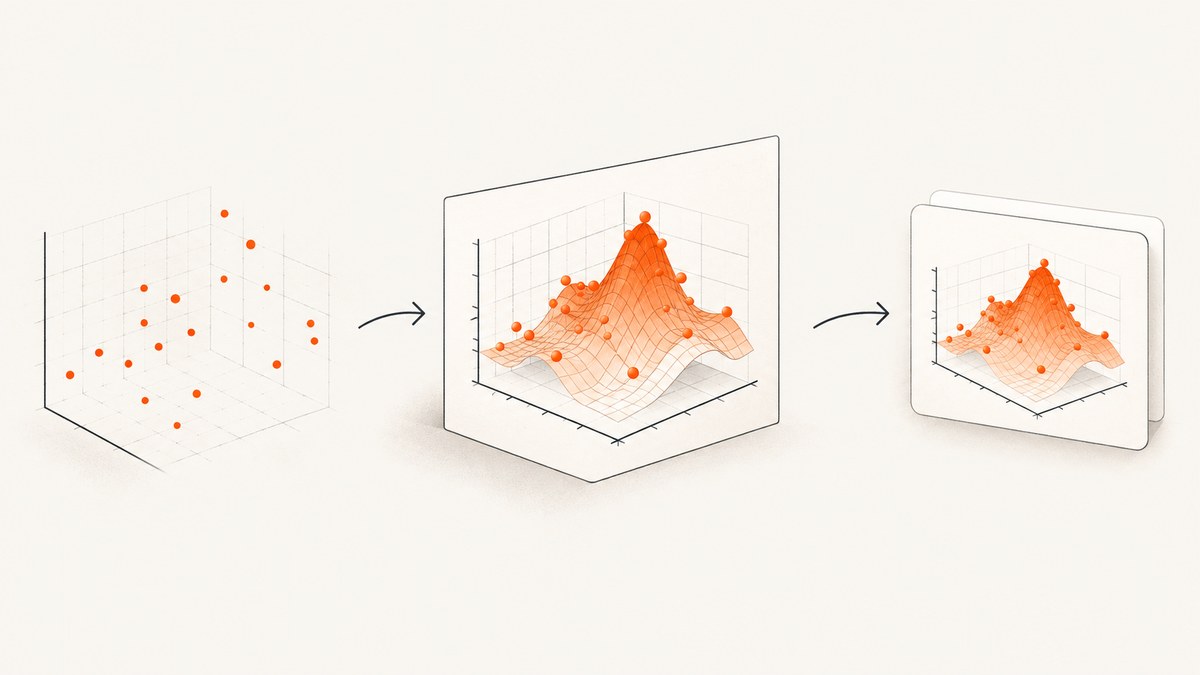
Use the promise returned by Plotly.newPlot when your code should run once after the initial chart render. Use the graph div’s plotly_afterplot event when your code should run after every plot pass, including updates. If by “image” you mean a static file or data URL exported from the chart, await Plotly.toImage. These are separate completion points: a chart render, export generation, and the browser displaying an <img> are not the same thing.
The examples below use Plotly’s documented JavaScript API. See the official event guide, function reference, and static image export guide for the API details.
1. Choose the completion signal
| What should be complete? | Use | What it means |
|---|---|---|
| Initial interactive chart rendering | Plotly.newPlot(...).then(...) |
The initial plot call has completed. |
| Every chart plotting pass | graphDiv.on('plotly_afterplot', handler) |
The chart was plotted again. This may happen more than once. |
| Static image export | await Plotly.toImage(...) |
Plotly has produced the exported image data URL. |
Browser display or decoding of an <img> |
Use the browser image element’s own load or decode mechanism | This is a later browser milestone; the Plotly export promise alone does not document it. |
Plotly documents plotly_afterplot as an event that can run each time a chart is plotted, including after restyling or relayout. Attach the listener before plotting if it must catch the initial pass. The promise from newPlot is simpler for a one-time action tied to that initial call.
2. Run code after the initial chart render
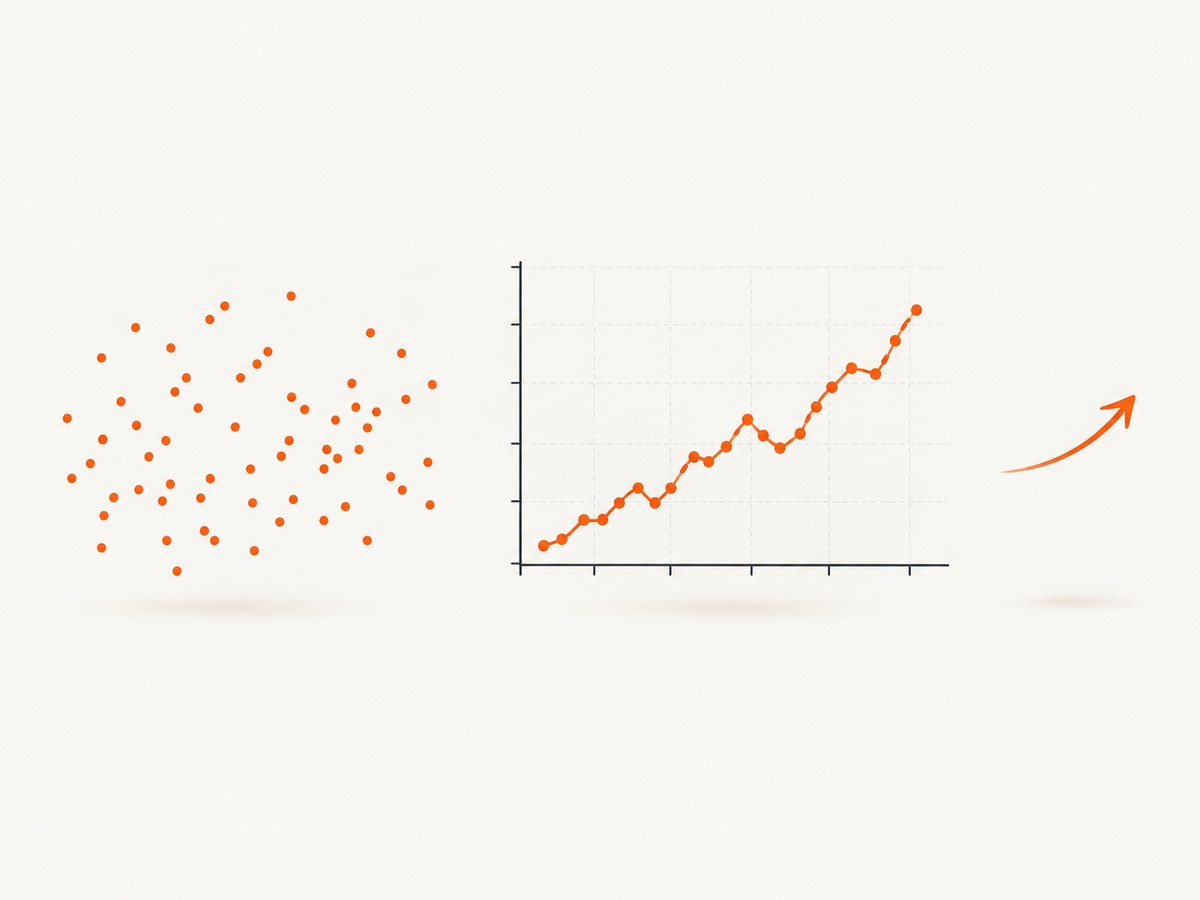
Plotly.newPlot draws a new plot into a div and returns a promise. Put the follow-up work in .then (or use await) so it runs after that plotting call completes rather than after an arbitrary delay.
<!doctype html>
<html>
<head>
  <meta charset="utf-8">
  <script src="https://cdn.plot.ly/plotly-2.35.2.min.js"></script>
</head>
<body>
  <div id="myDiv" style="width:800px;height:500px"></div>
  <script>
    const data = [{
      x: [1, 2, 3, 4],
      y: [1, 4, 2, 5],
      type: 'scatter',
      mode: 'lines+markers'
    }];
    const layout = { title: 'Example chart' };

    Plotly.newPlot('myDiv', data, layout)
      .then((gd) => {
        console.log('Initial plot call completed');
        runMyCode(gd);
      })
      .catch((error) => {
        console.error('Could not create plot:', error);
      });

    function runMyCode(graphDiv) {
      // Read or act on the rendered graph div here.
      graphDiv.dataset.rendered = 'true';
    }
  </script>
</body>
</html>
The callback receives the graph div, so pass it into helper functions instead of looking it up again. The error handler matters when later work depends on a successful plot: it gives the page a defined failure path. In a module or other async function, the equivalent is:
async function draw() {
  const gd = document.getElementById('myDiv');
  try {
    await Plotly.newPlot(gd, data, layout);
    runMyCode(gd);
  } catch (error) {
    console.error('Plot creation failed:', error);
  }
}
This signals completion of the plot call, not a guarantee that unrelated page work, animations, fonts, or other assets have finished. If your callback needs another resource, wait for that resource using its own API.
3. Run code after every plotting pass
Use plotly_afterplot for work that must happen after the initial plot and later redraws. Register the handler before calling newPlot, and remember that a redraw can invoke it again.
const gd = document.getElementById('myDiv');

gd.on('plotly_afterplot', () => {
  updateOverlay(gd);
});

Plotly.newPlot(gd, data, layout).catch((error) => {
  console.error('Plot creation failed:', error);
});

function updateOverlay(graphDiv) {
  // Keep this safe to run after both initial rendering and updates.
  graphDiv.dataset.lastPlotPass = String(Date.now());
}
Because the event can recur, make the handler idempotent where possible: running it twice should not duplicate overlays, attach duplicate listeners, or append repeated DOM nodes. If setup belongs only to the first render, use a flag or the one-time promise pattern instead. For updates, keep the same graph div and use the Plotly update operation appropriate to your case; the event is intended to observe each plotting pass.
4. Wait for a Plotly static image export
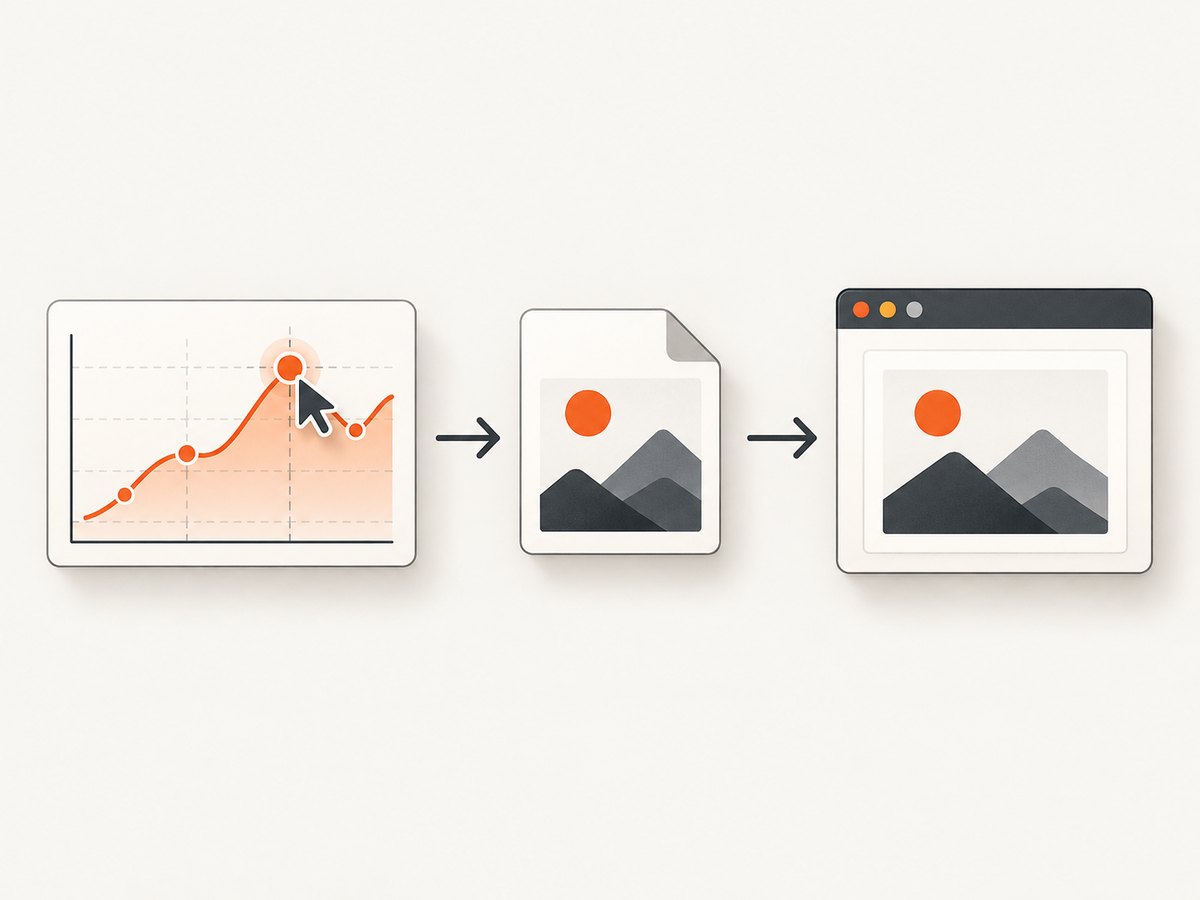
If “image” means an exported PNG, JPEG, or other supported image representation, wait for Plotly.toImage. Plotly documents it as returning a promise for image data; its export guide shows chaining export after the plot and assigning the result to an image element.
<div id="myDiv" style="width:800px;height:500px"></div>
<img id="exportedImage" alt="Export of the chart">
<script>
  async function makeExport() {
    const gd = document.getElementById('myDiv');
    const img = document.getElementById('exportedImage');

    try {
      await Plotly.newPlot(gd, data, layout);
      const imageUrl = await Plotly.toImage(gd, {
        format: 'png',
        width: 800,
        height: 600
      });
      img.src = imageUrl;
      console.log('Plotly produced the image data URL');
    } catch (error) {
      console.error('Plot render or export failed:', error);
    }
  }

  makeExport();
</script>
Here toImage completing means Plotly produced the URL. Assigning src starts the browser’s work to display that image. If your next step specifically depends on the browser having loaded the assigned image, await the image element separately:
function waitForImage(img) {
  if (img.complete && img.naturalWidth > 0) return Promise.resolve();

  return new Promise((resolve, reject) => {
    img.addEventListener('load', resolve, { once: true });
    img.addEventListener('error', () => reject(new Error('Image failed to load')), {
      once: true
    });
  });
}

const imageUrl = await Plotly.toImage(gd, { format: 'png', width: 800, height: 600 });
img.src = imageUrl;
await waitForImage(img);
runAfterBrowserImageLoad(img);
This last step is browser image-element handling, not an additional guarantee supplied by Plotly’s toImage promise. The immediate complete check covers an image whose load finished before listeners were attached; naturalWidth distinguishes a successfully loaded image from a failed or empty one.
5. Common edge cases
- Listener registered too late: if you attach
plotly_afterplotafter the initial pass, that first event may already have happened. Register it beforenewPlot. - Callback fires more than once: this is expected for
plotly_afterplotafter restyle, relayout, or another plot pass. UsenewPlot’s promise for one-time initial work. - Wrong milestone:
newPlotcompletion is not export completion. AwaittoImageafter the chart is ready. - Image URL is ready but the element is not: set
img.src, then observe the image element’s load/decode state if that is what your code needs. - Code assumes all page resources are ready: plot completion is scoped to Plotly’s call. Wait independently for data fetches, fonts, or other resources your follow-up action uses.
- Multiple charts: attach an event handler to each graph div and keep each callback’s graph reference separate. Avoid sharing mutable state unless it is intentionally coordinated.
- Component teardown: in a single-page application, detach handlers when disposing of a chart so stale callbacks do not update removed UI. Follow your framework’s lifecycle conventions.
6. Troubleshooting
| Symptom | Likely cause | Fix |
|---|---|---|
| The callback never runs | The plot failed, the listener was attached after the event, or the target div was not found. | Check the console and div lookup; attach the event before plotting; add a rejection handler to the promise. |
| The callback runs repeatedly | plotly_afterplot runs for each plotting pass. |
Use newPlot(...).then(...) for initial-only work, or make the event handler safe to repeat. |
| The exported image is missing | The code did not await toImage, or export failed. |
Await its promise and catch errors before setting src. |
| The next line runs before image display | The export URL was produced, but the browser is still handling the image element. | After assigning src, wait for the element’s load or use its decode() promise where supported. |
| Overlay or listener duplicates accumulate | Setup code runs after each event without checking prior state. | Make setup idempotent, update existing nodes, or perform one-time setup from the promise. |
| A timeout-based workaround is flaky | A fixed delay does not indicate that Plotly or the browser finished the relevant work. | Use the promise or event corresponding to the milestone instead of guessing a delay. |
7. Reliability, performance, and cost
Promises and lifecycle events avoid choosing an arbitrary sleep interval. That improves reliability when charts take different amounts of time to render and avoids adding unnecessary delay on fast loads. Keep post-render callbacks short: expensive DOM work or synchronous computation can make the page feel unresponsive even though the chart itself is ready. Move heavy work off the critical interaction path when the application architecture allows it.
Static export adds work after rendering, so only call toImage when an export is needed. Use dimensions appropriate to the output rather than creating unnecessarily large images. If an export is repeated for identical chart state, consider caching the result in your application; invalidate it when the data or visual configuration changes.
Plotly.js is open-source software according to its official repository. This browser-side approach does not require a screenshot API. If your workflow instead needs screenshots of whole web pages, a hosted capture API has its own request and usage costs; evaluate its billing rules and failure handling against your needs.
8. Or skip the browser setup
For a screenshot of a web page rather than a Plotly chart export, ScreenshotNeo is a website screenshot API and MCP server from Yorker Media. A GET request returns a PNG, JPEG, WebP, or PDF. See the API documentation for request options.
curl -G "https://api.screenshotneo.com/v1/shot" -d access_key=YOUR_API_KEY --data-urlencode url=https://stripe.com -o shot.webpimport requests
r = requests.get(
"https://api.screenshotneo.com/v1/shot",
params={"access_key": "YOUR_API_KEY", "url": "https://stripe.com"},
timeout=90,
)
open("shot.webp", "wb").write(r.content)const q = new URLSearchParams({ access_key: 'YOUR_API_KEY', url: 'https://stripe.com' });
const res = await fetch(`https://api.screenshotneo.com/v1/shot?${q}`);
const bytes = new Uint8Array(await res.arrayBuffer());ScreenshotNeo accepts cookie and consent banners and removes more than 60 known consent platforms, newsletter popups, and chat widgets before capture; each step can be turned off. Bot checks, blank pages, timeouts, failed loads, and cache hits cost nothing, and response headers report the page verdict and billing status. Its MCP server exposes take_screenshot, get_page_info, and capture_pdf for Claude, Cursor, and other MCP clients. The Free plan includes 1,000 shots each month with no card; paid plans start at $5 for 3,000 shots. Every feature is on every plan.
Sign up for 1,000 free screenshots a month, with no card.
9. FAQ
Does plotly_afterplot mean the chart is ready after every update?
It signals that a plotting pass completed and can recur after updates such as restyling or relayout. Make the handler safe to run repeatedly.
Can I use newPlot for code that runs after updates?
Its promise corresponds to that plot call. For recurring post-plot work, listen for plotly_afterplot.
Does Plotly.toImage wait for the browser to display the image?
It returns the exported image data URL. If you need the browser image element to finish loading or decoding after assigning src, wait for that element separately.
Should I use setTimeout to wait for Plotly?
No fixed delay identifies the actual completion milestone. Use the promise or event that matches the work you need to run.


