How to Configure JBehave to Capture Screenshots on Failure
Configure JBehave to save WebDriver screenshots when scenarios fail, choose output paths, troubleshoot missing captures, and automate clean captures with ScreenshotNeo.

Direct answer: For JBehave’s WebDriver integration, create WebDriverScreenshotOnFailure with the same WebDriverProvider used by your test setup, then register that hook in the InstanceStepsFactory. Pass the configured StoryReporterBuilder when your project uses it. Confirm that the concrete WebDriver supports screenshot capture.
1. Register the failure hook
JBehave’s WebDriver hook is a steps class that saves a screenshot after a scenario outcome fails. It supports ordinary scenarios and scenarios with examples. Keep one provider instance consistent across your page steps, lifecycle steps and failure hook.
import org.jbehave.core.Configuration;
import org.jbehave.core.InjectableStepsFactory;
import org.jbehave.core.steps.InstanceStepsFactory;
import org.jbehave.web.SeleniumConfiguration;
import org.jbehave.web.WebDriverProvider;
import org.jbehave.web.WebDriverScreenshotOnFailure;

public class AcceptanceTest extends InjectableEmbedder {

    private final WebDriverProvider driverProvider = new MyWebDriverProvider();

    @Override
    public Configuration configuration() {
        return new SeleniumConfiguration()
                .useWebDriverProvider(driverProvider)
                .useStoryReporterBuilder(reporterBuilder());
    }

    @Override
    public InjectableStepsFactory stepsFactory() {
        Configuration configuration = configuration();
        return new InstanceStepsFactory(
                configuration,
                new ApplicationSteps(),
                lifecycleSteps(),
                new WebDriverScreenshotOnFailure(
                        driverProvider,
                        configuration.storyReporterBuilder()));
    }

    private Object lifecycleSteps() {
        return new PerStoryWebDriverSteps(driverProvider);
    }
}
Replace MyWebDriverProvider, ApplicationSteps and PerStoryWebDriverSteps with the classes in your project. The important part is that every component obtains the active driver through the same provider.
2. Configure reporting separately
The screenshot hook and report formats are separate concerns. Configure console, TXT, HTML or XML output through StoryReporterBuilder; enabling HTML output is not the switch that registers the screenshot hook.
import org.jbehave.core.reporters.Format;
import org.jbehave.core.reporters.StoryReporterBuilder;

private StoryReporterBuilder reporterBuilder() {
    return new StoryReporterBuilder()
            .withCodeLocation(codeLocationFromClass(this.getClass()))
            .withDefaultFormats()
            .withFormats(Format.CONSOLE, Format.TXT, Format.HTML, Format.XML)
            .withFailureTrace(true)
            .withFailureTraceCompression(true);
}
Use the reporter builder passed to WebDriverScreenshotOnFailure so the saved artifact follows the reporting configuration used by the run.
3. Choose the screenshot path
The hook has constructors for the provider alone, the provider plus a reporter builder, and those arguments plus a custom screenshot path pattern.
String screenshotPathPattern = "target/jbehave-screenshots/{0}/{1}.png";

new WebDriverScreenshotOnFailure(
        driverProvider,
        configuration.storyReporterBuilder(),
        screenshotPathPattern);
The exact replacement tokens and default pattern depend on the JBehave API version in your dependency. Inspect the version-matched Javadocs or source before relying on a token format. Do not assume a default directory across projects.
4. Select a WebDriver lifecycle
JBehave’s WebDriver examples show both per-stories and per-story lifecycle steps. Choose based on how your suite creates and disposes browsers.
| Choice | Use when | Check |
|---|---|---|
PerStoryWebDriverSteps |
Each story should get an isolated driver lifecycle. | Driver creation and cleanup happen around the story. |
PerStoriesWebDriverSteps |
Several stories intentionally share one lifecycle. | The executor and thread model match the lifecycle assumptions. |
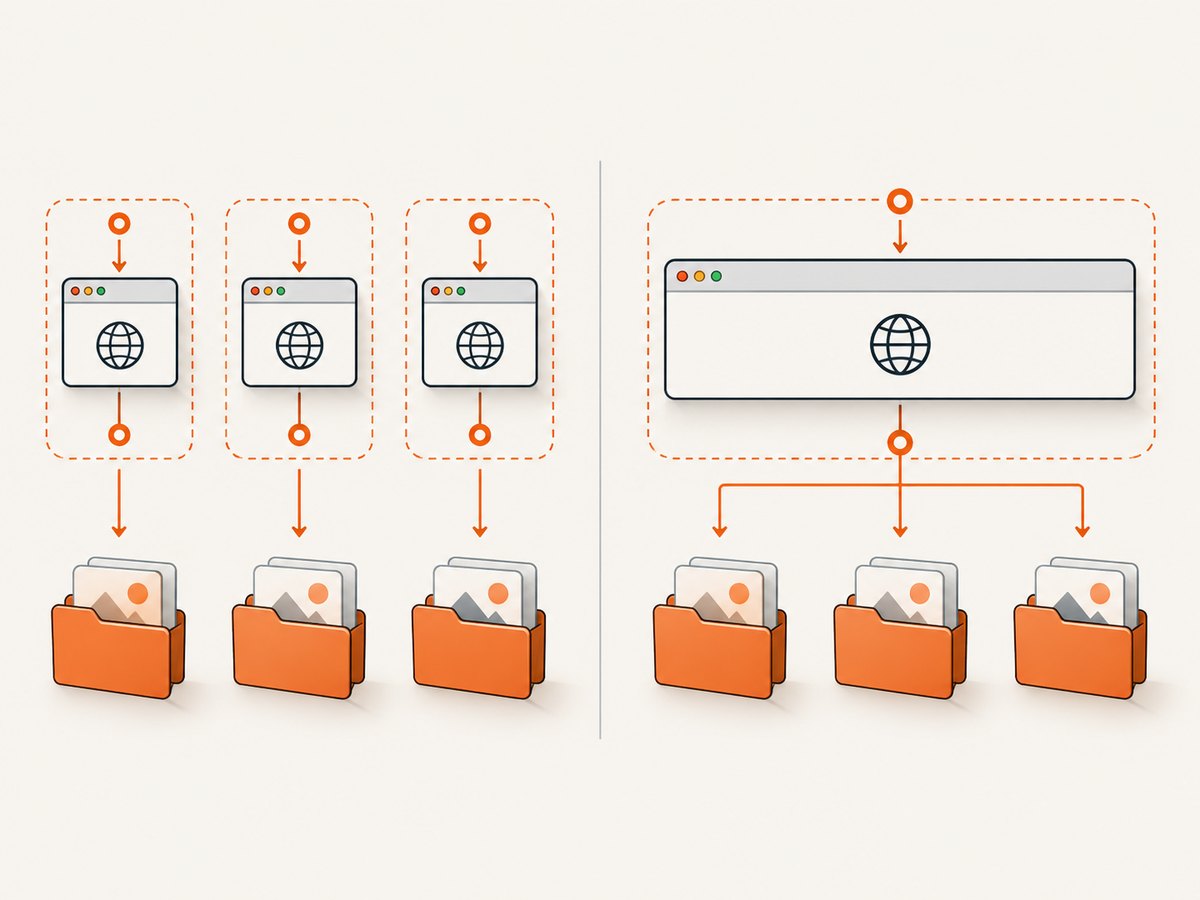
The official example notes that a per-stories lifecycle requires a same-thread executor. Review this when scenarios run in parallel or through a custom executor: a failure hook can only capture the driver that is active on the thread and provider at the time of failure.
5. Verify driver screenshot support
Not every WebDriver implementation supports screenshots. Check the concrete local, remote or wrapper driver before debugging JBehave configuration.
import org.openqa.selenium.OutputType;
import org.openqa.selenium.TakesScreenshot;
import org.openqa.selenium.WebDriver;

WebDriver driver = driverProvider.get();
if (!(driver instanceof TakesScreenshot)) {
    throw new IllegalStateException(
            "The configured WebDriver does not implement TakesScreenshot");
}

byte[] png = ((TakesScreenshot) driver)
        .getScreenshotAs(OutputType.BYTES);
The provider API may differ in your JBehave version, so adapt the accessor to the provider implementation used by your project. This check is a diagnostic; the normal capture remains JBehave’s WebDriverScreenshotOnFailure.
6. Selenium API versus WebDriver API
JBehave documents a separate SeleniumScreenshotOnFailure integration. Use it only when the project is built around the Selenium API. For a WebDriver-based setup, use WebDriverScreenshotOnFailure and pass a WebDriverProvider. Do not mix the Selenium argument with the WebDriver-provider constructor.
| Existing test setup | Hook | Provider argument |
|---|---|---|
| WebDriver integration | WebDriverScreenshotOnFailure |
WebDriverProvider |
| Legacy Selenium integration | SeleniumScreenshotOnFailure |
The Selenium object required by that API |
7. A complete minimal setup
public class JBehaveConfiguration extends InjectableEmbedder {

    private final WebDriverProvider provider = new MyWebDriverProvider();
    private final StoryReporterBuilder reports = new StoryReporterBuilder()
            .withDefaultFormats()
            .withFailureTrace(true)
            .withFailureTraceCompression(true);

    @Override
    public Configuration configuration() {
        return new SeleniumConfiguration()
                .useWebDriverProvider(provider)
                .useStoryReporterBuilder(reports);
    }

    @Override
    public InjectableStepsFactory stepsFactory() {
        Configuration config = configuration();
        return new InstanceStepsFactory(
                config,
                new LoginSteps(provider),
                new PerStoryWebDriverSteps(provider),
                new WebDriverScreenshotOnFailure(provider, reports));
    }
}
8. Troubleshooting
No screenshot file is created
- Cause: The concrete driver does not implement screenshot capture. Fix: Verify
TakesScreenshotsupport for the local or remote driver. - Cause: The hook was not included in
InstanceStepsFactory. Fix: Registernew WebDriverScreenshotOnFailure(...)alongside application and lifecycle steps. - Cause: The provider returns no active driver when the failure hook runs. Fix: Use the same provider instance everywhere and inspect driver creation and cleanup order.
The file is saved somewhere unexpected
- Cause: The default path is version-specific or relative to the process working directory. Fix: Supply the constructor’s custom screenshot path pattern and use an explicit project-relative directory.
Parallel scenarios overwrite or misassociate evidence
- Cause: Shared lifecycle state, reused drivers or a path pattern without unique scenario data. Fix: Align lifecycle and executor settings, isolate drivers where needed, and include story or scenario identifiers in the path pattern supported by your JBehave version.
Reports exist but screenshots do not
- Cause: Reporter formats do not register the hook. Fix: Keep reporter configuration and hook registration separate; confirm the hook appears in the steps factory.
Remote browser capture fails intermittently
- Cause: The remote implementation or session is unavailable at failure time. Fix: Check remote-driver screenshot capability, session lifetime and cleanup ordering. Capture logs around driver creation and scenario teardown.
9. Performance, reliability and storage
- Screenshot capture adds file I/O after a failure. Keep the output directory on the build workspace or artifact volume used by CI.
- Use a deterministic path pattern so parallel jobs can archive files without collisions.
- Retain screenshots with the test report for the same build; avoid relying on a developer’s local working directory.
- For long-running suites, apply CI artifact retention and cleanup policies outside JBehave.
- When a driver cannot capture screenshots, preserve the failure trace and browser logs so the failure still has diagnostic evidence.
10. Or skip the browser setup
If the goal is to capture a URL rather than inspect the live JBehave browser session, ScreenshotNeo provides a single HTTP request that returns PNG, JPEG, WebP or PDF. Its API can remove cookie banners, newsletter popups and chat widgets before capture; bot checks, blank pages and failed loads are not billed; and the response identifies the page verdict and billing status in headers. An MCP server provides take_screenshot, get_page_info and capture_pdf tools for AI agents.
See the ScreenshotNeo API documentation for all options.
cURL
curl -G "https://api.screenshotneo.com/v1/shot" \
  -d access_key=YOUR_API_KEY \
  --data-urlencode url=https://example.com \
  -o shot.webp
Python
import requests

r = requests.get(
    "https://api.screenshotneo.com/v1/shot",
    params={"access_key": "YOUR_API_KEY", "url": "https://example.com"},
    timeout=90,
)
r.raise_for_status()
open("shot.webp", "wb").write(r.content)
Node.js
const q = new URLSearchParams({
  access_key: 'YOUR_API_KEY',
  url: 'https://example.com'
});
const res = await fetch(`https://api.screenshotneo.com/v1/shot?${q}`);
if (!res.ok) throw new Error(`Screenshot failed: ${res.status}`);
const bytes = Buffer.from(await res.arrayBuffer());
await import('node:fs/promises').then(fs => fs.writeFile('shot.webp', bytes));
ScreenshotNeo includes full-page capture, element selectors, dark mode, device presets, custom viewport and retina scale, PDF settings, custom CSS and JavaScript, waits, request blocking, headers, cookies, user agents, timezone, geolocation, caching, signed links, asynchronous webhooks, bulk capture and usage reporting. Clean shots are billed; cache hits and failed captures are not.
Create a free ScreenshotNeo account for 1,000 screenshots per month with no card. Paid plans start at $5 for 3,000 screenshots.
11. FAQ
Does the hook capture screenshots for example tables?
Yes. The API exposes failure hooks for normal scenarios and scenarios with examples.
Is HTML reporting required?
No requirement is established by the hook API. Configure report formats through StoryReporterBuilder and register the screenshot hook independently.
Can I use a custom screenshot directory?
Yes. Use the constructor that accepts a screenshot path pattern. Check the exact pattern syntax in the JBehave dependency version used by your project.
Which lifecycle should I choose?
Use the lifecycle that matches driver ownership. Per-story isolation is easier to reason about; per-stories sharing requires careful same-thread and executor configuration.
What if my browser is controlled remotely?
Confirm that the remote WebDriver implementation supports screenshots and that the session remains alive when the failure hook executes.
12. Configuration checklist
- Use
WebDriverScreenshotOnFailurefor WebDriver projects. - Pass the same
WebDriverProviderused by application and lifecycle steps. - Register the hook in
InstanceStepsFactory. - Pass the configured
StoryReporterBuilderwhen appropriate. - Verify concrete driver screenshot support.
- Choose lifecycle and executor settings deliberately.
- Set a custom path pattern when the default location is unsuitable.
- Archive screenshots with the JBehave report in CI.


