How to Use Font Weight with Custom Fonts in jsPDF
Register each custom font face as a jsPDF variant, then select the family and style when writing text. Here is the complete workflow for bold and other weights.
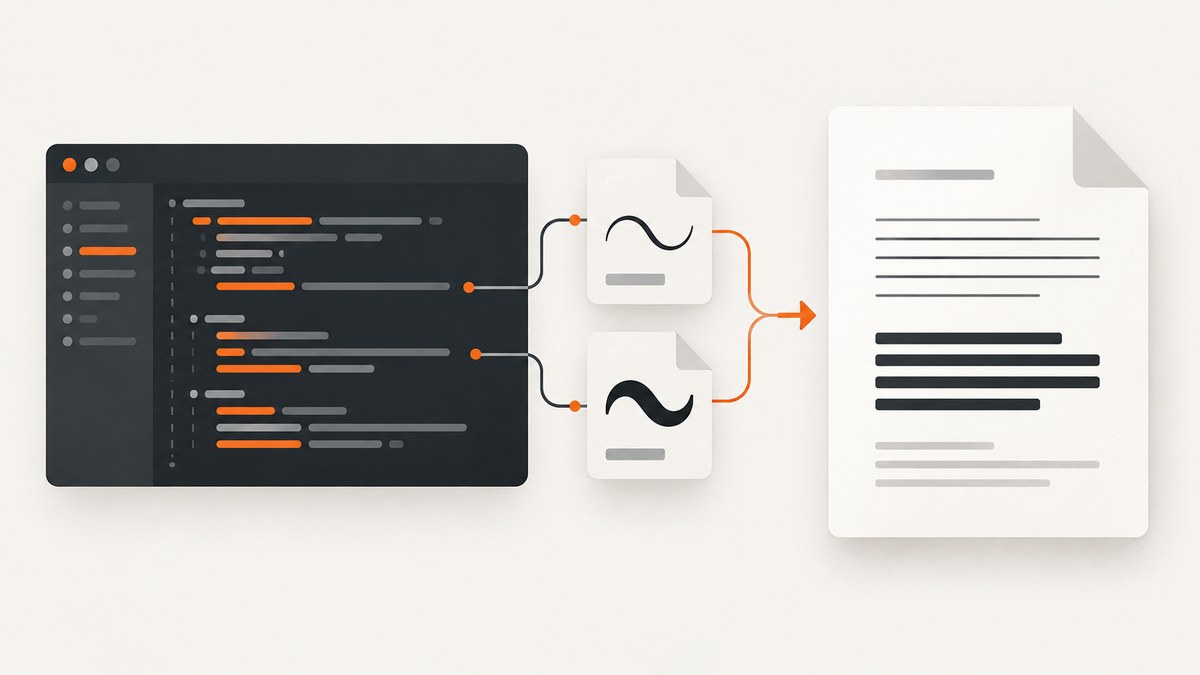
Direct answer: jsPDF does not make a custom font bold merely because you choose a CSS font-weight. Add the actual font file to jsPDF’s virtual file system, register each face under one family name with its style, then select that style with setFont(). Register the regular TTF as normal and the bold TTF as bold, for example:
doc.addFileToVFS("Acme-Regular.ttf", regularTtf);
doc.addFont("Acme-Regular.ttf", "Acme", "normal");

doc.addFileToVFS("Acme-Bold.ttf", boldTtf);
doc.addFont("Acme-Bold.ttf", "Acme", "bold");

doc.setFont("Acme", "bold");
doc.text("Bold text", 20, 30);
This follows the custom-font registration workflow in the jsPDF project documentation and the current API reference. The font files must contain the glyphs your text needs; otherwise Unicode characters can be missing or rendered incorrectly.
How jsPDF maps a font weight
jsPDF identifies a face with a family name and style. The family name groups related files, while the style selects the registered variant. A typical mapping is:
| Font file | Family | Style | Use |
|---|---|---|---|
| Acme-Regular.ttf | Acme | normal | Body text |
| Acme-Bold.ttf | Acme | bold | Headings and emphasis |
| Acme-Italic.ttf | Acme | italic | Italic text |
| Acme-BoldItalic.ttf | Acme | bolditalic | Bold italic text |
Register the real files you intend to use. jsPDF cannot reliably synthesize every missing weight from one TTF, and CSS weight values do not load additional font files.
Complete browser example with regular and bold TTF files
The following example assumes regularTtf and boldTtf are binary strings containing the font files. It creates a PDF with both variants and checks the registered family.
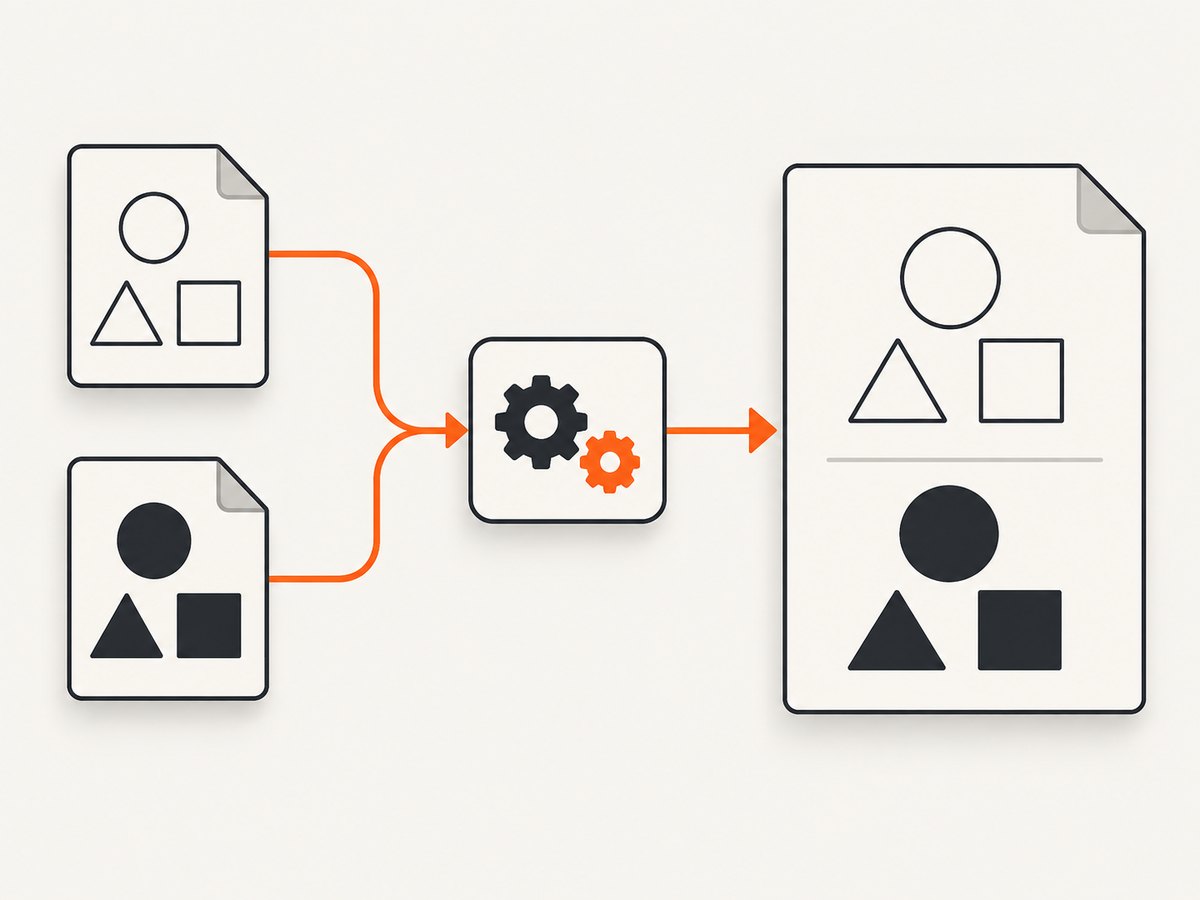
import { jsPDF } from "jspdf";

// These values must contain the binary-string contents of the TTF files.
import regularTtf from "./Acme-Regular.ttf";
import boldTtf from "./Acme-Bold.ttf";

const doc = new jsPDF();

doc.addFileToVFS("Acme-Regular.ttf", regularTtf);
doc.addFont("Acme-Regular.ttf", "Acme", "normal");

doc.addFileToVFS("Acme-Bold.ttf", boldTtf);
doc.addFont("Acme-Bold.ttf", "Acme", "bold");

// Optional diagnostic: inspect available family/style combinations.
console.log(doc.getFontList());

doc.setFont("Acme", "normal");
doc.setFontSize(12);
doc.text("This line uses the regular face.", 20, 25);

doc.setFont("Acme", "bold");
doc.setFontSize(16);
doc.text("This line uses the registered bold face.", 20, 40);

doc.save("custom-font-weight.pdf");
Call setFont before the text whose face should change. The selection applies to subsequent drawing operations until another font is selected.
Loading font data
Use a generated JavaScript font module
jsPDF documents a font converter that turns a TTF into a JavaScript file containing the font data. Import that generated module before registering or using the font according to the converter’s output. This approach keeps the font as an application asset that your bundler can package.
Load a binary string directly
You can also obtain the TTF contents as a binary string at runtime and pass that value to addFileToVFS. The required sequence is always:
- Read or import the TTF data.
- Call
addFileToVFS(filename, binaryString). - Call
addFont(filename, familyName, style). - Call
setFont(familyName, style)before writing text.
Choose based on how your build handles static assets versus runtime loading. The official documentation describes both routes but does not establish a performance winner.
Using the weight argument
Current jsPDF APIs also expose an optional third argument: setFont(fontName, fontStyle, fontWeight). For example:
doc.setFont("Acme", "normal", 700);
doc.text("Weight-selected text", 20, 55);
The current source normalizes some combinations, including 700 or bold with a normal style, but it also rejects conflicting combinations. Numeric weights other than the common 400 and 700 values can behave differently across jsPDF releases. Check the API for the version installed in your project, and prefer explicitly registered variants when the exact appearance matters.
The safest cross-version pattern remains:
doc.setFont("Acme", "normal"); // regular file
doc.setFont("Acme", "bold");   // bold file
Registering italic and bold italic faces
If your family includes more faces, register each one under the same family name:
doc.addFileToVFS("Acme-Italic.ttf", italicTtf);
doc.addFont("Acme-Italic.ttf", "Acme", "italic");

doc.addFileToVFS("Acme-BoldItalic.ttf", boldItalicTtf);
doc.addFont("Acme-BoldItalic.ttf", "Acme", "bolditalic");

doc.setFont("Acme", "italic");
doc.text("Italic text", 20, 70);

doc.setFont("Acme", "bolditalic");
doc.text("Bold italic text", 20, 85);
Use the style names your installed jsPDF version reports and keep family names consistent. A typo in either the family or style makes the selection miss the intended face.
Unicode and glyph coverage
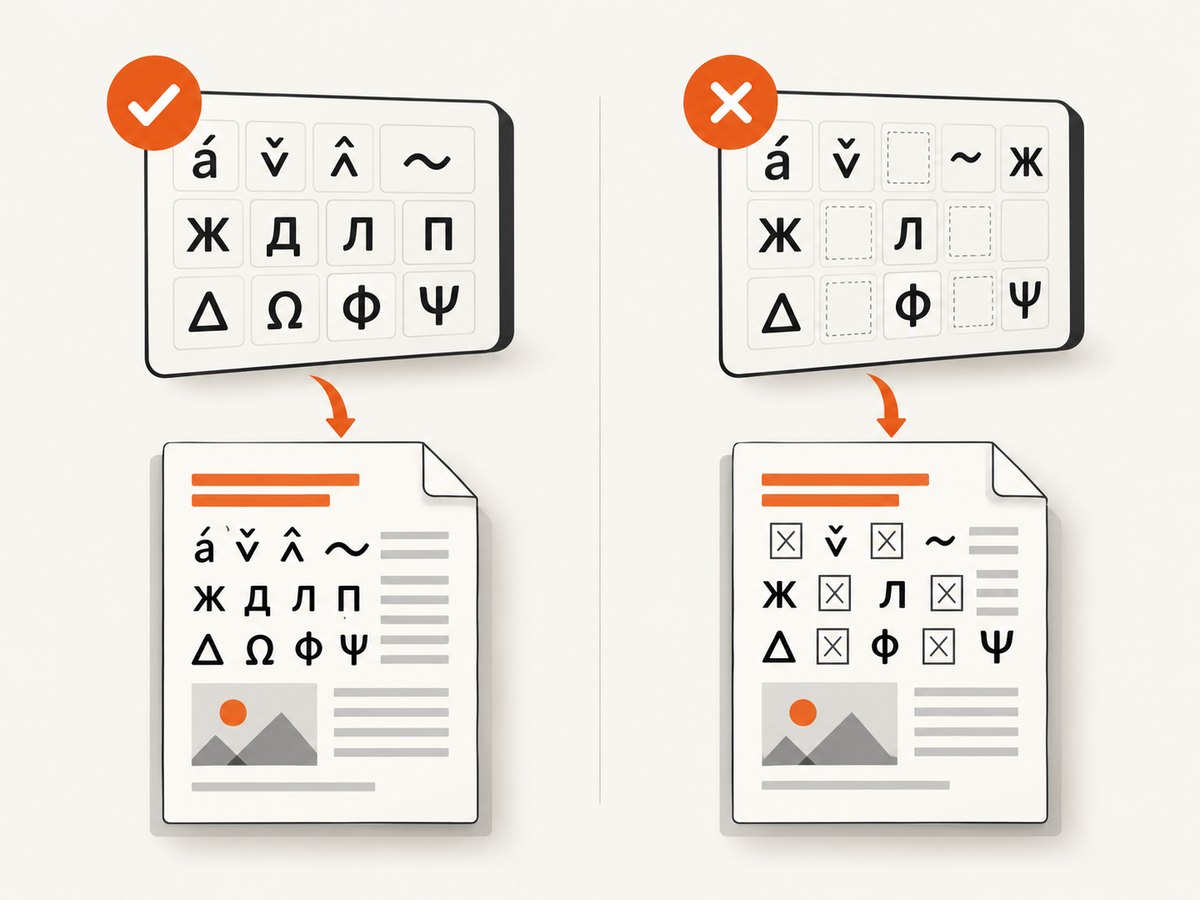
jsPDF’s standard PDF fonts are limited to an ASCII code page. For accented Latin characters, Cyrillic, Greek, CJK text, symbols or emoji, register a custom font that actually contains those glyphs. A bold file can have different coverage from its regular companion, so verify every face used by your document. Missing glyphs commonly appear as blank boxes, garbled output or omitted characters.
doc.setFont("Acme", "bold");
doc.text("Résumé — Привет — Καλημέρα", 20, 100);
Font registration does not add glyphs that are absent from the TTF.
Inspecting and debugging registered variants
Use getFontList() to see the family/style entries available to the active document:
const fonts = doc.getFontList();
console.log(fonts);
// Confirm that fonts.Acme includes the styles you registered.
Also check the browser console for errors during import and registration. Test a distinctive word in each face so a fallback font cannot be mistaken for the requested variant.
Common errors and fixes
| Symptom | Likely cause | Fix |
|---|---|---|
| Bold text looks regular | Only the regular TTF was registered, or the wrong style was selected. | Register the bold TTF under the same family with style bold, then call setFont("Family", "bold"). |
setFont appears to do nothing |
Family/style spelling does not match the registration. | Inspect getFontList() and copy the exact family and style names. |
| Characters are missing | The selected TTF lacks those glyphs. | Use a font face with the required Unicode coverage, including the bold face. |
| Font import fails in the bundler | The bundler does not expose the TTF as binary-string data. | Use jsPDF’s generated font module or configure the asset loader to provide the required binary string. |
| Numeric weight is rejected | The installed jsPDF release does not accept that style/weight combination. | Use an explicitly registered style, or consult the API for the installed release. |
| Different output after upgrading jsPDF | Font-weight normalization and older style APIs can vary by release. | Pin the version, use current setFont calls, and recheck registered variants. |
Performance, reliability and file size
- Register only the faces and glyph coverage your PDFs need; every embedded face contributes font data to the document.
- Register fonts once per document and reuse them instead of repeating file-loading work for each text run.
- Keep font registration before any text drawing so early content cannot fall back to another face.
- Use deterministic font filenames and family/style names across builds to make diagnostics reproducible.
- There is no documented benchmark in the supplied sources proving that generated modules or runtime binary loading is faster. Choose the packaging method that is reliable in your build.
Or skip the browser setup
If your goal is to capture a rendered page as an image or PDF rather than generate PDF text with jsPDF, ScreenshotNeo provides a single API request. Its browser handles font loading and page rendering for you:
curl -G "https://api.screenshotneo.com/v1/shot" -d access_key=YOUR_API_KEY --data-urlencode url=https://stripe.com -o shot.webpimport requests
r = requests.get("https://api.screenshotneo.com/v1/shot", params={"access_key": "YOUR_API_KEY", "url": "https://stripe.com"}, timeout=90)
open("shot.webp", "wb").write(r.content)const q = new URLSearchParams({ access_key: 'YOUR_API_KEY', url: 'https://stripe.com' });
const res = await fetch(`https://api.screenshotneo.com/v1/shot?${q}`);See the ScreenshotNeo API documentation for options. Cookie banners, newsletter popups and chat widgets are removed before the shot. Bot checks, blank pages and failed loads are never billed, and the response identifies the result with X-Page-Verdict and X-Billed headers. An MCP server lets AI agents call take_screenshot, get_page_info and capture_pdf. The free plan includes 1,000 screenshots a month with no card; paid plans start at $5 for 3,000.
Create a free ScreenshotNeo account.
FAQ
Can I make any custom font bold with CSS?
No. CSS controls browser rendering; jsPDF needs the font data registered in its own font table. Supply and register the actual bold face when you need predictable PDF output.
Should regular and bold files share a family name?
Yes. Use one family name and different style values so jsPDF treats them as variants of the same family.
Is fontWeight: 700 equivalent to registering a bold TTF?
No. A weight argument can select or normalize a registered face, but it does not add missing font data. Version behavior for numeric weights also varies.
Why does the PDF show boxes for accented characters?
The selected font file does not contain those glyphs, or a fallback face was selected. Use a custom TTF with the required coverage and verify the active style.
How can I confirm which styles are available?
Call doc.getFontList() after registration and inspect the family/style entries.


