How to Add Page Breaks to Multi-Page PDFs With Dynamic Text in jsPDF
Learn a reliable jsPDF pagination loop for dynamic text, long blocks, fonts, tables, testing, and production PDF workflows.
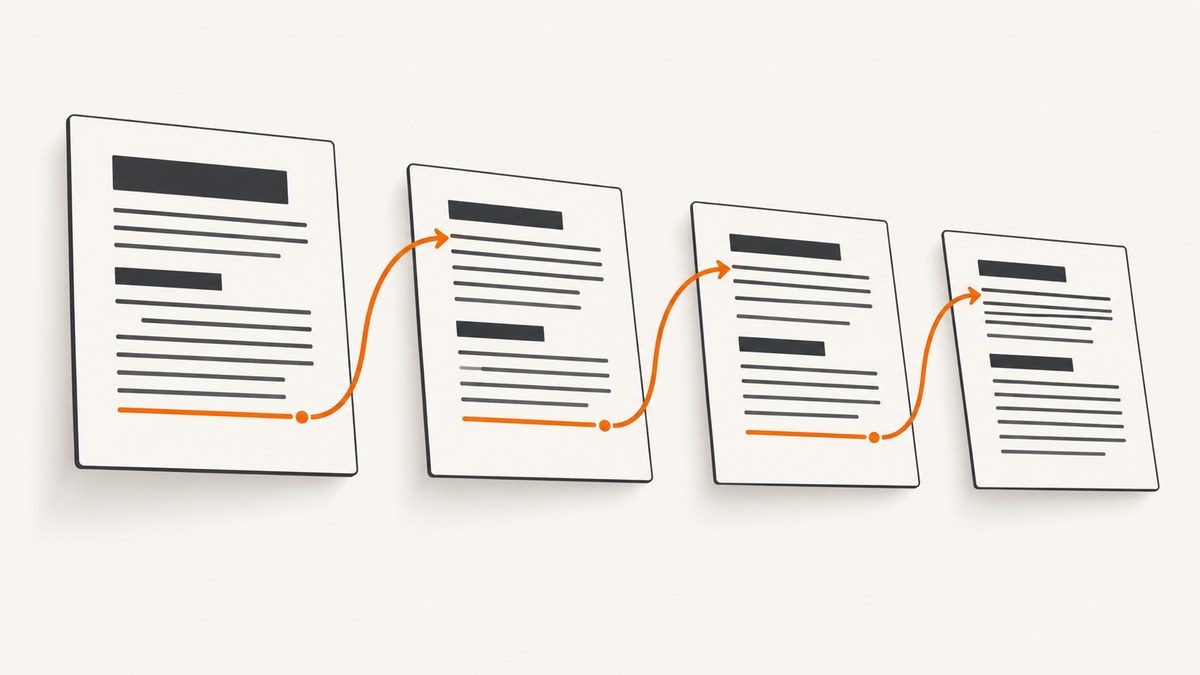
Direct answer: jsPDF does not provide one universal automatic page-break helper for arbitrary dynamic text. The dependable approach is to wrap each block with splitTextToSize, calculate its height from the resulting line count and your actual line spacing, compare the next bottom position with the page’s usable bottom margin, then call addPage() and reset the cursor when the block would overflow. The official API documents these primitives and its examples use the same measurement pattern.
This guide builds that loop into reusable code, handles blocks that are taller than a page, explains fonts and units, and covers production concerns such as headings, tables, images, testing, and performance. The examples use JavaScript in a browser or Node.js with jsPDF.
1. The pagination model
A PDF page has a fixed content rectangle. Let top and bottom be your margins, pageHeight the page height, and y the current baseline. The usable bottom is pageHeight - bottom. For each paragraph:
- Compute the available width:
pageWidth - left - right. - Call
splitTextToSize(text, availableWidth). - Derive the block height from the number of lines and the line height used for rendering.
- If the block does not fit, create a page and set
y = top. - Render the lines with
text(lines, left, y), then advancey.
splitTextToSize uses the active font’s width and kerning information where available, so measuring and rendering must use the same font family, style, size, width, and unit settings. See the splitTextToSize documentation and the jsPDF API reference.
2. A complete runnable example
Install jsPDF in a Node project with npm install jspdf. The following script creates a PDF from paragraphs of varying lengths. It keeps a paragraph together when it fits and splits an oversized paragraph across pages.
const { jsPDF } = require('jspdf');
const fs = require('node:fs');

const doc = new jsPDF({ unit: 'pt', format: 'letter', orientation: 'portrait' });

const margin = { top: 54, right: 54, bottom: 54, left: 54 };
const fontSize = 11;
const lineHeightFactor = 1.15;
const lineHeight = fontSize * lineHeightFactor;
const pageWidth = doc.internal.pageSize.getWidth();
const pageHeight = doc.internal.pageSize.getHeight();
const contentWidth = pageWidth - margin.left - margin.right;
const contentBottom = pageHeight - margin.bottom;
let y = margin.top;

doc.setFont('helvetica', 'normal');
doc.setFontSize(fontSize);

function newPage() {
  doc.addPage();
  y = margin.top;
}

function addWrappedParagraph(value) {
  const lines = doc.splitTextToSize(value, contentWidth);
  let offset = 0;

  while (offset < lines.length) {
    const remainingSpace = contentBottom - y;
    const linesThatFit = Math.floor(remainingSpace / lineHeight);

    if (linesThatFit < 1) {
      newPage();
      continue;
    }

    const pageLines = lines.slice(offset, offset + linesThatFit);
    doc.text(pageLines, margin.left, y, { lineHeightFactor });
    y += pageLines.length * lineHeight;
    offset += pageLines.length;

    if (offset < lines.length) newPage();
  }

  y += lineHeight; // paragraph spacing
}

const paragraphs = [
  'Dynamic text changes the number of rendered lines, so a fixed y increment cannot guarantee that content stays inside the page. Wrapping first gives the pagination code a measurable block.',
  'This second paragraph is intentionally longer. It demonstrates that the cursor advances by the number of lines actually rendered and that the next paragraph starts after the previous paragraph spacing.',
  'A final paragraph confirms that the document can continue after a page break.'
];

for (const paragraph of paragraphs) addWrappedParagraph(paragraph);

fs.writeFileSync('dynamic-text.pdf', Buffer.from(doc.output('arraybuffer')));
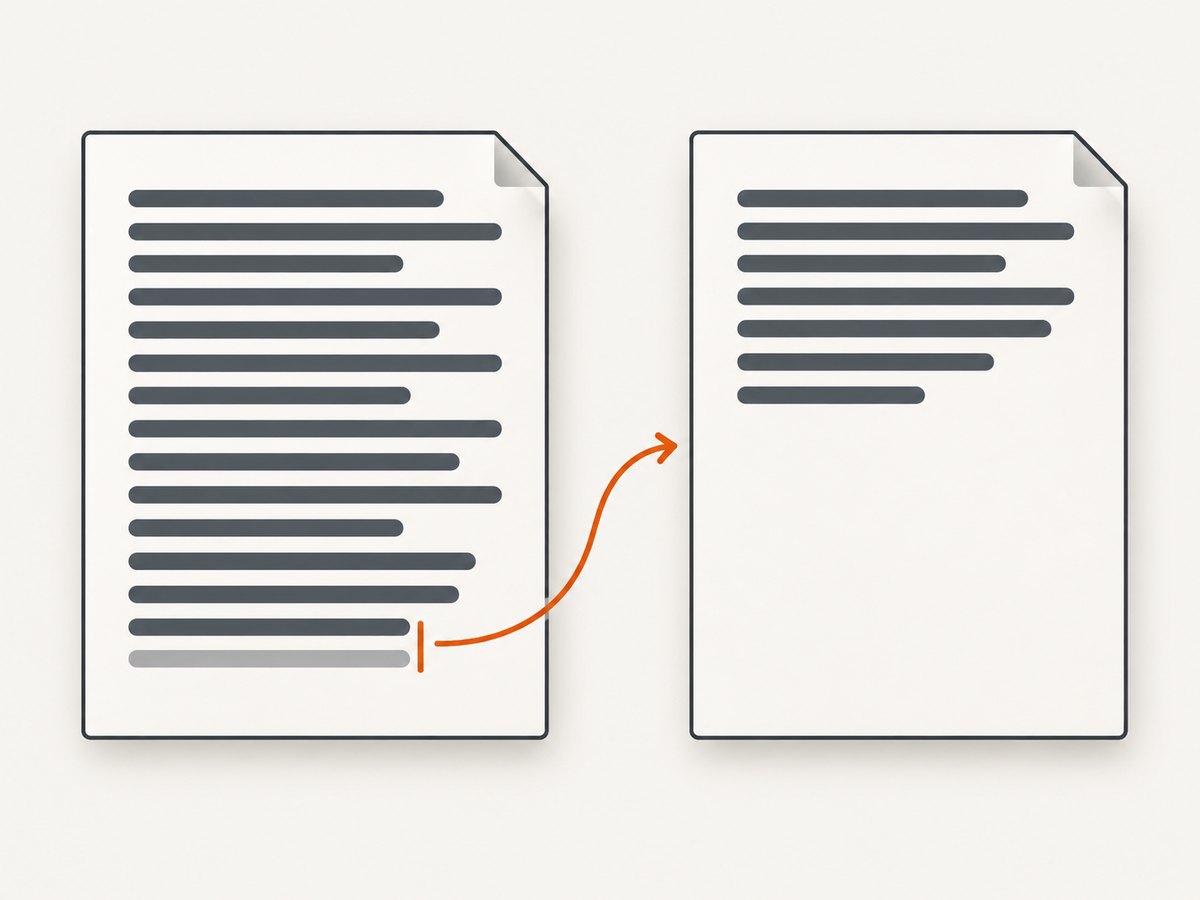
The loop renders only the lines that fit in the current content area. That matters when one paragraph is taller than the usable height: moving the whole paragraph to a new page would still overflow, while slicing its wrapped lines lets it continue safely.
3. Browser version
In a browser, use the ESM build and save the result with doc.save().
import { jsPDF } from 'jspdf';

const doc = new jsPDF({ unit: 'mm', format: 'a4' });
const margin = 18;
const size = 11;
const lineHeightFactor = 1.15;
const lineHeight = size * lineHeightFactor;
const width = doc.internal.pageSize.getWidth() - margin * 2;
const bottom = doc.internal.pageSize.getHeight() - margin;
let y = margin;

doc.setFont('helvetica', 'normal');
doc.setFontSize(size);

function paragraph(text) {
  const lines = doc.splitTextToSize(text, width);
  let i = 0;
  while (i < lines.length) {
    const capacity = Math.floor((bottom - y) / lineHeight);
    if (capacity < 1) {
      doc.addPage();
      y = margin;
      continue;
    }
    const chunk = lines.slice(i, i + capacity);
    doc.text(chunk, margin, y, { lineHeightFactor });
    y += chunk.length * lineHeight;
    i += chunk.length;
    if (i < lines.length) {
      doc.addPage();
      y = margin;
    }
  }
  y += lineHeight;
}

paragraph('Your dynamic content goes here.');
doc.save('dynamic-text.pdf');
4. Keep headings, paragraphs, and other blocks together
Paragraphs are usually safe to split. Headings should not be stranded at the bottom of a page. Before drawing a heading, reserve the heading height plus a minimum number of body lines. If that reservation does not fit, add a page first.
function ensureSpace(requiredHeight) {
  if (y + requiredHeight > contentBottom) {
    doc.addPage();
    y = margin.top;
  }
}

function addHeading(title) {
  const headingSize = 16;
  const headingLine = headingSize * 1.15;
  ensureSpace(headingLine + lineHeight * 2);
  doc.setFont('helvetica', 'bold');
  doc.setFontSize(headingSize);
  doc.text(title, margin.left, y);
  y += headingLine + 6;
  doc.setFont('helvetica', 'normal');
  doc.setFontSize(fontSize);
}
For a table, decide row by row whether the next row fits. Repeat the header row after addPage(). For images, calculate the rendered height from the image aspect ratio and reserve that height before calling addImage. Keep captions with their image when possible.
5. Options that affect page breaks
Units and page formats
Choose pt, mm, cm, or in at construction time and use that unit for margins, font sizes, line heights, and coordinates. Mixing point-based font calculations with millimetre margins without conversion causes early or late breaks. format accepts standard formats such as a4 and letter; orientation can be portrait or landscape. The API source documentation describes addPage(format, orientation).
Wrapping with maxWidth
The text method can request wrapping through text options, but explicit splitTextToSize is easier to measure before drawing. If you use maxWidth, apply the same width and font settings when estimating height.
Line spacing
The API documents lineHeightFactor, whose current generated reference default is 1.15. Set it explicitly so your measurement is stable. A line-height estimate should match the value passed to text; otherwise every subsequent block drifts.
Fonts and non-ASCII characters
The project notes that its 14 standard PDF fonts are limited to ASCII. Accented characters, Cyrillic, Arabic, CJK text, and emoji require a font containing those glyphs. Add and embed the font, then set that font before both splitting and rendering. Test right-to-left shaping and complex scripts with the exact font and jsPDF configuration you will ship. See the jsPDF repository for font coverage guidance.
6. Handling edge cases
- Blank text: skip empty paragraphs or normalize whitespace so they do not create unexplained vertical gaps.
- One very long word or URL: width splitting may not break it as you expect. Preprocess long tokens, insert soft break opportunities, or render a smaller style for that block.
- Block taller than a page: split its lines as shown in the complete example. Never repeatedly add pages while trying to move the same oversized block.
- Explicit line breaks: preserve intentional newline characters, then split each resulting line to the available width.
- Last-page whitespace: do not add a page merely because the cursor equals the bottom boundary. Add one only when more content remains.
- Changing fonts mid-document: measure after setting the new font. Font metrics can change line counts.
- Rotated or landscape pages: read
doc.internal.pageSize.getWidth()andgetHeight()after changing orientation; do not cache dimensions across differently sized pages.
7. Troubleshooting common failures
| Symptom | Cause | Fix |
|---|---|---|
| Text overlaps the footer | Height was estimated with a different line spacing or font. | Set font and size before splitting; use the same line-height factor for measurement and rendering. |
| Every paragraph starts too low | The code advances by a fixed height plus the wrapped height. | Advance once, using the number of rendered lines and intended paragraph spacing. |
| Blank pages appear | A page is added after the final block or when no line remains. | Guard page creation with a “content remains” check. |
| A huge paragraph loops forever | The algorithm tries to move an oversized block as one unit. | Render a chunk of lines that fits, then continue on the next page. |
| Accents render as boxes or disappear | The active standard font lacks the glyphs. | Embed a Unicode-capable font and set it before wrapping and drawing. |
| Different output after a library upgrade | Font metrics, defaults, or layout behavior changed. | Pin the jsPDF version and compare generated PDFs in regression tests. |
8. Testing and production reliability
Build fixtures for short, exactly-full, and overflowing paragraphs. Include long URLs, explicit newlines, Unicode, headings near the bottom, tables crossing a page, and a paragraph taller than one page. Assert page count and inspect representative output. For visual regression, render PDFs to images in CI and compare with a tolerance suitable for font rasterization.
Keep layout calculations deterministic: set fonts, sizes, margins, and line-height factors explicitly; avoid depending on browser width or a mutable global cursor. Generate the PDF in a worker for large documents so the browser UI remains responsive. Reuse one jsPDF instance per document and avoid converting large intermediate strings repeatedly.
Pagination itself has no network cost. Your practical cost is CPU, memory, and any font or rendering service used around it. If PDFs contain sensitive data, keep generation and font assets in the execution environment you control and avoid logging full document text.
9. Or skip the browser setup
If your goal is a PDF or screenshot of a rendered web page rather than a hand-laid-out jsPDF document, ScreenshotNeo provides a website screenshot API and MCP server. It can capture PDF output with paper size, margins, landscape mode, and page ranges, while handling the browser session for you. See the ScreenshotNeo documentation for the complete parameter list.

curl -G "https://api.screenshotneo.com/v1/shot" -d access_key=YOUR_API_KEY --data-urlencode url=https://stripe.com -o shot.webpimport requests
r = requests.get("https://api.screenshotneo.com/v1/shot", params={"access_key": "YOUR_API_KEY", "url": "https://stripe.com"}, timeout=90)
open("shot.webp", "wb").write(r.content)const q = new URLSearchParams({ access_key: 'YOUR_API_KEY', url: 'https://stripe.com' });
const res = await fetch(`https://api.screenshotneo.com/v1/shot?${q}`);Cookie banners, newsletter popups, and chat widgets are removed before the shot. Bot checks, blank pages, timeouts, failed loads, and cache hits are not billed, and response headers identify the page verdict and billing status. An MCP server lets Claude, Cursor, and other MCP clients take screenshots. The Free plan includes 1,000 screenshots a month with no card; paid plans start at $5 for 3,000 shots. Sign up for the free plan.
10. FAQ
Does jsPDF automatically break text across pages?
Not as one universal helper for arbitrary dynamic content. Compose pagination from splitTextToSize, measured line height, text, and addPage.
Should I use the line count or getTextDimensions?
Line count multiplied by your explicitly chosen line height is predictable for wrapped paragraphs. A dimensions helper can be useful, but it must be configured with the same font and spacing as the final render.
Can I split a heading across pages?
Usually keep headings together and reserve space for at least one following body line. Split only when the heading itself is unusually long.
Why does changing the font change page breaks?
Different fonts have different glyph widths and kerning. The same string can wrap to a different number of lines, changing every later cursor position.
Can ScreenshotNeo reproduce a locally generated jsPDF file?
ScreenshotNeo captures a URL. Publish the page or PDF through an accessible URL, then request that URL; it is not a replacement for creating a PDF from an in-memory jsPDF object.
11. Implementation checklist
- Set document units, page format, orientation, margins, font, size, and line-height explicitly.
- Wrap with
splitTextToSizeusing the true content width. - Compare the next block with
pageHeight - bottomMarginbefore drawing. - Split blocks that exceed a full content area.
- Keep headings, images, captions, and table rows together where the design requires it.
- Embed fonts for characters outside standard ASCII coverage.
- Test boundary cases and pin the jsPDF version for reproducible output.
With those rules, dynamic text becomes a measurable layout problem: wrap, calculate, compare, render, and advance. That small loop is enough to produce stable multi-page PDFs without relying on an undocumented automatic paginator.


