How to Keep Google Maps from Moving During Html2canvas Capture
Disable map gestures and controls, hold the camera steady, and wait for tiles before capturing. Learn what to do when html2canvas cannot reproduce the live map.
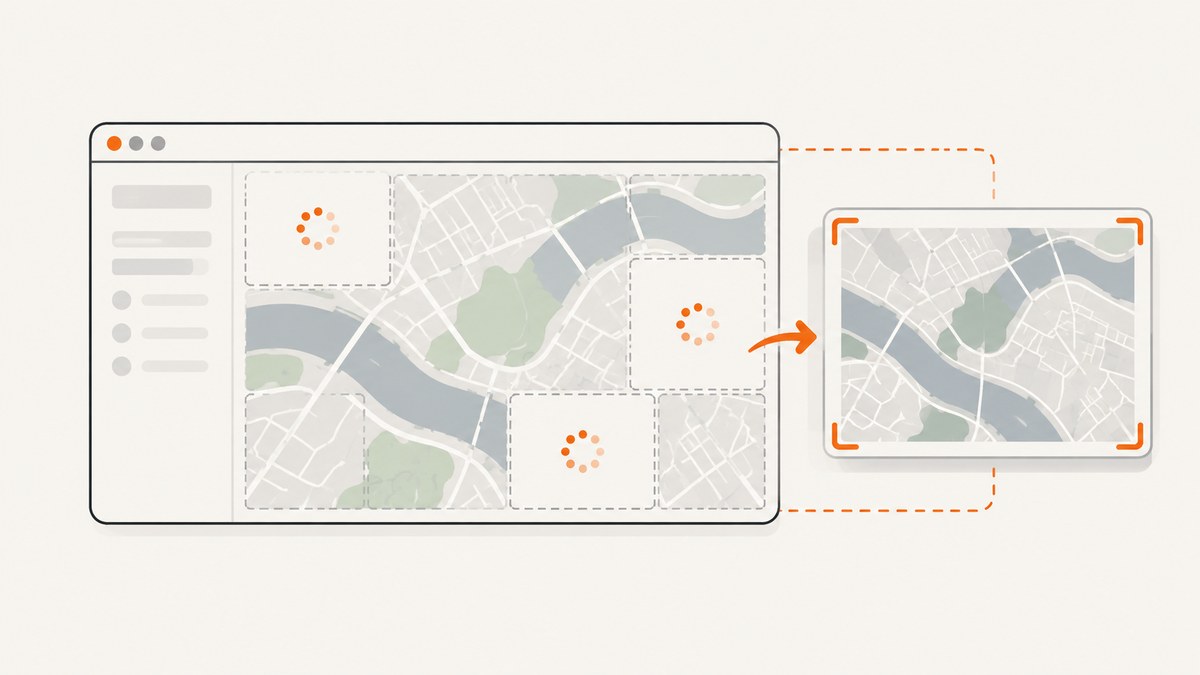
To keep a Google map from moving during an html2canvas capture, set gestureHandling: "none" when you create the map. Also disable zoomControl if the visible zoom buttons could be used, and make sure your application does not change the map camera while capture is underway. Wait until the map is in its intended state and its visible tiles have loaded before calling html2canvas.
These steps prevent common movement and timing problems. They do not guarantee that html2canvas will reproduce Google’s live map imagery: html2canvas reconstructs a representation from DOM information rather than taking a native screenshot, and browser security rules restrict access to cross-origin content. If you need a predictable map image, use a Google Maps Static API image in the captured region instead.
1. Disable map movement at its source
The Maps JavaScript API option gestureHandling: "none" prevents users from panning or zooming the map with gestures. The interaction guide’s disable-pan-and-zoom example also turns off zoomControl. The older draggable option is deprecated for this purpose; use gestureHandling.
Set the desired center and zoom when the map is initialized. For an existing map, update supported options with setOptions. Locking input does not stop your own application code from moving the camera: calls such as panTo, panBy, fitBounds, or moveCamera can still change the view.
const mapElement = document.getElementById("map");

const map = new google.maps.Map(mapElement, {
  center: { lat: 37.422, lng: -122.084 },
  zoom: 14,
  gestureHandling: "none",
  zoomControl: false
});

// For an already-created map, apply the same supported options:
// map.setOptions({ gestureHandling: "none", zoomControl: false });
Keep the map container visible and give it a nonzero width and height. In particular, fitBounds does nothing when the map element is display: none and therefore measures as 0 by 0. If you need to calculate bounds, make the element visible and sized first, apply the intended bounds, and then begin the capture sequence.
2. Freeze application-driven camera changes
Gesture settings only control user interaction. A route change, location update, timer, subscription callback, or event handler can still issue a camera update during capture. Treat capture as a short critical section: finish setting the center and zoom first, prevent other code from changing them until capture completes, and release that guard in a finally block.
panTo may animate smoothly, while moveCamera sets the camera to its target immediately. Neither should be started during the capture window. If your application uses fitBounds, finish that operation before waiting for tiles. You can listen to bounds_changed while diagnosing unexpected movement; it signals that the viewport changed but does not lock it.
let captureInProgress = false;

function updateMapView(nextCenter, nextZoom) {
  if (captureInProgress) return;
  map.setCenter(nextCenter);
  map.setZoom(nextZoom);
}

async function captureRegion() {
  captureInProgress = true;
  try {
    // Apply any final map state before entering this function.
    return await captureWhenTilesAreReady(map, document.querySelector("#capture"));
  } finally {
    captureInProgress = false;
  }
}
3. Wait for visible tiles, then capture once
The Maps JavaScript API provides a tilesloaded event, which fires when visible tiles have finished loading. Use it as a readiness signal after the intended camera state is set. It does not guarantee that html2canvas can read or accurately render those tiles. Also, tile loading may already have completed before your listener is attached, so a production page should coordinate the map’s initialization and desired view rather than assume a newly attached listener will always receive a future event.
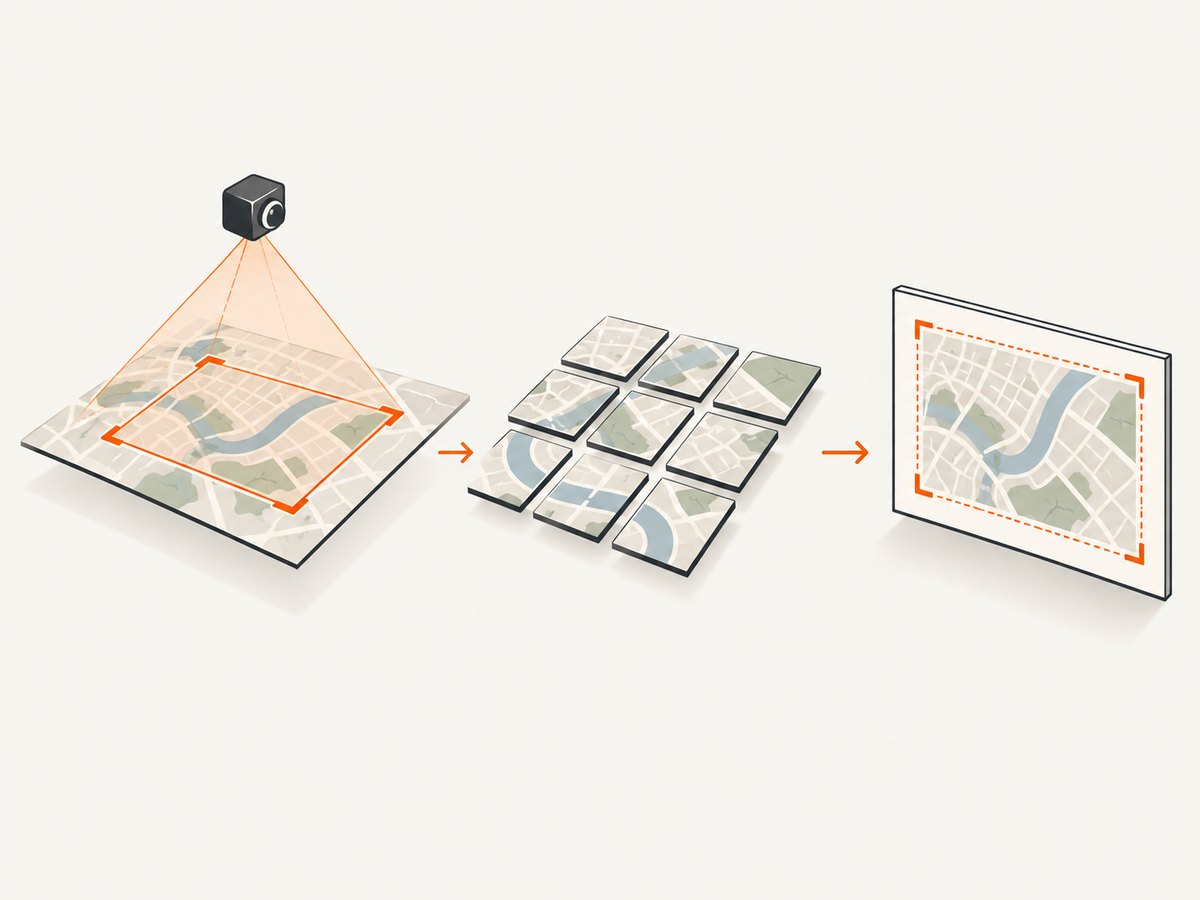
This runnable pattern registers the listener before requesting the capture, resolves only once, and rejects after a timeout. It assumes the Google Maps JavaScript API and html2canvas are already loaded on the page and the #capture element contains both the map and any surrounding content you want in the result.
function waitForTiles(map, timeoutMs = 20000) {
  return new Promise((resolve, reject) => {
    let settled = false;
    let listener;
    const timer = setTimeout(() => {
      if (settled) return;
      settled = true;
      if (listener) listener.remove();
      reject(new Error("Timed out waiting for Google Maps tiles"));
    }, timeoutMs);

    listener = map.addListener("tilesloaded", () => {
      if (settled) return;
      settled = true;
      clearTimeout(timer);
      listener.remove();
      resolve();
    });
  });
}

async function captureWhenTilesAreReady(map, target) {
  if (!target) throw new Error("Capture target was not found");
  await waitForTiles(map);
  return html2canvas(target, {
    backgroundColor: "#ffffff",
    scale: window.devicePixelRatio || 1,
    logging: true
  });
}

captureWhenTilesAreReady(map, document.querySelector("#capture"))
  .then(canvas => {
    document.body.appendChild(canvas);
    // Example export. Choose a MIME type supported by your browser.
    const png = canvas.toDataURL("image/png");
    console.log("Capture created", png.length, "characters");
  })
  .catch(error => {
    console.error("Map capture failed:", error);
  });
If the map’s tiles were already loaded, or you need to guarantee that the final view has settled, manage readiness explicitly in your app: set the final camera state, attach the event listener before triggering any state that starts tile loading, and expose a “ready” promise or state from the map-owning component. Avoid using repeated tilesloaded events as a capture trigger without a one-shot guard; map activity can cause the event to fire more than once.
4. Understand what html2canvas can and cannot capture
html2canvas traverses the page DOM and builds a representation from the information available to JavaScript. It is not a browser-native screenshot engine, so the output may differ from the browser’s final rendered surface. A live map can therefore look correct on screen but be missing or inaccurate in the generated canvas.
Same-origin rules also matter. html2canvas cannot inspect cross-origin iframe documents, and foreign-origin resources or canvases may be unreadable or taint the output. Its useCORS and allowTaint settings affect how resources are handled; they do not bypass browser security policy. Turning these options on is not a fix for an inaccessible Google map resource.
| Need | Approach | Trade-off |
|---|---|---|
| Keep the live map interactive on the page | Maps JavaScript API with gestures disabled during capture | html2canvas may not faithfully reproduce the map imagery. |
| Get a fixed map image in the composition | Use a Google Maps Static API image for the map area | The captured map is an image, not an interactive map. |
| Capture the browser’s rendered surface | Use a browser capture approach that captures the rendered page | This is a different capture architecture from html2canvas. |
5. Use Static API imagery when the map must be dependable
The Google Maps Static API returns an image from an HTTP request. Its documented parameters can specify a location, dimensions, zoom, map type, and optional markers. Google requires an API key and billing enabled for the project. Place the resulting image in the map region of the page and capture that composition. This leaves surrounding DOM content available to html2canvas while replacing the live map with a conventional image resource.
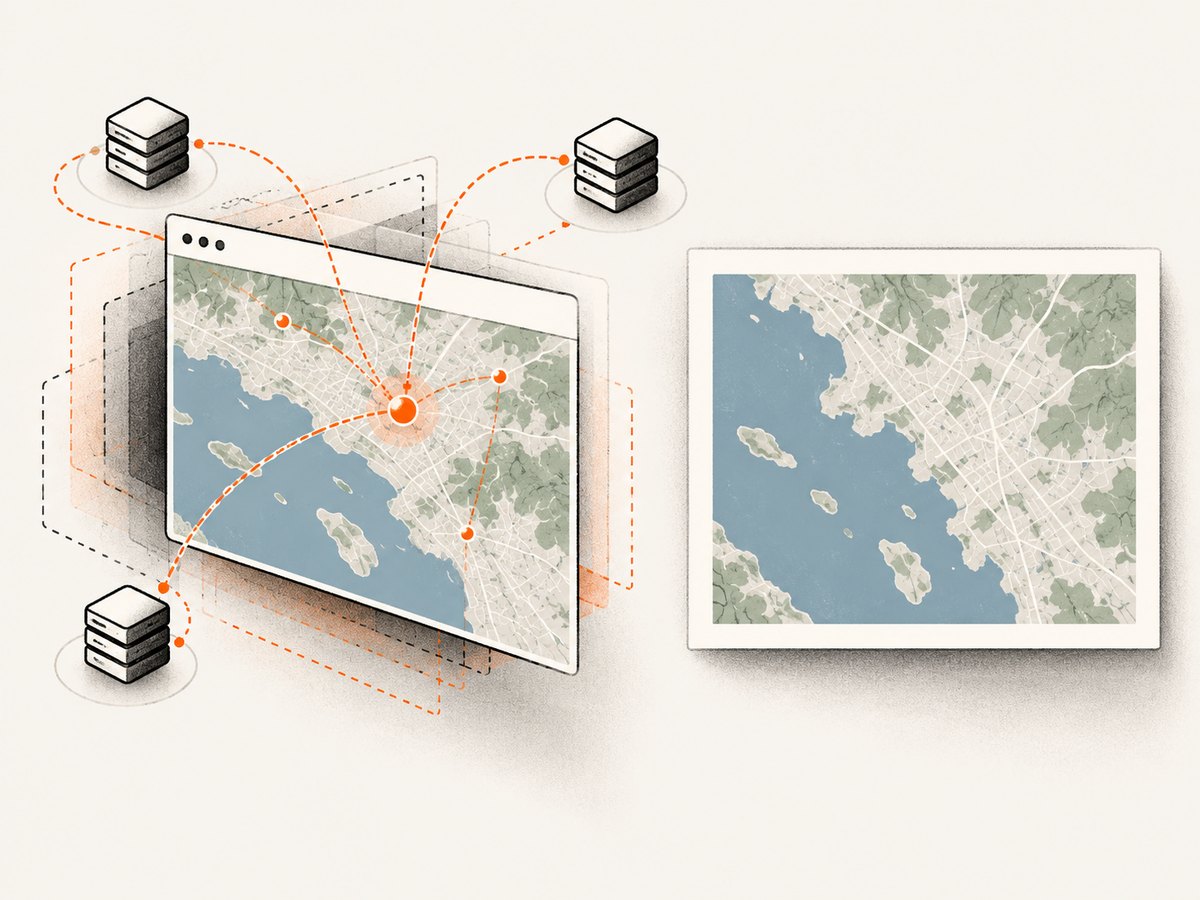
Choose the image dimensions and zoom to match the layout you intend to capture. If the page’s map region changes size, request an appropriately sized image rather than stretching a small image into a large area. Keep the API key handling and project configuration consistent with Google’s guidance for the application where the request is made.
Use Static API imagery when output consistency matters more than in-page map interaction. Keep the JavaScript map when visitors need to explore it; for capture, render a static image in a dedicated capture view or temporarily swap the map region to that image. The key distinction is that a fixed image is a documented way to provide a predictable map asset, while a stable interactive map is not a guarantee of html2canvas fidelity.
6. Troubleshoot movement and missing map content
| Symptom | Likely cause | What to change |
|---|---|---|
| The map pans when the user touches or drags it | Gesture handling is enabled. | Set gestureHandling: "none" in the map options. |
| The zoom changes during capture | Zoom controls remain visible, or app code changes zoom. | Set zoomControl: false and pause camera-changing updates during capture. |
| The center shifts even though gestures are disabled | Application code calls a camera method, or a bounds update runs. | Search for panTo, panBy, fitBounds, moveCamera, setCenter, and setZoom. Defer those updates until capture finishes; use bounds_changed to diagnose when the viewport changes. |
| The map is blank or partly missing in the canvas | html2canvas cannot reproduce the live map’s rendered surface or access cross-origin content. | Inspect the console and canvas output. Do not treat useCORS or allowTaint as a security bypass. Substitute a Static API image or use a browser surface capture method. |
| The capture starts before tiles appear | The capture runs before the intended map state is ready. | Set the final camera first, coordinate a one-shot tilesloaded wait, and reject after a finite timeout. |
fitBounds seems to have no effect |
The map container has zero dimensions, often because it is hidden with display: none. |
Make the map visible and give it a nonzero size before applying bounds. |
| The capture code runs multiple times | A persistent event handler responds to repeated tile events. | Remove the listener after the first resolution and guard the capture operation against duplicate calls. |
| Capture fails with a rejected promise | A readiness timeout, missing target, or html2canvas error occurred. | Log the specific error, confirm the target exists, check map readiness, and surface a useful failure state instead of exporting a partial result as if it succeeded. |
7. Performance, reliability, and cost considerations
Capturing a large page or using a high device pixel ratio increases the canvas dimensions and memory needed to render it. Capture only the required region when possible. If the full page is needed, account for long render times and browser memory limits. A finite wait for tiles prevents the page from waiting forever when a map does not become ready.
For repeatable output, keep the target dimensions and camera settings fixed, avoid camera changes during capture, and prefer a static image where the map itself must be consistent. A successful tilesloaded event says that visible tiles finished loading; it does not certify that the canvas contains them. Check the produced image and handle failures explicitly.
Static API requests require an API key and billing enabled. Review Google’s current project and pricing guidance for your expected usage; the research for this article does not establish a cost estimate. For a browser-side capture workflow, html2canvas itself does not remove the cross-origin limits described above.
8. Or skip the browser setup
If you need a website screenshot rather than a canvas assembled in your app, ScreenshotNeo is a screenshot API and MCP server for developers. Its request accepts a URL and returns an image or PDF. ScreenshotNeo accepts cookie or consent banners like a visitor and removes 60+ known consent platforms, newsletter popups, and chat widgets before capture; each step can be turned off. Bot checks, blank pages, failed loads, timeouts, and cache hits are never billed, and the response reports the page verdict and billing status in headers. AI agents can use its MCP server tools: take_screenshot, get_page_info, and capture_pdf.
Here is the one-call cURL example. See the ScreenshotNeo API documentation for request options and setup.
curl -G "https://api.screenshotneo.com/v1/shot" \
  -d access_key=YOUR_API_KEY \
  --data-urlencode url=https://stripe.com \
  -o shot.webp
Python:
import requests

r = requests.get(
    "https://api.screenshotneo.com/v1/shot",
    params={"access_key": "YOUR_API_KEY", "url": "https://stripe.com"},
    timeout=90,
)
open("shot.webp", "wb").write(r.content)
Node.js:
const q = new URLSearchParams({
  access_key: 'YOUR_API_KEY',
  url: 'https://stripe.com'
});
const res = await fetch(`https://api.screenshotneo.com/v1/shot?${q}`);
if (!res.ok) throw new Error(`Screenshot request failed: ${res.status}`);
const bytes = new Uint8Array(await res.arrayBuffer());
await import('node:fs/promises').then(fs => fs.writeFile('shot.webp', bytes));
Cookie banners, popups, and chat widgets are removed before the shot. Bot checks, blank pages, and failed loads are never billed. The MCP server lets AI agents take screenshots. The Free plan includes 1,000 screenshots a month with no card; paid plans start at $5 for 3,000. Sign up for free and start with 1,000 screenshots a month, no card required.
9. Quick checklist
- Set
gestureHandling: "none"when initializing the map. - Disable
zoomControlif the user should not change zoom during capture. - Finish setting center, zoom, or bounds before capture begins.
- Prevent application code from issuing camera updates while capture is in progress.
- Wait for the intended view and visible tiles, with a one-shot listener and finite timeout.
- Check the canvas output; do not assume tile readiness proves html2canvas can read the map.
- Use a Static API image when the map must appear as a dependable fixed image.
Frequently asked questions
Does gestureHandling: "none" stop my code from moving the map?
No. It blocks user gestures. Your application can still change the center or zoom through map methods, so defer camera updates during capture.
Does tilesloaded mean html2canvas will include the map?
No. It indicates visible map tiles have finished loading. It is a sequencing signal, not a guarantee that html2canvas can reproduce cross-origin map content.
Can useCORS: true fix a missing Google map?
Not if browser security rules prevent access to the resource. It is a configuration control, not a way to bypass same-origin restrictions.
Should I use the Static API or keep the JavaScript map?
Keep the JavaScript map for interaction. Use Static API imagery when the capture needs a fixed map image with a more predictable composition.


