How to Keep a Pyppeteer Browser Open and Create a CDP Session
Keep Chromium running after a Pyppeteer script disconnects, then reconnect through its WebSocket endpoint and send CDP commands to a target.
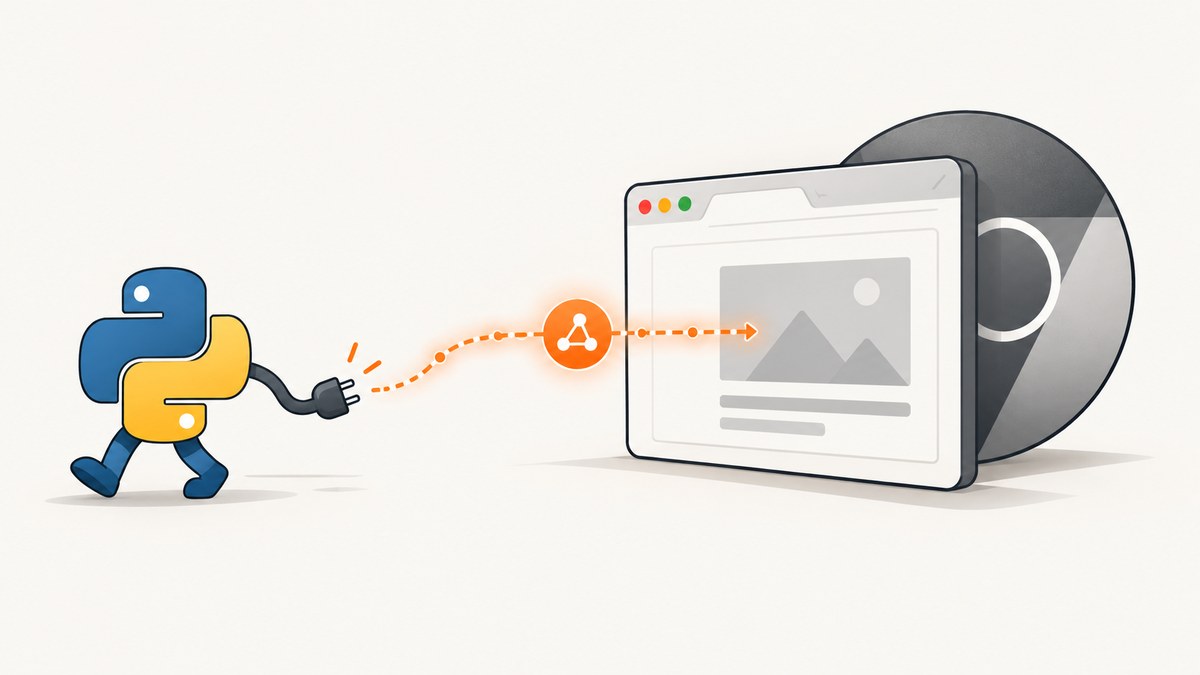
Direct answer: keep the process that owns Chromium alive, save browser.wsEndpoint, and call browser.disconnect() when a controller should stop managing the browser without closing it. A later Pyppeteer client can call connect(browserWSEndpoint=...), select a target, and create a CDP session with await target.createCDPSession().
There are two lifetimes to manage:
- Browser process: the running Chrome or Chromium instance. Some long-lived process must own it.
- Controller connection and CDP session: the client-side channels used to control the browser or a particular target. A client can disconnect while the browser remains available.
1. Understand close versus disconnect
browser.close() is for shutting down the browser. browser.disconnect() disposes the current Pyppeteer connection. Disconnecting is the operation to use when another process should reconnect later, but it does not make a short-lived owner process immortal. If the process that launched Chromium exits and takes the child process with it, the browser can still disappear.
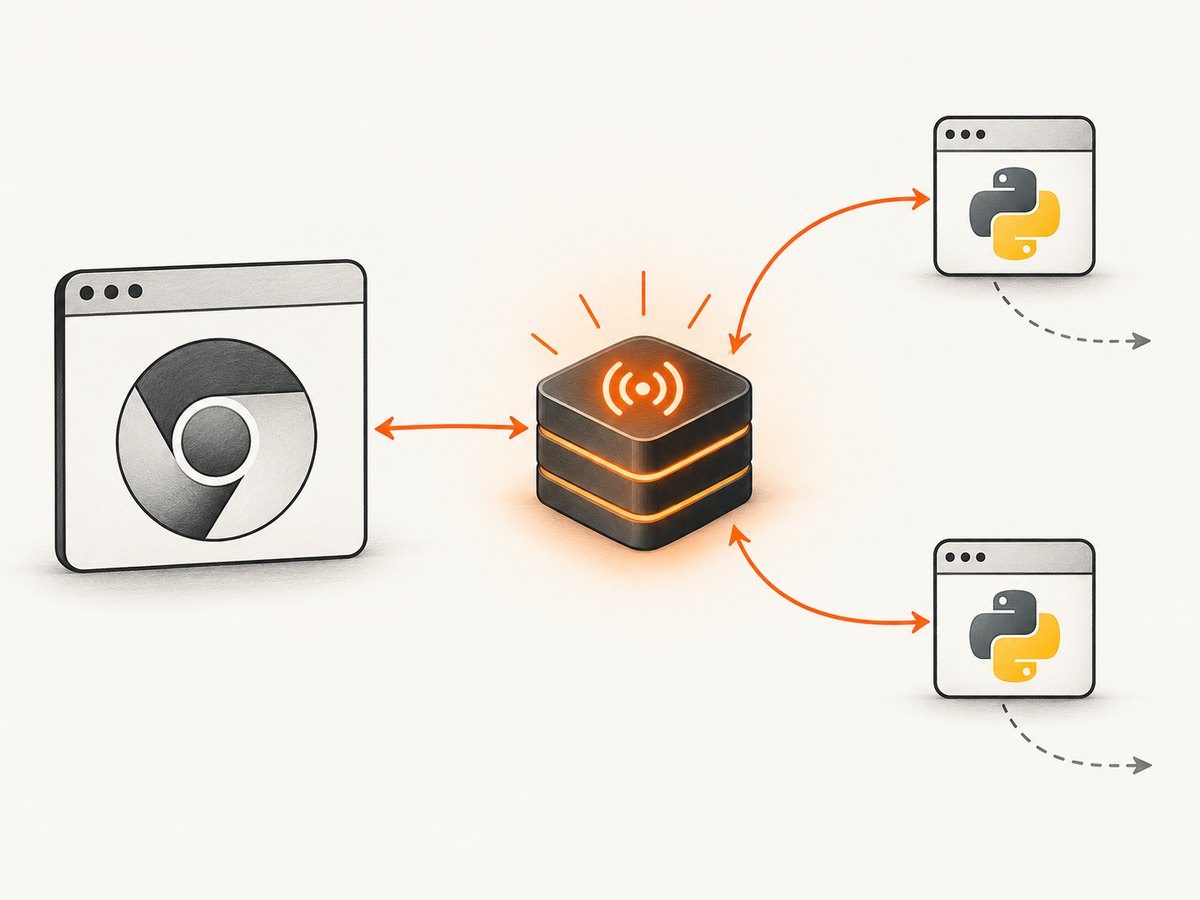
The WebSocket endpoint is a connection address for the current browser instance. It is not a permanent browser identity: after a restart, save the new endpoint.
2. Run a long-lived browser owner
Install Pyppeteer in the environment that owns Chromium:
python -m pip install pyppeteerThis owner prints the endpoint and stays alive until it receives an interrupt. It does not call close() during normal handoff.
import asyncio
import signal
from pyppeteer import launch

stop_event = asyncio.Event()


def request_stop(*_):
    stop_event.set()


async def main():
    loop = asyncio.get_running_loop()
    for signal_name in (signal.SIGINT, signal.SIGTERM):
        try:
            loop.add_signal_handler(signal_name, request_stop)
        except NotImplementedError:
            # Signal handlers are not available in every environment.
            pass

    browser = await launch(headless=True)
    print(f"Browser endpoint: {browser.wsEndpoint}", flush=True)

    try:
        await stop_event.wait()
    finally:
        # The owner is ending, so close Chromium deliberately here.
        await browser.close()


if __name__ == "__main__":
    asyncio.run(main())
For a handoff inside one program, the essential sequence is:
browser = await launch()
endpoint = browser.wsEndpoint
# Store endpoint somewhere the next controller can read.
await browser.disconnect()
Keep the owner alive in a service, worker, supervisor, or other process that remains running. The exact behavior of child-process cleanup depends on how Chromium was launched and on the operating system, so verify that lifecycle in your deployment.
3. Reconnect from a controller
Pass the endpoint from the owner to a later process through a protected configuration store, local socket, or other private channel. Do not expose it as a public API credential.
import asyncio
from pyppeteer import connect


async def controller(endpoint: str):
    browser = await connect(browserWSEndpoint=endpoint)
    try:
        pages = await browser.pages()
        if not pages:
            page = await browser.newPage()
        else:
            page = pages[0]

        print("Current URL:", page.url)
        await page.goto("https://example.com", {"waitUntil": "networkidle2"})
        print(await page.title())
    finally:
        # Stop controlling this browser without shutting it down.
        await browser.disconnect()


if __name__ == "__main__":
    endpoint = "ws://127.0.0.1:9222/devtools/browser/REPLACE_ME"
    asyncio.run(controller(endpoint))
The exact keyword accepted by connect, and the spelling of page and target properties, can vary by installed Pyppeteer release. Check the API reference for the version in your environment before copying this into production.
4. Create a CDP session for a page target
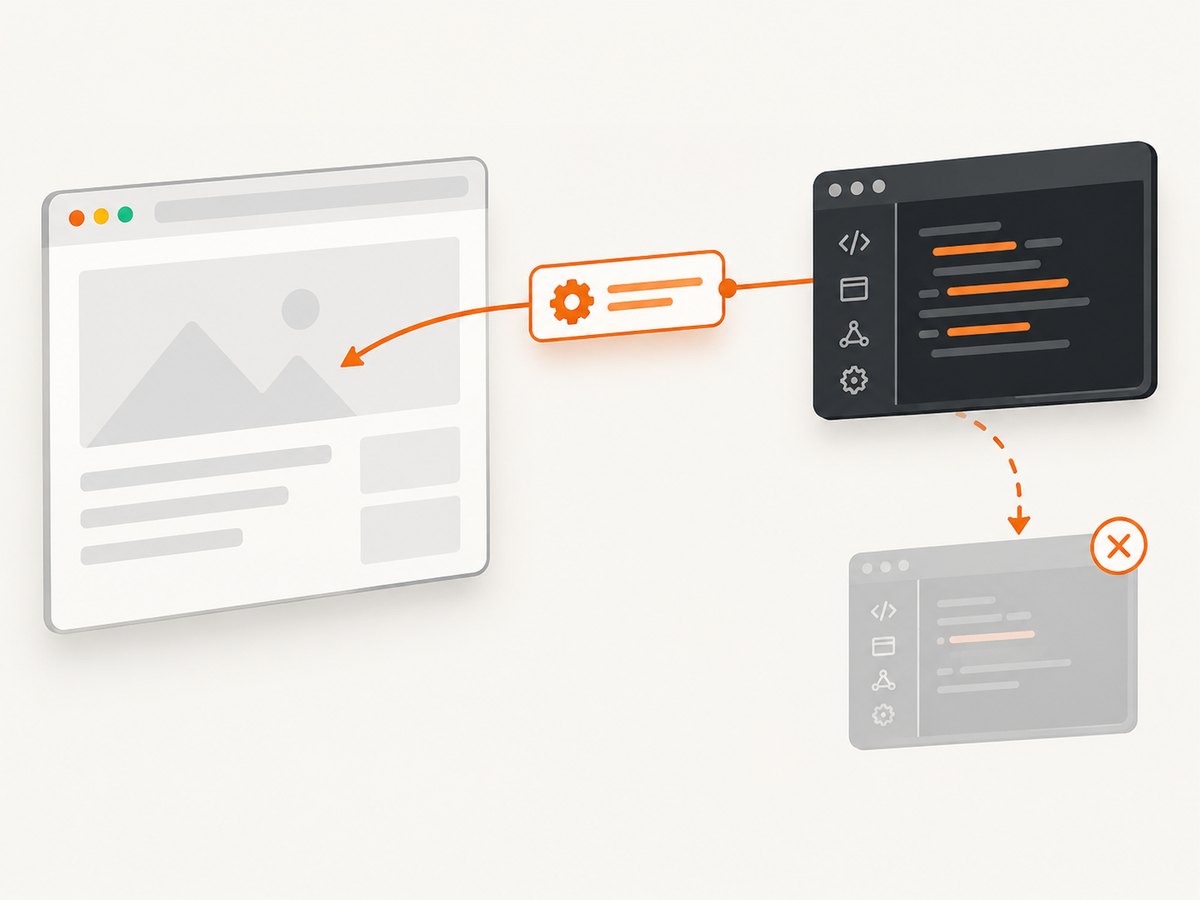
A CDP session attaches to one target. For a page, obtain its target and await createCDPSession(). CDP commands are protocol operations, so use the method names and parameters defined by the Chrome DevTools Protocol.
import asyncio
from pyppeteer import connect


async def read_browser_version(endpoint: str):
    browser = await connect(browserWSEndpoint=endpoint)
    session = None
    try:
        pages = await browser.pages()
        if not pages:
            raise RuntimeError("The browser has no page target")

        page = pages[0]
        target = page.target
        session = await target.createCDPSession()

        version = await session.send("Browser.getVersion")
        print(version)
    finally:
        # Use the cleanup method exposed by your installed Pyppeteer version
        # for the session, then disconnect the browser client.
        if session is not None:
            detach = getattr(session, "detach", None)
            if detach is not None:
                result = detach()
                if hasattr(result, "__await__"):
                    await result
        await browser.disconnect()


if __name__ == "__main__":
    asyncio.run(read_browser_version("ws://127.0.0.1:9222/devtools/browser/REPLACE_ME"))
Pyppeteer’s page implementation itself uses a CDP client and sends protocol commands such as Page.enable. That is why a CDP session is useful when a normal page method does not expose the protocol operation you need.
Session scope
- A session belongs to the target from which it was created.
- Creating a session for one page does not attach it to every page, worker, browser, or tab.
- Close or detach the session when your operation ends, using the cleanup API available in your installed release.
- Disconnecting the browser client and detaching a CDP session are separate cleanup actions.
5. A complete owner-and-controller example
The following single script demonstrates the lifecycle without pretending that a disconnected browser can outlive its owner process. The owner launches Chromium, records its endpoint, performs a CDP operation, and disconnects. In a real deployment, keep the owner section in a process that stays alive and run the controller separately.
import asyncio
from pyppeteer import launch, connect


async def owner_and_controller():
    owner_browser = await launch(headless=True)
    endpoint = owner_browser.wsEndpoint
    print("Endpoint:", endpoint)

    # A separate controller would receive this endpoint from the owner.
    controller_browser = await connect(browserWSEndpoint=endpoint)
    try:
        pages = await controller_browser.pages()
        page = pages[0] if pages else await controller_browser.newPage()
        await page.goto("https://example.com", {"waitUntil": "domcontentloaded"})

        session = await page.target.createCDPSession()
        try:
            result = await session.send("Browser.getVersion")
            print("CDP result:", result)
        finally:
            detach = getattr(session, "detach", None)
            if detach is not None:
                maybe_awaitable = detach()
                if hasattr(maybe_awaitable, "__await__"):
                    await maybe_awaitable
    finally:
        await controller_browser.disconnect()
        # The owner still owns Chromium and decides when to close it.
        await owner_browser.close()


asyncio.run(owner_and_controller())
6. Common lifecycle patterns
| Pattern | What happens | Use it when |
|---|---|---|
| One script owns and closes | launch(), work, then close() |
The browser is disposable per job. |
| Long-lived owner, short-lived clients | Owner keeps Chromium alive; clients use connect() and disconnect() |
Many jobs share a warm browser. |
| Reconnect after restart | Read the endpoint generated by the new browser instance | Recovery or rolling restarts replace Chromium. |
| CDP-only operation | Connect to a target, create a session, send protocol commands, detach | You need a protocol feature beyond page helpers. |
7. Reliability and performance considerations
- Endpoint freshness: treat
wsEndpointas ephemeral. Store it with the owner’s liveness information and replace it after every browser restart. - Health checks: before assigning work, connect and query pages or run a small CDP command. A stale endpoint should fail fast and trigger owner recovery.
- Target selection: do not assume the first page is always the page you want. Inspect URLs, create a dedicated page, or track the target explicitly.
- Resource limits: long-lived browsers accumulate pages, contexts, caches, and event listeners. Reuse a bounded number of pages and close pages that are no longer needed.
- Concurrency: separate controllers can interfere when they share one page. Use one page per independent job or coordinate access around navigation and CDP state.
- Cleanup: detach sessions and disconnect clients in
finallyblocks. Close Chromium only in the owner when the owner is intentionally shutting down. - Security: the WebSocket endpoint grants browser control. Keep it on a private interface or behind authenticated transport and rotate it whenever the browser restarts.
8. Troubleshooting
Browser exits when the script ends
Cause: the process that launched Chromium ended, or it called close(). Fix: move ownership to a process that remains alive, keep that process waiting for work, and have short-lived clients call disconnect() instead of close().
“Connection refused” or a WebSocket timeout
Cause: Chromium is no longer running, the endpoint is stale, or the endpoint is not reachable from the controller’s network namespace. Fix: confirm the owner is alive, obtain the current wsEndpoint, and check that the controller can reach the address.
The saved endpoint stops working after a restart
Cause: an endpoint identifies the current browser instance. Fix: publish the newly generated endpoint after every launch and invalidate the old value.
createCDPSession is missing
Cause: the object is not the Pyppeteer target object you expect, or your installed release exposes a different API shape. Fix: obtain the target from the page, inspect the installed Pyppeteer version, and consult that release’s reference. Do not substitute a Puppeteer JavaScript method name without checking.
A CDP command fails with a protocol error
Cause: the command is unsupported for that target, requires a different parameter shape, or belongs to a different CDP domain. Fix: verify the target type and the protocol method documentation, then send the command through the session attached to the correct target.
Disconnecting closes the browser unexpectedly
Cause: another part of the owner is closing Chromium, or the owner process is exiting and cleaning up its child. Fix: audit every shutdown path and make ownership explicit. A controller’s disconnect() only releases that client’s connection.
9. When a screenshot API is a better fit
If you only need an image or PDF, maintaining Chromium, endpoint storage, target selection, and cleanup can be unnecessary. ScreenshotNeo provides a hosted screenshot API and MCP server. It handles the browser setup and returns PNG, JPEG, WebP, or PDF output.
Or skip the browser setup
One GET request is enough:
curl -G "https://api.screenshotneo.com/v1/shot" -d access_key=YOUR_API_KEY --data-urlencode url=https://stripe.com -o shot.webpSee the ScreenshotNeo API documentation for the complete option list.
Python
import requests

r = requests.get(
    "https://api.screenshotneo.com/v1/shot",
    params={"access_key": "YOUR_API_KEY", "url": "https://stripe.com"},
    timeout=90,
)
r.raise_for_status()
open("shot.webp", "wb").write(r.content)
Node.js
const q = new URLSearchParams({ access_key: 'YOUR_API_KEY', url: 'https://stripe.com' });
const res = await fetch(`https://api.screenshotneo.com/v1/shot?${q}`);
if (!res.ok) throw new Error(`HTTP ${res.status}`);
require('fs').writeFileSync('shot.webp', Buffer.from(await res.arrayBuffer()));
Cookie banners, newsletter popups, and chat widgets are removed before the shot. Bot checks, blank pages, failed loads, timeouts, and cache hits are not billed, and response headers identify the page verdict and billing result. The MCP server provides take_screenshot, get_page_info, and capture_pdf tools for AI agents. The free plan includes 1,000 screenshots each month with no card; paid plans start at $5 for 3,000 screenshots.
Create a free ScreenshotNeo account to get started.
10. Cost and operational trade-offs
Self-hosting Pyppeteer means paying for the machine, Chromium memory, maintenance, and the engineering time needed for lifecycle recovery. A warm browser can reduce launch overhead, but it requires limits and health checks. A hosted API shifts those concerns to a per-capture plan; ScreenshotNeo’s plans include every feature, with yearly billing providing two months free.
FAQ
Does disconnect() keep Chromium alive forever?
No. It only disconnects one client. The owner process and its browser must remain alive.
Can I reuse a WebSocket endpoint after reboot?
No. Capture and distribute the endpoint generated by the current browser instance.
Is a CDP session the same as a browser connection?
No. The browser connection controls the client’s access; a CDP session is attached to one target and carries protocol commands for that target.
Should I use Puppeteer examples for Pyppeteer?
Use them only for concepts. Confirm method names and cleanup behavior in the Pyppeteer version you installed.