How to Set Landscape Orientation with KnpSnappyBundle
Set wkhtmltopdf PDFs to landscape in KnpSnappyBundle with per-document PHP options, global Symfony configuration, troubleshooting, and practical layout advice.
Set the PDF orientation to Landscape. KnpSnappyBundle passes this option to wkhtmltopdf, whose documented values are Landscape and Portrait (the default). For one PDF, pass the option in the generator method’s options array:
$pdf = $knpSnappyPdf->getOutputFromHtml(
    $html,
    ['orientation' => 'Landscape']
);
To make every PDF generated by the configured service landscape, add orientation: Landscape under knp_snappy.pdf.options. KnpSnappyBundle provides the knp_snappy.pdf service for PDF generation; its image service is a separate path. The examples below show both scopes, complete Symfony usage, layout controls, and fixes for the errors developers most often encounter.
1. Generate one landscape PDF in PHP
Use a per-call option when only a particular report, invoice, export, or dashboard needs a wide page. The options array is the second argument to getOutputFromHtml() and the third argument to generateFromHtml().
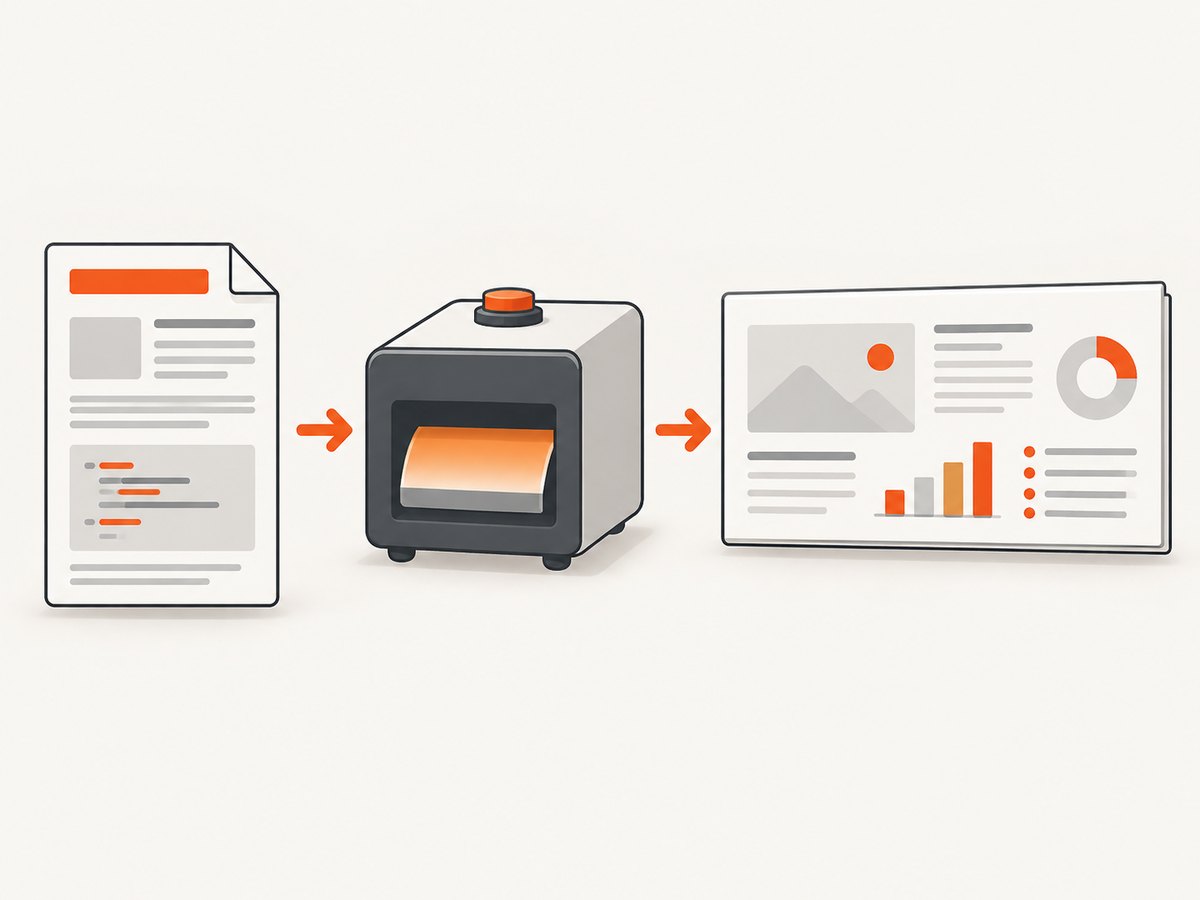
<?php

namespace App\Controller;

use Knp\Snappy\Pdf;
use Symfony\Component\HttpFoundation\Response;
use Symfony\Component\HttpFoundation\ResponseHeaderBag;
use Symfony\Component\Routing\Annotation\Route;

final class ReportController
{
    public function __construct(private Pdf $knpSnappyPdf)
    {
    }

    #[Route('/reports/weekly.pdf', name: 'weekly_report_pdf')]
    public function weekly(): Response
    {
        $html = '<!doctype html>
<html>
<head>
  <meta charset="utf-8">
  <style>
    @page { margin: 14mm 12mm; }
    body { font-family: Arial, sans-serif; font-size: 10pt; }
    table { width: 100%; border-collapse: collapse; }
    th, td { border: 1px solid #bbb; padding: 5px; }
  </style>
</head>
<body>
  <h1>Weekly report</h1>
  <table><tr><th>Team</th><th>Monday</th><th>Tuesday</th><th>Wednesday</th></tr>
  <tr><td>Support</td><td>42</td><td>38</td><td>51</td></tr></table>
</body>
</html>';

        $pdf = $this->knpSnappyPdf->getOutputFromHtml(
            $html,
            [
                'orientation' => 'Landscape',
                'page-size' => 'A4',
                'margin-top' => '14mm',
                'margin-right' => '12mm',
                'margin-bottom' => '14mm',
                'margin-left' => '12mm',
            ]
        );

        $response = new Response($pdf);
        $response->headers->set('Content-Type', 'application/pdf');
        $response->setContentDisposition(
            ResponseHeaderBag::DISPOSITION_ATTACHMENT,
            'weekly-report.pdf'
        );

        return $response;
    }
}
For a file-writing call, keep the same option in the method’s options argument:
$knpSnappyPdf->generateFromHtml(
    $html,
    $projectDir . '/var/reports/weekly.pdf',
    ['orientation' => 'Landscape']
);
Check the method signature in the Snappy and bundle versions installed in your project before copying a legacy example. The option belongs to the generator call, not to an HTTP status code or response header.
2. Configure landscape as the service default
The bundle README documents PDF options in config/packages/knp_snappy.yaml. Put the orientation in that options array when all PDFs from the configured PDF service should be landscape.
# config/packages/knp_snappy.yaml
knp_snappy:
    pdf:
        enabled: true
        binary: '%env(WKHTMLTOPDF_BINARY)%'
        options:
            orientation: Landscape
            page-size: A4
            margin-top: 14mm
            margin-right: 12mm
            margin-bottom: 14mm
            margin-left: 12mm
The exact top-level keys can vary with the bundle version, so retain the structure generated by your installed release and add the options entries there. After changing configuration, clear Symfony’s cache in the environment where the application runs. A per-call option can override the configured default for a document that needs portrait output.
3. Understand orientation, paper size, and dimensions
Orientation rotates the selected paper shape; it does not automatically solve every width problem. wkhtmltopdf documents page size, explicit page width and height, and margins as separate controls. Start with a standard size such as A4 or Letter, then tune dimensions when the content requires it.
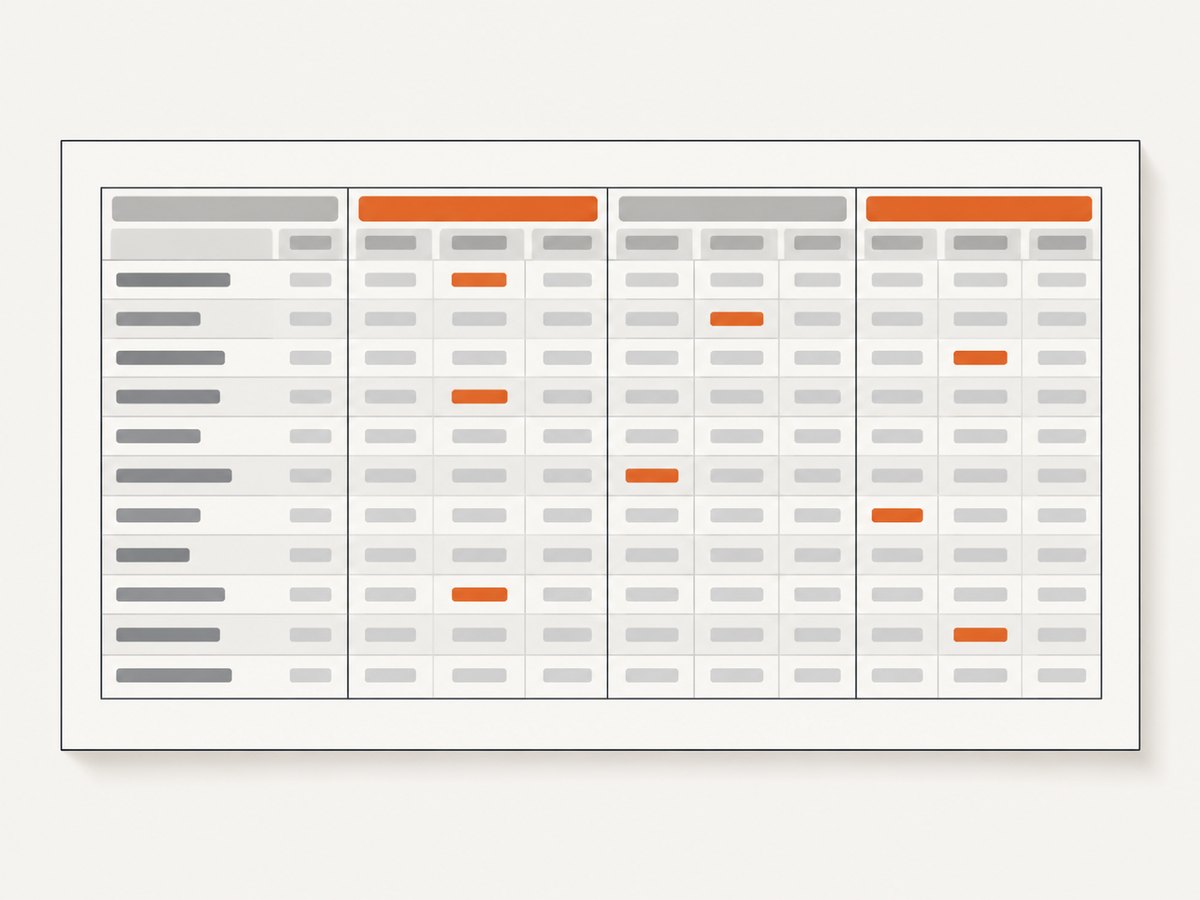
| Goal | Options to review | Practical effect |
|---|---|---|
| Wide standard report | orientation: Landscape, page-size: A4 |
Uses the landscape form of the selected paper. |
| Custom receipt or poster | page-width, page-height |
Defines explicit dimensions; orientation alone is not a custom size. |
| More usable table width | Smaller left/right margins | Reclaims horizontal space without changing paper. |
| Prevent clipped content | CSS widths, wrapping, margins | Keeps columns inside the printable area. |
Use CSS intended for print. Set table widths deliberately, allow long values to wrap, and avoid a fixed pixel-wide container that exceeds the landscape page’s printable width. A landscape page can still overflow if a table or image has a larger minimum width.
@page {
  size: A4 landscape;
  margin: 12mm;
}

html, body { margin: 0; padding: 0; }
.report { width: 100%; }
table { width: 100%; table-layout: fixed; }
th, td { overflow-wrap: anywhere; }
.page-break { page-break-before: always; }
The wkhtmltopdf command-line manual describes the orientation switch as -O, --orientation <orientation> with Landscape or Portrait, and Portrait as the default. KnpSnappyBundle is the Symfony integration layer that forwards these generator options to the wkhtmltopdf binary. See the KnpSnappyBundle README and the wkhtmltopdf usage manual.
4. A complete Symfony workflow
- Install and configure KnpSnappyBundle and a wkhtmltopdf binary appropriate for your deployment.
- Confirm that the application can execute the configured binary path.
- Choose scope: a per-document option for a single export, or YAML for a service-wide default.
- Render the HTML with print CSS, explicit margins, and widths that fit the page.
- Generate the PDF and inspect a representative page containing the widest table or chart.
- Adjust paper size, dimensions, margins, or CSS if columns wrap or clip.
Keep the HTML deterministic. Resolve asset URLs so the wkhtmltopdf process can read stylesheets, fonts, and images. If your application uses authenticated routes, create a controlled internal render route or pass the required request context rather than relying on a browser session that the command-line process cannot see.
5. Troubleshooting landscape PDFs
The PDF is still portrait
- Cause: The option was placed in the wrong argument or under the wrong configuration key.
- Fix: Pass
['orientation' => 'Landscape']in the generator method’s options argument. For global configuration, put it belowknp_snappy.pdf.options, clear cache, and regenerate. - Also check: The binary path and version selected by your bundle configuration. A different binary may be running than the one you inspected locally.
Landscape is set, but columns are cut off
- Cause: A fixed-width wrapper, wide table, large image, or excessive margin exceeds the printable area.
- Fix: Set the content width to
100%, use a fixed table layout where appropriate, allow words to wrap, reduce horizontal margins, or choose a larger paper size. Orientation does not override CSS minimum widths.
Images, fonts, or CSS are missing
- Cause: Relative asset URLs, inaccessible private URLs, or an asset format the wkhtmltopdf build cannot load.
- Fix: Use absolute or correctly resolved URLs, verify the process can reach them, and inspect the generated HTML outside the controller. Keep print stylesheets simple and ensure required fonts are installed or embedded in a supported way.
JavaScript content is blank or incomplete
KnpSnappyBundle’s documentation cautions that JavaScript-dependent pages can encounter compatibility issues because wkhtmltopdf is not fully compatible with ES6 APIs. Add suitable polyfills for unsupported APIs, render critical data into the HTML before generation, and avoid depending on browser features that the wkhtmltopdf engine does not provide. If a page requires modern browser APIs, consider a browser-based capture service instead of adding fragile workarounds.
The application reports a binary or permission error
- Cause: The configured executable does not exist, is not executable, or is blocked by the runtime environment.
- Fix: Verify the configured binary path, execute it as the same user as PHP-FPM or the worker, and check temporary-directory permissions. Confirm the binary version directly in the deployment environment.
Options work locally but not in production
Compare the bundle version, Snappy version, wkhtmltopdf binary, fonts, locale, and configuration cache between environments. Method signatures and supported switches can differ in older Symfony projects, so inspect the installed package source or generated service definition rather than assuming a current example applies unchanged.
6. Performance and reliability
PDF generation starts an external renderer, so the cost is usually dominated by HTML loading, CSS, images, and JavaScript rather than the orientation switch itself. Keep templates focused, avoid loading unnecessary third-party assets, and size images for print. Generate large reports asynchronously when a web request timeout is likely, and write the output to a controlled temporary location before returning or attaching it.
For repeatable output, pin the wkhtmltopdf binary version used by each environment, set explicit paper and margin options, and use stable asset URLs. Log the input route, options, binary path, exit status, and stderr when generation fails. Do not expose sensitive HTML or command-line arguments in public error responses.
Landscape does not reduce page count automatically. A report may still paginate because of vertical content. Use print page-break rules, repeat table headers where supported by your markup, and test the longest realistic dataset. Measure the actual output size when storing many PDFs, and clean temporary files after successful delivery and failure.
7. Or skip the browser setup
If your goal is a clean PDF or image of a web page rather than server-side Symfony rendering, ScreenshotNeo provides a single HTTP request. Its PDF options include paper size, margins, landscape mode, and page ranges. It also loads lazy images, can wait for a selector, delay, or network idle, and supports custom CSS and JavaScript.
curl -G "https://api.screenshotneo.com/v1/shot" \
  -d access_key=YOUR_API_KEY \
  --data-urlencode url=https://stripe.com \
  -d format=pdf \
  -d landscape=true \
  -o report.pdf
import requests
r = requests.get(
"https://api.screenshotneo.com/v1/shot",
params={
"access_key": "YOUR_API_KEY",
"url": "https://stripe.com",
"format": "pdf",
"landscape": "true",
},
timeout=90,
)
r.raise_for_status()
open("report.pdf", "wb").write(r.content)const q = new URLSearchParams({
access_key: 'YOUR_API_KEY',
url: 'https://stripe.com',
format: 'pdf',
landscape: 'true'
});
const res = await fetch(`https://api.screenshotneo.com/v1/shot?${q}`);
if (!res.ok) throw new Error(`ScreenshotNeo returned ${res.status}`);
const data = Buffer.from(await res.arrayBuffer());
await import('node:fs/promises').then(fs => fs.writeFile('report.pdf', data));See the ScreenshotNeo API documentation for the complete option names. Cookie and consent banners, newsletter popups, and chat widgets are removed before capture. Bot checks, blank pages, timeouts, failed loads, and cache hits are not billed, and response headers identify the page verdict and billing status. An MCP server exposes take_screenshot, get_page_info, and capture_pdf to Claude, Cursor, and other MCP clients. The free plan includes 1,000 screenshots each month with no card; paid plans start at $5 for 3,000 shots. Create a free ScreenshotNeo account.
8. FAQ
What exact value does wkhtmltopdf expect?
Use the case-sensitive value Landscape. Portrait is the documented default.
Can I set landscape only for one controller action?
Yes. Keep the service default unchanged and pass the orientation option in that action’s generator call.
Does landscape change A4 into a custom paper size?
No. It changes the orientation of the selected paper. Use page width and height for custom dimensions.
Why does a modern JavaScript chart fail in the PDF?
wkhtmltopdf has incomplete ES6 and browser API support. Render essential data server-side or add compatible polyfills.
Should I put orientation in HTTP headers?
No. It is a wkhtmltopdf generator option passed through KnpSnappyBundle.


