How to Convert HTML Content to a PDF Byte Array with Kotlin
Convert HTML to PDF bytes in Kotlin with Android WebView, JVM renderers, complete code, troubleshooting, and a browser-free ScreenshotNeo option.
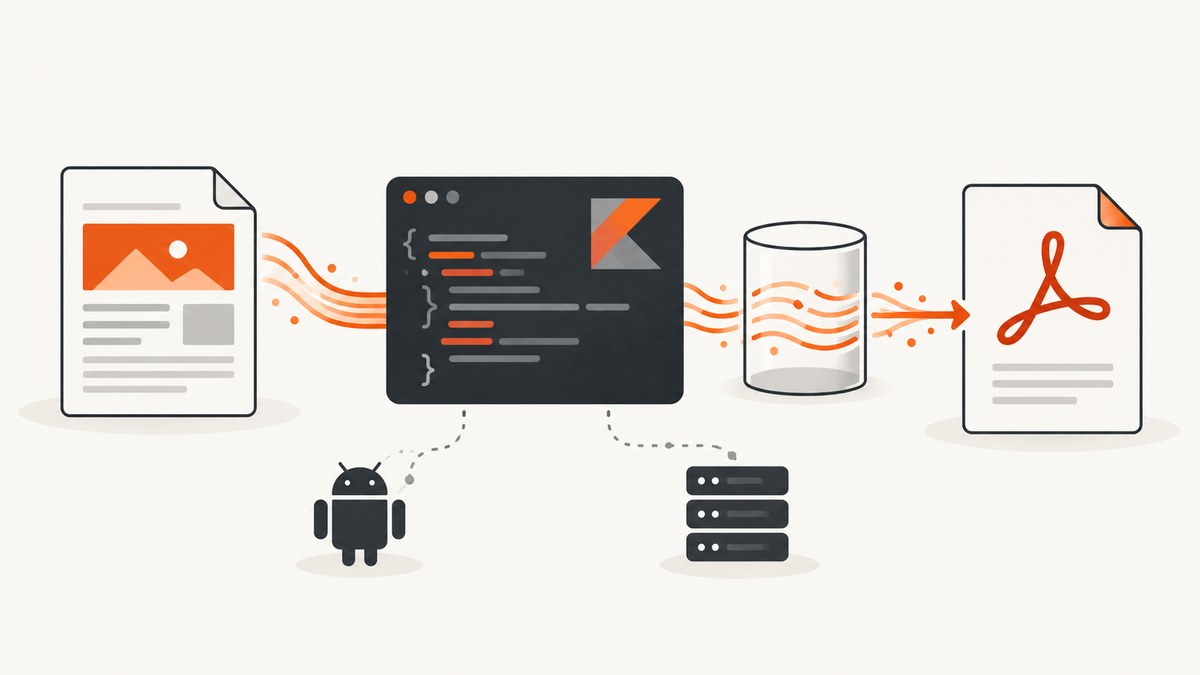
Direct answer: write the renderer’s PDF output to an in-memory stream such as ByteArrayOutputStream, then call toByteArray() after conversion finishes. The exact code depends on whether your Kotlin code runs in an Android app or on the JVM.
Android HTML printing uses a WebView and the Android print framework. A JVM service can use an HTML-to-PDF library such as iText pdfHTML or OpenHTMLtoPDF. Android’s PdfDocument is a native drawing API; it does not parse an HTML string or perform browser layout. See the Android HTML printing guide, PdfDocument API reference, iText pdfHTML documentation, and the OpenHTMLtoPDF project documentation.
Choose the Kotlin runtime first
| Runtime | Best fit | Output contract |
|---|---|---|
| Android app | HTML that must print using the device’s WebView and print services | A platform print job; the documented flow is not a synchronous PDF ByteArray API |
| JVM server or desktop app | Direct HTML-to-PDF generation in application code | A stream or writer that can be converted to ByteArray |
| Native Android drawing | Pages drawn with Canvas primitives | PdfDocument output stream; HTML parsing is your responsibility |
JVM Kotlin: convert an HTML string to PDF bytes
The general pattern is library-independent:
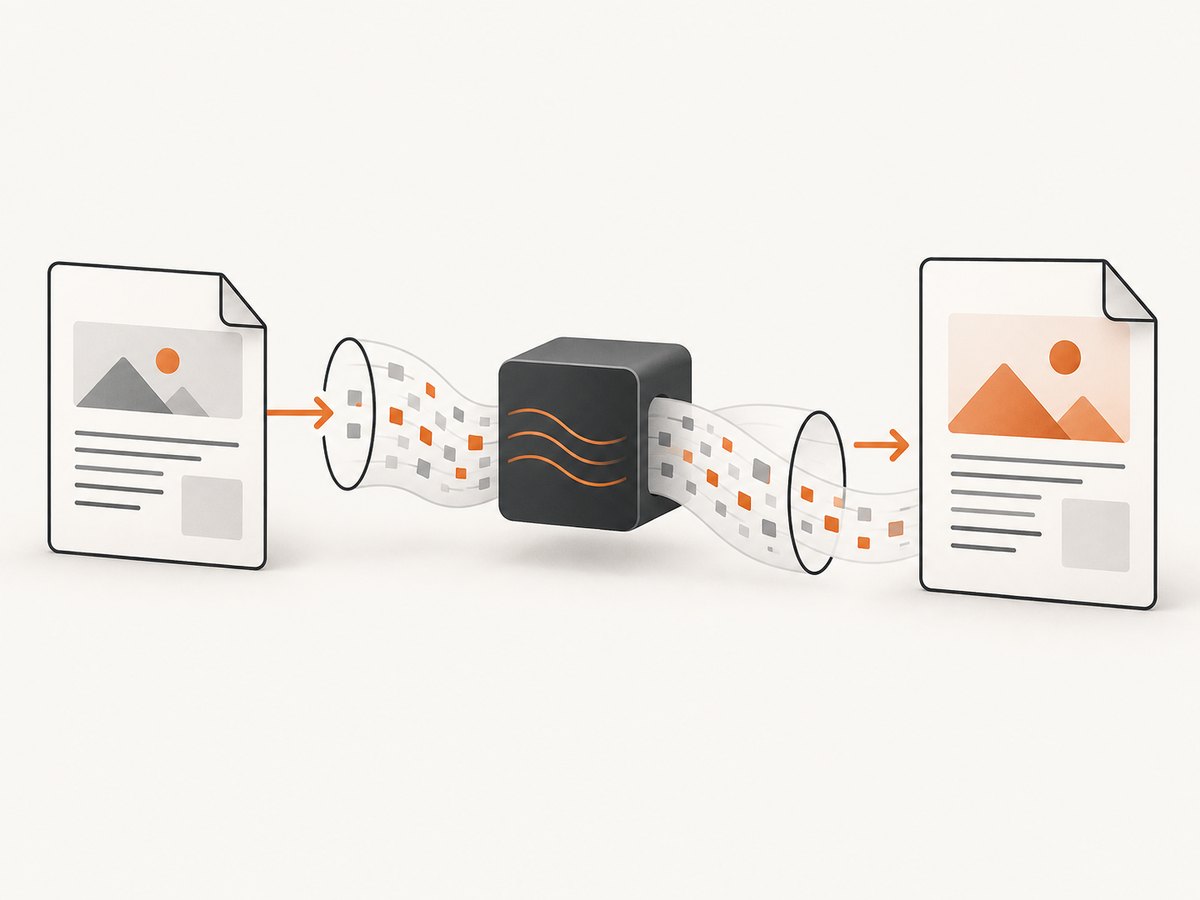
- Create a
ByteArrayOutputStream. - Pass it to the renderer’s PDF writer or converter.
- Wait for conversion to complete and close the renderer-owned resources.
- Return
output.toByteArray().
Check the exact overload and dependency version you select. The examples below show the stream pattern; they are illustrative and should be compiled against your chosen release.
iText pdfHTML example
import com.itextpdf.html2pdf.HtmlConverter
import com.itextpdf.html2pdf.ConverterProperties
import java.io.ByteArrayOutputStream
fun htmlToPdfBytes(html: String, baseUri: String? = null): ByteArray {
val output = ByteArrayOutputStream()
val properties = ConverterProperties()
// Required when HTML contains relative images, stylesheets, or fonts.
if (baseUri != null) {
properties.setBaseUri(baseUri)
}
HtmlConverter.convertToPdf(html, output, properties)
return output.toByteArray()
}
fun main() {
val html = """
Invoice
Generated from Kotlin.
""".trimIndent()
val pdfBytes = htmlToPdfBytes(html)
java.nio.file.Files.write(java.nio.file.Path.of("invoice.pdf"), pdfBytes)
}Use a baseUri for relative resources such as <img src=\"images/logo.png\">. Resolve it to a controlled directory or HTTPS origin. Do not assume that a renderer can fetch every browser resource or execute arbitrary page JavaScript.
OpenHTMLtoPDF example
import com.openhtmltopdf.pdfboxout.PdfRendererBuilder
import java.io.ByteArrayOutputStream

fun htmlToPdfBytes(html: String, baseUri: String? = null): ByteArray {
    val output = ByteArrayOutputStream()
    val builder = PdfRendererBuilder()
        .useFastMode()
        .withHtmlContent(html, baseUri)
        .toStream(output)

    builder.run()
    return output.toByteArray()
}

fun main() {
    val bytes = htmlToPdfBytes(
        """
        <html><body><h1>Report</h1><p>PDF output</p></body></html>
        """.trimIndent(),
        "file:///opt/app/templates/"
    )
    java.nio.file.Files.write(java.nio.file.Path.of("report.pdf"), bytes)
}
OpenHTMLtoPDF describes itself as rendering a reasonable subset of well-formed XML/XHTML, some HTML5, and CSS 2.1 and later. It is not a full browser engine, so adapt modern markup and styles to its supported subset. Its project states an LGPL 2.1-or-later license and uses PDFBox; review the selected version and every transitive dependency before distribution.
Android: print HTML with WebView
For an Android application, load the HTML into a WebView, then create a print adapter and hand the job to Android’s print services. Supplying a base URL lets relative images, CSS, and other local resources resolve.
class InvoiceActivity : android.app.Activity() {
    private lateinit var webView: android.webkit.WebView

    override fun onCreate(savedInstanceState: android.os.Bundle?) {
        super.onCreate(savedInstanceState)
        webView = android.webkit.WebView(this)
        setContentView(webView)

        val html = """
            <!doctype html>
            <html><head><meta charset=\"utf-8\">
            <style>@page { size: A4; margin: 16mm; }</style>
            </head><body><h1>Invoice</h1></body></html>
        """.trimIndent()

        webView.settings.javaScriptEnabled = false
        webView.loadDataWithBaseURL(
            "https://example.invalid/assets/",
            html,
            "text/html",
            "UTF-8",
            null
        )
    }

    fun printDocument() {
        val printManager = getSystemService(android.content.Context.PRINT_SERVICE)
            as android.print.PrintManager
        val adapter = webView.createPrintDocumentAdapter("invoice")
        printManager.print(
            "invoice",
            adapter,
            android.print.PrintAttributes.Builder()
                .setMediaSize(android.print.PrintAttributes.MediaSize.ISO_A4)
                .setMinMargins(android.print.PrintAttributes.Margins.NO_MARGINS)
                .build()
        )
    }
}
This is a print workflow, not a documented synchronous function returning the generated PDF bytes. If your Android feature must upload raw bytes automatically, evaluate a JVM renderer in a backend or a library that explicitly exposes an Android byte-output API. Avoid treating PdfDocument as an HTML converter.
Android PdfDocument: only for native drawing
val document = android.graphics.pdf.PdfDocument()
try {
    val pageInfo = android.graphics.pdf.PdfDocument.PageInfo.Builder(595, 842, 1).create()
    val page = document.startPage(pageInfo)
    page.canvas.drawText("Native Android content", 40f, 60f, android.graphics.Paint())
    document.finishPage(page)

    val output = java.io.ByteArrayOutputStream()
    document.writeTo(output)
    val bytes = output.toByteArray()
} finally {
    document.close()
}
Only one page may be written at a time, and the API is not thread safe. You must implement pagination, text layout, images, and styling yourself when starting from HTML.
HTML, CSS, and asset options
- Base URI: set it when markup uses relative URLs. Use a stable, readable URI and make required assets available to the renderer.
- Absolute resources: absolute HTTPS URLs can simplify resolution, but network access introduces latency and failures. Prefer bundling immutable assets for repeatable documents.
- Fonts: register or package fonts supported by your renderer; browser fallback is not guaranteed.
- CSS: keep print rules explicit with
@page, fixed margins, page breaks, and print colors. Test unsupported layout features with the selected renderer. - Encoding: include
<meta charset=\"utf-8\">and pass UTF-8 when loading Android HTML. - Untrusted HTML: sanitize content and restrict resource access. Do not allow user-controlled HTML to read server files or send credentials through fetched URLs.
Returning or serving the byte array
fun savePdf(bytes: ByteArray, path: java.nio.file.Path) {
    require(bytes.isNotEmpty()) { "Renderer returned an empty PDF" }
    java.nio.file.Files.write(path, bytes)
}

// In a web framework, return bytes with:
// Content-Type: application/pdf
// Content-Disposition: inline; filename=\"document.pdf\"
Do not convert PDF bytes to a Base64 string unless a transport requires it; Base64 increases payload size and memory use. For large documents, stream directly to the HTTP response or a file when your renderer supports it.
Or skip the browser setup
ScreenshotNeo can capture a URL as a PDF with one request. Its API accepts the URL and returns the generated file; see the API documentation.
curl -G "https://api.screenshotneo.com/v1/shot" -d access_key=YOUR_API_KEY --data-urlencode url=https://stripe.com -o shot.pdfimport requests
r = requests.get("https://api.screenshotneo.com/v1/shot", params={"access_key": "YOUR_API_KEY", "url": "https://stripe.com"}, timeout=90)
r.raise_for_status()
open("shot.pdf", "wb").write(r.content)const q = new URLSearchParams({ access_key: 'YOUR_API_KEY', url: 'https://stripe.com' });
const res = await fetch(`https://api.screenshotneo.com/v1/shot?${q}`);
if (!res.ok) throw new Error(`HTTP ${res.status}`);
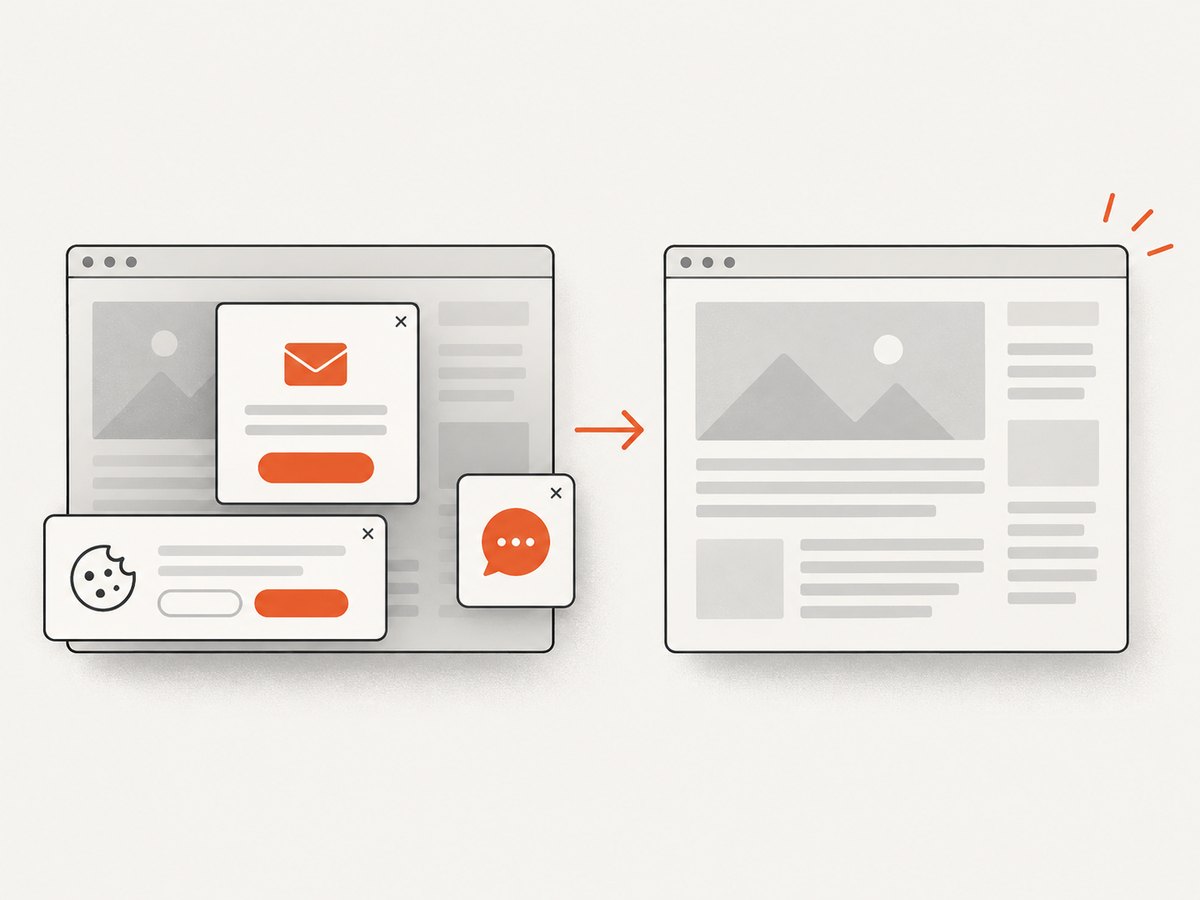
require('fs').writeFileSync('shot.pdf', Buffer.from(await res.arrayBuffer()));Cookie banners, newsletter popups, and chat widgets are removed before the shot. Bot checks, blank pages, failed loads, timeouts, and cache hits are not billed, and response headers identify the page verdict and billing result. An MCP server lets AI agents use take_screenshot, get_page_info, and capture_pdf. The free plan includes 1,000 screenshots each month with no card; paid plans start at $5 for 3,000 shots. Create a free ScreenshotNeo account.
Troubleshooting
| Symptom | Likely cause | Fix |
|---|---|---|
| Images or CSS are missing | No base URI, inaccessible files, or unsupported resource scheme | Set the renderer base URI, use packaged assets, and verify permissions and URLs. |
| Modern page renders incorrectly | JVM renderer supports a subset of browser HTML/CSS | Simplify markup, add print-specific CSS, or render with Android WebView/browser infrastructure. |
| Android output is not a byte array | Print framework creates a print job rather than exposing synchronous bytes | Keep the platform print flow, or move conversion to a backend with a stream-based renderer. |
| Blank or truncated PDF | Conversion was read before completion, or the WebView had not finished loading | Read toByteArray() only after the converter returns; on Android, wait for page loading before printing. |
| Fonts differ between machines | Missing or different installed fonts | Bundle and register the required fonts and test on the deployment image. |
| Out-of-memory errors | Large HTML, images, or several in-memory PDFs | Reduce image resolution, process one document at a time, and stream output where possible. |
| Relative links resolve to the wrong place | Incorrect base URI or working directory | Use an explicit base URI ending at the asset root and log the resolved resource paths. |
| Security review blocks conversion | Untrusted HTML can load network or local resources | Sanitize HTML, isolate rendering, restrict outbound access, and allowlist resource locations. |
Performance, reliability, and cost
- Performance: HTML parsing, font loading, images, and layout dominate conversion time. Reuse renderer configuration where supported, but do not share non-thread-safe objects.
- Memory: a
ByteArrayOutputStreamholds the complete PDF in memory. Set document size limits and avoid retaining multiple byte arrays. - Reliability: make asset URLs deterministic, pin fonts and templates, record renderer versions, and test representative pages after dependency upgrades.
- Retries: retry transient asset or network failures with limits and idempotent job identifiers. Do not blindly retry malformed HTML.
- Licensing: review iText’s commercial or open-source terms for your deployment. OpenHTMLtoPDF’s project states LGPL 2.1-or-later; verify the chosen release and dependencies with your legal process.
- Hosted capture cost: ScreenshotNeo bills only clean shots; failed loads, bot checks, blank pages, timeouts, and cache hits are not billed. Its plans range from 1,000 free monthly shots to paid tiers beginning at $5 for 3,000.
Implementation checklist
- Identify Android versus JVM before selecting an API.
- Use
ByteArrayOutputStreamfor direct JVM byte output. - Set a base URI for relative resources.
- Test fonts, images, page breaks, tables, and long content.
- Sanitize untrusted HTML and restrict resource access.
- Close documents and streams and limit concurrent conversions.
- Return
application/pdfwhen serving the result over HTTP.
FAQ
Can Kotlin itself convert HTML to PDF?
Kotlin provides the application code, but a renderer or platform API performs HTML layout. Choose WebView/print on Android or a JVM HTML-to-PDF library on the server.
Can I use PdfDocument with an HTML string?
Not directly. PdfDocument draws native Android content; it does not parse HTML.
Why does the sample use a byte-array stream?
A byte-array stream gives the renderer an output target in memory. After conversion completes, toByteArray() returns the PDF payload.
Which renderer has full browser compatibility?
Neither iText pdfHTML nor OpenHTMLtoPDF should be assumed to match a full browser. Validate the exact HTML and CSS used by your application.
When is a hosted capture API a better fit?
Use one when you need a URL captured without maintaining browser setup, popup cleanup, loading waits, or rendering infrastructure. ScreenshotNeo also exposes PDF capture and an MCP server for AI agents.


