LambdaTest Visual Regression Testing
Learn how LambdaTest SmartUI screenshot comparison works, what its API documents, and how to prepare consistent captures for visual review.
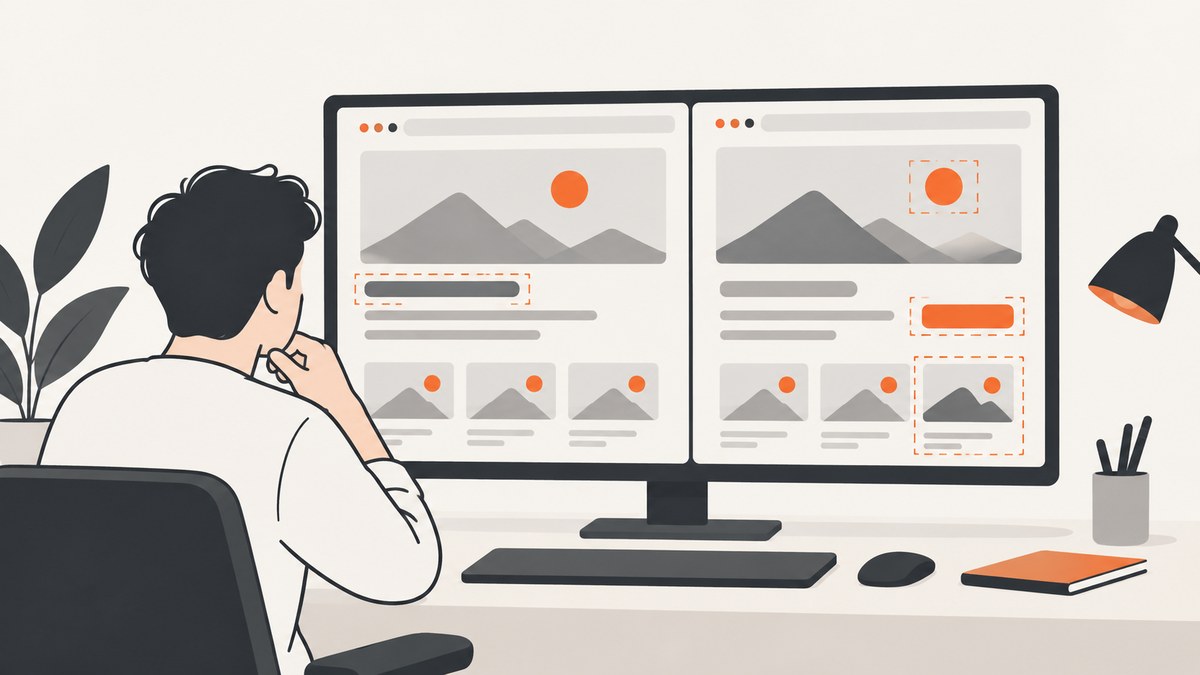
LambdaTest visual regression testing uses screenshots to help teams find visual deviations between browser-rendered pages. LambdaTest’s SmartUI API documents uploading locally captured images, checking build status, and retrieving screenshots. A practical cycle is: capture a baseline, capture a later version under the same conditions, upload the images, check the build, then inspect the screenshots and decide which differences need attention. The API reference supports those operations, but it is not a complete current setup guide; verify the live documentation before wiring it into a production pipeline. [SmartUI API documentation]
If you need screenshot files for a review or another workflow, ScreenshotNeo is a website screenshot API and MCP server. Its role differs from SmartUI’s documented comparison workflow: it captures pages and returns images or PDFs, while the visual regression process still requires comparing a baseline with a new capture.
1. What is LambdaTest visual regression testing?
Visual regression testing compares screenshots of a page to identify changes in its appearance. LambdaTest describes visual testing as comparing webpage screenshots across different browsers. SmartUI’s API material adds a documented image-upload workflow with endpoints for build status and screenshot retrieval. Together, these support a useful high-level model: capture images, submit them for a build, check the build’s status, and retrieve screenshots for review.
The comparison is useful because a page can continue to render successfully while its layout, typography, spacing, or imagery changes. A screenshot makes the rendered result inspectable. The reviewed API material does not establish SmartUI’s current comparison algorithm, pixel thresholds, masking options, or exact approval mechanics, so confirm those details in current product documentation rather than assuming a particular behavior.
2. How do I compare screenshots with LambdaTest SmartUI?
Start by defining what constitutes a comparable capture. A baseline and its later counterpart need the same route, viewport, browser context, page state, and loaded assets. That consistency is general visual-testing practice, not a claim about a SmartUI setting.
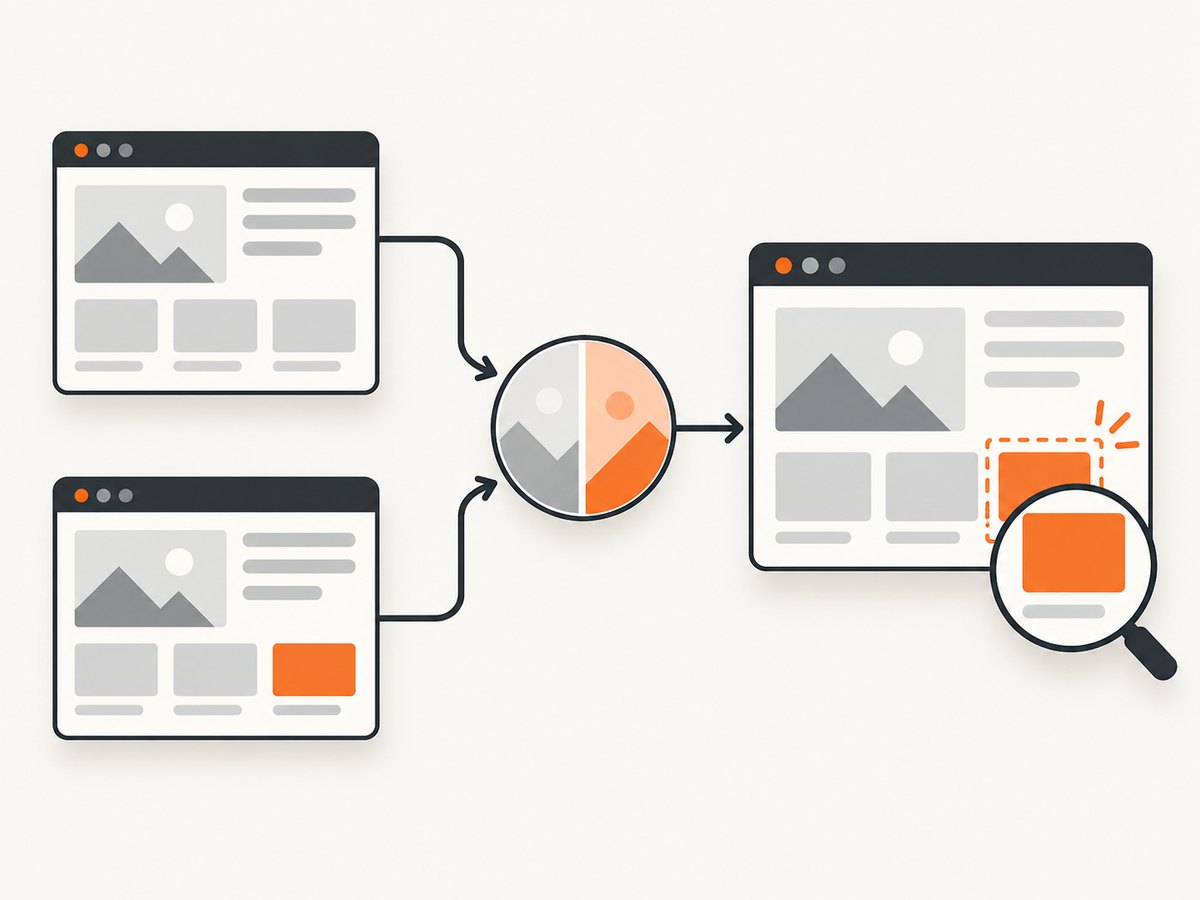
- Choose a stable page state. Identify the route and interaction state to capture. If a menu, modal, or tab matters, define how the page reaches that state.
- Capture the baseline. Save a screenshot from the accepted version of the page. Record the URL, viewport dimensions, browser, and any test data or state needed to recreate it.
- Capture the candidate. Capture the same page and state after a code or design change, keeping capture conditions aligned.
- Upload images to SmartUI. The API documentation describes uploading locally captured images for visual regression testing. Consult the current reference for endpoint paths, authentication, request shape, and required metadata; the material reviewed here is not enough to provide a verified, runnable SmartUI upload request.
- Check build status. Use the documented build-status endpoint as the upload/build progresses. Follow the current API reference’s response schema and polling guidance.
- Retrieve and inspect screenshots. SmartUI documents screenshot retrieval endpoints. Review the images and investigate differences in their page context before deciding whether a change is expected.
This is the complete workflow supported by the reviewed API-level material. It does not specify exact endpoint parameters, credentials, image naming conventions, retry policy, thresholds, or CI provider configuration. Do not copy a guessed request into a pipeline: check the current SmartUI API reference and product setup guide for those details.
Keeping captures comparable
- Pin viewport width and height; responsive breakpoints can change layout.
- Use the same browser and browser version when the goal is to detect application changes. For cross-browser coverage, treat each browser context as its own comparison set.
- Wait until fonts, images, and other required assets have loaded before capturing.
- Use repeatable data and page state. Rotating banners, timestamps, randomized content, and personalized feeds can create irrelevant differences.
- Keep animations and transitions from landing at different frames. If they cannot be controlled, capture at a consistent point in the interaction.
- Store enough metadata with each image to identify its route, commit, viewport, and state.
These are operating practices for screenshot comparisons generally. The sources reviewed do not verify that SmartUI exposes controls for each item.
3. Can I compare a Figma design with a live website?
LambdaTest announced on January 23, 2025 that its SmartUI Figma Web CLI could compare Figma designs directly with live pages, URLs, and web application screens. This is a dated vendor announcement. Availability and current setup instructions need confirmation before you rely on the CLI. See the LambdaTest community announcement and current product documentation.
For a design-to-site review, choose a matching frame and page state, align the intended viewport, and check whether the comparison uses the same scale and content boundaries. A mismatch in viewport, font loading, or responsive behavior can look like a product defect even when the implementation is behaving as designed. These are practical review considerations; the available announcement does not establish current CLI flags, supported Figma versions, or exact matching behavior.
4. What does the SmartUI API establish?
| Workflow question | What the reviewed material supports | What still needs checking |
|---|---|---|
| Can I submit screenshots I captured locally? | Yes. The API documentation describes uploading locally captured images for visual regression testing. | Current endpoint, auth, payload, limits, and accepted formats. |
| Can I check whether processing has finished? | The API lists build-status operations. | Status values, polling interval, terminal states, and failure response details. |
| Can I fetch screenshots? | The API lists screenshot retrieval endpoints. | Current response format, retention, pagination, and access requirements. |
| Does it document the comparison algorithm? | Not in the reviewed source material. | Thresholds, masking, anti-aliasing handling, and review/approval behavior. |
| Does it specify current framework or browser support? | Not established by this research. | Consult the current support matrix and setup guides. |
The API page carries an older version marker in the research notes. Treat it as a map of documented operations, not a guarantee that every request detail remains current.
5. What affects reliability and performance?
Reliability
The most common source of noisy results is an inconsistent capture, not necessarily a meaningful visual regression. Dynamic content, asynchronous assets, changing test data, different fonts, and viewport differences all affect pixels. Build a capture checklist and preserve the capture metadata so reviewers can reproduce a suspicious change.
For CI, make the capture job report failures distinctly from visual findings. A network failure or missing asset should not silently become a new accepted baseline. Use the status and retrieval operations described by the API, and implement retries only for transient transport or service errors as specified by current documentation. Avoid retries that conceal a deterministic rendering defect.
Performance
Capture time depends on the page and the browser workflow used to create the image. The reviewed sources do not provide validated SmartUI latency or throughput figures. Reduce avoidable work by capturing only routes and states that provide useful coverage, reusing a stable test setup, and avoiding duplicate runs for identical inputs. For parallel jobs, verify current service limits before increasing concurrency.
Review quality
A difference is a signal to inspect, not an automatic verdict that the change is wrong. Review the changed region in context: is it an intentional design update, content variation, responsive shift, or unintended regression? Keep the approved baseline tied to a known revision and require an explicit review when replacing it.
6. How much does LambdaTest SmartUI cost?
The research reviewed for this article did not establish current SmartUI pricing, plan limits, or quotas. Check LambdaTest’s current pricing and product pages before estimating cost. Do not extrapolate from a general LambdaTest plan: confirm that the specific SmartUI capabilities and usage you need are included.
When evaluating a plan, ask about screenshot or build quotas, parallel execution, retention, team access, browser coverage, and whether design comparison is included. These are questions to verify, not confirmed SmartUI plan features.
7. Or skip the browser setup
For capturing a page screenshot without configuring a browser runner, ScreenshotNeo’s API documentation describes the one-call capture flow. Replace the target URL and API key:
curl -G "https://api.screenshotneo.com/v1/shot" \
  -d access_key=YOUR_API_KEY \
  --data-urlencode url=https://stripe.com \
  -o shot.webp
import requests
r = requests.get(
"https://api.screenshotneo.com/v1/shot",
params={"access_key": "YOUR_API_KEY", "url": "https://stripe.com"},
timeout=90,
)
open("shot.webp", "wb").write(r.content)const q = new URLSearchParams({
access_key: 'YOUR_API_KEY',
url: 'https://stripe.com'
});
const res = await fetch(`https://api.screenshotneo.com/v1/shot?${q}`);
if (!res.ok) throw new Error(`Screenshot request failed: ${res.status}`);
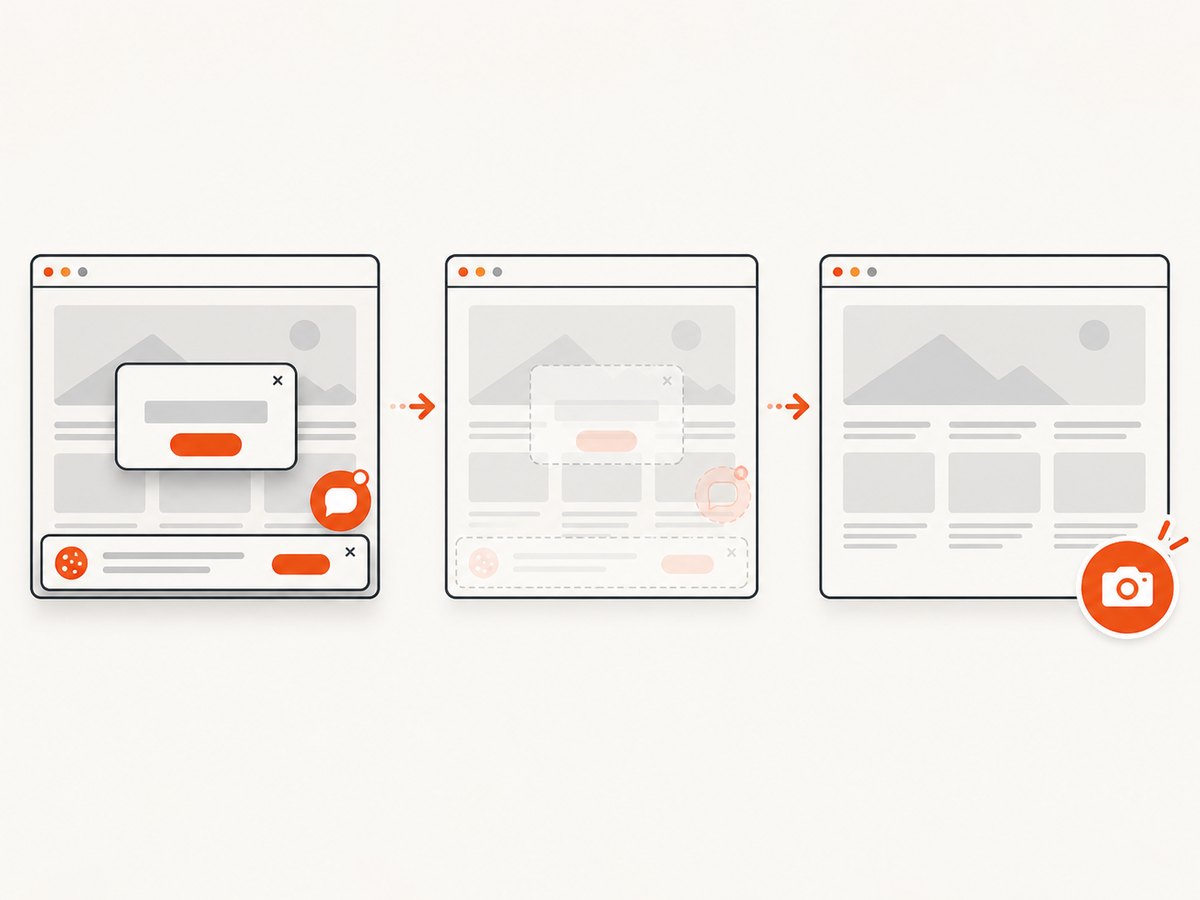
await Bun.write('shot.webp', res);ScreenshotNeo accepts cookie and consent banners and removes more than 60 known consent platforms, newsletter popups, and chat widgets before the capture; each step can be turned off. Bot checks, blank pages, failed loads, timeouts, and cache hits are not billed, and responses include X-Page-Verdict and X-Billed headers. Its MCP server provides take_screenshot, get_page_info, and capture_pdf tools for Claude, Cursor, and other MCP clients. The free plan includes 1,000 screenshots each month with no card; paid plans start at $5 for 3,000 screenshots. Every feature is available on every plan. ScreenshotNeo provides capture files; use your comparison workflow to evaluate them against a baseline.
Create a free ScreenshotNeo account for 1,000 screenshots a month with no card.
8. Common problems and fixes
| Symptom | Likely cause | What to do |
|---|---|---|
| Images show large differences on every run | Viewport, browser, content, or page state changed. | Compare capture metadata; pin viewport and state; stabilize test data and asset loading. |
| Fonts or images differ unexpectedly | Capture started before assets finished loading, or the environment lacks the same resources. | Wait for required assets, confirm network access, and use the same browser environment. |
| Build status never reaches an expected state | Polling uses an outdated endpoint/schema, the build failed, or the request lacks required data. | Inspect the API response and current SmartUI docs; distinguish pending from failed states and apply documented retry guidance. |
| Screenshot retrieval fails | Wrong build or screenshot identifier, insufficient authorization, or stale API assumptions. | Use IDs returned by the current workflow, verify credentials and response codes, and confirm current retrieval parameters. |
| Figma and page do not line up | Different viewport, scale, content, or design frame; CLI availability may also have changed since the announcement. | Align the inputs and verify current Figma Web CLI instructions with LambdaTest before integrating. |
| CI reports a visual difference after a harmless content change | Dynamic timestamps, rotating content, personalization, or animation altered the image. | Use deterministic test data and a repeatable capture point. Verify whether the current tool supports any needed masking before depending on it. |
9. Does SmartUI support my framework and browser?
The research material reviewed here does not establish a current framework matrix or browser/device support list. Check LambdaTest’s live SmartUI documentation for the exact framework, browser versions, and CI integrations you plan to use. Confirm whether your chosen capture method is supported and whether local image upload covers your use case before committing to an implementation.
10. LambdaTest customer example
LambdaTest’s Dashlane case study says Dashlane introduced SmartUI for visual regression testing in 2024 and captured thousands of screenshots to support interface consistency across browsers and devices. This is a LambdaTest-published customer example; it should be read as that customer’s reported experience, not as an independent result or a typical performance guarantee. [LambdaTest case studies]
11. Frequently asked questions
Is visual regression testing the same as functional testing?
No. Screenshot comparison checks rendered appearance. It does not by itself prove that controls, navigation, or business logic work correctly; pair it with functional tests.
Can I use screenshots captured outside LambdaTest?
The SmartUI API documentation describes uploading locally captured images. Verify current format, request, and account requirements in the live API reference.
Does a difference mean the test failed?
A difference means the rendered images changed. A reviewer needs to decide whether that change is intentional and acceptable.
Can I use ScreenshotNeo as the comparison engine?
ScreenshotNeo is a screenshot capture API and MCP server. It returns page images or PDFs; the documented facts here do not describe it as a visual diff or baseline review service. You can use it to obtain clean captures and compare them in a separate workflow.
Is the SmartUI Figma CLI available now?
The announcement establishes that LambdaTest announced the capability on January 23, 2025. Check the current official documentation for availability and setup instructions.
Sources and verification notes
- LambdaTest SmartUI API documentation: image upload, build status, screenshot retrieval. The reviewed page had an older version marker.
- LambdaTest community: dated Figma Web CLI announcement from January 23, 2025; confirm current availability.
- LambdaTest case studies: vendor-published Dashlane example, including reported 2024 adoption.
- Current SmartUI pricing, plan limits, framework matrix, browser/device support, comparison algorithm, and exact integration instructions were not established by the research pass. Confirm each in current authoritative documentation before publication.


