How to Generate Landscape PDFs With Mikehaertl WkHtmlToPdf
Configure wkhtmltopdf for landscape PDFs in PHP, with page options, margins, troubleshooting, performance guidance, and a browser-free API alternative.
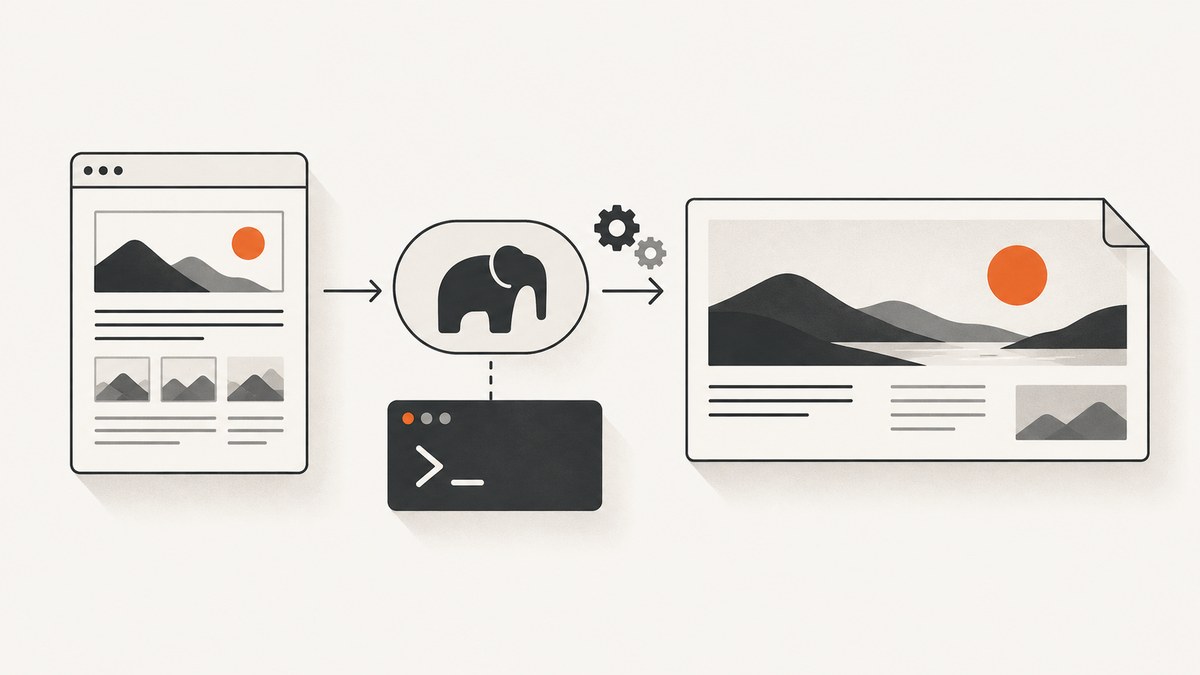
Direct answer: set the global wkhtmltopdf option orientation to Landscape when you create the mikehaertl/phpwkhtmltopdf object. Choose the paper size and margins separately, then add the HTML page and save the PDF.
<?php
require __DIR__ . '/vendor/autoload.php';

use mikehaertl\wkhtmlto\Pdf;

$pdf = new Pdf([
    'orientation' => 'Landscape',
    'page-size' => 'A4',
]);

$pdf->addPage('/path/to/page.html');

if (!$pdf->saveAs('/path/to/output.pdf')) {
    throw new RuntimeException($pdf->getError());
}
This PHP package is a wrapper around the wkhtmltopdf executable. Installing the Composer package alone is not enough: the renderer must also be installed, executable by the PHP process, and available on the process PATH or configured with its full path. The wrapper’s documented options-array interface and the renderer’s documented orientation setting are described in the project README and the wkhtmltopdf settings reference.
1. Install the wrapper and renderer
Install the PHP wrapper with Composer:
composer require mikehaertl/phpwkhtmltopdfInclude Composer’s autoloader in the script that creates the PDF:
require __DIR__ . '/vendor/autoload.php';Install wkhtmltopdf using the package or installer appropriate for your operating system. Verify the binary independently before debugging PHP:
wkhtmltopdf --versionIf the command is not on the web server’s PATH, pass its absolute path in the wrapper options. This is especially important on Windows, where the README shows configuring the path to wkhtmltopdf.exe.
$pdf = new Pdf([
    'binary' => '/usr/local/bin/wkhtmltopdf',
    'orientation' => 'Landscape',
    'page-size' => 'A4',
]);
Use a path that exists in the runtime environment. A path that works in an interactive shell may not work for PHP-FPM, Apache, a queue worker, or a container because those processes can have a different environment.
2. Configure landscape orientation
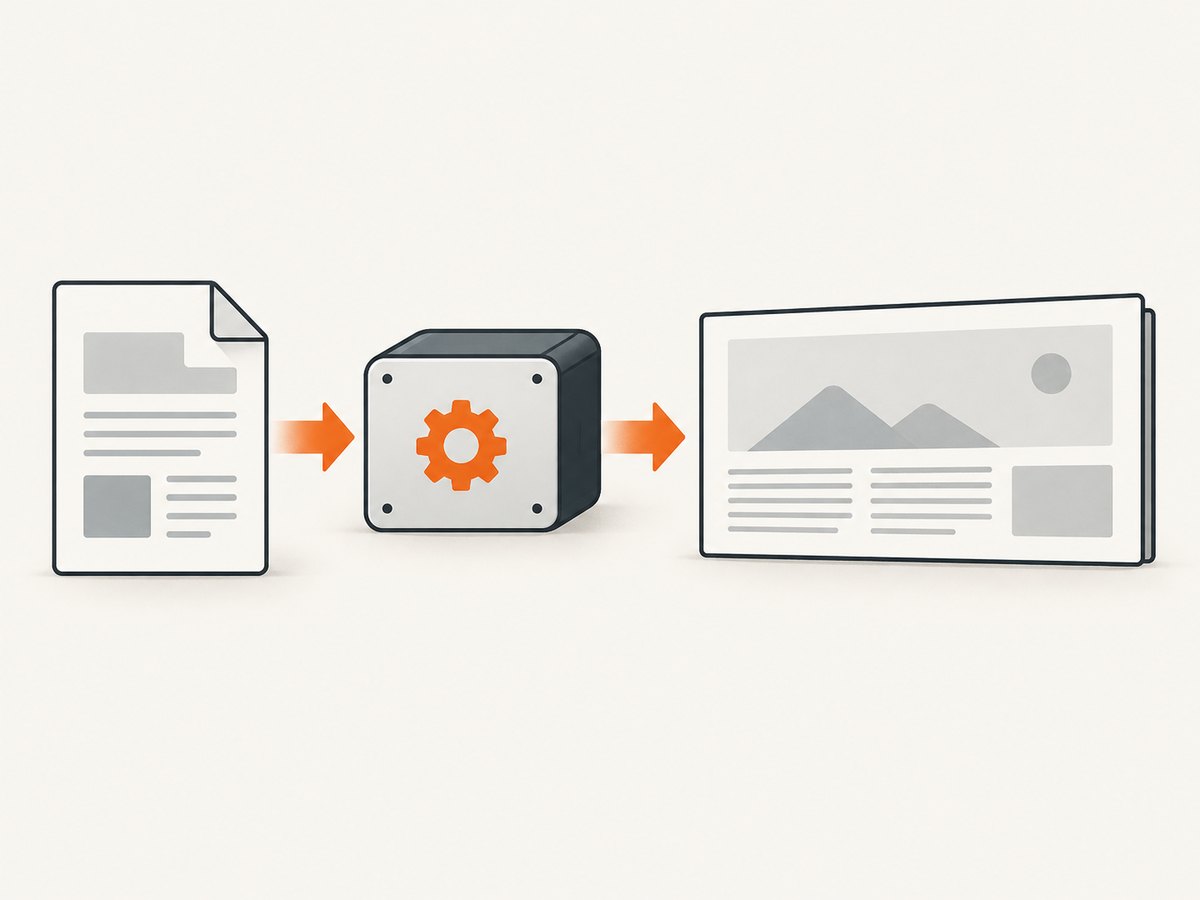
orientation is a global PDF setting. The accepted values are Landscape and Portrait. Set it in the constructor:
$pdf = new Pdf([
    'orientation' => 'Landscape',
]);
You can also set or replace global options later with setOptions():
$pdf = new Pdf();
$pdf->setOptions([
    'orientation' => 'Landscape',
    'page-size' => 'A4',
]);
Orientation controls the page direction. It does not automatically make every HTML layout fit. Wide tables, fixed-width images, long code lines, and CSS widths can still overflow. Treat orientation, paper size, margins, and print CSS as separate controls.
Choose a paper size
Set a standard paper size such as A4 independently from orientation:
$pdf = new Pdf([
    'orientation' => 'Landscape',
    'page-size' => 'A4',
]);
The settings reference also supports custom width and height when a standard paper size is not suitable. Confirm the exact option spelling supported by the wkhtmltopdf build installed in your environment before relying on a custom format.
Set margins deliberately
Margins are separate top, right, bottom, and left settings. A wide report often needs smaller horizontal margins, while a document intended for binding may need a larger inside margin.
$pdf = new Pdf([
    'orientation' => 'Landscape',
    'page-size' => 'A4',
    'margin-top' => 10,
    'margin-right' => 10,
    'margin-bottom' => 10,
    'margin-left' => 10,
]);
Keep the margin values consistent with the units accepted by your installed renderer and wrapper version. If content still clips, inspect the generated PDF and reduce the HTML’s fixed widths or adjust the page size and margins together.
3. Build a complete PHP example
The following script reads a local HTML file, renders it in landscape A4, and reports the wrapper’s error detail if generation fails:
<?php
require __DIR__ . '/vendor/autoload.php';

use mikehaertl\wkhtmlto\Pdf;

$options = [
    'orientation' => 'Landscape',
    'page-size' => 'A4',
    'margin-top' => 12,
    'margin-right' => 12,
    'margin-bottom' => 12,
    'margin-left' => 12,
];

$pdf = new Pdf($options);
$pdf->addPage(__DIR__ . '/page.html');

$output = __DIR__ . '/output-landscape.pdf';

if (!$pdf->saveAs($output)) {
    throw new RuntimeException('PDF generation failed: ' . $pdf->getError());
}

echo "Created {$output}\n";
The input can be a filename, an HTML string, or a URL. When rendering a URL, make sure the renderer process can reach it and that any required authentication, cookies, or headers are available to that process.
4. Apply options globally or to one page
Global options apply to every page added to the PDF. This is the normal choice for a report whose pages share the same landscape layout:
$pdf = new Pdf([
    'orientation' => 'Landscape',
    'page-size' => 'A4',
]);

$pdf->addPage('/path/to/summary.html');
$pdf->addPage('/path/to/details.html');
You can override settings for an individual input by passing a second argument to addPage():
$pdf = new Pdf([
    'orientation' => 'Landscape',
    'page-size' => 'A4',
]);

$pdf->addPage('/path/to/landscape.html');
$pdf->addPage('/path/to/appendix.html', [
    'orientation' => 'Portrait',
]);
This global-versus-page distinction is useful for mixed documents. Keep shared settings in the constructor, then use page options only where a page genuinely needs a different treatment. The wrapper also documents combining multiple inputs, adding a cover, and adding a table of contents.
5. Make wide HTML fit the page
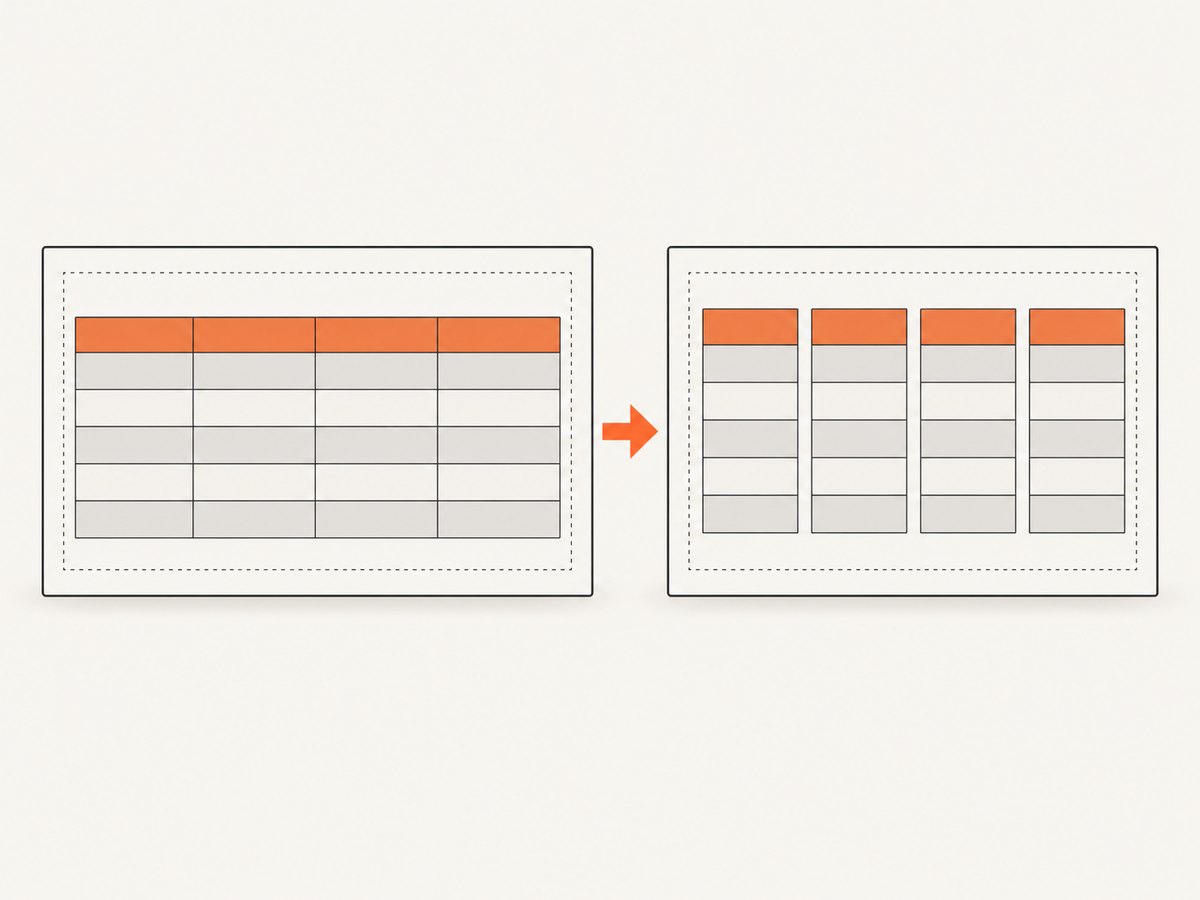
Landscape gives you more horizontal space, but CSS still determines how content lays out. Start with a print stylesheet:
<style>
@media print {
  * { box-sizing: border-box; }
  body { margin: 0; font-family: sans-serif; }
  .report { width: 100%; }
  table { width: 100%; border-collapse: collapse; }
  th, td { padding: 6px; border: 1px solid #ccc; }
  img { max-width: 100%; height: auto; }
  .avoid-break { page-break-inside: avoid; }
}
</style>
Remove hard-coded widths that exceed the printable area. For large tables, shorten column labels, allow wrapping, or split the table into logical sections. Check images and charts for intrinsic dimensions that force overflow.
The project README gives an example that disables smart shrinking and moves spacing into CSS after setting renderer margins to zero. Treat that as a maintainer example for a particular scaling problem, not as a universal requirement. Change one variable at a time and inspect the resulting PDF.
6. Generate PDFs from several inputs
Add pages in order when a report consists of multiple HTML inputs:
$pdf = new Pdf([
    'orientation' => 'Landscape',
    'page-size' => 'A4',
]);

$pdf->addPage('/reports/cover.html');
$pdf->addPage('/reports/overview.html');
$pdf->addPage('/reports/data.html');

if (!$pdf->saveAs('/reports/final.pdf')) {
    throw new RuntimeException($pdf->getError());
}
For a cover or table of contents, follow the wrapper’s documented methods and verify the order in the output. A page-specific orientation override is useful when a portrait cover accompanies landscape data pages, but mixed orientation can affect page numbering and reader expectations.
7. Send the PDF in a web response
The wrapper provides send() for sending a generated document to the browser. It also provides toString() when you need the bytes for another response or storage layer. All three methods return false on error, so check the return value and call getError().
if (!$pdf->send('report.pdf')) {
    throw new RuntimeException($pdf->getError());
}
The README warns that web-server compression can corrupt files sent through send() when compression interferes with the Content-Length header. Exclude the download route from compression or suppress that header according to your server configuration. If a file saves correctly but downloads as corrupt, inspect this layer before changing PDF options.
8. Troubleshooting checklist
| Symptom | Likely cause | Fix |
|---|---|---|
Class not found for Pdf |
Composer autoloader is missing or the package is not installed. | Run composer require mikehaertl/phpwkhtmltopdf and require vendor/autoload.php. |
| Binary not found | wkhtmltopdf is not installed or is outside the PHP process PATH. |
Run wkhtmltopdf --version as the service user, then set the wrapper’s binary option to the absolute path. |
| Landscape option appears ignored | The option is misspelled, applied to the wrong object, or overridden by page options. | Use 'orientation' => 'Landscape' globally and inspect any second argument passed to addPage(). |
| Content is clipped | HTML has fixed widths, oversized images, or margins that leave too little printable space. | Reduce fixed widths, add wrapping, constrain images, and adjust paper size or margins. |
| Output is blank | The input URL or file cannot be reached by the renderer, or the page depends on unavailable runtime resources. | Render a local minimal HTML file first, then check paths, permissions, URLs, and the renderer’s diagnostics. |
saveAs(), send(), or toString() returns false |
Renderer or input failure. | Call getError(); verify the binary, input, permissions, and command execution as the PHP user. |
| Downloaded PDF is corrupt | Web-server compression altered the response or its Content-Length. |
Exclude the route from compression or suppress the problematic header, as documented in the README. |
9. Performance, reliability, and cost considerations
Rendering cost is driven by the HTML, assets, and number of inputs. Keep templates focused, avoid unnecessarily large images, and reuse a stable print stylesheet. Multiple pages in one wrapper instance can simplify a report, while separate jobs can make retries and partial failures easier to manage in a queue.
For reliability, validate the binary during deployment, use an absolute path when the service environment is inconsistent, and log getError() output with the input identifier. Test local files before remote URLs so network access is not confused with PDF configuration. Inspect representative wide tables and image-heavy pages after changes to paper size, margins, or CSS.
There is no hosted rendering charge from the PHP wrapper itself, but your server still pays the CPU, memory, storage, and network cost of each render. Keep temporary files private, set sensible job time limits, and avoid allowing untrusted users to submit arbitrary URLs unless your application has controls for that use case.
10. Or skip the browser setup
If you need a PDF or screenshot from a URL without installing and operating a headless browser stack, ScreenshotNeo provides a website screenshot API. The same endpoint can return PNG, JPEG, WebP, or PDF output; see the ScreenshotNeo documentation for the PDF parameters and options.
cURL:
curl -G "https://api.screenshotneo.com/v1/shot" -d access_key=YOUR_API_KEY --data-urlencode url=https://stripe.com -o shot.webpPython:
import requests
r = requests.get("https://api.screenshotneo.com/v1/shot", params={"access_key": "YOUR_API_KEY", "url": "https://stripe.com"}, timeout=90)
open("shot.webp", "wb").write(r.content)
Node.js:
const q = new URLSearchParams({ access_key: 'YOUR_API_KEY', url: 'https://stripe.com' });
const res = await fetch(`https://api.screenshotneo.com/v1/shot?${q}`);
ScreenshotNeo removes cookie and consent banners, newsletter popups, and chat widgets before capture. Bot checks, blank pages, failed loads, timeouts, and cache hits are not billed, and the response identifies the result with X-Page-Verdict and X-Billed headers. It also includes an MCP server with take_screenshot, get_page_info, and capture_pdf tools for Claude, Cursor, and other MCP clients. The free plan includes 1,000 screenshots per month without a card; paid plans start at $5 for 3,000 shots.
Create a free ScreenshotNeo account to get 1,000 screenshots a month with no card.
11. FAQ
Does landscape orientation change the paper size?
No. Set orientation and page-size independently.
Can one PDF contain both landscape and portrait pages?
Yes. Keep a global default and pass page-specific options to addPage() where needed.
Why does the PHP package work locally but fail on the server?
The server process may not have wkhtmltopdf installed, may use a different PATH, or may lack permission to execute the binary. Verify it as the PHP service user and configure an absolute path.
Should I disable smart shrinking?
Only when your layout needs it. The README describes disabling it for a particular scaling issue; inspect your output before adopting that setting.
Where should I look when generation fails?
Check the boolean return from saveAs(), send(), or toString(), then read getError(). Confirm the binary, input, permissions, and response handling.


