How to Generate Screenshots and PDFs with Laravel Browsershot
Generate screenshots and PDFs from URLs or HTML in Laravel with Spatie Browsershot. Configure output, deploy Chrome and Node, and handle untrusted input safely.
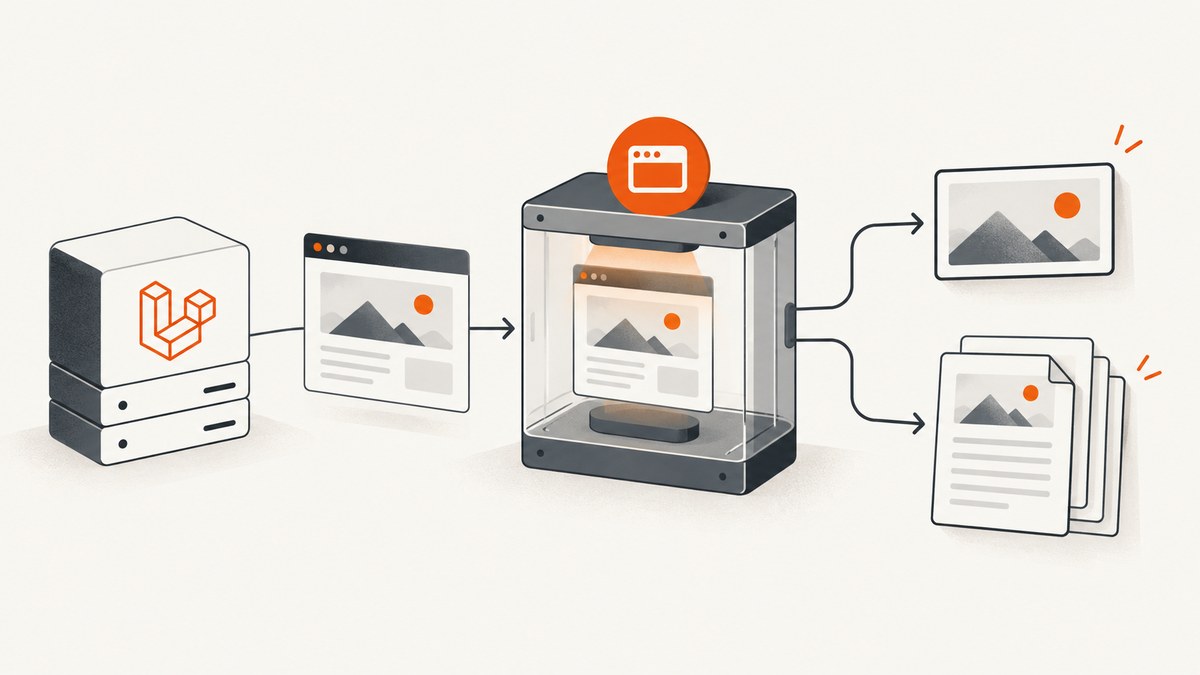
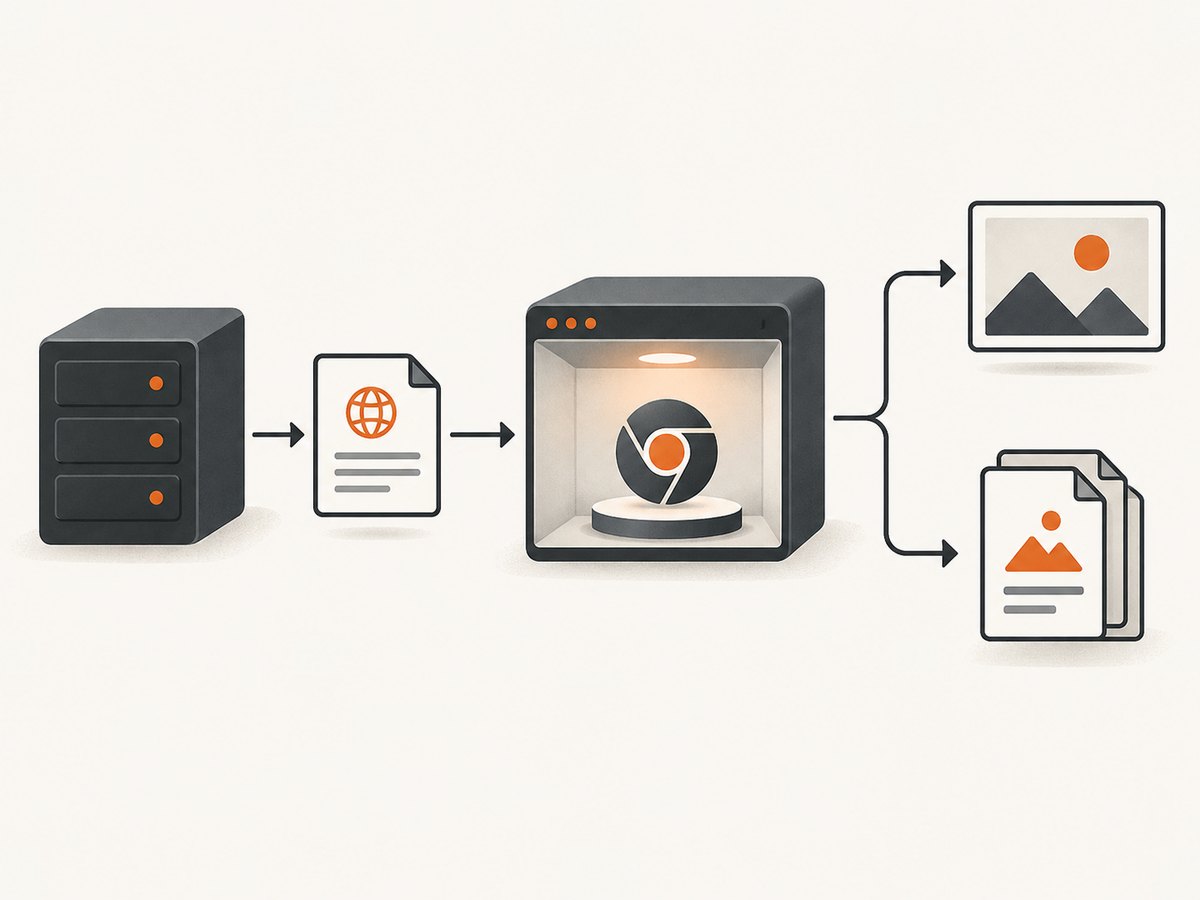
Spatie Browsershot turns a webpage URL, HTML string, or local HTML file into an image or PDF. In Laravel, install the package, make Node.js and Chrome or Chromium available to the PHP process, then save the result to a path your application controls. Browsershot uses Puppeteer to drive headless Chrome, so rendering depends on the browser runtime as well as the PHP code. Spatie’s Browsershot repository and its v4 introduction describe this pipeline.
This guide covers the core calls, PDF and image settings, Laravel integration, deployment, reliability, security, and troubleshooting. Check the installed Browsershot version before copying option methods: the examples below follow the v4 documentation.
1. Install and prepare the rendering runtime
Install Browsershot through Composer:
composer require spatie/browsershotBrowsershot delegates browser work to Puppeteer, which controls headless Chrome. The PHP worker therefore needs access to a compatible Node.js runtime, the package’s Node dependencies, and a Chrome or Chromium binary. Install and configure those for the same environment that runs the Laravel command, queue worker, or HTTP process. A dependency installed only on a developer workstation will not be available inside a separate production container.
Spatie also maintains Laravel Screenshot, a separate Laravel integration package whose default Browsershot driver requires Node.js and Chrome/Chromium. That integration’s documented PHP 8.4+ and Laravel 12+ minimums are requirements for Laravel Screenshot; they should not be mistaken for Browsershot’s own version requirements.
2. Choose a URL, HTML string, or HTML file
Use url() when the browser should load a page just as a visitor would. Use html() when the application has already generated trusted markup. Use htmlFromFile() when markup is stored in a local file. These inputs affect how the page is obtained; the output extension or explicit PDF method determines whether the saved result is an image or PDF.
<?php

use Spatie\Browsershot\Browsershot;

Browsershot::url('https://example.com')
    ->save(storage_path('app/example.png'));

Browsershot::url('https://example.com')
    ->savePdf(storage_path('app/example.pdf'));

$html = '<!doctype html><html><body><h1>Monthly report</h1></body></html>';
Browsershot::html($html)
    ->savePdf(storage_path('app/monthly-report.pdf'));

Browsershot::htmlFromFile(storage_path('app/render/report.html'))
    ->save(storage_path('app/report.png'));
The local HTML file must exist and be readable by the process. Put generated outputs under an application-controlled storage path, and make sure the target directory exists and is writable. For a PDF, save('file.pdf') infers the format from the extension; savePdf() makes that intent explicit. The documentation also describes base64pdf() for callers that need PDF bytes as base64 rather than a local saved file.
Use a Laravel view as the HTML source
Render a Blade view first, then hand its HTML to Browsershot. This keeps template logic in Laravel while the headless browser handles layout and print rendering.
use Spatie\Browsershot\Browsershot;

$html = view('reports.monthly', [
    'report' => $report,
])->render();

$path = storage_path('app/reports/monthly.pdf');

Browsershot::html($html)
    ->format('A4')
    ->margins(10, 10, 10, 10)
    ->savePdf($path);
In production code, let a service or queued job own input validation, destination naming, and output handling. Avoid building arbitrary filesystem paths from request parameters. If the document is large or slow to render, a queue can move work out of a web request, provided the runtime and storage are available to the worker.
3. Tune PDF page layout
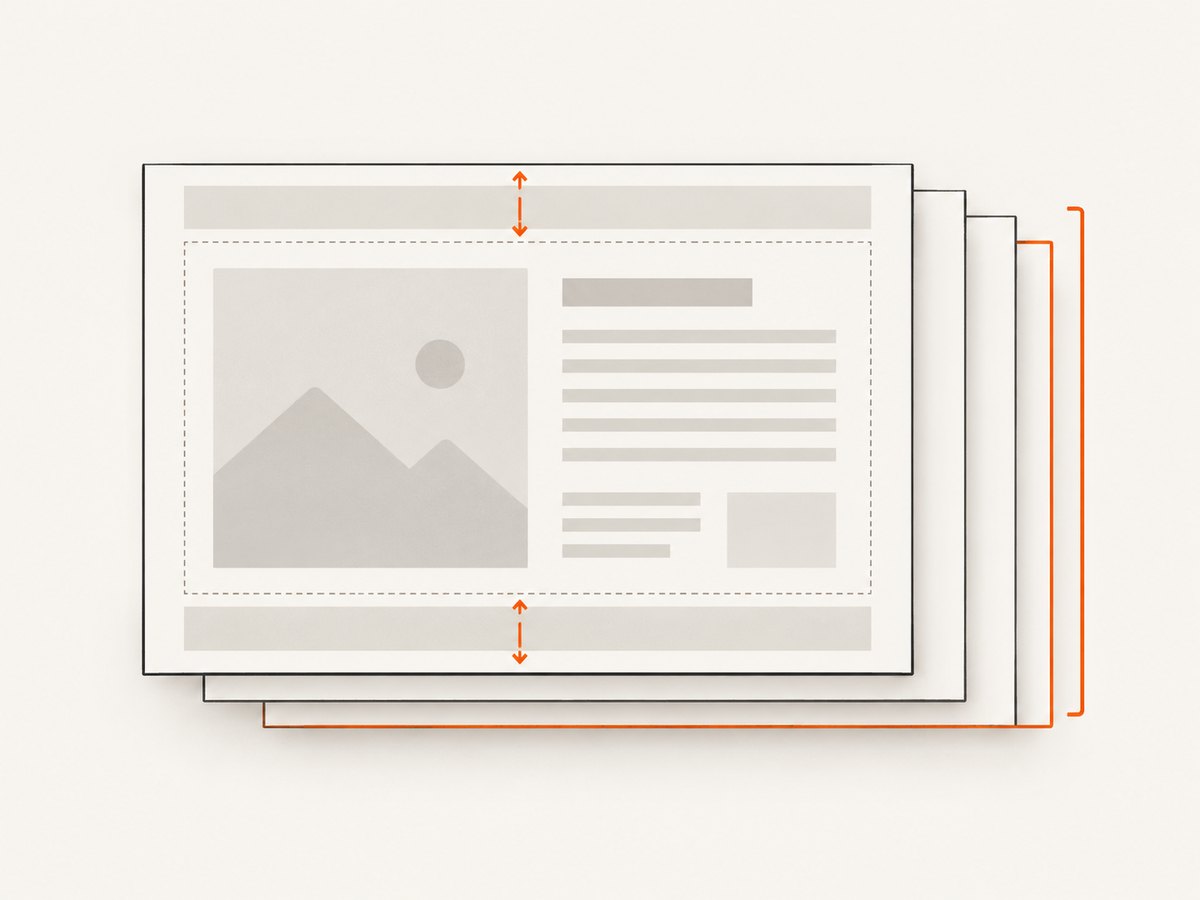
Browsershot exposes PDF settings for page size, orientation, margins, scale, backgrounds, headers and footers, and selected page ranges. Start with the intended paper size and print CSS, then add options only to solve an actual layout requirement. The complete option reference is in Spatie’s PDF documentation.
| Need | Setting | Use it when |
|---|---|---|
| Standard paper | format('A4'), format('Letter'), and other documented formats |
The output should fit a familiar paper size. |
| Custom page dimensions | paperSize(width, height) |
A fixed label, receipt, or nonstandard canvas is required. |
| Page padding | margins(top, right, bottom, left) |
Text or print headers need room from the page edge. |
| Wide layout | landscape() |
A table or chart needs more horizontal space. |
| Smaller or larger content | scale(0.5) |
Content needs scaling; documented values range from 0.1 to 2. |
| Printed colors and fills | showBackground() |
The PDF should retain page background styling. |
| Page numbering or running title | showBrowserHeaderAndFooter() with custom header/footer HTML |
Multi-page output needs page context. |
| Subset of pages | pages('1-3, 8') |
Only a specified print range should be emitted. |
$path = storage_path('app/reports/quarterly.pdf');

Browsershot::url('https://example.com/reports/quarterly')
    ->format('A4')
    ->margins(12, 10, 14, 10)
    ->landscape()
    ->showBackground()
    ->showBrowserHeaderAndFooter()
    ->headerHtml('<div>Quarterly report</div>')
    ->footerHtml('<div><span class="pageNumber"></span> / <span class="totalPages"></span></div>')
    ->pages('1-5')
    ->savePdf($path);
Custom header and footer templates can use the documented classes date, title, url, pageNumber, and totalPages for injected print values. Browsershot also documents hideHeader(), hideFooter(), taggedPdf(), transparentBackground(), and initialPageNumber(). Tagged output may be useful when accessible PDF structure is part of the requirement, but still inspect the generated document with your accessibility workflow.
Browsershot rendering is based on Chrome’s print behavior. Set page breaks and print-specific styles in CSS when a document needs deliberate pagination. Validate the finished PDF after changing content, fonts, runtime versions, or deployment images; the research sources do not establish identical rendering across operating systems or browser installations.
4. Configure image screenshots
A screenshot is the same basic flow with an image output path:
Browsershot::url('https://example.com')
    ->save(storage_path('app/screenshots/example.png'));
The image documentation covers image-specific controls, including JPEG quality and mobile and touch emulation. Confirm method names and accepted values against the installed v4 API before adding them. Choose a viewport that matches the page being captured and the downstream use: a small viewport is useful for a mobile layout, while a larger viewport may expose desktop navigation and wider content. Mobile emulation accounts for the page’s viewport metadata; touch emulation is relevant when the page checks for touch functionality.
For repeated screenshots, decide whether the target is a fixed viewport or the full document and keep that decision consistent across jobs. A page can change after initial navigation because JavaScript loads data or images later. Configure an appropriate wait strategy in your application and use the installed Browsershot API to express it. Waiting for all network activity can be slow or unsuitable for pages with long-lived requests; waiting too little can capture a partially rendered state.
5. Run it safely in Laravel
Browsershot can be invoked from a controller, service, Artisan command, or queue job. For user-facing requests, avoid making an expensive browser render a hidden part of an ordinary page load. A queued job can isolate latency and let the application report job status, but ensure the job worker has the same binaries, environment settings, permissions, and access to output storage.
Security is a core part of this design. Spatie’s PDF documentation says: “Only pass URLs and HTML that you trust.” Validate URL and HTML inputs before rendering. An arbitrary URL may point at internal services reachable from the server, and arbitrary HTML can trigger browser requests or include untrusted content. Use application-level allowlists or strict destination validation where URLs come from users; avoid passing raw user markup as a trusted document.
When a deployment has nonstandard binary locations, the separate Laravel Screenshot integration documents configuration for Node, npm, Chrome, node_modules, and related paths. Those integration settings illustrate the kinds of paths that may need configuring, but consult Browsershot’s own documentation and the installed package for its exact configuration API. Do not disable Chrome’s sandbox as a default. The Laravel Screenshot docs describe a no-sandbox option for restricted environments; treat it as an environment-specific operational choice.
One Laravel Screenshot limitation is specific to that integration: its withBrowsershot() closure customization cannot be combined with saveQueued(), because the closure cannot be serialized. Do not assume this restriction applies to every use of Browsershot outside that package.
6. Performance, reliability, and cost
Each capture launches or uses browser work and loads the page’s assets, so rendering time depends on the page, network, JavaScript, and runtime environment. The research does not provide a reliable universal benchmark. Keep heavyweight rendering out of latency-sensitive requests when possible, bound concurrency to the memory and CPU available to workers, and retain generated files according to the application’s storage policy.
Reliability starts with repeatable inputs and observability. Record the target identifier, output path, job outcome, and useful error context without logging secrets in query strings or headers. Use explicit timeouts where supported by the installed API, handle failures as job failures rather than serving a partial file, and make retries safe: give each render a controlled output name and avoid treating a leftover file from a previous attempt as a successful current result.
Cost is primarily an infrastructure question for self-hosted Browsershot: account for the server or container resources and operational work needed to maintain PHP, Node, Chrome/Chromium, fonts, and storage. No source in the research dossier supports a cost-per-capture or performance comparison. For stable output, keep the deployment image and browser dependencies controlled, and review the result when those dependencies change.
7. Troubleshooting common failures
| Symptom | Likely cause | What to check |
|---|---|---|
| Node or browser command cannot start | The PHP process cannot find Node, Puppeteer dependencies, or Chrome/Chromium. | Check binary paths and installed dependencies from the actual web or queue runtime, not just an interactive shell. |
| Browser executable not found | Chrome is absent or its path differs in the deployed image. | Install the browser in the image or configure the correct executable location using the API supported by your package version. |
| Output file is missing | The destination directory does not exist or the process lacks write permission. | Create the directory during deployment or before capture, and check ownership and writable storage configuration. |
| Screenshot shows a loading state | The capture starts before the page’s client-side content is ready. | Wait for the relevant page condition or selector, and verify the page can load its assets from the server environment. |
| PDF colors or backgrounds disappear | Browser print output omits page backgrounds by default. | Enable showBackground() and check print CSS. |
| PDF content is clipped or unexpectedly paginated | Paper dimensions, margins, scale, or print CSS do not fit the content. | Inspect page size and CSS page breaks; adjust margins or scale and regenerate. |
| Capture works locally but fails in a queue | The worker has a different environment, path, user, or storage mount. | Compare runtime binaries, environment configuration, permissions, and shared output storage between web and worker processes. |
| Sandbox-related launch error in a restricted container | The environment’s security configuration prevents Chrome startup. | Review the container’s browser security setup. Only consider a no-sandbox option when the environment requires it and its implications are understood. |
Or skip the browser setup
For a URL screenshot without maintaining Puppeteer and Chrome in your Laravel runtime, ScreenshotNeo offers a one-call screenshot API. See the ScreenshotNeo documentation for API options.
curl -G "https://api.screenshotneo.com/v1/shot" -d access_key=YOUR_API_KEY --data-urlencode url=https://stripe.com -o shot.webpimport requests
r = requests.get(
"https://api.screenshotneo.com/v1/shot",
params={"access_key": "YOUR_API_KEY", "url": "https://stripe.com"},
timeout=90,
)
open("shot.webp", "wb").write(r.content)const q = new URLSearchParams({ access_key: 'YOUR_API_KEY', url: 'https://stripe.com' });
const res = await fetch(`https://api.screenshotneo.com/v1/shot?${q}`);- Cookie banners are accepted and removed before the shot, along with known newsletter popups and chat widgets; each cleanup step can be turned off.
- Bot checks, blank pages, timeouts, failed loads, and cache hits cost nothing; response headers report the page verdict and billing status.
- An MCP server gives AI agents and MCP clients tools to take screenshots, get page info, and capture PDFs.
- The free plan includes 1,000 screenshots per month with no card; paid plans start at $5 for 3,000 screenshots.
Sign up for 1,000 free screenshots a month, with no card.
FAQ
Can Browsershot capture a page after JavaScript runs?
Yes. It uses Puppeteer with headless Chrome to load and render pages. For content that appears asynchronously, configure an appropriate wait using the API available in your installed version.
Can I return a PDF without writing a local file?
The v4 documentation includes base64pdf() for base64 PDF output. Choose how to store or deliver those bytes based on your Laravel application’s needs.
Does Browsershot require Laravel 12?
The dossier does not establish that requirement for Browsershot. PHP 8.4+ and Laravel 12+ are listed for Spatie’s separate Laravel Screenshot integration; check Browsershot’s own package documentation for its requirements.
Will the same HTML always produce pixel-identical output?
Do not assume that across different operating systems, browser builds, fonts, or deployment images. Keep the runtime controlled and inspect output after environment changes.
Can I render user-submitted URLs?
Only after applying strict validation and application safeguards. The official documentation places responsibility for validating URLs and HTML on the caller.


