How to Set the Selenium and PhantomJS Window Size in Laravel
Set reliable Laravel browser dimensions with Dusk, Selenium, or legacy PhantomJS, with CI tips, troubleshooting, and a no-browser API option.
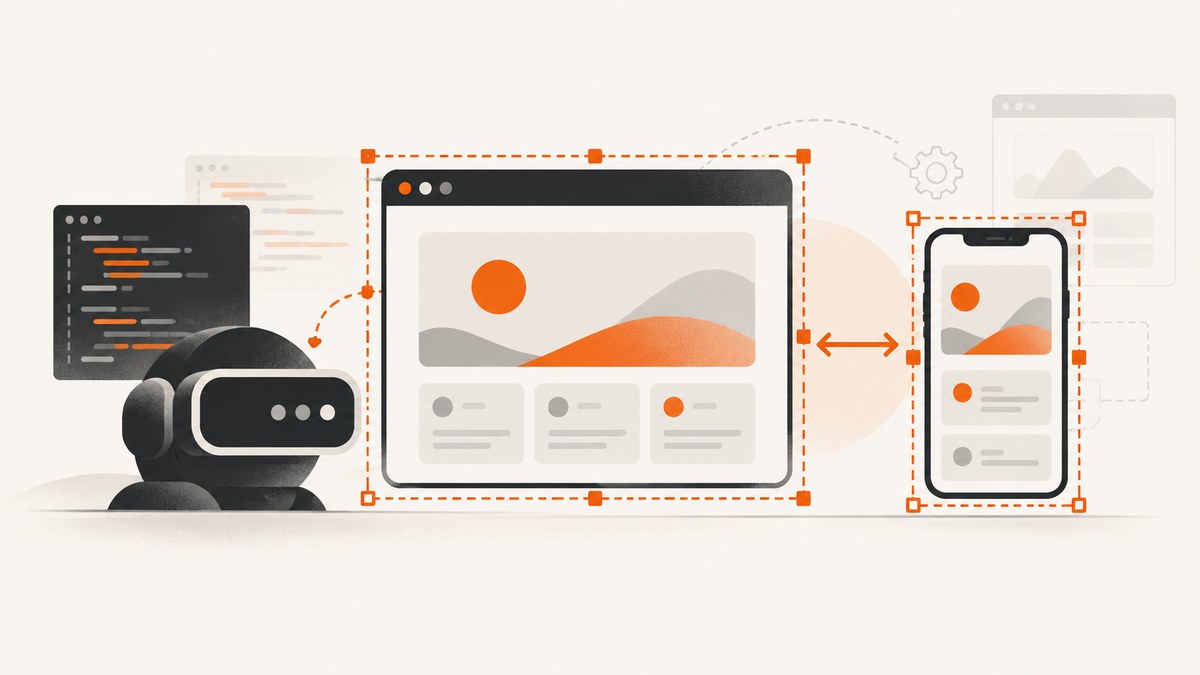
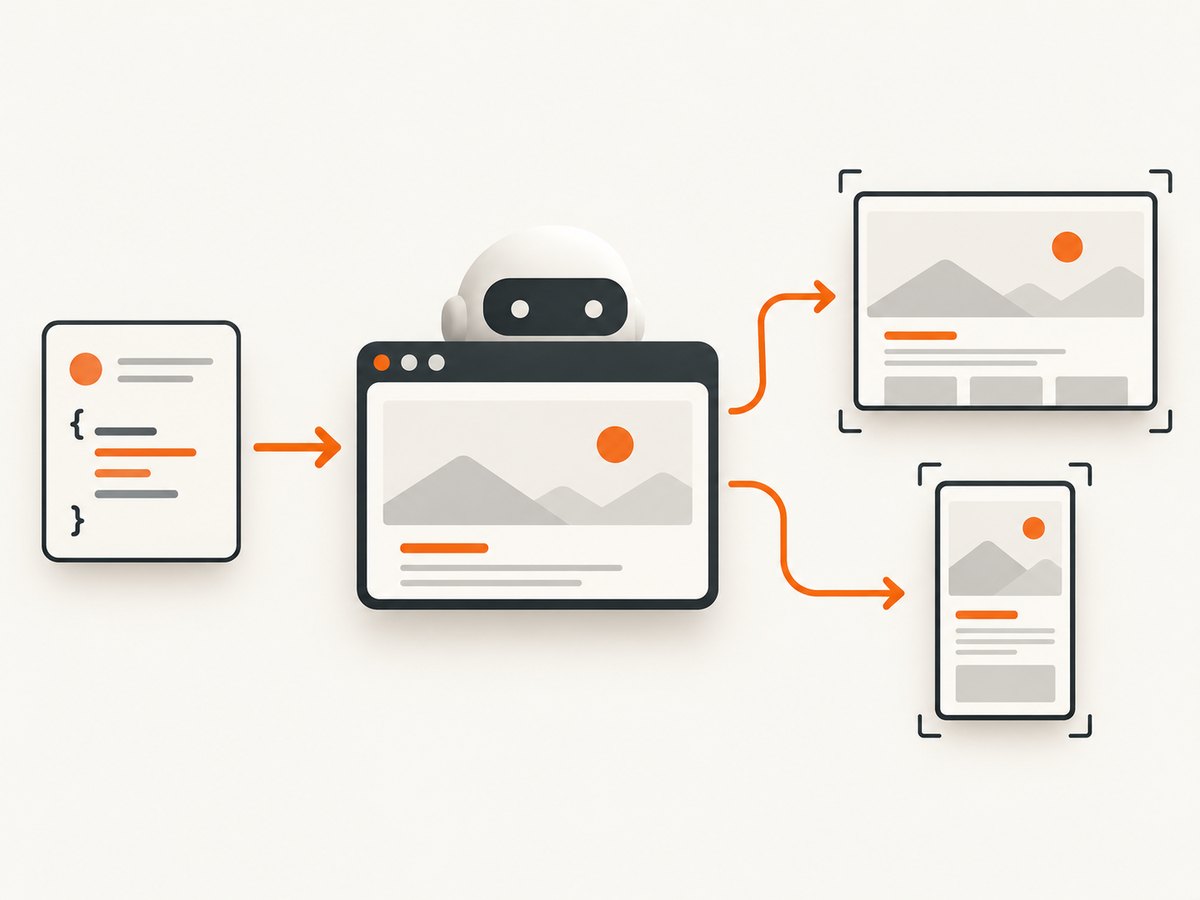
Direct answer: In a current Laravel Dusk test, set the viewport after the browser session starts and before layout-sensitive actions: $browser->resize(1920, 1080);. Dusk also provides maximize() and fitContent(). For an older Selenium session that still uses PhantomJS, create the session with DesiredCapabilities::phantomjs(), then set the dimensions through WebDriver or Dusk.
PhantomJS does not have a physical desktop window. Its viewportSize still controls the CSS layout viewport, so width and height change responsive breakpoints, wrapping, lazy-loading behavior, and screenshots.
Set the size in a Laravel Dusk test
Laravel’s current Dusk documentation describes resize as the way to adjust the browser window. Put it immediately after visit (or before it if your setup requires a fixed window before navigation) and before assertions or screenshots. See the official Laravel Dusk documentation.
<?php

namespace Tests\Browser;

use Laravel\Dusk\Browser;
use Tests\DuskTestCase;

class LayoutTest extends DuskTestCase
{
    public function test_desktop_layout(): void
    {
        $this->browse(function (Browser $browser): void {
            $browser->visit('/')
                ->resize(1920, 1080)
                ->assertSee('Welcome');
        });
    }
}
The dimensions are pixels. Use the same values for every screenshot and responsive-layout assertion that you want to compare. A test that resizes after taking a screenshot can produce a different layout from the one being asserted.
Use a reusable viewport helper
private function desktop(Browser $browser): Browser
{
    return $browser->resize(1920, 1080);
}

public function test_navigation(): void
{
    $this->browse(function (Browser $browser): void {
        $this->desktop($browser)
            ->visit('/dashboard')
            ->assertVisible('@desktop-nav');
    });
}
Choose between resize, maximize, and fitContent
| Method | Use it when | What to watch for |
|---|---|---|
resize(width, height) |
You need deterministic screenshots or breakpoint tests. | Both dimensions must be explicit and available in the browser environment. |
maximize() |
You want the largest window the driver can provide. | Results can vary between local machines and CI containers. |
fitContent() |
You need the browser to fit the page content. | The resulting height is content-dependent, so it is unsuitable for fixed viewport comparisons. |
$browser->visit('/pricing')->maximize();
$browser->visit('/invoice')->fitContent();
For visual regression tests, prefer resize. Record a small set of named viewports such as desktop (1920×1080), laptop (1366×768), tablet (1024×1366), and mobile (390×844), then run the same assertions at each size.
Legacy Selenium with PhantomJS
Older Laravel Dusk releases documented a custom driver that connects to Selenium and requests PhantomJS. This pattern is for maintaining an existing stack; PhantomJS is no longer developed, and the maintained php-webdriver source marks DesiredCapabilities::phantomjs() deprecated.
<?php

namespace Tests;

use Facebook\WebDriver\Remote\DesiredCapabilities;
use Facebook\WebDriver\Remote\RemoteWebDriver;
use Laravel\Dusk\TestCase as BaseTestCase;

abstract class DuskTestCase extends BaseTestCase
{
    protected function driver(): RemoteWebDriver
    {
        return RemoteWebDriver::create(
            'http://localhost:4444/wd/hub',
            DesiredCapabilities::phantomjs()
        );
    }
}
The Selenium server must be reachable from the PHP process, and its PhantomJS driver must be installed and compatible with the PHP WebDriver client. Once Dusk has a browser session, the normal abstraction remains:
$browser->visit('/')
       ->resize(1440, 900)
       ->screenshot('legacy-phantomjs');
Set PhantomJS’s viewport directly
If you are using PhantomJS scripts outside Dusk, set page.viewportSize before opening the page. PhantomJS requires both width and height; the values determine page layout even though the browser is headless. See the PhantomJS viewportSize API reference.
var page = require('webpage').create();
page.viewportSize = { width: 1440, height: 900 };
page.open('https://example.test', function (status) {
    if (status !== 'success') {
        phantom.exit(1);
    }
    page.render('page.png');
    phantom.exit();
});
Current replacement: ChromeDriver or Firefox
For a new suite, use current Laravel Dusk with ChromeDriver, or another maintained Selenium-compatible driver when your environment requires it. This improves compatibility with current WebDriver versions and modern browser behavior. Keep PhantomJS only while you migrate tests that depend on it.
When migrating, compare these dimensions:
- Maintenance: PhantomJS is unmaintained; Chrome and Firefox receive ongoing browser and WebDriver updates.
- Rendering: modern engines match the CSS, JavaScript, fonts, and image behavior your users see.
- CI support: ChromeDriver and Firefox are commonly available in headless container images.
- Code changes: most Dusk assertions remain unchanged; replace the custom driver and keep explicit
resizecalls.
Running Dusk through Laravel Sail
Laravel Sail documents a Selenium service such as selenium/standalone-chrome, a dependency from the test service, and execution with sail dusk. See the Laravel Sail Dusk documentation.
# Run the browser tests through Sail
./vendor/bin/sail dusk

# Example service names in a compose file
selenium:
  image: selenium/standalone-chrome
Inside containers, verify that the PHP test service can resolve the Selenium service hostname. A localhost URL inside the PHP container points back to that same container, not to Selenium. Also ensure the selected viewport fits the browser service’s headless display configuration.
Viewport details that affect screenshots
- CSS pixels:
resize(1920, 1080)sets the browser window dimensions used by the driver; device pixel ratio can still affect screenshot pixel dimensions. - Responsive breakpoints: media queries evaluate against the viewport width, so a one-pixel difference can switch navigation or grid behavior.
- Scroll position: resizing does not reset the page. Navigate or scroll deliberately before capturing.
- Lazy loading: images and components triggered by viewport visibility may not load until you scroll or wait for them.
- Fonts: a screenshot taken before web fonts load can have different line breaks from a later capture.
- Full-page captures: a fixed viewport controls the layout width; the resulting image height depends on document height.
Common errors and fixes
| Symptom | Likely cause | Fix |
|---|---|---|
resize has no visible effect |
The call runs after the screenshot or after the layout-sensitive action. | Move it immediately after session creation or before visit, then wait for the page to settle. |
| Session cannot be created | Selenium is not running, the URL is wrong, or the container hostname is incorrect. | Check the Selenium health endpoint, use the service hostname from the PHP container, and confirm the /wd/hub path required by the server version. |
| PhantomJS capability is rejected | The server or client no longer supports PhantomJS. | Migrate to ChromeDriver or Firefox; do not add PhantomJS to a new suite. |
| Desktop assertions fail in CI only | CI uses a different default window, display size, font set, or device scale factor. | Call resize explicitly, install the same fonts, and use a fixed browser image. |
| Elements are below the fold | The test assumes a taller viewport than the configured height. | Use an explicit height, scroll to the element, or use fitContent() only when a variable height is acceptable. |
| Screenshot is blank or clipped | The page is still loading, a JavaScript error stopped rendering, or the capture occurs before fonts/images load. | Wait for a selector or network idle equivalent, inspect browser logs, and assert the target is visible before capture. |
| Different line wrapping after migration | Chrome/Firefox font metrics differ from PhantomJS. | Load the intended web fonts, update visual baselines, and assert layout rules rather than old pixel positions where possible. |
Performance, reliability, and cost
- Reuse one browser session for related assertions, but reset state between tests so cookies and local storage do not leak.
- Keep viewport presets centralized; changing dimensions in individual tests makes visual failures harder to reproduce.
- Wait for a meaningful readiness condition (a selector, a network-idle rule, or a short application-specific delay) instead of a long fixed sleep.
- Pin compatible versions of Selenium, the PHP WebDriver client, the browser, and the driver. PhantomJS stacks especially need version pinning because the browser is unmaintained.
- In CI, archive the failing screenshot, browser console output, and the dimensions used. This turns an intermittent layout failure into a reproducible case.
- Self-hosted Selenium costs the time and compute needed for browser containers, startup, upgrades, and parallel sessions. A screenshot API can remove that browser maintenance when you only need an image or PDF.
Or skip the browser setup
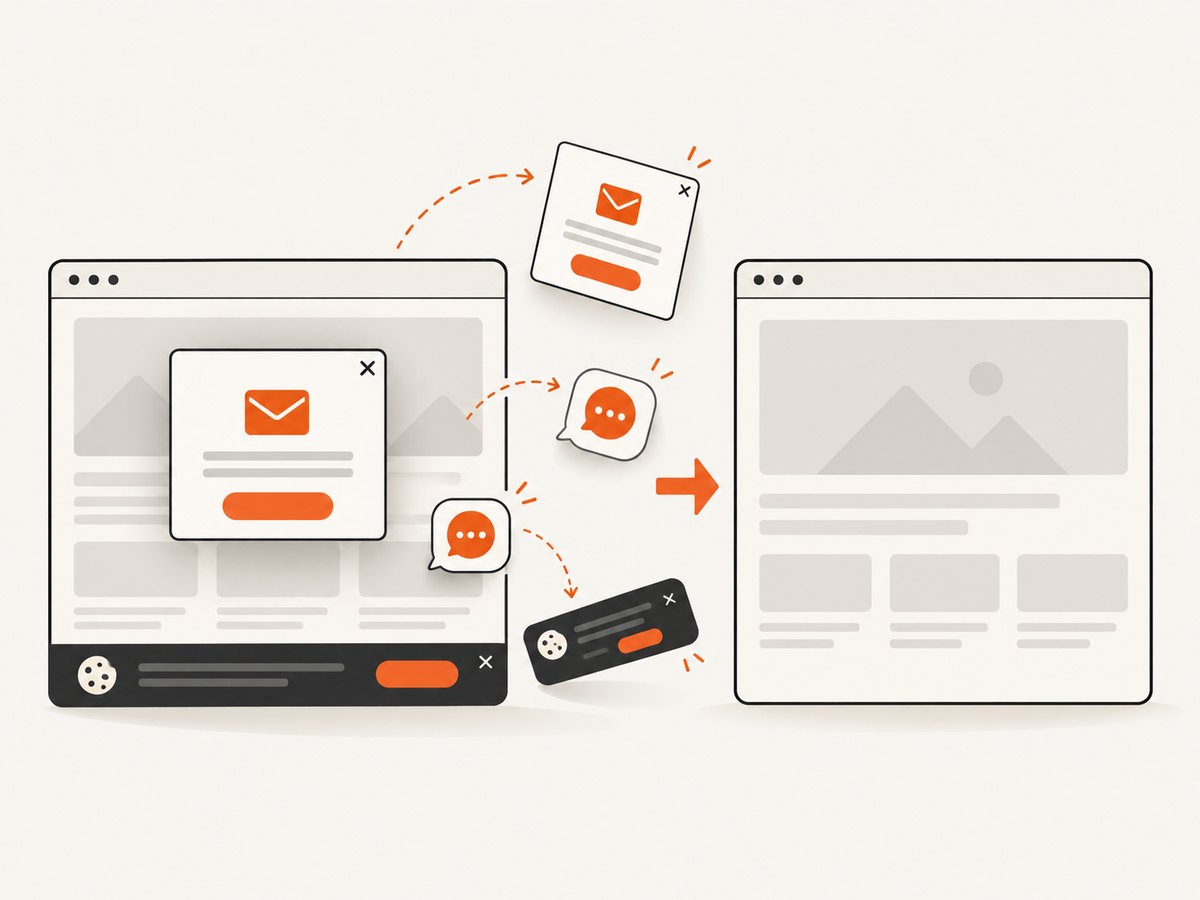
ScreenshotNeo provides a single GET request for a PNG, JPEG, WebP, or PDF. It can set any viewport, use device presets and retina scale, capture a CSS-selected element or a full page, wait for a selector, delay, or network idle, and run custom CSS or JavaScript. Before capture it accepts cookie/consent banners and removes more than 60 known consent platforms, newsletter popups, and chat widgets; each step can be turned off.
Only clean shots are billed. Bot checks or CAPTCHAs, blank pages, timeouts, failed loads, and cache hits cost nothing, and the response reports the result in X-Page-Verdict and X-Billed headers. ScreenshotNeo also includes an MCP server with take_screenshot, get_page_info, and capture_pdf for Claude, Cursor, and other MCP clients.
See the ScreenshotNeo API documentation for all options.
cURL
curl -G "https://api.screenshotneo.com/v1/shot" \
  -d access_key=YOUR_API_KEY \
  --data-urlencode url=https://laravel.com \
  -o shot.webp
Python
import requests

r = requests.get(
    "https://api.screenshotneo.com/v1/shot",
    params={"access_key": "YOUR_API_KEY", "url": "https://laravel.com"},
    timeout=90,
)
r.raise_for_status()
open("shot.webp", "wb").write(r.content)
Node.js
const q = new URLSearchParams({ access_key: 'YOUR_API_KEY', url: 'https://laravel.com' });
const res = await fetch(`https://api.screenshotneo.com/v1/shot?${q}`);
if (!res.ok) throw new Error(`Screenshot failed: ${res.status}`);
const fs = await import('node:fs/promises');
await fs.writeFile('shot.webp', Buffer.from(await res.arrayBuffer()));
The Free plan includes 1,000 screenshots each month with no card. Paid plans start at $5 for 3,000 shots; every feature is available on every plan. Create a free ScreenshotNeo account.
FAQ
Where should resize go?
After the Dusk browser session is created and before layout-sensitive navigation, assertions, scrolling, or screenshots.
Does PhantomJS need a visible desktop display?
No. Its simulated viewport still controls CSS layout through viewportSize.
Should new Laravel projects use PhantomJS?
No. Use maintained ChromeDriver or Firefox support. Keep PhantomJS only for a controlled migration of an existing suite.
Why does maximize() make CI screenshots inconsistent?
It depends on the display and browser container dimensions. Use explicit resize(width, height) values for reproducible output.
Can I capture one element instead of the whole page?
Yes. Dusk can target an element for assertions and screenshots; ScreenshotNeo can capture one element by CSS selector when you need an API-based image.


