How to Select the Last Text Node in a Paragraph with Selenium XPath
Use text()[last()] correctly in Selenium, handle whitespace and nested elements, and retrieve the result safely with JavaScript.
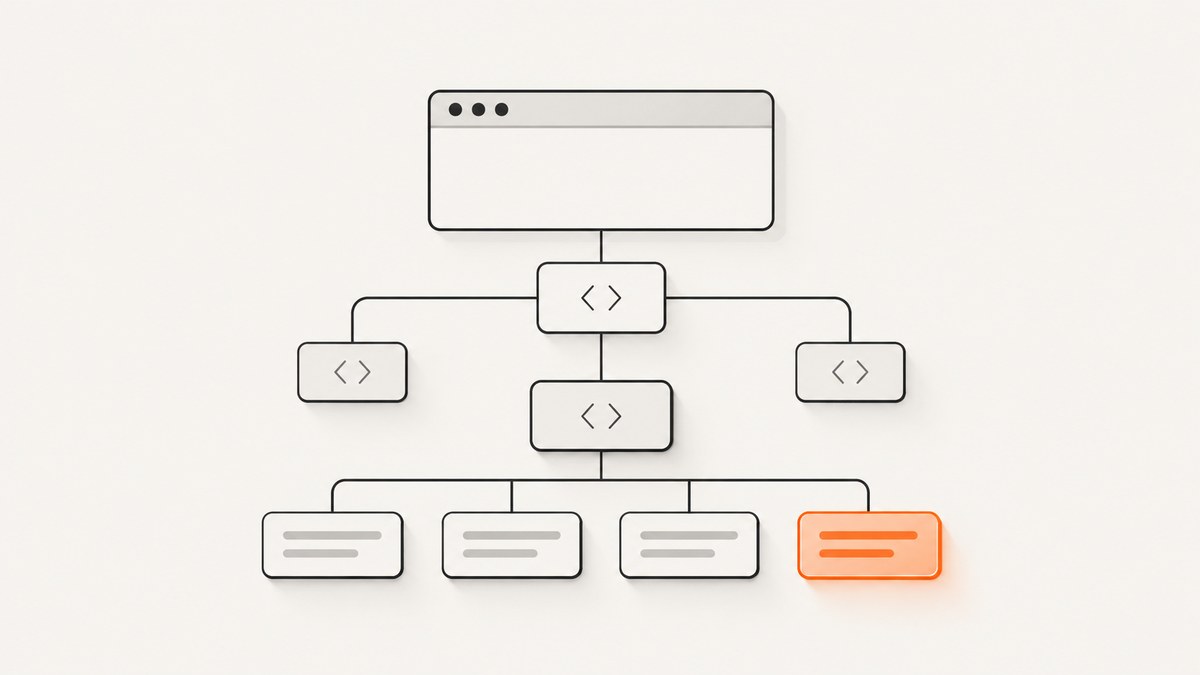
Direct answer: use (//p)[1]/text()[last()] for the last direct text node in the first paragraph. For the last paragraph in the document, use (//p)[last()]/text()[last()]. Selenium element locators generally return elements, while a text node is not an element, so evaluate this XPath with JavaScript or inspect the paragraph’s childNodes.
Quick XPath recipes
| Goal | XPath |
|---|---|
| Last direct text node in the first paragraph | (//p)[1]/text()[last()] |
| Last direct text node in the final paragraph | (//p)[last()]/text()[last()] |
| Ignore whitespace-only direct text nodes | (//p)[1]/text()[normalize-space()][last()] |
| Last direct text node of a known paragraph element | ./text()[last()] |
| Last descendant text node, including text inside spans or emphasis | (.//text())[last()] |
| Last non-whitespace descendant text node | .//text()[normalize-space()][last()] |
The parentheses around //p matter. (//p)[last()] applies last() to the complete paragraph result. By contrast, //p[last()] evaluates the predicate within each applicable parent context and can select more than one paragraph when paragraphs are spread across containers.
Why Selenium needs JavaScript for a text node
XPath’s text() selects text-node children, as defined by the W3C XPath specification. Selenium’s By.XPATH locator is element-oriented: the API documents it as selecting an element via XPath. A WebDriver implementation may therefore reject (//p)[1]/text()[last()] when passed directly to find_element.

Locate the paragraph element first, then evaluate a relative XPath with document.evaluate:
from selenium import webdriver
from selenium.webdriver.common.by import By
from selenium.webdriver.chrome.options import Options

options = Options()
options.add_argument('--headless=new')
driver = webdriver.Chrome(options=options)

try:
    driver.get('https://example.com')
    paragraph = driver.find_element(By.XPATH, '(//p)[1]')

    last_text = driver.execute_script('''
        const result = document.evaluate(
            './text()[last()]',
            arguments[0],
            null,
            XPathResult.FIRST_ORDERED_NODE_TYPE,
            null
        ).singleNodeValue;
        return result ? result.nodeValue : null;
    ''', paragraph)

    print(repr(last_text))
finally:
    driver.quit()
This returns the node’s stored value, including any leading or trailing whitespace. Use ./text()[normalize-space()][last()] when whitespace-only nodes should be excluded:
last_text = driver.execute_script('''
    const result = document.evaluate(
        './text()[normalize-space()][last()]',
        arguments[0],
        null,
        XPathResult.FIRST_ORDERED_NODE_TYPE,
        null
    ).singleNodeValue;
    return result ? result.nodeValue : null;
''', paragraph)
The MDN XPath function reference documents last() as depending on the current evaluation context and normalize-space() as trimming leading and trailing whitespace while collapsing internal whitespace runs.
Inspect direct child nodes without XPath
When the requirement is specifically “the final direct text child,” filtering DOM child nodes is often easier to debug:
last_text = driver.execute_script('''
    const textNodes = [...arguments[0].childNodes]
        .filter(node => node.nodeType === Node.TEXT_NODE)
        .filter(node => node.nodeValue.trim());
    return textNodes.length ? textNodes[textNodes.length - 1].nodeValue : null;
''', paragraph)
This method deliberately excludes nested elements. For example, in <p>Read <em>this</em> now</p>, the direct text nodes are Read and now; the text inside <em> is not a direct child.
Direct children versus descendants
Choose the expression based on the DOM relationship you need:
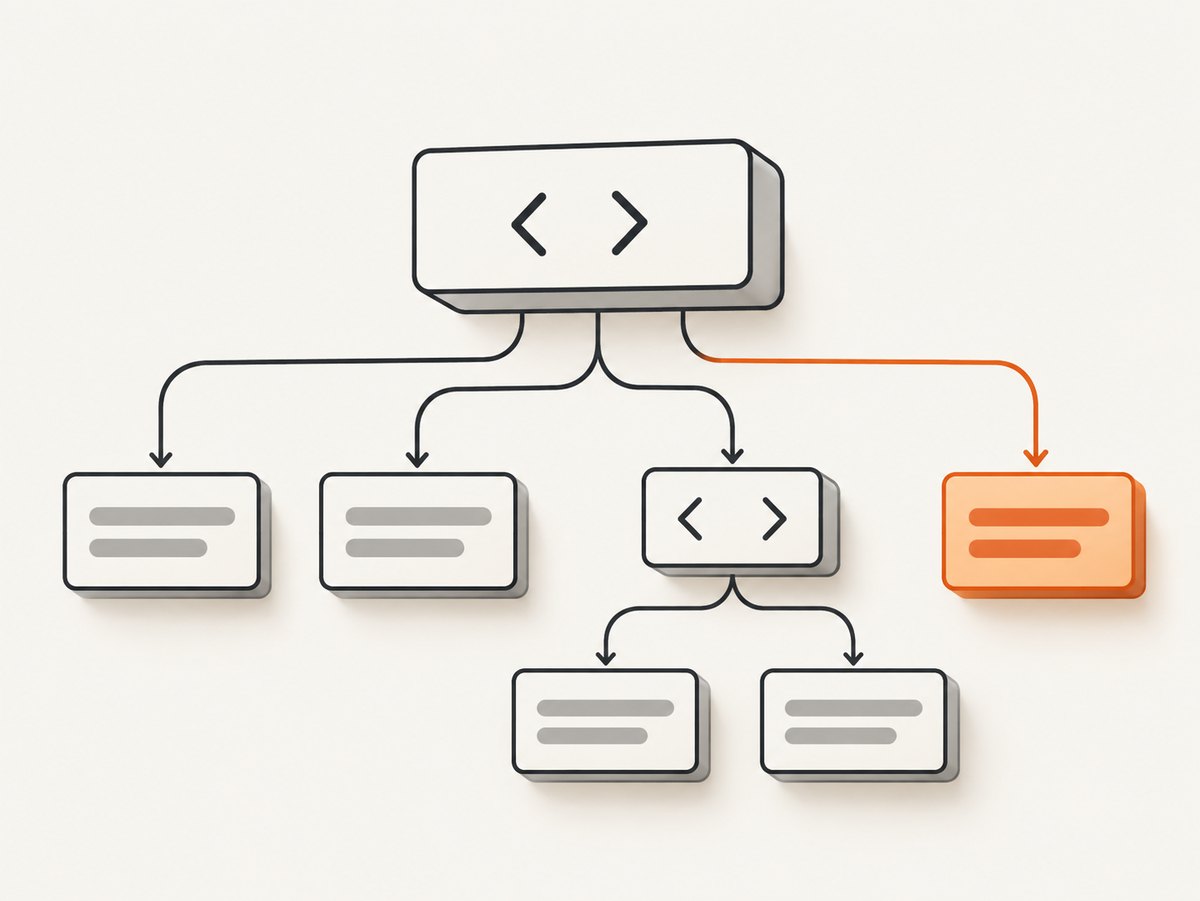
text()means direct text-node children only..//text()includes text nodes nested under descendants such asspan,em, and links.[normalize-space()]filters out nodes whose value is only whitespace; it does not merge DOM nodes or modify the returned string.normalize-space(.)on an element returns normalized text for the element’s full descendant content, which is a different operation from selecting one text node.
# Direct final text node
'./text()[last()]'

# Direct final non-whitespace text node
'./text()[normalize-space()][last()]'

# Final descendant text node
'(.//text())[last()]'

# Final non-whitespace descendant text node
'.//text()[normalize-space()][last()]'
For a paragraph such as <p>Start <span>middle</span> end</p>, the direct-child expression returns end. The descendant expression returns the text node containing end as well, but it can return a nested node when the final text occurs inside another element.
Selecting a particular paragraph reliably
Document order is appropriate only when the page structure is stable. Prefer a semantic or scoped locator when possible:
# First paragraph inside an article
article_paragraph = driver.find_element(
    By.XPATH, "//article//p[1]"
)

# Paragraph with a known class
paragraph = driver.find_element(
    By.XPATH, "//p[contains(concat(' ', normalize-space(@class), ' '), ' summary ')]"
)

# Last paragraph inside one container
paragraph = driver.find_element(
    By.XPATH, "(//section[@id='content']//p)[last()]"
)
Wait for dynamic content before reading nodes. A paragraph that exists before its client-rendered text arrives can produce an empty result:
from selenium.webdriver.support.ui import WebDriverWait

paragraph = WebDriverWait(driver, 15).until(
    lambda d: d.find_element(By.XPATH, '(//p)[1]')
)

last_text = WebDriverWait(driver, 15).until(
    lambda d: d.execute_script('''
        const result = document.evaluate(
            './text()[normalize-space()][last()]',
            arguments[0], null,
            XPathResult.FIRST_ORDERED_NODE_TYPE, null
        ).singleNodeValue;
        return result ? result.nodeValue : false;
    ''', paragraph)
)
Common errors and fixes
| Symptom | Cause | Fix |
|---|---|---|
Invalid selector for text() |
The WebDriver locator expects an element result. | Locate the paragraph, then use execute_script and document.evaluate. |
None or null |
No matching text node exists, or every match is whitespace. | Check the HTML, remove the whitespace filter if appropriate, or wait for rendering. |
| The wrong paragraph is selected | //p[last()] is being evaluated per parent context. |
Group the set: (//p)[last()], or scope it to a known container. |
| Text inside a span is missing | text() selects only direct children. |
Use (.//text())[last()] for descendants. |
| Returned text contains spaces or newlines | Text-node values preserve source whitespace. | Call .strip() in Python, or normalize the value in JavaScript after selecting the node. |
| Stale element reference | A framework re-render replaced the paragraph node. | Re-find the paragraph immediately before evaluation and use an explicit wait. |
| Result changes between runs | Ads, personalization, lazy rendering, or client-side updates alter the DOM. | Wait for a stable selector, disable unnecessary dynamic content, and capture the HTML state used by the test. |
Performance, reliability, and test design
- Use a scoped XPath such as
(//article[@id='post']//p)[last()]instead of scanning every paragraph on a large page. - Evaluate one JavaScript call after locating the paragraph. Repeated remote WebDriver calls are slower and create more timing opportunities.
- Prefer stable IDs, data attributes, or semantic containers over positional selectors when the page is under your control.
- Keep the distinction between an empty string and no node. A real text node can contain an empty value, while
nullmeans the XPath found no node. - Normalize only at the comparison boundary. Preserve the original node value if whitespace is meaningful to the test.
- For pages that update continuously, wait for a content-specific condition rather than a fixed sleep.
The XPath operation itself is inexpensive. Most runtime and reliability issues come from browser startup, navigation, JavaScript rendering, network delays, and DOM replacement. Selenium has no per-XPath fee; your costs are the browser infrastructure and any external test or hosting service you use.
Or skip the browser setup
If the goal is to obtain a clean page image or PDF rather than inspect a text node, ScreenshotNeo provides a single-request website screenshot API. It accepts the cookie or consent banner before capture and removes more than 60 known consent platforms, newsletter popups, and chat widgets. Bot checks, CAPTCHAs, blank pages, timeouts, failed loads, and cache hits are not billed, and the response identifies the result with X-Page-Verdict and X-Billed headers.
See the ScreenshotNeo API documentation for all options. A basic request looks like this:
curl -G "https://api.screenshotneo.com/v1/shot" -d access_key=YOUR_API_KEY --data-urlencode url=https://stripe.com -o shot.webpimport requests
r = requests.get("https://api.screenshotneo.com/v1/shot", params={"access_key": "YOUR_API_KEY", "url": "https://stripe.com"}, timeout=90)
open("shot.webp", "wb").write(r.content)const q = new URLSearchParams({ access_key: 'YOUR_API_KEY', url: 'https://stripe.com' });
const res = await fetch(`https://api.screenshotneo.com/v1/shot?${q}`);ScreenshotNeo also supports full-page and element captures, custom CSS and JavaScript, waits, device presets, dark mode, headers, cookies, blocking rules, PDFs, caching, signed links, asynchronous jobs, bulk capture, usage reporting, and an MCP server with take_screenshot, get_page_info, and capture_pdf for AI agents. Every plan includes every feature. The free plan includes 1,000 screenshots per month with no card; paid plans start at $5 for 3,000.
Create a free ScreenshotNeo account and start with the 1,000 monthly screenshots.
FAQ
Can XPath return a text node directly?
XPath can select one, but Selenium’s normal element locator API may reject the result. Use JavaScript evaluation or inspect childNodes.
What does last() count?
It counts the nodes in the current XPath context. Group the paragraph selection when “last” means the final paragraph across the whole document.
Does text() include text in a nested link?
No. Use .//text() when descendant text nodes are part of the requirement.
Should the returned value be trimmed?
Trim it only when formatting whitespace is irrelevant. Otherwise retain the node’s original value and compare it according to the page’s intended formatting.


