How to Launch Playwright in an Ubuntu Docker Image with .NET
Run Playwright reliably in Ubuntu Docker with .NET using Microsoft’s images or a custom build, with versioning, security, and troubleshooting covered.
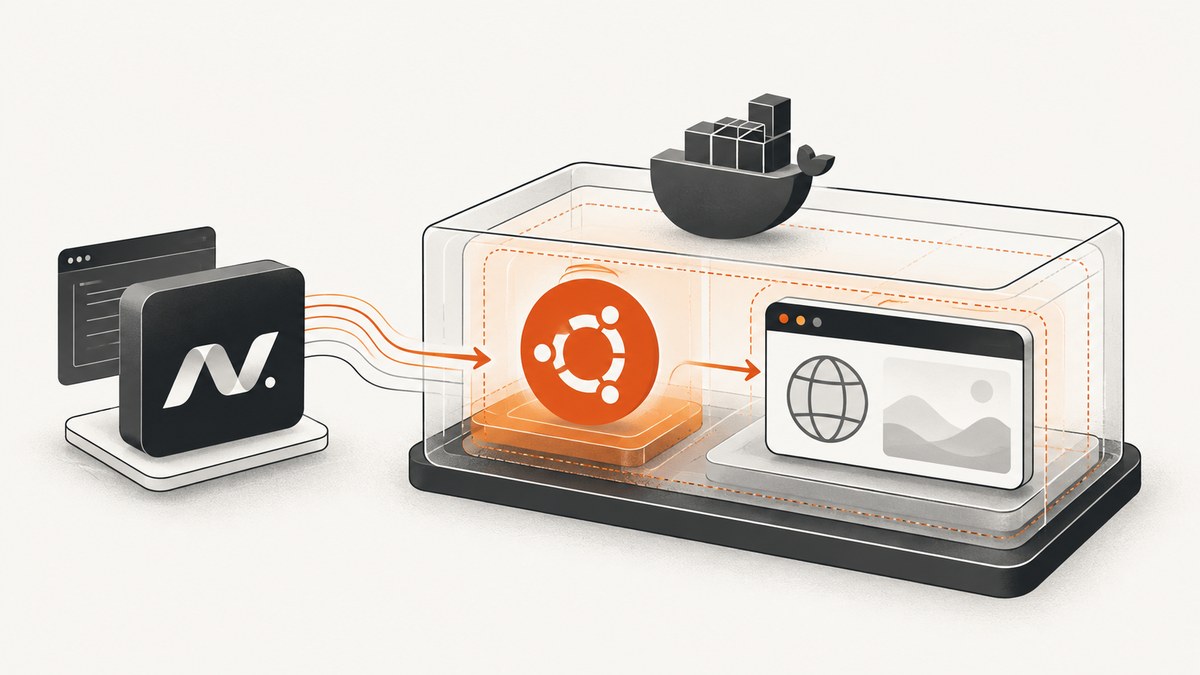
Direct answer: the shortest reliable path is Microsoft’s versioned Playwright .NET image, such as mcr.microsoft.com/playwright/dotnet:v1.62.0-noble. It already contains Playwright browser binaries and Linux browser dependencies. Your project must still reference the matching Microsoft.Playwright package. Keep the Docker image tag and NuGet package version aligned; a mismatch can prevent Playwright from locating its browser executable.
If you must control the base image, start with an Ubuntu-based .NET SDK image, build the project, and run the generated Playwright installer with install --with-deps. The remainder of this guide shows both approaches, application code, browser choices, security settings, CI operation, diagnostics, and an API alternative.
1. Choose an Ubuntu container strategy
| Strategy | Use it when | What you manage |
|---|---|---|
| Official Playwright image | CI, end-to-end tests, or a service where the documented image is acceptable | Your project package, code, and runtime command |
| Custom Ubuntu/.NET image | You need a controlled SDK, additional OS packages, or a smaller browser selection | Browser downloads, Linux dependencies, cache paths, and image maintenance |
Microsoft documents Ubuntu 24.04 (Noble) and Ubuntu 22.04 (Jammy) tags. Versioned tags such as v1.62.0-noble make builds reproducible. Playwright supports Chromium, Firefox, and WebKit. Install only the browser your workload needs when image size and build time matter. Alpine is unsuitable for Firefox and WebKit browser builds because those builds require glibc rather than musl. See the Playwright .NET Docker documentation and browser installation documentation.
2. Use the official Playwright .NET image
The official image includes browser binaries and browser system dependencies, but it does not add the Microsoft.Playwright package to your project. Add a package version that matches the image version.
Project file
<Project Sdk="Microsoft.NET.Sdk">
  <PropertyGroup>
    <TargetFramework>net8.0</TargetFramework>
    <Nullable>enable</Nullable>
  </PropertyGroup>
  <ItemGroup>
    <PackageReference Include="Microsoft.Playwright" Version="1.62.0" />
  </ItemGroup>
</Project>
Minimal Dockerfile
FROM mcr.microsoft.com/playwright/dotnet:v1.62.0-noble

WORKDIR /src
COPY . .

RUN dotnet restore
RUN dotnet build -c Release --no-restore

ENTRYPOINT ["dotnet", "test", "-c", "Release", "--no-build"]
Replace the test entry point with your application command when this is a service. For example, a web application commonly uses dotnet MyApp.dll after publishing. Pin the complete image tag instead of using latest, and update the image and NuGet package together.
3. Launch a browser from .NET
The containerized application code is the same as local Playwright code. The important requirement is that the browser installed in the image is compatible with the package used to compile the project.
using Microsoft.Playwright;

using var playwright = await Playwright.CreateAsync();
await using var browser = await playwright.Chromium.LaunchAsync(
    new BrowserTypeLaunchOptions
    {
        Headless = true
    });

var page = await browser.NewPageAsync();
await page.GotoAsync("https://example.com");
Console.WriteLine(await page.TitleAsync());
For a screenshot, add a destination path:
await page.ScreenshotAsync(new PageScreenshotOptions
{
    Path = "artifacts/example.png",
    FullPage = true
});
Create the output directory before writing to it, or use a path that your process can write. In CI, publish the artifact from the container after the test process exits.
4. Build a custom Ubuntu/.NET image
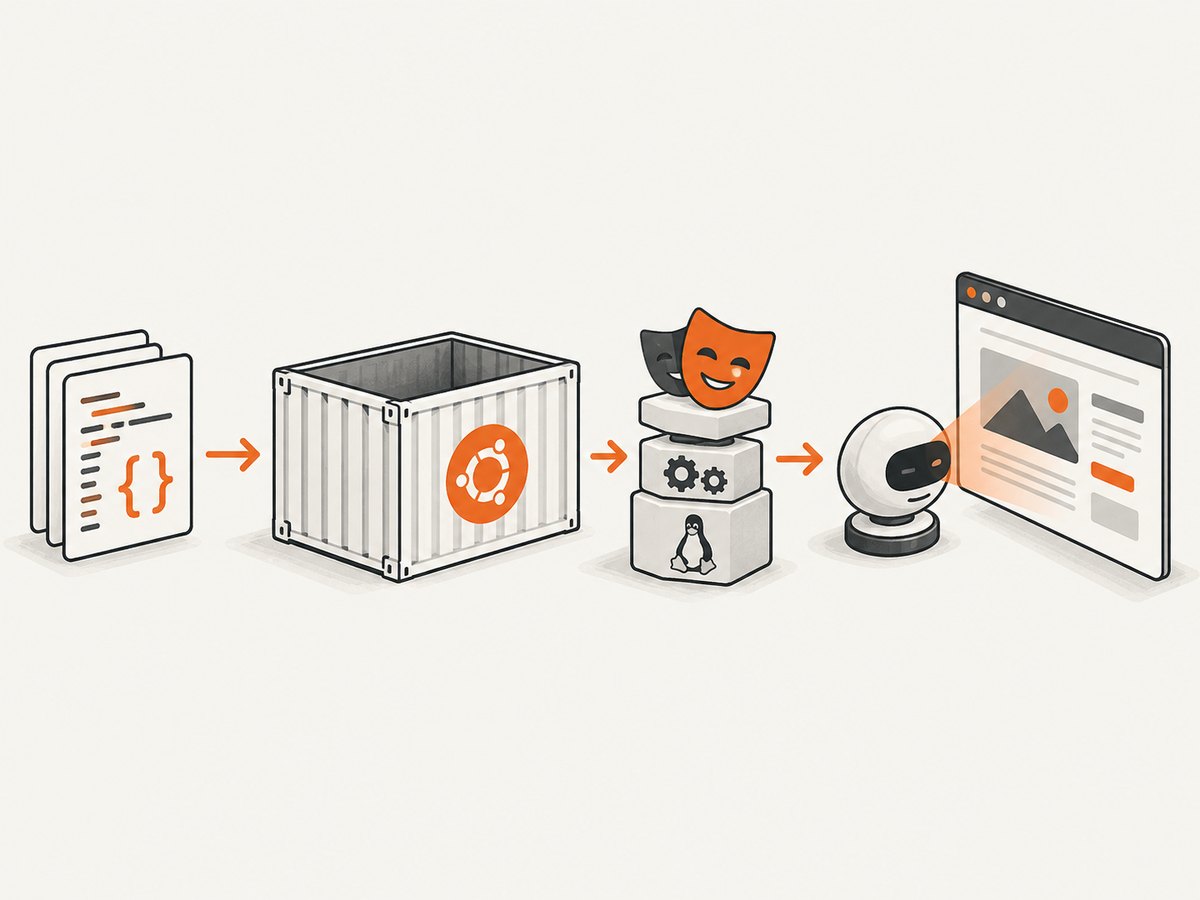
A custom image must install both browser binaries and their native Linux dependencies. Microsoft’s .NET flow generates a Playwright PowerShell script during build. Run that script after restoring and compiling the project.
FROM mcr.microsoft.com/dotnet/sdk:8.0-jammy

WORKDIR /src
COPY . .

RUN dotnet restore
RUN dotnet build -c Release --no-restore

RUN apt-get update \
    && apt-get install -y --no-install-recommends powershell \
    && rm -rf /var/lib/apt/lists/*

RUN pwsh bin/Release/net8.0/playwright.ps1 install --with-deps chromium

ENTRYPOINT ["dotnet", "test", "-c", "Release", "--no-build"]
Adapt the target framework, output directory, and final command to your project. To install another browser, replace chromium with firefox or webkit. To install all supported browsers, omit the browser name:
RUN pwsh bin/Release/net8.0/playwright.ps1 install --with-depsThe equivalent .NET API is useful when your build system cannot invoke PowerShell:
var exitCode = Microsoft.Playwright.Program.Main(new[] { "install", "--with-deps" });
if (exitCode != 0)
{
    throw new Exception($"Playwright installation failed with exit code {exitCode}");
}
Run this during image construction, not on every container start. Browser downloads at startup make deployments slower and can fail when the runtime has no outbound access.
5. Browser installation, cache, and user details
Playwright resolves browser binaries from its managed installation location. If you install browsers as one user and run as another, the runtime may not see the same cache. Keep the build and runtime user consistent, or deliberately configure a shared browser path and permissions.
Official images run as root by default. In that mode Chromium’s sandbox is disabled. Microsoft documents this as acceptable for trusted end-to-end test targets. If the browser will visit untrusted websites, create a non-root user and use the documented seccomp profile. Do not treat a test container that visits arbitrary URLs like an isolated browser service.
Installing as a non-root user
FROM mcr.microsoft.com/playwright/dotnet:v1.62.0-noble

RUN useradd --create-home --shell /bin/bash pwuser
WORKDIR /app
COPY --chown=pwuser:pwuser . .
USER pwuser

RUN dotnet restore
RUN dotnet build -c Release --no-restore

ENTRYPOINT ["dotnet", "test", "-c", "Release", "--no-build"]
Use the exact security configuration described in Microsoft’s Docker guidance for untrusted browsing, including its seccomp example. The correct profile depends on how the container is launched.
6. CI and reproducible builds
- Pin the .NET SDK, Playwright image, and
Microsoft.Playwrightpackage versions. - Restore packages and build before running the browser installer in a custom image.
- Install only required browsers with
install --with-deps chromiumwhen possible. - Run tests after installation in the same image layer and user context.
- Store screenshots, traces, and videos in a writable artifact directory.
- Rebuild the image when upgrading Playwright rather than downloading a different browser at runtime.
For slow browser downloads, the .NET browser documentation exposes PLAYWRIGHT_DOWNLOAD_CONNECTION_TIMEOUT. It changes how long downloads are allowed to connect; it does not fix an incorrect version, blocked network, or missing package.
7. Common errors and fixes
| Symptom | Likely cause | Fix |
|---|---|---|
Executable doesn't exist or Playwright cannot locate Chromium |
The browser was never installed, or the image and package versions differ | Pin matching versions and run the generated script with install; rebuild without relying on an old cache. |
| Browser starts locally but crashes in Docker | Missing native dependencies, sandbox restrictions, or an unsupported base image | Use the official image or install --with-deps on Noble/Jammy. Review root/non-root and seccomp settings. |
pwsh: command not found |
PowerShell was not installed in a custom image | Install the powershell package before invoking playwright.ps1, or call the .NET API. |
| Permission denied writing screenshots | The runtime user cannot write the destination directory | Create the directory and set ownership during the image build, or write to a mounted writable path. |
| Firefox or WebKit fails on Alpine | Those browser builds require glibc | Use the documented Ubuntu-based image or another glibc distribution. |
| Navigation times out | Slow target, blocked outbound network, DNS failure, or page resources that never settle | Check container networking and DNS, set an appropriate navigation timeout, and avoid assuming network idle is reached on every site. |
| Works during build but fails at runtime | Different user, home directory, or browser cache path | Run with the same user and environment, or configure a shared browser installation path. |
8. Performance, reliability, and cost
The official image increases the base image size because it carries browsers and dependencies, but it avoids repeated installation work and removes a class of missing-library failures. A custom image can be smaller when it installs one browser, at the cost of maintaining OS packages and browser installation steps.
Build browser layers before frequently changing application code so Docker can reuse them. Installing one browser is faster than installing all three. Reuse a browser process for multiple pages when isolation requirements allow it; creating a new browser for every URL adds startup overhead. Close pages and browsers with await using so repeated jobs do not exhaust memory.
Set explicit timeouts and collect traces or screenshots on failure. Retries can help with transient navigation failures, but they can also hide deterministic selector or dependency problems. Log the browser name, Playwright package version, image tag, URL, and failure category.
Playwright itself has no per-screenshot service charge; your cost is the compute, storage, and network used by your Docker environment. Browser downloads also consume build bandwidth. If your workload is mainly producing clean website screenshots, an API can remove browser image maintenance from your deployment.
9. Or skip the browser setup
ScreenshotNeo provides a website screenshot API and MCP server. One GET request returns PNG, JPEG, WebP, or PDF, so you do not need to package Chromium or Linux dependencies in your .NET container.
For the complete option list and response details, see the ScreenshotNeo API documentation.
cURL
curl -G "https://api.screenshotneo.com/v1/shot" \
  -d access_key=YOUR_API_KEY \
  --data-urlencode url=https://stripe.com \
  -o shot.webp
Python
import requests

r = requests.get(
    "https://api.screenshotneo.com/v1/shot",
    params={"access_key": "YOUR_API_KEY", "url": "https://stripe.com"},
    timeout=90,
)
r.raise_for_status()
open("shot.webp", "wb").write(r.content)
Node.js
const q = new URLSearchParams({
  access_key: 'YOUR_API_KEY',
  url: 'https://stripe.com'
});
const res = await fetch(`https://api.screenshotneo.com/v1/shot?${q}`);
if (!res.ok) throw new Error(`Screenshot failed: ${res.status}`);
const bytes = Buffer.from(await res.arrayBuffer());
await import('node:fs/promises').then(fs => fs.writeFile('shot.webp', bytes));
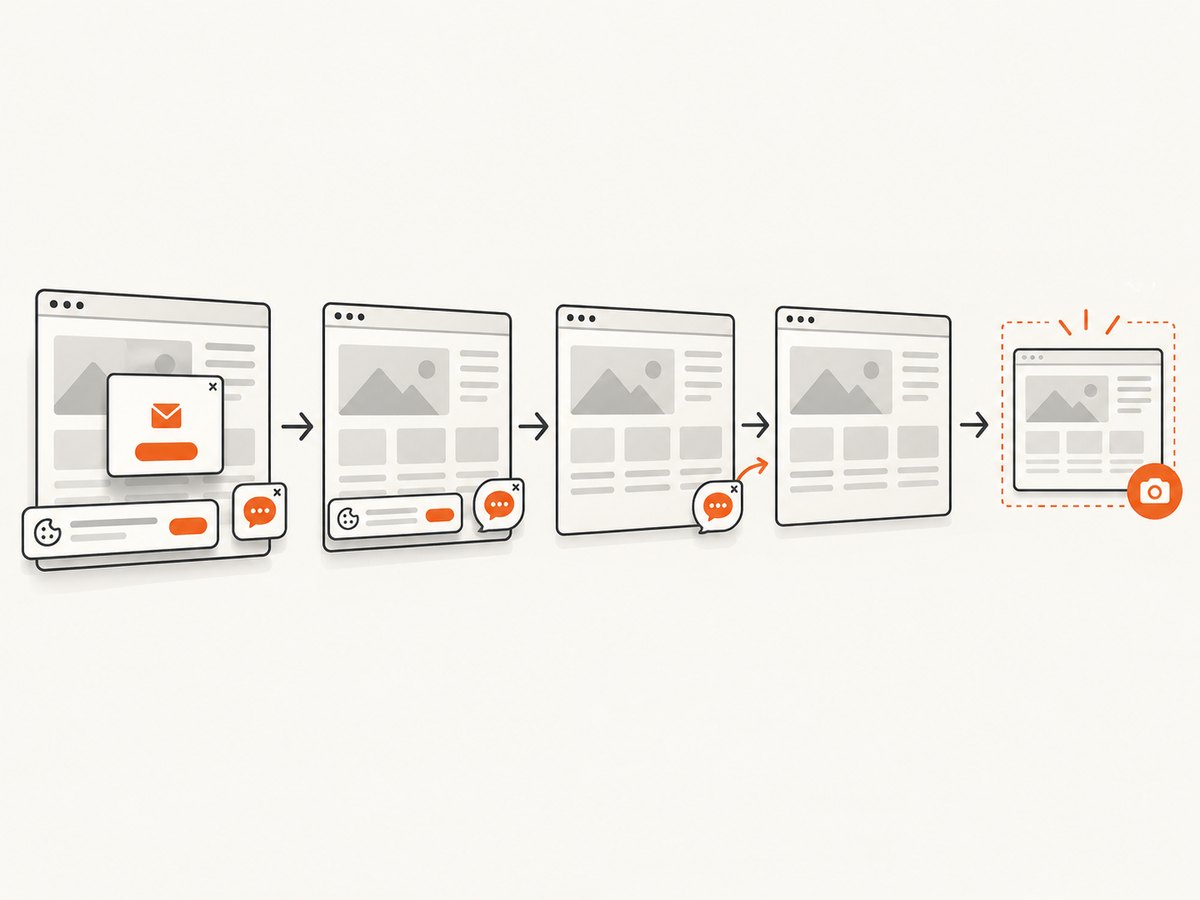
ScreenshotNeo accepts cookie and consent banners before capture, then removes more than 60 known consent platforms, newsletter popups, and chat widgets; each cleanup step can be turned off. Bot checks and CAPTCHAs, blank pages, timeouts, failed loads, and cache hits cost nothing. The response identifies the result with X-Page-Verdict and X-Billed headers.
It also supports full-page capture with lazy images loaded, CSS element capture, dark mode, device presets, arbitrary viewports, retina scale, PDF paper and margin settings, custom CSS and JavaScript, clicks, selector or network-idle waits, request blocking, headers, cookies, user agents, authorization, timezone, geolocation, transparent backgrounds, resizing, configurable caching, signed image links, asynchronous jobs with signed webhooks, bulk capture for up to 100 URLs per call, a usage API, and an OpenAPI specification. An MCP server exposes take_screenshot, get_page_info, and capture_pdf to Claude, Cursor, and other MCP clients.
The free plan includes 1,000 screenshots per month with no card. Paid plans start at $5 for 3,000 shots; yearly billing gives two months free. Create a free ScreenshotNeo account and start with the 1,000 free screenshots.
10. FAQ
Does the official image include the NuGet package?
No. Add Microsoft.Playwright to the project and keep its version aligned with the image tag.
Can I install only Chromium?
Yes. Run playwright.ps1 install --with-deps chromium in a custom image.
Should I use root?
Root is convenient for trusted tests and disables Chromium’s sandbox. Use a non-root user and the documented seccomp configuration when browsing untrusted sites.
Why does Alpine cause browser problems?
Firefox and WebKit builds require glibc, while Alpine uses musl. Choose an Ubuntu-based image for those browsers.
Can ScreenshotNeo replace Playwright in every case?
It is suited to HTTP screenshot and PDF capture. Keep Playwright when your workflow needs in-process browser automation, custom test fixtures, or application-specific browser control.


