12 Resources to Learn Python for Beginners
Choose a Python learning resource based on your coding experience and goals. This guide compares 12 paths, from free courses to project-based practice.
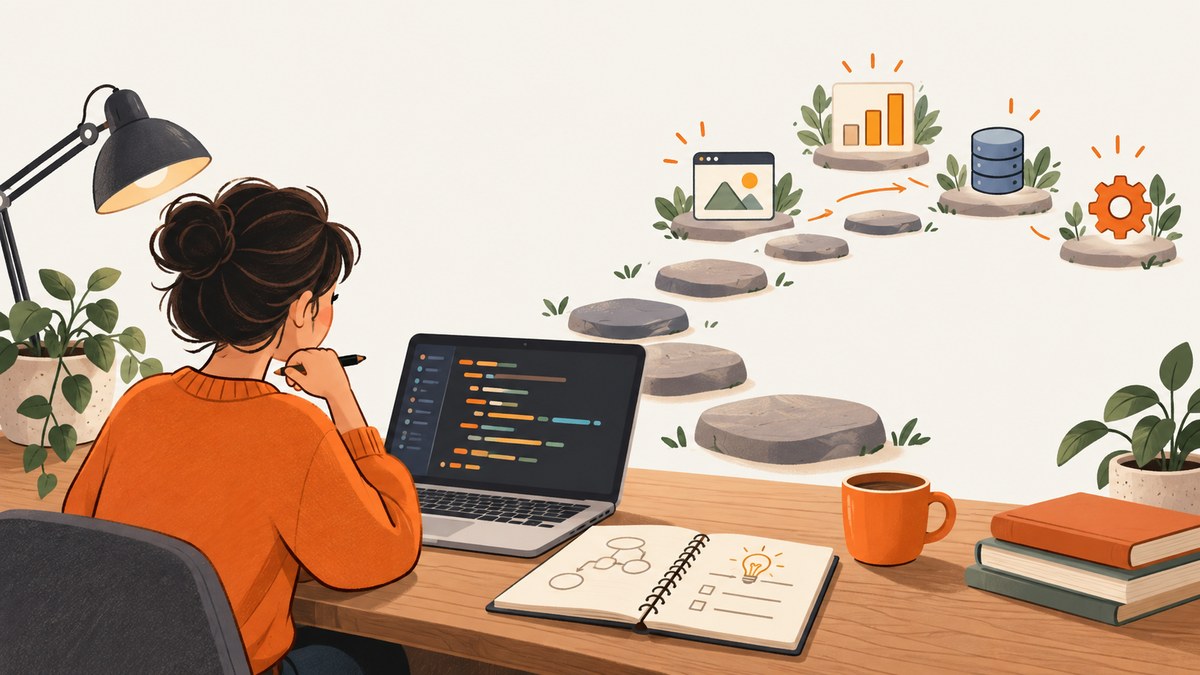
If you are new to programming, start with Harvard’s CS50 Introduction to Programming with Python (CS50P) or another course that teaches programming fundamentals from the beginning. If you already know how to program and are new to Python, the official Python tutorial is a useful reference. The right choice depends less on which course is called “best” and more on what you already know, how you learn, and what you want to build.
You can begin for free: CS50P’s OpenCourseWare materials are free, and the full text of Automate the Boring Stuff with Python is available online. Pick one main resource, write code alongside it, and use a small project to make the lessons stick.
How to choose a Python resource
Before enrolling or opening a tutorial, answer four questions:
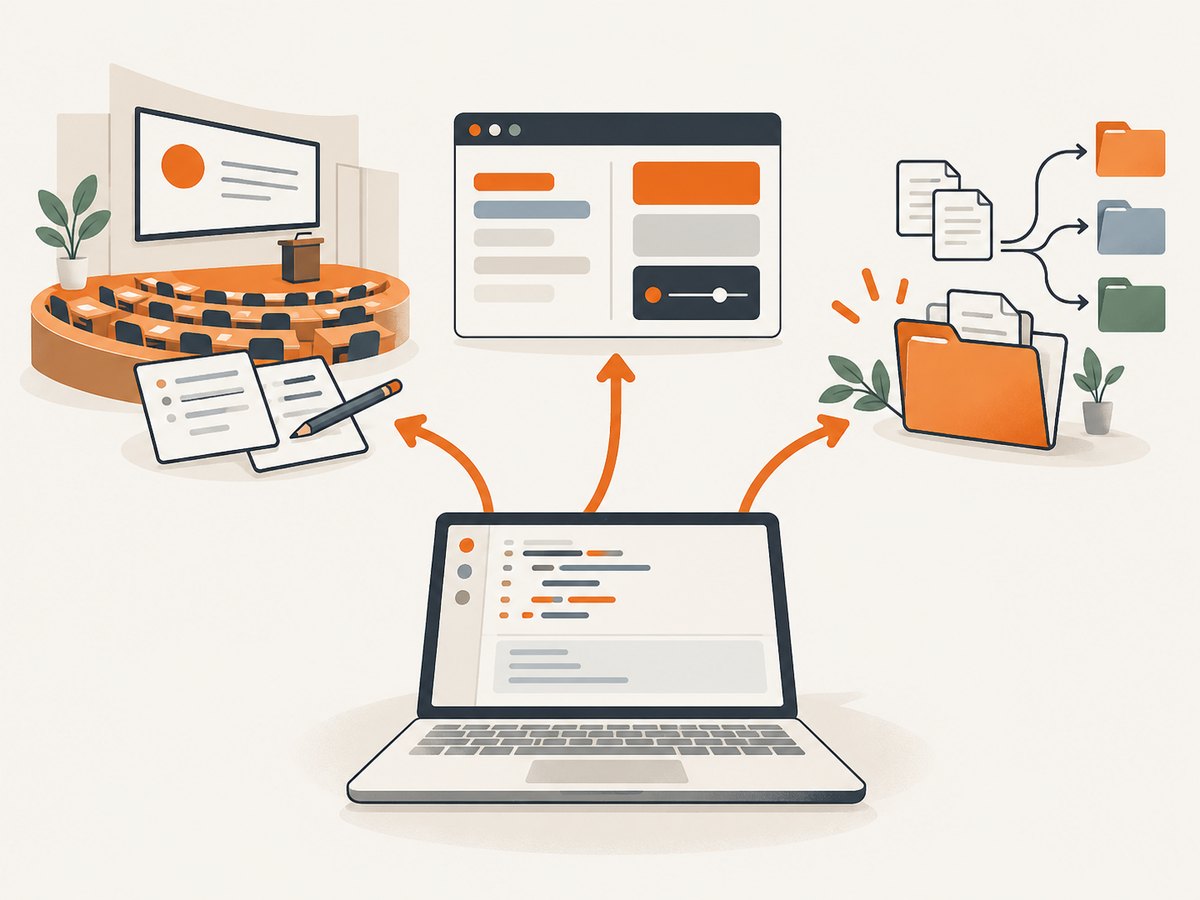
- Have you programmed before? If not, choose a path that explains variables, loops, functions, and debugging from first principles. Some Python resources expect you to already understand those ideas.
- How do you learn best? You might prefer a lecture and problem sets, written explanations, videos with exercises, or interactive practice in a browser.
- What do you want to make? General programming, small automation scripts, and data analysis call for different examples and practice.
- What can you spend? Free material is enough to start. Check current enrollment terms and pricing directly with a provider before paying; prices and access can change.
Try a sample lesson or chapter before committing. A good fit gives you a clear next step and makes you write code, not just watch someone else write it.
12 resources to learn Python
1. Harvard CS50’s Introduction to Programming with Python (CS50P)
Best for: Complete beginners who want a structured course. Harvard describes CS50P as designed for learners with or without prior programming experience. Its Python-focused material includes lectures, exercises and problem sets, and a final project. The OpenCourseWare material is free, and the course is organized across ten weeks. Expect to spend time solving problems, not only watching lectures. See the CS50P course.
2. Python.org’s official tutorial and documentation
Best for: Programmers who are new to Python and need an authoritative language reference. The official tutorial explicitly says it is for people new to Python, not beginners new to programming. If you have never coded, pair it with a beginner course such as CS50P; come back to the documentation to check syntax and language behavior. Read the Python tutorial.
3. Python for Everybody
Best for: Learners looking for a university-style introduction that connects programming to practical topics. The University of Michigan course is described as assuming no prior programming and progressing toward databases and web data. It is offered through Coursera. Platform access, enrollment terms, and any fees can vary, so check the current course page before choosing it.
4. freeCodeCamp Scientific Computing with Python
Best for: Learners who want a curriculum with video lessons, coding challenges, projects, and a certification path. The track is listed as free in the research for this guide. Its scientific-computing framing may appeal if you want structured exercises; look at its current curriculum to ensure the project sequence matches your goals.
5. Codecademy Learn Python
Best for: People who want interactive, in-browser exercises. The comparison source describes a free tier alongside paid features. This format can reduce setup friction while you learn syntax, but check which lessons and tools are currently included in each plan. If you later need to run scripts locally, practice outside the browser too.
6. Automate the Boring Stuff with Python by Al Sweigart
Best for: Learners motivated by practical tasks and automation. The complete book text is available online free. Its example projects include file renaming, web data scraping, email automation, and spreadsheet work. Follow the book’s progression rather than jumping directly into a project whose concepts you have not learned yet. A print edition is optional if you prefer reading on paper; current availability was not verified. Read the book online.
7. Real Python beginner tutorials and Python Basics learning path
Best for: Learners who want written explanations and a guided sequence. Real Python’s beginner path covers installation through a first program and builds toward scripts, simple automation, files, and small programs. It can also help when a course moves too quickly through a foundational idea. Check the current site for access details.
8. DataCamp Python learning
Best for: Learners whose immediate goal is data science or analytics. The comparison describes short interactive browser chapters and data-focused career tracks. That focus can make practice feel relevant if you intend to work with data, though a data track is not necessarily the most direct way to learn general programming. Verify current subscription terms and cost.
9. Udemy Python courses
Best for: Comparing individual video courses and teaching styles. Udemy is a marketplace, not one unified Python curriculum: instructors differ in their assumptions, syllabus, practice, and course quality. Read the outline and preview lessons. For a first programming course, check that it explains concepts from the beginning and includes exercises you complete yourself. Pricing and course access vary.
10. Google’s Python Class
Best for: People who already program and want a faster introduction to Python. The comparison source cautions that it is a quicker on-ramp for experienced coders. If this would be your first experience with programming, choose a more introductory course first so that unfamiliar programming concepts do not get confused with Python-specific syntax.
11. Real Python’s beginner first-steps guide
Best for: Getting oriented around the steps needed to run Python code. The guide covers installation, running a first program, variables, loops, functions, classes, and error handling. It complements the broader Real Python learning path with a concrete route through setup and foundational topics. Use the current guide alongside an editor or terminal so you can reproduce the examples.
12. A small project of your own
Best for: Turning lessons into working knowledge. A project is a practice approach rather than a separate course. Once you have covered the concepts involved, make something small: a file organizer, a script that renames a few files, or a spreadsheet helper. Keep the first version narrow, consult your course and documentation when stuck, and add one feature at a time. Real Python likewise recommends choosing a project and using references or help as needed.
Which path fits your goal?
| Your situation | Start here | Why |
|---|---|---|
| I have never programmed | CS50P, or Python for Everybody | Both are described as suitable for learners without prior programming; CS50P includes problem sets and a final project. |
| I know another language | Official Python tutorial or Google’s Python Class | These are better suited to learning Python when programming concepts are already familiar. |
| I want practical automation | Automate the Boring Stuff plus a small project | The examples connect Python to everyday tasks such as files and spreadsheets. |
| I want browser-based exercises | Codecademy or freeCodeCamp | Both are described as offering interactive practice; check current plan details and curriculum. |
| I want data-focused practice | DataCamp or freeCodeCamp’s scientific-computing path | These options are described with data or scientific-computing emphasis. |
| I prefer reading explanations | Real Python and the official documentation | Use the beginner material to learn and the official tutorial as a language reference when ready. |
A practical study plan
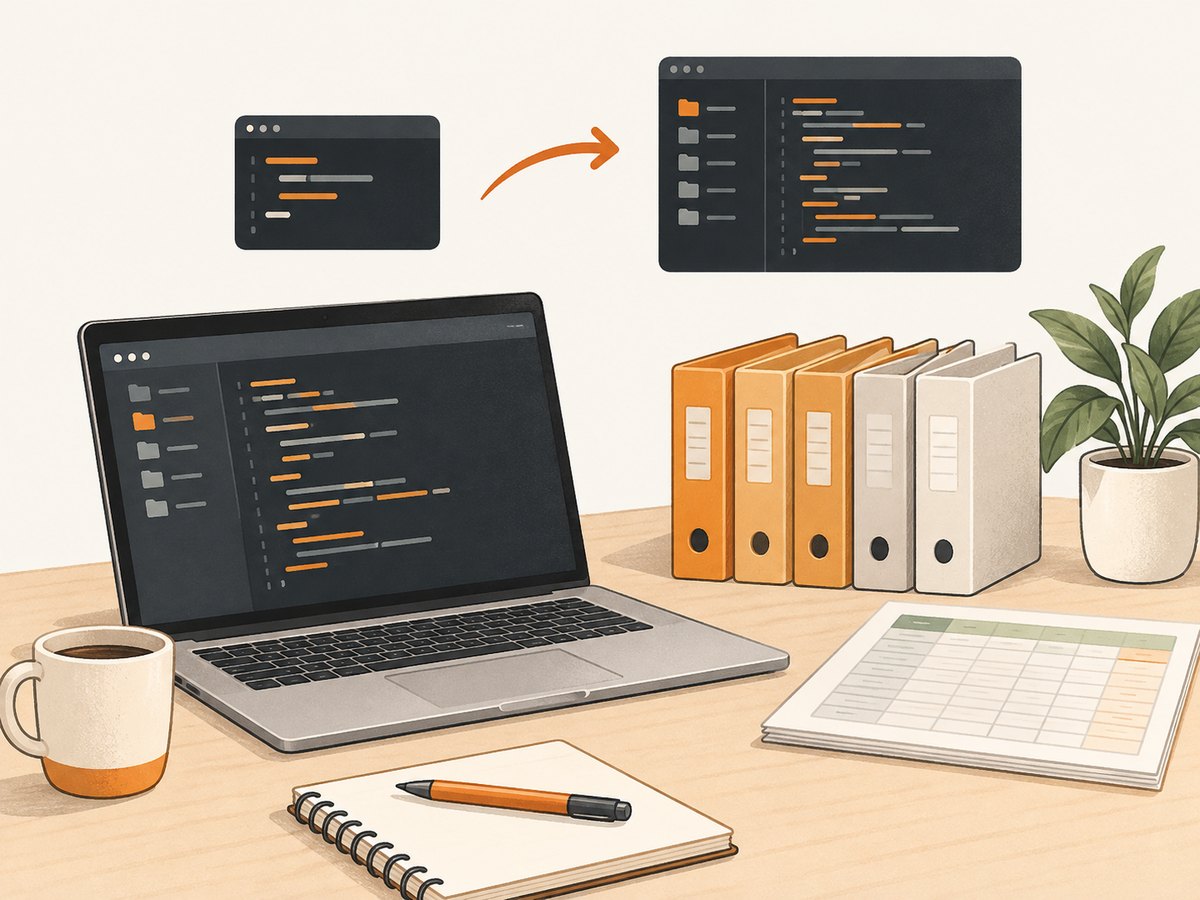
- Choose one main path. For a first programming language, a structured course such as CS50P gives you a sequence and exercises. Avoid spending weeks comparing resources before writing code.
- Type and change the examples. After following an example, change an input or condition and predict what will happen. Then run it and compare.
- Keep a list of errors and questions. Record the message, the line involved, and what you tried. Read the traceback from the bottom upward to find the immediate error, then inspect the relevant code.
- Build a modest project. Pick a task that uses concepts you have already practiced. A file organizer is useful only after you understand paths and file operations; keep copies of sample files while developing.
- Use references to unblock yourself. Search the official documentation for language details and revisit the course for concepts. A reference is most useful when you have a specific question to answer.
Common beginner problems and how to fix them
- The course feels too advanced. Check whether it assumes previous programming experience. If it does, move to a first-programming course rather than trying to infer every foundational idea along the way.
- You watch lessons but cannot solve exercises. Pause the video or reading and attempt the task before viewing a solution. Break it into inputs, the transformation needed, and the expected output.
- Installation blocks your progress. Follow the chosen course’s setup instructions for your operating system and confirm that the Python command it uses runs. If setup is consuming the study session, use an interactive browser environment temporarily, then return to local practice.
- You get an error and do not know where to look. Read the complete traceback, note the final exception type and message, and inspect the cited line plus the values passed into it. Change one thing at a time.
- You jump between tutorials. Different resources use different order and vocabulary. Keep one as the main sequence; consult others for a particular explanation or exercise rather than restarting at lesson one.
- Your first project grows too large. Define a smallest useful result. Make it work on one example before adding edge cases or a user interface.
Costs, time, and staying consistent
You can begin without paying: CS50P’s OpenCourseWare and the full online text of Automate the Boring Stuff with Python are free. Other listed platforms may have paid features, subscriptions, or changing enrollment terms. The research for this roundup did not validate current prices, regional terms, or subscription details, so check the provider before making a purchase.
Do not treat a course’s stated schedule as a promise about how quickly you will learn. Set a repeatable study slot, complete one exercise at a time, and make progress visible by saving working programs. The best pace is one at which you can explain what your code does and debug a small mistake without immediately copying a solution.
Or skip the browser setup
If Python is one tool in a project that needs website screenshots, ScreenshotNeo offers a one-request screenshot API and an MCP server. For learning or building your own screenshot capture, the browser-based method is still useful; for an application that needs a screenshot response, this is the short route. See the ScreenshotNeo API documentation for options and response details.
import requests

r = requests.get(
    "https://api.screenshotneo.com/v1/shot",
    params={"access_key": "YOUR_API_KEY", "url": "https://stripe.com"},
    timeout=90,
)
open("shot.webp", "wb").write(r.content)
ScreenshotNeo removes cookie banners, newsletter popups, and chat widgets before capture. Bot checks, blank pages, and failed loads are never billed. Its MCP server lets AI agents take screenshots, and 1,000 screenshots a month are free with no card; paid plans start at $5 for 3,000.
Sign up for 1,000 free screenshots a month.
Frequently asked questions
Can I learn Python without paying?
Yes. CS50P’s OpenCourseWare is free, and the complete text of Automate the Boring Stuff with Python is available online. Start with one of those and check platform terms before using other resources.
Should I read the official Python tutorial first?
If you already know programming, it is a strong language reference. If Python is your first programming language, the tutorial itself says it is not aimed at people new to programming, so begin with a more introductory course.
Do I need to finish a course before building something?
No. Start a small project once you have learned the concepts it requires. Keep the scope limited and use the course or documentation to answer specific questions.
Which resource is best for a complete beginner?
CS50P is a clear option because Harvard says it is designed for learners with or without prior programming experience and includes exercises, problem sets, and a final project. Your preferred format and available study time still matter.


