License Verification: How to Check a Professional License
Learn how to verify a professional license using official state databases, Nursys, or NIPR—and how to document results correctly.
License verification means checking an issuing regulator’s official record for the exact person, credential, jurisdiction, and status. Start with the state or professional board that issued the license. Search by license number when you have it; otherwise use the official name and credential fields. For nurses, Nursys covers participating jurisdictions. For insurance producers, the National Insurance Producer Registry (NIPR) provides Producer Database reports subject to access rules.
A search result is not automatically a background check or a formal endorsement report. Confirm that the identity, license class, jurisdiction, status, and dates match the purpose of your check. If a record is missing or ambiguous, contact the issuing regulator through its official website.
What license verification checks
A useful verification answers five questions:
- Who? Does the name and identifying information match the person?
- What credential? Is it the required profession, class, specialty, or level?
- Where? Which state, territory, or other jurisdiction issued it?
- Is it current? What status, issue date, expiration date, restrictions, or discipline appear?
- Is this the right report? Will the employer, client, insurer, or licensing board accept a public lookup, or does it require a formal report?
Keep the retrieval date and the source URL with your records. Rules differ by profession and jurisdiction, so do not treat one state’s search form as a national standard.
Step 1: Identify the issuing authority
Ask for the credential type, issuing state or jurisdiction, license number, and the reason for verification. A medical license, contractor license, nursing license, and insurance producer license may all use different systems. The regulator’s official website is the authoritative starting point.
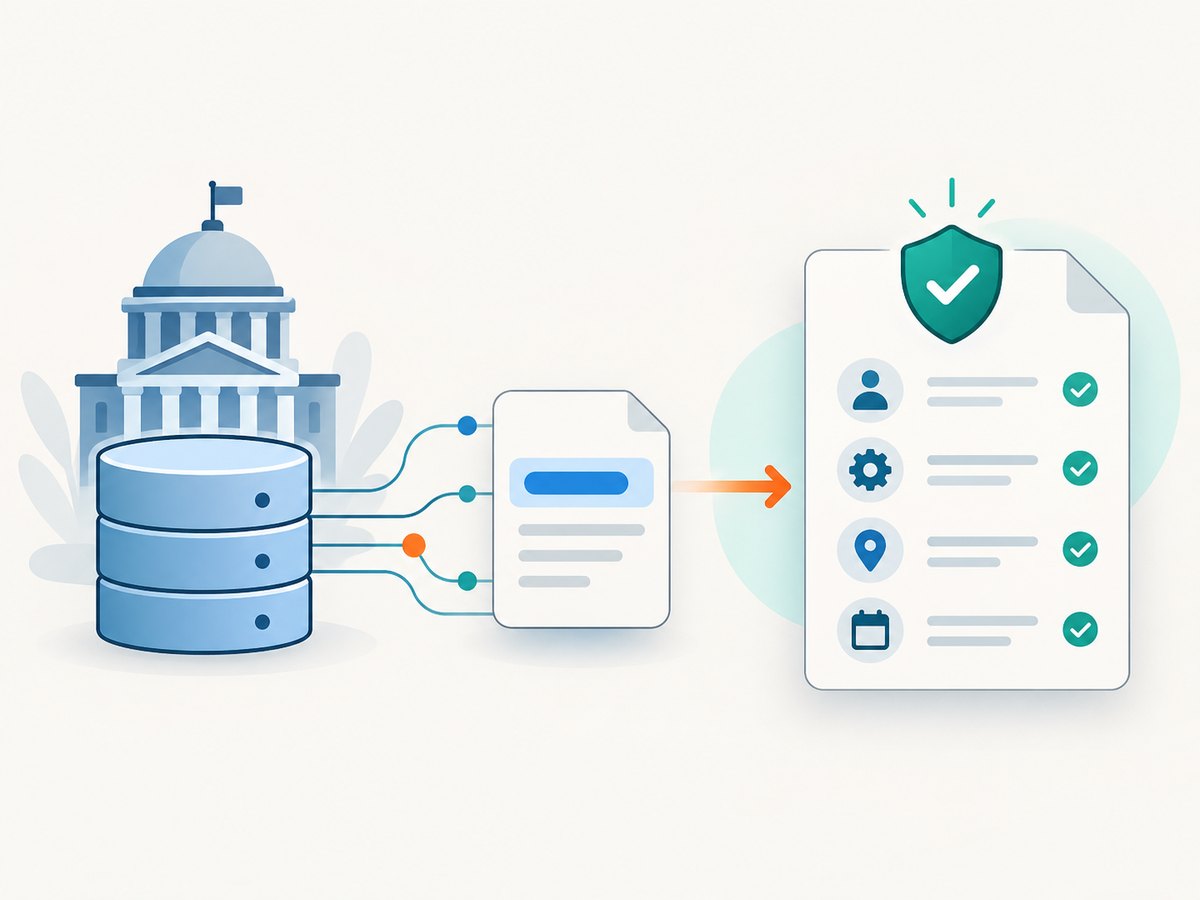
Search for the agency’s own site rather than relying on a directory or a search-engine summary. State regulators issue occupational licenses and publish the lookup instructions, covered professions, and contact information. Some systems expose disciplinary actions or restrictions; others show only basic status.
Step 2: Search an official state database
- Open the regulator’s license-verification page.
- Select the profession and credential type.
- Enter the license number exactly as shown on the document, if available.
- If you do not have a number, search the legal name and use additional fields such as city or state only when the form supports them.
- Open the matching record and compare the name, credential, jurisdiction, status, issue date, expiration date, and restrictions.
- Save the official result or record the source and retrieval date according to your organization’s retention policy.
Common-name searches require care. Some state systems recommend entering less information when you are uncertain and may support wildcard or partial-name searches. Search mechanics vary, so follow that regulator’s instructions.
Step 3: Verify nursing licenses with Nursys
Nursys is a nurse-only system. The National Council of State Boards of Nursing describes it as the national database for verification of nurse licensure, discipline, and practice privileges for RNs, LPN/VNs, and APRNs in participating jurisdictions, including all states in the Nurse Licensure Compact. Participation matters: a nonparticipating board may require direct contact.
Choose the service that matches your purpose
- QuickConfirm: NCSBN describes this as a free employer or recruiter lookup for participating boards.
- e-Notify: A monitoring service for status or discipline notifications where available.
- Endorsement verification: A separate process when a nurse applies for licensure in another jurisdiction. NCSBN states a fee of $30 per license type, per board for this service; check the current page before relying on the amount.
Do not submit a public result when the receiving board requires an endorsement verification. Use the service specified by the destination board.
Step 4: Verify insurance producers with NIPR
NIPR’s Producer Database (PDB) is designed for insurance producer information across participating jurisdictions. Reports can include demographics, licensing, appointments, and regulatory actions. The National Association of Insurance Commissioners says PDB information covers all 50 states, the District of Columbia, the U.S. Virgin Islands, Guam, and Puerto Rico, with data updated daily by participating state insurance departments.
NIPR offers producer reports, detail reports, subscriber batch reports, and custom alert tools. Access to PDB information is restricted to users with a permissible purpose under the Fair Credit Reporting Act (FCRA). Employers and compliance teams should document why the report is permitted before requesting it. A report for one state or one purpose may not satisfy another state’s requirements.
NIPR’s published $5.60 transaction fee and seven-to-ten-day estimate relate to initial insurance-license applications, not to every verification request. Check the current product and state fee pages for the transaction you are making.
How to interpret a result
| Field | What to confirm | Why it matters |
|---|---|---|
| Identity | Full name, alternate name, and other displayed identifiers | Prevents a common-name match from being attributed to the wrong person |
| Credential | Profession, class, specialty, and level | A related credential may not authorize the work being considered |
| Jurisdiction | State, territory, or participating board | Authority and scope are jurisdiction-specific |
| Status | Active, expired, inactive, suspended, revoked, or restricted | Status determines whether practice is currently authorized |
| Dates | Issue, renewal, and expiration dates | Shows whether the record was current when retrieved |
| Actions | Discipline, restrictions, or board orders | May change hiring, contracting, or endorsement decisions |
A missing result does not prove that someone is unlicensed. Recheck spelling, state, profession, and former names. Then ask the regulator to resolve the discrepancy.
Automating a license-verification evidence trail
Regulator sites often render results in a browser and may require a human challenge. Automation must respect the site’s terms, access controls, and privacy obligations. Do not bypass a CAPTCHA or bot check. For an internal workflow, store the regulator URL, query parameters, retrieval timestamp, and a screenshot or PDF only when your policy and the site permit it.
Simple browser capture with Playwright
import { chromium } from 'playwright';

const browser = await chromium.launch();
const page = await browser.newPage({
  viewport: { width: 1440, height: 1000 }
});
await page.goto('https://example-regulator.gov/license-lookup', {
  waitUntil: 'networkidle'
});
// Fill fields only after confirming the regulator permits automated access.
await page.fill('input[name="licenseNumber"]', process.env.LICENSE_NUMBER);
await page.click('button[type="submit"]');
await page.waitForLoadState('networkidle');
await page.screenshot({ path: 'verification-record.png', fullPage: true });
await browser.close();
Replace the example URL and selectors with the issuing board’s documented interface. A screenshot records what was visible; it does not make the result an official report.
Or skip the browser setup
ScreenshotNeo provides a website screenshot API and MCP server. One GET request captures a URL as PNG, JPEG, WebP, or PDF. Before capture it accepts cookie or consent banners and removes more than 60 known consent platforms, newsletter popups, and chat widgets. Bot checks, blank pages, timeouts, failed loads, and cache hits are not billed; response headers identify the page verdict and whether it was billed. An MCP server provides take_screenshot, get_page_info, and capture_pdf tools for Claude, Cursor, and other MCP clients.
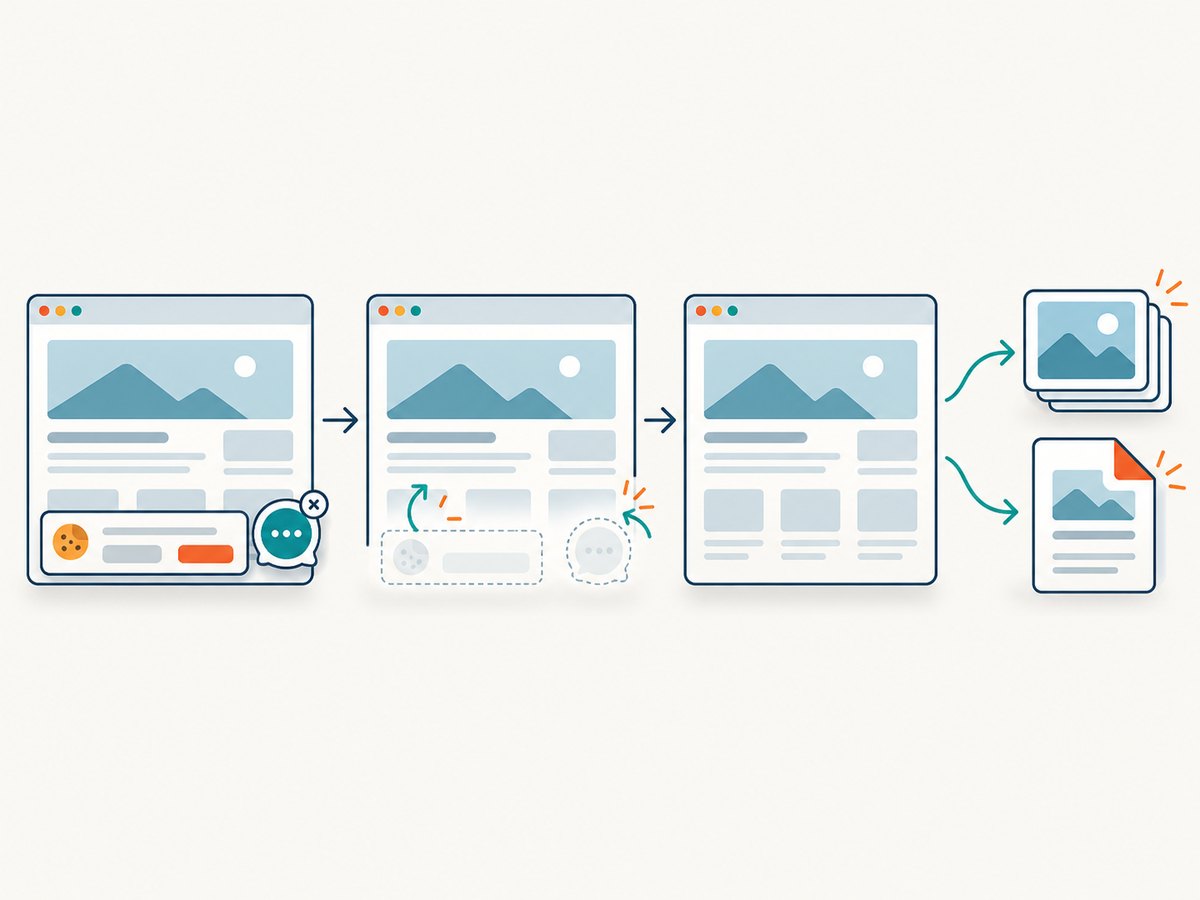
Use the regulator’s public result URL only when its terms and your privacy policy allow it. See the ScreenshotNeo API documentation for parameters.
curl -G "https://api.screenshotneo.com/v1/shot" -d access_key=YOUR_API_KEY --data-urlencode url=https://stripe.com -o shot.webpimport requests
r = requests.get("https://api.screenshotneo.com/v1/shot", params={"access_key": "YOUR_API_KEY", "url": "https://stripe.com"}, timeout=90)
open("shot.webp", "wb").write(r.content)const q = new URLSearchParams({ access_key: 'YOUR_API_KEY', url: 'https://stripe.com' });
const res = await fetch(`https://api.screenshotneo.com/v1/shot?${q}`);Relevant options include full-page capture with lazy images loaded, CSS-selector element capture, custom CSS or JavaScript, clicks, selector or network-idle waits, custom headers and cookies, timezone and geolocation, hidden selectors, blocked requests or resource types, PDF paper size and margins, signed links, asynchronous jobs with signed webhooks, bulk capture for up to 100 URLs per call, caching with a chosen TTL, and a usage API. Every feature is on every plan. Free includes 1,000 shots per month without a card; paid plans start at $5 for 3,000 shots.
Create a free ScreenshotNeo account to get 1,000 screenshots each month with no card.
Troubleshooting
“No record found”
Verify the issuing state, profession, spelling, punctuation, and former names. Try the license number. If the board recently issued or renewed the credential, contact it directly; do not infer invalidity.
Several people match
Use the license number or additional regulator-supported fields. Compare every displayed identity field and save the exact record used.
The status is inactive or expired
Check the dates and status definition on that regulator’s site. Some credentials are inactive by choice or in renewal processing. Ask the board what status means before making a decision.
Nursys does not show the nurse
Confirm that the board participates and that you selected the correct service. Request verification from the state board when participation or purpose does not match.
NIPR access is denied
Confirm that your organization and intended use meet the stated permissible-purpose requirements. Use the regulator’s direct lookup or contact NIPR support when appropriate.
The automated page is blank or blocked
Stop automation at a CAPTCHA or bot challenge. Use a permitted manual workflow, a regulator-provided report, or an authorized API. In ScreenshotNeo, inspect X-Page-Verdict and X-Billed to distinguish a failed load from a clean, billable capture.
Performance, reliability, and cost
- Use license numbers: They reduce ambiguity and usually require fewer searches than common names.
- Capture only what you need: Full-page images are larger; an element capture or PDF can be easier to archive.
- Record timestamps: A license can change after retrieval. For regulated decisions, define a refresh interval.
- Separate lookup from decision: Store the source record and let a qualified reviewer interpret restrictions or discipline.
- Protect personal data: Limit access, retention, and distribution of names, license numbers, and reports.
- Budget verification work: State, Nursys, and NIPR fees depend on service and purpose. ScreenshotNeo charges only for clean shots; failed loads, bot checks, blank pages, timeouts, and cache hits are not billed.
Checklist
- Identify profession, credential, jurisdiction, and purpose.
- Use the issuing regulator or the correct sector database.
- Search by license number when possible.
- Match identity, credential, status, dates, and restrictions.
- Use formal endorsement or employer reports when required.
- Save the source and retrieval date.
- Resolve missing or conflicting records with the regulator.
FAQ
Is license verification the same as a background check?
No. It confirms information in a licensing record. A background check can cover other records and requires its own legal basis and process.
Can I verify a license from any country with Nursys or NIPR?
No. Nursys is for participating nursing boards, and NIPR’s PDB is for participating insurance jurisdictions. Other professions and countries require their own authorities.
Should I trust a third-party license directory?
Use the issuing regulator or the named national system whenever possible. Third-party pages may be outdated or incomplete.
How often should an employer recheck a license?
Set the interval required by your regulator, contract, insurer, or internal policy. Record each check’s retrieval date.


