How to Make Lighthouse CI Use Puppeteer’s localStorage Authentication Token
Seed your app’s localStorage token with LHCI’s Puppeteer hook, preserve it through collection, and troubleshoot origin and browser-context issues.

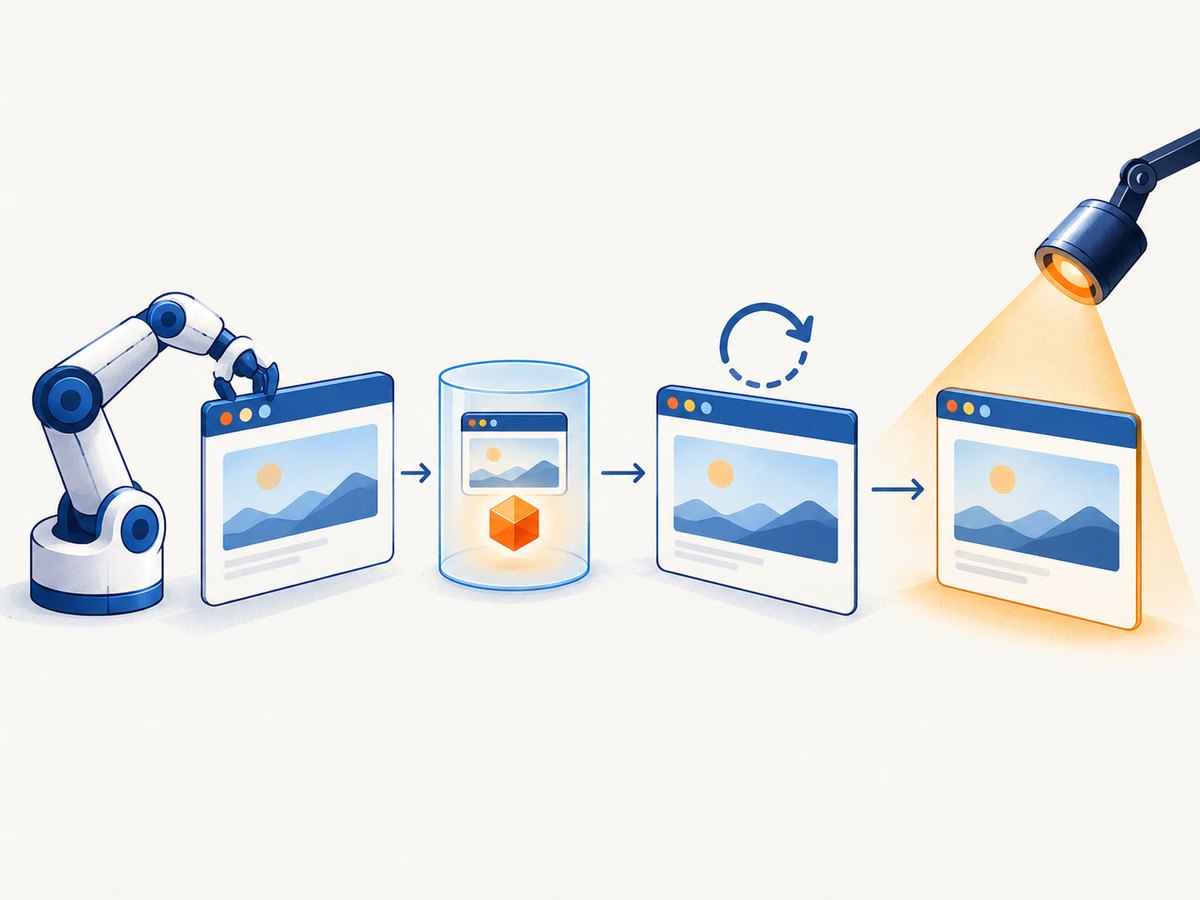
To make Lighthouse CI (LHCI) use an authentication token stored in localStorage, configure its puppeteerScript hook to visit the same origin as the page being audited, write the token with localStorage.setItem, then reload or navigate to the protected page. In lighthouserc.js, set ci.collect.settings.disableStorageReset to true so LHCI does not clear the storage state before collection. Keep setup and audit in the same LHCI browser context, and pass the token through a CI secret rather than committing it.
LHCI documents puppeteerScript as a way to manipulate the browser before Lighthouse runs, including logging in; its guidance specifically calls out disabling storage reset for credentials held in localStorage. See the LHCI configuration documentation. Puppeteer’s page.evaluate runs code in the page context, where localStorage is available.
1. Configure LHCI to preserve authentication storage
Install LHCI and Puppeteer in the project using the package manager and versions appropriate for your CI environment. LHCI requires you to install Puppeteer yourself when you use the Puppeteer script hook. The example below uses CommonJS configuration and a protected local development route:
// lighthouserc.js
module.exports = {
  ci: {
    collect: {
      url: ['http://localhost:8080/protected'],
      puppeteerScript: './scripts/auth-local-storage.js',
      settings: {
        disableStorageReset: true,
      },
    },
  },
};
The important pieces are the collection URL, the script path, and the Lighthouse setting. The setting is nested under collect.settings in configuration-file form. If you configure collection on the command line, use the corresponding collect settings flags. When passing a child command flag through lhci autorun, use equals syntax, for example --collect.puppeteerScript=./scripts/auth-local-storage.js. Refer to LHCI’s current CLI and configuration docs for the command form supported by your installed version.
The path in puppeteerScript is resolved as a project file path. Keep the script in source control, but keep the token itself in the CI provider’s secret store. Export it to the process as APP_AUTH_TOKEN when the job runs.
2. Seed the token on the audited origin
Create the script at scripts/auth-local-storage.js. This version visits the application origin, stores the token, reloads the same URL so the app bootstrap can read it, and closes the setup tab:
// scripts/auth-local-storage.js
module.exports = async (browser, context) => {
  const page = await browser.newPage();
  const appUrl = context.url || 'http://localhost:8080/';
  const token = process.env.APP_AUTH_TOKEN;

  if (!token) {
    throw new Error('APP_AUTH_TOKEN is required');
  }

  await page.goto(appUrl, { waitUntil: 'networkidle0' });
  await page.evaluate((key, value) => {
    localStorage.setItem(key, value);
  }, 'YOUR_TOKEN_KEY', token);

  await page.reload({ waitUntil: 'networkidle0' });
  await page.close();
};
Replace YOUR_TOKEN_KEY with the exact key used by the application, and make sure the URL opened by the setup script has the same scheme, host, and port as the LHCI URL. For example, http://localhost:8080 and http://127.0.0.1:8080 are distinct origins and have separate localStorage. So are HTTP and HTTPS, or two different ports.
In a project where LHCI collects several URLs, inspect the context value supplied by the hook for your installed version and choose a setup URL on the origin that owns the token. If the URLs span multiple origins, localStorage must be seeded separately for each origin that needs it. Do not assume storage written for one host is visible to another.
Verify the authenticated state before Lighthouse runs
A script can successfully write a token that the application will never accept. Check an application-specific signal after reloading: a known authenticated route, a user element, or a redirect away from the login page. For example, add a check that matches your app’s actual markup:
await page.reload({ waitUntil: 'networkidle0' });
await page.waitForSelector('[data-test="account-menu"]', { timeout: 10000 });
await page.close();
The selector above is only an example. Choose a stable element that appears only when signed in. A failing check should make the CI job fail clearly, rather than silently produce an audit of a login screen. If the app exposes no stable DOM signal, check the final URL or another app-specific indicator.
3. Seed before application scripts when necessary
The navigate, set, reload pattern is usually easiest to understand and debug. It does require an initial page load before the token is written. If application startup reads storage immediately and redirects before ordinary page evaluation can intervene, use Puppeteer’s evaluateOnNewDocument before navigation:
// scripts/auth-local-storage.js
module.exports = async (browser, context) => {
  const page = await browser.newPage();
  const appUrl = context.url || 'http://localhost:8080/';
  const token = process.env.APP_AUTH_TOKEN;

  if (!token) {
    throw new Error('APP_AUTH_TOKEN is required');
  }

  await page.evaluateOnNewDocument((key, value) => {
    localStorage.setItem(key, value);
  }, 'YOUR_TOKEN_KEY', token);

  await page.goto(appUrl, { waitUntil: 'networkidle0' });
  await page.waitForSelector('[data-test="account-menu"]', { timeout: 10000 });
  await page.close();
};
Puppeteer says this callback runs after a document is created but before its scripts run, and on navigations and child-frame navigations. See evaluateOnNewDocument. The page still has to be on the target origin for the origin’s localStorage to be used. This pattern makes the value available early on each matching navigation, so use it only when the app’s startup order calls for that behavior.
4. Understand reset, contexts, and collection lifecycle
LHCI runs the Puppeteer script before Lighthouse collection. With localStorage authentication, disableStorageReset: true is the key setting: LHCI normally resets browser storage between collection runs, which removes a localStorage token. The setting can retain other cache state too, so understand that collection runs may no longer start with a clean storage cache. Keep the script narrowly scoped and confirm that the test state is appropriate for the audits you intend to compare.
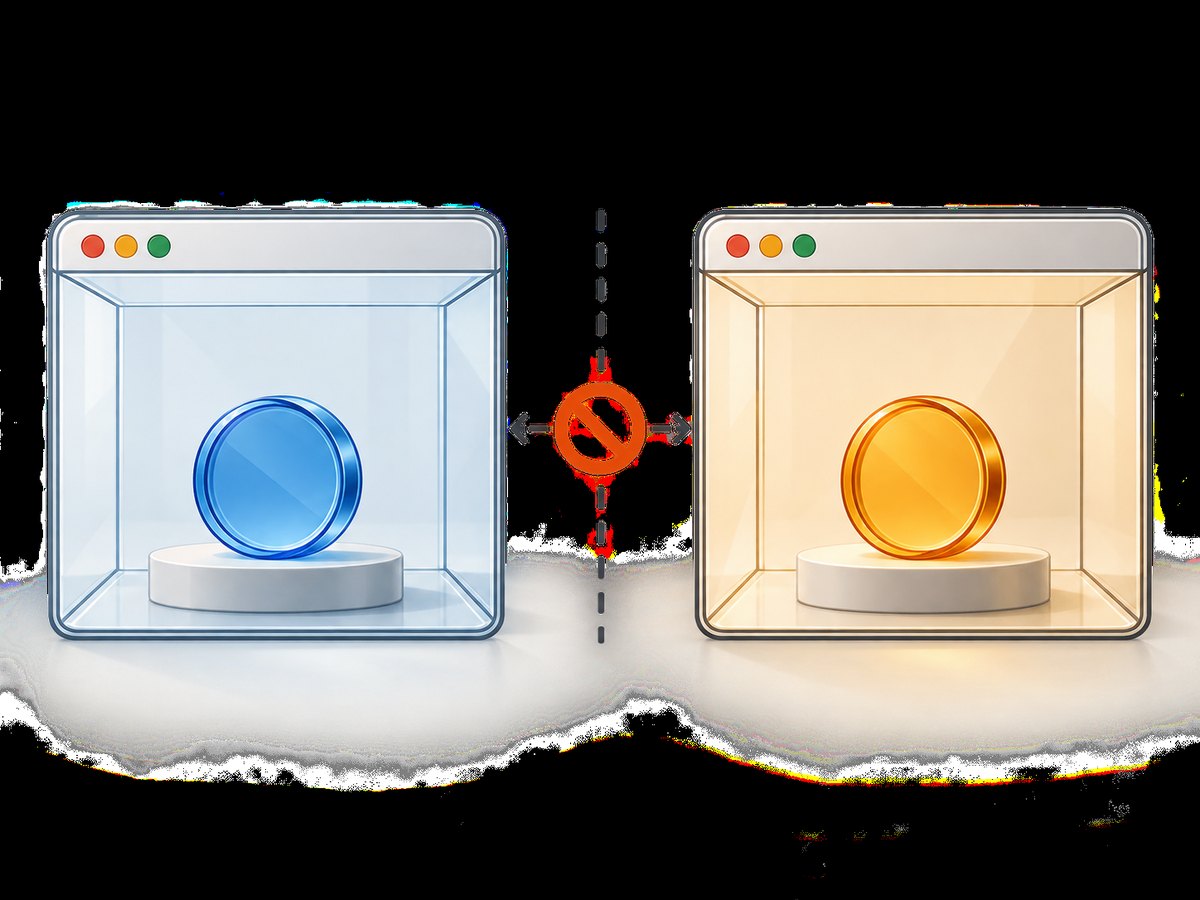
Puppeteer browser contexts isolate cookies and localStorage. A token seeded into a separate context will not become visible to the context used for Lighthouse. Use the browser passed into the LHCI script and do not launch an unrelated browser or create a separate context for setup. See Puppeteer’s BrowserContext documentation.
For multiple pages on one origin, the token belongs to that origin, not an individual route. For multiple origins, seed each one independently. LHCI keeps the browser open across URL collections, but script invocation and storage-reset behavior determine what state survives. Confirm the lifecycle against the LHCI version and collection shape in use.
5. Keep token handling safe in CI
- Store the token in the CI system’s secret manager and expose it as
APP_AUTH_TOKENonly to the job that needs it. - Do not place the token in
lighthouserc.js, a committed JSON file, command-line arguments that may be logged, or debugging output. - Use a dedicated test account with the minimum access needed for the audited pages.
- Avoid printing localStorage values or browser storage dumps in failure logs.
- Restrict secret availability for untrusted pull requests according to your CI provider’s rules.
- Rotate the test credential if it appears in logs, artifacts, or source control.
The browser must be able to receive the token for the audit to work, so CI access to that secret is part of the trust boundary. Keep the test account disposable or low privilege where practical, and avoid using a production user’s token.
6. Options and practical trade-offs
| Choice | Use it when | Trade-off |
|---|---|---|
| Navigate, set, reload | The app can load once before authentication and reads storage after reload. | Simple to inspect; one extra page load. |
evaluateOnNewDocument |
Startup code must see the token on the first document execution. | Runs on navigation and child-frame navigations; behavior can be less obvious to debug. |
disableStorageReset: true |
Authentication depends on localStorage or other browser cache state. | Storage/cache state can persist across runs, so the setup and collection need to be considered together. |
| One shared origin | All audited routes use the same scheme, host, and port. | One seeded origin can serve multiple paths, but not another host or port. |
| Several origins | Audits cover applications hosted on distinct origins. | Each origin needs its own localStorage setup and authentication verification. |
There is no universally correct wait condition. networkidle0 waits for network activity to settle, but applications with long-lived connections or background polling may never reach that condition. In those cases, use a condition that matches the app, such as domcontentloaded followed by a selector wait, or a bounded delay only when there is no better signal. Keep timeouts finite so a broken test fails rather than hanging.
7. Troubleshooting common failures
| Symptom | Likely cause | Fix |
|---|---|---|
| Lighthouse sees the login page | Wrong origin, key, token format, or the app rejected the credential. | Compare scheme, host, and port exactly; verify the key and expected raw/JSON/prefixed token format; assert an authenticated-only selector after reload. |
| Works locally, fails in CI | The environment variable is absent or the test server is not ready. | Check that the CI secret is exported as APP_AUTH_TOKEN; ensure the application server is reachable before the hook navigates. |
| Token appears set but vanishes before collection | LHCI reset browser storage, or the setup used a different context. | Set disableStorageReset: true under collect.settings; use the browser and context lifecycle supplied by LHCI. |
| App redirects before token is written | Application bootstrap reads storage during its first scripts. | Install evaluateOnNewDocument before goto, then verify the resulting authenticated state. |
localStorage is not defined |
The code ran in Node rather than the page context. | Call localStorage.setItem inside the callback passed to page.evaluate or evaluateOnNewDocument. |
puppeteerScript cannot load |
Bad path, module format mismatch, or Puppeteer is not installed. | Check the relative path, CommonJS/ES module conventions in the project, and install Puppeteer as LHCI requires. |
| Navigation times out | Network-idle never occurs due to polling, sockets, or slow dependencies. | Use domcontentloaded or another appropriate lifecycle condition, then wait for a stable application selector with a timeout. |
| Only some audited routes authenticate | Routes use different origins or an origin-specific token key. | Seed and verify each origin separately; check whether the app’s key or token audience differs by environment. |
8. Performance, reliability, and cost considerations
The setup adds browser navigation and possibly a reload before the audit, so allow enough CI time for that work. A second navigation is an easy reliability cost of the basic pattern; the early-injection option avoids the setup reload but should only be used when necessary. A selector-based readiness check makes failures more meaningful than a fixed sleep, while bounded timeouts prevent an indefinitely stuck job.
Authenticated pages can contain personalized or changing content. Use a consistent test account and stable fixture data when comparing Lighthouse results over time. The token solves access, but it does not make page content, backend load, third-party requests, or runtime conditions deterministic. Keep those variables in mind when interpreting score changes.
No authoritative benchmark or cost figure for this particular LHCI authentication setup is established by the cited documentation. Infrastructure cost depends on the CI provider, browser runtime, run count, and application behavior. LHCI’s numberOfRuns and the URL set affect how much audit work is performed; choose them based on the stability and coverage the project needs.
Or skip the browser setup
If your goal is to capture a public page rather than run an authenticated Lighthouse audit, ScreenshotNeo is a website screenshot API and MCP server. It returns a screenshot or PDF from one GET request. The API call below captures a public URL:
curl -G "https://api.screenshotneo.com/v1/shot" -d access_key=YOUR_API_KEY --data-urlencode url=https://stripe.com -o shot.webpSee the ScreenshotNeo API documentation for setup. It removes cookie banners, popups, and chat widgets before the shot; bot checks, blank pages, and failed loads are never billed. Its MCP server lets AI agents take screenshots. The free plan includes 1,000 screenshots a month with no card; paid plans start at $5 for 3,000. This is for screenshot capture, not a replacement for Lighthouse CI’s performance audits or for accessing a private page using your app token.
Python equivalent:
import requests

r = requests.get(
    "https://api.screenshotneo.com/v1/shot",
    params={"access_key": "YOUR_API_KEY", "url": "https://stripe.com"},
    timeout=90,
)
open("shot.webp", "wb").write(r.content)
Node.js equivalent:
const q = new URLSearchParams({ access_key: 'YOUR_API_KEY', url: 'https://stripe.com' });
const res = await fetch(`https://api.screenshotneo.com/v1/shot?${q}`);
if (!res.ok) throw new Error(`Screenshot request failed: ${res.status}`);
await import('node:fs/promises').then(fs => fs.writeFile('shot.webp', Buffer.from(await res.arrayBuffer())));
Create a free ScreenshotNeo account for 1,000 screenshots a month with no card.
FAQ
Does Lighthouse CI have to use Puppeteer for localStorage authentication?
This guide uses LHCI’s Puppeteer hook because it gives you a supported place to prepare browser state before Lighthouse runs. Other authentication approaches may fit applications that use cookies or a different sign-in flow.
Should I store a JSON string or a raw token?
Use exactly the value format the application expects. LHCI and Puppeteer cannot infer the app’s storage schema.
Can I use this for production pages?
The mechanics can work when the browser can reach the page, but use a restricted test credential and follow your team’s rules for secrets and production access.
Why does disabling storage reset affect cache?
LHCI describes the setting as preserving cache state. LocalStorage authentication depends on browser storage surviving the reset step, so consider whether retained state changes the repeatability of your collection.


