How Can I Limit How Often Screenshots Are Taken for One Specific Test in Cypress?
Disable Cypress failure screenshots globally, then call cy.screenshot() only at checkpoints in the test that needs them.
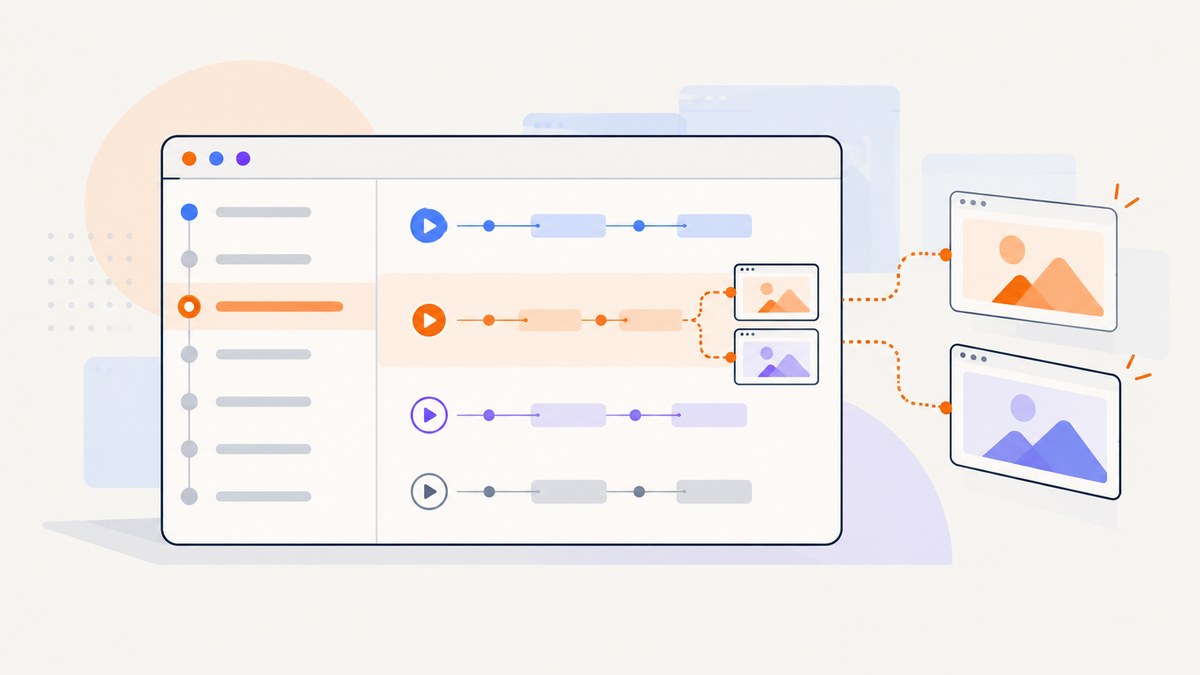
Direct answer: Cypress controls automatic screenshots on failure with the global screenshotOnRunFailure setting. Cypress does not document a per-test runtime switch for that automatic behavior. To capture screenshots for one test only, turn automatic failure screenshots off globally and add explicit cy.screenshot() calls inside the selected test (or a helper used only by that test).
// cypress.config.js
const { defineConfig } = require('cypress')

module.exports = defineConfig({
  e2e: {
    screenshotOnRunFailure: false,
  },
})
// cypress/e2e/checkout.cy.js
describe('Checkout', () => {
  it('captures only the checkpoints I need', () => {
    cy.visit('/checkout')
    cy.get('[data-testid="cart"]').should('be.visible')
    cy.screenshot('checkout-cart-visible')

    cy.get('[data-testid="pay"]').click()
    cy.get('[data-testid="confirmation"]').should('be.visible')
    cy.screenshot('checkout-confirmation')
  })
})
Run the suite with cypress run. The named images are written under cypress/screenshots by default. Other tests will not receive automatic failure screenshots, and this test will capture only where its explicit commands occur. Cypress documents automatic capture during cypress run and the screenshotOnRunFailure: false switch in its screenshot guide (Capture screenshots and videos in Cypress).
Why the setting is global
screenshotOnRunFailure is a Cypress configuration value. Its documented default is true, and Cypress lists it among values that cannot be changed while a test is executing. That means code such as Cypress.config('screenshotOnRunFailure', false) inside one it() block is not a supported per-test solution.
The supported split is:
| Behavior | Scope | How to control it |
|---|---|---|
| Automatic image after a failure | Run-wide configuration | screenshotOnRunFailure in config, or the global screenshot defaults API |
| Screenshot at a known checkpoint | Individual test or command chain | cy.screenshot(name, options) |
If you want the old global default in a different setup file, Cypress also exposes:
Cypress.Screenshot.defaults({ screenshotOnRunFailure: false })
Put that in support code that loads before tests. The configuration-file form is usually easier to see and review because the policy is declared next to the rest of the test-run settings.
Step-by-step setup
1. Disable failure screenshots in the project configuration
For an end-to-end project, edit cypress.config.js (or the equivalent TypeScript configuration) and set the option inside e2e. If you use component testing, set the same option in the component configuration block instead.
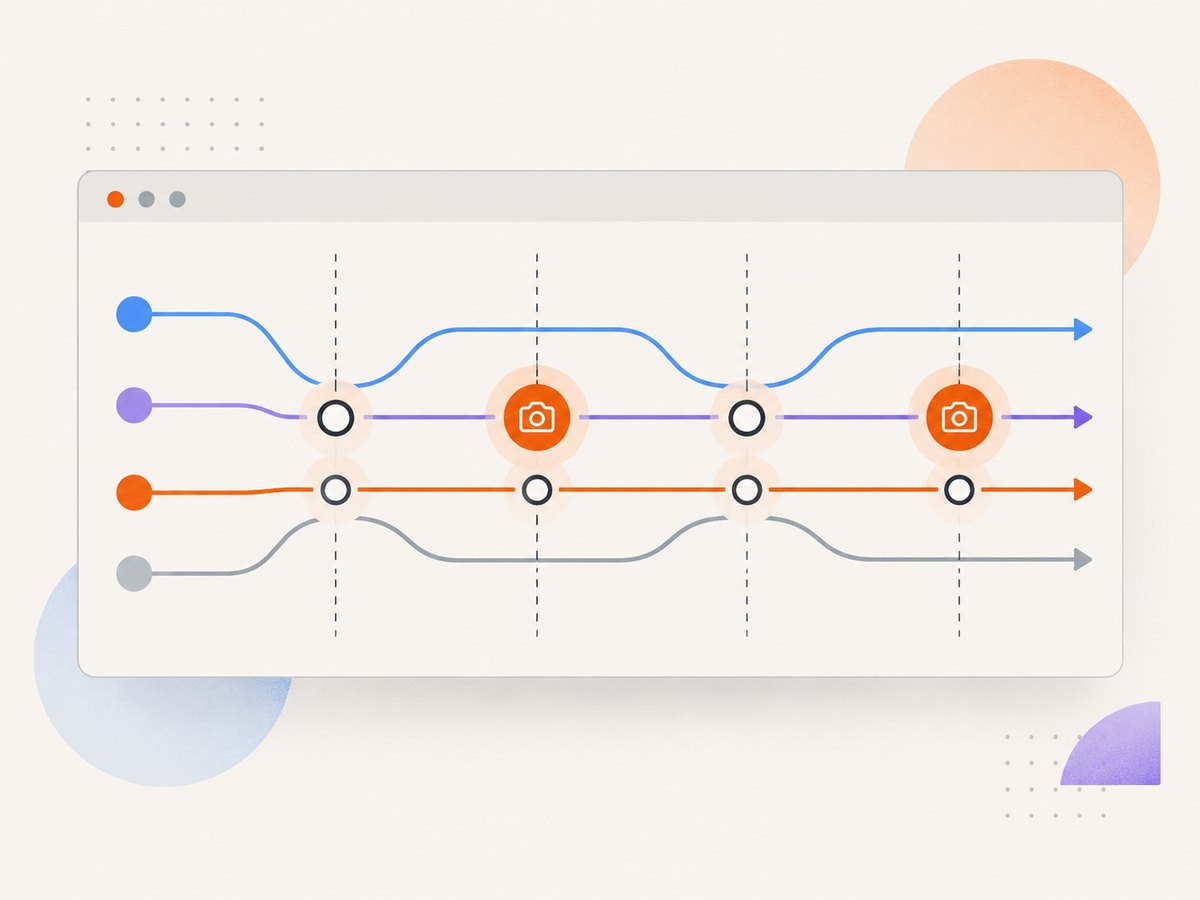
const { defineConfig } = require('cypress')

module.exports = defineConfig({
  e2e: {
    baseUrl: 'http://localhost:3000',
    screenshotOnRunFailure: false,
  },
})
Keep the setting in the configuration that your CI command actually loads. A second config file, an alternate working directory, or a command-line --config-file can make it appear as though the option was ignored.
2. Add screenshots only at meaningful checkpoints
Place the command after the assertion that proves the state is ready. Cypress commands retry until their assertions pass, so the screenshot is taken after the element is visible or the page reaches the required state.
it('captures the completed payment flow', () => {
  cy.visit('/checkout')
  cy.get('[data-testid="email"]').type('qa@example.test')
  cy.get('[data-testid="card-number"]').type('4242424242424242')
  cy.get('[data-testid="pay"]').click()

  cy.get('[data-testid="confirmation"]')
    .should('be.visible')
    .and('contain', 'Thank you')

  cy.screenshot('payment-confirmation', {
    overwrite: true,
    capture: 'viewport',
  })
})
The filename is relative to the screenshots folder. Use stable names that describe the state, such as cart-visible or confirmation, rather than names containing timestamps. Stable names make CI artifacts easier to locate and allow overwrite: true when only the latest image matters.
3. Keep capture helpers local to the selected test
A helper is useful when the test has several checkpoints, but do not call it from a shared afterEach if only one test should produce images.
function captureCheckoutState(name) {
  cy.get('[data-testid="checkout-shell"]').should('be.visible')
  cy.screenshot(name, { capture: 'viewport' })
}

it('captures the two review states', () => {
  cy.visit('/checkout')
  captureCheckoutState('checkout-start')

  cy.get('[data-testid="pay"]').click()
  cy.get('[data-testid="confirmation"]').should('be.visible')
  captureCheckoutState('checkout-confirmed')
})
cy.screenshot() options that matter
Cypress documents calling cy.screenshot() directly or chaining it from a command that yields an element. The command accepts a filename and options including overwrite, capture, scale, and callbacks.
| Option | Use it when | Practical effect |
|---|---|---|
capture |
You need a particular area | Choose the viewport, the full page, or the current application window according to your Cypress version and capture mode. |
overwrite |
You want one artifact per name | Replaces an existing file instead of adding a duplicate suffix. |
scale |
Pixel dimensions matter | Controls scaling for the captured image and can reduce very large output. |
onBeforeScreenshot/onAfterScreenshot |
You need temporary visual changes or metadata handling | Run callbacks around capture; keep changes deterministic and restore altered state. |
To capture one element, chain the screenshot from a command that yields that element:
cy.get('[data-testid="invoice"]')
  .should('be.visible')
  .screenshot('invoice-panel')
Element capture is useful for a focused regression artifact. Full-page capture is better when the defect depends on layout below the fold. Use the smallest capture that answers the debugging question; smaller files are faster to write and review.
Retries, hooks, and duplicate files
Cypress retries rerun the test and its beforeEach and afterEach hooks. Explicit screenshot commands therefore run again on every retry. Cypress adds an attempt suffix such as (attempt 2) to distinguish the files. Automatic failure screenshots also occur for each failed attempt when the global setting is enabled. See Test retries in Cypress for the retry behavior.
This has three consequences:
- A test with two explicit checkpoints and two attempts can create four images.
- A screenshot in a shared
afterEachruns for every test, including tests that should stay quiet. overwrite: truedoes not create one image across retries if Cypress changes the attempt-specific path.
If you need exactly one final image regardless of retries, Cypress’s documented screenshot APIs do not provide a per-test “capture only once across retries” switch. Handle deduplication after the run by selecting one known path, or configure the test to avoid retries for that case only if your project policy permits it. Do not put an undocumented runtime mutation into the test.
Patterns for common test suites
Capture one test in a large spec
describe('Account settings', () => {
  it('updates the profile and records the result', () => {
    cy.visit('/settings/profile')
    cy.get('[data-testid="save"]').click()
    cy.get('[data-testid="saved-message"]').should('be.visible')
    cy.screenshot('profile-saved')
  })

  it('validates a required field', () => {
    cy.visit('/settings/profile')
    cy.get('[data-testid="name"]').clear()
    cy.get('[data-testid="save"]').click()
    cy.get('[data-testid="name-error"]').should('be.visible')
    // No screenshot: this test is intentionally quiet.
  })
})
Capture only when a selected test fails
The global automatic mechanism cannot be enabled for one test through a documented runtime switch. If you need a failure image for one test, add an explicit checkpoint immediately before the risky action, or add a test-local recovery path that captures the state when an assertion you control fails. Keep in mind that a screenshot before an action is evidence of setup, not a true automatic failure hook.
Use environment-controlled checkpoints
const captureDebug = Cypress.env('captureDebug') === true

function debugShot(name) {
  if (captureDebug) cy.screenshot(name, { capture: 'viewport' })
}

it('shows the order status', () => {
  cy.visit('/orders/123')
  cy.get('[data-testid="order-status"]').should('be.visible')
  debugShot('order-status')
})
This keeps the test-specific scope while letting CI decide whether those explicit images are produced. The global failure setting remains off.
What happens in interactive mode
screenshotOnRunFailure concerns the run mode. During interactive development with cypress open, use explicit screenshots when you need a saved artifact. The command still writes to the configured screenshots directory, while the Cypress runner also provides its normal visual debugging tools.
Troubleshooting
| Symptom | Likely cause | Fix |
|---|---|---|
| Every failed test still has a screenshot | The active configuration still has the default true, or another config file is being loaded. |
Confirm the e2e/component block and print the config used by CI. Check --config-file and the working directory. |
| A runtime assignment has no effect | screenshotOnRunFailure is not a supported test-time toggle. |
Set it in configuration or with Cypress.Screenshot.defaults() before tests load. |
| Images appear for every test | A shared afterEach, custom command, or plugin calls cy.screenshot(). |
Search for screenshot calls and move the call into the selected test or its private helper. |
| Two or more files have “attempt” suffixes | Retries rerun screenshot commands. | Expect one set per attempt, reduce checkpoints, or post-process artifacts after the run. |
| The image shows an old state | The screenshot runs before the UI assertion or network-driven render completes. | Assert the final selector and content immediately before cy.screenshot(); avoid fixed sleeps where a state assertion is available. |
| The file is missing in CI | The job does not preserve cypress/screenshots as an artifact, or the run exits before the command. |
Upload the directory after the Cypress command, even when the test command fails, and inspect the command log. |
| Capture is too large or slow | Full-page images and high device pixel ratios produce many pixels. | Capture an element or viewport, use an appropriate scale, and reserve full-page images for layout defects. |
Performance, reliability, and cost considerations
Each screenshot adds browser work, image encoding, filesystem I/O, and artifact transfer in CI. A suite with hundreds of automatic failure images can consume storage even when failures are transient. Explicit checkpoints make the cost predictable: you can count calls in the selected test and avoid capturing intermediate states that do not help diagnosis.
- Prefer state assertions before capture. Waiting on a selector or expected text is more reliable than a fixed delay.
- Keep names deterministic. Stable paths simplify artifact retention and visual-diff tooling.
- Choose the smallest useful region. Element or viewport captures usually transfer less data than full-page captures.
- Plan for retries. Multiply expected image count by the maximum retry attempts when estimating artifact volume.
- Protect sensitive data. Mask or remove account numbers, tokens, and personal information before taking a screenshot.
Or skip the browser setup
If your goal is to obtain clean screenshots of pages outside the Cypress run, ScreenshotNeo provides a website screenshot API and MCP server. One GET request returns PNG, JPEG, WebP, or PDF, so a separate browser project is not required for that capture path.
curl -G "https://api.screenshotneo.com/v1/shot" -d access_key=YOUR_API_KEY --data-urlencode url=https://stripe.com -o shot.webp
import requests
r = requests.get("https://api.screenshotneo.com/v1/shot", params={"access_key": "YOUR_API_KEY", "url": "https://stripe.com"}, timeout=90)
open("shot.webp", "wb").write(r.content)
const q = new URLSearchParams({ access_key: 'YOUR_API_KEY', url: 'https://stripe.com' });
const res = await fetch(`https://api.screenshotneo.com/v1/shot?${q}`);
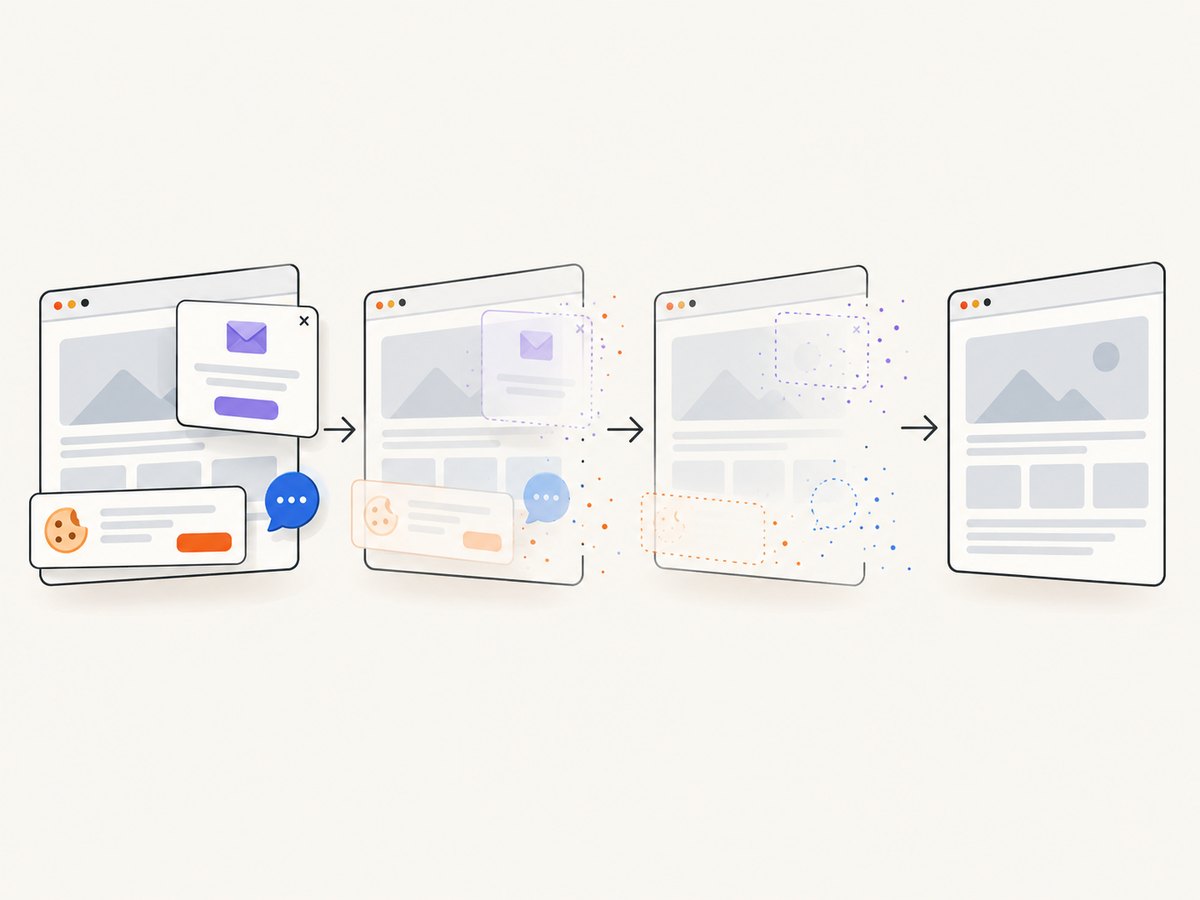
See the ScreenshotNeo API documentation for request options and response details. Before capture, ScreenshotNeo accepts cookie or consent banners like a visitor and removes more than 60 known consent platforms, newsletter popups, and chat widgets. Each step can be turned off. Bot checks or CAPTCHAs, blank pages, timeouts, failed loads, and cache hits cost nothing; response headers identify the page verdict and whether the shot was billed.
The service also includes an MCP server with take_screenshot, get_page_info, and capture_pdf tools for Claude, Cursor, and other MCP clients. It supports full-page and element captures, device presets, custom viewports, dark mode, retina scale, waits, request blocking, headers, cookies, user agents, authorization, timezone, geolocation, custom CSS and JavaScript, click actions, resizing, caching, signed links, asynchronous jobs, webhooks, bulk capture, usage reporting, and an OpenAPI specification.
There is a free allowance of 1,000 screenshots per month with no card. Paid plans start at $5 for 3,000 screenshots; every feature is available on every plan. Create a free ScreenshotNeo account to try the API.
FAQ
Can I enable automatic failure screenshots for exactly one Cypress test?
Cypress documents the automatic setting as global. Use explicit cy.screenshot() calls in that test instead.
Where does Cypress save screenshots?
The default directory is cypress/screenshots. Your project can change artifact handling around that directory in CI.
Do retries repeat explicit screenshots?
Yes. Retries rerun the test and its hooks, so each cy.screenshot() executes again and Cypress adds an attempt suffix.
Can I capture an element instead of the whole page?
Yes. Chain .screenshot() from a command that yields the element, such as cy.get('[data-testid="invoice"]').screenshot('invoice').
Should screenshot calls live in afterEach?
Only when every test needs the image. For one-test capture, keep the command in that test or in a helper that only it invokes.
Can ScreenshotNeo replace Cypress’s in-browser failure evidence?
It can capture public or authorized web pages through its API, but it does not change Cypress’s own failure-screenshot policy. Keep Cypress checkpoints for test-state evidence and use ScreenshotNeo when an external screenshot service fits the workflow.


