The Linux lsof Command With Examples
Learn how to use Linux lsof to find processes, open files, sockets, deleted files, and mount blockers with practical commands and troubleshooting.

lsof means “list open files.” On Linux, it reports files opened by processes, including regular files, directories, devices, executable text, libraries, streams, and network files such as Internet, NFS, and UNIX-domain sockets. The fastest way to use it is to choose a selection that matches your question: a pathname, process ID, user, Internet socket, or UNIX socket.
The command is documented in the Linux lsof(8) manual. The lsof project documentation also describes common tasks and platform differences.
Quick answer: the commands you will use most
| Question | Command |
|---|---|
| What is open system-wide? | lsof |
| Which process uses a path? | lsof /path/to/file |
| What files does a PID have open? | lsof -p 1234 |
| What files belong to a user? | lsof -u username |
| Which Internet sockets exist? | lsof -i |
| Which UNIX-domain sockets exist? | lsof -U |
| Which IPv4 sockets belong to one PID? | lsof -i 4 -a -p 1234 |
| Return only matching process IDs | lsof -t /path/to/file |
| Find open but unlinked files | lsof +L1 |
How lsof output works
Run lsof without options and it lists open files for active processes. On a busy machine this can be a very large result, so start with a filter whenever possible.
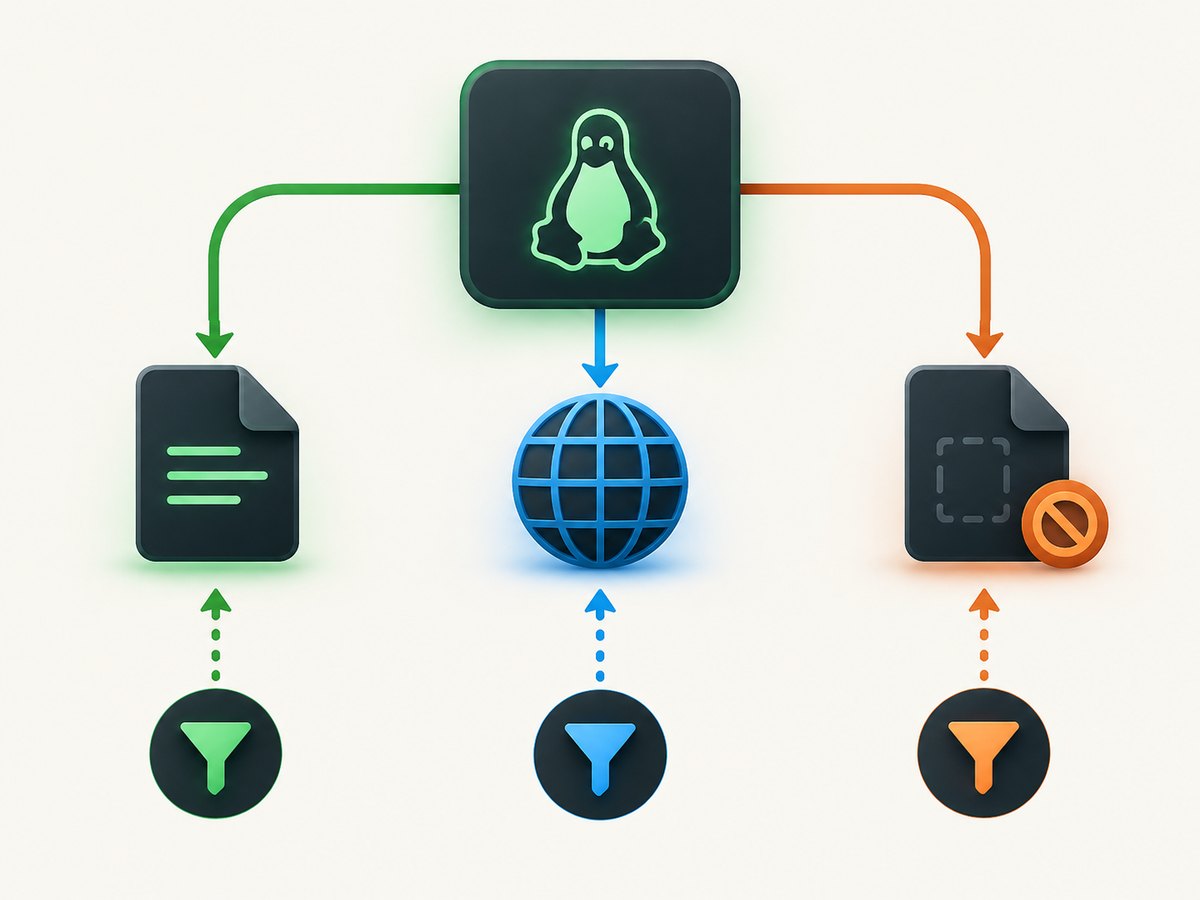
lsofThe default display is intended for people. Common columns include:
- COMMAND: the command name associated with the process.
- PID: the process ID.
- USER: the account that owns the process.
- FD: the file descriptor or a process-associated category such as
cwd(current working directory),txt(executable text), ormem(memory-mapped object). - TYPE: the kind of object, such as a regular file, directory, device, or socket. Exact values vary by implementation.
- NAME: the path, device, endpoint, or other identifying name.
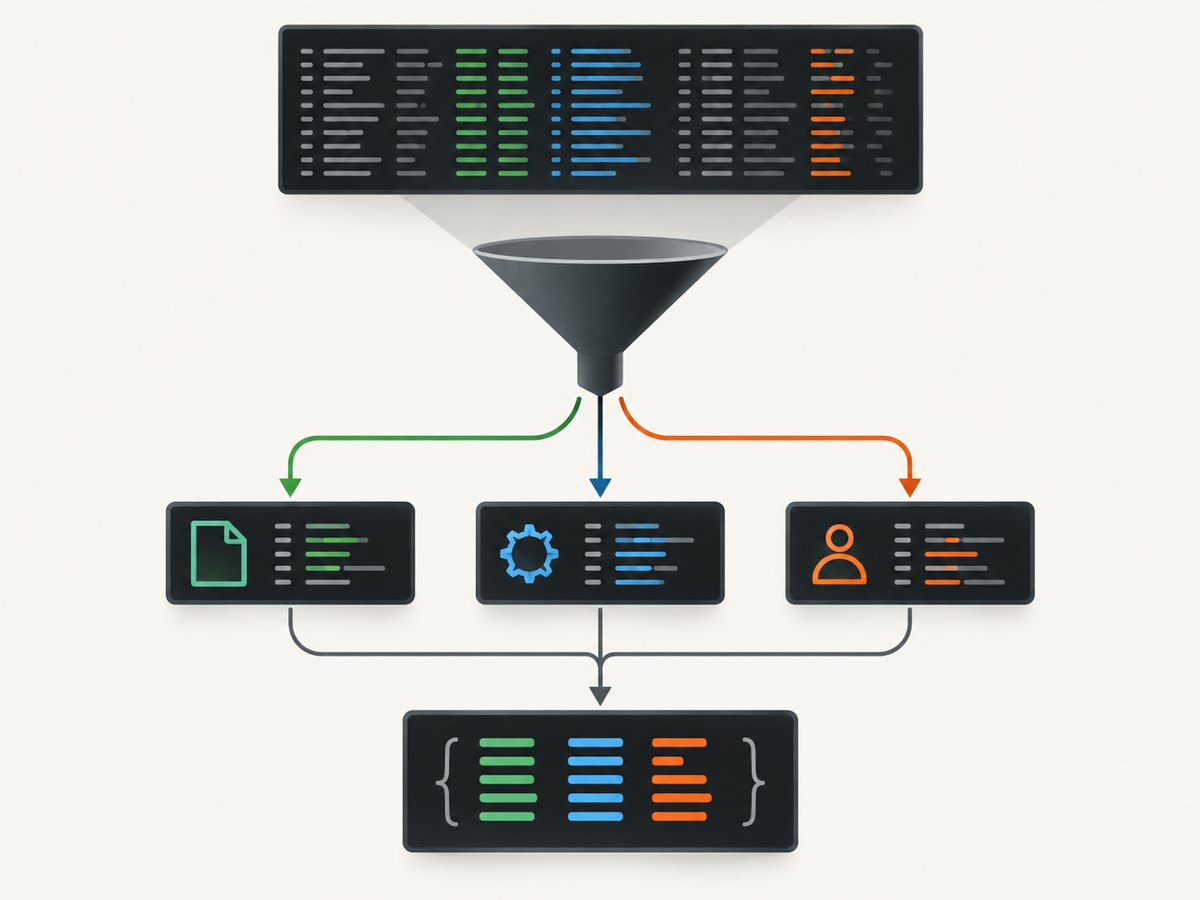
Do not parse aligned columns with whitespace splitting. A pathname can contain spaces, and the human-readable layout is not a stable data format. For scripts, use field output with -F and only the identifiers your script needs. Check the field-output section of your installed manual for the complete list.
Find which process is using a file
Pass a pathname as an argument:
lsof /var/log/app.logThis is useful before replacing a log, unmounting a filesystem, or diagnosing why a file cannot be removed. Querying a directory or mount point also finds processes with objects below that path:
lsof /mntResults can be incomplete when your account cannot inspect another process or an inaccessible filesystem. Use appropriate administrative privileges where your system policy allows it.
Get only the process IDs
The -t option produces terse output containing process IDs, which is useful when passing a result to another command:
lsof -t /var/log/app.logTreat the output as data and handle the possibility of no matches. Do not automatically kill every PID returned by a broad path query.
Inspect files opened by a process
If you know the PID, use -p:
lsof -p 1234This shows the process’s working directory, executable, mapped libraries, descriptors, and other open objects. Replace 1234 with a live PID. A process may exit between the time you obtain its PID and the time lsof reads it, so an empty or partial result can be a race rather than proof that it opened nothing.
Find files opened by a user or command
Filter by account with -u:
lsof -u aliceThis selects processes associated with that user. To investigate a named command, use the command-name selection syntax documented by your local manual; command names can be abbreviated or matched according to implementation rules, so verify the exact behavior before using it in automation.
Inspect Internet and UNIX sockets
-i selects Internet network files. Begin broad, then narrow the query by protocol, address, port, or PID using the syntax in lsof(8):
lsof -iUNIX-domain sockets are selected with -U:
lsof -UYou can request both categories:
lsof -i -UFor example, to select IPv4 network files for one process, combine the selections with -a:
lsof -i 4 -a -p 1234Selection options do not all combine the way a casual reading suggests. In this documented example, -a ANDs the IPv4 network selection with the PID selection. Without the conjunction, you may receive a broader result than intended. When a query mixes path, user, PID, and network criteria, confirm the selection rules in the installed manual.
Find deleted files that are still open
A process can keep an unlinked file open. The directory entry disappears, but the process still holds the object and its storage may remain allocated. The documented pattern is:
lsof +L1This helps explain why disk space does not return after a large log is deleted. lsof identifies the holder; it does not free the space. Restart or otherwise release the resource only after you understand the service and its recovery requirements.
Use -Q for specified no-match cases
The manual documents -Q with cases such as a requested PID that does not exist or has no matching IPv4 network files:
lsof -Q -i 4 -a -p 1234-Q is not a universal error suppressor. Use it only when the manual says it applies to the no-match condition you need to tolerate, and still check the command’s exit status and output.
Automate lsof safely
Shell: parse field output
For a small script that needs process IDs and command names, request machine-oriented fields. The exact field letters are documented by -F; this example asks for PID (p) and command (c):
lsof -F pc /var/log/app.logField output uses a record-oriented format rather than aligned columns. Write a parser that recognizes field prefixes and handles repeated records. Avoid assuming every record contains every field.
Python
import subprocess

path = "/var/log/app.log"
result = subprocess.run(
    ["lsof", "-F", "pc", path],
    text=True,
    capture_output=True,
    check=False,
)
if result.returncode not in (0, 1):
    raise RuntimeError(result.stderr.strip() or "lsof failed")

record = {}
for line in result.stdout.splitlines():
    if not line:
        continue
    field, value = line[0], line[1:]
    if field == "p":
        if record:
            print(record)
        record = {"pid": value}
    elif field == "c":
        record["command"] = value
if record:
    print(record)
Exit codes and visibility depend on the local implementation and permissions. Keep stderr available for diagnostics.
Node.js
import { execFile } from "node:child_process";

execFile("lsof", ["-F", "pc", "/var/log/app.log"], (error, stdout, stderr) => {
  if (error && error.code !== 1) {
    throw new Error(stderr.trim() || error.message);
  }
  const records = [];
  let current = null;
  for (const line of stdout.split("\n")) {
    if (!line) continue;
    const field = line[0];
    const value = line.slice(1);
    if (field === "p") {
      if (current) records.push(current);
      current = { pid: value };
    } else if (field === "c" && current) {
      current.command = value;
    }
  }
  if (current) records.push(current);
  console.log(records);
});
Installation and portability
Most Linux distributions provide lsof through their package index, but package names and commands are distribution-specific. Use your distribution’s official package search or documentation rather than copying an installation command intended for another system.
lsof has multiple Unix-like implementations. This guide is Linux-focused; option details, output abbreviations, endpoint name resolution, and field values can vary. Read the lsof(8) manual installed on the machine where a script runs.
Troubleshooting common lsof problems
“No output”
- The path may have no users at that moment.
- The process may have exited during the query.
- Your account may not be allowed to inspect the process or filesystem.
- The selection criteria may be combined more narrowly than intended.
Retry with a narrower known-good query, verify the path and PID, and use administrative privileges only when permitted.
“Permission denied” or warnings
Access to process information and mount contents is governed by the operating system and configuration. Preserve stderr, review the warning, and run the query under an account authorized to inspect the target. Do not treat a permission-limited result as a complete inventory.
“The mount is busy”
Query the mount path:
lsof /mntLook for current directories, open files, mapped objects, and sockets under the mount. Network and inaccessible filesystems can complicate the result; check mounts and namespaces relevant to the process.
“Which service is listening?”
Start with lsof -i, then narrow by protocol, port, address, or PID. If names make the output difficult to read, use the numeric or field-output options documented by your local version.
“Why did a deleted log keep disk space?”
Run lsof +L1, identify the process holding the unlinked file, and use that service’s documented log-reopen or restart procedure. Removing another pathname will not release the already-open object.
Performance, reliability, and cost considerations
A system-wide lsof scan can inspect many processes and files, so broad queries take more work and produce more output than a path, PID, or user filter. For repeated monitoring, schedule focused queries, use -F, and avoid resolving more names than your workflow needs when your local version provides numeric output controls.
Results are snapshots. Processes can open or close files while lsof is running, and containers or separate namespaces can change what a process can see. Capture the command, timestamp, user, and relevant namespace context with incident notes. For automation, check exit status, preserve stderr, and tolerate a process disappearing between discovery and inspection.
Or skip the browser setup
If your workflow also needs website screenshots for incident records, documentation, or visual regression, ScreenshotNeo provides a single website screenshot API request. Its cleanup steps accept cookie or consent banners and remove more than 60 known consent platforms, newsletter popups, and chat widgets before capture; each step can be disabled. Bot checks, blank pages, timeouts, failed loads, and cache hits are not billed, and the response identifies the result with X-Page-Verdict and X-Billed headers.
See the ScreenshotNeo API documentation for all options.
curl -G "https://api.screenshotneo.com/v1/shot" -d access_key=YOUR_API_KEY --data-urlencode url=https://stripe.com -o shot.webpimport requests
r = requests.get("https://api.screenshotneo.com/v1/shot", params={"access_key": "YOUR_API_KEY", "url": "https://stripe.com"}, timeout=90)
open("shot.webp", "wb").write(r.content)const q = new URLSearchParams({ access_key: 'YOUR_API_KEY', url: 'https://stripe.com' });
const res = await fetch(`https://api.screenshotneo.com/v1/shot?${q}`);Options include full-page and element captures, dark mode, device presets, custom viewports, retina scale, PDF output, custom CSS and JavaScript, clicks, waits, request blocking, headers, cookies, user agents, timezone, geolocation, transparent backgrounds, resizing, caching, signed links, asynchronous jobs, bulk capture, and a usage API. An MCP server provides take_screenshot, get_page_info, and capture_pdf tools for Claude, Cursor, and other MCP clients. One thousand screenshots per month are free with no card; paid plans start at $5 for 3,000. Create a free ScreenshotNeo account.
FAQ
Does lsof list only disk files?
No. Its scope includes directories, devices, executable and mapped files, streams, and network files such as Internet and UNIX-domain sockets.
Why should scripts use -F?
The default layout is for people and can contain names with spaces. -F emits field-oriented records designed for programmatic processing.
Does lsof close files or repair a busy mount?
No. It reports which processes hold objects. You must use the owning service’s safe stop, restart, unmount, or log-reopen procedure.
Can an unprivileged user see every process?
Not necessarily. Permissions and platform configuration affect visibility, so interpret empty or partial results in that context.
What should I read for option details?
Use the Linux lsof(8) manual installed on your system and the project tutorial for task-oriented examples.


