Load CSS from a String for HTML-to-PDF in PHP
Pass CSS strings to tc-lib-pdf, mPDF, or dompdf with complete PHP examples, troubleshooting, security guidance, and renderer limits.

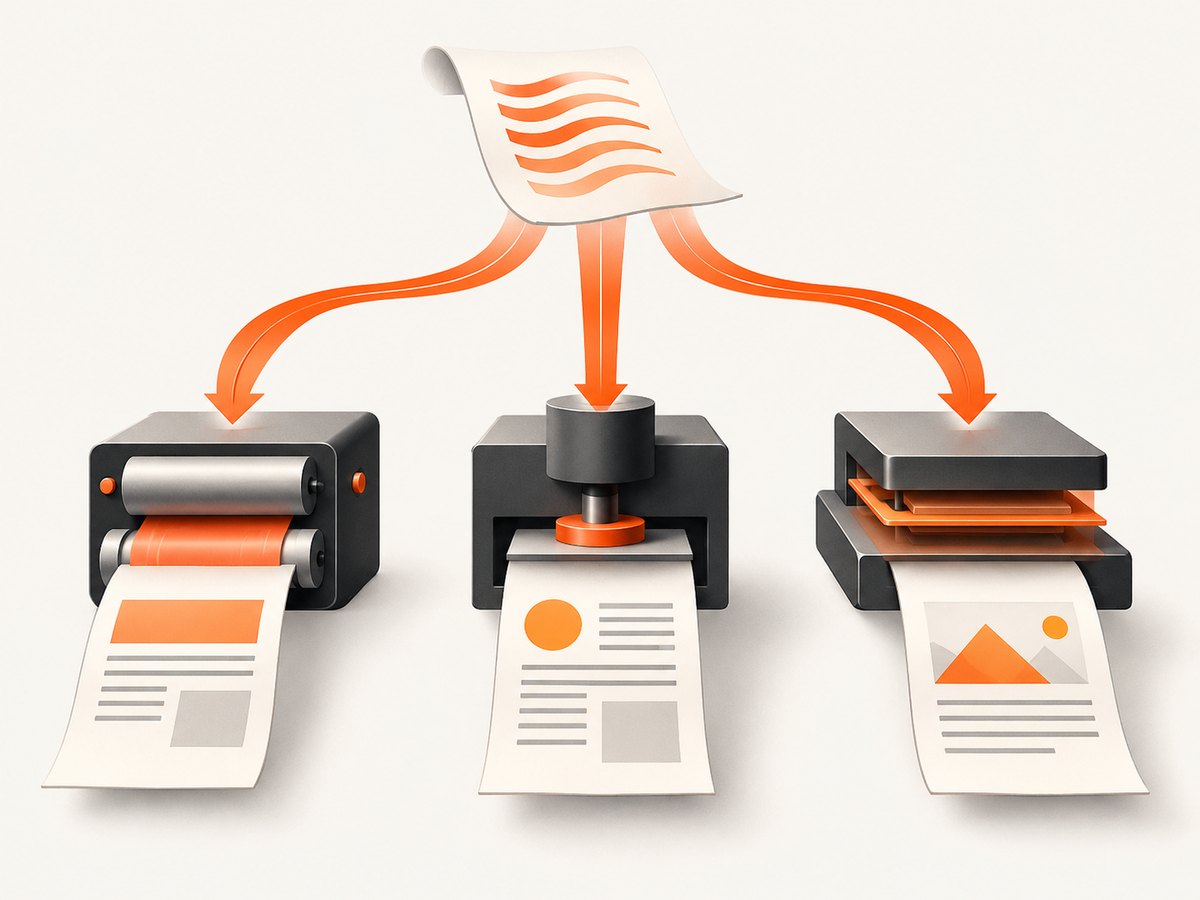
Direct answer: the correct way to load CSS from a PHP string depends on the PDF renderer. With tc-lib-pdf, call setGlobalCSS($css) to replace the global stylesheet or addGlobalCSS($css) to append to it. With mPDF, pass the CSS string to WriteHTML() using HEADER_CSS, then pass the document markup using HTML_BODY. With dompdf, place the CSS string inside a <style> block in the HTML sent to loadHtml().
All three approaches require renderer-specific CSS. Browser CSS is not automatically supported in a PDF engine, so verify the installed library version and inspect the generated document for layout differences.
Choose the right API
| Renderer | CSS string method | Best fit |
|---|---|---|
| tc-lib-pdf | setGlobalCSS($css) or addGlobalCSS($css) |
A reusable global stylesheet or a stylesheet appended to existing global rules |
| mPDF | WriteHTML($css, HEADER_CSS), then WriteHTML($html, HTML_BODY) |
A separate stylesheet and document body |
| dompdf | Concatenate <style>...</style> into the HTML passed to loadHtml() |
CSS bundled with one HTML document |
tc-lib-pdf: set or append a global CSS string
Use setGlobalCSS() when the supplied string should replace the current global stylesheet. Use addGlobalCSS() when it should be appended. Pass CSS declarations only; do not include surrounding <style> tags.
<?php

$css = 'body { font-family: helvetica; font-size: 10pt; }
        h1 { color: #1f2937; margin-bottom: 12pt; }
        .total { font-weight: bold; border-top: 1px solid #999; }';

// Replace the global stylesheet:
$pdf->setGlobalCSS($css);

// Or append to the existing global stylesheet instead:
// $pdf->addGlobalCSS($css);

$pdf->addHTMLCell(
    '<h1>Invoice</h1><p>Example content</p><p class="total">Total: $125.00</p>',
    15,
    20,
    180
);
Global rules provide reusable baseline styling. Rules inside document <style> blocks have higher priority in the described cascade, and inline style attributes can override both. Confirm method names and signatures against the tc-lib-pdf version installed by your application.
mPDF: pass the string in stylesheet mode
mPDF separates stylesheet parsing from body parsing. Send the CSS string with HEADER_CSS, then send the markup with HTML_BODY.
<?php

use Mpdf\Mpdf;
use Mpdf\HTMLParserMode;

$mpdf = new Mpdf();

$stylesheet = 'body { font-family: sans-serif; color: #222; }
               h1 { color: #0f172a; }
               .notice { padding: 8px; background: #eef2ff; }';

$html = '<h1>Example</h1>
         <p class="notice">PDF content</p>';

$mpdf->WriteHTML($stylesheet, HTMLParserMode::HEADER_CSS);
$mpdf->WriteHTML($html, HTMLParserMode::HTML_BODY);
$mpdf->Output('example.pdf', 'D');
The default mPDF mode is intended for a complete HTML document. Use the separate parser modes when CSS is held independently so the stylesheet and body are parsed in the expected order. Depending on the installed release, the constants may be exposed differently; check that release’s manual before deploying.
dompdf: embed the string in a style block
dompdf accepts style blocks and style attributes. When CSS is already in a PHP string, concatenate a complete HTML document and put the string inside <style>.
<?php

use Dompdf\Dompdf;

$css = 'body { font-family: DejaVu Sans, sans-serif; color: #222; }
        h1 { font-size: 22px; margin-bottom: 12px; }
        .total { font-weight: bold; }';

$bodyHtml = '<h1>Example</h1>
             <p>PDF content</p>
             <p class="total">Total: $125.00</p>';

$html = '<!doctype html>
<html>
  <head>
    <meta charset="utf-8">
    <style>' . $css . '</style>
  </head>
  <body>' . $bodyHtml . '</body>
</html>';

$dompdf = new Dompdf();
$dompdf->loadHtml($html);
$dompdf->setPaper('A4');
$dompdf->render();
$dompdf->stream('example.pdf', ['Attachment' => true]);
dompdf describes its engine as mostly CSS 2.1 compliant with selected CSS3 properties. A stylesheet that works in a browser can therefore render differently or be ignored in part.
Build a reusable PHP helper
Keeping CSS and body markup as separate inputs makes it easier to test, cache, and replace themes. This helper creates the HTML string needed by dompdf while rejecting an empty stylesheet when a caller expects one.
<?php

function htmlDocumentWithCss(string $css, string $bodyHtml): string
{
    if (trim($bodyHtml) === '') {
        throw new InvalidArgumentException('PDF body HTML cannot be empty.');
    }

    return '<!doctype html><html><head><meta charset="utf-8">'
        . '<style>' . $css . '</style></head><body>'
        . $bodyHtml
        . '</body></html>';
}

$css = file_get_contents(__DIR__ . '/invoice.css');
if ($css === false) {
    throw new RuntimeException('Could not read invoice.css.');
}

$html = htmlDocumentWithCss($css, '<h1>Invoice</h1><p>Ready to render.</p>');
For tc-lib-pdf and mPDF, keep the same separation but send the CSS through their dedicated APIs instead of wrapping it in a style block.
CSS cascade and document structure
- tc-lib-pdf:
setGlobalCSS()replaces global rules;addGlobalCSS()appends them. Document style blocks and inline styles can override global rules according to the renderer’s cascade. - mPDF: parse the stylesheet before the body. If the CSS is passed as ordinary body HTML, it may be interpreted in the wrong parser mode.
- dompdf: include a complete document structure with
head,style, andbody. Keep CSS syntax valid and escape any data interpolated into the style string.
Avoid assuming that flexbox, grid, filters, JavaScript-driven layout, web fonts, sticky positioning, or browser-only selectors will behave like they do in Chrome. Test the properties your document actually uses with the renderer version in production.
Common edge cases
CSS contains a style tag already
Strip the outer <style> wrapper before calling tc-lib-pdf or mPDF stylesheet mode. For dompdf, either keep the wrapper in the assembled HTML or remove it and add one wrapper yourself, but do not nest style tags.
CSS includes quotes or user data
Use a heredoc or nowdoc for large static stylesheets. Never concatenate untrusted values into selectors, URLs, or declarations without validation. Escape user text in the HTML body independently from CSS handling.
Relative URLs do not resolve
PDF renderers may need an explicit base path or absolute asset URLs. Verify image and font paths in the renderer documentation. A stylesheet can load successfully while its background images or fonts fail.
Page breaks differ from browser output
PDF engines paginate using their own layout rules. Prefer renderer-supported page-break properties, keep tables within supported structures, and inspect multiple pages rather than judging only the first page.
Empty or partially styled output
Check that the CSS string is not false or truncated, that the parser mode is correct, and that the HTML is valid enough for the renderer’s parser. Log the final CSS length and a safely redacted render input during diagnosis.
Troubleshooting
| Symptom | Likely cause | Fix |
|---|---|---|
| No styles in mPDF | CSS was sent with the default or body parser mode | Call WriteHTML($css, HEADER_CSS) before WriteHTML($html, HTML_BODY). |
| tc-lib-pdf throws a method error | Installed version differs from the API example | Check the installed package documentation and confirm whether setGlobalCSS or addGlobalCSS is available. |
| dompdf shows raw CSS or ignores it | The style block is malformed or nested | Build one valid <style> block inside <head> and validate the generated HTML. |
| Only some properties work | The renderer supports a limited CSS subset | Replace unsupported browser CSS with documented renderer-compatible rules and test the actual PDF. |
| Fonts or images are missing | Relative paths, remote access, or font configuration is unavailable | Use reachable paths permitted by the renderer and configure fonts or remote resources according to its security settings. |
| Layout changes after a library update | Rendering behavior changed between versions | Pin the package version, keep representative PDF fixtures, and review output after upgrades. |
| PDF generation is slow or memory-heavy | Large HTML, high-resolution assets, or complex tables | Reduce asset dimensions, split very large documents, and measure memory per request under production limits. |
Security when CSS or HTML is untrusted
Do not treat a CSS string as safe merely because it is passed to a PDF library. mPDF’s documentation warns that externally supplied HTML and CSS must be vetted and sanitized beyond ordinary browser-level sanitization. Apply the same rule to tc-lib-pdf and dompdf: allowlist tags, attributes, CSS properties, URLs, and resources; reject unexpected protocols; and isolate rendering where appropriate.
Keep secrets out of HTML, CSS comments, URLs, and generated PDFs. If users can choose templates, store approved templates server-side and substitute only validated values.
Performance, reliability, and cost notes
- Reuse a prepared stylesheet string instead of reading the same file repeatedly within one request.
- Cache stable CSS and template fragments, but invalidate the cache when the renderer or theme changes.
- Limit image dimensions before embedding them; oversized images increase memory use and PDF size.
- Set request and worker timeouts around PDF generation and record failures with the renderer version and document identifier.
- Generate representative documents in CI or staging after dependency upgrades. A successful HTTP response does not prove that every page is laid out correctly.
- These PHP libraries run in your infrastructure, so cost is mainly CPU, memory, storage, and any hosting or queue capacity you provision. The dossier provides no cross-renderer performance benchmark.

Or skip the browser setup
If your next step is capturing a rendered webpage as an image or PDF rather than generating a PDF directly in PHP, ScreenshotNeo provides a single HTTP request. Its API accepts a URL and returns PNG, JPEG, WebP, or PDF output. See the ScreenshotNeo API documentation for the available options.
curl -G "https://api.screenshotneo.com/v1/shot" -d access_key=YOUR_API_KEY --data-urlencode url=https://stripe.com -o shot.webpimport requests
r = requests.get("https://api.screenshotneo.com/v1/shot", params={"access_key": "YOUR_API_KEY", "url": "https://stripe.com"}, timeout=90)
open("shot.webp", "wb").write(r.content)const q = new URLSearchParams({ access_key: 'YOUR_API_KEY', url: 'https://stripe.com' });
const res = await fetch(`https://api.screenshotneo.com/v1/shot?${q}`);Cookie banners, newsletter popups, and chat widgets are removed before the shot. Bot checks, blank pages, failed loads, timeouts, and cache hits are not billed, and the response identifies the result with X-Page-Verdict and X-Billed headers. An MCP server lets AI agents such as Claude or Cursor take screenshots. The free plan includes 1,000 screenshots a month with no card; paid plans start at $5 for 3,000 shots. Create a free ScreenshotNeo account.
FAQ
Should I include <style> tags in the CSS string?
Only when you are assembling HTML for dompdf. tc-lib-pdf global methods and mPDF stylesheet mode expect CSS text without the surrounding tags.
Can I use the same CSS for all three libraries?
You can share a baseline string, but selectors and properties may render differently. Keep renderer-specific overrides and verify the actual PDF.
Which method appends instead of replacing global CSS?
tc-lib-pdf’s addGlobalCSS($css) appends to existing global rules; setGlobalCSS($css) replaces them.
Is passing CSS from a form safe?
No. Validate and sanitize untrusted CSS and HTML, restrict resources, and use approved templates whenever possible.


