How to Load CSS from a URL Before Capturing a Webpage
Inject a remote stylesheet reliably with Playwright or Puppeteer, wait for it to load, troubleshoot timing issues, and automate clean captures.
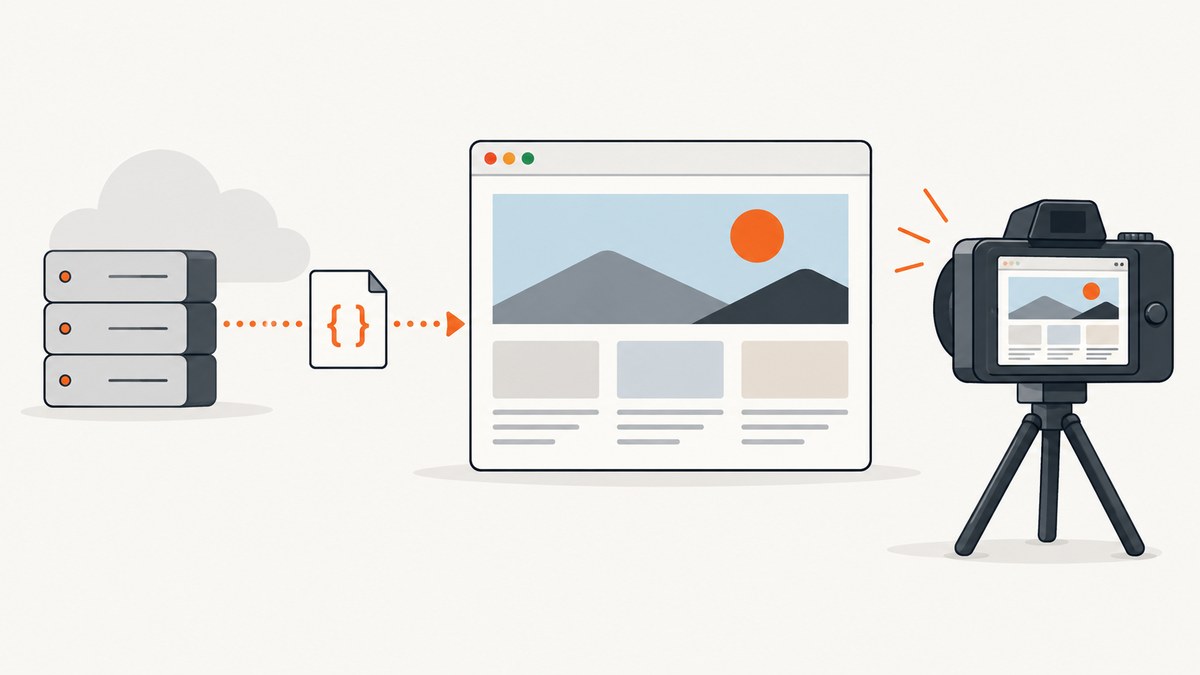
Direct answer: navigate to the page, wait for the appropriate navigation state, then await page.addStyleTag({ url: cssUrl }) before calling page.screenshot(). The promise returned by addStyleTag resolves after the URL stylesheet has loaded (or CSS content has been injected), which prevents the screenshot from racing ahead of the new styles.
import { chromium } from 'playwright';

const browser = await chromium.launch();
const page = await browser.newPage({ viewport: { width: 1440, height: 900 } });

await page.goto('https://example.com', { waitUntil: 'domcontentloaded' });
await page.addStyleTag({ url: 'https://cdn.example.com/print.css' });
await page.screenshot({ path: 'capture.png', fullPage: true });

await browser.close();
Playwright documents addStyleTag as adding a URL-backed <link rel="stylesheet"> or a <style> element, and returning after the stylesheet’s load event or CSS injection. See the Playwright addStyleTag reference. Its navigation API supports load, domcontentloaded, and networkidle; Playwright cautions that networkidle is discouraged for testing, so a page-specific readiness assertion is usually more deterministic. See waitForLoadState.
1. The reliable capture sequence
A screenshot is a visual snapshot, so each asynchronous stage must finish in the order that affects layout:

- Open the target URL. Use
page.gotoand choose a navigation state appropriate for the site. - Wait for document readiness.
domcontentloadedis often enough to begin CSS injection. Useloadwhen the page’s own load handlers or images must complete first. - Inject the remote stylesheet. Call and await
page.addStyleTag({ url: cssUrl }). - Wait for page-specific visual work. If fonts, hydration, images, or delayed layout changes matter, wait for a selector or an explicit application signal.
- Capture with fixed rendering settings. Set the viewport, device scale factor, color scheme, and full-page option deliberately.
A navigation wait alone does not prove that a stylesheet added after navigation has finished loading. The awaited injection call is the synchronization point for that stylesheet.
Playwright with a readiness assertion
import { chromium } from 'playwright';

const targetUrl = 'https://example.com/dashboard';
const cssUrl = 'https://cdn.example.com/capture.css';
const browser = await chromium.launch();
const page = await browser.newPage({
  viewport: { width: 1365, height: 768 },
  deviceScaleFactor: 1
});

await page.goto(targetUrl, { waitUntil: 'domcontentloaded', timeout: 45000 });
await page.addStyleTag({ url: cssUrl, timeout: 30000 });
await page.locator('[data-capture-ready="true"]').waitFor({ state: 'visible', timeout: 15000 });
await page.screenshot({ path: 'dashboard.png', fullPage: true, animations: 'disabled' });

await browser.close();
If your application has no readiness marker, you can check a computed style after injection. This verifies that the rule you care about is active rather than merely that a request completed:
await page.addStyleTag({ url: cssUrl });
await page.waitForFunction(() => {
  const node = document.querySelector('.report-title');
  return node && getComputedStyle(node).fontFamily.includes('Inter');
});
Puppeteer equivalent
import puppeteer from 'puppeteer';

const browser = await puppeteer.launch();
const page = await browser.newPage();
await page.setViewport({ width: 1440, height: 900, deviceScaleFactor: 1 });

await page.goto('https://example.com', { waitUntil: 'domcontentloaded', timeout: 45000 });
await page.addStyleTag({ url: 'https://cdn.example.com/capture.css' });
await page.screenshot({ path: 'capture.png', fullPage: true });

await browser.close();
Puppeteer documents the same URL-backed <link> or raw-content <style> behavior in page.addStyleTag. The method is exposed through the main frame, so the injected stylesheet applies to the page’s main document.
2. Choosing the right navigation and visual wait
| Wait | Use it when | Limit |
|---|---|---|
domcontentloaded |
You need the DOM before adding CSS and the page can finish other work afterward. | Images, fonts, and application hydration may still be pending. |
load |
The page’s own load handlers and subresources should complete first. | Some applications continue changing after the load event. |
networkidle |
A controlled page has a known quiet period and no persistent polling. | Playwright discourages it for tests; analytics, sockets, and polling can prevent a stable idle point. |
| Selector or app signal | A specific component indicates that data and layout are ready. | You must add and maintain a reliable marker. |
Prefer the narrowest signal that represents the visual state you want to document. For a report, that might be a populated table. For a single component, wait for that component instead of waiting for every request on the page.
3. CSS injection options and rendering controls
URL stylesheet versus inline CSS
Use { url: cssUrl } when the stylesheet is hosted remotely and should be fetched by the browser. Use { content: cssText } when the CSS is generated at runtime or stored locally:
await page.addStyleTag({
  content: `
    @media print { .site-nav, .cookie-banner { display: none !important; } }
    .capture-highlight { outline: 3px solid #2563eb; }
  `
});
Do not assume a successful HTTP response means the intended visual result. A URL can return an HTML error page, CSS with an unexpected media rule, or rules overridden by later selectors. Inspect the response and computed styles when a capture looks unchanged.
Viewport, device scale, and color scheme
Responsive breakpoints depend on the viewport, while pixel density affects raster output. Set both explicitly when reproducibility matters:
await page.setViewportSize({ width: 1280, height: 800 });
// At context creation time in Playwright:
// browser.newContext({ viewport: { width: 1280, height: 800 }, deviceScaleFactor: 2, colorScheme: 'dark' })
Inject dark-mode overrides only after selecting the desired color scheme. If the stylesheet uses @media conditions, confirm that the browser context matches those conditions.
Fonts, images, and animations
Remote CSS may reference fonts or background images. If those resources affect the screenshot, wait for them explicitly:
await page.addStyleTag({ url: cssUrl });
await page.evaluate(async () => {
  if (document.fonts) await document.fonts.ready;
  const images = Array.from(document.images);
  await Promise.all(images.filter(img => !img.complete).map(img => new Promise(resolve => {
    img.addEventListener('load', resolve, { once: true });
    img.addEventListener('error', resolve, { once: true });
  })));
});
await page.screenshot({ path: 'stable.png', fullPage: true, animations: 'disabled' });
This is a site-specific readiness strategy. The Playwright and Puppeteer references define CSS injection and navigation APIs, not one universal rule for every font, image, hydration, or animation pipeline.
4. A complete reusable capture script
import { chromium } from 'playwright';

async function captureWithCss({ targetUrl, cssUrl, output }) {
  const browser = await chromium.launch();
  try {
    const context = await browser.newContext({
      viewport: { width: 1440, height: 900 },
      deviceScaleFactor: 1,
      colorScheme: 'light'
    });
    const page = await context.newPage();
    page.setDefaultTimeout(30000);

    const response = await page.goto(targetUrl, {
      waitUntil: 'domcontentloaded',
      timeout: 45000
    });
    if (!response || !response.ok()) {
      throw new Error(`Navigation failed: ${response?.status() ?? 'no response'}`);
    }

    await page.addStyleTag({ url: cssUrl, timeout: 30000 });
    await page.evaluate(() => document.fonts?.ready);
    await page.screenshot({ path: output, fullPage: true, animations: 'disabled' });
  } finally {
    await browser.close();
  }
}

await captureWithCss({
  targetUrl: 'https://example.com',
  cssUrl: 'https://cdn.example.com/capture.css',
  output: 'example.png'
});
5. Troubleshooting common failures
| Symptom | Likely cause | Fix |
|---|---|---|
| Screenshot has the old design | The injection promise was not awaited, or later CSS overrides it. | Use await page.addStyleTag; inspect computed styles and selector specificity. |
addStyleTag times out |
The CSS host is slow, unreachable, blocked by DNS, or requires authentication. | Open the CSS URL from the capture environment, increase the method timeout, or serve an accessible stylesheet. |
| CORS error in the console | The browser rejected the cross-origin stylesheet response or its headers. | Configure the CSS server for browser access, or inject the CSS as inline content from a trusted source. |
| Styles load but fonts do not | Font files are still loading or are blocked by their own policy. | Await document.fonts.ready, verify font URLs, and check the browser console. |
| Only part of the page is styled | Content is inside an iframe or shadow root. | Inject into the correct frame; shadow DOM may require styles inside that root or page-level custom properties. |
| Mobile layout appears unexpectedly | Viewport or device emulation does not match the intended breakpoint. | Set an explicit viewport and device scale factor before navigation. |
| Capture is inconsistent | Animations, client-side hydration, polling, or lazy content changes layout. | Disable animations, wait for a page-specific marker, and trigger lazy content before capture. |
| Blank or challenge page | The site returned a bot check, authentication page, or failed load. | Use an authorized session with required headers/cookies and record the final URL and response status. |
6. Performance, reliability, and cost considerations
Fetching another stylesheet adds at least one network dependency. Keep the CSS host close to the capture workers, serve compressed CSS, and avoid importing large frameworks when a small capture override will do. Reuse a browser process for batches, but create a fresh context when cookies, headers, or viewport settings must be isolated.
For reliable automation, log the target URL, CSS URL, navigation status, final URL, injection duration, and screenshot path. Retry transient navigation or stylesheet failures with a bounded policy; do not retry authorization errors indefinitely. Cache a versioned stylesheet when the same rules are used repeatedly, and include a cache-busting query string when you intentionally publish a new version.
Browser captures consume CPU and memory while rendering JavaScript, fonts, images, and full-page layouts. Limit concurrency to what the worker can sustain, and prefer element screenshots when a full document is unnecessary. A full-page capture can become very tall; test pages with long feeds and virtualized lists separately.
7. Or skip the browser setup
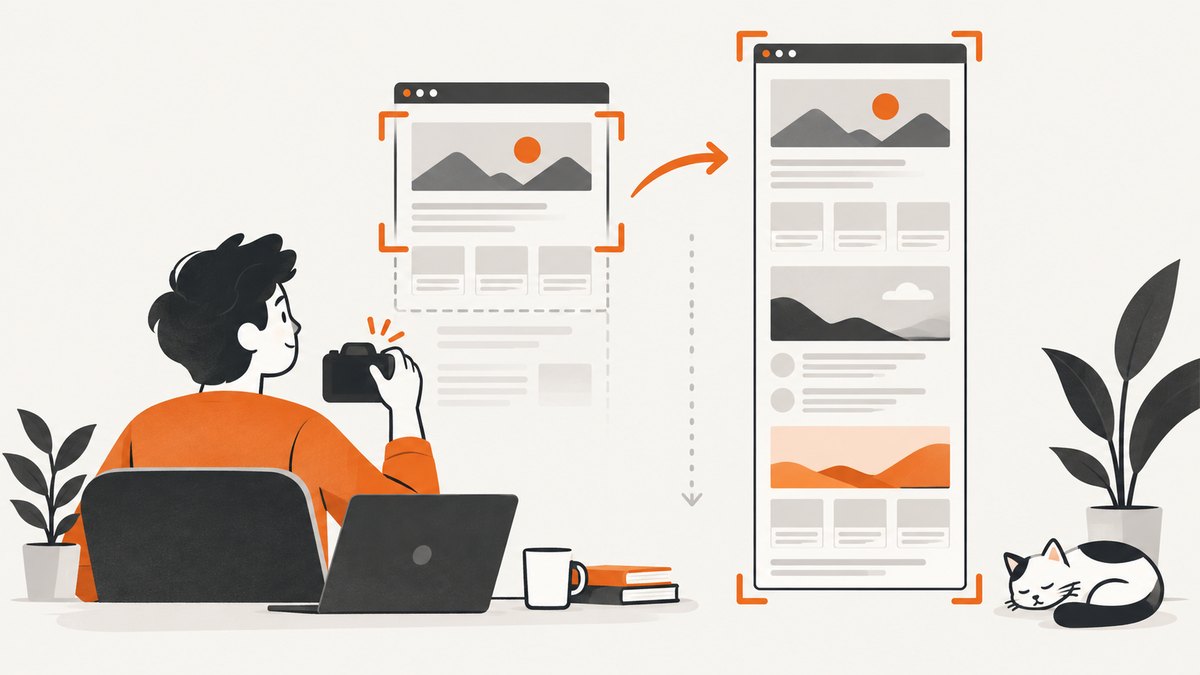
ScreenshotNeo provides a website screenshot API and MCP server. It accepts a URL and returns a PNG, JPEG, WebP, or PDF, so you can apply capture options without maintaining Playwright or Puppeteer workers. See the ScreenshotNeo API documentation for the full parameter list, including custom CSS and JavaScript, waits, headers, cookies, viewport and device presets, full-page capture, element selectors, and caching.
One-call examples
curl -G "https://api.screenshotneo.com/v1/shot" -d access_key=YOUR_API_KEY --data-urlencode url=https://stripe.com -o shot.webpimport requests
r = requests.get("https://api.screenshotneo.com/v1/shot", params={"access_key": "YOUR_API_KEY", "url": "https://stripe.com"}, timeout=90)
open("shot.webp", "wb").write(r.content)const q = new URLSearchParams({ access_key: 'YOUR_API_KEY', url: 'https://stripe.com' });
const res = await fetch(`https://api.screenshotneo.com/v1/shot?${q}`);For a stylesheet-driven capture, pass the service’s custom CSS option with your rules or use its custom JavaScript option to add a stylesheet before capture. ScreenshotNeo also supports waiting for a selector, delay, or network idle, plus blocking selected requests and resource types.
- Cookie and consent banners, newsletter popups, and chat widgets are removed before the shot.
- Bot checks, blank pages, failed loads, timeouts, and cache hits are not billed; response headers identify the page verdict and whether it was billed.
- An MCP server lets Claude, Cursor, and other MCP clients use
take_screenshot,get_page_info, andcapture_pdf. - The free plan includes 1,000 screenshots each month with no card. Paid plans start at $5 for 3,000 screenshots.
Create a free ScreenshotNeo account and start with the 1,000 monthly screenshots included at no charge.
8. FAQ
Does page.goto wait for a stylesheet added afterward?
No. Navigation waits cover the document’s navigation lifecycle. A stylesheet injected after navigation needs its own awaited addStyleTag call.
Should I use networkidle?
Only when a controlled page has a meaningful quiet period. Playwright explicitly discourages it for testing; a selector or application readiness signal is usually clearer.
Can I inject CSS into an iframe?
Yes, when you can access the frame. Locate the frame and call its frame-scoped style injection method. Cross-origin restrictions and sandboxing can prevent access.
Why does my CSS URL work in a normal browser but fail in automation?
Compare the automation environment’s DNS, proxy, authentication, certificate trust, request headers, and origin policy with your desktop browser. Log the stylesheet request and response rather than assuming the URL was fetched.
When is an API preferable to browser automation?
Use an API when you want a repeatable HTTP call, centralized capture configuration, usage reporting, and no browser workers to operate. Use Playwright or Puppeteer when your workflow needs custom browser code, debugging, or deep control over page internals.


