How to Load CSS from a URL When Converting HTML to PDF in Java
Set a base URI or custom resolver so Java PDF converters can fetch external CSS, fonts, images, and other linked resources reliably.
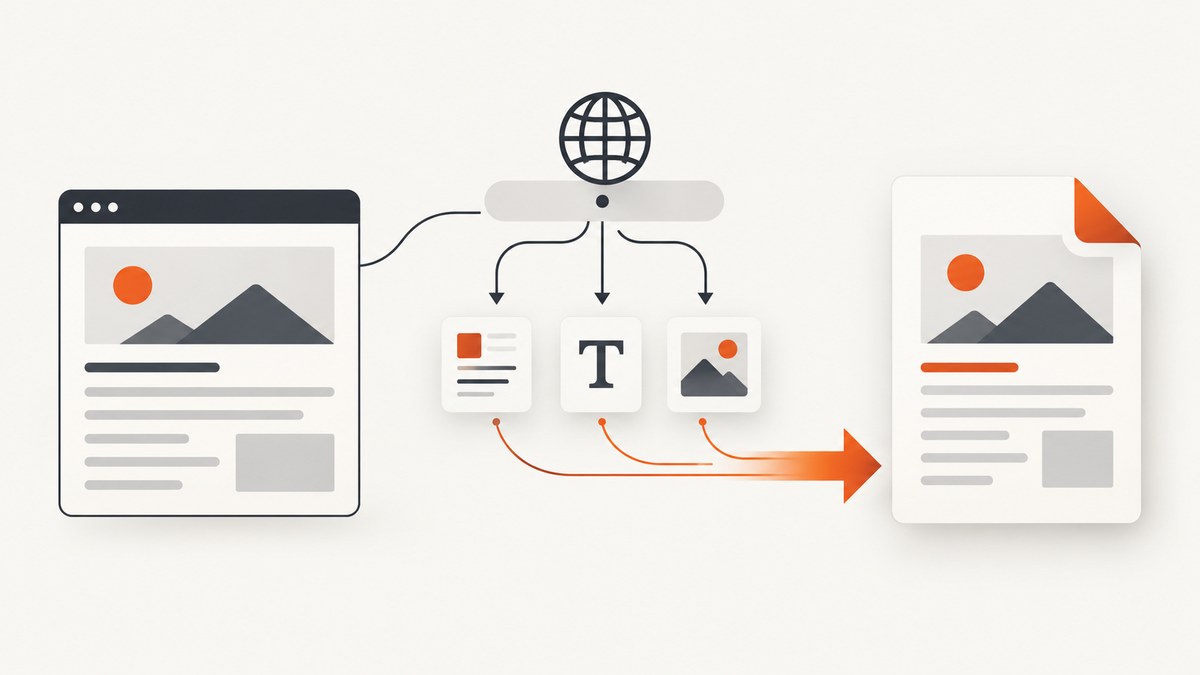
Use the HTML document’s origin as the converter’s base URI. In iText pdfHTML, configure ConverterProperties.setBaseUri(...) and pass those properties to HtmlConverter. The base URI tells the renderer how to resolve relative CSS, images, fonts, and other resources. If resources require authentication, filtering, URL rewriting, or a custom scheme, install a resource retriever or resolver.
This distinction matters whenever your HTML is supplied as a string or stream. A link such as <link rel="stylesheet" href="css/site.css"> has no dependable origin unless you provide one.
iText pdfHTML: set the base URI
iText documents that the base URI is used to resolve other URIs. Set it to the directory that is the parent of the relative link, then pass the configured properties to the converter. See the ConverterProperties API.

import com.itextpdf.html2pdf.ConverterProperties;
import com.itextpdf.html2pdf.HtmlConverter;

import java.io.ByteArrayInputStream;
import java.io.FileOutputStream;
import java.nio.charset.StandardCharsets;

public class HtmlToPdf {
    public static void main(String[] args) throws Exception {
        String html = """
            <!doctype html>
            <html>
              <head>
                <meta charset=\"utf-8\">
                <link rel=\"stylesheet\" href=\"https://example.com/assets/site.css\">
              </head>
              <body><h1>Invoice</h1></body>
            </html>
            """;

        ConverterProperties properties = new ConverterProperties()
            .setBaseUri("https://example.com/assets/");

        try (var input = new ByteArrayInputStream(html.getBytes(StandardCharsets.UTF_8));
             var output = new FileOutputStream("output.pdf")) {
            HtmlConverter.convertToPdf(input, output, properties);
        }
    }
}
With that base, href="site.css" resolves to https://example.com/assets/site.css. If the link is already absolute, the base URI does not replace it.
Choose the correct base level
| HTML link | Base URI | Resolved resource |
|---|---|---|
css/site.css |
https://example.com/ |
https://example.com/css/site.css |
site.css |
https://example.com/assets/ |
https://example.com/assets/site.css |
/css/site.css |
Any origin on example.com |
https://example.com/css/site.css |
When the HTML comes from a URL
Fetch the page while retaining its URL, then use that same origin as the renderer base. Jsoup’s connect(...).get() fetches and parses an HTTP or HTTPS document; failures raise IOException. When parsing a string, use Jsoup.parse(html, pageUrl) so relative URLs retain the page origin.
import org.jsoup.Jsoup;
import org.jsoup.nodes.Document;
import com.itextpdf.html2pdf.ConverterProperties;
import com.itextpdf.html2pdf.HtmlConverter;

import java.io.FileOutputStream;

public class FetchAndConvert {
    public static void main(String[] args) throws Exception {
        String pageUrl = "https://example.com/reports/monthly.html";
        Document document = Jsoup.connect(pageUrl)
            .userAgent("pdf-renderer/1.0")
            .get();

        // The document URL preserves the origin for relative links.
        String html = document.outerHtml();
        ConverterProperties properties = new ConverterProperties()
            .setBaseUri(pageUrl);

        try (var output = new FileOutputStream("monthly.pdf")) {
            HtmlConverter.convertToPdf(html, output, properties);
        }
    }
}
If the page is https://example.com/reports/monthly.html, a relative css/site.css normally resolves beneath /reports/. If your assets actually live at /assets/, set the base explicitly to https://example.com/assets/ or change the HTML link.
Remote CSS that needs headers or filtering
A base URI only describes where a resource is. It does not add cookies, bearer tokens, allow-list rules, or special TLS behavior. For those cases, configure a custom resource retriever in iText, or a URI resolver in OpenHTMLtoPDF/Flying Saucer.
OpenHTMLtoPDF
OpenHTMLtoPDF resolves relative URIs against the document or stylesheet URI and supports an FSUriResolver extension point. Use it when resources need authentication, HTTPS-only enforcement, allow-listing, or URL rewriting. The renderer targets well-formed XML/XHTML and a CSS 2.1-oriented subset, so browser-only features may not render.
import com.openhtmltopdf.extend.FSUriResolver;
import com.openhtmltopdf.pdfboxout.PdfRendererBuilder;

import java.io.FileOutputStream;

public class OpenHtmlToPdf {
    public static void main(String[] args) throws Exception {
        String html = "<html><head>"
            + "<link rel='stylesheet' href='https://example.com/assets/site.css'>"
            + "</head><body><h1>Report</h1></body></html>";

        try (var output = new FileOutputStream("report.pdf")) {
            PdfRendererBuilder builder = new PdfRendererBuilder()
                .withHtmlContent(html, "https://example.com/")
                .toStream(output);
            builder.run();
        }
    }
}
Install an FSUriResolver when the default fetcher cannot reach a protected stylesheet. Keep the resolver allow-listed: accept only the hosts and schemes your document needs, attach credentials deliberately, and return the stylesheet bytes with the stylesheet URL preserved as its base for nested fonts and images.
Flying Saucer
Flying Saucer uses a UserAgentCallback to retrieve XML, CSS, and images and to resolve URI and base-URI values. Its API includes methods such as getCSSResource(String), resolveURI(String), and setBaseURL(String). This is the right integration point for cookies, authorization headers, proxy rules, or rewriting a private asset URL.
CSS inside CSS: preserve the stylesheet base
Suppose site.css contains:
@font-face {
  font-family: Brand;
  src: url("fonts/brand.woff2");
}
.hero {
  background-image: url("images/hero.png");
}
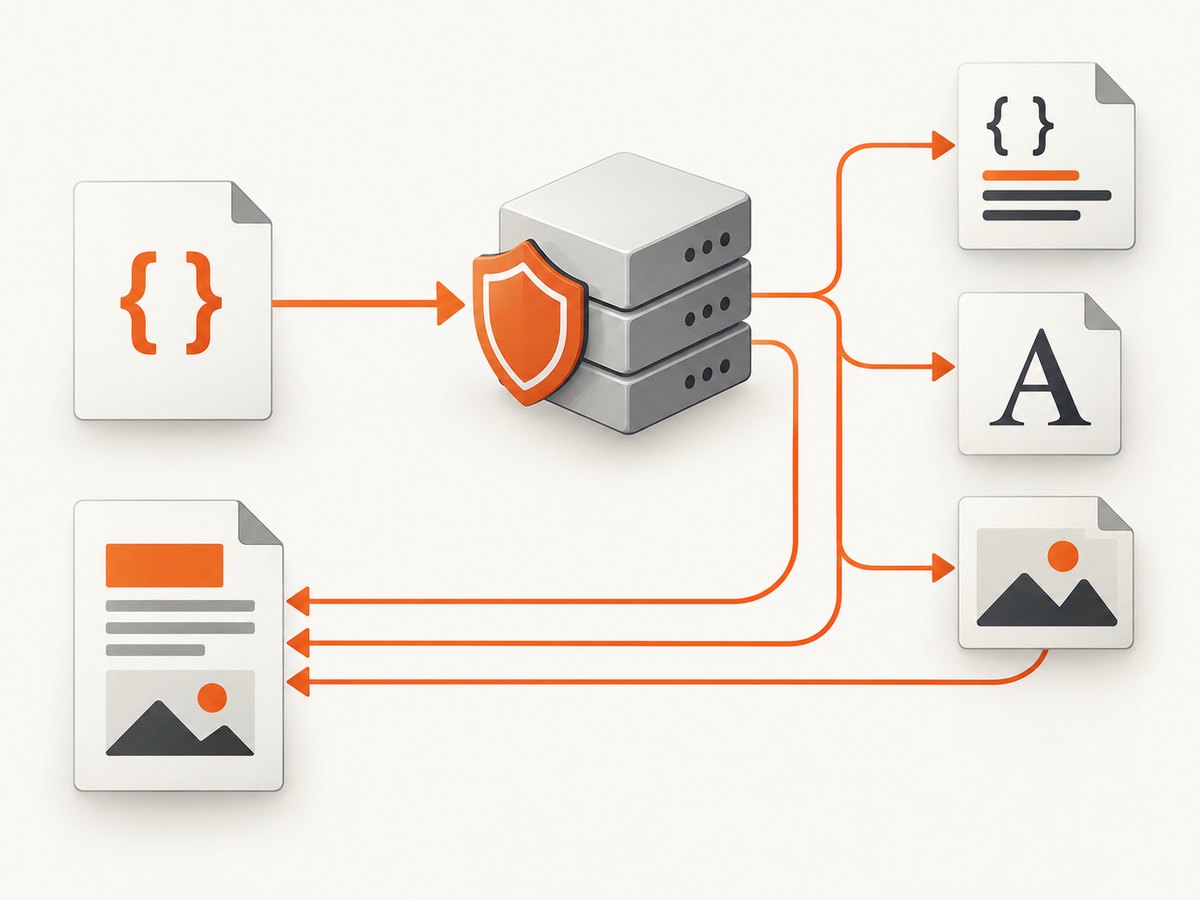
Those paths are relative to the stylesheet URL, not necessarily the HTML URL. A retriever that downloads the CSS must keep https://example.com/assets/site.css as the stylesheet’s base. Replacing it with the page URL is a common reason fonts and background images disappear.
Complete troubleshooting checklist
| Symptom | Likely cause | Fix |
|---|---|---|
| CSS is ignored | No base URI or resolver | Call setBaseUri, pass the properties to HtmlConverter, or supply the renderer’s resolver. |
| 404 for a stylesheet | Base URI is one directory too high or low | Resolve the link manually and set the parent directory as the base. |
| Fonts or CSS images fail | Nested relative URLs use the wrong base | Preserve the stylesheet URL when returning CSS bytes. |
| 401/403 response | Remote server requires cookies or authorization | Use a custom retriever, FSUriResolver, or UserAgentCallback that supplies approved headers. |
| HTTPS resource cannot be fetched | TLS, proxy, redirect, or firewall policy | Check the Java trust store and proxy, follow redirects deliberately, and log the final URL in the resolver. |
| HTML works in Chrome but not PDF | Renderer is not a full browser | Replace JavaScript-dependent layout and unsupported modern CSS with print-oriented HTML/CSS, or render with a browser engine. |
| Only some rules apply | Media type, selector support, malformed markup, or cascade order | Validate XHTML, inspect the selected media mode, simplify unsupported selectors, and check rule order. |
| Conversion hangs | Slow or unreachable external resource | Set client timeouts, limit redirects, cache stable assets, and fail fast for hosts outside your allow-list. |
Reliability, security, and performance
- Keep an explicit origin. Store the source page URL alongside the HTML so a later conversion cannot lose relative-resource context.
- Allow-list remote hosts. A converter that fetches arbitrary URLs can access internal services. Permit only expected schemes and domains.
- Cache immutable assets. Reusing CSS, fonts, and images reduces latency and avoids repeated failures. Respect the asset server’s cache headers and invalidate when content changes.
- Set timeouts. Network reads should have finite connect and read limits. Log the resource URL and response status without recording secrets.
- Use print CSS. Keep layout rules in the subset supported by your chosen renderer. Browser JavaScript, animations, and client-side data loading generally need a browser-based capture workflow.
- Check licensing. iText pdfHTML and Aspose are commercial options; confirm current license terms for your deployment. OpenHTMLtoPDF and Flying Saucer have different project and dependency considerations.
Which Java approach should you choose?
| Option | Best fit | Trade-off |
|---|---|---|
| iText pdfHTML | Commercial support and iText PDF features | Commercial licensing; verify current terms. |
| OpenHTMLtoPDF | Open-source JVM projects | CSS/HTML subset; browser parity is limited. |
| Flying Saucer | Existing XHTML/CSS pipelines | Validate the maintenance status and API generation you use. |
| Aspose.PDF for Java | Commercial web-page conversion with controls for CSS media, page rules, and resources | Commercial licensing. |
Or skip the browser setup
If your goal is a clean image or PDF of a web page rather than a Java PDF-rendering pipeline, ScreenshotNeo provides a single API request. Its capture workflow accepts consent banners and removes more than 60 known consent platforms, newsletter popups, and chat widgets before the shot. Bot checks, blank pages, failed loads, timeouts, and cache hits are not billed, and response headers identify the page verdict and billing result.
See the ScreenshotNeo API documentation for all options.
curl -G "https://api.screenshotneo.com/v1/shot" -d access_key=YOUR_API_KEY --data-urlencode url=https://stripe.com -o shot.webpimport requests
r = requests.get("https://api.screenshotneo.com/v1/shot", params={"access_key": "YOUR_API_KEY", "url": "https://stripe.com"}, timeout=90)
open("shot.webp", "wb").write(r.content)const q = new URLSearchParams({ access_key: 'YOUR_API_KEY', url: 'https://stripe.com' });
const res = await fetch(`https://api.screenshotneo.com/v1/shot?${q}`);It also includes an MCP server so Claude, Cursor, and other MCP clients can call take_screenshot, get_page_info, and capture_pdf. One thousand screenshots per month are free with no card; paid plans start at $5 for 3,000 shots. Create a free ScreenshotNeo account.
FAQ
Does setting a base URI download the CSS?
It gives the converter the address needed to resolve and fetch the CSS. Network access, authentication, TLS, and resource policies still determine whether the request succeeds.
Should the base URI end with a slash?
Use the directory that is the parent of the relative link, and include the trailing slash when you mean a directory such as https://example.com/assets/.
Can I use a local CSS file with remote HTML?
Yes, but use a resolver or a correctly configured file base URI and ensure the renderer is allowed to read that location. Do not silently mix untrusted remote HTML with unrestricted local-file access.
Why does JavaScript-generated CSS not appear?
These libraries generally parse supplied HTML and CSS; they are not full browser engines. Fetch the final HTML yourself, inline the required styles, or use a browser-based renderer for JavaScript-dependent pages.
Where should credentials for protected CSS go?
Keep them in the custom retriever or resolver, apply them only to approved hosts, and avoid embedding secrets in HTML, CSS URLs, logs, or generated PDFs.


