How to Load CSS from a URL When Converting HTML to PDF in Ruby
Make external stylesheets render reliably in Ruby HTML-to-PDF jobs with absolute URLs, base paths, renderer options, debugging steps, and working examples.
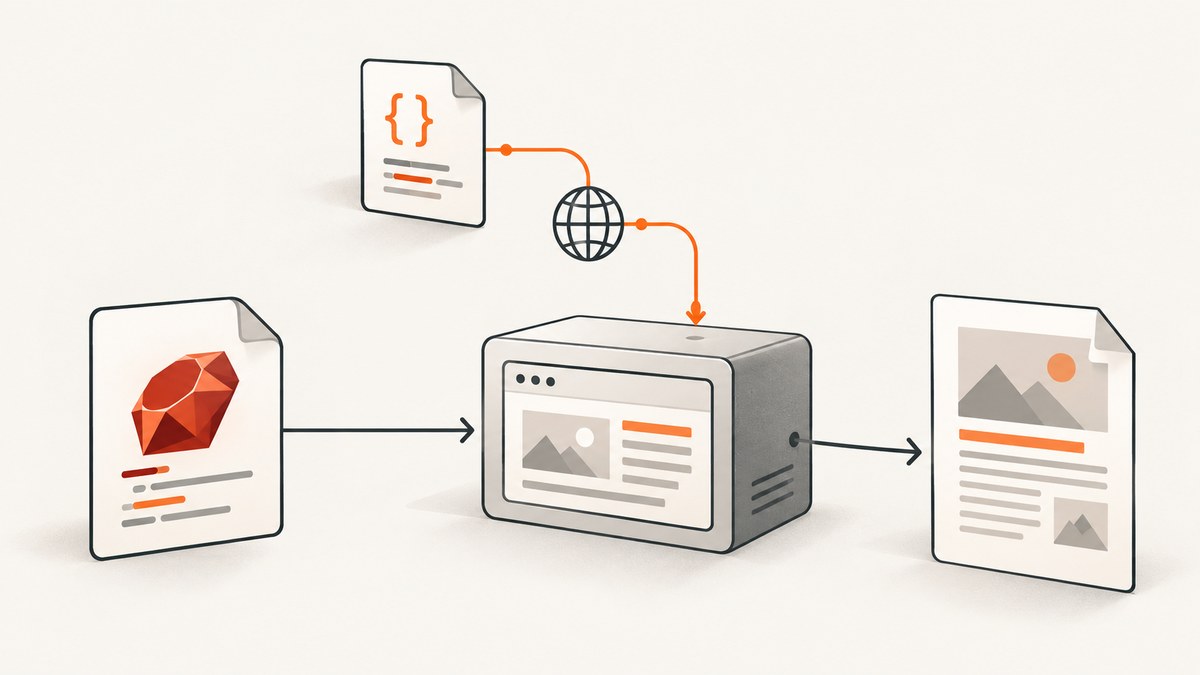
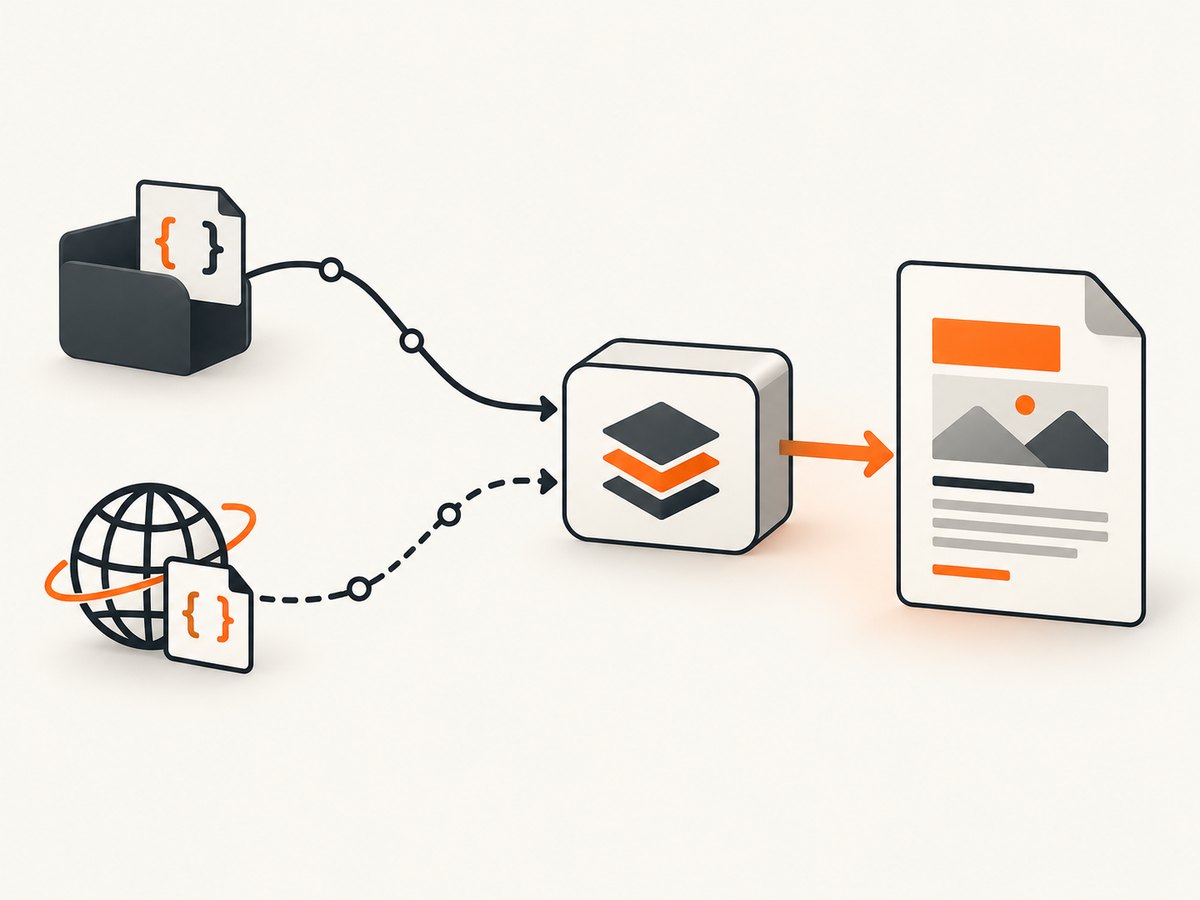
Direct answer: the PDF renderer must be able to resolve and fetch the stylesheet URL. If your HTML contains a relative link such as /assets/pdf.css, provide a meaningful document or base URL, or rewrite the link as an absolute URL. If the CSS is hosted elsewhere, use its complete https://... URL. The renderer process must also be able to reach that host, and the stylesheet must not require browser state that the renderer does not have.
This distinction explains most missing-CSS problems: an HTML document can contain a correct <link> element while the PDF process still cannot resolve, authenticate, or download the referenced file. The exact fix depends on whether you use PDFKit and wkhtmltopdf, direct wkhtmltopdf, Grover and Chromium, or a Rails view that generates the HTML.
1. Put the stylesheet URL in the HTML
The most portable starting point is a normal stylesheet link:

<!doctype html>
<html>
  <head>
    <meta charset="utf-8">
    <link rel="stylesheet" href="https://cdn.example.com/pdf.css">
  </head>
  <body>
    <h1 class="invoice-title">Invoice 1042</h1>
  </body>
</html>
An absolute URL removes ambiguity about the document’s location. Root-relative and relative URLs require a base:
<link rel="stylesheet" href="/assets/pdf.css">
<link rel="stylesheet" href="assets/pdf.css">
These links only work when the renderer knows which host and directory they belong to. A browser displaying your Rails page may infer that information from the request URL; an HTML string handed directly to a renderer usually cannot.
2. PDFKit with wkhtmltopdf
PDFKit wraps wkhtmltopdf. For an HTML string, link CSS in the markup with a complete URL, or configure URL resolution with root_url and, when needed, protocol.
Absolute CSS URL
require "pdfkit"

html = <<~HTML
  <!doctype html>
  <html>
    <head>
      <link rel="stylesheet" href="https://assets.example.com/pdf.css">
    </head>
    <body><h1>Report</h1></body>
  </html>
HTML

kit = PDFKit.new(html)
File.binwrite("report.pdf", kit.to_pdf)
Resolve root-relative paths with root_url
require "pdfkit"

html = <<~HTML
  <html>
    <head>
      <link rel="stylesheet" href="/assets/pdf.css">
    </head>
    <body><h1>Report</h1></body>
  </html>
HTML

kit = PDFKit.new(
  html,
  root_url: "https://www.example.com/",
  protocol: "https"
)
File.binwrite("report.pdf", kit.to_pdf)
PDFKit documents root_url for paths such as /images/cat.png and protocol for protocol-relative resources such as //example.com/site.css. For raw HTML input, complete file paths or URLs are the least surprising option.
PDFKit’s stylesheets helper
require "pdfkit"

html = "<html><body><h1>Report</h1></body></html>"
kit = PDFKit.new(html)
kit.stylesheets << "/absolute/path/to/pdf.css"
File.binwrite("report.pdf", kit.to_pdf)
There is an important API boundary: PDFKit documents that stylesheets cannot be added with kit.stylesheets when the source is provided as a URL or File. In URL or File mode, put the stylesheet link in the source document itself, or change the input mode to HTML so the helper applies.
3. Direct wkhtmltopdf controls
When you invoke wkhtmltopdf directly, you can link the CSS from the page or pass a user stylesheet. The relevant setting is commonly exposed as web.userStyleSheet, accepting a URL or path. Load-error behavior can be configured to abort, skip, or ignore failed resources, depending on the executable and wrapper version.
wkhtmltopdf \
  --user-style-sheet https://assets.example.com/pdf.css \
  input.html output.pdf
Use the executable’s own --help output to confirm option names. Local-file access controls affect whether a local stylesheet or image can be read; they do not make an unreachable external host reachable. Keep those concerns separate when debugging.
4. Grover with Chromium
Grover renders through Chromium. When you pass an HTML string, set display_url so relative resources resolve against the intended host, or preprocess the HTML and make every resource URL absolute.
require "grover"

html = <<~HTML
  <html>
    <head>
      <link rel="stylesheet" href="/assets/pdf.css">
    </head>
    <body><h1>Report</h1></body>
  </html>
HTML

pdf = Grover.new(
  html,
  display_url: "https://www.example.com/reports/1042"
).to_pdf
File.binwrite("report.pdf", pdf)
Without a display URL, Grover defaults to http://example.com, which is rarely the host containing your application assets. Grover also supports an explicit stylesheet URL:
require "grover"

html = "<html><body><h1>Report</h1></body></html>"
pdf = Grover.new(
  html,
  style_tag_options: {
    url: "https://assets.example.com/pdf.css"
  }
).to_pdf
File.binwrite("report.pdf", pdf)
The documented alternatives include a local path or inline content. Choose one source of truth for CSS so that an inline fallback does not hide a broken network URL during debugging.
5. Rails-generated HTML
Rails’ stylesheet_link_tag creates the link markup; it does not guarantee that the PDF renderer can fetch the resulting URL.
<%= stylesheet_link_tag "pdf", media: "all" %>
<%= stylesheet_link_tag "https://assets.example.com/pdf.css" %>
Render the view to a string, inspect the actual href, and then verify that the renderer can reach that URL from the same container or server process. Asset-host settings, fingerprinted filenames, HTTPS certificates, and authentication can all change the final URL.
6. A repeatable debugging procedure
- Inspect the final HTML. Confirm that a
<link rel="stylesheet">exists and classify its URL as relative, root-relative, protocol-relative, or absolute. - Try an absolute HTTPS URL. If the PDF becomes styled, the CSS itself is valid and URL resolution was the problem.
- Test from the renderer runtime. Fetch the stylesheet from the same container, user account, network, and proxy environment that launches wkhtmltopdf or Chromium.
- Check authentication. A logged-in browser session does not automatically transfer cookies, headers, or authorization to the renderer.
- Match the API to the source mode. For PDFKit, distinguish HTML input from URL/File input before using
stylesheets. For Grover, usedisplay_urlorstyle_tag_options. - Read renderer logs. Look for DNS failures, TLS errors, HTTP 403/404 responses, redirects, or blocked local-file access. Behavior differs between installed builds, so verify against that build’s documentation.
7. Common failures and fixes
| Symptom | Likely cause | Fix |
|---|---|---|
| PDF is unstyled | Relative URL has no base | Use an absolute URL, PDFKit root_url, or Grover display_url. |
| CSS works in Chrome but not PDF | Renderer cannot reach the host or lacks browser cookies | Fetch from the renderer machine; provide required headers or a public asset URL. |
| PDFKit stylesheet option has no effect | Input was supplied as a URL or File | Link CSS inside the source document or provide HTML input. |
| Only some rules apply | Wrong media, cascade order, unsupported CSS, or a late-loading stylesheet | Use print-compatible rules, inspect computed styles, and wait for resources before printing. |
| Images missing with CSS present | CSS loads but its relative url(...) paths resolve incorrectly |
Make font and image URLs absolute or set the same document base used by the stylesheet. |
| 403 or 401 response | Asset endpoint requires authentication | Pass appropriate cookies or headers, or expose a dedicated read-only asset URL. |
| HTTPS resource fails | Certificate, proxy, or DNS issue in the renderer environment | Fix trust and network configuration there; do not assume the desktop browser’s trust store is shared. |
8. Edge cases to plan for
Asset fingerprinting
Rails may generate a fingerprinted file such as pdf-abc123.css. Always inspect the rendered HTML rather than guessing the filename. A stale asset host or manifest can produce a valid-looking but nonexistent URL.
Protocol-relative URLs
//cdn.example.com/pdf.css inherits the document protocol. If no document URL exists, the renderer may not know whether to use HTTP or HTTPS. Set protocol: "https" in PDFKit or replace the link with an explicit HTTPS URL.
Fonts and nested resources
Loading the CSS is only the first request. Fonts referenced by @font-face, background images, and imported stylesheets must each be reachable. Check their response status and URL base independently.
Authenticated pages
If the HTML came from a protected route, the CSS may be protected too. Passing a session cookie for the document does not help if the renderer never receives it. Configure cookies or headers in the renderer, or serve PDF assets from an endpoint with the required access policy.
Local files
A local stylesheet path and an external URL use different security and permission paths. wkhtmltopdf’s local-file access controls govern local resources; enabling them does not solve DNS, proxy, or TLS failures for an external URL.
9. Performance, reliability, and cost
External CSS adds at least one network request and can add more through imports, fonts, and images. For repeatable PDF jobs, keep the stylesheet small, avoid unnecessary imports, use a stable asset host, and make resource URLs deterministic. A local file or inline stylesheet removes network variability but increases packaging and deployment work.
Set a renderer timeout that covers slow but valid assets, then fail clearly when the stylesheet cannot be loaded. Retrying every conversion blindly can multiply work while preserving the same DNS or authorization failure. Log the final HTML, stylesheet URL, response status, and renderer exit output without recording sensitive cookies.
Chromium and wkhtmltopdf do not implement exactly the same CSS. Validate print layout features such as pagination, generated content, flex and grid behavior, fonts, and background printing with the renderer you deploy. A stylesheet that looks correct in a modern browser may still need print-specific rules.
10. Or skip the browser setup
If your goal is a clean capture of an HTML page or a PDF rather than maintaining a browser-rendering stack, ScreenshotNeo provides a website screenshot API and MCP server. Its API accepts one GET request and can return PNG, JPEG, WebP, or PDF; see the ScreenshotNeo API documentation for the available options.
curl -G "https://api.screenshotneo.com/v1/shot" -d access_key=YOUR_API_KEY --data-urlencode url=https://example.com/invoice.html -o invoice.webpimport requests
r = requests.get(
"https://api.screenshotneo.com/v1/shot",
params={"access_key": "YOUR_API_KEY", "url": "https://example.com/invoice.html"},
timeout=90,
)
r.raise_for_status()
open("invoice.webp", "wb").write(r.content)const q = new URLSearchParams({
access_key: 'YOUR_API_KEY',
url: 'https://example.com/invoice.html'
});
const res = await fetch(`https://api.screenshotneo.com/v1/shot?${q}`);
if (!res.ok) throw new Error(`HTTP ${res.status}`);
const bytes = await res.arrayBuffer();
await Bun.write('invoice.webp', bytes);ScreenshotNeo removes cookie and consent banners, newsletter popups, and chat widgets before capture. Bot checks, blank pages, failed loads, timeouts, and cache hits are not billed, and response headers identify the page verdict and billing result. Its MCP server includes take_screenshot, get_page_info, and capture_pdf for Claude, Cursor, and other MCP clients. The service also supports custom CSS and JavaScript, headers, cookies, authorization, waiting conditions, resource blocking, full-page capture, PDF paper settings, and caching with a chosen TTL.
The Free plan includes 1,000 screenshots each month with no card; paid plans start at $5 for 3,000 shots, and every feature is available on every plan. Create a free ScreenshotNeo account.
11. FAQ
Should I inline CSS for PDF generation?
Inlining avoids a stylesheet network request and can improve portability, but it is not required. Absolute URLs or a correct base URL are sufficient when the renderer can fetch the asset.
Why does PDFKit need root_url?
It gives wkhtmltopdf a document base for root-relative and protocol-relative resources when the source is an HTML string.
Can I use kit.stylesheets with a remote page?
PDFKit documents that its stylesheet helper cannot be added when the source is supplied as a URL or File. Put the link in the remote document or use HTML input.
What is Grover’s display_url?
It supplies Chromium’s base URL for resolving relative links in HTML passed directly to Grover.
Does a successful HTML request prove the CSS will load?
No. The renderer may run in another network, lack cookies, reject the certificate, or resolve relative URLs against a different base.


