Load CSS from a URL for HTML-to-PDF in PHP
Load external CSS in Dompdf with remote access enabled, diagnose missing styles, handle security, and compare a managed screenshot option.
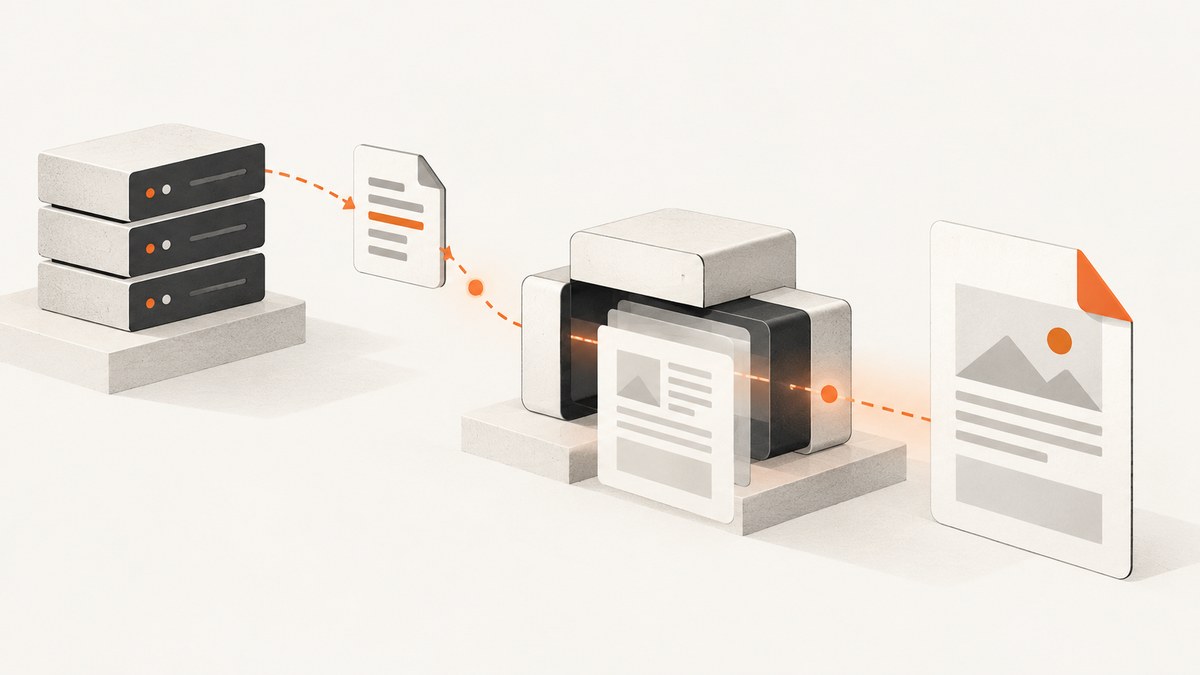
Yes, PHP can load CSS from a URL when generating a PDF. In Dompdf, enable remote resources with isRemoteEnabled, then reference the stylesheet with a normal <link> element. The PHP runtime must be able to fetch HTTP resources through cURL or allow_url_fopen, and the PDF server must be able to reach the stylesheet and every asset it references.
Fetching the file and rendering its CSS are separate concerns. A stylesheet can download successfully while still using features that the PDF engine does not implement. Dompdf describes its renderer as mostly CSS 2.1 compliant with some CSS3 support; its README specifically calls out missing flexbox and Grid support. Start by proving that the URL is reachable, then simplify or adapt CSS for the renderer.
Minimal Dompdf example
Install Dompdf with Composer:
composer require dompdf/dompdfCreate a new Dompdf instance for each document, enable remote access, load HTML containing the external stylesheet, render, and stream the result:
<?php
require __DIR__ . '/vendor/autoload.php';

use Dompdf\Dompdf;
use Dompdf\Options;

$options = new Options();
$options->set('isRemoteEnabled', true);

$dompdf = new Dompdf($options);
$dompdf->loadHtml('<!doctype html>
<html>
<head>
  <meta charset="utf-8">
  <link rel="stylesheet" href="https://example.com/pdf.css">
</head>
<body>
  <h1>PDF heading</h1>
  <p>This paragraph is styled by the remote stylesheet.</p>
</body>
</html>');
$dompdf->render();
$dompdf->stream('document.pdf', ['Attachment' => false]);
The URL in this example is an illustrative placeholder. Replace it with a stylesheet that your PDF-generating host can access. Dompdf’s upstream README is the authoritative reference for the installed version: Dompdf documentation and source.
How external CSS loading works
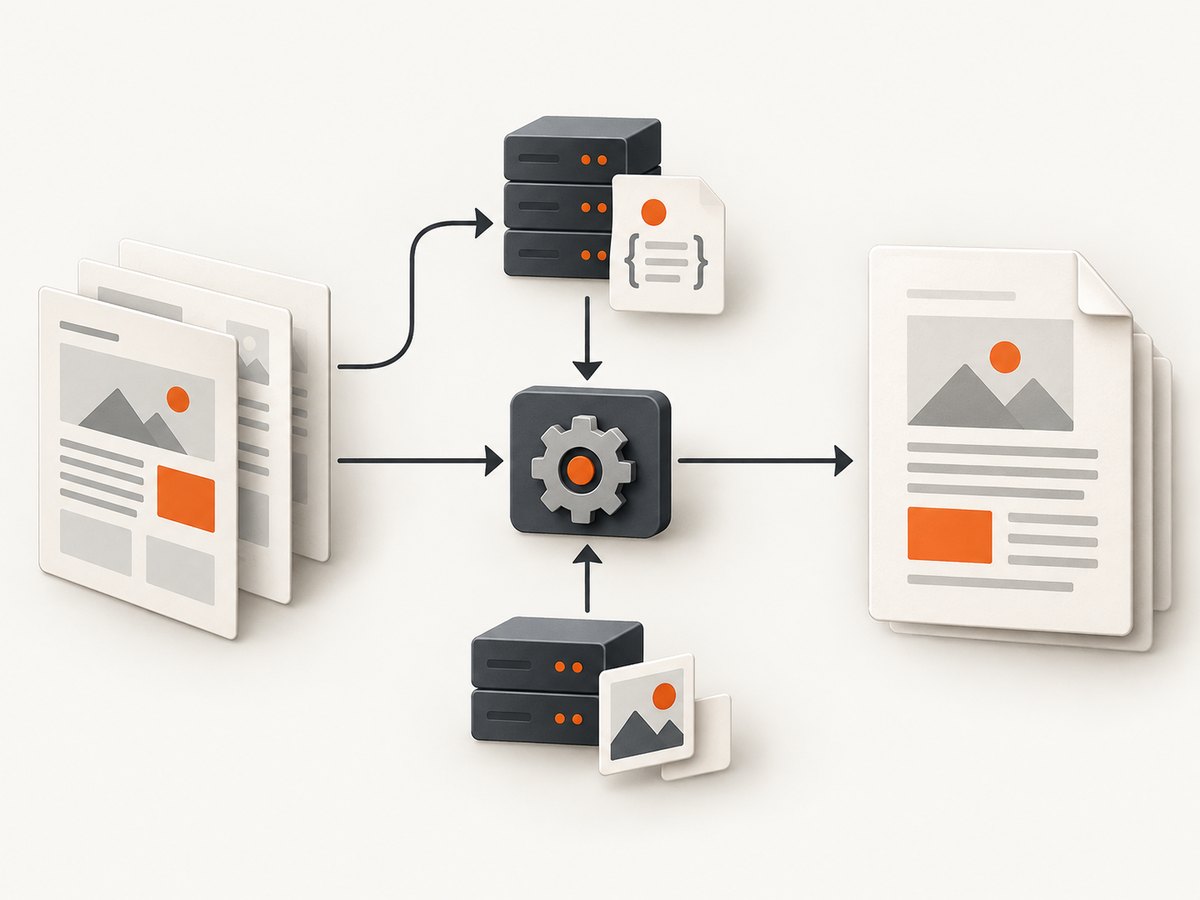
- Your PHP process requests the HTML. Dompdf parses the string passed to
loadHtml(). - The parser finds the stylesheet link. The URL in
hrefis treated as a remote resource. - Dompdf fetches the stylesheet. This step requires
isRemoteEnabledand a supported PHP network transport. - The CSS parser interprets the response. Invalid CSS, an HTML login page, or unsupported declarations can produce an unstyled or partially styled document.
- Nested resources are fetched. Fonts, images,
@importfiles, and background images must also be reachable from the server.
Remote-file support in PHP is described in the PHP manual. Confirm the setting in the same PHP SAPI that runs the PDF job; a web worker and a command-line worker can have different php.ini files.
Configuration checklist
1. Enable Dompdf remote resources
Set the option before rendering:
$options = new Dompdf\Options();
$options->set('isRemoteEnabled', true);
$dompdf = new Dompdf\Dompdf($options);
If your project uses a framework wrapper, find the wrapper’s options array and pass the equivalent setting. The option name is commonly still isRemoteEnabled.
2. Check the PHP transport
Dompdf requires cURL or allow_url_fopen for web resources. Check both from the runtime that executes the job:
php -r 'var_dump(function_exists("curl_init"));'
php -r 'var_dump(ini_get("allow_url_fopen"));'
A value of 1 for allow_url_fopen means URL-aware file functions are enabled. If you rely on cURL, verify that the extension is loaded and that outbound HTTPS is permitted by the operating system, container, firewall, or hosting provider.
3. Validate the response, not only the status code
A URL can return HTTP 200 while serving a login form, a bot-check page, or an error template. Inspect the response headers and first bytes:
curl -I https://example.com/pdf.css
curl -L https://example.com/pdf.css | head
Check that the response is CSS, redirects are expected, and the certificate is valid. A stylesheet protected by a session cookie or authorization header will not work unless your fetch path supplies those credentials.
4. Resolve relative URLs correctly
CSS such as background-image: url(images/logo.png) resolves relative to the stylesheet URL. If the stylesheet is at https://example.com/assets/pdf.css, the image is normally requested from https://example.com/assets/images/logo.png. Keep assets on stable absolute URLs when debugging.
5. Use a fresh renderer per document
Dompdf’s README advises against reusing one instance for multiple HTML documents. Create a new Dompdf object for every render so parser and layout state cannot leak between jobs.
CSS that Dompdf can and cannot render
External loading does not turn Dompdf into a browser. It supports much of CSS 2.1 and some CSS3, but the upstream README says flexbox and CSS Grid are unsupported. Replace layout-critical rules with older constructs when the PDF must match reliably:
/* Browser layout that may not render as expected in Dompdf */
.cards {
  display: grid;
  grid-template-columns: repeat(2, 1fr);
}

/* More portable PDF layout */
.card {
  display: inline-block;
  width: 46%;
  margin: 0 2% 1em 0;
  vertical-align: top;
}
Also account for pagination. Dompdf documents that table cells are not pageable: a row must fit on one page. Keep rows short, avoid oversized images inside cells, and use explicit page breaks where a section must start on a new page:
.page-break {
  page-break-before: always;
}

.keep-together {
  page-break-inside: avoid;
}
Test fonts, line wrapping, borders, and background images with the actual document content. A style may be technically supported yet produce a different result because PDF layout is paginated and has fixed page dimensions.
Security: remote CSS is an outbound request
Remote access is a security boundary, especially when users can influence HTML or stylesheet URLs. An unrestricted renderer can become a server-side request mechanism. Apply these controls:
- Allow only approved stylesheet and asset hostnames.
- Reject private, loopback, link-local, and metadata-service IP ranges after DNS resolution.
- Do not let untrusted users supply arbitrary URLs to internal services.
- Prefer fetching assets in a controlled service, validating content types, and passing trusted local files to the renderer.
- Set network timeouts and response-size limits in the fetch layer.
- Log the requested host, status, content type, and render ID without logging secrets.
Do not assume that a CSS file is harmless: it can reference images, fonts, imports, and other URLs. Restrict the entire dependency graph, not just the first stylesheet.
Using a local fetch when remote access is restricted
If production policy forbids renderer-initiated network calls, fetch and validate the CSS yourself, then inline it or write it to a controlled temporary file. Inlining removes one network dependency:
$css = file_get_contents(__DIR__ . '/cache/pdf.css');

$html = '<!doctype html>
<html>
<head>
  <style>' . htmlspecialchars($css, ENT_NOQUOTES, 'UTF-8') . '</style>
</head>
<body>...</body>
</html>';
Only inline content that your application has fetched and validated. Escaping strategy depends on how the CSS is stored; do not concatenate user-controlled CSS into HTML without a sanitization policy.
Debugging missing or partial styles
| Symptom | Likely cause | Fix |
|---|---|---|
| Everything is unstyled | Remote access is disabled or the URL cannot be reached | Enable isRemoteEnabled; test cURL/URL access from the same host |
| Some rules work, others do not | Unsupported CSS such as Grid or flexbox | Replace layout rules with supported block, inline-block, float, or table layouts |
| Stylesheet request returns a login page | Authentication, cookie, or access-control requirement | Publish a protected asset through an authenticated fetcher, or supply a trusted local copy |
| Images or fonts are missing | Nested relative URL, blocked host, or incorrect MIME/permissions | Use an absolute URL, verify every dependency, and inspect response headers |
| PDF hangs or times out | Slow or unreachable external resource | Set fetch timeouts, remove optional assets, cache stable CSS, and monitor outbound requests |
| Pages break in the middle of a table row | Row is taller than the available page area | Split the row or redesign the table; table cells must fit on one page |
| Output changes between jobs | Reused Dompdf instance or mutable remote CSS | Create a fresh instance and pin or cache the stylesheet version |
A repeatable troubleshooting workflow
- Save the exact HTML sent to Dompdf.
- Replace the remote link temporarily with a local, minimal CSS file.
- If local CSS works, test the remote URL with
curl -Iandcurl -Lfrom the PDF host. - Save the downloaded response and verify it begins with CSS rather than HTML.
- Remove
@import, fonts, and images, then add dependencies back one at a time. - Reduce layout to supported CSS and add page-break rules explicitly.
- Compare the installed Dompdf version with its matching documentation; README details can differ between releases.
Performance, reliability, and cost considerations
Every remote dependency adds DNS, connection, TLS, transfer, and parsing time. A practical production setup usually caches versioned CSS and fonts, keeps the asset host close to the worker, and avoids downloading large images for every document. Cache invalidation should be explicit: use a versioned filename or query string when a stylesheet changes.

For reliability, treat optional assets differently from required layout CSS. If a decorative image fails, continue with a fallback; if the main stylesheet fails, fail the job with a diagnostic that names the URL and response status. Record render duration, fetch failures, and output size so slowdowns can be traced to the network or to layout complexity.
Infrastructure cost is driven by your PHP workers, network transfer, storage, and retry volume. A remote stylesheet that times out can cost more than a local cached copy because it occupies a worker and may trigger retries. Set bounded retries and avoid retrying permanent errors such as 401, 403, or invalid certificates.
Alternative renderer option: wkhtmltox
The PHP wkhtmltox extension exposes a different mechanism: its PDF object constructor documents web.userStyleSheet, which accepts a URL or filesystem path to a user stylesheet. See the PHP wkhtmltox PDF object documentation.
This is a renderer-level stylesheet option rather than an HTML <link>. Choose between it and Dompdf based on installation constraints, the CSS features your document needs, the way you control external resources, and the version available in your PHP environment. The research for this guide does not establish comparative rendering quality or maintenance status, so validate the exact extension build before committing to it.
Or skip the browser setup
If your real requirement is a clean capture of a web page or a PDF without maintaining a PHP renderer and its network rules, ScreenshotNeo provides a website screenshot API. It accepts one GET request and returns PNG, JPEG, WebP, or PDF. Cookie and consent banners, newsletter popups, and chat widgets are removed before capture; each cleanup step can be turned off. Bot checks, blank pages, timeouts, failed loads, and cache hits cost nothing, and the response identifies the result with X-Page-Verdict and X-Billed headers. An MCP server provides take_screenshot, get_page_info, and capture_pdf tools for Claude, Cursor, and other MCP clients.
Use the API with the documented endpoint and options in the ScreenshotNeo documentation:
curl -G "https://api.screenshotneo.com/v1/shot" \
  -d access_key=YOUR_API_KEY \
  --data-urlencode url=https://stripe.com \
  -o shot.webp
import requests
r = requests.get(
"https://api.screenshotneo.com/v1/shot",
params={"access_key": "YOUR_API_KEY", "url": "https://stripe.com"},
timeout=90,
)
r.raise_for_status()
open("shot.webp", "wb").write(r.content)const q = new URLSearchParams({
access_key: 'YOUR_API_KEY',
url: 'https://stripe.com'
});
const res = await fetch(`https://api.screenshotneo.com/v1/shot?${q}`);
if (!res.ok) throw new Error(`HTTP ${res.status}`);
const bytes = new Uint8Array(await res.arrayBuffer());ScreenshotNeo includes full-page capture with lazy images loaded, element selection, custom CSS and JavaScript, waits, resource blocking, headers, cookies, user agents, timezone and geolocation, PDF paper settings and page ranges, caching with a chosen TTL, signed links, asynchronous jobs, bulk capture of up to 100 URLs per call, usage reporting, and an OpenAPI specification. Its free plan includes 1,000 screenshots per month with no card; paid plans start at $5 for 3,000 shots. Create a free ScreenshotNeo account.
FAQ
Can I use an HTTPS stylesheet?
Yes, provided the PHP host can establish the HTTPS connection and the certificate is valid. Test from the PDF worker, not only from your laptop.
Does enabling remote access add flexbox and Grid support?
No. Remote access controls fetching. Dompdf’s CSS implementation remains limited, including the documented lack of flexbox and Grid support.
Why does a stylesheet URL return unstyled output with HTTP 200?
The response may be HTML from authentication, a bot check, or an error page. Inspect the body and content type.
Should I reuse one Dompdf object for a batch?
No. Create a fresh instance for each HTML document, as advised by the project README.
Can CSS load fonts and background images too?
It can attempt to load them, but each nested URL must be reachable and supported by the renderer. Verify those dependencies separately.


