How to Load the Georgia Font in Dompdf
Register a licensed Georgia TTF or OTF with Dompdf using CSS or load_font.php, fix permissions, and verify bold and italic faces.

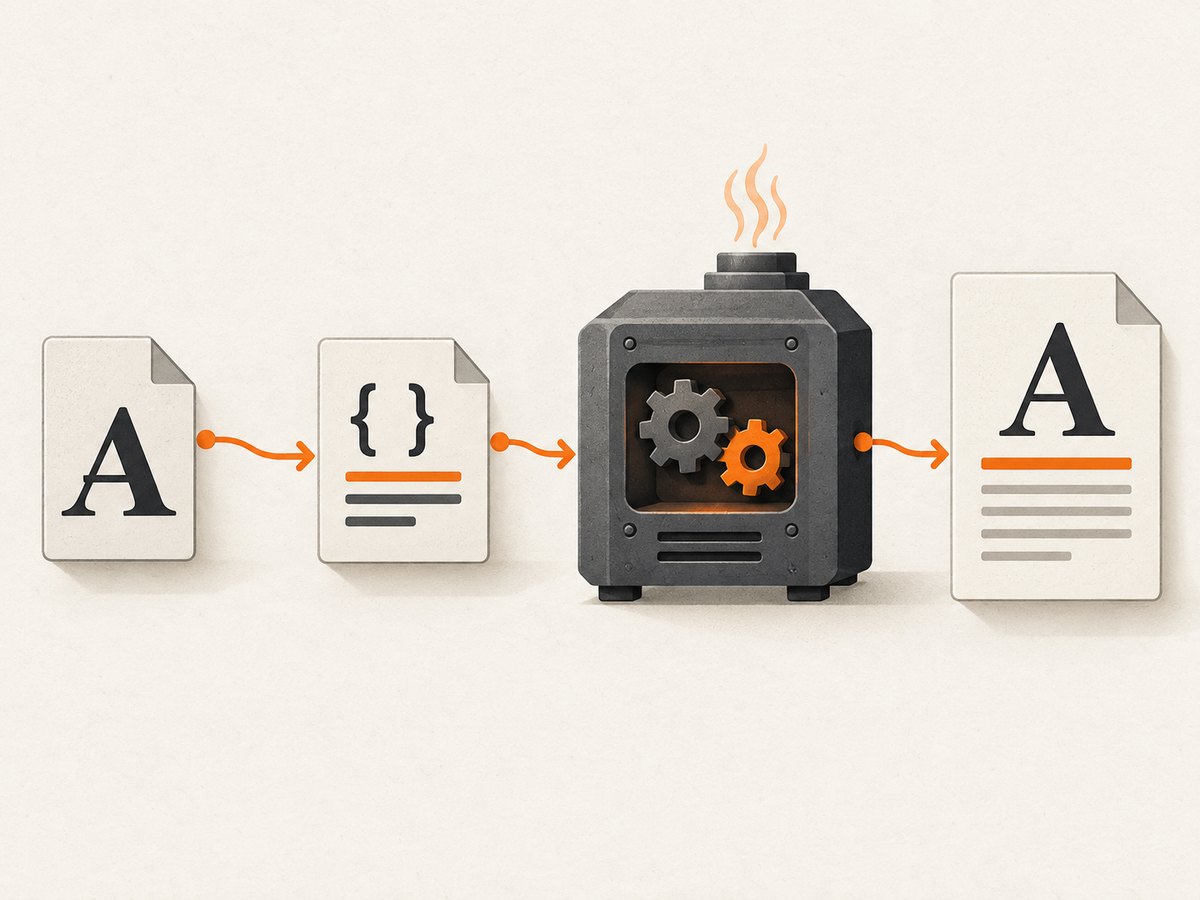
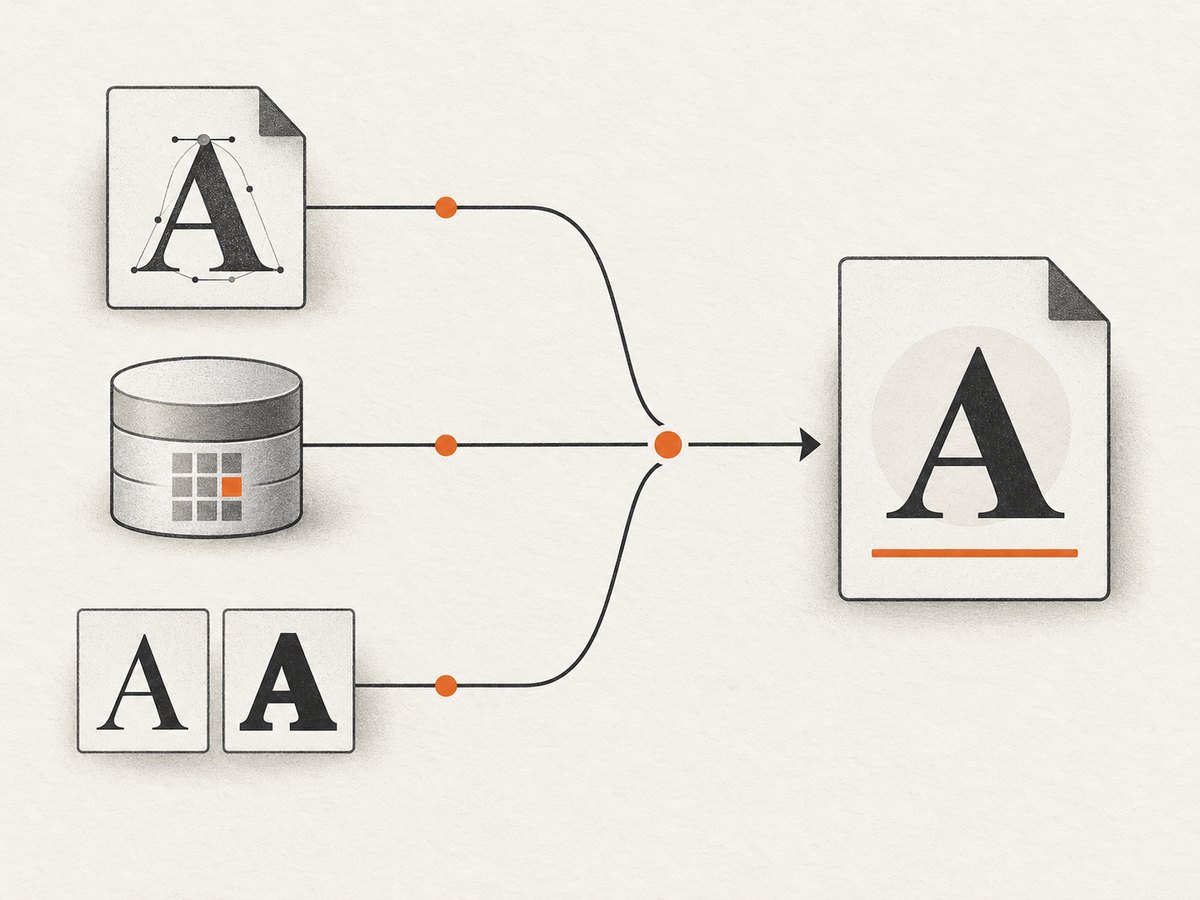
Direct answer: Give the PHP process a licensed Georgia .ttf or .otf file, make it readable by Dompdf, register it with CSS @font-face or Dompdf’s load_font.php utility, then use the registered family name in your document CSS. The font directory and Dompdf’s metrics cache must also be writable. A family name alone does not install Georgia on the server.
Dompdf documents that a referenced font can be embedded when it has been preloaded or is accessible and referenced by an @font-face rule. See the Dompdf repository and README for the version installed in your application.
1. What you need before loading Georgia
- A Georgia font file you are legally entitled to use. The font license and the file’s location depend on your system; Dompdf does not provide a Georgia file.
- A PHP process that can read the font file.
- A Dompdf installation, normally added with Composer.
- A writable Dompdf font directory and metrics cache if you use the registration utility.
Use the exact file name and path from your deployment. Do not assume that a desktop font installed on your workstation exists inside a Linux container or on a production server.
2. Route A: register Georgia with CSS @font-face
This route keeps the font declaration with the HTML document. The URL in src must resolve from the document’s base path or from the path configured for Dompdf.
<style>
@font-face {
  font-family: 'Georgia Local';
  src: url('fonts/georgia.ttf') format('truetype');
  font-style: normal;
  font-weight: 400;
}

body {
  font-family: 'Georgia Local', Georgia, 'DejaVu Serif', serif;
}
</style>
Georgia Local is only the CSS family label chosen by your application. Replace fonts/georgia.ttf with the real path. If you have separate files for bold, italic, or bold italic, declare each face explicitly:
@font-face {
  font-family: 'Georgia Local';
  src: url('fonts/georgia-bold.ttf') format('truetype');
  font-style: normal;
  font-weight: 700;
}

@font-face {
  font-family: 'Georgia Local';
  src: url('fonts/georgia-italic.ttf') format('truetype');
  font-style: italic;
  font-weight: 400;
}

@font-face {
  font-family: 'Georgia Local';
  src: url('fonts/georgia-bold-italic.ttf') format('truetype');
  font-style: italic;
  font-weight: 700;
}
Keep a generic fallback such as DejaVu Serif or serif. Dompdf lists DejaVu Serif among its bundled families, so it is a practical fallback when Georgia is unavailable. Core PDF fonts such as Times-Roman have narrower encoding support.
3. Route B: register files with load_font.php
Dompdf’s utility accepts a family name, a normal .ttf or .otf file, and optional bold, italic, and bold-italic files. It copies the files into Dompdf’s configured font directory, generates metrics, and records the family mapping. The utility is in the dompdf/utils repository.
php load_font.php \
  'Georgia Local' \
  /srv/fonts/georgia.ttf \
  /srv/fonts/georgia-bold.ttf \
  /srv/fonts/georgia-italic.ttf \
  /srv/fonts/georgia-bold-italic.ttf
Run this during deployment or image building, using paths that exist in that environment. Then select Georgia Local in your HTML CSS. If you only have a regular face, omit the optional files and avoid claiming that synthetic bold or italic matches the designed faces.
The FontMetrics implementation stores user family mappings in installed-fonts.json; the executing web-server process needs read and write access. Check the Dompdf options in your installed version for the configured font directory and chroot/base-path settings.
4. Complete PHP example
The following example uses Composer, embeds a local font with CSS, and writes a PDF. Adjust the paths for your project.
<?php
require __DIR__ . '/vendor/autoload.php';

use Dompdf\Dompdf;
use Dompdf\Options;

$options = new Options();
$options->set('isRemoteEnabled', false);
$options->setChroot(__DIR__);

$dompdf = new Dompdf($options);
$html = <<<'HTML'
<!doctype html>
<html>
<head>
  <meta charset='utf-8'>
  <style>
    @font-face {
      font-family: 'Georgia Local';
      src: url('fonts/georgia.ttf') format('truetype');
      font-style: normal;
      font-weight: 400;
    }
    @font-face {
      font-family: 'Georgia Local';
      src: url('fonts/georgia-bold.ttf') format('truetype');
      font-style: normal;
      font-weight: 700;
    }
    body {
      font-family: 'Georgia Local', 'DejaVu Serif', serif;
      font-size: 12pt;
      line-height: 1.45;
    }
  </style>
</head>
<body>
  <h1>Georgia in Dompdf</h1>
  <p>Regular text and <strong>bold text</strong> use registered local faces.</p>
</body>
</html>
HTML;

$dompdf->loadHtml($html);
$dompdf->setPaper('A4');
$dompdf->render();
file_put_contents(__DIR__ . '/georgia-sample.pdf', $dompdf->output());
Place the font files where the relative URLs resolve, for example fonts/georgia.ttf beside the script. If your application uses a different base path, configure it explicitly and verify the effective path inside the running PHP environment.
5. Troubleshooting checklist
| Symptom | Likely cause | Fix |
|---|---|---|
| Text falls back to another serif | The font URL is wrong, the file is unreadable, or the CSS family does not match the registered name. | Check the path from the PHP process, permissions, and the exact family string. Keep a fallback while diagnosing. |
| PDF generation reports missing font metrics | Dompdf cannot write its font directory or installed-fonts.json. |
Make the configured font and cache directories writable by the web-server user, or run load_font.php during a build step that owns those directories. |
| Bold or italic looks like regular text | Only the regular face was registered, so a designed variant is unavailable. | Register separate files with matching font-weight and font-style declarations or utility arguments. |
| Works locally but not in production | The production image does not contain the font, uses a different working directory, or has stricter filesystem permissions. | Package the licensed files in the deployment artifact, use absolute or correctly rooted paths, and inspect permissions as the production PHP user. |
| Remote font URL fails | Remote loading is disabled or the request is blocked. | Prefer a local file. If remote assets are required, review Dompdf’s remote-resource and chroot settings for your installed version and understand the security implications. |
| Some characters are missing | The selected face lacks those glyphs or the fallback chain cannot cover them. | Use a font with the required Unicode coverage and include a suitable fallback. Test the actual multilingual text. |
| Layout changes after switching fonts | Font metrics, glyph widths, and line wrapping differ. | Recheck page breaks, widths, line heights, and table cells after the font is loaded; do not treat a fallback render as pixel-equivalent. |
6. Verification and edge cases
- Render a sample containing regular, bold, italic, punctuation, numerals, and the non-ASCII characters your documents need.
- Inspect the PDF in a viewer and, where your workflow permits, confirm that the expected font is embedded.
- Test from the same container, user account, and working directory used by production.
- Clear or rebuild generated metrics after changing font files or family mappings.
Do not copy a Georgia file from a machine unless its license permits server-side embedding. Do not rely on a CSS declaration to install a font. If the regular file is an OpenType font, use format('opentype'); otherwise use the format matching the actual file.
7. Performance, reliability, and maintenance
- Register fonts once during deployment rather than regenerating metrics for every request.
- Keep font files local to avoid network failures and variable render times.
- Use a small diagnostic document in health checks so missing files and permissions are detected before a batch job runs.
- Pin your Dompdf version and recheck the official README, utility,
FontMetrics, andOptionsfiles when upgrading because the research sources follow the rolling project branch.
8. Or skip the browser setup
If your goal is to capture a rendered page rather than generate a PDF inside PHP, ScreenshotNeo provides a website screenshot API. It accepts one GET request and returns PNG, JPEG, WebP, or PDF. Cookie and consent banners, newsletter popups, and chat widgets are removed before capture; bot checks, blank pages, timeouts, failed loads, and cache hits are not billed. An MCP server lets Claude, Cursor, and other MCP clients call take_screenshot, get_page_info, and capture_pdf.
See the ScreenshotNeo API documentation for the current request options.
curl -G 'https://api.screenshotneo.com/v1/shot' -d access_key=YOUR_API_KEY --data-urlencode url=https://stripe.com -o shot.webpimport requests
r = requests.get('https://api.screenshotneo.com/v1/shot', params={'access_key': 'YOUR_API_KEY', 'url': 'https://stripe.com'}, timeout=90)
r.raise_for_status()
open('shot.webp', 'wb').write(r.content)const q = new URLSearchParams({ access_key: 'YOUR_API_KEY', url: 'https://stripe.com' });
const res = await fetch(`https://api.screenshotneo.com/v1/shot?${q}`);
if (!res.ok) throw new Error(`HTTP ${res.status}`);
require('fs').writeFileSync('shot.webp', Buffer.from(await res.arrayBuffer()));Every plan includes the capture options, including custom CSS and JavaScript, waits, selector capture, device presets, PDFs, caching, signed links, async jobs, bulk capture, and usage reporting. The Free plan includes 1,000 screenshots per month with no card; paid plans start at $5 for 3,000. Create a free ScreenshotNeo account.
9. FAQ
Can I use the system name Georgia without a local file?
Only if Georgia is actually installed and accessible to the PHP process. For portable deployments, ship a licensed file and register it.
Should I choose CSS or load_font.php?
Use CSS when the document declares its own assets. Use the utility when you want a repeatable deployment-time registration and persistent metrics mapping.
Does Dompdf create real bold and italic faces?
Register separate files when those designs matter. A regular face alone does not prove that matching variants are available.
What is the safest fallback?
Keep a generic serif fallback; Dompdf documents DejaVu Serif as a bundled family. Verify the resulting glyph coverage and line wrapping for your content.


