How to Load JavaScript from a URL Before Capturing a Webpage
Use Playwright to load a remote script, wait for its actual effect, and capture a reliable screenshot with full-page and troubleshooting guidance.
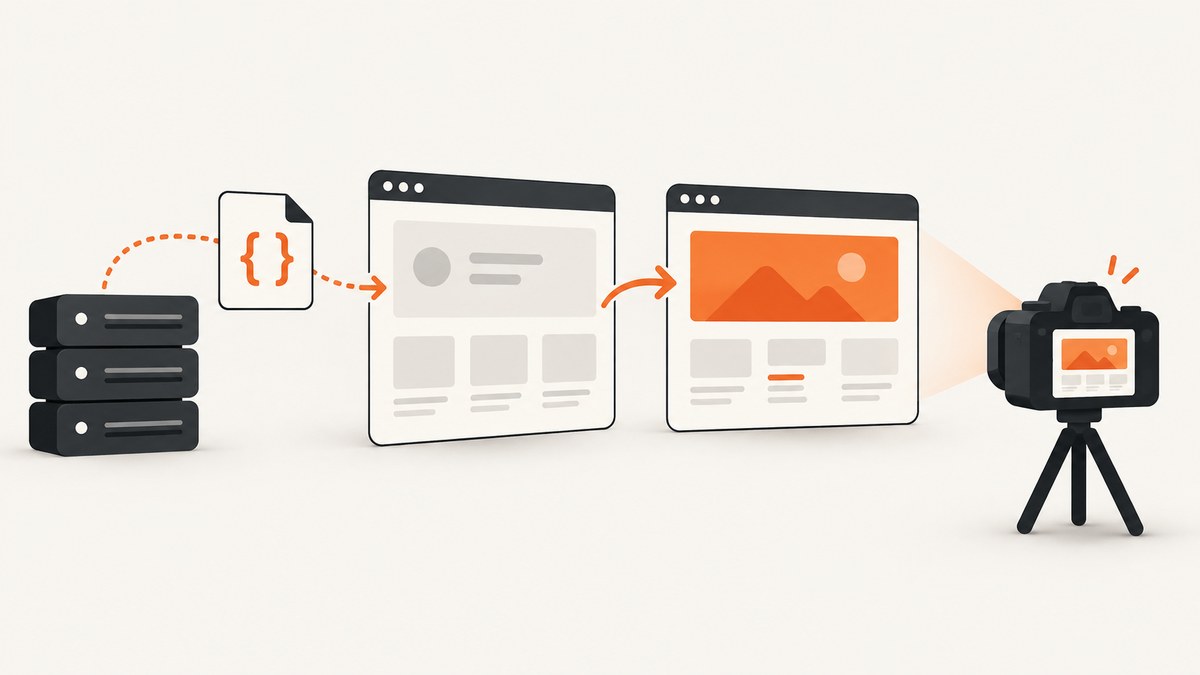
To load JavaScript from a URL before capturing a webpage with Playwright, navigate to the page, await page.addScriptTag({ url }), wait for the specific visual or data state created by that script, and then call page.screenshot(). Awaiting addScriptTag confirms that the remote script’s load event fired; it does not prove that asynchronous work started by the script has finished.
This distinction matters for analytics demos, feature flags, accessibility helpers, chart renderers, consent tools, and any page where JavaScript changes what the screenshot should show. Playwright’s API reference describes addScriptTag as adding a <script> tag using a URL or content, and its promise resolves after the script loads. See the Page API reference.
1. The reliable capture sequence
- Start a browser and create a page.
- Navigate to the target URL with
page.goto(). - Inject the remote script with
await page.addScriptTag({ url: scriptUrl }). - Wait for the state the script is supposed to produce, such as a selector, text value, network response, or custom event.
- Capture the page. Add
fullPage: truewhen the whole scrollable document is needed.
page.goto() waits for the load event by default. The navigation guide explains that modern applications can continue fetching data and updating the interface after that event, so there is no universal “page finished” moment. Use a page-specific readiness condition instead of an arbitrary delay whenever possible. Read the Playwright navigation guide.
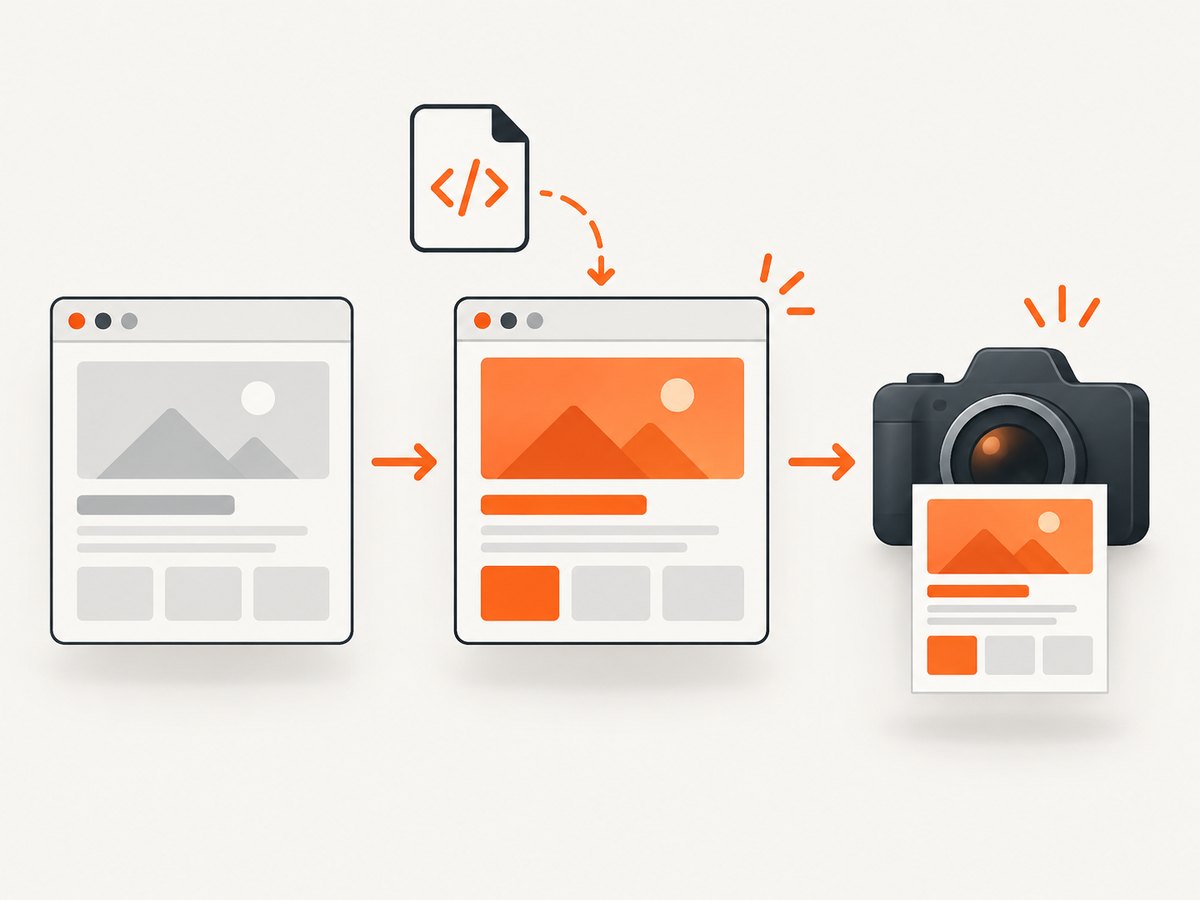
Minimal runnable Node.js example
const { chromium } = require('playwright');

(async () => {
  const browser = await chromium.launch();
  const page = await browser.newPage({ viewport: { width: 1440, height: 900 } });

  await page.goto('https://example.com', { waitUntil: 'load' });
  await page.addScriptTag({
    url: 'https://cdn.example.com/widget.js'
  });

  // Replace this with the state your script creates.
  await page.waitForSelector('#widget-ready', { state: 'visible' });

  await page.screenshot({ path: 'capture.png', fullPage: true });
  await browser.close();
})();
If the script only adds a class or text node, wait for that exact change:
await page.waitForFunction(() => {
  return document.documentElement.classList.contains('experiment-ready');
});
await page.screenshot({ path: 'experiment.png' });
2. Waiting correctly after the script loads
The script element’s onload event means the browser fetched and evaluated the file. The file may then start a timer, make a fetch request, render a chart, or wait for another dependency. Those operations are separate from the script load event.
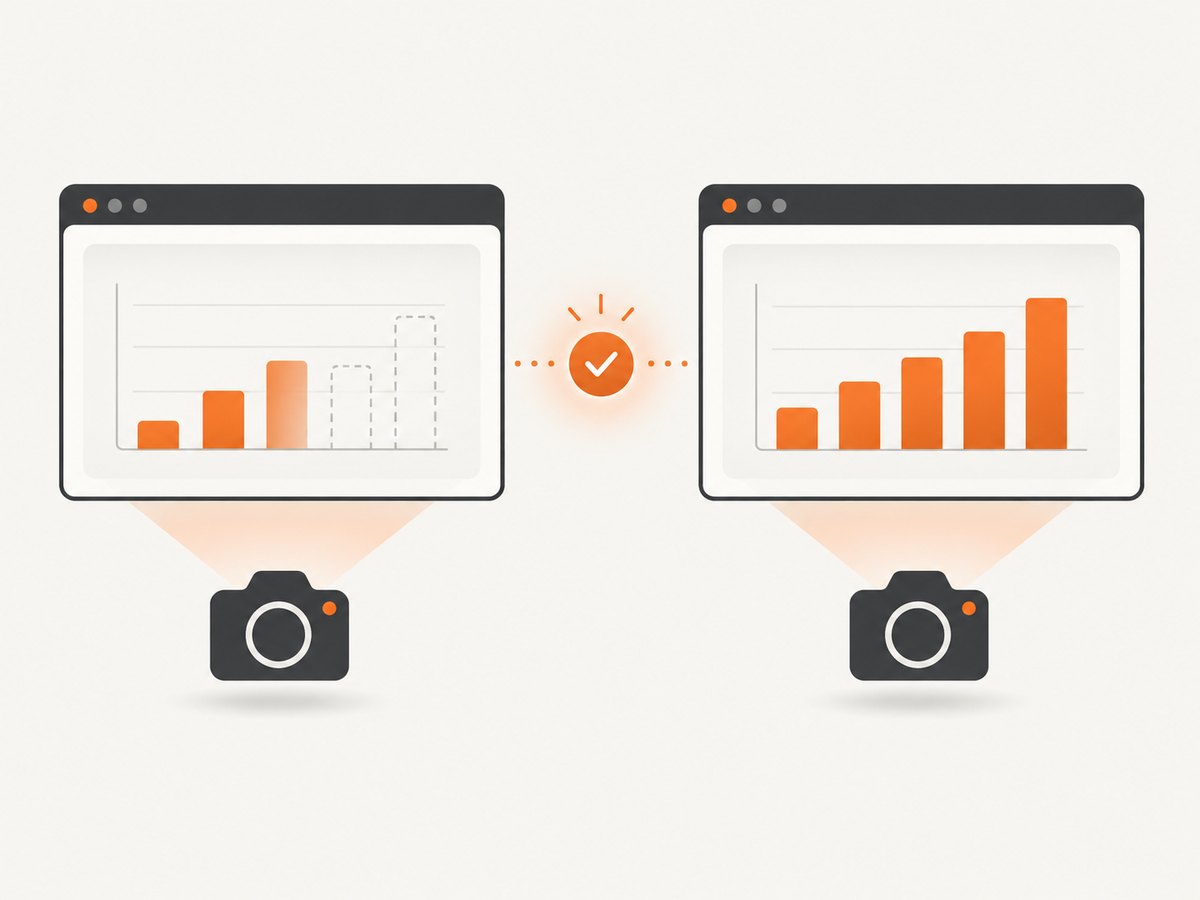
Wait for a selector
await page.addScriptTag({ url: 'https://cdn.example.com/dashboard.js' });
await page.locator('[data-dashboard-state="ready"]').waitFor({
  state: 'visible',
  timeout: 15_000
});
await page.screenshot({ path: 'dashboard.png', fullPage: true });
Wait for text
await page.addScriptTag({ url: 'https://cdn.example.com/price.js' });
await page.getByText('$49.00', { exact: true }).waitFor({ timeout: 15_000 });
await page.screenshot({ path: 'price.png' });
Wait for a custom event
If you control the injected code, dispatch a browser event after its asynchronous work is complete:
await page.addScriptTag({ url: 'https://cdn.example.com/render-chart.js' });
await page.evaluate(() => new Promise((resolve, reject) => {
  const timer = setTimeout(() => reject(new Error('chart-ready timed out')), 15_000);
  window.addEventListener('chart-ready', () => {
    clearTimeout(timer);
    resolve();
  }, { once: true });
}));
await page.screenshot({ path: 'chart.png' });
Wait for a network response
const responsePromise = page.waitForResponse(response =>
  response.url().includes('/api/report') && response.status() === 200
);
await page.addScriptTag({ url: 'https://cdn.example.com/report.js' });
await responsePromise;
await page.screenshot({ path: 'report.png' });
Use a delay only when there is no observable signal
await page.addScriptTag({ url: 'https://cdn.example.com/animation.js' });
await page.waitForTimeout(1_000);
await page.screenshot({ path: 'animation.png' });
A fixed delay can be too short on a slow run and wasteful on a fast one. Prefer a selector, event, response, or DOM predicate that represents the required state.
3. Full-page, element, and viewport captures
Use fullPage: true to capture the entire scrollable page. Without it, Playwright captures the current viewport. For a single component, locate the element and call its screenshot method.
await page.screenshot({
  path: 'whole-page.webp',
  fullPage: true,
  type: 'webp',
  quality: 85
});

await page.locator('#invoice').screenshot({
  path: 'invoice.png'
});
Other useful screenshot options include path, type (png, jpeg, or webp where supported), quality for JPEG/WebP, omitBackground for transparency, animations, and mask for hiding sensitive regions. Keep the viewport, device scale factor, color scheme, locale, and timezone fixed when you need repeatable output.
const context = await browser.newContext({
  viewport: { width: 1280, height: 800 },
  deviceScaleFactor: 1,
  colorScheme: 'light',
  locale: 'en-US',
  timezoneId: 'UTC'
});
4. Loading code before the page’s own scripts
addScriptTag({ url }) is intended for a page that has already been navigated. If initialization must happen before the site’s scripts execute, use page.addInitScript(). The documented inputs are inline content or a local file path. Ordering between multiple browserContext.addInitScript() and page.addInitScript() calls is undefined, so do not depend on their relative order. See the addInitScript API documentation.
const context = await browser.newContext();
await context.addInitScript({
  content: `
    window.__CAPTURE_MODE__ = true;
    Math.random = () => 0.5;
  `
});
const page = await context.newPage();
await page.goto('https://example.com');
await page.screenshot({ path: 'initialized.png' });
When the initialization source exists at a remote URL, retrieve and validate it in your own build or deployment process, then provide the resulting trusted content or local file to addInitScript. A remote URL passed to addScriptTag runs after navigation and is the direct choice when early execution is not required.
5. Python Playwright version
from playwright.sync_api import sync_playwright

with sync_playwright() as p:
    browser = p.chromium.launch()
    page = browser.new_page(viewport={"width": 1440, "height": 900})
    page.goto("https://example.com", wait_until="load")
    page.add_script_tag(url="https://cdn.example.com/widget.js")
    page.wait_for_selector("#widget-ready", state="visible", timeout=15_000)
    page.screenshot(path="capture.png", full_page=True)
    browser.close()
6. Security and cross-origin details
- The script executes with the privileges of the page’s origin. Treat third-party JavaScript as code you are allowing to run in the capture browser.
- Content Security Policy can block dynamically inserted scripts. Inspect console messages and the browser’s security errors when injection fails.
- A script may require a specific origin, cookie, authorization header, or referrer. Configure the browser context before navigation when those values are needed.
- Subresource Integrity is not supplied by
addScriptTagthrough the simple URL form. If integrity verification is required, download and verify the bytes yourself before injecting trusted content. - Some pages refuse automation, redirect, or require authentication. Handle those states explicitly and avoid capturing a login page as if it were the intended result.
7. Troubleshooting common failures
| Symptom | Likely cause | Fix |
|---|---|---|
addScriptTag times out |
The URL is unreachable, slow, blocked by CSP, or returns an error. | Open the URL from the capture environment, inspect console/network errors, raise the timeout only when the endpoint is genuinely slow, and verify the response is JavaScript. |
| The screenshot is unchanged | The script loaded but its asynchronous work has not completed. | Wait for the resulting selector, event, response, or DOM predicate instead of capturing immediately. |
| The script runs before the wrong page | Injection happened before or after an unexpected redirect. | Await goto, check page.url(), then inject; use the final URL returned by navigation. |
| Only the visible area appears | fullPage was omitted. |
Set fullPage: true, or capture a specific element. |
| Chart or image is blank | Web fonts, images, canvas rendering, or data requests are still pending. | Wait for the actual asset or data condition; ensure the element is visible and fonts are loaded before capture. |
| Works locally but not in CI | Different browser binaries, viewport, timezone, network access, or missing dependencies. | Pin the Playwright browser installation, set context parameters explicitly, collect traces, and compare console and network logs. |
| Intermittent content | Race conditions, animations, ads, or changing data. | Disable or wait for animations, freeze inputs where practical, use deterministic test data, and wait on a stable readiness signal. |
8. Performance and reliability practices
Reuse a browser process for batches of captures, but create an isolated context or page for each target when cookies and local storage must not leak. Keep the script URL close to the capture region to reduce network latency, and avoid waiting for network idle as a universal solution: long polling, analytics, and advertisements can keep a page “busy” indefinitely.
Set explicit navigation, selector, and overall job timeouts. Record the final URL, response status, script URL, readiness condition, and screenshot dimensions with each artifact. On failure, save a trace or diagnostic screenshot before closing the browser. Retry transient navigation and CDN failures with a bounded retry count; do not blindly retry deterministic JavaScript exceptions.
For large pages, full-page screenshots consume more memory and take longer than viewport or element captures. Prefer WebP or JPEG when lossless PNG is unnecessary, and resize after capture only when the consumer does not require device-pixel dimensions. Wait for fonts and images that affect layout before capturing so late layout shifts do not invalidate the image.
9. Or skip the browser setup
ScreenshotNeo provides a website screenshot API and MCP server. One GET request returns a PNG, JPEG, WebP, or PDF, and its capture options include custom JavaScript, custom CSS, full-page screenshots with lazy images loaded, selector captures, waits, device presets, headers, cookies, user agents, geolocation, caching, asynchronous jobs, and bulk capture. Read the ScreenshotNeo documentation for the complete option list.
curl -G "https://api.screenshotneo.com/v1/shot" -d access_key=YOUR_API_KEY --data-urlencode url=https://stripe.com -o shot.webpimport requests
r = requests.get("https://api.screenshotneo.com/v1/shot", params={"access_key": "YOUR_API_KEY", "url": "https://stripe.com"}, timeout=90)
open("shot.webp", "wb").write(r.content)const q = new URLSearchParams({ access_key: 'YOUR_API_KEY', url: 'https://stripe.com' });
const res = await fetch(`https://api.screenshotneo.com/v1/shot?${q}`);Cookie banners, newsletter popups, and chat widgets are removed before the shot. Bot checks, blank pages, timeouts, failed loads, and cache hits are not billed, and response headers identify the page verdict and billing status. ScreenshotNeo also has an MCP server with take_screenshot, get_page_info, and capture_pdf tools for Claude, Cursor, and other MCP clients. The free plan includes 1,000 screenshots per month with no card; paid plans start at $5 for 3,000 screenshots. Create a free ScreenshotNeo account.
10. Cost and operational considerations
Self-hosted Playwright costs the compute, browser storage, bandwidth, and maintenance required to run it. A hosted API changes that to request-based usage and removes browser installation from your application. Compare the total cost of retries, failed captures, concurrency limits, and engineering time, not only the nominal request price. ScreenshotNeo bills only clean shots and exposes X-Page-Verdict and X-Billed headers, which lets you audit those outcomes in your own logs.
FAQ
Does addScriptTag wait for promises created by the script?
No. It waits for the script element’s load event. Add a wait for the application state created by later asynchronous work.
Can I use a remote URL with addInitScript?
The documented inputs are inline content and a local file path. Fetch and verify remote code yourself, then provide trusted content or a local file.
Should I always wait for networkidle?
No. Persistent connections and third-party requests can prevent it from occurring. A page-specific readiness signal is usually more reliable.
How do I capture the entire page?
Call page.screenshot({ fullPage: true }), after the injected script has produced the state you need.
What is the simplest hosted alternative?
Use ScreenshotNeo’s GET endpoint when you want a screenshot without maintaining a Playwright browser, especially when consent banners, popups, failed loads, or AI-agent access matter.


