How to Load Local Resources in Playwright
Load local HTML, CSS, JavaScript, fixtures, apps, and upload files in Playwright with the right API, paths, waits, and fixes.

How to Load Local Resources in Playwright depends on what “local resources” means in your test. Use page.setContent(html) for HTML held in memory, page.addScriptTag({ path }) or page.addStyleTag({ path }) for one local JavaScript or CSS file, route.fulfill({ path }) when a browser request should receive a file from disk, a local server with baseURL for a complete application, and locator.setInputFiles() when testing a file upload.
These APIs solve different problems. Choosing the one that matches the browser behavior you need makes tests easier to debug and closer to production.
1. Choose the loading method by the job
| Need | Use | What it does |
|---|---|---|
| Render an HTML string | page.setContent(html) |
Replaces the document with markup supplied by your test. |
| Inject one local JavaScript file | page.addScriptTag({ path }) |
Adds a script from the filesystem. |
| Run setup code before page scripts | page.addInitScript({ path }) |
Runs initialization code before page scripts execute. |
| Inject one local stylesheet | page.addStyleTag({ path }) |
Adds a stylesheet from the filesystem. |
Serve /fixture.json or another request from disk |
page.route() or context.route() with route.fulfill({ path }) |
Intercepts a browser request and responds with a local file. |
| Test a complete local application | Local server plus Playwright Test webServer and baseURL |
Uses normal URL navigation, routing, assets, and application behavior. |
| Test choosing a file in an upload control | locator.setInputFiles() |
Sets files on an input[type=file]; it does not load a page asset. |
Playwright’s Page API documents setContent(), including its use of document.write(), and the script and style injection methods: Page.setContent and Page.addScriptTag. Relative filesystem paths for these APIs resolve from the process current working directory.
2. Render local HTML with page.setContent()
Use setContent for a small isolated document, a component fixture, or markup generated by a test. It is ideal when the HTML itself is the subject of the test and you do not need a server origin.
import { test, expect } from '@playwright/test';

test('renders an HTML fixture', async ({ page }) => {
  const html = `
    <!doctype html>
    <html>
      <head><title>Local fixture</title></head>
      <body>
        <main id="app">Hello from a fixture</main>
      </body>
    </html>`;

  await page.setContent(html, { waitUntil: 'domcontentloaded' });
  await expect(page.locator('#app')).toHaveText('Hello from a fixture');
});
setContent internally calls document.write(), so it inherits that method’s characteristics and behaviors. If your test depends on normal URL resolution, module loading, server headers, cookies, redirects, or the application’s real bootstrap process, use a local server instead.
Adding a local CSS file
import { test, expect } from '@playwright/test';

test('loads a local stylesheet', async ({ page }) => {
  await page.setContent('<button class="primary">Save</button>');
  await page.addStyleTag({ path: 'fixtures/app.css' });

  await expect(page.locator('button')).toHaveCSS('color', 'rgb(255, 255, 255)');
});
Adding a local JavaScript file
import { test, expect } from '@playwright/test';

test('loads a local script', async ({ page }) => {
  await page.setContent('<button id="run">Run</button>');
  await page.addScriptTag({ path: 'fixtures/app.js' });
  await page.locator('#run').click();
  await expect(page.locator('#status')).toHaveText('done');
});
If code must exist before the page’s own scripts run, use page.addInitScript({ path: 'fixtures/setup.js' }). This is useful for setting a deterministic random source, defining a small browser global, or installing a mock before application code starts.
3. Serve a local file as a browser response
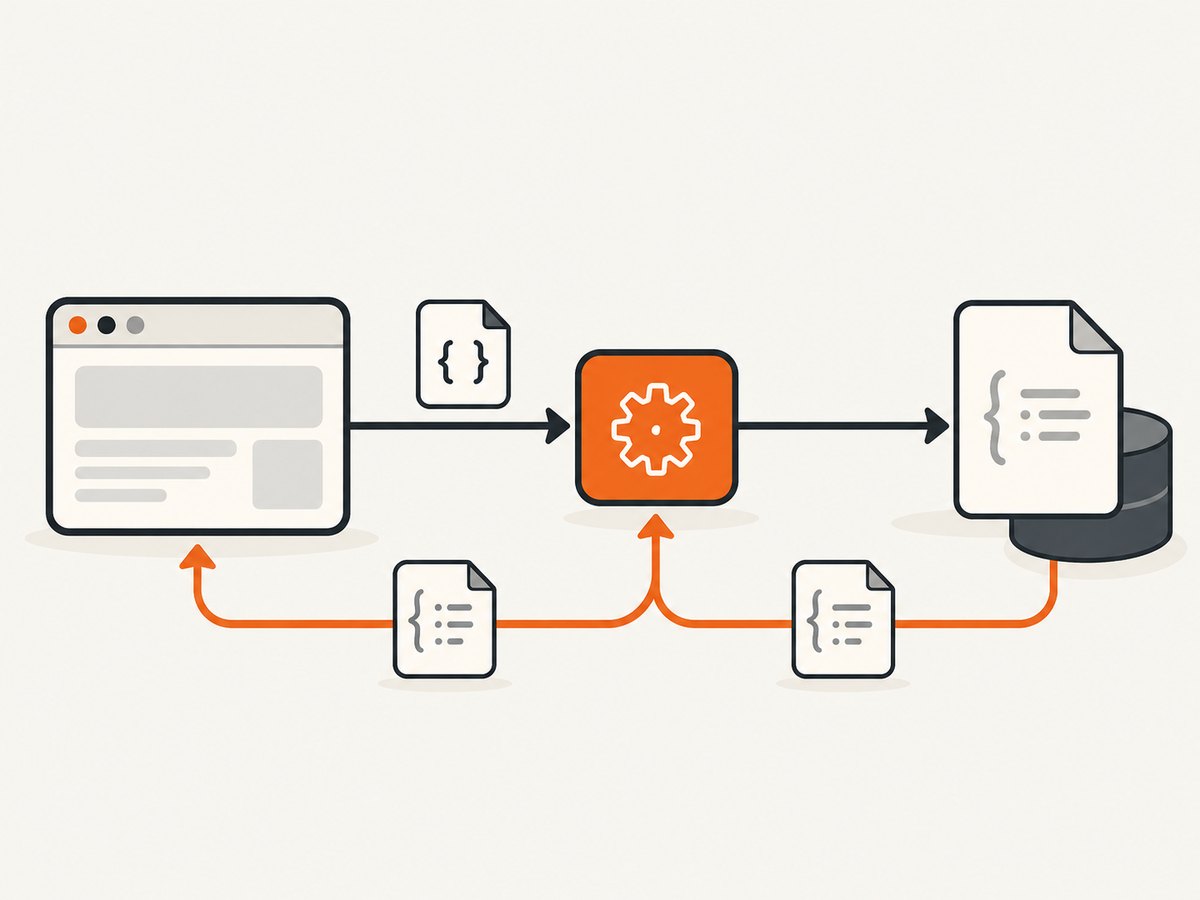
When the page should request a URL such as /api/products, intercept that request and fulfill it from disk. This keeps the browser-side code unchanged while giving the test deterministic data.
import { test, expect } from '@playwright/test';

test('serves JSON from a local fixture', async ({ page }) => {
  await page.route('**/api/products', route => {
    return route.fulfill({ path: 'fixtures/products.json' });
  });

  await page.goto('https://example.test/catalog');
  await expect(page.locator('[data-testid="product-count"]')).toHaveText('3');
});
route.fulfill({ path }) supplies the file as the response body, and Playwright infers the content type from the extension. Use page-level routing when one page needs the fixture; use context-level routing when every page in a browser context should see it. The API reference is Route.fulfill.
Setting explicit response headers
await page.route('**/config.json', route => route.fulfill({
  path: 'fixtures/config.json',
  headers: {
    'cache-control': 'no-store',
    'x-fixture': 'playwright'
  }
}));
Routing disables the HTTP cache. That is useful for deterministic mocks, but it can change tests that specifically verify browser caching. If cache behavior is the subject, use a real server or test that behavior separately.
4. Test a real local application with webServer and baseURL
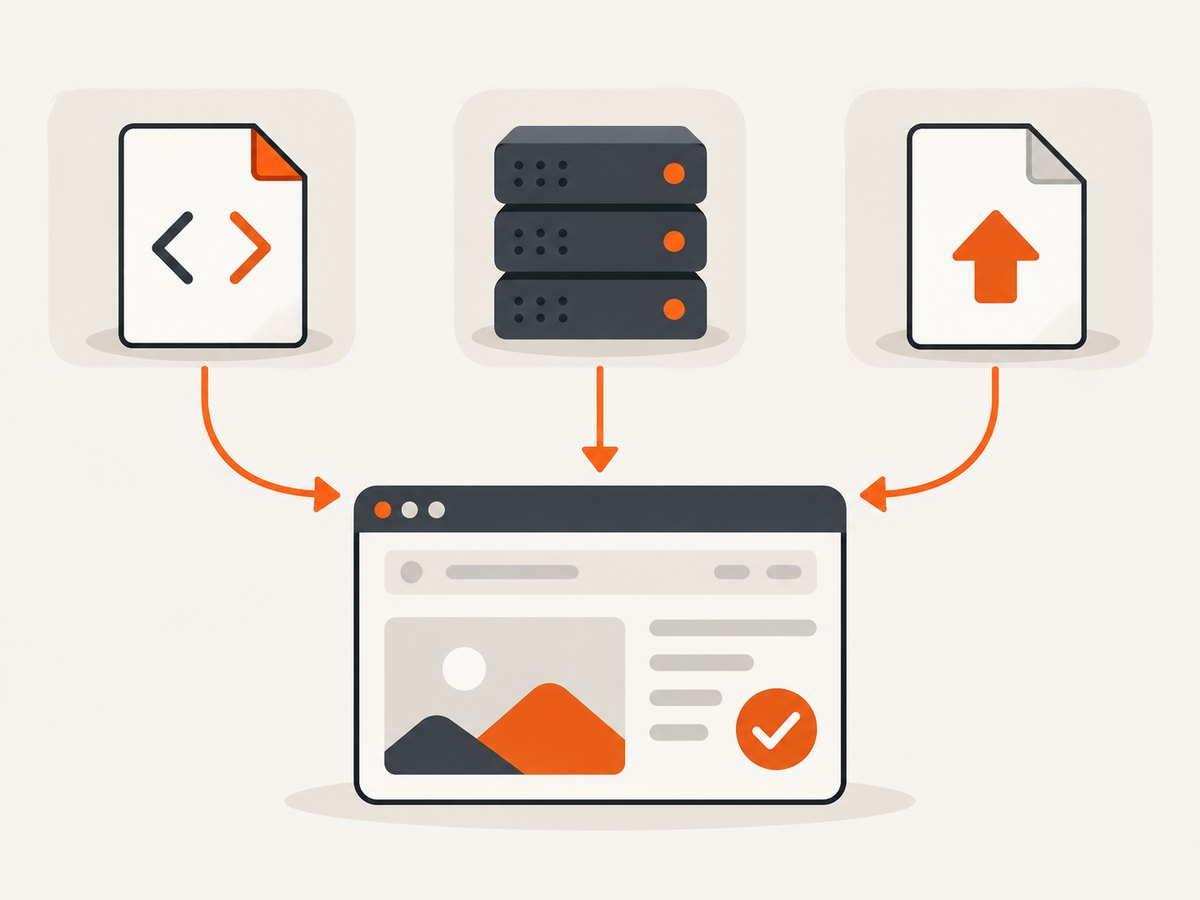
For an application with many assets, client-side routing, modules, service workers, or server-side behavior, start the application and navigate normally. Playwright Test can launch the server before tests and provide its origin as baseURL.
// playwright.config.ts
import { defineConfig } from '@playwright/test';

export default defineConfig({
  use: {
    baseURL: 'http://127.0.0.1:3000'
  },
  webServer: {
    command: 'npm run dev -- --host 127.0.0.1',
    url: 'http://127.0.0.1:3000',
    reuseExistingServer: !process.env.CI
  }
});
import { test, expect } from '@playwright/test';
test('opens a local route', async ({ page }) => {
await page.goto('/settings');
await expect(page.getByRole('heading', { name: 'Settings' })).toBeVisible();
});page.goto('/settings') resolves against baseURL. This approach exercises ordinary URL-based loading, so relative imports, images, fonts, API calls, redirects, cookies, and route handling behave like they do when the application is deployed. See the Playwright webServer documentation.
Waiting for the state you actually need
page.goto() waits for the load event by default. That event includes dependent stylesheets, scripts, frames, and images, but modern applications can continue fetching data or rendering lazy content afterward. Wait for an observable condition rather than assuming “load” means the page is finished.
await page.goto('/dashboard');
await page.getByTestId('dashboard-ready').waitFor();
await expect(page.getByRole('heading', { name: 'Dashboard' })).toBeVisible();
For a specific request, wait for it directly:
const responsePromise = page.waitForResponse(response =>
  response.url().endsWith('/api/dashboard') && response.ok()
);
await page.goto('/dashboard');
await responsePromise;
5. Upload a local file with setInputFiles()
An upload is different from loading an HTML, CSS, JavaScript, or data asset. Target the file input and provide a path or in-memory file data.
import { test, expect } from '@playwright/test';

test('uploads a local document', async ({ page }) => {
  await page.goto('/upload');
  await page.locator('input[type=file]').setInputFiles('fixtures/sample.pdf');
  await page.getByRole('button', { name: 'Upload' }).click();
  await expect(page.getByText('Upload complete')).toBeVisible();
});
For generated content, avoid creating a temporary file:
await page.locator('input[type=file]').setInputFiles({
  name: 'notes.txt',
  mimeType: 'text/plain',
  buffer: Buffer.from('hello from the test')
});
The API supports one file, multiple files, and clearing a selection with an empty array. The relevant reference is Locator.setInputFiles.
6. Relative paths, absolute paths, and fixtures
For addScriptTag, addStyleTag, route.fulfill, and file uploads, a relative path is resolved from the process current working directory. It is not automatically resolved from the directory containing your test file.
Make the base explicit when tests can run from different directories:
import path from 'node:path';
import { fileURLToPath } from 'node:url';

const here = path.dirname(fileURLToPath(import.meta.url));
const fixture = path.join(here, '..', 'fixtures', 'products.json');

await page.route('**/api/products', route => route.fulfill({ path: fixture }));
Use repository-relative paths when your CI always starts in the repository root. Use an absolute path built from the test file when the command’s working directory is controlled by an IDE, monorepo runner, or package script.
7. Common errors and fixes
| Error or symptom | Cause | Fix |
|---|---|---|
ENOENT or “file not found” |
The relative path is based on the process working directory. | Print process.cwd(), correct the path, or construct an absolute path from the test file. |
| Styles or scripts do not affect the page | The tag was injected after an assertion, the file has an error, or the selector does not match. | Await addStyleTag/addScriptTag, inspect the browser console, and verify the fixture contents. |
| JSON fixture returns the wrong MIME type | The extension is missing or does not map to the expected type. | Use a .json file or provide an explicit content-type header in route.fulfill. |
App works in production but not with setContent |
The app expects an origin, URL paths, server headers, or a backend. | Run the real local server and use baseURL. |
| Route handler never runs | The pattern does not match the final request URL, or routing was installed after navigation. | Register the route before goto; log the URL and broaden the pattern temporarily. |
| Test races with lazy content | The load event occurred before the needed data or component rendered. |
Wait for a selector, response, URL, or application-ready marker. |
| Upload input rejects the file | The input has an accept restriction or the application validates size and MIME type. |
Use a matching fixture and MIME type, or assert the validation message intentionally. |
| Cache assertions fail after routing | Playwright routing disables HTTP cache. | Use a real server for cache tests, or treat caching as a separate test concern. |
8. Reliability and performance guidance
- Keep fixtures small and focused. A compact HTML or JSON fixture starts faster and makes failures easier to inspect.
- Use the real server for integration coverage. Injection and routing isolate a unit of behavior; they do not prove that the deployed asset graph, server headers, or backend wiring works.
- Install routes before navigation. Register handlers before
page.gotoso early requests cannot escape the mock. - Wait for a business signal. A visible heading, response, or ready marker is more stable than an arbitrary timeout.
- Use deterministic test data. Keep fixture files versioned and avoid depending on a developer’s machine or an external network.
- Parallelize safely. Context-level routes and shared mutable files can affect parallel tests. Prefer per-test contexts and immutable fixtures.
- Measure the right operation. A route fulfilled from disk is usually cheaper than starting a full browser-visible service, while a local server gives higher fidelity. Choose based on coverage, not a universal speed assumption.
9. Or skip the browser setup
If your goal is a screenshot or PDF rather than browser-test assertions, ScreenshotNeo can load the public URL and return the capture through one request. The API supports PNG, JPEG, WebP, and PDF output, with options for full-page capture, waiting, custom CSS and JavaScript, headers, cookies, device presets, and more. See the ScreenshotNeo API documentation.
curl -G "https://api.screenshotneo.com/v1/shot" -d access_key=YOUR_API_KEY --data-urlencode url=https://stripe.com -o shot.webpimport requests
r = requests.get("https://api.screenshotneo.com/v1/shot", params={"access_key": "YOUR_API_KEY", "url": "https://stripe.com"}, timeout=90)
open("shot.webp", "wb").write(r.content)const q = new URLSearchParams({ access_key: 'YOUR_API_KEY', url: 'https://stripe.com' });
const res = await fetch(`https://api.screenshotneo.com/v1/shot?${q}`);Cookie banners, newsletter popups, and chat widgets are removed before the shot. Bot checks, blank pages, timeouts, failed loads, and cache hits are not billed, and response headers report the page verdict and billing result. An MCP server lets Claude, Cursor, and other MCP clients take screenshots, inspect pages, and capture PDFs. The Free plan includes 1,000 screenshots per month without a card; paid plans start at $5 for 3,000 shots.
Create a free ScreenshotNeo account and start with the 1,000 free monthly screenshots.
10. FAQ
Should I use file:// URLs?
The researched Playwright documentation does not establish consistent direct file:// navigation behavior across browser engines. Use setContent, route fulfillment, or a local HTTP server when you need documented, portable behavior.
Can I load several local scripts?
Yes. Await page.addScriptTag({ path }) for each file in dependency order, or serve the application from a local server so its normal module graph loads.
How do I mock an image or font?
Intercept the exact request pattern with page.route and fulfill it from a fixture. For broad asset coverage, a local server is usually simpler.
When should I choose context routing?
Use context.route when every page in that context should receive the same mock. Use page routing when the behavior belongs to one page or one test.
Does setContent test the application’s real URL behavior?
No. It tests the supplied document. Use webServer, baseURL, and normal navigation for URL, origin, server, and asset-loading behavior.


