How to Load a PNG File in HTML
Learn the correct HTML markup for PNGs, responsive variants, accessibility, paths, dimensions, and fixes for missing images.
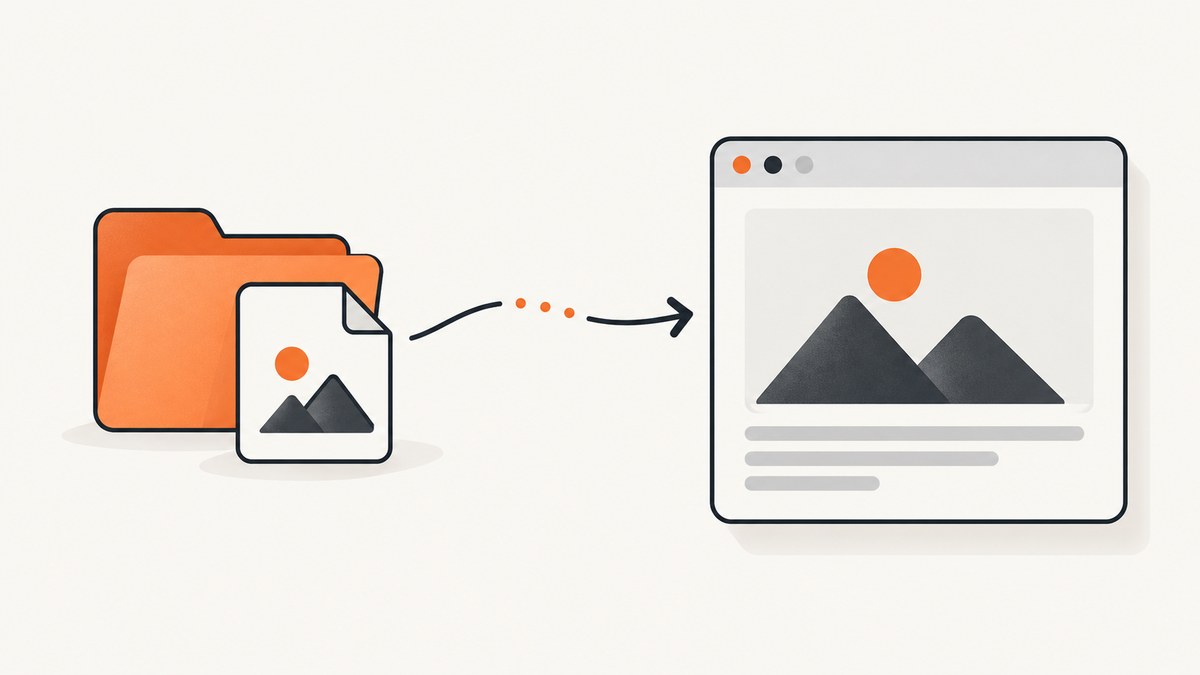
Use an HTML img element with a src that points to the PNG resource:
<img src="images/example.png" alt="Description of the image">The src can be a relative path, an absolute URL, or a root-relative URL. Make the path, filename, capitalization, and deployment location match the actual file. Add useful alternative text, and include intrinsic dimensions when you know them.
1. Create a complete HTML example
<!doctype html>
<html lang="en">
  <head>
    <meta charset="utf-8">
    <meta name="viewport" content="width=device-width, initial-scale=1">
    <title>PNG example</title>
  </head>
  <body>
    <h1>Product preview</h1>
    <img
      src="images/product.png"
      alt="Blue ceramic mug on a wooden table"
      width="1200"
      height="800"
    >
  </body>
</html>
Put product.png in an images directory relative to the HTML document. The HTML Standard describes this single-resource case with an img element and its src attribute. Read the HTML Standard.
2. Choose the correct PNG path
Relative paths
A relative URL is resolved from the URL of the current HTML document, not necessarily from your project root.
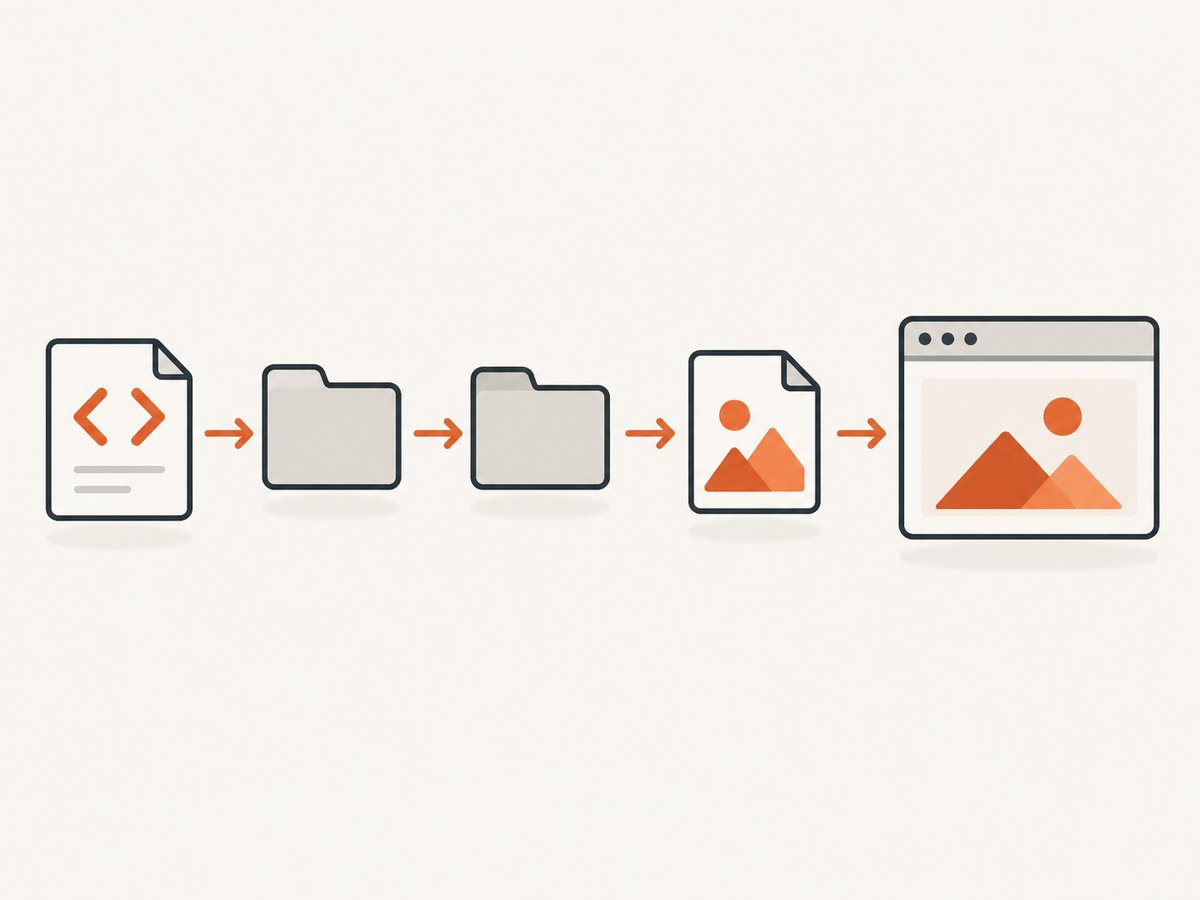
<!-- /about/index.html loading /about/images/team.png -->
<img src="images/team.png" alt="Our team at a worktable">

<!-- /about/index.html loading /images/logo.png -->
<img src="../images/logo.png" alt="Company logo">| Markup | Meaning |
|---|---|
images/photo.png |
Directory beside the current document |
../images/photo.png |
Go up one directory, then into images |
/images/photo.png |
Start at the website root |
https://cdn.example.com/photo.png |
Load from an absolute URL |
On case-sensitive servers, Photo.png and photo.png are different files. Spaces and special characters can also create URL-encoding problems; simple lowercase names with hyphens are easier to deploy.
Use a URL to an image, not a page
src must resolve to the image bytes. A link to an HTML page that displays an image is not the image resource itself. Open the exact src URL in a browser or inspect it in the Network panel to verify the response.
3. Write useful alt text
The alt value is replacement text. It is read when the image cannot be displayed and by assistive technology when the image conveys information. Describe the image’s purpose, not every visible detail.
<!-- Informative image -->
<img src="chart.png" alt="Revenue increased from January through June">

<!-- Decorative image -->
<img src="sparkle.png" alt="">
Do not repeat nearby visible text or write “image of” unless that wording adds meaning. If an image is a link, describe the destination or action. MDN’s img documentation covers alternative text and image-loading behavior.
4. Reserve layout space with width and height
Set the image’s intrinsic dimensions when known. The browser can reserve that space before the PNG arrives, reducing layout movement. These attributes describe the resource’s aspect ratio; CSS controls the final layout size.
<img
  src="images/hero.png"
  alt="A mountain trail at sunrise"
  width="1600"
  height="900"
  style="max-width: 100%; height: auto;"
>
Keep the width-to-height ratio accurate. If CSS forces a different ratio, the image can look stretched; use height: auto for proportional resizing.
5. Make PNGs responsive when variants exist
A single PNG does not need responsive markup. When you have multiple raster sizes, use srcset with width descriptors and sizes to tell the browser how wide the rendered slot will be.
<img
  src="images/photo-800.png"
  srcset="
    images/photo-400.png 400w,
    images/photo-800.png 800w,
    images/photo-1600.png 1600w
  "
  sizes="(max-width: 600px) 100vw, 800px"
  alt="A red bicycle beside a brick wall"
  width="1600"
  height="1067"
>
Use picture when the composition or format changes by condition, such as a cropped mobile art direction or a WebP/PNG choice. Keep an img fallback inside picture.
<picture>
  <source media="(max-width: 600px)" srcset="images/photo-mobile.png">
  <source srcset="images/photo.webp" type="image/webp">
  <img src="images/photo.png" alt="A cyclist on a forest trail" width="1600" height="900">
</picture>
See MDN’s guides to responsive images for the distinction between resolution selection and art direction.
6. Control display size with CSS
.article-image {
  display: block;
  width: min(100%, 800px);
  height: auto;
}

.avatar {
  width: 96px;
  height: 96px;
  object-fit: cover;
  border-radius: 50%;
}
<img class="article-image" src="images/diagram.png" alt="Request flow diagram" width="1600" height="900">Use CSS for fluid sizing, margins, borders, and cropping. The HTML width and height attributes should still reflect the file’s intrinsic ratio.
7. Troubleshoot a PNG that does not appear
| Symptom | Likely cause | Fix |
|---|---|---|
| Broken-image icon | Wrong path or filename | Copy the exact deployed URL from the Network panel and compare every directory, character, extension, and capitalization. |
| 404 response | File was not deployed or relative path is based on a different document URL | Confirm the file exists in the published output and calculate the path from the page URL. |
| 403 response | Server or storage permissions deny the request | Allow public read access for the asset or serve it through an authorized route. |
| HTML appears instead of the image | src points to a page, redirect, or error document |
Use the direct image URL and inspect the response body and content type. |
| Works locally, fails after deployment | Case-sensitive filesystem, missing build asset, or changed base path | Check the production files and use the exact production URL in a new tab. |
| Image is blank or corrupted | Incomplete upload, invalid PNG data, or unsupported metadata | Open the original file locally, re-export it, and upload it again. |
| Layout jumps while loading | No intrinsic dimensions reserved | Add accurate width and height attributes. |
| Image is stretched | CSS dimensions use a different aspect ratio | Set height: auto or use object-fit deliberately. |
- Open developer tools and select the Network tab.
- Reload the page and filter for the PNG filename.
- Check the request URL, status code, response headers, and response preview.
- Open the request URL directly to separate a path problem from a layout or CSS problem.
8. Performance and reliability checklist
- Export only the dimensions and visual quality you need; very large PNGs increase transfer and decode time.
- Use PNG for transparency, crisp interface artwork, or lossless screenshots. Choose another format when photographic compression is more appropriate.
- Provide width and height so the browser can reserve space.
- Use
srcsetandsizeswhen you publish several sizes. - Keep stable asset URLs and configure your server or CDN to cache immutable files.
- Do not lazy-load an above-the-fold hero image; use
loading="lazy"for images that are initially below the viewport when it suits the page. - Confirm the server returns the correct image content type and a complete response.
9. Capture a PNG from a webpage with ScreenshotNeo
If you need to create the PNG before embedding it, ScreenshotNeo provides a website screenshot API. It accepts one GET request and returns PNG, JPEG, WebP, or PDF. Cookie and consent banners, newsletter popups, and chat widgets are removed before capture; bot checks, blank pages, timeouts, failed loads, and cache hits are not billed.

cURL
See the ScreenshotNeo API documentation for all options.
curl -G "https://api.screenshotneo.com/v1/shot" -d access_key=YOUR_API_KEY --data-urlencode url=https://stripe.com -o shot.webpPython
import requests

r = requests.get(
    "https://api.screenshotneo.com/v1/shot",
    params={"access_key": "YOUR_API_KEY", "url": "https://stripe.com"},
    timeout=90,
)
r.raise_for_status()
open("shot.webp", "wb").write(r.content)
Node.js
const q = new URLSearchParams({ access_key: 'YOUR_API_KEY', url: 'https://stripe.com' });
const res = await fetch(`https://api.screenshotneo.com/v1/shot?${q}`);
if (!res.ok) throw new Error(`Screenshot failed: ${res.status}`);
const bytes = Buffer.from(await res.arrayBuffer());
require('fs').writeFileSync('shot.webp', bytes);
Embed the returned file
<img src="shot.webp" alt="Screenshot of the Stripe homepage" width="1440" height="900">ScreenshotNeo supports full-page and element captures, viewport and device settings, retina scale, custom CSS and JavaScript, waits, request blocking, headers, cookies, user agents, geolocation, caching, signed links, asynchronous jobs, bulk capture, and PDF output. Response headers identify the page verdict and whether the shot was billed. Its MCP server exposes take_screenshot, get_page_info, and capture_pdf for Claude, Cursor, and other MCP clients.
Or skip the browser setup
Use the one-call API when you do not want to run a headless browser. Cookie banners, popups, and chat widgets are removed before the shot. Bot checks, blank pages, and failed loads are never billed. An MCP server lets AI agents take screenshots. The Free plan includes 1,000 screenshots a month with no card, and paid plans start at $5 for 3,000 shots.
curl -G "https://api.screenshotneo.com/v1/shot" -d access_key=YOUR_API_KEY --data-urlencode url=https://stripe.com -o shot.webpStart with 1,000 free screenshots a month—no card required.
10. FAQ
Can I use a PNG as a CSS background?
Yes. Use background-image: url("images/pattern.png") when the image is decorative or part of layout styling. Use img with meaningful alt text when it conveys content.
Should the file extension be uppercase?
Either can work, but the URL must match the deployed filename exactly on case-sensitive systems.
Do I need srcset for one PNG?
No. Add it only when you provide multiple image candidates for different slots or resolutions.
Why does an empty alt value matter?
alt="" marks a purely decorative image so assistive technology can skip it while the image remains available visually.


