How to Load Session Storage from JSON into a Playwright Browser Context
Load sessionStorage from JSON before your app runs in Playwright. See runnable setup, origin checks, type handling, Playwright Test integration, and fixes for common errors.

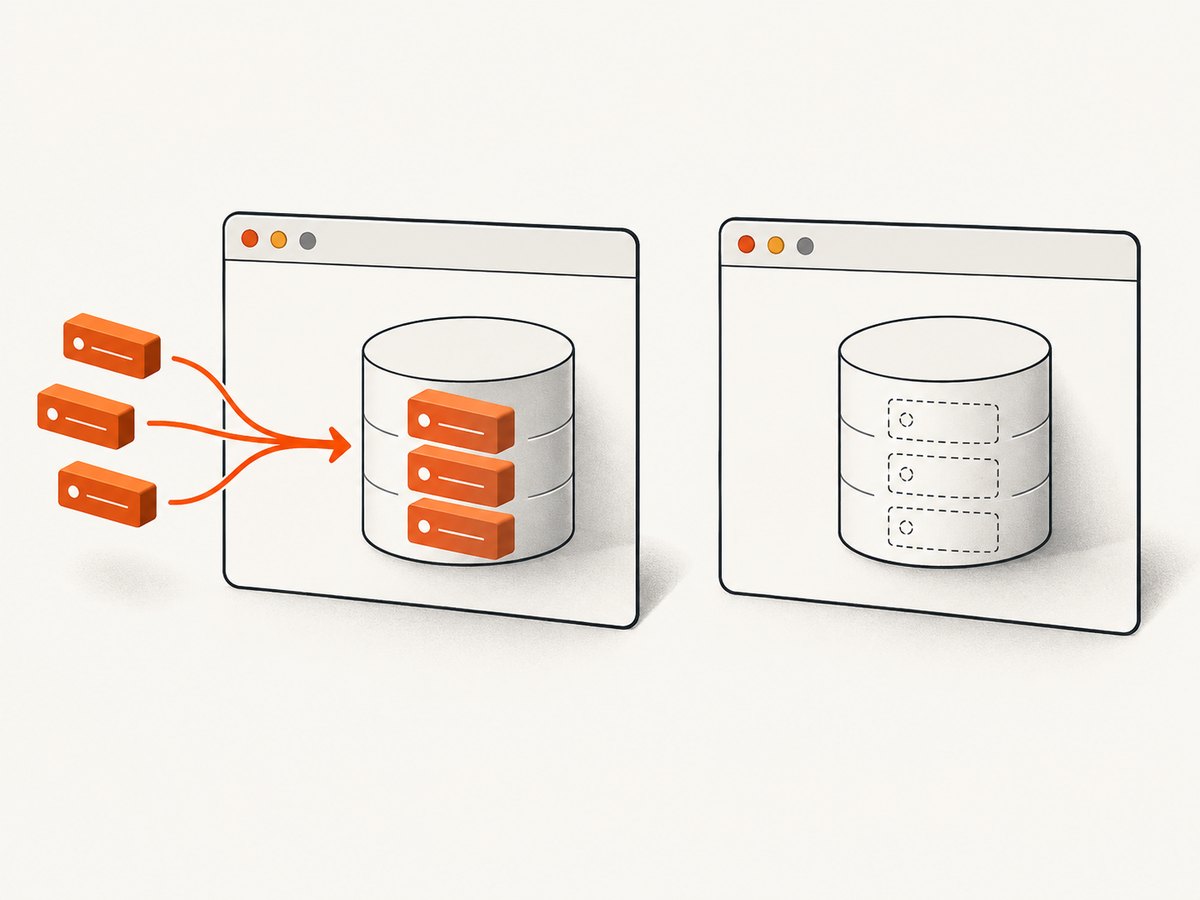
To load sessionStorage from JSON in Playwright, read and parse the file in Node.js, then register a BrowserContext.addInitScript() callback that writes the values into window.sessionStorage. Register the callback before navigating to the application. The browser runs it after creating the document and before the page’s own scripts, so the app can read the values during startup.
Playwright’s regular storageState flow does not save or restore session storage. The official workaround is an init script; see the Playwright authentication guide and BrowserContext API. Keep the JSON file private if it contains tokens or other authentication data.
1. Prepare the JSON file
Use a JSON object whose keys are storage keys and whose values are strings when possible. For example, create playwright/.auth/session.json:
{
  "theme": "dark",
  "onboardingComplete": "true",
  "accessToken": "replace-with-a-test-token"
}
Web Storage stores strings. If a value in JSON is a number, boolean, object, array, or null, decide how your application expects it to be encoded. Calling String(value) converts primitives, but does not preserve structured objects as JSON. The example below serializes objects and arrays with JSON.stringify, preserves strings, and turns booleans and numbers into strings. It skips null, which has no useful direct representation in storage; change that behavior if your application has a defined null encoding.
For state captured from an existing browser page, the Playwright guide shows reading it with page.evaluate(() => JSON.stringify(sessionStorage)). Save that JSON securely and load it only into an appropriate test environment.
2. Load it into a Playwright browser context
This complete JavaScript example uses Playwright’s Chromium launcher. It checks the full origin, including scheme and port, before writing state. Replace the origin and URL with the exact application origin used by your test.

import fs from 'node:fs';
import { chromium } from 'playwright';

const storagePath = 'playwright/.auth/session.json';
const targetOrigin = 'https://example.com';
const sessionData = JSON.parse(fs.readFileSync(storagePath, 'utf8'));

if (sessionData === null || Array.isArray(sessionData) || typeof sessionData !== 'object') {
  throw new Error('Session storage JSON must be an object of key-value pairs');
}

const entries = Object.entries(sessionData).flatMap(([key, value]) => {
  if (value === null || value === undefined) return [];
  const encoded = typeof value === 'object' ? JSON.stringify(value) : String(value);
  return [[key, encoded]];
});

const browser = await chromium.launch();
try {
  const context = await browser.newContext();
  await context.addInitScript(({ origin, entries }) => {
    if (window.location.origin !== origin) return;
    for (const [key, value] of entries) {
      window.sessionStorage.setItem(key, value);
    }
  }, { origin: targetOrigin, entries });

  const page = await context.newPage();
  await page.goto(`${targetOrigin}/`, { waitUntil: 'domcontentloaded' });
  console.log(await page.evaluate(() => ({
    origin: window.location.origin,
    keys: Object.keys(window.sessionStorage)
  })));
  // Continue with assertions or interactions here.
  await context.close();
} finally {
  await browser.close();
}
Install Playwright in the project and install the browser used by your tests if it is not already present. This example expects an ES module environment because it uses import and top-level await; in a CommonJS project, use require() and wrap the asynchronous work in an async function.
Why the origin check matters
Session storage is scoped to an origin and a page’s storage context. An origin includes the scheme, hostname, and port: https://app.example.com, http://app.example.com, and https://app.example.com:8443 are different origins. A hostname-only check, as in the simplified official example, may be suitable for a one-origin setup. The full-origin check above reduces accidental writes when a context visits other schemes or ports.
If your application spans subdomains, explicitly list the origins that should receive the state rather than broadening the check without considering where credentials could be exposed. The guard also means a redirect to a different origin will not receive the values. That is usually desirable; seed the application origin after the redirect if that is the intended flow.
Why the script must be registered first
addInitScript() runs when documents are created, before their page scripts execute. Register it before creating or navigating pages that need the state. Registering it after page.goto() will not retroactively populate the already loaded document. The context-level script applies to pages created in that context and runs on subsequent navigations. Playwright notes that it may also execute in child frames; the origin guard prevents writes when a frame has a different origin.
3. Use the same setup with Playwright Test
In Playwright Test, add the script to the test’s context fixture before navigating. A minimal test can load the JSON once and initialize a page like this:
import fs from 'node:fs';
import { test, expect } from '@playwright/test';

const targetOrigin = 'https://example.com';
const rawStorage = JSON.parse(
  fs.readFileSync('playwright/.auth/session.json', 'utf8')
);
const entries = Object.entries(rawStorage).flatMap(([key, value]) => {
  if (value === null || value === undefined) return [];
  return [[key, typeof value === 'object' ? JSON.stringify(value) : String(value)]];
});

test('starts with session storage seeded', async ({ context, page }) => {
  await context.addInitScript(({ origin, entries }) => {
    if (window.location.origin !== origin) return;
    for (const [key, value] of entries) {
      window.sessionStorage.setItem(key, value);
    }
  }, { origin: targetOrigin, entries });

  await page.goto(`${targetOrigin}/dashboard`);
  await expect(page.getByRole('heading', { name: 'Dashboard' })).toBeVisible();
});
Put setup in a fixture or helper when several tests share it. Keep the registration before navigation in every test context. A test runner’s storageState option remains useful for the storage types it supports, such as cookies and local storage; it does not replace this session-storage initialization. See the Playwright TestOptions reference for the runner option and its configuration.
4. Choose the right storage approach
| What the app uses | Recommended setup | Important detail |
|---|---|---|
| Cookies or local storage | Playwright storageState |
Use the documented authentication-state workflow where it fits. |
| Session storage | Context addInitScript() |
Parse the JSON and write entries before app scripts run. |
| Several storage types | storageState plus init script |
Use each mechanism for the state it supports. |
| Unknown or versioned app state | Inspect the app’s storage reads and encode accordingly | Storage values are strings; structured values commonly contain JSON text. |
Playwright’s authentication guide describes cookies, local storage, IndexedDB, and WebAuthn passkeys in its reusable state workflow, while explicitly explaining that session storage is not persisted there. Newer storage APIs do not make the init-script workaround unnecessary for session storage. Check the documentation for the Playwright version installed in your project before adopting adjacent APIs: the references identify version requirements for some APIs, including IndexedDB and WebStorage methods.
5. Configuration and edge cases
Multiple pages and browser contexts
Registering the script on a context seeds pages created in that context, including later navigations. A separate context has separate initialization and storage; add the script to each context that needs the state. This makes the setup suitable for isolated tests, but do not assume one context’s in-memory session state transfers to another.
Frames and cross-origin content
Init scripts can run in child frames. The origin condition restricts writes to matching-origin documents. If your app intentionally reads storage in an iframe, verify that the frame has the same origin and that the key is read there. Do not remove the guard just to make a cross-origin frame receive credentials; use the application’s intended authentication flow instead.
Empty values, malformed JSON, and key names
An empty object is valid and writes nothing. Invalid JSON causes JSON.parse() to throw before the browser starts, which is preferable to silently running a test with missing state. The browser’s setItem() accepts string keys and values; JSON object keys already satisfy that requirement. Avoid placing secrets directly in source code or logging the values while diagnosing failures.
Timing and application initialization
The init script runs before page scripts, but the application may still replace or clear storage later. If the initial value is present but disappears, inspect startup code, redirects, and state migration logic. Avoid arbitrary timeouts as a fix for initialization ordering: the seed belongs in the init script, and the test should wait for an observable application condition after navigation.
6. Security, reliability, performance, and cost
Session files that include tokens can impersonate a user. Playwright warns that authentication state may contain sensitive cookies and headers and discourages committing it to repositories. Treat JSON containing session credentials with the same care: exclude it from version control, restrict access, use dedicated test accounts, and rotate credentials if exposed. Keep separate state files for environments and users, and never seed production credentials into routine test runs.
The initialization work is proportional to the number and size of entries, and for ordinary test state it is usually small compared with launching a browser and loading the application. Very large values increase file parsing, script argument transfer, and browser storage work. Store only keys the test requires. For repeatable runs, validate the JSON shape early and make setup a shared helper so failures are consistent and easier to diagnose.
This method has no service charge beyond the browser infrastructure you already use; its practical costs are test runtime, browser resources, and maintaining valid test state. Session state can expire or become invalid, so tests should have a refresh or re-authentication path when that is part of the application’s test design. Prefer the application’s supported sign-in flow when a hard-coded token would make tests brittle.
7. Troubleshooting
| Symptom | Likely cause | Fix |
|---|---|---|
| App behaves as signed out | The app uses cookies or local storage instead, the origin guard does not match, or the script was registered too late. | Inspect which storage the app reads; use storageState for supported storage, check window.location.origin, and register before navigation. |
Values appear as [object Object] |
A JSON object was converted with String(). |
Encode objects and arrays with JSON.stringify(), then parse them in the app as needed. |
| Works on one URL but not after redirect | The redirect changes scheme, hostname, or port and fails the exact-origin guard. | Check the final URL and intentionally allow each required origin, or seed after the redirect with a matching setup. |
| JSON parse error | The file is malformed, empty, or not a JSON object. | Validate the file as JSON and confirm its top-level value is an object of key-value pairs. |
| State is present, then disappears | Application startup clears or overwrites the value, or a later navigation creates a new document with different state. | Inspect app initialization and migrations; confirm the script runs on the destination origin and check storage after the app settles. |
| One test passes, parallel tests fail | Tests share a mutable file or account, or use different contexts and setup paths. | Use isolated contexts and deterministic test data; ensure each context registers its own init script. |
| Secret unexpectedly appears in logs or repository | Debug output exposed the file or it was committed. | Stop logging values, remove the file from tracking, rotate exposed credentials, and store secrets through the project’s protected mechanism. |
8. Or skip the browser setup
If the task is to capture a page image or PDF rather than run browser assertions, ScreenshotNeo offers a one-call website screenshot API. It does not load your Playwright session-storage JSON; use the Playwright method above when the page requires that state. For a public page, the API call looks like this. See the ScreenshotNeo API documentation for request details.
curl -G "https://api.screenshotneo.com/v1/shot" -d access_key=YOUR_API_KEY --data-urlencode url=https://stripe.com -o shot.webpScreenshotNeo removes cookie banners, newsletter popups, and chat widgets before the shot. Bot checks, blank pages, and failed loads are never billed. Its MCP server lets AI agents use take_screenshot, get_page_info, and capture_pdf. The Free plan includes 1,000 screenshots a month with no card; paid plans start at $5 for 3,000. Sign up for 1,000 free screenshots a month, with no card required.
9. Frequently asked questions
Can I load session storage with Playwright’s storageState option?
No. Playwright’s documented reusable state does not persist session storage. Use an init script to seed it for each context that needs it.
Can I use this with Firefox or WebKit?
The setup uses the browser-context API and can be applied to contexts created by the other Playwright browser types as well. Use the same origin and timing checks for the browser your project runs.
Should the JSON values include quotes?
JSON strings are quoted in the file, but JSON.parse() removes those JSON delimiters. The browser receives the resulting string. For objects and arrays, store the JSON text as a storage value if the application expects to parse it.
Is this a replacement for signing in during every test?
It can provide reusable setup when session storage is the application’s intended state mechanism. It does not validate the sign-in flow itself. Keep separate tests that exercise authentication when that behavior matters.
Why does session storage not automatically carry to a new tab?
Session storage is associated with a page’s storage context. Do not assume that a new page or context has the values your test needs; register the init script on the context and verify the behavior for the page-opening pattern under test.


