How to Load HTML Generated by Solid.js in Pyppeteer
Render Solid.js HTML on the server, load it with Pyppeteer, and test SSR, streaming, hydration, timing, and screenshots reliably.

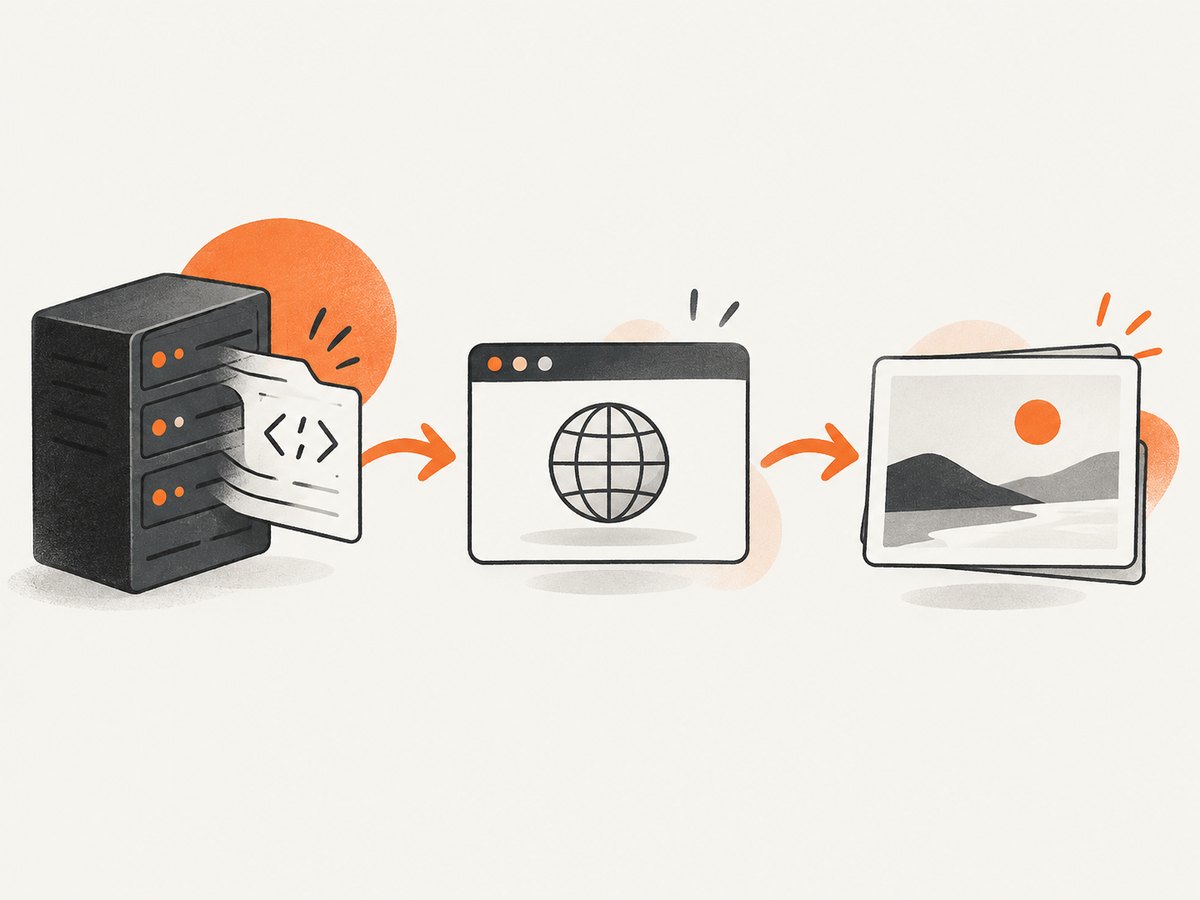
Direct answer: render your Solid.js app on the server, then pass the resulting HTML string to Pyppeteer with await page.setContent(html). Use Solid’s renderToStringAsync when server suspense work must finish first. If the app is already running at a URL and you need its real browser requests, use await page.goto(url) instead. Loading an HTML string does not hydrate Solid or make event handlers run.
Choose the loading path
| Goal | Solid output | Pyppeteer action | What it tests |
|---|---|---|---|
| Static SSR snapshot | renderToString(() => <App />) |
page.setContent(html) |
Synchronous server markup |
| SSR with suspense | await renderToStringAsync(() => <App />) |
page.setContent(html) |
Markup after async boundaries settle |
| Hosted application | Server renders the app at an HTTP endpoint | page.goto(url, options) |
Navigation, scripts, styles, and requests |
| Streamed SSR | renderToStream |
page.goto, then wait for an app condition |
Initial shell and later fragments |
| Interactive hydration | Matching server and client trees plus bootstrap | Load the complete document and wait for hydration | Client events and reactive updates |
Solid documents renderToString as synchronous server rendering and renderToStringAsync as rendering that waits for async suspense boundaries. Pyppeteer’s setContent assigns supplied markup; goto navigates to a URL.
1. Generate Solid HTML on the server
Keep server rendering in a server build. These APIs are not browser-bundle APIs.
import { renderToStringAsync } from 'solid-js/web';
import App from './App';

export async function renderApp() {
  return await renderToStringAsync(() => <App />);
}

// For a synchronous tree:
// import { renderToString } from 'solid-js/web';
// const html = renderToString(() => <App />);
Use renderToString only when unresolved suspense is acceptable. Use renderToStringAsync when data-dependent content must be present before the browser receives the string. Set an appropriate timeout and handle timeout failures explicitly.
2. Load the HTML string with Pyppeteer
This example assumes your server renderer is exposed at an endpoint returning the HTML string.
import asyncio
import urllib.request
import pyppeteer

async def main():
    html = urllib.request.urlopen('http://127.0.0.1:3000/ssr', timeout=30).read().decode('utf-8')
    browser = await pyppeteer.launch({'headless': True})
    try:
        page = await browser.newPage()
        await page.setContent(html)
        await page.waitForSelector('#app .expected-result')
        text = await page.Jeval('#app .expected-result', 'el => el.textContent')
        print(text)
        await page.screenshot({'path': 'solid-ssr.png', 'fullPage': True})
    finally:
        await browser.close()

asyncio.run(main())
setContent parses supplied markup. If the string is a fragment, use a complete document when relative URLs, styles, or browser behavior matter.
3. Navigate to an already-served Solid app
import asyncio
import pyppeteer

async def main():
    browser = await pyppeteer.launch({'headless': True})
    try:
        page = await browser.newPage()
        await page.goto('http://127.0.0.1:3000', {'waitUntil': 'domcontentloaded', 'timeout': 30000})
        await page.waitForSelector('#app .expected-result', {'timeout': 30000})
        await page.screenshot({'path': 'solid-app.png', 'fullPage': True})
    finally:
        await browser.close()

asyncio.run(main())
Pyppeteer exposes load, domcontentloaded, and networkidle0. The latter means zero active network connections for at least 500 ms; it is not proof that application state is ready. Prefer a selector or explicit ready signal.
4. Test hydration and interactivity
Static HTML contains no client event handlers. Solid’s hydrate attaches behavior to server DOM, and server markup must match the JSX returned by the client hydration function. Include hydrationScript once when your setup requires its bootstrap and delegated event replay.
import { hydrate } from 'solid-js/web';
import App from './App';

hydrate(() => <App />, document.getElementById('app'));
await page.waitForSelector('#app[data-hydrated]')
await page.click('#app button.increment')
value = await page.Jeval('#app .count', 'el => el.textContent')
assert value == '1'Do not treat a setContent snapshot as a hydration test unless it includes the client bundle, data, and bootstrap. For a browser application test, navigate to the hosted page or make every referenced asset reachable.
5. Handle streamed SSR
renderToStream can flush a shell and write later async fragments. Navigate to the endpoint, then wait for the selector or ready signal that marks the content under test.

await page.goto('http://127.0.0.1:3000/stream', {'waitUntil': 'domcontentloaded'})
await page.waitForSelector("#report[data-ready='true']", {'timeout': 60000})
6. Make resources and timing deterministic
- Use a stable local server URL and fixed test data.
- Wait for a meaningful selector instead of an arbitrary sleep.
- If fonts, images, or API calls affect the assertion, wait for those resources or expose an app-ready marker.
- With
setContent, provide a valid<base href='...'>or absolute asset URLs when relative URLs need an origin. - Close the browser in
finallyso failed assertions do not leak processes.
Common errors and fixes
| Symptom | Cause | Fix |
|---|---|---|
| Suspense fallback appears | renderToString returned before async work settled |
Await renderToStringAsync and set a timeout. |
| Button clicks do nothing | Only static HTML was loaded | Load the client bundle and hydrate, then wait for hydration. |
| Hydration warnings | Server DOM and client JSX differ | Use matching inputs, ordering, conditionals, and locale. |
| Missing styles or images | Relative URLs lack a base or origin | Use a complete document, valid base, absolute URLs, or goto. |
goto times out |
Wrong URL, stopped server, or hanging request | Verify the endpoint and inspect failed requests before increasing timeout. |
networkidle0 never arrives |
Polling, analytics, websockets, or long requests | Use domcontentloaded plus a page-specific ready condition. |
| Streamed content is absent | Assertion ran after the shell but before fragments | Wait for the fragment selector or ready state. |
| Browser remains running | No cleanup path | Close the browser in finally. |
Performance, reliability, and cost notes
- Performance: Reuse one browser process for a suite and create a page per case. Avoid global network-idle waits when a local selector is sufficient.
- Reliability: Assert user-visible state, keep data deterministic, bound every wait, and capture console or request failures when diagnosing flakes.
- Cost: Self-hosted Pyppeteer uses your runner’s compute and browser downloads. A screenshot API removes browser maintenance, so compare its billing and controls with your workload.
Or skip the browser setup
ScreenshotNeo returns a screenshot or PDF from one GET request. It accepts cookie and consent banners before capture and removes more than 60 known consent platforms, newsletter popups, and chat widgets; each step can be disabled. Bot checks, blank pages, timeouts, failed loads, and cache hits are not billed, and responses identify the verdict and billing in X-Page-Verdict and X-Billed headers. Its MCP server provides take_screenshot, get_page_info, and capture_pdf for Claude, Cursor, and other MCP clients.
See the ScreenshotNeo API docs for options.
curl -G "https://api.screenshotneo.com/v1/shot" -d access_key=YOUR_API_KEY --data-urlencode url=https://stripe.com -o shot.webpimport requests
r = requests.get('https://api.screenshotneo.com/v1/shot', params={'access_key': 'YOUR_API_KEY', 'url': 'https://stripe.com'}, timeout=90)
open('shot.webp', 'wb').write(r.content)const q = new URLSearchParams({ access_key: 'YOUR_API_KEY', url: 'https://stripe.com' });
const res = await fetch(`https://api.screenshotneo.com/v1/shot?${q}`);1,000 screenshots per month are free with no card. Paid plans start at $5 for 3,000 shots; every feature is on every plan. Create a free ScreenshotNeo account.
FAQ
Can I pass a Solid component directly to Pyppeteer?
No. Render it to HTML in a server build first, then use setContent, or serve the app and use goto.
Does setContent execute Solid?
It parses the document. Interactivity requires the matching browser bundle and hydration.
Should I always use renderToStringAsync?
Use it when suspense or resource work must settle. A synchronous data-free tree can use renderToString.
Is networkidle0 enough?
No. Assert the selector or ready signal representing the state your test needs.


