How to Load Test a Screenshot API with Clobbr
Use Clobbr to measure a screenshot API’s baseline latency, concurrency behavior, and failure rate without mistaking a quick diagnostic for a capacity guarantee.
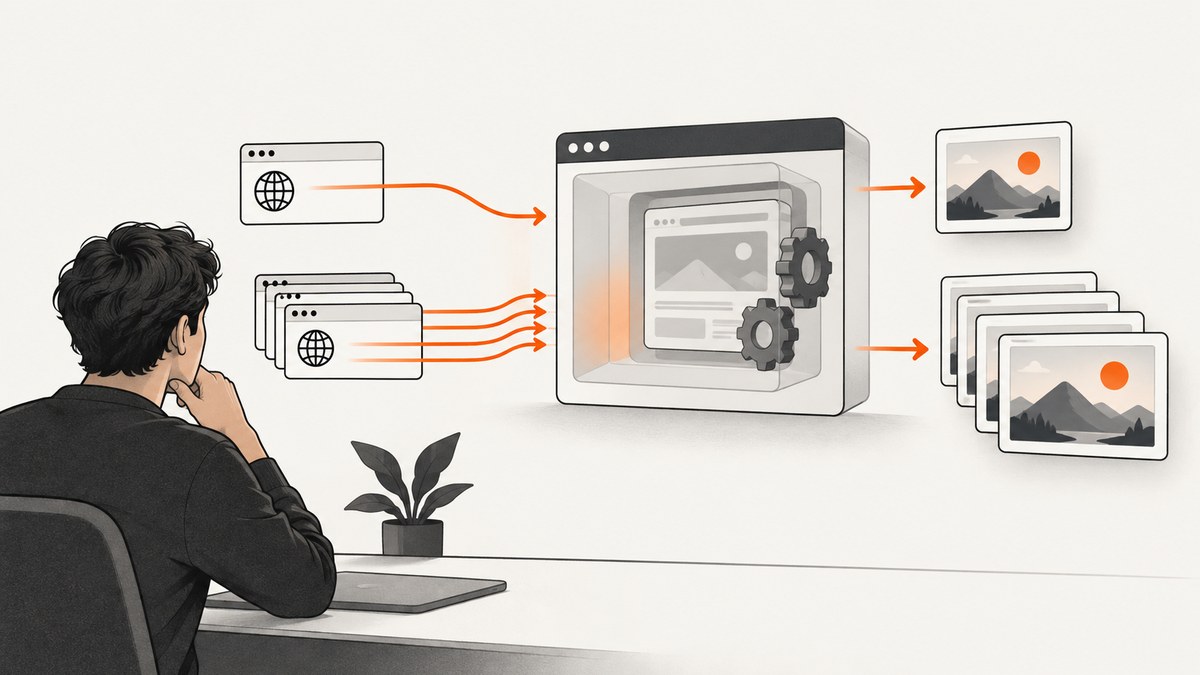
A practical screenshot API load test has two parts: run requests sequentially to establish a latency baseline, then run a controlled parallel pass to see how overlapping renders affect latency and failures. Clobbr supports both run styles, configurable iterations, HTTP methods, headers and payloads, plus latency percentile reporting. A short run is a diagnostic of the exact request and environment you used; it does not certify production capacity.
This guide walks through choosing a test question, configuring a representative request, comparing results, and deciding what to do when latency or failures change. The figures below are suggested starting points from Clobbr’s REST API guidance, not universal test standards.
1. Decide what you need to learn
Before setting an iteration count, write down the question the run should answer. A single-endpoint diagnostic, a concurrency probe, and a repeatable CI regression check need different scopes. Do not treat a request count as meaningful without its request shape, environment, and execution pattern.
| Question | Useful run | What it tells you |
|---|---|---|
| How long does a typical render take without overlap? | Sequential baseline | Response-time distribution under low contention from this test client. |
| Does latency or reliability change when renders overlap? | Parallel pass | Concurrency-related behavior at the tested request volume and client setup. |
| Did a code or configuration change cause a regression? | Repeatable CLI or CI run | Whether recorded thresholds are met for the same configured workload. |
| Can the service handle our expected peak? | A designed workload in a controlled environment | Evidence about a defined scenario, if the test is representative and the provider permits it. |
For screenshot rendering, representative means more than the same hostname. Consider the target pages and their weight, output type and size, full-page versus viewport capture, wait conditions, authentication, and any custom headers or cookies. A small static page and a long page with client-side rendering do not exercise the same work. The sources do not establish a universal request mix; choose one from your application’s actual usage.
Also establish whether the API provider allows load testing and what limits apply. Quotas, rate limits, concurrency caps, billing behavior, and permitted test rates are provider-specific. If you do not know them, check the provider’s documentation or ask before generating significant traffic.
2. Configure a representative screenshot request
In Clobbr, create a request for the screenshot API endpoint. Use the HTTP method the API expects. Add its required authentication header or query parameter, and include the screenshot options in the provider’s required format. Clobbr documents configuring methods, headers, and payloads; it cannot determine which parameters your screenshot provider requires.
- Choose a stable, representative target URL that your team is authorized to capture.
- Configure the screenshot API endpoint and method. Many APIs use GET with query parameters, while others use POST with a JSON body.
- Add the API key in the required location. Prefer a secret or environment variable in CLI or CI workflows; do not paste credentials into shared screenshots or logs.
- Set the output and render options you actually use, such as image format, full-page capture, viewport, or wait condition.
- Send one request and confirm it returns the expected image or documented error before running a batch.
Use a low-impact target when exploring the configuration, and avoid changing options between the sequential and parallel runs. If every iteration targets the same URL, caching may affect the result if either the screenshot provider or target site caches work. If production requests vary, test a controlled set of representative URLs rather than claiming one repeated URL represents all traffic.
Request configuration checklist
- Correct endpoint, method, and content type.
- Authentication supplied without exposing secrets in artifacts.
- Screenshot parameters match normal application traffic.
- Target pages and wait behavior are stable enough to compare.
- Provider quota, billing rules, and test permissions are understood.
3. Run the sequential baseline
Start with a sequential run: Clobbr completes requests one after another, which gives you a baseline without intentionally overlapping the screenshot requests. Clobbr’s guidance suggests 100 sequential requests for an initial single-endpoint pass. Treat that as a starting suggestion, then adapt the count to your question, quota, and the cost or impact of each request.
Record at least the number attempted, number successful, number failed, and p50, p95, and p99 latency if available. The median (p50) describes the middle request. The p95 indicates the latency at or below which 95% of measured responses completed; p99 makes the slower tail visible. Mean latency can be useful as context, but alone it can hide a long tail.
Note the date, API environment, client machine or runner, request options, target set, and whether warm-up requests were included. A sequential run still includes network distance, the Clobbr client, the target page, and provider-side rendering. It is not a pure measure of the screenshot service’s internal processing time.
4. Run a controlled parallel pass
Next, run a parallel test so multiple requests overlap. Increase concurrency in deliberate steps when possible, and stop if the provider reports throttling, errors rise sharply, or the run could affect other users. Clobbr suggests 500–1000 parallel requests as a starting range for examining concurrency behavior, but this is product guidance rather than a universal standard. It does not mean that many requests should be launched simultaneously in every setup; select the concurrency and total iterations your environment and provider can handle.
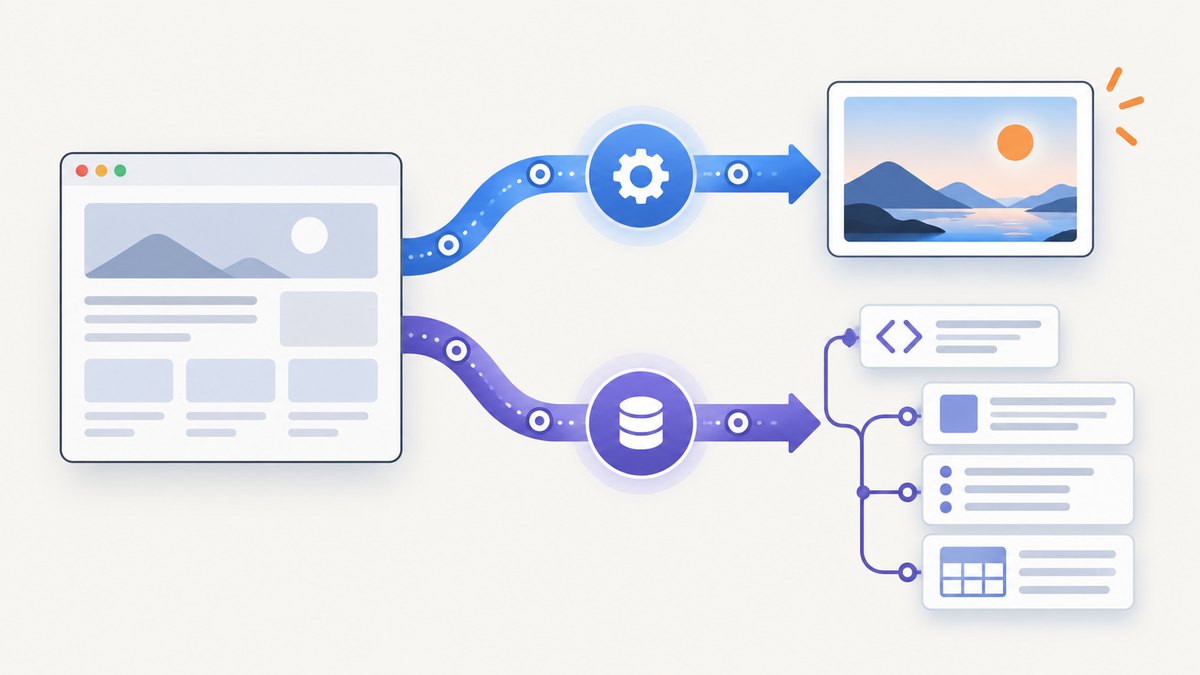
Keep the same endpoint, authentication, rendering options, target distribution, and client environment as the baseline. Change the run pattern, not several variables at once. If the tool exposes separate concurrency and total-iteration settings, record both: a total of 500 requests can mean very different pressure at concurrency 5 versus concurrency 100.
A parallel test can reveal queues, timeouts, rate limits, or contention that did not show up sequentially. It cannot, by itself, tell you which layer caused the change. The capture provider, target site, network, client resources, and your account’s limits can all contribute.
5. Compare latency and success rate
Compare p95 between sequential and parallel runs, then inspect p99 and the failure count. A mean that remains stable can coexist with a worsening tail. A lower success percentage is also important even if successful requests remain fast. Clobbr’s REST guidance recommends running both patterns and inspecting latency percentiles and success percentage.
| Observation | Questions to investigate |
|---|---|
| Parallel p95 rises while success remains high | Did overlap introduce queueing, longer target loads, or provider-side throttling? |
| p99 rises much more than p50 | Are a small number of pages unusually slow, or are timeouts near the tail? |
| Failures increase in parallel | Are errors rate-limit responses, network failures, target-site bot checks, or render timeouts? |
| Sequential and parallel results vary between repeats | Did the target content, cache state, network, runner load, or time of day change? |
There is no single acceptable p95 increase or success percentage in the cited guidance. Define thresholds from your product’s response-time needs and provider behavior. Report a conclusion with the workload and environment attached, for example: “In this run, with these options, N sequential requests had these percentiles and failures; the parallel run at concurrency C had these results.” Avoid converting one short diagnostic into a general throughput claim.
6. Make the test repeatable with Clobbr CLI
Clobbr documents a CLI that can carry a configured test into CI, with output formats and checks for quantiles and success percentage. Refer to the Clobbr CLI repository for current installation instructions and exact command syntax; command flags can change, so use its README rather than copying an unverified invocation.
A reliable CI workflow should keep request definitions under review, inject credentials from the CI secret store, and save machine-readable output such as JSON, YAML, or CSV when useful. Set thresholds that represent a regression worth investigating rather than thresholds so tight that ordinary network variation fails every run. A CI check should use an endpoint and test environment intended for repeated traffic.
Clobbr describes its workflow as local-first and says request contents and run history stay on your machine. That is Clobbr’s product statement; assess your own handling of exported files and CI artifacts. Do not include API keys in committed configuration, logs, or artifacts. Its CLI documentation describes checks against quantiles and success percentage, which can make a repeatable run fail when selected criteria are missed.
7. Troubleshooting common problems
| Symptom | Likely cause | Fix |
|---|---|---|
| Every request returns an authorization error | Missing, malformed, expired, or incorrectly located credential. | Confirm the provider’s required header or parameter, then test one request before the batch. |
| Requests fail before rendering begins | Wrong endpoint, HTTP method, content type, or body format. | Compare the request with the provider’s API documentation and inspect the status and response body. |
| Parallel errors appear but sequential works | Possible rate limit, concurrency limit, queue pressure, or client network constraint. | Lower concurrency, inspect provider response headers and errors, and verify allowed limits before retrying. |
| Latency is unexpectedly high | Slow target page, strict wait condition, large full-page capture, distant region, or overloaded runner. | Check a known stable target, verify wait settings, and monitor the client machine as well as the API response. |
| Some captures are blank or incomplete | Target redirects, requires a session, loads content late, or blocks automated access. | Validate the URL and authentication, choose a suitable wait condition, and inspect the provider’s capture diagnostics if available. |
| Results differ greatly between runs | Changed target content, cache state, environment, traffic, or request mix. | Keep conditions consistent, document unavoidable changes, and repeat before attributing the difference to a code change. |
| CI output includes secrets | Credentials embedded in a request export or verbose command output. | Use CI secrets, redact artifacts, and rotate any credential that was exposed. |
8. Performance, reliability, and cost considerations
Screenshot calls can involve both navigation and rendering, so a request may take longer or vary more than a lightweight JSON API call. Full-page capture, late-loading content, and waits affect the work being measured. These are workload considerations, not universal performance rankings. Compare like with like, and monitor whether the load generator itself is saturated.
For reliability, distinguish an API error from a valid response that contains an unexpected page. Record status codes and provider-specific error information where available. A timeout is not evidence that the screenshot renderer alone is slow: the target page or network path may be responsible. Repeat tests at a controlled pace and use provider-approved limits.
Cost depends on the screenshot API’s pricing, which is provider-specific. A test with hundreds or thousands of iterations can consume quota or incur charges, even if the load tool itself is free. Estimate the request count and cost before a parallel run, and account for retries if your configuration performs them. The Clobbr sources do not establish screenshot API pricing or universal quotas.
Clobbr’s published account of a quick test of the ScreenshotOne API illustrates the right scope: its author described it as a quick way to get a grasp of performance while still intending a fuller CI load test in an isolated production environment. The post does not establish a transferable capacity result for ScreenshotOne or any other API. See the ScreenshotOne account for that example.
Or skip the browser setup
If your goal is to generate screenshots in your application rather than benchmark a provider, ScreenshotNeo provides a one-request screenshot API. Use the example below to make a real request; add --data-urlencode parameters for options from the ScreenshotNeo API documentation.

curl -G "https://api.screenshotneo.com/v1/shot" \
  -d access_key=YOUR_API_KEY \
  --data-urlencode url=https://stripe.com \
  -o shot.webp
ScreenshotNeo removes cookie banners, newsletter popups, and chat widgets before the shot. Bot checks, blank pages, and failed loads are never billed. Its MCP server lets AI agents take screenshots, and 1,000 screenshots a month are free with no card; paid plans start at $5 for 3,000. These features do not replace a controlled load test: use Clobbr and provider-approved traffic limits when measuring concurrency.
Create a free ScreenshotNeo account for 1,000 screenshots a month, with no card required.
FAQ
How many requests make a valid load test?
There is no universal count. Clobbr suggests 100 sequential requests for an initial single-endpoint baseline and 500–1000 parallel requests as a starting range for concurrency investigation. Choose counts based on your question, representative traffic, provider limits, and budget.
Should I run sequential or parallel requests?
Run both when you want baseline latency and concurrency behavior. A sequential pass measures requests one after another; a parallel pass examines what changes when they overlap.
Can a Clobbr run prove production capacity?
No short diagnostic establishes capacity for every production workload. A defensible capacity claim needs a defined workload, environment, rate, duration, and repeatable results. The quick ScreenshotOne example explicitly distinguishes an exploratory run from a fuller isolated-environment CI test.
Can I test an authenticated endpoint?
Yes, if the screenshot API permits it and you configure the required authentication in Clobbr. The exact header, query parameter, or body field depends on the API. Keep credentials out of saved artifacts and CI logs.
What should a useful report include?
Include the endpoint environment, request options, target pages, run pattern, iterations and concurrency, p50/p95/p99, success and failure counts, client environment, and date. State clearly that the numbers describe that run.