Get Localized Metadata: Titles and Prices by Country
Use Apple Music API storefronts to choose a catalog country and supported response language. Learn how to discover storefronts, authenticate, and verify price fields.
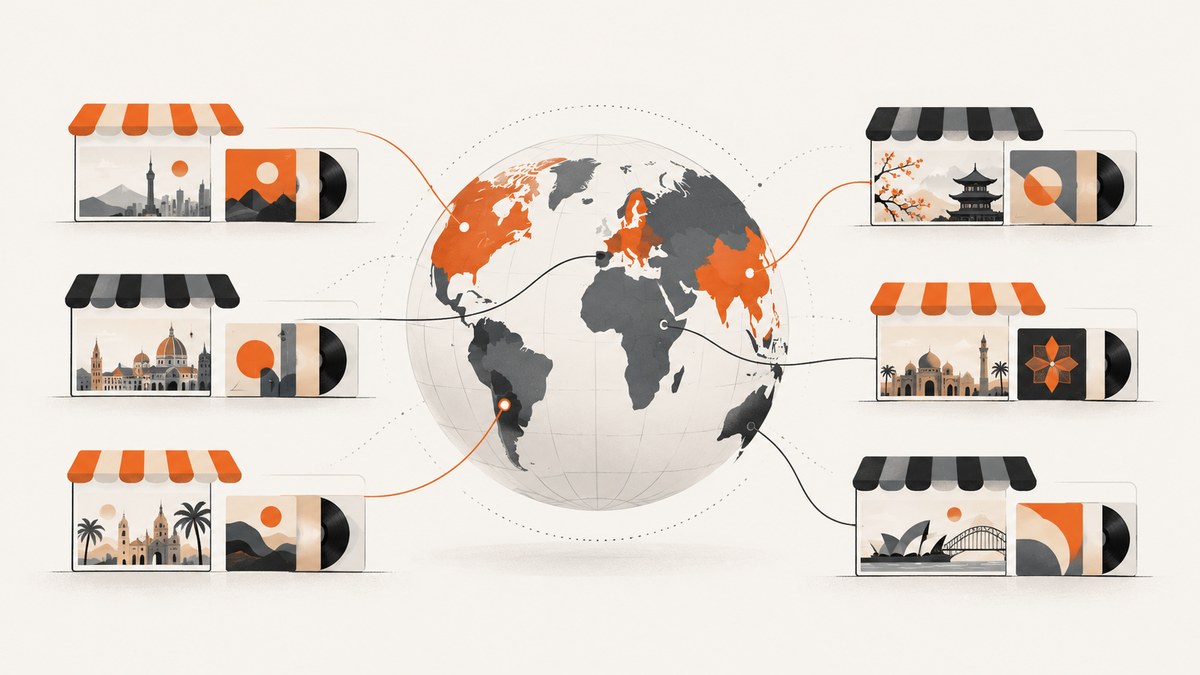
To get localized catalog metadata with the Apple Music API, choose the country or region through its storefront ID, then choose the response language separately. Omit the l parameter to use that storefront’s default language, or pass a language tag listed in the storefront’s supportedLanguageTags. Then inspect the selected resource’s schema for the title, price, currency, and availability fields it actually returns. A language override does not switch the catalog country, and Apple’s localization documentation does not guarantee that every resource includes a price.
This guide shows how to discover storefronts, authenticate requests, retrieve a localized catalog resource, and handle regional and language choices without assuming fields the API may not provide. The examples use Apple Music API and JavaScript, with equivalent cURL, Python, and Node.js request patterns.
1. Separate the country choice from the language choice
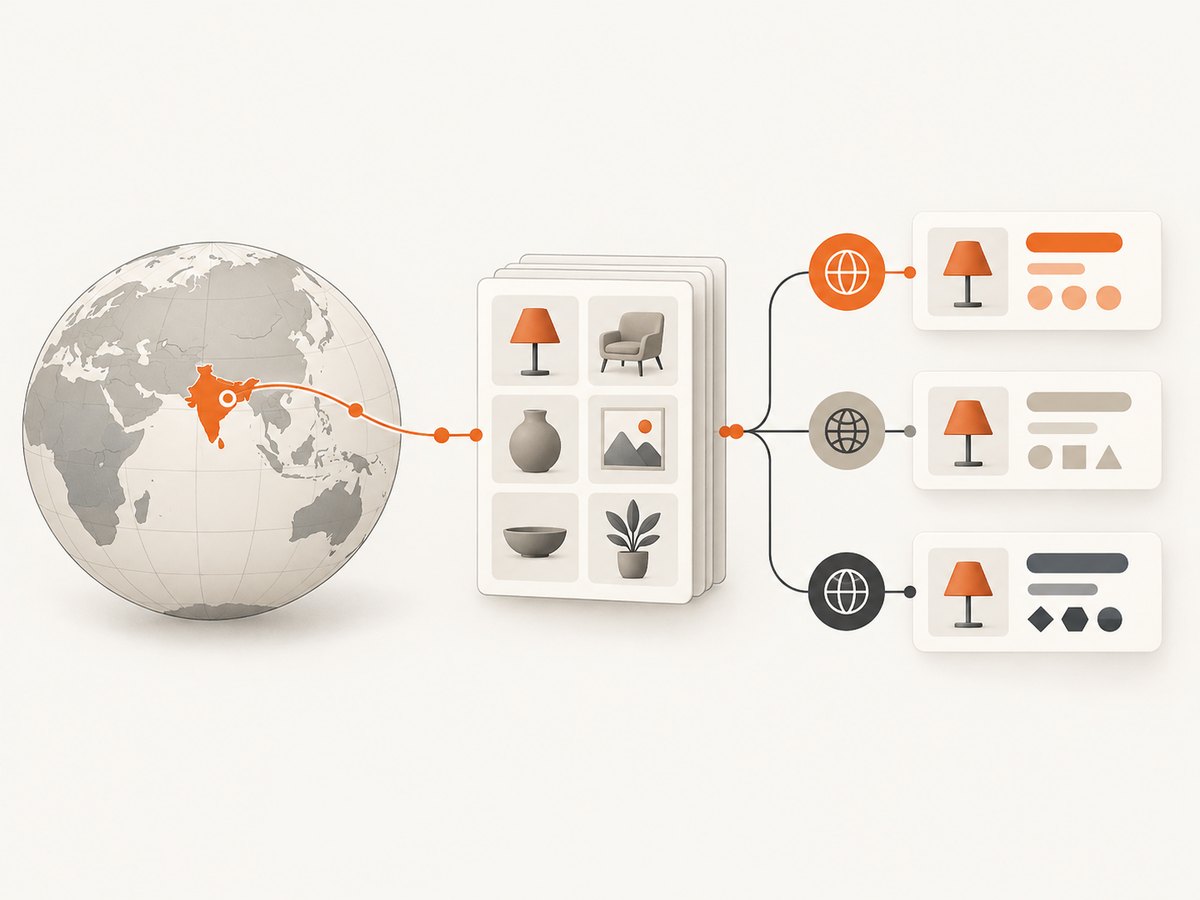
Apple Music API uses a storefront to select a regional catalog. Catalog content can vary by region, so a request for a US storefront and a request for a Japanese storefront can refer to different catalog availability. The request’s l parameter controls the language used for the response, subject to the language tags supported by the chosen storefront. [Apple: Storefronts and Localization]
| Request choice | What it controls | Example |
|---|---|---|
| Storefront in the path | Catalog region and regional availability | /v1/catalog/us/... |
l query parameter |
Response language, if supported by the storefront | ?l=es-MX |
| Resource endpoint and type | Which attributes exist in the response | Album, song, artist, playlist, or another resource |
For example, Apple documents a catalog album request at GET /v1/catalog/us/albums/310730204?l=es-MX. That selects the US catalog and requests a Spanish-language response supported for that storefront; it does not select the Mexico storefront. If the desired catalog territory is Mexico, use that territory’s storefront ID in the path and validate its supported language tags separately.
2. Discover and validate storefront IDs and languages
Do not guess language support from a country name. Apple provides endpoints for looking up one storefront and listing all storefronts. A storefront object includes the storefront name, its default language, and supported language tags. For a single lookup, use the ISO 3166 alpha-2 country code as the storefront ID. [Get a Storefront]
GET https://api.music.apple.com/v1/storefronts/jpApple’s documented Japan example identifies jp, gives ja as the default language, and includes en-US as a supported language. Treat the response as the source of truth for language choices in your application.
To populate a country selector or build a storefront map, retrieve the collection:
GET https://api.music.apple.com/v1/storefronts?limit=100&offset=0The collection endpoint supports limit and offset for pagination. Store the returned IDs, names, default languages, and supported tags as data; avoid maintaining a hand-written list that can drift from the API. [Get All Storefronts]
3. Authenticate the request
Apple Music API requests require a developer token. Use it in the Authorization header with the Bearer scheme. Keep the signing key and token-generation material on a trusted server; do not ship private credentials in a public client. Apple documents an additional requirement for the signed-in listener endpoint: /v1/me/storefront requires a Music User Token. [Apple: Storefronts and Localization] [Get a User’s Storefront]
The examples below assume that APPLE_MUSIC_DEVELOPER_TOKEN is already set in the environment. Replace us and the album ID with the storefront and resource you need.
4. Request a localized catalog resource
Use the storefront default language
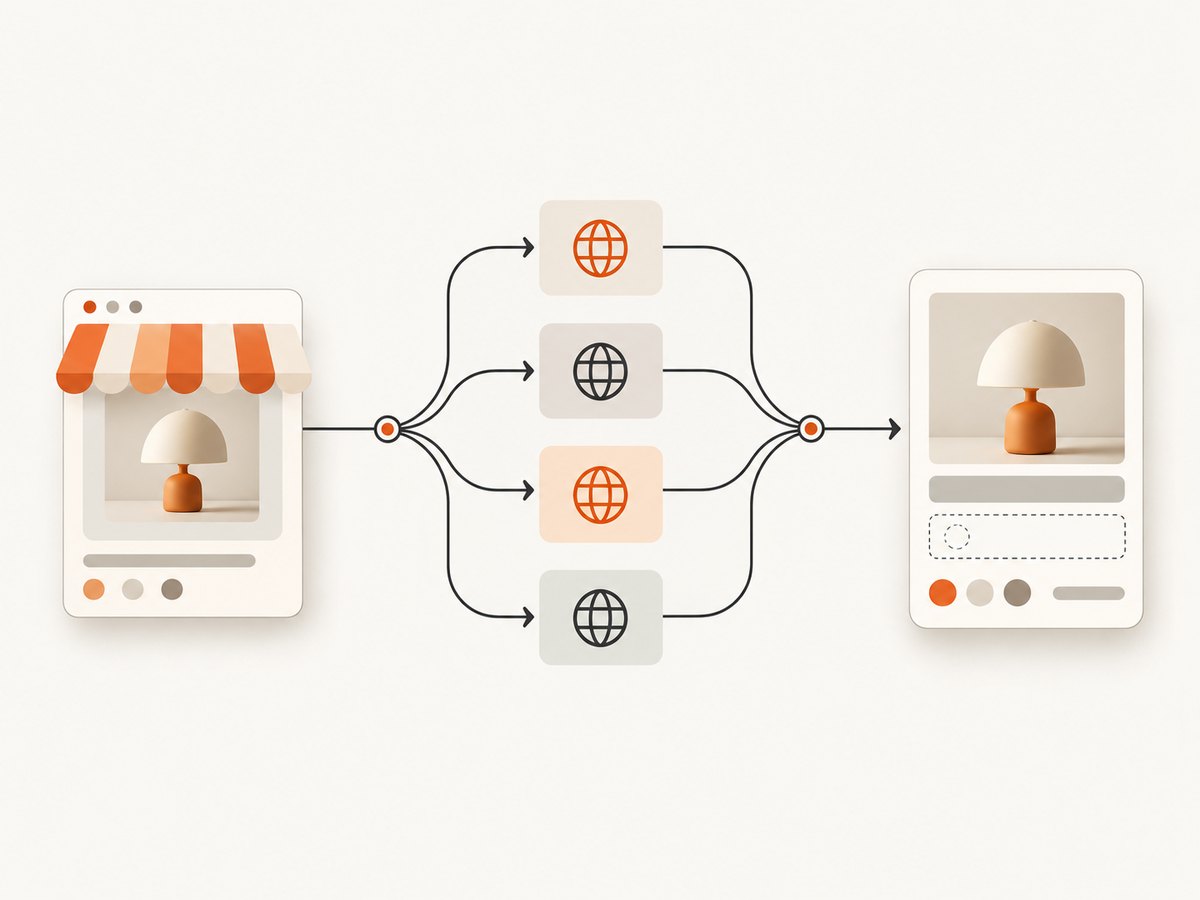
When the default language is appropriate, omit l. This reduces configuration and avoids selecting an unsupported language by mistake.
curl \
  -H "Authorization: Bearer $APPLE_MUSIC_DEVELOPER_TOKEN" \
  "https://api.music.apple.com/v1/catalog/us/albums/310730204"
Override the response language
Pass a language tag that appears in that storefront’s supportedLanguageTags. URL-encode query values when constructing requests in your own client.
curl \
  -H "Authorization: Bearer $APPLE_MUSIC_DEVELOPER_TOKEN" \
  "https://api.music.apple.com/v1/catalog/us/albums/310730204?l=es-MX"
Python example
This example uses the standard requests package. It checks the HTTP result before reading JSON so an authentication or validation error is not mistaken for a successful catalog response.
import os
import requests

base = "https://api.music.apple.com/v1"
token = os.environ["APPLE_MUSIC_DEVELOPER_TOKEN"]
storefront = "us"
album_id = "310730204"

response = requests.get(
    f"{base}/catalog/{storefront}/albums/{album_id}",
    headers={"Authorization": f"Bearer {token}"},
    params={"l": "es-MX"},  # omit this parameter to use the storefront default
    timeout=30,
)
response.raise_for_status()
payload = response.json()

for album in payload.get("data", []):
    print(album.get("id"), album.get("attributes", {}))
Node.js example
Node.js 18 and later provides fetch. The example encodes the language query and reports a useful error body when the API returns a non-success status.
const token = process.env.APPLE_MUSIC_DEVELOPER_TOKEN;
if (!token) throw new Error("Set APPLE_MUSIC_DEVELOPER_TOKEN");

const url = new URL(
  "https://api.music.apple.com/v1/catalog/us/albums/310730204"
);
url.searchParams.set("l", "es-MX"); // omit for the storefront default

const response = await fetch(url, {
  headers: { Authorization: `Bearer ${token}` },
});
if (!response.ok) {
  throw new Error(`Apple Music API ${response.status}: ${await response.text()}`);
}
const payload = await response.json();
for (const album of payload.data ?? []) {
  console.log(album.id, album.attributes ?? {});
}
5. Read titles and prices from the actual resource
After receiving a response, inspect the resource’s attributes and use only the fields documented for that endpoint and resource type. A localized title may be present as an attribute; price and currency fields are not guaranteed by the general storefront localization behavior. Do not infer a price from the storefront ID, the language, or a different resource’s schema. Apple’s storefront documentation describes regional catalog selection and localization, not universal price availability. [Apple: Storefronts and Localization]
For an application that displays a price, confirm all of the following before rendering it:
- The specific endpoint’s resource schema documents a price value.
- The response for the resource actually contains that field.
- The schema or response provides the currency or units needed to interpret it.
- Your UI handles a missing value without showing a guessed, stale, or wrongly converted price.
Keep localized display values distinct from your own price calculations. If the API provides a formatted value, present it according to the endpoint’s documented semantics. If it provides numeric values and currency separately, format them using a locale-aware formatter while retaining the currency code. If no price field is documented or returned, omit the price or use a separately verified source that is appropriate for your use case.
6. Use the listener’s storefront when the use case calls for it
There are two different product decisions: selecting a storefront explicitly for a catalog query, or looking up the current user’s storefront. The latter is appropriate when the application is acting on behalf of a signed-in listener and needs their storefront context. Apple’s GET /v1/me/storefront endpoint requires a Music User Token; a developer token alone is not sufficient for that user-specific lookup. [Get a User’s Storefront]
curl \
  -H "Authorization: Bearer $APPLE_MUSIC_DEVELOPER_TOKEN" \
  -H "Music-User-Token: $APPLE_MUSIC_USER_TOKEN" \
  "https://api.music.apple.com/v1/me/storefront"
Do not silently replace a user’s storefront with the server’s assumed country. For anonymous catalog browsing, expose an explicit country choice or use a documented product rule. For signed-in personalization, handle missing authorization or unavailable user context as a normal state and let the user choose a region if your application supports that fallback.
7. Cache and refresh localized responses carefully
Because storefront and language are separate request inputs, include both in any cache key alongside the endpoint, resource type, and resource ID. Otherwise a response for one country or language can be served for another. If a request omits l, either include an explicit representation of “storefront default” in the key or resolve and include the default language. Keep price values tied to the exact resource response and its region; do not reuse one region’s value for another.
Storefront metadata can support a country and language selector. Fetch the storefront collection with pagination when needed, then refresh it according to your product’s data policy. The Apple documentation cited here specifies the endpoint and pagination parameters; it does not prescribe a cache duration. Choose a refresh interval based on your application’s needs and behavior, and ensure errors do not erase a previously valid map.
8. Common errors and fixes
| Symptom | Likely cause | Fix |
|---|---|---|
| 401 or authorization failure | Missing, malformed, expired, or invalid developer token. | Send Authorization: Bearer …; verify server-side token generation and refresh the token when necessary. |
| User storefront lookup fails | The request uses only a developer token. | Include the Music User Token for /v1/me/storefront and handle user authorization state. |
| Language is rejected or ignored | The language tag is not supported by the selected storefront, or the query was encoded incorrectly. | Read supportedLanguageTags from the storefront response; omit l to use its default. |
| Results are from the wrong country | The storefront path still contains the prior country ID. | Change the storefront segment in /v1/catalog/{storefront}/…; changing l only changes response language. |
| No price appears | The particular resource schema may not expose a price, or that response omits it. | Check the exact endpoint schema and inspect the response; do not assume localization implies a price field. |
| A storefront is missing from a country picker | The collection request fetched only one page. | Follow the collection’s limit and offset pagination rather than assuming one response is complete. |
| JSON parsing fails | The response is an error document or an empty/non-JSON body. | Check the HTTP status and response body before decoding JSON; log status and request context without exposing tokens. |
9. Performance, reliability, and cost
For a one-off lookup, the simplest reliable flow is one storefront lookup when language validation is needed, followed by one catalog request. For a user-facing selector or batch workflow, fetch the storefront collection once, paginate all results, and reuse the validated metadata rather than making a storefront lookup for every catalog item. Cache catalog responses with keys that include storefront and language so regional results cannot leak across requests.
Handle timeouts, non-success status codes, malformed responses, and missing attributes explicitly. Retry transient failures with bounded backoff if your application’s request policy allows it; do not retry authentication or invalid-parameter errors unchanged. The cited documentation does not establish a universal request quota, latency guarantee, price field guarantee, or API cost for your account, so consult the applicable Apple developer terms and the exact endpoint documentation for those details. Keep user and developer tokens out of logs.
10. Or skip the browser setup
This guide is about API metadata, so ScreenshotNeo is not a substitute for Apple Music API: it captures web pages as images or PDFs. If you also need a visual record of a page that displays localized catalog information, ScreenshotNeo can capture it with one GET request. Its [API documentation](https://screenshotneo.com/docs/) lists the available capture options.
curl -G "https://api.screenshotneo.com/v1/shot" \
  -d access_key=YOUR_API_KEY \
  --data-urlencode url=https://www.apple.com/music/ \
  -o shot.webp
ScreenshotNeo removes cookie banners, newsletter popups, and chat widgets before the shot. Bot checks, blank pages, and failed loads are never billed. Its MCP server lets AI agents take screenshots. The free plan includes 1,000 screenshots a month with no card; paid plans start at $5 for 3,000. See [ScreenshotNeo](https://screenshotneo.com) and [create a free account](https://screenshotneo.com/account/sign-up/) to get started.
FAQ
Does l=es-MX return the Mexico catalog?
No. It requests a supported response language. The storefront ID in the catalog path selects the catalog region.
Can I use a country’s two-letter code as its storefront ID?
Apple’s single-storefront lookup uses the ISO 3166 alpha-2 country code. Use the storefront collection or lookup response to validate the value and supported languages.
Will every localized catalog response include a title and price?
Do not assume that. Check the schema and actual response for the exact resource endpoint; general localization documentation does not promise a universal price field.
Can I determine the current listener’s storefront without user authorization?
The documented /v1/me/storefront endpoint requires a Music User Token. For a public catalog experience, select the storefront explicitly instead.
Implementation checklist
- Choose a storefront based on the desired catalog territory.
- Discover that storefront’s default and supported language tags.
- Omit
lfor the default language or send a supported tag. - Use the proper token type for catalog versus user storefront requests.
- Verify title, price, and currency fields against the specific resource schema.
- Include storefront and language in cache keys and handle absent fields safely.


