How to Locate a Button Next to Specific Text in Cypress
Use cy.contains, row scoping, exact text, and DOM traversal to click the button associated with specific text in Cypress.
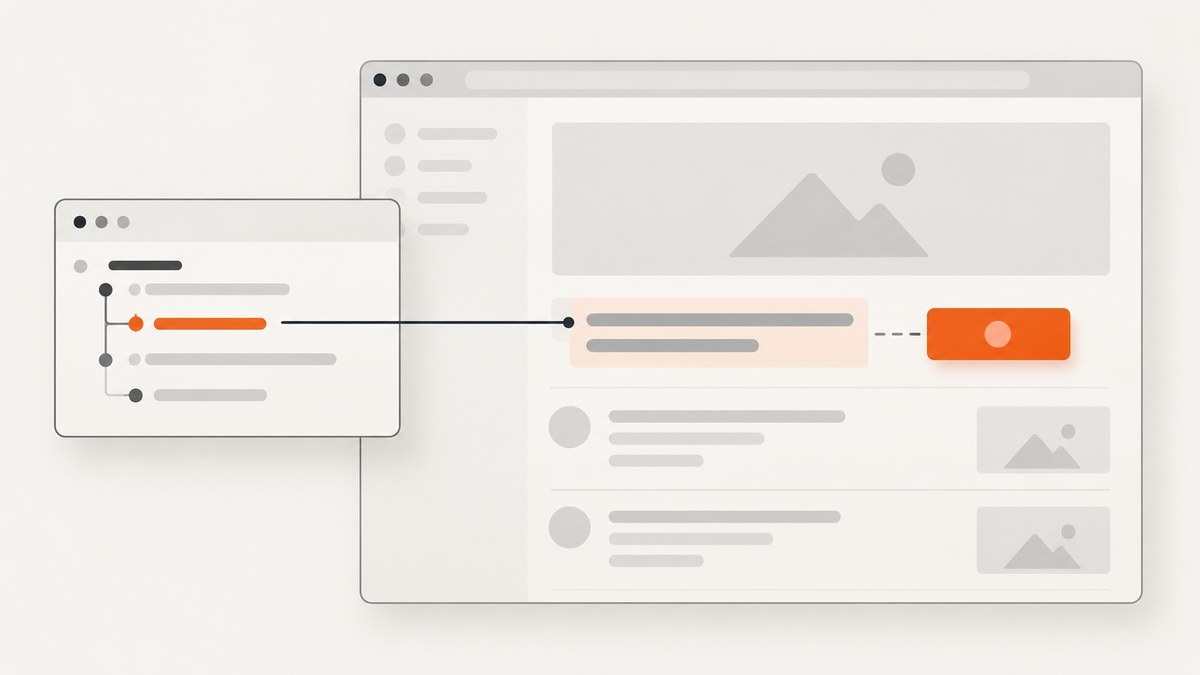
When the label is inside the button, use an explicit button selector:
cy.contains('button', 'Save').click()When the text is outside the button, first scope the query to the row or component that contains both elements, then find the button inside that scope:
cy.contains('tr', 'Jane')
  .find('button')
  .contains('Edit')
  .click()
The key is to express the real DOM relationship. Visual proximity alone does not mean two elements are siblings.
1. Decide where the text lives
Text is inside the button
Use cy.contains('button', text) when the button itself contains the visible label.
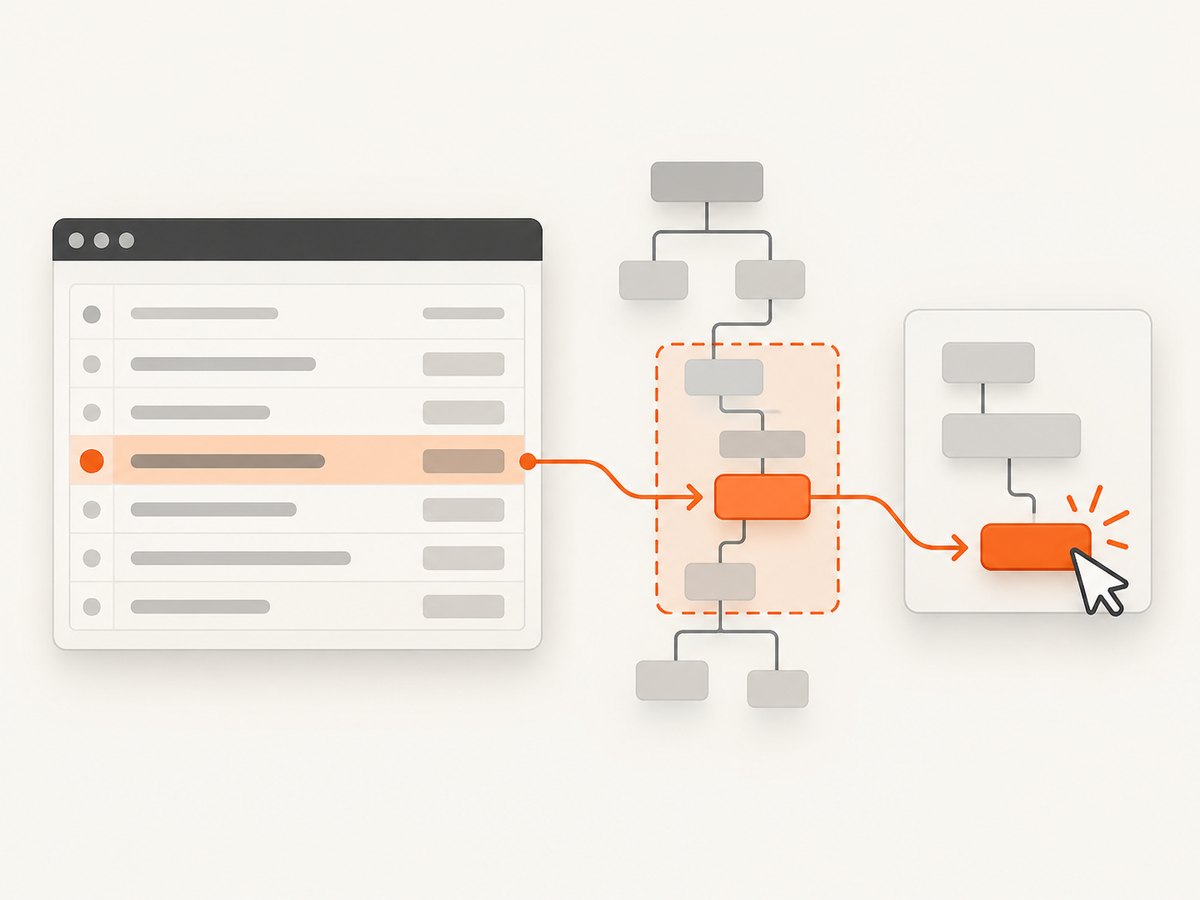
cy.contains('button', 'Continue').click()The button selector limits candidates to buttons. Without it, a text query can yield another element containing the same text.
Text and button share a row or component
Scope the search to a stable container that uniquely identifies the record, then search for the control inside it.
cy.contains('[data-cy="user-row"]', 'Jane Doe')
  .find('button')
  .contains('Edit')
  .click()
A table-row version follows the same pattern:
cy.contains('tr', 'Jane Doe')
  .contains('button', 'Edit')
  .click()
This prevents an Edit button in another row from being selected.
The text and button are immediate siblings
If the markup places the text element immediately before the button as siblings, use .next('button'):
cy.contains('.field-row', 'Email')
  .next('button')
  .click()
.next() follows the next sibling in the DOM. It does not search for an element that merely appears beside the text on screen. If a wrapper sits between the label and button, move to their common parent and search within it instead.
2. Match the label exactly when needed
A string is a substring match. This can match longer labels such as Save draft when you asked for Save.
cy.contains('button', /^Save$/).click()Cypress collapses internal whitespace to one space but does not trim leading or trailing whitespace. For markup that includes padding whitespace, use a whitespace-tolerant expression:
cy.contains('button', /^\s*Save\s*$/).click()Use a case-insensitive expression only when capitalization is not part of the behavior being tested:
cy.contains('button', /^save$/i).click()3. A complete Cypress example
The following test locates a specific user row and clicks only that row’s Edit button.
describe('user actions', () => {
  it('edits Jane Doe', () => {
    cy.visit('/users')

    cy.contains('tr', 'Jane Doe')
      .contains('button', /^Edit$/)
      .click()

    cy.url().should('include', '/users/jane-doe/edit')
  })
})
If your application has a stable component attribute, prefer it for the outer scope:
cy.get('[data-cy="user-row"]')
  .filter(':has(.user-name)')
  .contains('.user-name', 'Jane Doe')
  .closest('[data-cy="user-row"]')
  .contains('button', /^Edit$/)
  .click()
A simpler and usually clearer version is to put the identifying text on the row itself:
cy.contains('[data-cy="user-row"]', 'Jane Doe')
  .contains('button', /^Edit$/)
  .click()
4. Use the right traversal command
| Relationship | Typical command | Example |
|---|---|---|
| Button contains the text | cy.contains('button', text) |
cy.contains('button', 'Save') |
| Button is a descendant of a row | .find('button') |
cy.contains('tr', 'Jane').find('button') |
| Button is the next sibling | .next('button') |
cy.contains('.label', 'Email').next('button') |
| Button is the previous sibling | .prev('button') |
cy.contains('.status', 'Pending').prev('button') |
| Button is another sibling | .siblings('button') |
cy.contains('.label', 'Email').siblings('button') |
| Need the nearest component | .closest(selector) |
cy.contains('.name', 'Jane').closest('[data-cy="user-row"]') |
| Need the direct parent | .parent() |
cy.contains('.label', 'Email').parent().find('button') |
Choose the narrowest relationship that matches the markup. A broad cy.get('button') query lacks the context needed to identify the correct control.
5. Text selectors versus test attributes
Use visible text when changing that text should cause the test to fail. This makes the user-facing wording part of the behavior under test.
cy.contains('button', 'Delete account').click()Use a dedicated attribute when copy can change without changing behavior:
cy.get('[data-cy="edit-user"]')
  .click()
Attributes such as data-cy are isolated from CSS and JavaScript implementation changes. Keep the identifying scope and the action together when a page contains repeated controls:
cy.contains('[data-cy="user-row"]', 'Jane Doe')
  .find('[data-cy="edit-user"]')
  .click()
Cypress Testing Library also provides accessible queries such as findByRole and findByLabelText. Selector choice alone is not a complete accessibility test.
6. Shadow DOM and custom elements
Normal text queries do not cross a shadow root by default. If the button is inside an open shadow root, opt into shadow DOM traversal:
cy.get('user-card')
  .shadow()
  .contains('button', 'Edit')
  .click()
You can also enable includeShadowDom for a query when that matches your project configuration:
cy.contains('button', 'Edit', { includeShadowDom: true }).click()Use the smallest shadow boundary that contains the control so the test remains specific.
7. Dynamic lists, duplicates, and actionability
Repeated labels
If several rows contain the same text, add another stable field to the scope or use a row attribute:
cy.contains('tr', 'Jane Doe')
  .contains('td', 'Admin')
  .parents('tr')
  .contains('button', /^Edit$/)
  .click()
If the page can legitimately contain two identical rows, add a unique test attribute in the application rather than relying on DOM order.
Asynchronous rendering
Cypress queries retry until the matching element exists or the command times out. Start the chain at the component that appears after the data loads:
cy.get('[data-cy="users-table"]')
  .contains('tr', 'Jane Doe')
  .contains('button', 'Edit')
  .click()
Avoid fixed waits such as cy.wait(2000). Wait on an observable application condition instead:
cy.intercept('GET', '/api/users').as('getUsers')
cy.visit('/users')
cy.wait('@getUsers')
cy.contains('tr', 'Jane Doe').contains('button', 'Edit').click()
Disabled or covered buttons
.click() checks that the element is actionable. If it is disabled, covered, detached, or outside the viewport, fix the application state or wait for the state that makes the control usable. Do not use { force: true } as the default fix because it skips actionability checks:
cy.contains('tr', 'Jane Doe')
  .contains('button', 'Edit')
  .should('be.enabled')
  .click()
8. Common errors and fixes
| Error or symptom | Cause | Fix |
|---|---|---|
| The wrong element is returned | The query was not restricted to a button or row. | Use cy.contains('button', text) and scope to the correct component. |
| Save matches Save draft | String matching is a substring match. | Use an anchored expression such as /^Save$/. |
.next('button') yields nothing |
The button is not the immediate next DOM sibling. | Inspect the markup, then use .parent(), .closest(), and .find(). |
| An Edit button from another row is clicked | The button search is global. | Locate the row by unique text first, then search inside that row. |
| The command times out | The text is rendered later, differs by whitespace, or is inside a shadow root. | Check the rendered text, use a whitespace-tolerant regex, wait on the loading request, or enable shadow DOM traversal. |
| Text is visible but Cypress cannot find it | The content is inside an iframe or closed shadow root. | Use the appropriate iframe or component integration; Cypress cannot query through a closed shadow root with ordinary commands. |
| The click fails because the button is covered | A modal, animation, overlay, or sticky element intercepts the click. | Wait for the overlay to disappear and assert visibility or actionability before clicking. |
| Whitespace causes an exact match to fail | Leading or trailing whitespace remains in the rendered text. | Use /^\s*Label\s*$/ or fix the markup. |
9. Reliability and performance guidance
- Keep each locator chain scoped to the smallest unique component.
- Prefer stable application attributes for controls whose wording changes.
- Use exact regular expressions when similar labels exist.
- Let Cypress retry queries; synchronize with network aliases or visible state instead of arbitrary delays.
- Inspect the DOM when choosing between
.next(),.siblings(), and.find(). - Use one semantic chain that identifies the record and then performs the action. This is easier to debug than a global selector followed by positional indexing.
- Do not add screenshots or repeated DOM searches inside tight loops unless the diagnostic value justifies the extra browser work.
10. Or skip the browser setup
If your goal is to capture the page after verifying a UI state, ScreenshotNeo can return a screenshot with one request. Its cleanup steps accept cookie and consent banners before capture and remove more than 60 known consent platforms, newsletter popups, and chat widgets. Bot checks, blank pages, timeouts, failed loads, and cache hits are not billed, and response headers report the page verdict and billing status.

See the ScreenshotNeo API documentation for all options. cURL:
curl -G "https://api.screenshotneo.com/v1/shot" -d access_key=YOUR_API_KEY --data-urlencode url=https://stripe.com -o shot.webpPython:
import requests
r = requests.get("https://api.screenshotneo.com/v1/shot", params={"access_key": "YOUR_API_KEY", "url": "https://stripe.com"}, timeout=90)
open("shot.webp", "wb").write(r.content)
Node.js:
const q = new URLSearchParams({ access_key: 'YOUR_API_KEY', url: 'https://stripe.com' });
const res = await fetch(`https://api.screenshotneo.com/v1/shot?${q}`);
ScreenshotNeo also includes an MCP server with take_screenshot, get_page_info, and capture_pdf tools for Claude, Cursor, and other MCP clients. One thousand screenshots per month are free with no card, and paid plans start at $5 for 3,000 shots. Create a free ScreenshotNeo account.
11. FAQ
Can I locate a button by the text beside it without a class?
Yes. Scope to a unique parent or row, then use traversal such as .find('button') or .next('button') when that relationship is present in the DOM.
Does cy.contains() return every matching element?
No. It yields at most one matching element, so make the scope unique before calling it.
Should I use an XPath selector?
Prefer Cypress queries and DOM traversal when they describe the component clearly. Add a stable data-cy attribute when the markup does not expose a reliable relationship.
How do I make a locator fail when the button label changes?
Use the visible label in cy.contains(), preferably with an exact regular expression when the complete wording matters.
Can Cypress find text in a closed shadow root?
Ordinary Cypress queries cannot cross a closed shadow root. Expose a testable boundary or provide an application-level hook.


