How to Log an HTML DOM Element in Puppeteer’s evaluate()
Learn how to log DOM elements from Puppeteer, return HTML and attributes to Node.js, forward browser console output, and avoid handle pitfalls.

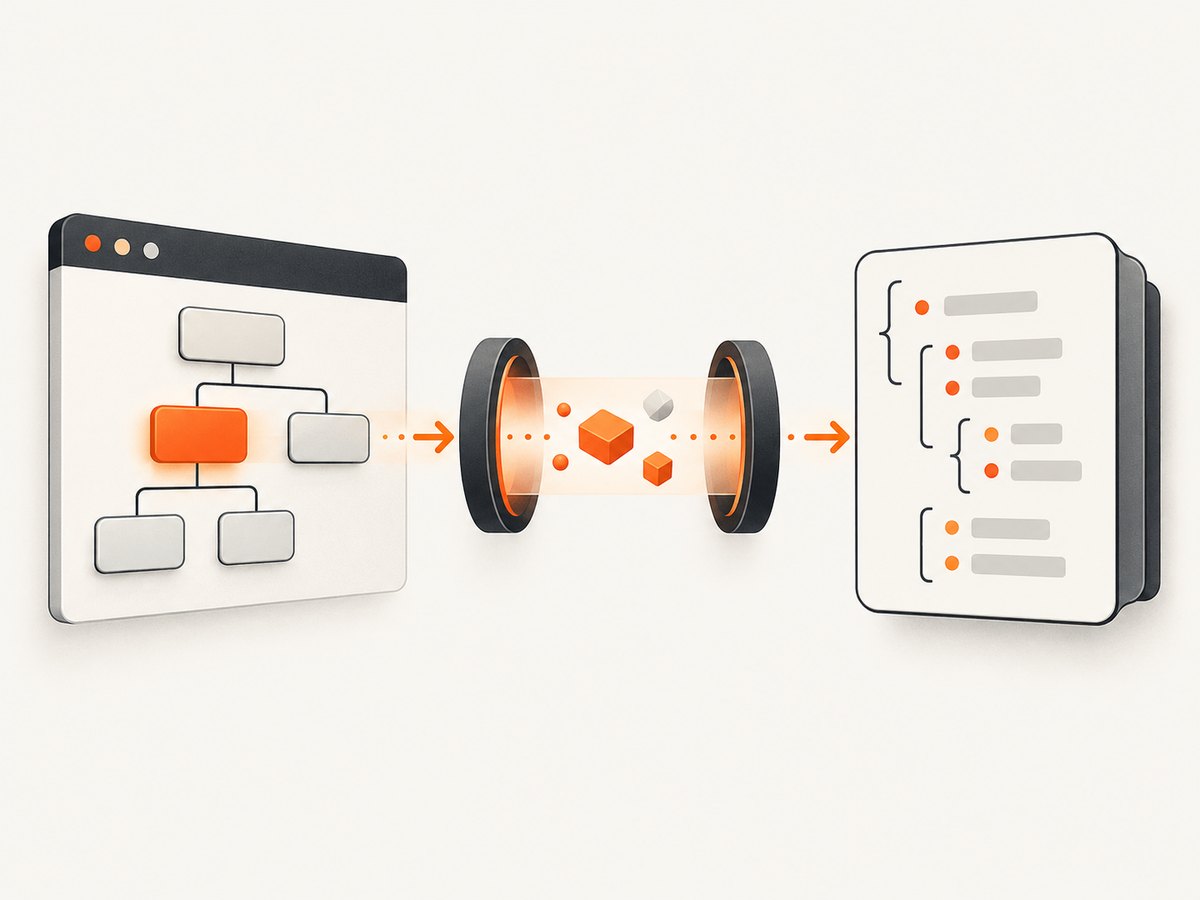
Use page.$eval() or page.evaluate() to return a plain object containing the DOM fields you need. A function passed to page.evaluate() runs in the browser page and its return value crosses back to Node.js. A browser-side console.log() does not automatically print in Node; forward it with Puppeteer’s page.on('console') event.
const info = await page.$eval('#target', el => ({
  tag: el.tagName,
  id: el.id,
  className: el.className,
  text: el.textContent,
  html: el.outerHTML,
  attributes: Object.fromEntries(
    [...el.attributes].map(attribute => [attribute.name, attribute.value])
  ),
  rect: el.getBoundingClientRect().toJSON(),
}));

console.log(info);
This produces stable, serializable data in Node instead of depending on how a browser client renders a live DOM object.
1. Understand which console is running
page.evaluate() executes in the page context. The console inside that callback is the browser page’s console, while the console in your Node script is Node’s console. Puppeteer describes evaluate() as evaluating a function in the page context and returning its result. If the callback returns a promise, Puppeteer waits for it.
For durable logs, return data explicitly:
const result = await page.evaluate(() => {
  const element = document.querySelector('#target');
  if (!element) return null;

  return {
    tag: element.tagName,
    html: element.outerHTML,
    text: element.textContent,
  };
});

console.dir(result, { depth: null });
2. Complete runnable example with $eval()
Install Puppeteer, create a page, wait for the selector, extract a snapshot, and close the browser:
npm install puppeteerconst puppeteer = require('puppeteer');
(async () => {
const browser = await puppeteer.launch({ headless: true });
try {
const page = await browser.newPage();
await page.goto('https://example.com', { waitUntil: 'domcontentloaded' });
await page.waitForSelector('h1', { timeout: 10000 });
const info = await page.$eval('h1', element => ({
tag: element.tagName,
id: element.id,
className: element.className,
text: element.textContent,
html: element.outerHTML,
innerHTML: element.innerHTML,
attributes: Object.fromEntries(
[...element.attributes].map(attribute => [attribute.name, attribute.value])
),
rect: element.getBoundingClientRect().toJSON(),
}));
console.dir(info, { depth: null });
} finally {
await browser.close();
}
})();$eval(selector, callback) finds the first matching element and passes it to the callback. Use $$eval() when you need an array:
const links = await page.$$eval('a', elements =>
  elements.map(element => ({
    text: element.textContent.trim(),
    href: element.href,
    rel: element.rel,
  }))
);
console.dir(links, { depth: null });
3. Choose the right fields to log
| Field | Use it for | Details |
|---|---|---|
outerHTML |
The element and descendants | Includes the element’s own opening and closing tags. |
innerHTML |
Descendant markup | Excludes the selected element itself. |
textContent |
Raw text | Includes hidden text and preserves source whitespace. |
innerText |
Rendered text | Reflects layout and visibility and can trigger style-related work. |
tagName, id, className |
Identity | Useful for confirming that the selector matched the expected node. |
attributes |
Attribute debugging | Convert the NamedNodeMap to a plain object before returning it. |
getBoundingClientRect() |
Layout | Call toJSON() so coordinates become serializable numbers. |
const snapshot = await page.$eval('[data-testid="card"]', el => ({
  selectorMatch: true,
  html: el.outerHTML,
  text: el.textContent,
  visibleText: el.innerText,
  attributes: Object.fromEntries([...el.attributes].map(a => [a.name, a.value])),
  geometry: el.getBoundingClientRect().toJSON(),
  computed: {
    display: getComputedStyle(el).display,
    visibility: getComputedStyle(el).visibility,
    color: getComputedStyle(el).color,
  },
}));
4. Forward browser-side console.log() to Node
Attach the listener before running code that logs. Puppeteer emits a page console event when JavaScript calls console APIs such as console.log() or console.dir(). A ConsoleMessage provides formatted text, the original arguments, type, location, and stack trace.
page.on('console', async message => {
  const values = await Promise.all(
    message.args().map(argument =>
      argument.jsonValue().catch(() => undefined)
    )
  );

  console.log(`[browser:${message.type()}] ${message.text()}`);
  console.dir(values, { depth: null });
});

await page.evaluate(() => {
  const element = document.querySelector('#target');
  console.log('selected element', element);
  console.dir(element);
});
message.text() is convenient for a readable line. message.args() lets you inspect the remote values individually. Some browser objects cannot be converted with jsonValue(); handle that rejection and use message.text() or extract fields inside evaluate().
Capture location and stack information
page.on('console', message => {
  console.log({
    type: message.type(),
    text: message.text(),
    location: message.location(),
    stack: message.stackTrace(),
  });
});
5. Use evaluateHandle() for a live element reference
Use evaluateHandle() when you need to perform several operations on the same in-page object. Its result is wrapped in an in-page object; when the result is a DOM element, Puppeteer returns an ElementHandle. Dispose of handles when finished.
const handle = await page.evaluateHandle(() =>
  document.querySelector('#target')
);

try {
  const details = await handle.evaluate(element => ({
    tag: element.tagName,
    text: element.textContent,
    html: element.outerHTML,
  }));
  console.dir(details, { depth: null });
} finally {
  await handle.dispose();
}
You can also obtain a handle with page.$():
const elementHandle = await page.$('#target');
if (!elementHandle) throw new Error('Target element was not found');
try {
  console.log(await elementHandle.evaluate(el => el.outerHTML));
} finally {
  await elementHandle.dispose();
}
6. Pass values and handles into evaluate()
Puppeteer serializes ordinary arguments and can pass ElementHandle or JSHandle instances into the page function:
const selector = '#target';
const text = await page.evaluate(sel => {
  const element = document.querySelector(sel);
  return element ? element.textContent : null;
}, selector);

const element = await page.$('#target');
if (element) {
  const tag = await page.evaluate(el => el.tagName, element);
  console.log(tag);
  await element.dispose();
}
7. Handle missing, detached, and changing elements
Missing selector
$eval() throws when no element matches. Use page.$() or a deliberate null check when “not found” is an expected result:
const element = await page.$('#optional-target');
if (!element) {
  console.log('optional-target is absent');
} else {
  console.log(await element.evaluate(el => el.outerHTML));
  await element.dispose();
}
Detached element
Frameworks can replace a node after you select it. Re-query after navigation or a rerender, and avoid retaining handles longer than necessary.
await page.waitForSelector('#target');
const snapshot = await page.$eval('#target', el => ({
  html: el.outerHTML,
  text: el.textContent,
}));
Shadow DOM
A normal CSS selector does not cross a shadow root. Query inside the host:
const shadowDetails = await page.$eval('my-component', host => {
  const target = host.shadowRoot?.querySelector('.target');
  return target ? { html: target.outerHTML, text: target.textContent } : null;
});
Frames
Search in the frame that owns the element. The main page cannot directly select nodes inside an iframe:
const frame = page.frames().find(f => f.url().includes('/embedded'));
if (!frame) throw new Error('Embedded frame not found');
await frame.waitForSelector('#target');
const info = await frame.$eval('#target', el => ({
  html: el.outerHTML,
  text: el.textContent,
}));
8. Serialization limits
Return JSON-like values: strings, numbers, booleans, null, arrays, and plain objects. DOM nodes, functions, symbols, circular objects, and some browser-native objects do not become ordinary Node objects through evaluate(). Select the properties you need inside the page.
// Fragile for durable logging:
const node = await page.evaluate(() => document.querySelector('#target'));

// Stable snapshot:
const snapshot = await page.evaluate(() => {
  const el = document.querySelector('#target');
  return el ? {
    tag: el.tagName,
    html: el.outerHTML,
    attributes: Object.fromEntries([...el.attributes].map(a => [a.name, a.value])),
  } : null;
});
9. Troubleshooting
| Symptom | Cause | Fix |
|---|---|---|
| Nothing appears in the Node terminal | The log ran in the browser context. | Register page.on('console') before evaluate(), or return a value and log it in Node. |
$eval says no element was found |
The selector is wrong, the page has not rendered, or the element is in a frame or shadow root. | Call waitForSelector(), verify the selector, and query the correct frame or shadow root. |
The returned value is null |
Your callback deliberately returned null for a missing element. | Check the selector and distinguish an absent node from an empty one. |
| “Execution context was destroyed” | Navigation or reload occurred during evaluation. | Await navigation, then wait for the target again before evaluating. |
| “Node is detached from document” | A framework replaced the selected node. | Re-query immediately before extraction and dispose stale handles. |
jsonValue() fails for a console argument |
The argument is a remote DOM or browser object that is not JSON-serializable. | Use message.text(), or log selected fields inside evaluate(). |
| HTML is truncated or huge | The subtree contains large markup. | Log selected fields, cap output length, or write the snapshot to a file. |
| Text differs from what is visible | textContent includes hidden text and source whitespace. |
Use innerText for rendered text and normalize whitespace explicitly. |
10. Performance and reliability
- Prefer one
$eval()that returns all required fields over many round trips. - Use
waitForSelector()with a bounded timeout so missing content fails clearly. - Use
domcontentloadedwhen you only need early DOM content; wait for a selector when an application renders asynchronously. - Avoid returning full
outerHTMLfor very large subtrees in high-volume jobs. Extract identity, text, attributes, and geometry instead. - Dispose
ElementHandleandJSHandleobjects, especially in loops. - Install console listeners once per page and include page URL, message type, and location in structured logs.
- For repeatable snapshots, set the viewport and wait for the same readiness condition before evaluating.
11. Or skip the browser setup
If your goal is a clean screenshot rather than DOM debugging, ScreenshotNeo provides a single GET request that returns PNG, JPEG, WebP, or PDF. See the ScreenshotNeo API documentation for the full option set.

curl -G "https://api.screenshotneo.com/v1/shot" -d access_key=YOUR_API_KEY --data-urlencode url=https://stripe.com -o shot.webpimport requests
r = requests.get(
"https://api.screenshotneo.com/v1/shot",
params={"access_key": "YOUR_API_KEY", "url": "https://stripe.com"},
timeout=90,
)
r.raise_for_status()
open("shot.webp", "wb").write(r.content)const q = new URLSearchParams({ access_key: 'YOUR_API_KEY', url: 'https://stripe.com' });
const res = await fetch(`https://api.screenshotneo.com/v1/shot?${q}`);
if (!res.ok) throw new Error(`Screenshot failed: ${res.status}`);
const bytes = Buffer.from(await res.arrayBuffer());
require('fs').writeFileSync('shot.webp', bytes);ScreenshotNeo removes cookie and consent banners, newsletter popups, and chat widgets before capture. Bot checks, blank pages, timeouts, failed loads, and cache hits are not billed; response headers identify the page verdict and whether the shot was billed. Its MCP server lets Claude, Cursor, and other MCP clients use take_screenshot, get_page_info, and capture_pdf. The Free plan includes 1,000 screenshots per month without a card; paid plans start at $5 for 3,000 shots.
Create a free ScreenshotNeo account and get 1,000 screenshots each month with no card.
12. FAQ
Can I print a DOM element directly with Node’s console.log?
Only after returning serializable data or forwarding the browser console event. A live DOM node does not become a normal Node object automatically.
Should I use $eval() or evaluate()?
Use $eval() when you already have a selector. Use evaluate() for custom page logic, multiple selectors, or arguments.
When is evaluateHandle() the better choice?
Use it when several operations must act on the same in-page object. Dispose the handle when finished.
How do I log every browser console message?
Attach one page.on('console') listener before navigation or evaluation and record type(), text(), args(), and location() as needed.
Why does the logged element look different between tools?
DevTools and terminal formatters render remote objects differently. A plain object containing explicit fields is the portable representation.


