How to Log In to a Website With cURL
Use cURL to submit a website login form, preserve cookies, follow redirects, and diagnose when a browser or API is required.
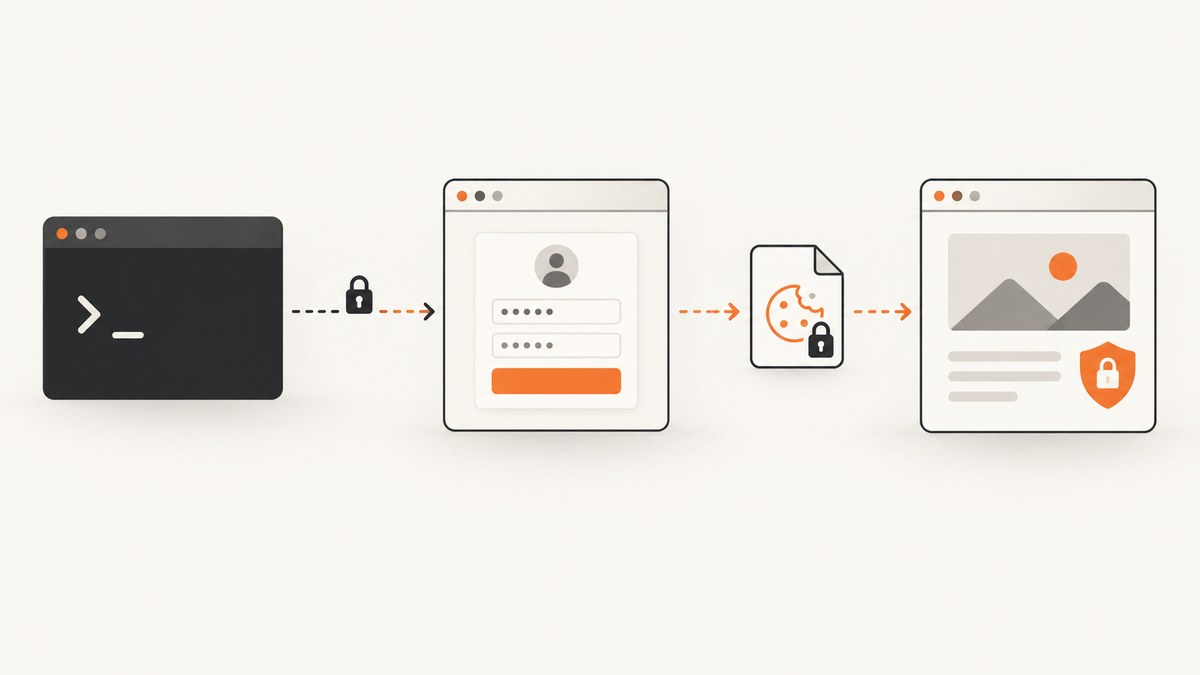
Short answer: fetch the login page into a cookie jar, inspect its form and hidden fields, submit the credentials to the form action while reusing that jar, follow the redirect, then request the protected page with the same cookies.
#!/usr/bin/env bash
set -euo pipefail

base='https://example.com'
jar='cookies.txt'

# 1. Start a session and save the login page.
curl -sS -c "$jar" "$base/login" -o login.html

# 2. Inspect login.html and replace these names and values with the real form fields.
csrf=$(sed -n 's/.*name="csrf_token"[^>]*value="\([^"]*\)".*/\1/p' login.html | head -n1)

# 3. Submit the form, keep cookies, and follow the redirect.
curl -sS -L -b "$jar" -c "$jar" \\
  --data-urlencode 'username=USER' \\
  --data-urlencode 'password=PASS' \\
  --data-urlencode "csrf_token=$csrf" \\
  "$base/session" \\
  -o after-login.html

# 4. Reuse the authenticated session.
curl -sS -b "$jar" "$base/account" -o account.html
The endpoint, field names, hidden values and success marker are specific to the site. Do not guess them: read the HTML form or use the site’s documented API.
1. Identify the authentication method
“Logging in with cURL” can mean several different protocols:
| What the server expects | cURL approach | State to preserve |
|---|---|---|
| HTML form login | POST the form action with --data or --data-urlencode |
Cookies, CSRF token and other hidden fields |
| HTTP Basic or negotiated authentication | -u USER:PASS, optionally --basic or --anyauth |
Usually no browser cookie jar |
| Multipart form | -F/--form |
Cookies and hidden fields |
| Bearer or API token | -H 'Authorization: Bearer TOKEN' |
Token supplied by the API |
| JavaScript, CAPTCHA, WebAuthn or MFA | Use the official API or approved browser automation | Browser state and interactive challenge |
Most websites use a browser-style form rather than HTTP authentication. cURL’s authentication guide explains that the browser commonly POSTs the credentials and then maintains a cookie-based session. See the official cURL authentication guide.
2. Inspect the login form
- Fetch the page and save cookies:
curl -sS -c cookies.txt https://example.com/login -o login.html. - Find the
<form>element and record itsactionandmethod. - Record the exact
nameattributes for username, password and any one-time fields. - Copy every hidden input, especially CSRF, state, nonce and return URL values.
- Check whether the form submits URL-encoded data or multipart data.
curl -sS https://example.com/login -o login.html
rg -n '<form|input|csrf|token|username|email|password' login.html
Some applications generate the token with JavaScript or request it from a separate endpoint. In that case, a simple HTML scrape is insufficient; use the documented API or a browser flow.
3. Submit a URL-encoded form
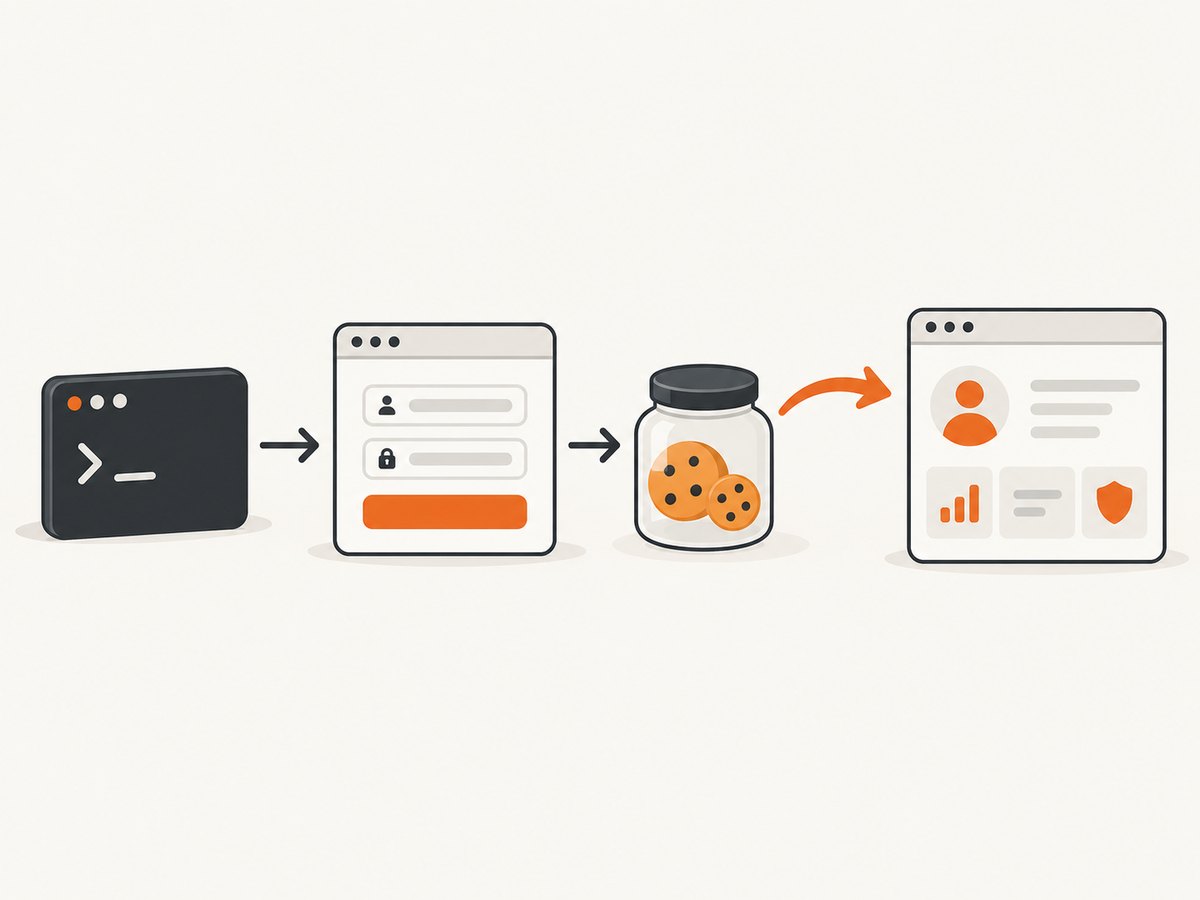
Use --data-urlencode for ordinary form fields. Keep the initial cookie jar with both -b (read) and -c (write), because the response may set the authenticated session cookie.
curl -sS -L \\
  -b cookies.txt -c cookies.txt \\
  --data-urlencode 'username=USER' \\
  --data-urlencode 'password=PASS' \\
  --data-urlencode 'csrf_token=TOKEN_FROM_LOGIN_HTML' \\
  https://example.com/session \\
  -o login-response.html
If the form uses an email field instead of username, send the exact field name:
curl -sS -L -b cookies.txt -c cookies.txt \\
  --data-urlencode 'email=you@example.com' \\
  --data-urlencode 'password=PASS' \\
  https://example.com/session
--data also sends URL-encoded fields, but --data-urlencode safely escapes spaces, ampersands and other special characters.
4. Submit a multipart form
Use -F/--form only when the server expects multipart/form-data (for example, a form that also uploads a file).
curl -sS -L -b cookies.txt -c cookies.txt \\
  -F 'username=USER' \\
  -F 'password=PASS' \\
  -F 'csrf_token=TOKEN_FROM_LOGIN_HTML' \\
  https://example.com/session
Sending multipart data to an endpoint that expects URL-encoded data can produce a validation error. Match the browser’s request content type.
5. Follow redirects safely
Add -L (or --location) when a successful login redirects to the account page. For a 301, 302 or 303 response, cURL may change the POST into a GET. A 307 or 308 redirect preserves the method and body.
# Save headers while following redirects
curl -sS -L -D headers.txt -b cookies.txt -c cookies.txt \\
  --data-urlencode 'username=USER' \\
  --data-urlencode 'password=PASS' \\
  https://example.com/session -o final.html

# Inspect the final status and URL
curl -sS -o /dev/null -w 'status=%{http_code} url=%{url_effective}\\n' \\
  -L -b cookies.txt https://example.com/account
Avoid --location-trusted unless you have a specific, reviewed reason. It permits credentials and other sensitive data to be sent across hosts during redirects.
6. Reuse and verify the authenticated session
curl -sS -b cookies.txt https://example.com/account -o account.html

# Check for an account-only marker and fail if it is absent
rg -q 'Sign out|Account settings' account.html || {
  echo 'Login did not produce an authenticated session' >&2
  exit 1
}
Also check the HTTP status, final URL and response content. A 200 response can still be an anonymous login page.
7. HTTP Basic and negotiated authentication
For a server that challenges with HTTP authentication, use -u:
curl -sS -u 'USER:PASS' https://example.com/protected

# Force Basic authentication
curl -sS --basic -u 'USER:PASS' https://example.com/protected

# Let cURL choose an offered authentication method
curl -sS --anyauth -u 'USER:PASS' https://example.com/protected
-u does not submit an HTML login form. A 401 response from a form-login site usually means you requested the wrong endpoint or authentication scheme.
8. Python equivalent
A requests.Session keeps cookies between requests.
import re
from urllib.parse import urljoin
import requests

base = "https://example.com"
s = requests.Session()

login = s.get(f"{base}/login", timeout=30)
login.raise_for_status()

# Replace these selectors and names with the site's actual form.
csrf = re.search(r'name="csrf_token"[^>]*value="([^"]+)"', login.text)
if not csrf:
    raise RuntimeError("CSRF token not found")

payload = {
    "username": "USER",
    "password": "PASS",
    "csrf_token": csrf.group(1),
}
response = s.post(
    urljoin(base, "/session"),
    data=payload,
    allow_redirects=True,
    timeout=30,
)
response.raise_for_status()

account = s.get(f"{base}/account", timeout=30)
account.raise_for_status()
if "Sign out" not in account.text:
    raise RuntimeError("Session appears anonymous")
print(account.url)
9. Node.js equivalent
Node’s built-in fetch does not provide a cookie jar. Store the Set-Cookie value from the login page and send it back on later requests, or use a maintained cookie-jar package in your application.
const base = 'https://example.com';

const first = await fetch(`${base}/login`);
const html = await first.text();
const setCookie = first.headers.get('set-cookie') || '';
const cookie = setCookie.split(';')[0];

const token = html.match(/name="csrf_token"[^>]*value="([^"]+)"/)?.[1];
if (!token) throw new Error('CSRF token not found');

const body = new URLSearchParams({
  username: 'USER',
  password: 'PASS',
  csrf_token: token,
});

const login = await fetch(`${base}/session`, {
  method: 'POST',
  headers: {
    'content-type': 'application/x-www-form-urlencoded',
    cookie,
  },
  body,
  redirect: 'manual',
});

const next = login.headers.get('location');
const account = await fetch(next ? new URL(next, base) : `${base}/account`, {
  headers: { cookie },
});
const accountHtml = await account.text();
if (!accountHtml.includes('Sign out')) throw new Error('Session appears anonymous');
console.log(account.url);
10. JavaScript challenges, CAPTCHA and MFA
cURL sends HTTP requests; it does not execute page JavaScript, complete a CAPTCHA, perform WebAuthn or approve an interactive MFA prompt. Replaying a browser request may also violate the site’s security policy. Prefer an official API with a token or an approved browser automation flow. Never attempt to bypass a bot check or access an account you are not authorized to use.
11. Troubleshooting
| Symptom | Likely cause | Fix |
|---|---|---|
| 401 Unauthorized | Wrong endpoint or scheme | Determine whether the server expects Basic auth, a form POST, bearer token or another method. |
| 403 or “invalid form” | Missing CSRF/state field or initial cookie | Fetch the login page first; submit every hidden field with the same jar. |
| Redirect loop | Cookie rejected, wrong host, or missing redirect parameter | Use -D headers.txt, inspect Location and Set-Cookie, and confirm domain/path rules. |
| Login succeeds but account is anonymous | Cookie jar was not reused or was overwritten | Use -b cookies.txt -c cookies.txt on the login and -b cookies.txt on the protected request. |
| Unexpected 405 | Wrong method or form action | Match the HTML form’s method and action exactly. |
| Validation errors | Wrong field names or encoding | Copy the browser’s names and choose --data-urlencode or -F to match its content type. |
| Token changes every request | Token is tied to the initial session or generated by JavaScript | Do not cache the login HTML; use the same session, or switch to an API/browser flow. |
| Works in browser, fails in cURL | JavaScript, CAPTCHA, WebAuthn or MFA | Use the documented API or approved browser automation. |
12. Security checklist
- Use HTTPS and verify the hostname.
- Do not commit
cookies.txt; restrict its permissions withchmod 600 cookies.txt. - Prefer environment variables, a secret manager or an interactive prompt over passwords in shell history.
- Be aware that command-line arguments can appear in process listings.
- Review redirect hosts before forwarding any credential or authorization header.
- Use
--location-trustedonly when cross-host forwarding is intentional and safe. - Log status and timing, not passwords, session cookies or full authorization headers.
13. Performance, reliability and cost
Reuse one session when making several requests so you do not perform a fresh login for every page. Set connect and total timeouts, for example --connect-timeout 10 --max-time 30, and retry only transient failures:
curl -sS --retry 3 --retry-delay 1 --retry-connrefused \\
  --connect-timeout 10 --max-time 30 \\
  -b cookies.txt https://example.com/account
Do not blindly retry a credential POST: a server may process it before the connection fails. Confirm the result before repeating it. Keep the cookie jar private, and expire it when the task is complete. cURL itself has no per-request service charge; your costs come from the network, runtime and any service or API you call.
14. Or skip the browser setup
If your goal is a screenshot of a page after handling common page obstacles, ScreenshotNeo provides a single GET request instead of maintaining browser automation. Its capture pipeline accepts cookie and consent banners, removes more than 60 known consent platforms along with newsletter popups and chat widgets, and each step can be disabled. Bot checks, blank pages, timeouts, failed loads and cache hits are not billed; the response identifies the page verdict and billing result in X-Page-Verdict and X-Billed headers. It also offers an MCP server with take_screenshot, get_page_info and capture_pdf for Claude, Cursor and other MCP clients.

curl -G "https://api.screenshotneo.com/v1/shot" -d access_key=YOUR_API_KEY --data-urlencode url=https://stripe.com -o shot.webp
See the ScreenshotNeo API documentation for options such as custom headers, cookies, user agents, authorization, waits, selectors, device presets, PDFs and signed links. The free plan includes 1,000 screenshots each month with no card; paid plans start at $5 for 3,000 shots. Create a free ScreenshotNeo account.
15. FAQ
Can cURL log in to any website?
No. It can reproduce an HTTP exchange when you know the form, fields, cookies and tokens. Browser-only challenges require an API or browser automation.
Where are cURL’s cookies stored?
Only where you tell it. In these examples they are in cookies.txt; treat that file as an active session credential.
Should I send the password with -u?
Only for HTTP authentication. An HTML form login needs a POST to its form action with the field names shown in the page.
Why does a 302 change my POST?
cURL commonly follows 301, 302 and 303 redirects by issuing a GET. Servers use 307 and 308 when they need the method and body preserved.
How can I tell whether login worked?
Check the final status and URL, then look for an account-only marker or a logout link in the protected response.


