How to Log JavaScript Errors in Puppeteer-Sharp
Capture console messages, uncaught exceptions, and page crashes in Puppeteer-Sharp with event handlers, diagnostics, and fixes.
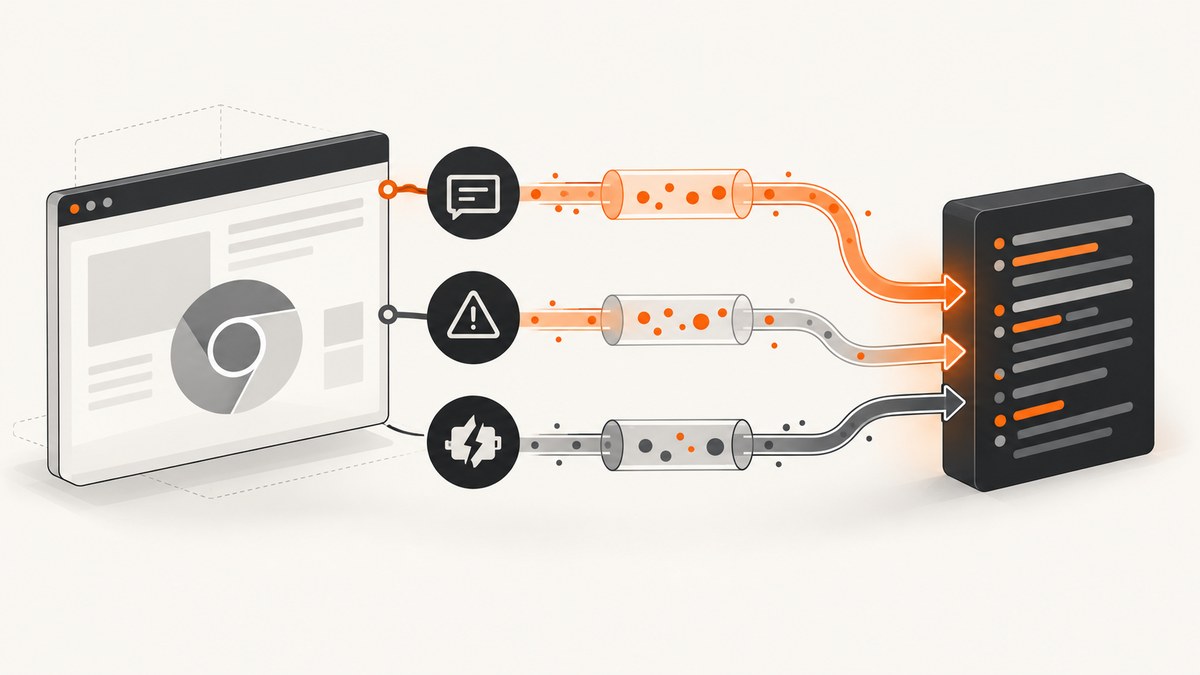
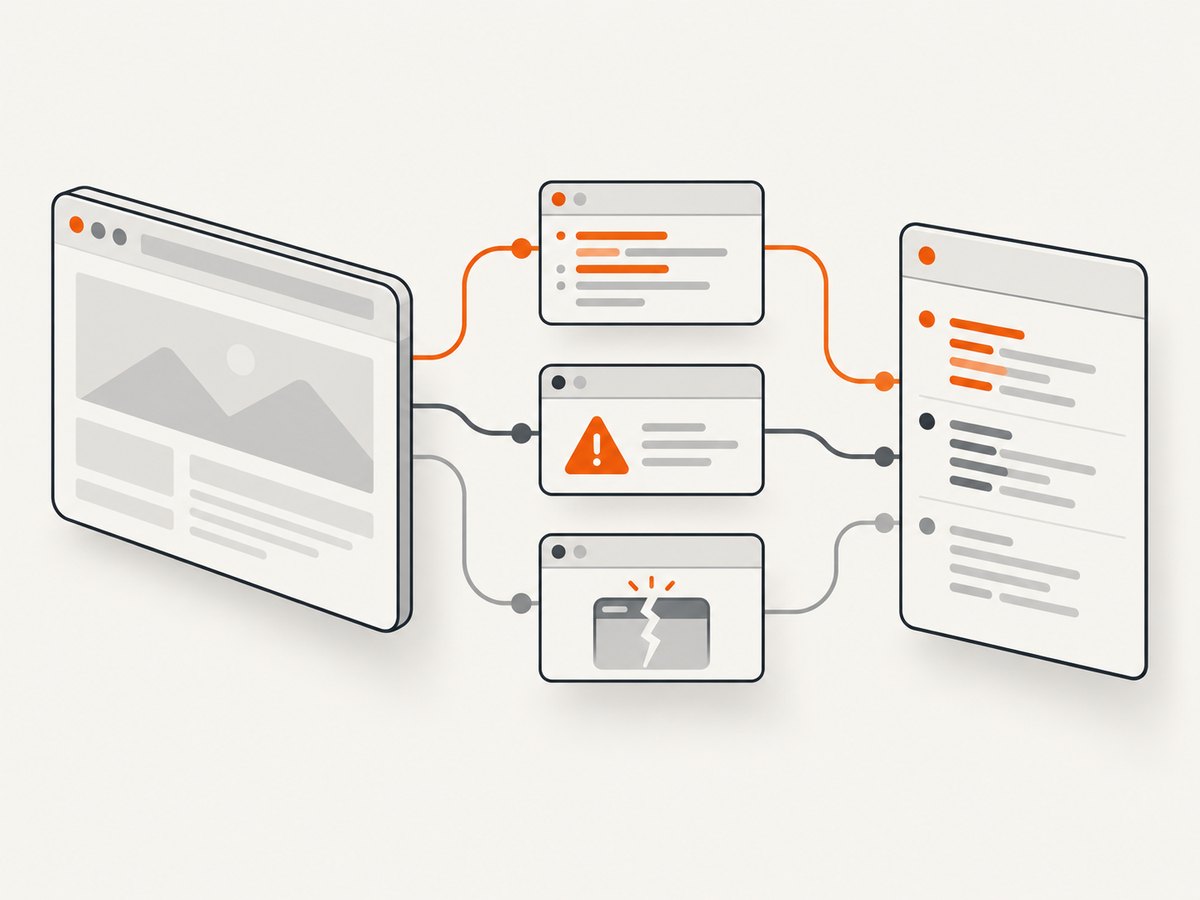
To log JavaScript errors in Puppeteer-Sharp, subscribe to the page’s Console, PageError, and Error events before navigation or before triggering the code you want to inspect. They represent different diagnostics:
Consolereceives calls to browser console APIs and also reports page warnings and errors.PageErrorrepresents an uncaught exception inside the page.Errorrepresents a page crash.
Puppeteer-Sharp is the .NET port of the Node.js Puppeteer API. The official API documentation defines these page events and shows iterating through console message arguments. See the Puppeteer-Sharp Page API reference and the official examples.
1. Complete C# example
The following program launches Chromium, attaches all three handlers, navigates to a page, waits briefly for asynchronous scripts, and then closes the browser. Registering handlers first is essential: a script can write to the console or throw during the initial document load.
using System;
using System.Threading.Tasks;
using PuppeteerSharp;

public class Program
{
    public static async Task Main()
    {
        await new BrowserFetcher().DownloadAsync();

        await using var browser = await Puppeteer.LaunchAsync(new LaunchOptions
        {
            Headless = true
        });

        await using var page = await browser.NewPageAsync();

        page.Console += (sender, e) =>
        {
            Console.WriteLine($"[console:{e.Message.Type}] {e.Message.Text}");

            for (var i = 0; i < e.Message.Args.Count; ++i)
            {
                Console.WriteLine($"  arg {i}: {e.Message.Args[i]}");
            }
        };

        page.PageError += (sender, e) =>
        {
            // PageErrorEventArgs members vary by Puppeteer-Sharp version.
            // Log the event with the members exposed by your installed package.
            Console.WriteLine($"[page-error] {e}");
        };

        page.Error += (sender, e) =>
        {
            Console.WriteLine($"[page-crash] {e}");
        };

        try
        {
            await page.GoToAsync(
                "https://example.com",
                WaitUntilNavigation.Networkidle0);

            await page.WaitForTimeoutAsync(1000);
        }
        catch (Exception ex)
        {
            Console.WriteLine($"[navigation-error] {ex}");
        }
    }
}
The Console handler above follows the official example’s documented shape: inspect e.Message.Args and write each argument. Depending on the package version, the message object also exposes text and type information. Treat those members as version-sensitive and compile against the API installed in your project.
2. What each event captures
Console: console APIs, warnings, and page-reported errors
Use Console when you need messages produced by console.log, console.info, console.warn, or console.error. The API description also says this event is raised when page JavaScript throws an error or warning. It is therefore the broad stream for page diagnostics, but it is not a replacement for PageError.
page.Console += (sender, e) =>
{
    for (var i = 0; i < e.Message.Args.Count; ++i)
    {
        System.Console.WriteLine($"{i}: {e.Message.Args[i]}");
    }
};
Store the message type and text when your installed version exposes them. Arguments can be useful for objects that are more informative than the formatted text. If you need durable logs, serialize a timestamp, URL, message type, text, and argument representations into your logging system.
PageError: uncaught JavaScript exceptions
PageError is the event to use for an uncaught exception inside the page. The official documentation describes it as “Raised when an uncaught exception happens within the page.” This is different from an explicit console.error call: application code can report an error without throwing, and an exception can be caught by the page before it becomes uncaught.
page.PageError += (sender, e) =>
{
    // PageErrorEventArgs members depend on your Puppeteer-Sharp package version.
    // Inspect the type in your IDE or API reference, then log its exposed fields.
    System.Console.WriteLine($"Uncaught page exception: {e}");
};
Do not copy a property name from a different package release without checking it. The documented event and argument type are stable concepts, while individual members can differ between releases.
Error: page or renderer crash
Error indicates that the page crashed. A renderer crash is a browser-level failure, not a synonym for every JavaScript exception. Record it separately so your alerting can distinguish a broken application from an unavailable browser tab.
page.Error += (sender, e) =>
{
    System.Console.WriteLine($"Page crashed: {e}");
};
3. Attach handlers before navigation
Attach all handlers immediately after creating the page and before calling GoToAsync, ReloadAsync, EvaluateExpressionAsync, clicking a button, or submitting a form. Errors can happen while the first scripts execute, before navigation resolves. Registering later creates a race in which the page is already broken but your logger has no record.
- Launch Chromium.
- Create a page.
- Subscribe to
Console,PageError, andError. - Navigate or perform the action under investigation.
- Keep the page alive long enough for delayed scripts, timers, and network callbacks to run.
If you create several pages or browser contexts, attach the handlers to every page that can execute the application. A handler on one tab does not observe another tab, popup, iframe page object, or newly created target automatically.
4. Logging useful context
A message without a URL or operation name is hard to correlate. Wrap handlers so each record includes the page address and a capture identifier. Read the current URL inside the handler; it can change after a single-page application route transition.
static void AttachDiagnostics(IPage page, string operationId)
{
    page.Console += (sender, e) =>
    {
        var url = page.Url;
        System.Console.WriteLine(
            $"{DateTimeOffset.UtcNow:o} {operationId} console " +
            $"url={url} type={e.Message.Type} text={e.Message.Text}");
    };

    page.PageError += (sender, e) =>
    {
        System.Console.WriteLine(
            $"{DateTimeOffset.UtcNow:o} {operationId} page-error " +
            $"url={page.Url} details={e}");
    };

    page.Error += (sender, e) =>
    {
        System.Console.WriteLine(
            $"{DateTimeOffset.UtcNow:o} {operationId} page-crash " +
            $"url={page.Url} details={e}");
    };
}
For production logging, avoid writing secrets from console arguments. Pages sometimes log tokens, customer data, or request payloads. Redact known keys before sending records to a central sink, and cap argument size so a single object cannot overwhelm your log volume.
5. Triggering and reproducing failures
Use a deterministic trigger when debugging. Navigate to a fixed route, wait for a known selector, and then evaluate a small expression or click the control that causes the failure.
await page.GoToAsync("https://example.com/app", WaitUntilNavigation.Networkidle0);
await page.WaitForSelectorAsync("#checkout");
await page.ClickAsync("#checkout");
await page.WaitForTimeoutAsync(1500);
Do not assume Networkidle0 means every application task has completed. Long polling, analytics, service workers, and timers can keep a page active or make network-idle occur before a later callback runs. Combine navigation with a selector, an explicit delay, or an application-specific readiness signal.
6. Common errors and fixes
| Symptom | Likely cause | Fix |
|---|---|---|
| No console output | Handler attached after navigation, wrong page object, or code never ran. | Subscribe before navigation; verify the URL and trigger; attach to every relevant page. |
| Warnings appear but exception is missing | The page only called console.warn or caught the exception. |
Use PageError for uncaught exceptions and inspect application control flow. |
| Browser process exits early | The browser or page was disposed before asynchronous work finished. | Await navigation and the action; keep the page alive while delayed scripts execute. |
| Compilation failure for an event member | Example targets a different Puppeteer-Sharp release. | Check the installed package’s PageErrorEventArgs or message API in the matching reference. |
| Page crash is treated as a JavaScript error | Error and PageError were conflated. |
Record Error as a crash and PageError as an uncaught page exception. |
| Logs are duplicated | The same operation has multiple handlers or multiple page instances. | Attach once per page and include an operation ID in every record. |
| Arguments are unhelpful | Complex browser objects do not serialize cleanly. | Log message text and type, then selectively stringify safe application fields in page code. |
7. Reliability and performance considerations
Event handlers run while Puppeteer-Sharp is processing browser protocol events. Keep them fast. Writing synchronously to a slow destination can delay your automation and increase memory pressure. A practical pattern is to enqueue compact records and let a background consumer write them.
Use bounded queues and sampling for noisy pages. A chatty debug build can produce thousands of console messages during one navigation. Keep all PageError and crash events, while sampling repetitive informational messages. Include a timestamp, URL, severity, operation ID, and a short message hash so repeated failures can be grouped.
When a page crashes, discard the affected page and create a replacement. Do not assume the crashed renderer can continue reliably. If the browser itself is unhealthy, close it and launch a new instance. Your retry policy should distinguish transient navigation failures from deterministic page exceptions; blindly retrying an uncaught exception can multiply logs without fixing the page.
8. Capturing a screenshot alongside diagnostics
A screenshot can make a console or page exception actionable, especially when a failure leaves a blank panel, broken layout, or consent dialog covering the target. Save the screenshot after the event and include the same operation ID in its filename. If the page has crashed, capture from a replacement page only when that still represents the state you need; a new page may no longer contain the failed DOM.
9. Or skip the browser setup
If your goal is a clean visual record rather than a full in-process browser diagnostic, ScreenshotNeo provides a website screenshot API. The request returns PNG, JPEG, WebP, or PDF, and its capture pipeline accepts consent banners and removes more than 60 known consent platforms, newsletter popups, and chat widgets before the shot. Each step can be disabled.

See the ScreenshotNeo API documentation for all options. A one-call capture looks like this:
curl -G "https://api.screenshotneo.com/v1/shot" -d access_key=YOUR_API_KEY --data-urlencode url=https://stripe.com -o shot.webpimport requests
r = requests.get("https://api.screenshotneo.com/v1/shot", params={"access_key": "YOUR_API_KEY", "url": "https://stripe.com"}, timeout=90)
open("shot.webp", "wb").write(r.content)const q = new URLSearchParams({ access_key: 'YOUR_API_KEY', url: 'https://stripe.com' });
const res = await fetch(`https://api.screenshotneo.com/v1/shot?${q}`);ScreenshotNeo reports whether a response was clean and billed through X-Page-Verdict and X-Billed headers. Bot checks or CAPTCHAs, blank pages, timeouts, failed loads, and cache hits cost nothing. Its MCP server provides take_screenshot, get_page_info, and capture_pdf tools for Claude, Cursor, and other MCP clients. Every plan includes the full feature set; the free plan includes 1,000 shots per month without a card, and paid plans start at $5 for 3,000 shots.
Create a free ScreenshotNeo account and use the API when you want a screenshot without maintaining Chromium setup, consent cleanup, or capture retries.
10. FAQ
Does Console catch every JavaScript exception?
No. It observes console API activity and page-reported warnings and errors. Subscribe to PageError for uncaught exceptions.
Is Error the same as PageError?
No. Error represents a page crash. PageError represents an uncaught exception within the page.
Why does the property name in an example not compile?
Event-argument members can vary by Puppeteer-Sharp package version. Check the API reference matching the version installed in your project.
Can I attach one handler globally?
Handlers belong to an IPage. Attach them to each page that can execute the code you are diagnosing.
Should I retry after a page error?
Retry only when the surrounding operation is known to be transient. Preserve the original event and avoid retry loops for deterministic application exceptions.


