How to Make PhantomJS Capture Refreshed ASP.NET Page Content
Wait for ASP.NET AJAX UpdatePanel completion in PhantomJS, verify refreshed DOM content, handle errors and timeouts, or use ScreenshotNeo.

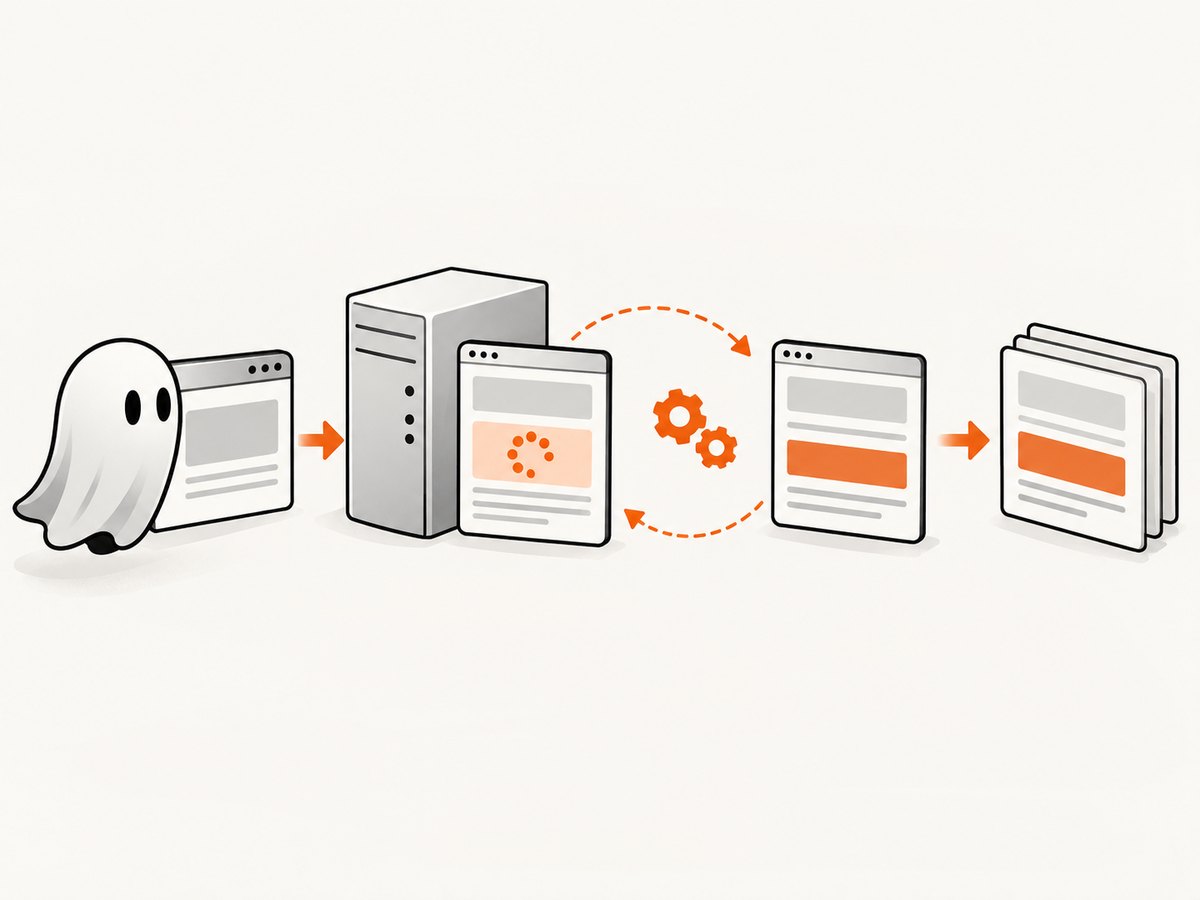
Direct answer: PhantomJS’s page.open callback only tells you that the initial document load finished. If an ASP.NET page refreshes part of its DOM through an asynchronous UpdatePanel postback, install a Microsoft AJAX PageRequestManager handler before triggering the action, wait for endRequest or pageLoaded, check for an error, and only then read page.content. A fixed sleep can make the capture appear to work, but it cannot prove that the request finished or that the panel contains the expected value.
This guide shows a complete PhantomJS pattern, explains the ASP.NET AJAX lifecycle behind it, covers pages that do not expose PageRequestManager, and lists the failure modes that produce stale screenshots or HTML. At the end, you can also skip the browser setup with ScreenshotNeo when you need a hosted screenshot or PDF API.
Why PhantomJS captures the old content
page.open(url, callback) reports completion through PhantomJS’s load-finished event. That event applies to the initial navigation. It does not automatically wait for JavaScript that runs afterward, including an ASP.NET AJAX asynchronous postback. The PhantomJS page.open documentation describes the navigation callback, while Microsoft’s UpdatePanel documentation describes partial-page rendering.
An UpdatePanel can replace its markup without navigating the whole page. The panel may update after a button click, a control configured as an asynchronous trigger, or a call to PageRequestManager. Its behavior also depends on UpdateMode, nested panels, triggers, and whether server code calls Update(). Reading page.content immediately after page.open therefore returns the original DOM.
Microsoft’s AJAX lifecycle exposes two useful completion signals. pageLoaded is raised after page content has been refreshed. endRequest runs after the asynchronous response has been processed and the update applied, and it also exposes request errors. See Microsoft’s AJAX client life-cycle events reference.
Complete PhantomJS solution
The following script waits for the actual ASP.NET AJAX request. Pass the target URL as the first command-line argument:
var page = require('webpage').create();
var system = require('system');
var url = system.args[1];

// Keep the application-level wait bounded.
var updateTimeoutMs = 10000;

page.open(url, function (status) {
  if (status !== 'success') {
    console.error('Initial page load failed: ' + status);
    phantom.exit(1);
    return;
  }

  // The Microsoft AJAX scripts must be loaded before this runs.
  var installed = page.evaluate(function () {
    if (!window.Sys || !Sys.WebForms ||
        !Sys.WebForms.PageRequestManager) {
      return false;
    }

    window.__captureAfterUpdate = false;
    window.__captureUpdateError = '';

    var prm = Sys.WebForms.PageRequestManager.getInstance();
    prm.add_endRequest(function (sender, args) {
      var error = args.get_error && args.get_error();
      window.__captureUpdateError = error
        ? String(error.message || error)
        : '';
      window.__captureAfterUpdate = true;
    });

    return true;
  });

  if (!installed) {
    console.error('ASP.NET AJAX PageRequestManager was not found');
    phantom.exit(1);
    return;
  }

  // Change this selector to the control that starts the postback.
  page.evaluate(function () {
    var button = document.getElementById('refreshButton');
    if (!button) {
      throw new Error('refreshButton was not found');
    }
    button.click();
  });

  var deadline = Date.now() + updateTimeoutMs;
  var poll = setInterval(function () {
    var state = page.evaluate(function () {
      return {
        done: !!window.__captureAfterUpdate,
        error: window.__captureUpdateError || ''
      };
    });

    if (state.done || Date.now() >= deadline) {
      clearInterval(poll);

      if (!state.done) {
        console.error('Timed out waiting for the ASP.NET AJAX update');
        phantom.exit(1);
        return;
      }

      if (state.error) {
        console.error('ASP.NET AJAX update failed: ' + state.error);
        phantom.exit(1);
        return;
      }

      // The main frame now contains the postback result.
      console.log(page.content);
      phantom.exit(0);
    }
  }, 100);
});
The important ordering is deliberate:
- Navigate with
page.open. - Install the
endRequestobserver in the page context. - Trigger the button or JavaScript action.
- Poll a small state value from PhantomJS until the handler reports completion.
- Reject an error or bounded timeout.
- Read
page.contentonly after completion.
Use pageLoaded when you want a content-refresh signal
If you do not need the error object, register pageLoaded instead:
var installed = page.evaluate(function () {
  if (!window.Sys || !Sys.WebForms ||
      !Sys.WebForms.PageRequestManager) return false;

  window.__panelLoaded = false;
  var prm = Sys.WebForms.PageRequestManager.getInstance();
  prm.add_pageLoaded(function () {
    window.__panelLoaded = true;
  });
  return true;
});
pageLoaded is useful when the required condition is simply that content has been refreshed. endRequest is generally safer for production capture because it lets you inspect args.get_error(). In either case, confirm the refreshed value in the DOM if the page can complete a request without producing the data you need.
Make the trigger and validation page-specific
The sample uses refreshButton only as an example. Real applications may use a server-generated ID, a link, a dropdown, a timer, or a custom JavaScript function. Inspect the rendered HTML in PhantomJS or your browser’s developer tools and use the final client-side ID:
page.evaluate(function () {
  var control = document.querySelector('#ctl00_MainContent_refreshButton');
  if (!control) throw new Error('Refresh control is missing');
  control.click();
});
Lifecycle completion means the response was processed. It does not necessarily mean the value you expect is present. Add a second validation after the event when correctness matters:
var refreshed = page.evaluate(function () {
  var value = document.querySelector('#resultsPanel .total');
  return value ? value.textContent.trim() : '';
});

if (!refreshed) {
  console.error('Update completed but the expected value is missing');
  phantom.exit(1);
  return;
}
For a table or list, validate a row count, a known status string, a timestamp, or a data attribute that changes after the postback. This catches cases where the wrong panel updated or the server returned an empty result.
When PageRequestManager is unavailable
If the handler cannot be installed, first determine whether the page actually uses Microsoft ASP.NET AJAX. A page can be ASP.NET without using UpdatePanel. It may use jQuery, fetch, XMLHttpRequest, a third-party component, or a full navigation instead.
For another AJAX mechanism, wait for an observable DOM condition rather than an arbitrary delay. A bounded poll is appropriate:
var deadline = Date.now() + 10000;
var poll = setInterval(function () {
  var ready = page.evaluate(function () {
    var node = document.querySelector('#resultsPanel .loaded-value');
    return !!node && node.textContent.trim() !== '';
  });

  if (ready) {
    clearInterval(poll);
    console.log(page.content);
    phantom.exit(0);
  } else if (Date.now() >= deadline) {
    clearInterval(poll);
    console.error('Expected refreshed value did not appear');
    phantom.exit(1);
  }
}, 100);
Do not treat reaching the deadline as success. PhantomJS’s resourceTimeout controls requested resources; it is not an application-level signal that an UpdatePanel replacement completed. The related PhantomJS settings documentation explains resource timeout behavior.
UpdatePanel configuration checks
If the event fires but the panel stays unchanged, inspect the server-side configuration:
- UpdateMode:
Alwayscan update with every eligible asynchronous postback;Conditionalrequires a matching trigger or an explicitUpdate(). - Triggers: confirm the clicked control is an
AsyncPostBackTriggeror that the request is registered withScriptManager.RegisterAsyncPostBackControl. - Nested panels: a parent update can replace child markup, while a child may not update independently under the configuration you expect.
- ScriptManager: verify that the Microsoft AJAX scripts and a correctly configured
ScriptManagerare present. - Server errors: an exception during asynchronous processing prevents the page from being updated. Always inspect
args.get_error().
Use browser developer tools or server logs to confirm that the request is sent, returns successfully, and contains the expected partial-rendering response. A request visible in the network panel is not enough; the client must process it and replace the panel.
Common errors and fixes
| Error or symptom | Cause | Fix |
|---|---|---|
Old HTML after page.open |
The asynchronous postback was still pending. | Install endRequest or pageLoaded before triggering the action. |
PageRequestManager was not found |
The page does not use ASP.NET AJAX, scripts failed to load, or the script runs too early. | Check the rendered scripts, wait until the page is loaded, or observe the page’s actual AJAX mechanism. |
| Handler never fires | The click did not start an async postback, the selector targeted the wrong element, or the request failed before the event. | Verify the client ID and network request; add a bounded timeout and inspect console or server errors. |
| Event fires but content is unchanged | The wrong panel updated, the trigger is not configured, or the server returned the same value. | Validate the target selector and review UpdateMode, triggers, nesting, and server-side Update(). |
| PhantomJS exits during capture | The script called phantom.exit() from an early error path or an uncaught exception stopped polling. |
Log each state transition, catch trigger errors, and exit only after success or a clear failure. |
| Timeout on slow pages | The application is slower than the fixed deadline or a request is hung. | Increase the bounded application timeout based on observed behavior, while retaining a hard upper limit. |
| Correct HTML but wrong screenshot | Images, fonts, animations, or layout work completed after the panel update. | Wait for a visual readiness selector, disable animations where possible, and allow required resources to finish before rendering. |
Reliability and performance guidance
Use lifecycle signals instead of long sleeps
A fixed delay must be long enough for the slowest request and still fails when the server is slower than expected. Event-driven waiting returns quickly on fast pages and gives you a meaningful failure when the request does not complete. Keep a deadline so a broken page cannot hold a PhantomJS worker forever.
Keep one capture isolated from another
Create a fresh page for independent jobs when cookies, local storage, timers, or JavaScript state could affect the result. If you reuse a page, clear state intentionally and remove old event handlers. A handler left installed can mark a later capture as complete for the wrong request.
Reduce unnecessary work
Set the viewport to the size required by the output, block resources that are not needed for the target panel, and avoid repeatedly loading the same page when a single capture can produce the required artifact. Do not block scripts, styles, fonts, or images required to render the refreshed content.
Capture evidence for failures
When a job fails, save the URL, status, elapsed time, console messages, and a diagnostic HTML snapshot if policy allows. Record whether the initial navigation succeeded, whether the handler installed, whether the trigger ran, and whether the completion event contained an error. These fields distinguish navigation failures from application-level timeouts.
Or skip the browser setup
If your goal is a reliable website screenshot or PDF rather than maintaining PhantomJS code, ScreenshotNeo provides a hosted GET endpoint. Its cleanup step accepts cookie and consent banners and removes more than 60 known consent platforms, newsletter popups, and chat widgets; each step can be turned off. Bot checks or CAPTCHAs, blank pages, timeouts, failed loads, and cache hits are not billed, and response headers identify the page verdict and whether the shot was billed.
See the ScreenshotNeo API documentation for all options, including full-page capture with lazy images loaded, CSS-element capture, dark mode, device presets, custom viewports, retina scale, PDF paper and margin settings, custom CSS and JavaScript, clicks, selector waits, delays, network-idle waits, request blocking, headers, cookies, user agents, authorization, timezone, geolocation, transparent backgrounds, resizing, caching, signed image links, asynchronous jobs, webhooks, bulk capture, usage, and the OpenAPI specification.
cURL
curl -G "https://api.screenshotneo.com/v1/shot" \
  -d access_key=YOUR_API_KEY \
  --data-urlencode url=https://example.com \
  -o refreshed.webp
Python
import requests

r = requests.get(
    "https://api.screenshotneo.com/v1/shot",
    params={
        "access_key": "YOUR_API_KEY",
        "url": "https://example.com",
    },
    timeout=90,
)
r.raise_for_status()
open("refreshed.webp", "wb").write(r.content)
Node.js
const q = new URLSearchParams({
  access_key: 'YOUR_API_KEY',
  url: 'https://example.com'
});
const res = await fetch(`https://api.screenshotneo.com/v1/shot?${q}`);
if (!res.ok) throw new Error(`Screenshot failed: ${res.status}`);
const buffer = Buffer.from(await res.arrayBuffer());
require('fs').writeFileSync('refreshed.webp', buffer);
ScreenshotNeo also includes an MCP server with take_screenshot, get_page_info, and capture_pdf tools for Claude, Cursor, and other MCP clients. The Free plan includes 1,000 shots each month with no card. Paid plans start at $5 for 3,000 shots, and every feature is available on every plan.
Create a free ScreenshotNeo account to try 1,000 screenshots a month without adding a card.
Cost and operational notes
Running PhantomJS yourself means paying for the host, browser workers, bandwidth, maintenance, and the engineering time needed to keep selectors and page-specific waits working. A hosted API changes that to request-based usage. With ScreenshotNeo, only clean shots are billed; failed loads, bot checks, blank pages, timeouts, and cache hits are free. Use caching with a TTL when repeated URLs do not need a new render, and use asynchronous jobs for captures that should not block a request thread.

FAQ
Does page.open ever wait for UpdatePanel?
No. It waits for the initial navigation’s load-finished event. You must observe the later AJAX lifecycle yourself.
Should I use setTimeout for five seconds?
Use a lifecycle event or a DOM condition first. A bounded timeout is still useful as a failure limit, but the elapsed time alone is not proof that the update completed.
Which event is better, pageLoaded or endRequest?
Use pageLoaded when refreshed content is the only signal you need. Use endRequest when you also need to detect asynchronous request errors.
Can this pattern capture a full-page screenshot?
Yes, after the refreshed DOM is ready, call PhantomJS’s screenshot method with the required viewport and clipping settings. For a hosted full-page capture with lazy images loaded, use ScreenshotNeo’s full-page option.
What if the page uses fetch instead of ASP.NET AJAX?
Observe the page-specific DOM state that proves the fetch completed, or instrument the application’s own completion callback. Keep the poll bounded and treat a missing condition as a failure.
How do I know whether ScreenshotNeo billed a request?
Inspect its X-Page-Verdict and X-Billed response headers. They report whether the result was a clean shot and whether it was billed.


