How to Make Video Screenshots Clearer on iPhone
Save a sharp frame from iPhone video, choose better recording settings, fix blur, and know when a screenshot is better than a saved frame.
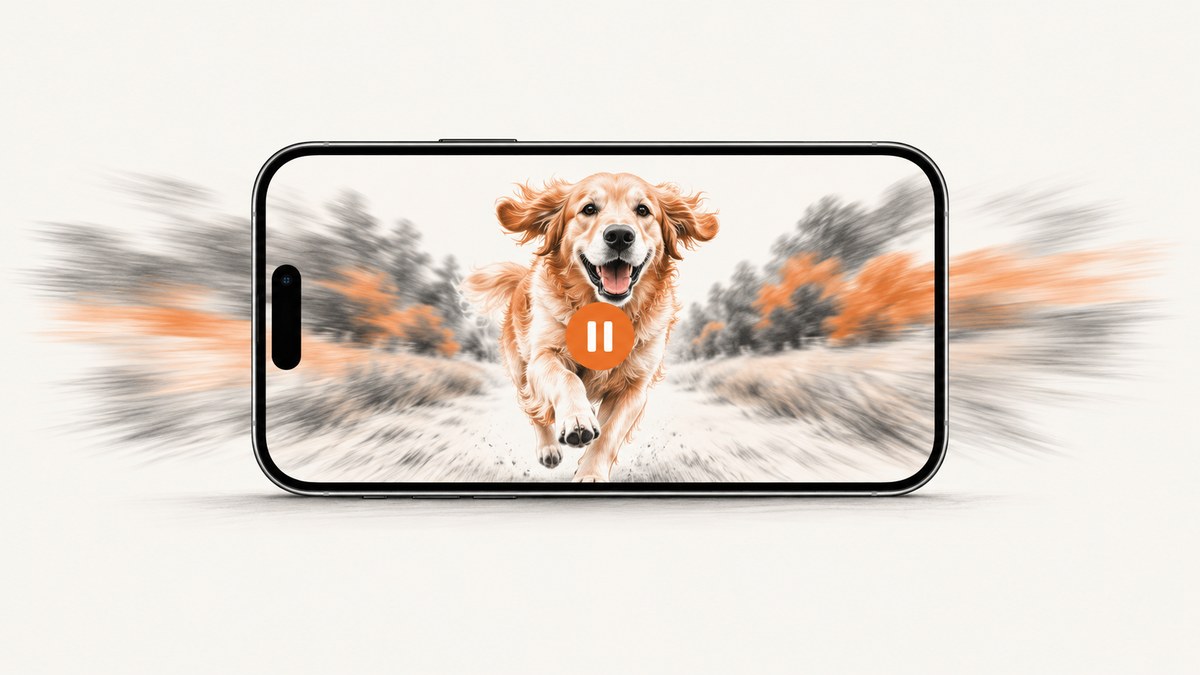
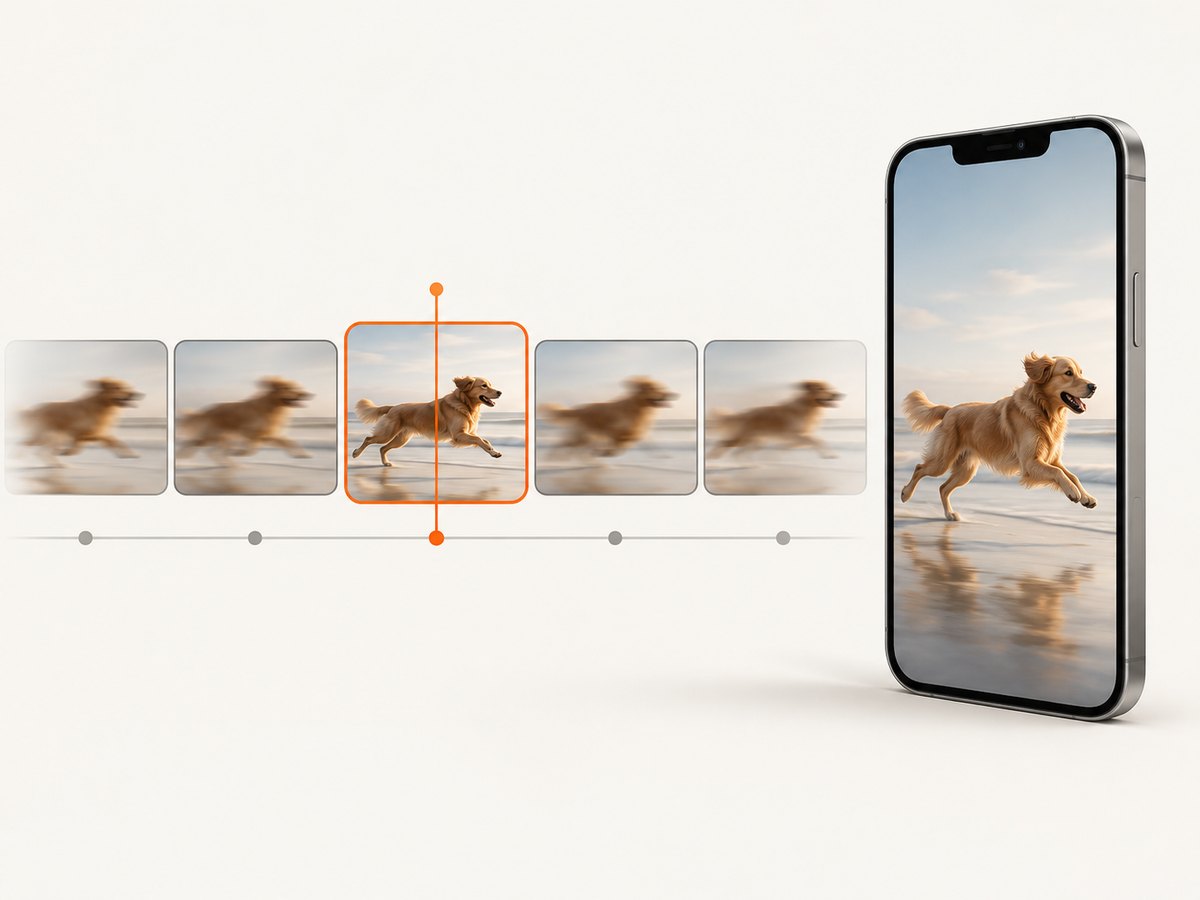
To make a clear picture from an iPhone video, use Photos’ “Save Video Frame as Photo” command. Open the video, play it, pause on the sharpest moment, tap More, then choose Save Video Frame as Photo. The still is saved to your photo library.
If that command is unavailable, take a normal screenshot of the paused video. For future recordings, use an appropriate resolution and frame rate, record with enough light, reduce camera movement, and choose a frame where the subject is in focus.
Save one video frame as a photo
- Open Photos and select the video.
- Play the video and pause when the desired image appears.
- Tap More.
- Choose Save Video Frame as Photo.
- Open your photo library to find the new still.
This workflow is designed to extract the video frame itself. It avoids including playback controls, notifications, or other screen elements that would appear in a screenshot.
Take a screenshot of a paused video
A screenshot captures whatever is displayed on the screen. Use it when you need the player interface, captions, controls, or another visible screen element, or when the frame-saving command is not available.
- Face ID iPhones: Press and quickly release the side button and volume-up button together.
- Home-button iPhones: Press and quickly release the Home button and the side or top button together.
Screenshots appear in Photos under Collections > Media Types > Screenshots. Pause before pressing the buttons so the selected frame does not change.
Choose between a saved frame and a screenshot
| Need | Best choice | Why |
|---|---|---|
| The video image without controls | Save Video Frame as Photo | Photos extracts a still from the video. |
| The entire displayed screen | Screenshot | Captures the player, captions, controls, and other visible elements. |
| The frame-saving option is missing | Screenshot | Works as the general fallback. |
| Highest possible detail from the source | Either, depending on the source and display | Apple does not publish a direct quality benchmark comparing the two workflows. |
A screenshot is not automatically sharper or blurrier in every situation. The result depends on the source video, the paused moment, the display, and the capture format. Do not describe cropping or editing as restoring detail that was never recorded.
Record clearer video for future screenshots
Use a suitable resolution
In Camera’s Video mode, tap the resolution and frame-rate values to see the options supported by your iPhone. You can also review supported formats in Settings > Camera > Record Video. Apple documents HD and 4K options on supported models, but availability varies by device.
Higher resolution can preserve more spatial detail, while higher frame rates can make it easier to find a moment with less motion between frames. Both increase file size, so choose a setting that fits your subject and available storage instead of always selecting the largest option.
Use enough light
Good light gives the camera more information and can reduce motion blur. Move the subject into brighter, even light where possible. For supported iPhones, Auto FPS can lower the frame rate to 24 fps in low-light conditions to improve video quality; the exact menu options depend on the model.
Keep the phone steady
For a static subject, brace the phone with both hands or use a stable support. For moving subjects, Action mode can improve stabilization on supported models. Apple says Action mode works best in bright light and has a maximum capture resolution of 2.8K, so it is a trade-off between stabilization and resolution.
Pick a frame with less motion
Scrub slowly through the clip and pause when the subject is in focus and moving least. A frame captured during a fast turn, camera shake, or focus transition may remain blurry even if the surrounding frames look better.
Why a screenshot from a video looks blurry
| Cause | What you see | Fix |
|---|---|---|
| Motion blur in the original frame | Edges smear in the direction of movement. | Choose a nearby frame where the subject moves less. |
| Camera shake | The whole scene looks soft or doubled. | Use a steadier recording method for future clips; Action mode may help on supported iPhones. |
| Low light | Noise, smearing, or loss of fine detail. | Record in brighter light and review Auto FPS options. |
| Low source resolution | Pixelation when the still is enlarged. | Record at a supported higher resolution next time; editing cannot recreate missing detail. |
| Paused on the wrong moment | The selected frame is soft while nearby frames are clearer. | Move one frame at a time and compare several candidates. |
| Display capture limitations | The screenshot includes controls or looks different from the source frame. | Use Save Video Frame as Photo when available. |
HDR and screenshot format
On supported iPhones, Settings > General > Screen Capture offers SDR or HDR capture. Apple documents SDR screenshots as PNG and HDR screenshots as HEIC. An HDR display is required to show the full HDR brightness and color; a standard display shows an HDR screenshot in SDR.
HDR is a brightness and color choice. It does not add sharpness or recover detail that is absent from the video frame. If you need broad compatibility, check how the resulting file will be used before choosing a format.
A repeatable workflow for the clearest still
- Open the original video in Photos rather than a compressed copy from a messaging app.
- Turn up screen brightness enough to inspect focus, while avoiding glare.
- Scrub around the target moment and compare several adjacent frames.
- Choose the frame with the least motion and clearest subject edges.
- Use Save Video Frame as Photo when you need only the image.
- Use a screenshot when the visible player or other screen content is part of the result.
- Check the saved file in Photos at full size before sharing or editing.
Or skip the browser setup
If the source is a public web page or video page, ScreenshotNeo can return a screenshot with one HTTP request. Its capture process accepts cookie and consent banners and removes more than 60 known consent platforms, newsletter popups, and chat widgets before the shot; each step can be turned off. Bot checks, blank pages, timeouts, failed loads, and cache hits are not billed, and the response identifies the page verdict and billing status in headers.
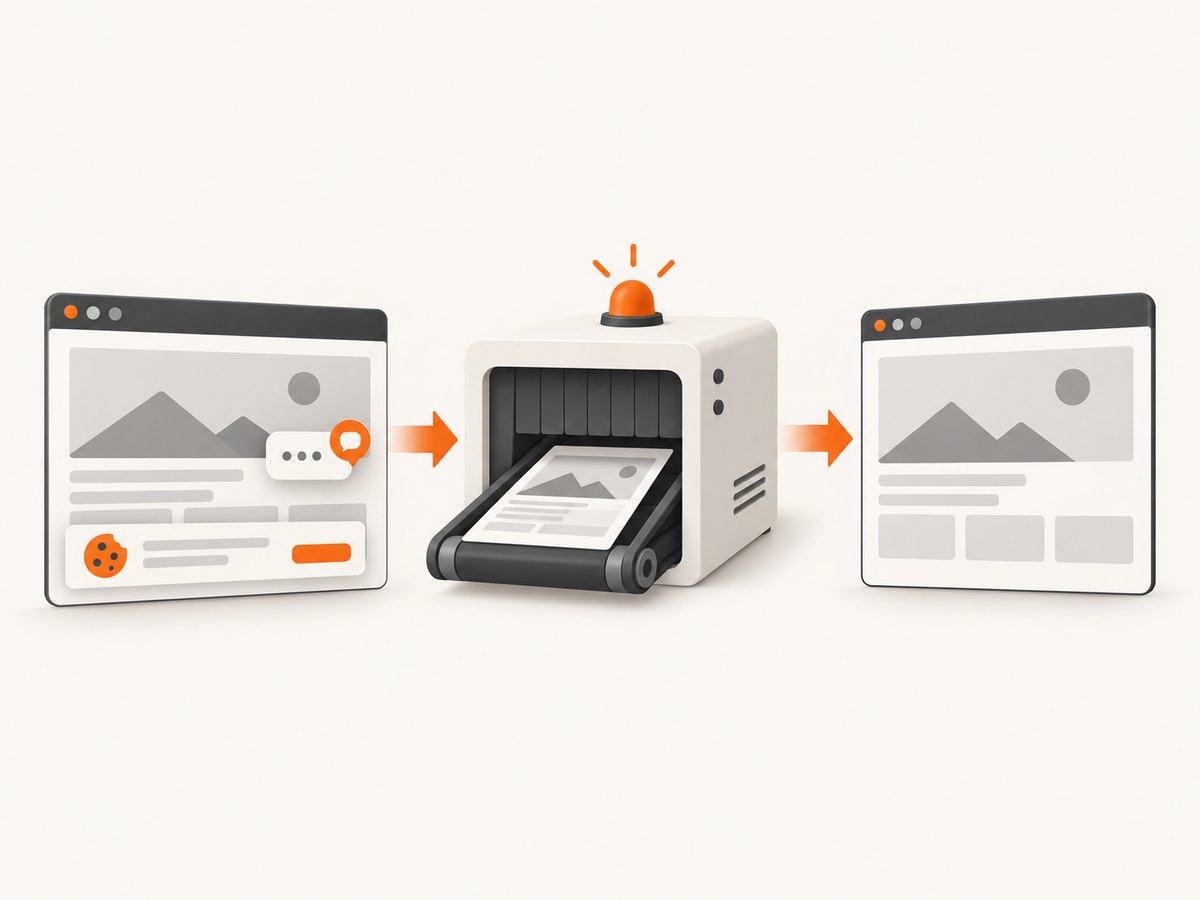
See the ScreenshotNeo API documentation for all options. The basic request returns PNG, JPEG, WebP, or PDF depending on the parameters you choose.
cURL
curl -G "https://api.screenshotneo.com/v1/shot" \
  -d access_key=YOUR_API_KEY \
  --data-urlencode url=https://stripe.com \
  -o shot.webp
Python
import requests

r = requests.get(
    "https://api.screenshotneo.com/v1/shot",
    params={"access_key": "YOUR_API_KEY", "url": "https://stripe.com"},
    timeout=90,
)
r.raise_for_status()
open("shot.webp", "wb").write(r.content)
Node.js
const q = new URLSearchParams({
  access_key: 'YOUR_API_KEY',
  url: 'https://stripe.com'
});
const res = await fetch(`https://api.screenshotneo.com/v1/shot?${q}`);
if (!res.ok) throw new Error(`HTTP ${res.status}`);
const buffer = Buffer.from(await res.arrayBuffer());
require('node:fs').writeFileSync('shot.webp', buffer);
Useful capture options include full-page shots with lazy images loaded, a CSS element selector, dark mode, device presets or custom viewports, retina scale, custom CSS and JavaScript, clicks before capture, hidden selectors, waits for a selector or network idle, blocked ads and trackers, custom headers, cookies, user agents, Authorization, timezone and geolocation, transparent backgrounds, resizing, cache TTLs, signed links, asynchronous jobs with signed webhooks, bulk capture for up to 100 URLs per call, and a usage API. Parameter names used by other screenshot APIs also work to ease migration.
ScreenshotNeo also provides an MCP server with take_screenshot, get_page_info, and capture_pdf tools for Claude, Cursor, and other MCP clients. Plans include 1,000 free shots per month with no card; paid plans start at $5 for 3,000 shots. Every feature is available on every plan. Create a free ScreenshotNeo account.
Troubleshooting
“Save Video Frame as Photo” is missing
Use a regular screenshot of the paused video. The available Photos commands can vary by iPhone model and software version.
The saved still is not sharp
Try adjacent frames. If all nearby frames are blurred, the blur is likely in the source recording. A crop, filter, or upscale can change appearance but cannot guarantee recovered detail.
The screenshot includes playback controls
Wait for controls to disappear, tap the screen to hide them, or use Save Video Frame as Photo.
HDR looks washed out on another device
HDR screenshots need an HDR-capable display for their full brightness and color. View or convert the file in a workflow that supports the target display.
ScreenshotNeo returns an error
Confirm the API key, URL encoding, and destination URL. Set a client timeout long enough for the target page, and inspect the HTTP status and X-Page-Verdict and X-Billed headers. Failed loads, blank pages, bot checks, timeouts, and cache hits are not billed.
Performance, reliability, and storage considerations
- Video capture: Higher resolution and frame rates create larger files. Keep enough free storage before recording long clips.
- Lighting: Better light can reduce blur and noise without changing software settings.
- Selection: Reviewing neighboring frames takes longer than grabbing one screenshot but usually gives a better still.
- Web screenshots: Wait for the page state you need. ScreenshotNeo supports selector waits, delays, network-idle waits, caching with a chosen TTL, and asynchronous jobs with signed webhooks.
- Cost: ScreenshotNeo bills only clean shots. Cache hits and failed or unusable captures are not billed, and usage can be checked through its usage API.
FAQ
How do I get a clear picture from an iPhone video?
Pause on the sharpest, least-motion frame and choose More > Save Video Frame as Photo. If needed, use a screenshot as a fallback.
Can I save one frame from a video on my iPhone?
Yes. In Photos, pause the video, tap More, and choose Save Video Frame as Photo.
Why is my screenshot from a video blurry?
The selected frame may contain motion blur, camera shake, low-light noise, or limited source resolution. Check nearby frames and improve lighting and stability for future recordings.
Is it better to take a screenshot or save the video frame?
Save the video frame when you want the image itself. Take a screenshot when you need the entire displayed screen, including controls or captions. Apple does not publish a universal sharpness comparison.
Does HDR make a video screenshot sharper?
No. HDR changes brightness and color handling. It does not establish that the underlying frame contains more detail.


