How to Add Manual Page Breaks in TCPDF
Use TCPDF AddPage() for deliberate section breaks while automatic flow keeps long HTML, tables, and images inside the printable area.

To start the next section on a new page in TCPDF, call $pdf->AddPage(); immediately before writing that section. Keep automatic page breaks enabled so long paragraphs, tables, and images can continue onto later pages without running into the footer.
<?php
$pdf->setAutoPageBreak(true, PDF_MARGIN_BOTTOM);
$pdf->AddPage();
$pdf->writeHTML($introHtml, true, false, true, false, '');

// The next section begins on a fresh page.
$pdf->AddPage();
$pdf->writeHTML($nextSectionHtml, true, false, true, false, '');
Manual versus automatic page breaks
| Method | Use it for | What it does |
|---|---|---|
AddPage() |
Intentional boundaries between chapters, appendices, covers, or major sections | Creates a new page at the exact point where your code calls it |
setAutoPageBreak(true, $bottomMargin) |
Paragraphs, tables, images, and other content with variable height | Lets TCPDF start another page when content reaches the usable bottom boundary |
addHTMLCell() |
Current tc-lib-pdf HTML/CSS content that may span pages | Uses flow-aware HTML layout across page and region breaks |
These mechanisms work together. A deliberate break controls where a section starts; automatic flow protects the rest of the document from overflow. Disabling automatic breaks is not a replacement for AddPage().
Complete TCPDF example
The following script configures margins, footer space, automatic flow, a Unicode font, and two sections. Save it as manual-break.php in a project that has TCPDF installed, then run php manual-break.php.

<?php
require_once __DIR__ . '/tcpdf/tcpdf.php';

$pdf = new TCPDF(
    PDF_PAGE_ORIENTATION,
    PDF_UNIT,
    PDF_PAGE_FORMAT,
    true,
    'UTF-8',
    false
);

$pdf->SetCreator('TCPDF');
$pdf->SetAuthor('Example application');
$pdf->SetTitle('Manual page break example');
$pdf->setPrintHeader(false);
$pdf->setPrintFooter(true);
$pdf->setMargins(PDF_MARGIN_LEFT, PDF_MARGIN_TOP, PDF_MARGIN_RIGHT);
$pdf->setFooterMargin(PDF_MARGIN_FOOTER);
$pdf->setAutoPageBreak(true, PDF_MARGIN_BOTTOM);
$pdf->setFont('dejavusans', '', 10);

$introHtml = '<h1>Project report</h1>
<p>This introduction can contain enough text to flow over a page. TCPDF will create additional pages automatically when it reaches the usable bottom boundary.</p>';

$nextSectionHtml = '<h2>Implementation details</h2>
<p>This section starts on a new page because AddPage() was called immediately before it.</p>';

$pdf->AddPage();
$pdf->writeHTML($introHtml, true, false, true, false, '');

// Deliberate boundary: the next section starts on a fresh page.
$pdf->AddPage();
$pdf->writeHTML($nextSectionHtml, true, false, true, false, '');

$pdf->Output(__DIR__ . '/manual-break.pdf', 'F');
The legacy API signatures are documented in the TCPDF API reference. AddPage() accepts optional orientation, format, margin, and table-of-contents arguments; writeHTML() and writeHTMLCell() expose flow and cell-layout controls.
Choose a different page orientation or format
Pass arguments to AddPage() when the following page needs a different layout:
// Landscape A4 page with the configured margins.
$pdf->AddPage('L', 'A4');
$pdf->writeHTML($wideTableHtml, true, false, true, false, '');

// Return to portrait A4 for the following section.
$pdf->AddPage('P', 'A4');
$pdf->writeHTML($normalSectionHtml, true, false, true, false, '');
The documented signature is AddPage([$_orientation = ''][, $_format = ''][, $_keepmargins = false][, $_tocpage = false]). Use the optional flags only when your document needs those behaviors; otherwise the configured page settings are reused.
Keep HTML from running into the footer
- Set the footer margin with
setFooterMargin(). - Reserve the printable bottom area with the same design assumptions in
setAutoPageBreak(true, $bottomMargin). - Enable automatic breaks before writing any HTML.
- Write content through a flow-aware method instead of positioning every block manually.
$pdf->setFooterMargin(18);
$pdf->setAutoPageBreak(true, 24);
$pdf->AddPage();
$pdf->writeHTML($html, true, false, true, false, '');
The second argument to setAutoPageBreak() is the reserved bottom margin. Increase it when the footer is taller or when you need more visual separation.
HTML blocks that span pages
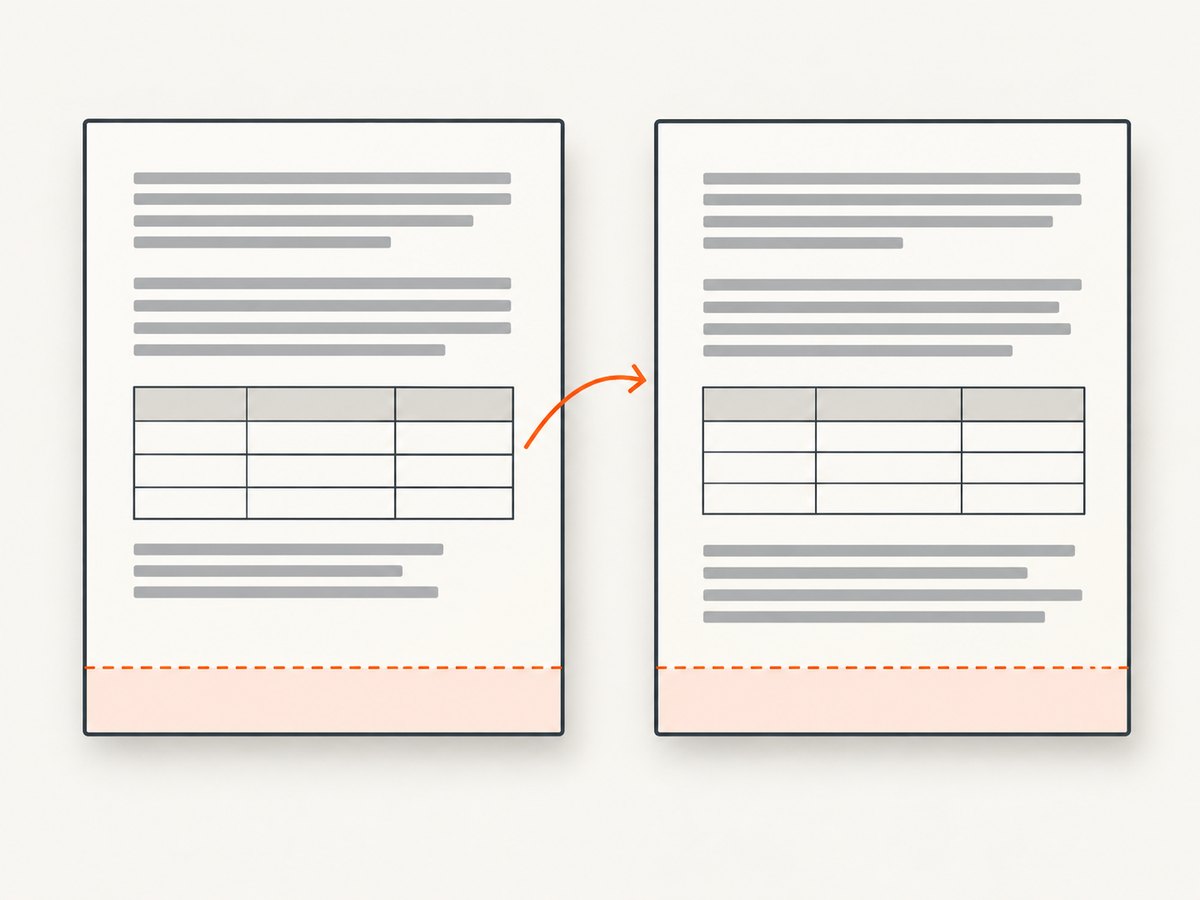
The current TCPDF HTML/CSS guide recommends addHTMLCell() for content that may cross a page break because it accounts for automatic page and region breaks. In legacy TCPDF applications, continue using writeHTML() or writeHTMLCell() with automatic breaks enabled.
// Legacy flow-oriented form.
$pdf->writeHTML($html, true, false, true, false, '');

// Positioned cell form; auto-padding and automatic page handling remain enabled.
$pdf->writeHTMLCell(
    0, 0, '', '', $html,
    0, 1, 0, true, '', true
);
Use a flow method for long prose, tables, and images. Fixed coordinates are appropriate for small, known-size elements such as labels or a signature box, but they require you to handle overflow yourself.
Break before a section only when needed
If a heading should stay with a short paragraph, measure the design rather than inserting a break after every heading. A manual break is appropriate for a chapter or appendix boundary, but it can create nearly empty pages when the preceding content already ends near the top of a new page.
if ($startAppendixOnNewPage) {
    $pdf->AddPage();
}
$pdf->writeHTML($appendixHtml, true, false, true, false, '');
For CSS page-break rules, support depends on the TCPDF release and HTML engine. The current feature documentation includes paged-media controls such as orphan, widow, and page-break handling; verify behavior against the version used by your application before relying on CSS alone.
Common errors and fixes
| Symptom | Cause | Fix |
|---|---|---|
| The next section does not begin on a new page | AddPage() was called after writing the section |
Move AddPage() before the first write for that section |
| Text overlaps the footer | Automatic breaks are disabled or the bottom margin is too small | Enable setAutoPageBreak(true, $bottomMargin) and reserve the footer area |
| A long table is cut off | A fixed-height or positioned cell cannot flow naturally | Use writeHTML(), writeHTMLCell(), or the current flow-aware addHTMLCell() guidance |
| The document has an unexpected blank page | An unconditional AddPage() follows content that already caused an automatic break |
Make the deliberate break conditional or restructure the section boundary |
| The landscape page keeps portrait margins or layout | The page was added without the required orientation or format | Pass orientation and format to AddPage(), then restore them for later pages |
| HTML styling behaves differently after an upgrade | HTML/CSS support differs between legacy TCPDF and current tc-lib-pdf engines | Check the version’s HTML/CSS documentation and reduce layout dependence on unsupported CSS |
| Images or paragraphs disappear near a break | Content was placed with absolute coordinates or a too-small cell | Use automatic flow and allow the element to move to the next page |
Performance, reliability, and cost considerations
- Performance: One deliberate
AddPage()is inexpensive. Large HTML, high-resolution images, and complex tables dominate rendering time and memory. - Reliability: Keep page setup in one place, use a consistent bottom margin, and render representative documents that include long paragraphs, wide tables, images, and mixed orientations.
- Output safety: Write the PDF to a file or stream only after all content is complete. Avoid sending accidental debug output before
Output(), which can corrupt the PDF response. - Cost: TCPDF is a library running in your PHP process, so page breaks do not create a per-page service charge. Your infrastructure cost comes from CPU, memory, storage, and request time.
Or skip the browser setup
If your workflow also needs website screenshots or rendered web pages, ScreenshotNeo provides a single screenshot API request instead of maintaining browser automation. Cookie and consent banners, newsletter popups, and chat widgets are removed before the shot. Bot checks, blank pages, failed loads, timeouts, and cache hits are not billed, and the response identifies the result with X-Page-Verdict and X-Billed headers. Its MCP server lets AI agents use take_screenshot, get_page_info, and capture_pdf.
See the ScreenshotNeo API documentation for request options.
curl -G "https://api.screenshotneo.com/v1/shot" \
  -d access_key=YOUR_API_KEY \
  --data-urlencode url=https://stripe.com \
  -o shot.webp
import requests
r = requests.get(
"https://api.screenshotneo.com/v1/shot",
params={"access_key": "YOUR_API_KEY", "url": "https://stripe.com"},
timeout=90,
)
r.raise_for_status()
open("shot.webp", "wb").write(r.content)
const q = new URLSearchParams({
  access_key: 'YOUR_API_KEY',
  url: 'https://stripe.com'
});
const res = await fetch(`https://api.screenshotneo.com/v1/shot?${q}`);
if (!res.ok) throw new Error(`HTTP ${res.status}`);
const image = Buffer.from(await res.arrayBuffer());
require('fs').writeFileSync('shot.webp', image);
ScreenshotNeo includes full-page capture, element selectors, custom CSS and JavaScript, waits, blocking rules, headers and cookies, device presets, PDFs, caching, signed links, asynchronous jobs, bulk capture, and a usage API. One thousand screenshots per month are free with no card; paid plans start at $5 for 3,000. Create a free ScreenshotNeo account.
FAQ
Does AddPage() stop automatic page breaks?
No. It inserts one deliberate page boundary; automatic flow remains available for everything written afterward.
Can I start a new section on the same page when there is enough room?
Yes. Omit AddPage() and let automatic flow place the section. Add it only when the section must always start on a fresh page.
Why does a heading appear alone at the bottom of a page?
TCPDF may have enough room for the heading but not the following content. Keep the heading and content in a flow-aware block, or insert a deliberate break when that layout is unacceptable.
Should I turn off automatic breaks for a cover page?
You can use a separate cover layout, but re-enable automatic breaks before writing the document’s flowing sections.


