How to Match Google Chrome Faux Bold in wkhtmltopdf
Make wkhtmltopdf bold text match Chrome by controlling font files, synthesis, loading, and the exact Qt WebKit build.
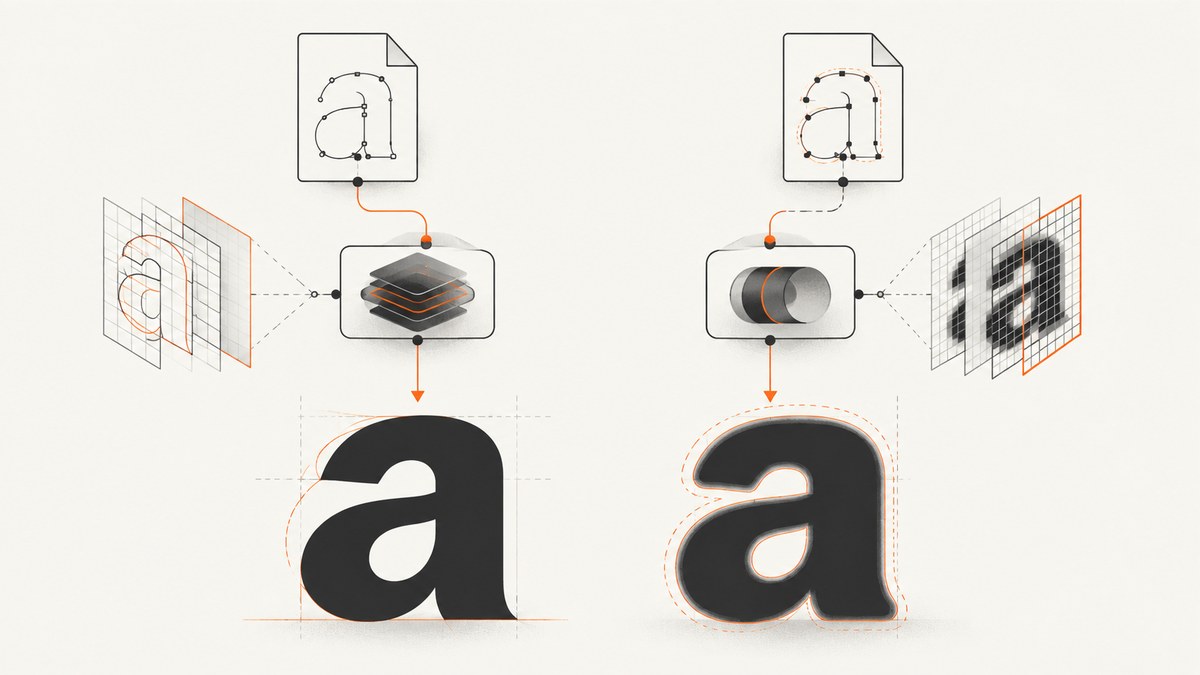
Short answer: use the same font files in both renderers, declare the regular and bold faces explicitly, and verify that wkhtmltopdf actually loads them. Chrome may synthesize a bold face when no suitable bold file exists; wkhtmltopdf may choose a different face or fail to load the remote font. There is no general guarantee of pixel-identical output because wkhtmltopdf uses a legacy Qt WebKit engine and its result depends on the binary, patched Qt build, operating system, and font environment.
Start with a real bold font file. Then test font-synthesis-weight: auto or none in the exact wkhtmltopdf binary you deploy. If the result still differs, compare the actual font files and consider changing the renderer.
1. What Chrome “faux bold” means
Faux bold is synthetic bold: an approximation generated when a font family does not provide a suitable designed bold face. The CSS Fonts specification describes synthetic faces as a fallback and gives drawing a thin stroke around glyphs as one possible implementation. The result is renderer-dependent. See the CSS Fonts Module Level 4 specification.
When your CSS says font-weight: 700, a renderer normally looks for a face mapped to that weight. If it cannot find one, it may synthesize a face or use another available weight. Chrome and wkhtmltopdf can therefore produce different strokes even when the HTML and CSS are identical.
2. Make font-face selection explicit
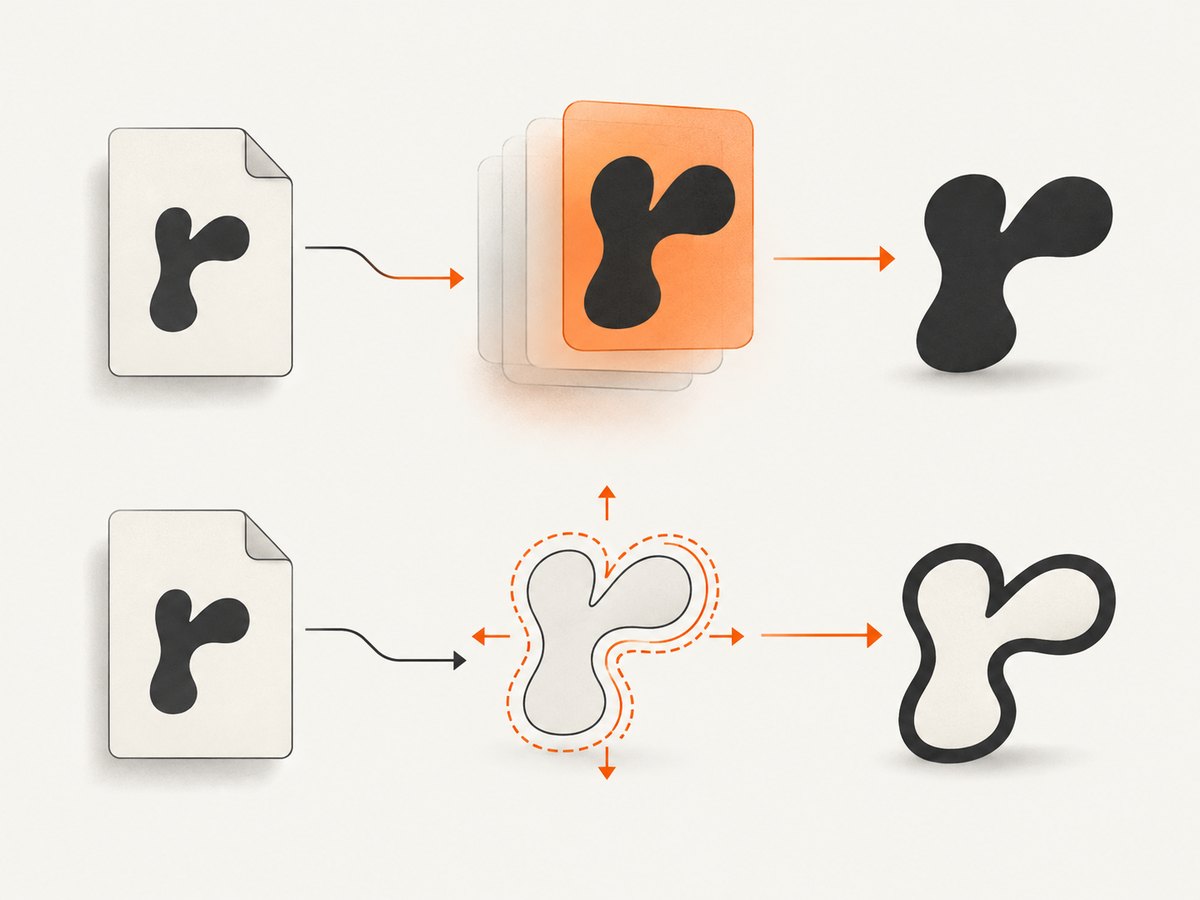
The most reliable fix is to provide the exact regular and bold files and map them to accurate weights. Do not rely on a family name alone.
<style>
@font-face {
  font-family: "Report Sans";
  src: url("file:///opt/fonts/report-sans-regular.woff2") format("woff2");
  font-style: normal;
  font-weight: 400;
  font-display: block;
}

@font-face {
  font-family: "Report Sans";
  src: url("file:///opt/fonts/report-sans-bold.woff2") format("woff2");
  font-style: normal;
  font-weight: 700;
  font-display: block;
}

body {
  font-family: "Report Sans", sans-serif;
  font-weight: 400;
}

h1, h2, strong, b {
  font-weight: 700;
}
</style>
Use the same font files, not merely files with the same family name, in Chrome and the PDF conversion environment. Check the file format, version, and hash. A browser profile with a locally installed font can hide a missing file that wkhtmltopdf cannot see.
If the family has only a regular face, explicitly decide whether to allow synthesis:
body {
  font-family: "Report Sans", sans-serif;
  font-synthesis-weight: auto;
}

/* Use this when you require a real bold face and want failures to be visible. */
.strict {
  font-synthesis-weight: none;
}
font-synthesis-weight: auto permits synthetic bold; none forbids it. Older engines may ignore the declaration, so treat it as a testable input rather than a guarantee.
3. Control the conversion document
Make the input deterministic before investigating glyph differences.
- Use absolute, reachable URLs for web fonts, or package the font files with the conversion job.
- Set the font family and weight on the element that contains the text. Do not depend on inherited browser defaults.
- Remove conflicting rules such as a later
font-weight: normal, a more-specific selector, or a variable-font range that the old engine cannot interpret. - Keep a minimal fixture containing one regular line and one bold line. Test it before testing a complete application page.
<!doctype html>
<html>
<head>
  <meta charset="utf-8">
  <style>
    @font-face {
      font-family: Fixture;
      src: url("file:///opt/fonts/fixture-regular.ttf");
      font-weight: 400;
    }
    @font-face {
      font-family: Fixture;
      src: url("file:///opt/fonts/fixture-bold.ttf");
      font-weight: 700;
    }
    .regular { font: 400 32px/1.3 Fixture, sans-serif; }
    .bold { font: 700 32px/1.3 Fixture, sans-serif; }
  </style>
</head>
<body>
  <p class="regular">The quick brown fox 400</p>
  <p class="bold">The quick brown fox 700</p>
</body>
</html>
4. Understand wkhtmltopdf’s rendering environment
wkhtmltopdf renders through Qt WebKit. Its documentation identifies fontconfig and freetype2 as part of the runtime font environment, and builds can differ depending on whether Qt was patched and how the package was compiled. Read the wkhtmltopdf documentation and record the exact binary used in production.
Check the following in the same container, VM, or host that performs conversion:
wkhtmltopdf --version, including whether the output says “with patched qt”.- Operating-system release and architecture.
- Installed fontconfig and FreeType versions.
- Font file paths, permissions, hashes, and formats.
- Whether the process can resolve and download remote font URLs.
FONTCONFIG_PATHand any custom fontconfig configuration.
The project’s downloads page lists the 0.12.6 stable series and dates its release to June 11, 2020. Distribution packages can differ from the project builds; record the package source instead of assuming that every “0.12.6” binary behaves identically. See the downloads documentation.
5. A repeatable comparison procedure
- Save the exact HTML and CSS fixture.
- Render it in the target Chrome version and save a reference image or PDF.
- Render the same fixture with the production wkhtmltopdf binary.
- Record the Chrome version, operating system, wkhtmltopdf version, patched-Qt status, font hashes, and command-line flags.
- Compare regular and bold lines separately. A weight-selection problem usually changes the stroke or width; a missing-font problem often changes the entire typeface.
- Repeat with a local font file and then with the remote URL. If only the remote case fails, investigate loading and network access.
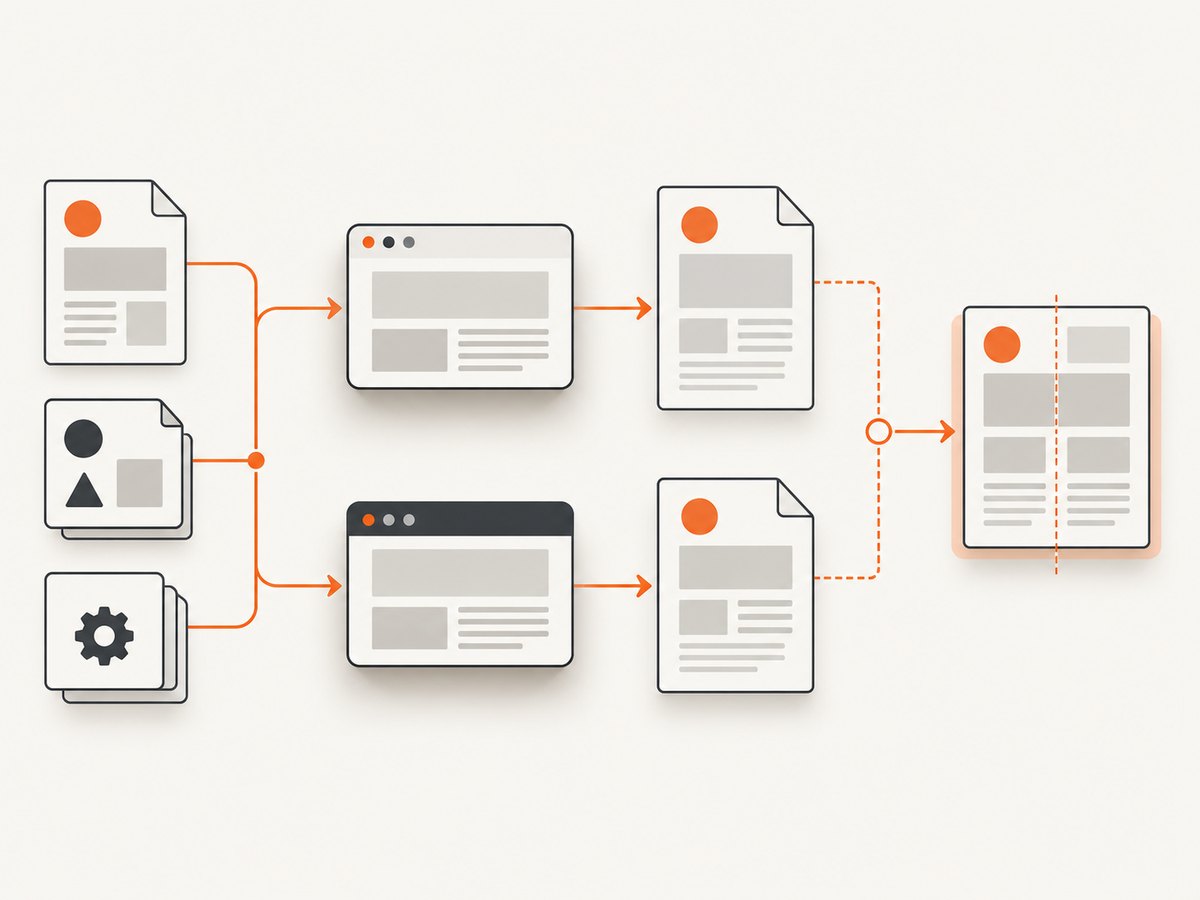
Do not assume that matching CSS declarations proves matching output. The available project documentation does not establish pixel-identical Chrome and wkhtmltopdf rendering for an unspecified font, platform, Chrome version, and binary.
6. Troubleshooting common failures
| Symptom | Likely cause | Fix |
|---|---|---|
| Chrome is bold, PDF looks regular | The bold face was not loaded or no synthetic bold was generated. | Declare a 700 @font-face, use a local file, verify permissions and URL access, then test font-synthesis-weight: auto. |
| PDF uses a different typeface | Font fallback occurred. | Check fontconfig discovery, file paths, format support, and the conversion process’s working environment. |
| Changing declaration order changes the weight | A particular older build may select faces inconsistently, or one resource may fail intermittently. | Use explicit weights, remove duplicate family declarations, make font URLs deterministic, and capture the exact build information. |
| Remote Google Font is intermittently not bold | The web font did not finish loading or the request failed. | Package the font locally where possible, verify network access, and avoid converting before the stylesheet and font resources are available. |
font-synthesis-weight has no effect |
The bundled Qt WebKit snapshot may not implement the property. | Use a real bold face or test a newer renderer. Keep the declaration only after confirming behavior in your binary. |
| Only one operating system differs | Different fontconfig, FreeType, installed fonts, or font versions. | Compare dependency versions and font hashes; build a reproducible conversion image. |
| Variable font weight is wrong | The legacy engine may not support the variable-font axis or your CSS range. | Export static regular and bold files and map them to 400 and 700. |
User reports for older 0.12.2.2 and 0.12.3 builds describe inconsistent Google Fonts weight selection and missing remote bold faces. They are useful diagnostic clues, not proof that every wkhtmltopdf build has the same defect.
7. Performance, reliability, and cost
- Local fonts are usually more reliable: they remove DNS, TLS, firewall, and timing failures from the conversion path.
- Static faces reduce work: separate regular and bold files avoid dependence on variable-font support and make cache behavior easier to reason about.
- Wait for resources: converting while a stylesheet or font is still loading produces fallback output that may look like a weight bug.
- Pin the binary and dependencies: a package update can change Qt WebKit, fontconfig, or FreeType behavior.
- Measure your own workload: the dossier contains no general benchmark for faux-bold differences or conversion speed.
- Renderer changes have migration cost: replacing wkhtmltopdf can require CSS and pagination adjustments, but it may be appropriate when Chrome-level fidelity is a hard requirement.
8. Or skip the browser setup
If your actual goal is a dependable screenshot or PDF capture rather than maintaining a wkhtmltopdf font stack, ScreenshotNeo provides a single API request. Its capture options include PDF output, custom CSS and JavaScript, waiting for selectors or network idle, device and viewport settings, and custom headers and cookies. See the ScreenshotNeo API documentation.
curl -G "https://api.screenshotneo.com/v1/shot" -d access_key=YOUR_API_KEY --data-urlencode url=https://stripe.com -o shot.webpimport requests
r = requests.get("https://api.screenshotneo.com/v1/shot", params={"access_key": "YOUR_API_KEY", "url": "https://stripe.com"}, timeout=90)
open("shot.webp", "wb").write(r.content)const q = new URLSearchParams({ access_key: 'YOUR_API_KEY', url: 'https://stripe.com' });
const res = await fetch(`https://api.screenshotneo.com/v1/shot?${q}`);Cookie banners, newsletter popups, and chat widgets are removed before the shot. Bot checks, blank pages, failed loads, timeouts, and cache hits are not billed, and the response identifies the page verdict and billing status. An MCP server lets AI agents use take_screenshot, get_page_info, and capture_pdf. The free plan includes 1,000 screenshots per month with no card; paid plans start at $5 for 3,000 shots. Create a free ScreenshotNeo account.
9. FAQ
Can I force wkhtmltopdf to use Chrome’s exact faux-bold algorithm?
No. You can provide the same font files and allow or forbid synthesis, but the engines may draw synthetic strokes differently.
Should I use font-weight: bold or 700?
Use a numeric weight that matches the face declared in @font-face. This makes selection explicit and easier to diagnose.
Is font-synthesis-weight supported by every wkhtmltopdf build?
No. It is a CSS Fonts control, but wkhtmltopdf bundles a specific Qt WebKit snapshot. Test the exact binary you deploy.
Why does installing the font on my desktop fix Chrome but not the server PDF?
The server has a separate fontconfig database and filesystem. A locally installed desktop font is not automatically available to wkhtmltopdf.
When should I migrate away from wkhtmltopdf?
Migrate when deterministic Chrome-level typography is more important than preserving the legacy renderer’s existing pagination and CSS behavior, or when the required font features are unsupported by your deployed build.


