How to Maximize Selenium Browser Windows in CI
Learn when to maximize Selenium windows in CI, when to set an explicit size, and how to diagnose headless viewport differences.
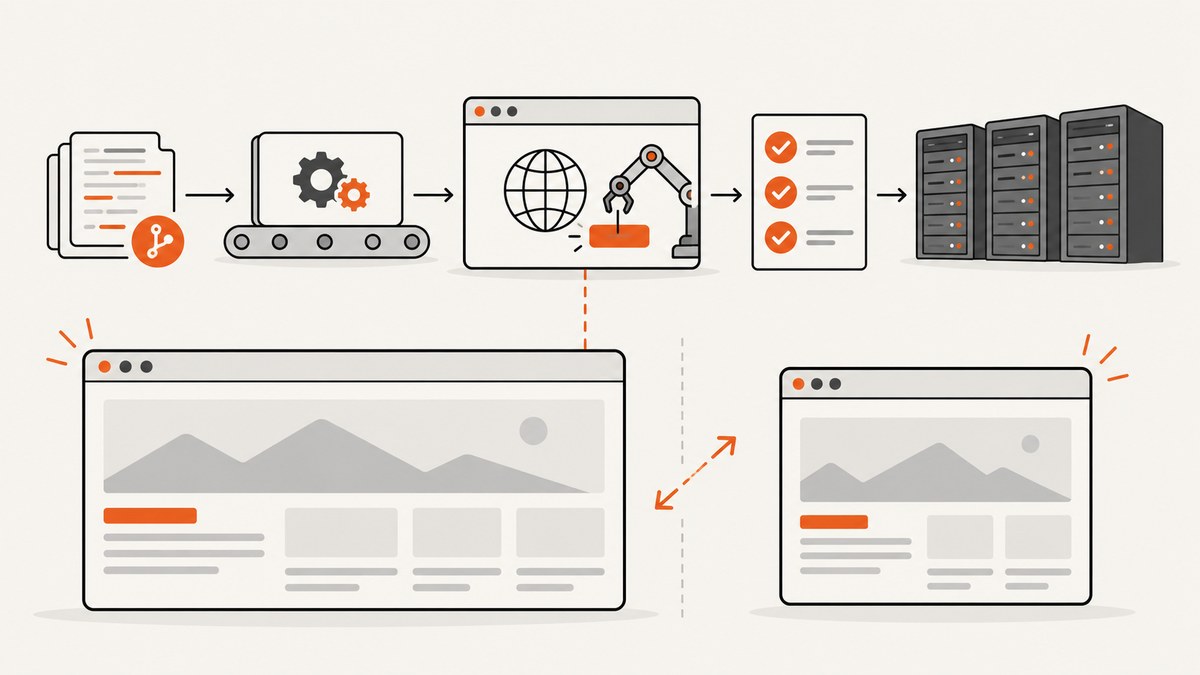
Direct answer: call Selenium’s window maximize command when your test needs the largest ordinary browser window available. In Python, use driver.maximize_window(). In Java, use driver.manage().window().maximize(). However, maximize is controlled by the operating system window manager, so its exact dimensions can differ between CI runners. If a screenshot, responsive breakpoint, or visual assertion needs repeatable dimensions, set an explicit size, then measure the result.
This guide explains how maximize works, how it differs from explicit sizing and fullscreen, and how to make browser dimensions reliable in containers and headless CI. It includes runnable Selenium examples, diagnostics, common failure fixes, and an API option when you need screenshots without maintaining a browser.
1. Maximize versus set a fixed window size
These commands solve different problems:
| Choice | Use it when | Trade-off |
|---|---|---|
| Maximize | The test should use the largest normal browser window on the runner. | The resulting dimensions follow the host and window manager, so they can vary. |
| Explicit size | The layout or screenshot must target known dimensions. | You must verify what the driver and browser actually applied. |
| Fullscreen | The feature under test is fullscreen behavior. | Fullscreen is a separate state, similar to pressing F11; it is not ordinary maximize. |
Selenium’s documentation describes a maximized window as filling the screen while leaving the operating system’s menus and toolbars visible. The WebDriver specification treats maximize as implementation-specific window-manager behavior and defines a returned window rectangle. See Selenium’s window and tab documentation and the WebDriver maximize-window specification.
2. Python: maximize or set dimensions
Install Selenium with pip install selenium. Recent Selenium versions can manage a compatible driver automatically, but your CI image still needs a browser installed.
from selenium import webdriver
from selenium.webdriver.chrome.options import Options

options = Options()
options.add_argument("--headless=new")
options.add_argument("--no-sandbox")
options.add_argument("--disable-dev-shm-usage")

driver = webdriver.Chrome(options=options)
try:
    driver.get("https://example.com")

    # Ask the window manager for the largest ordinary window.
    driver.maximize_window()
    print("window after maximize:", driver.get_window_size())
    print("viewport:", driver.execute_script(
        "return {width: window.innerWidth, height: window.innerHeight}"
    ))

    # For a reproducible layout, use this instead of maximize:
    # driver.set_window_size(1440, 900)
    # size = driver.get_window_size()
    # assert size["width"] == 1440
    # assert size["height"] == 900
finally:
    driver.quit()
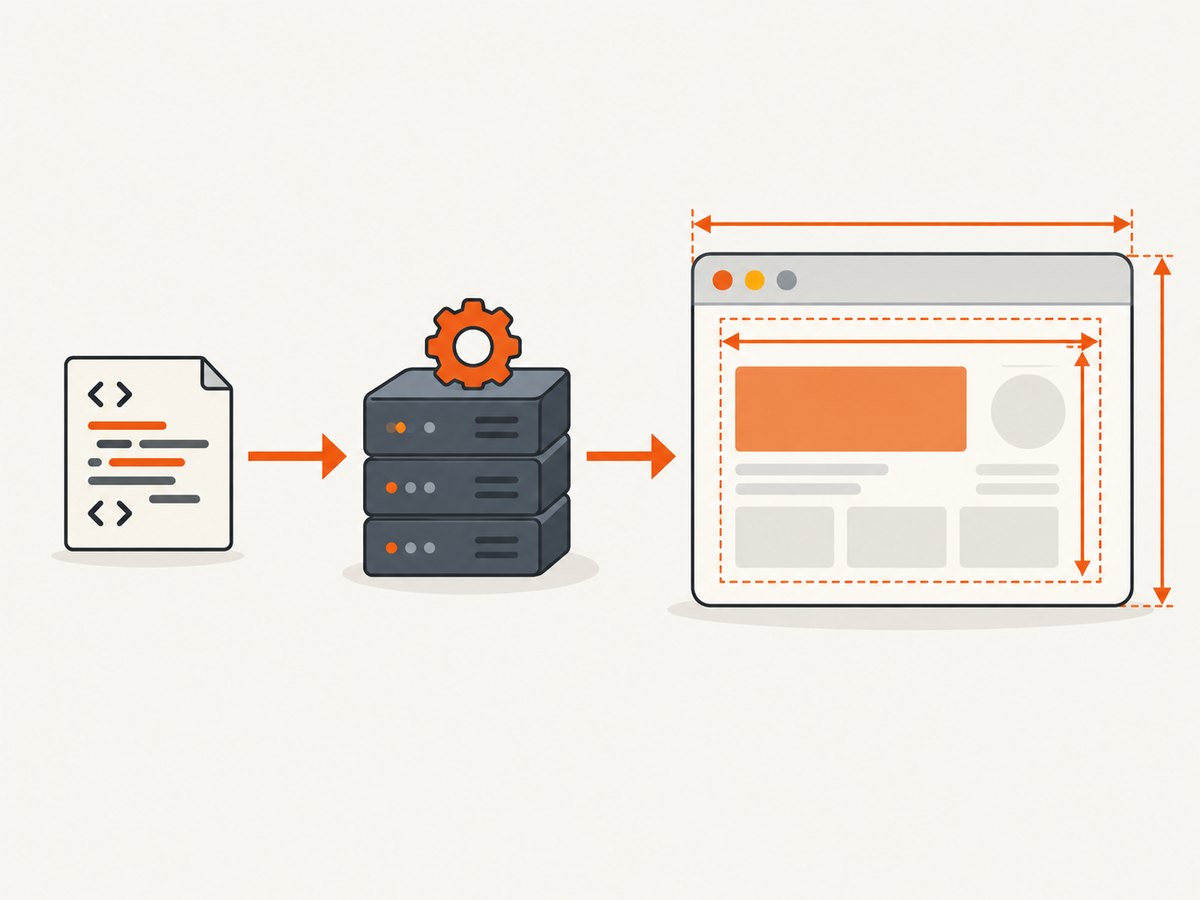
get_window_size() reports the WebDriver window dimensions. CSS layout responds to the page viewport, so read window.innerWidth and window.innerHeight when responsive behavior is what you are asserting. Outer-window and viewport values are not necessarily identical because browser chrome consumes space.
3. Java: the equivalent WebDriver calls
With Selenium Java on your classpath, the same operations are available through manage().window():
import java.time.Duration;
import org.openqa.selenium.Dimension;
import org.openqa.selenium.WebDriver;
import org.openqa.selenium.chrome.ChromeDriver;
import org.openqa.selenium.chrome.ChromeOptions;

public class CiWindow {
  public static void main(String[] args) {
    ChromeOptions options = new ChromeOptions();
    options.addArguments("--headless=new", "--no-sandbox", "--disable-dev-shm-usage");

    WebDriver driver = new ChromeDriver(options);
    try {
      driver.manage().timeouts().implicitlyWait(Duration.ofSeconds(5));
      driver.get("https://example.com");

      driver.manage().window().maximize();
      Dimension actual = driver.manage().window().getSize();
      System.out.println("window: " + actual.getWidth() + "x" + actual.getHeight());

      // Prefer this for a fixed visual target:
      // driver.manage().window().setSize(new Dimension(1440, 900));
      // Dimension fixed = driver.manage().window().getSize();
    } finally {
      driver.quit();
    }
  }
}
4. JavaScript and other Selenium bindings
The Selenium JavaScript binding exposes the same WebDriver command:
const { Builder } = require('selenium-webdriver');
const chrome = require('selenium-webdriver/chrome');

(async function () {
  const options = new chrome.Options().addArguments(
    '--headless=new', '--no-sandbox', '--disable-dev-shm-usage'
  );
  const driver = await new Builder().forBrowser('chrome').setChromeOptions(options).build();
  try {
    await driver.get('https://example.com');
    await driver.manage().window().maximize();
    console.log(await driver.manage().window().getSize());

    // Fixed target instead:
    // await driver.manage().window().setRect({width: 1440, height: 900});
  } finally {
    await driver.quit();
  }
})();
.NET, Ruby, and other official bindings provide equivalent maximize, set-size, and size-retrieval methods. Keep the operation on the current top-level browsing context; a new tab or window has its own handle and dimensions.
5. Headless Chrome in CI
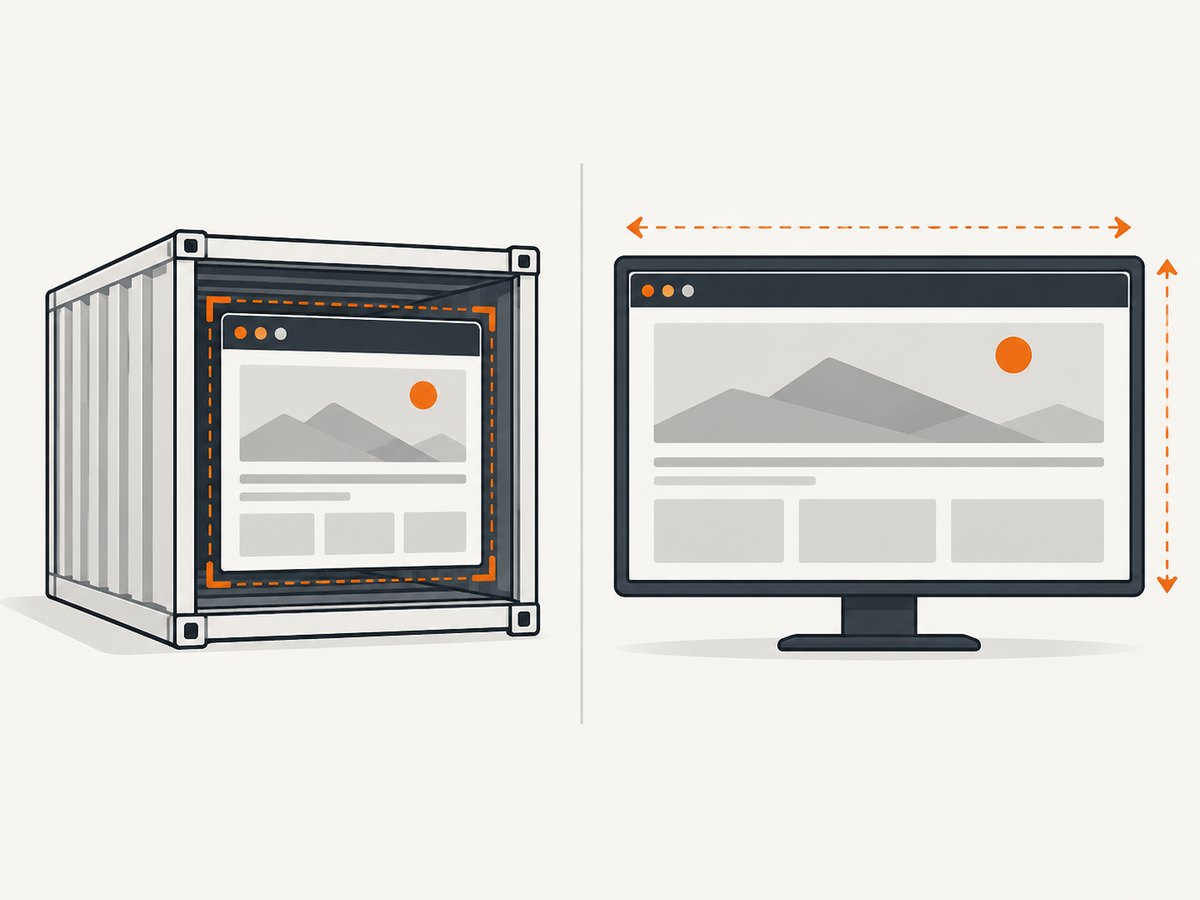
Headless mode does not automatically provide a useful or stable page size. Configure headless explicitly and choose the dimensions your test expects. A maximize request may be ignored, approximated, or produce a size that depends on the browser version, driver, container, or remote grid.
from selenium import webdriver
from selenium.webdriver.chrome.options import Options

options = Options()
options.add_argument("--headless=new")
options.add_argument("--window-size=1440,900")
options.add_argument("--no-sandbox")
options.add_argument("--disable-dev-shm-usage")

driver = webdriver.Chrome(options=options)
try:
    driver.get("https://example.com")
    outer = driver.get_window_size()
    viewport = driver.execute_script(
        "return [window.innerWidth, window.innerHeight]"
    )
    print({"outer": outer, "viewport": viewport})
finally:
    driver.quit()
Use the browser option and Selenium’s window API together only when you understand which dimension matters. Record the browser, driver, Selenium, container image, and CI runner versions whenever a layout changes.
For containerized Selenium, Chrome and Firefox headless sessions generally do not require Xvfb. The Selenium Docker project guidance includes version-specific notes, including Xvfb considerations for newer Chrome headless modes. Check the image documentation when upgrading instead of assuming the same flags remain correct.
6. A reliable CI pattern
- Choose the requirement. Use maximize for “largest available” behavior; choose a fixed rectangle for screenshots and responsive assertions.
- Create the session with explicit headless settings. Keep browser arguments in source control so local and CI sessions are comparable.
- Apply the size before interacting. Set dimensions before loading components whose breakpoints affect the test.
- Measure both layers. Log the WebDriver rectangle and
window.innerWidth/innerHeight. - Fail with diagnostics. Include dimensions, user agent, browser version, and runner image in the failure output.
- Wait for the page state. A correct viewport can still produce a different screenshot if fonts, images, or asynchronous content have not finished loading.
def report_dimensions(driver):
    outer = driver.get_window_rect()
    viewport = driver.execute_script("""
        return {
          width: window.innerWidth,
          height: window.innerHeight,
          dpr: window.devicePixelRatio
        }
    """)
    print({"outer": outer, "viewport": viewport})

# Fixed-layout example:
driver.set_window_size(1366, 768)
report_dimensions(driver)
size = driver.execute_script("return [window.innerWidth, window.innerHeight]")
assert size[0] >= 1200, f"unexpected viewport: {size}"
7. Why maximize behaves differently
Window manager differences
Maximize is an operating-system window operation. A desktop runner may reserve space for panels and menus; a virtual display may have a configured screen size; a remote WebDriver service may impose its own limits. The same code can therefore return different rectangles.
Outer window versus viewport
WebDriver reports the browser window. CSS media queries use the viewport. Browser chrome, scaling, and device-pixel ratio can make the numbers differ. Assert the value that represents the behavior under test.
Headless implementation changes
Headless Chrome has changed implementation details across releases. Flags such as --start-maximized are not a portable substitute for a measured fixed size. Verify the actual browser image used by the pipeline.
Remote sessions and grids
A remote node may reject a requested size, clamp it, or start with a default rectangle. Always read the size after the command. If a grid cannot honor the target, configure the node or use a viewport-specific capability supported by that grid.
8. Troubleshooting common errors
| Symptom | Likely cause | Fix |
|---|---|---|
maximize_window raises an unsupported-command error |
The remote driver or browser does not implement window management in that mode. | Use an explicit size capability or set_window_size, then verify the result. |
| Maximize returns a tiny or default size | Headless or virtual display has no useful window manager. | Set --window-size=WIDTH,HEIGHT or the binding’s set-size method. |
| CI screenshot differs from local | Different viewport, DPR, fonts, browser version, or asynchronous loading. | Log outer and viewport dimensions, pin the image/browser, install matching fonts, and wait for stable page state. |
| Requested 1440×900 is reported differently | The API reports outer dimensions or the grid clamps the request. | Measure window.innerWidth; adjust the assertion to the dimension the test actually needs. |
| Fullscreen is rejected | Fullscreen needs an eligible display and is separate from maximize. | Do not use fullscreen for ordinary responsive tests; configure a fixed viewport instead. |
| Element is hidden after maximizing | The breakpoint changed the page layout or the element is in another browsing context. | Check viewport width, switch to the correct frame/window, and wait for the responsive layout. |
9. Performance, reliability, and cost
Maximize itself is a small window-management operation. The expensive parts of a CI screenshot are browser startup, navigation, JavaScript execution, fonts, images, and synchronization. Reusing a driver for related checks can reduce startup overhead, but isolate tests when state leakage harms reliability.
Fixed dimensions usually improve repeatability and reduce visual-test noise. Maximize is appropriate when the product requirement is genuinely “largest available,” but it can make snapshots vary when runner hardware or display configuration changes. Pin browser and driver versions, keep the CI image stable, and store the measured dimensions with artifacts.
For screenshots at scale, account for navigation retries, timeouts, and asset loading. A failed browser session can still consume CI minutes even when no image is produced. A screenshot API can move browser lifecycle management outside the pipeline.
10. Or skip the browser setup
If your goal is a clean screenshot rather than a Selenium test, ScreenshotNeo provides a single GET request. Its API accepts a URL and returns PNG, JPEG, WebP, or PDF. See the ScreenshotNeo API documentation for all options.
curl -G "https://api.screenshotneo.com/v1/shot" -d access_key=YOUR_API_KEY --data-urlencode url=https://stripe.com -o shot.webpimport requests
r = requests.get("https://api.screenshotneo.com/v1/shot", params={"access_key": "YOUR_API_KEY", "url": "https://stripe.com"}, timeout=90)
open("shot.webp", "wb").write(r.content)const q = new URLSearchParams({ access_key: 'YOUR_API_KEY', url: 'https://stripe.com' }); const res = await fetch(`https://api.screenshotneo.com/v1/shot?${q}`);Cookie and consent banners, newsletter popups, and chat widgets are removed before the shot. Bot checks, blank pages, timeouts, failed loads, and cache hits are not billed, and response headers identify the page verdict and billing status. You can also use full-page capture with lazy images loaded, element selection, dark mode, device presets or custom viewports, retina scale, custom CSS and JavaScript, waits, request blocking, headers and cookies, timezone and geolocation, resizing, caching, signed links, asynchronous jobs, webhooks, bulk capture, usage reporting, PDFs, and HTML/CSS rendering. An MCP server exposes take_screenshot, get_page_info, and capture_pdf to Claude, Cursor, and other MCP clients.
The free plan includes 1,000 screenshots each month with no card. Paid plans start at $5 for 3,000 shots; every feature is available on every plan. Create a free ScreenshotNeo account.
11. FAQ
Does maximize make screenshots deterministic?
No. It requests the largest ordinary window available. Use an explicit size and verify the viewport for deterministic screenshots.
Should I use --start-maximized?
It can be useful in a headed desktop session, but it is not a portable guarantee in headless or remote CI. Measure the result and prefer explicit dimensions for layout tests.
What is the difference between maximize and fullscreen?
Maximize fills the normal window area while preserving system menus and toolbars. Fullscreen is a separate state similar to F11 and should be tested only when fullscreen behavior matters.
Why is my window 1440 pixels wide but the page is narrower?
The WebDriver size can include browser chrome or be constrained by a grid. Read window.innerWidth and assert the CSS viewport when that is the relevant value.
Can I keep maximize and still test responsive breakpoints?
Only if the runner’s dimensions are controlled. For breakpoint coverage, create sessions at named fixed sizes and record the measured viewport for each one.


